Build your own integrations
Plugins, an API and SDKs, so Kryptkeeper fits your stack.
If Kryptkeeper doesn't support a device yet, write a delivery plugin for it. Plugins are WebAssembly modules that run sandboxed in the hub, declare exactly what they may touch, and are signed so you can tell first-party, verified and community plugins apart. Everything in the console is also available over a documented REST API, with SDKs, a Terraform provider and an MCP server.
What you get
Write a plugin in three functions
Start from the example plugin and implement Validate, Push and Rollback. The hub checks what the device actually serves, so a plugin cannot claim success it didn't earn.
Sandboxed and least privilege
A manifest declares whether the plugin receives private keys and which hosts it may reach. The hub refuses anything undeclared, and new plugins start disabled.
Signed and tiered
Plugins signed with the Kryptkeeper key are first-party, plugins signed by a publisher you trust are verified, and unsigned ones are community.
First-party plugins to copy
AWS (ACM, ALB, CloudFront), Azure (Key Vault, App Gateway, Front Door), HashiCorp Vault, cloud secret managers, Cloudflare, F5 and Citrix ship as plugins built on the same SDK.
API, SDKs and Terraform
Go, Python and TypeScript SDKs, a Terraform provider and an MCP server sit on the same REST API the console uses.
Events out
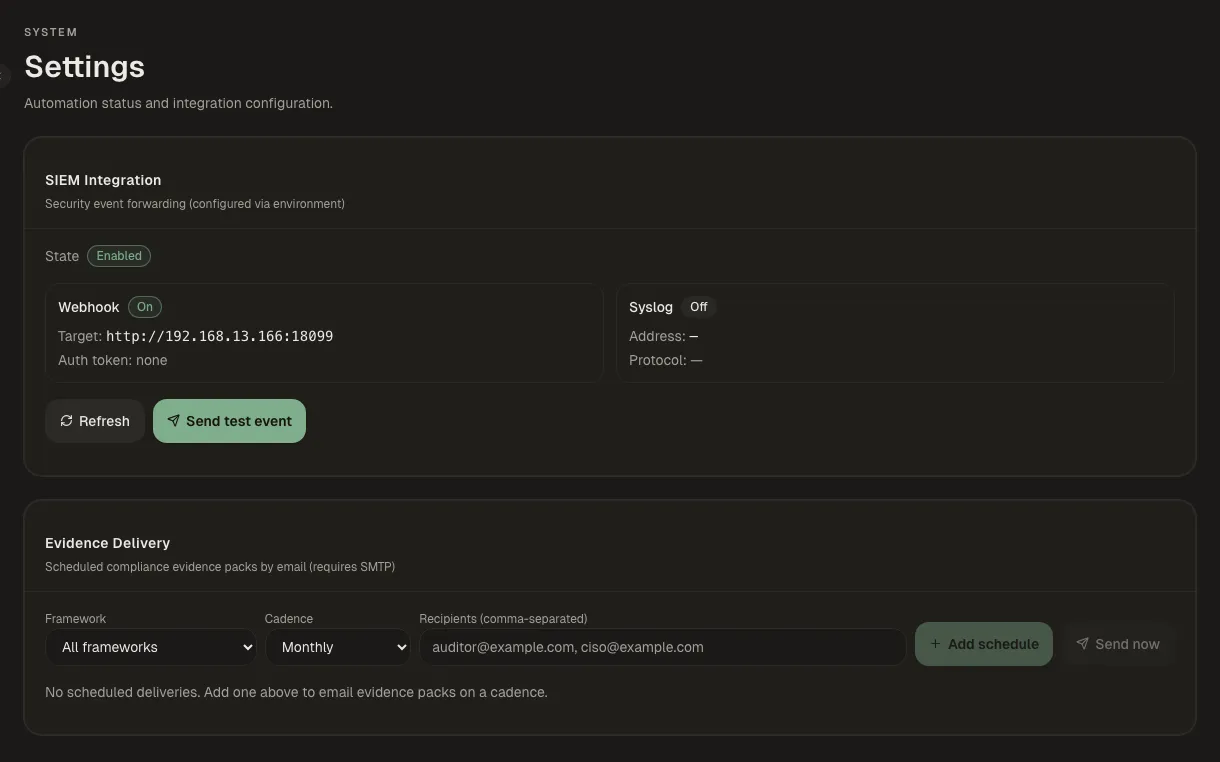
Webhooks, ITSM tickets and SIEM forwarding (CEF) carry every alert and security event to your own tools.
How it works
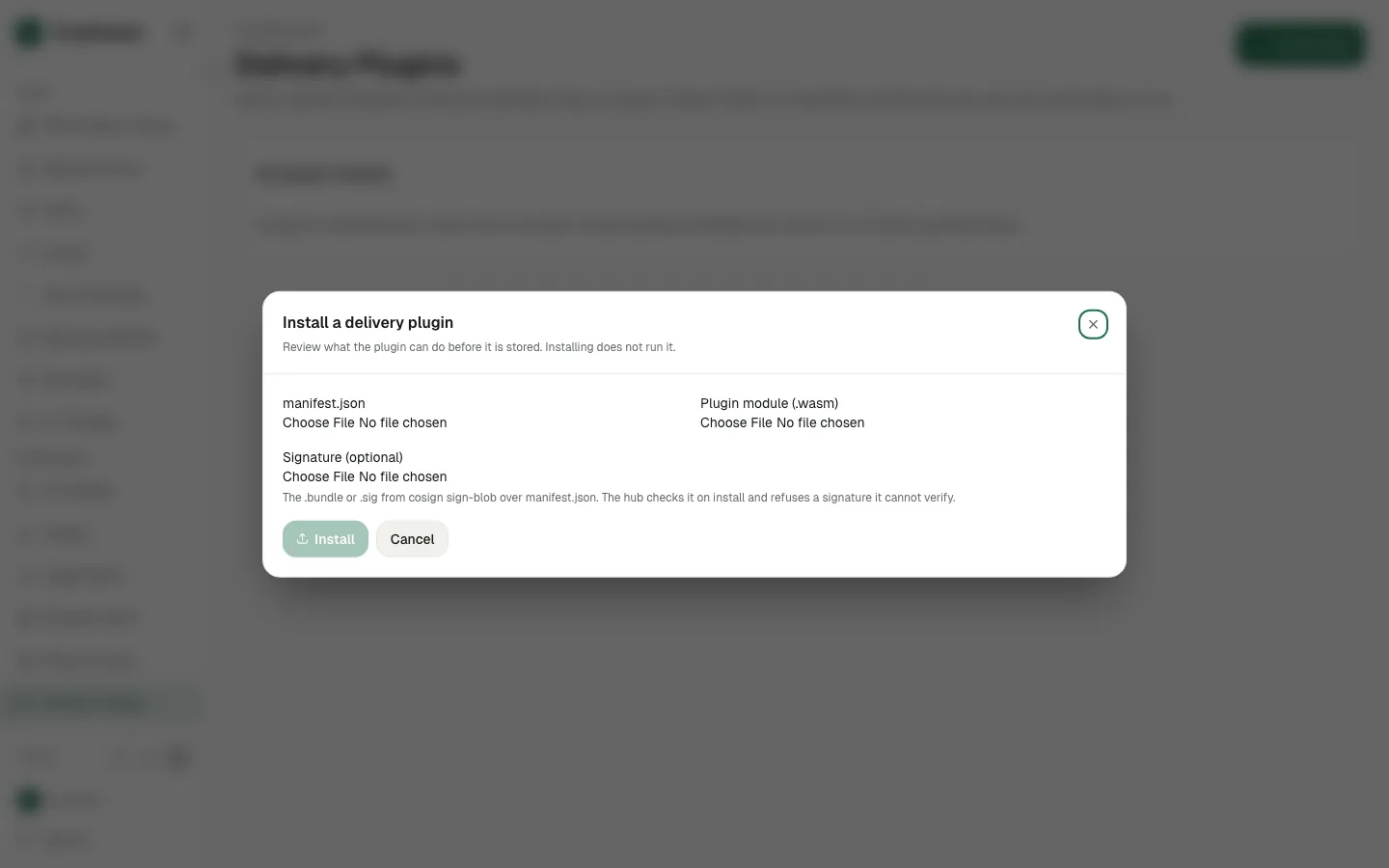
Install a delivery plugin
Upload a signed plugin and see its trust tier and capabilities.
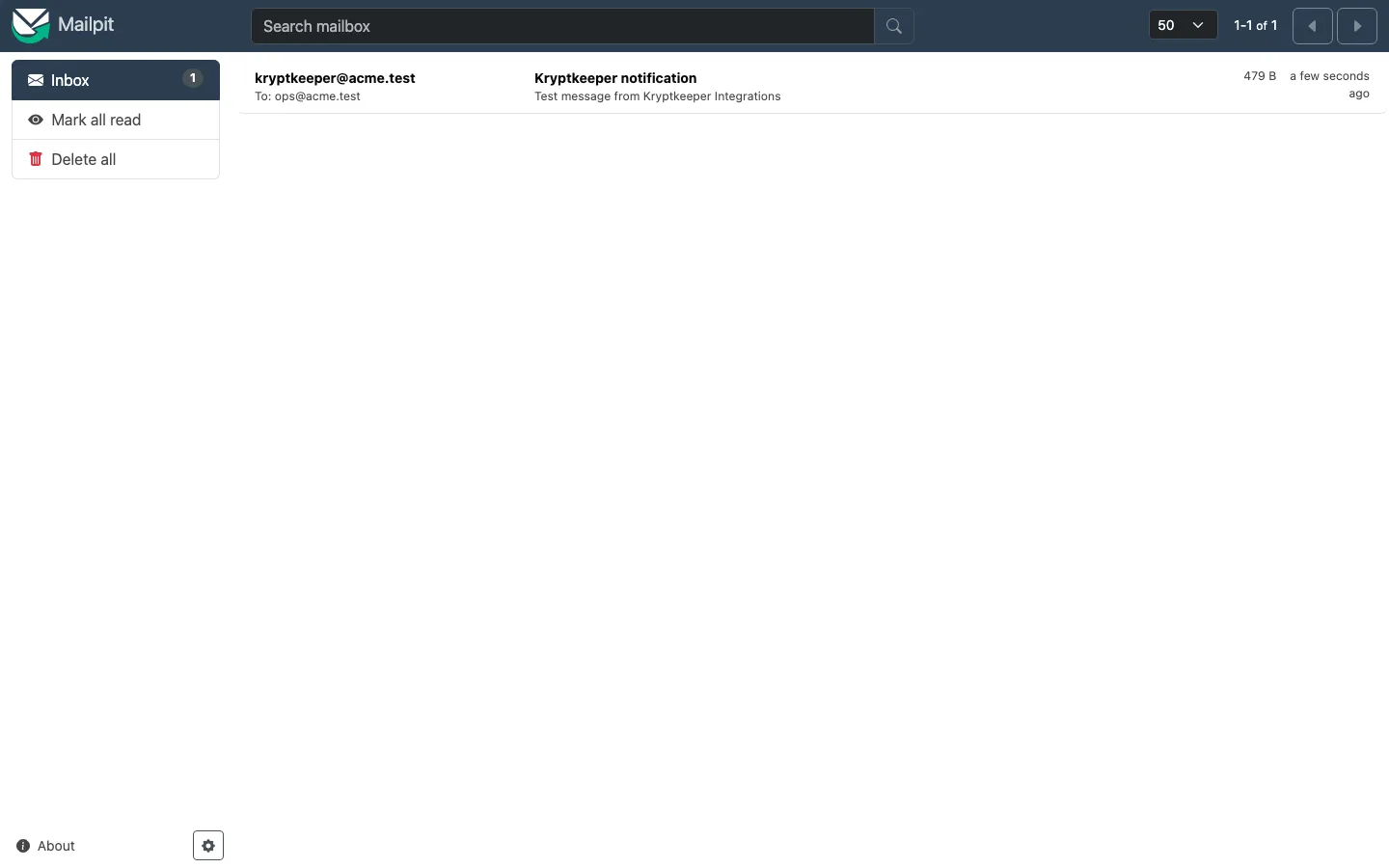
Send events to a webhook
Connect a webhook channel and send a test delivery.
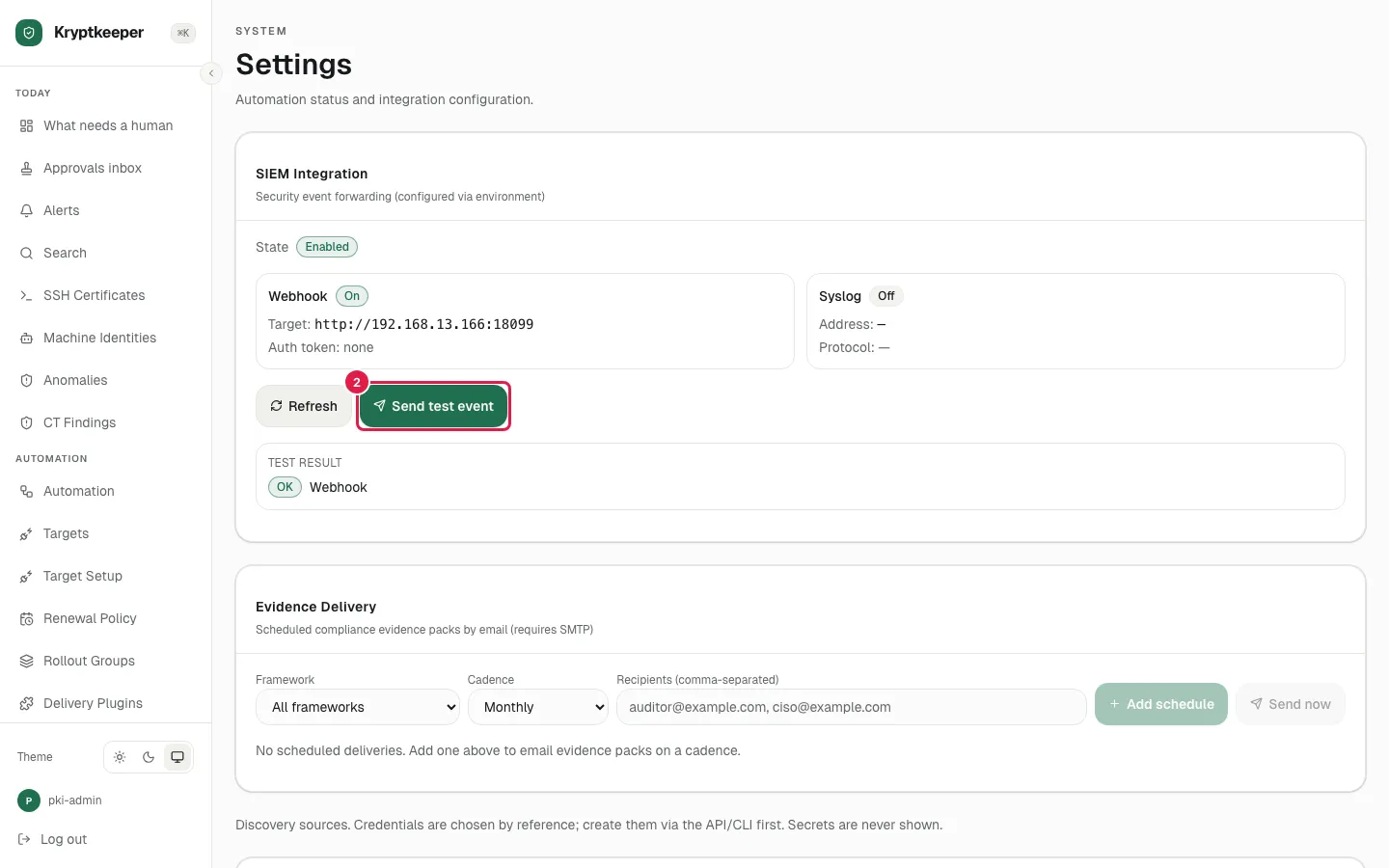
Forward security events to a SIEM
Send audit and security events to your SIEM.
Docs
Paths that use this
- Integrate with your own tools for Developer and integrator