Features
16 areas of the product, each shown on real screens from a running hub. Open one to follow it step by step, in the order you would do the work.
Set up your PKI
Your own CAs, the rules for what they issue, and where the keys live.
Getting around
One console for every certificate, CA and job that needs a person.
Sign in, see what needs attention today, and jump to any certificate, CA or setting from the keyboard. The console works the same on a phone.
How it works →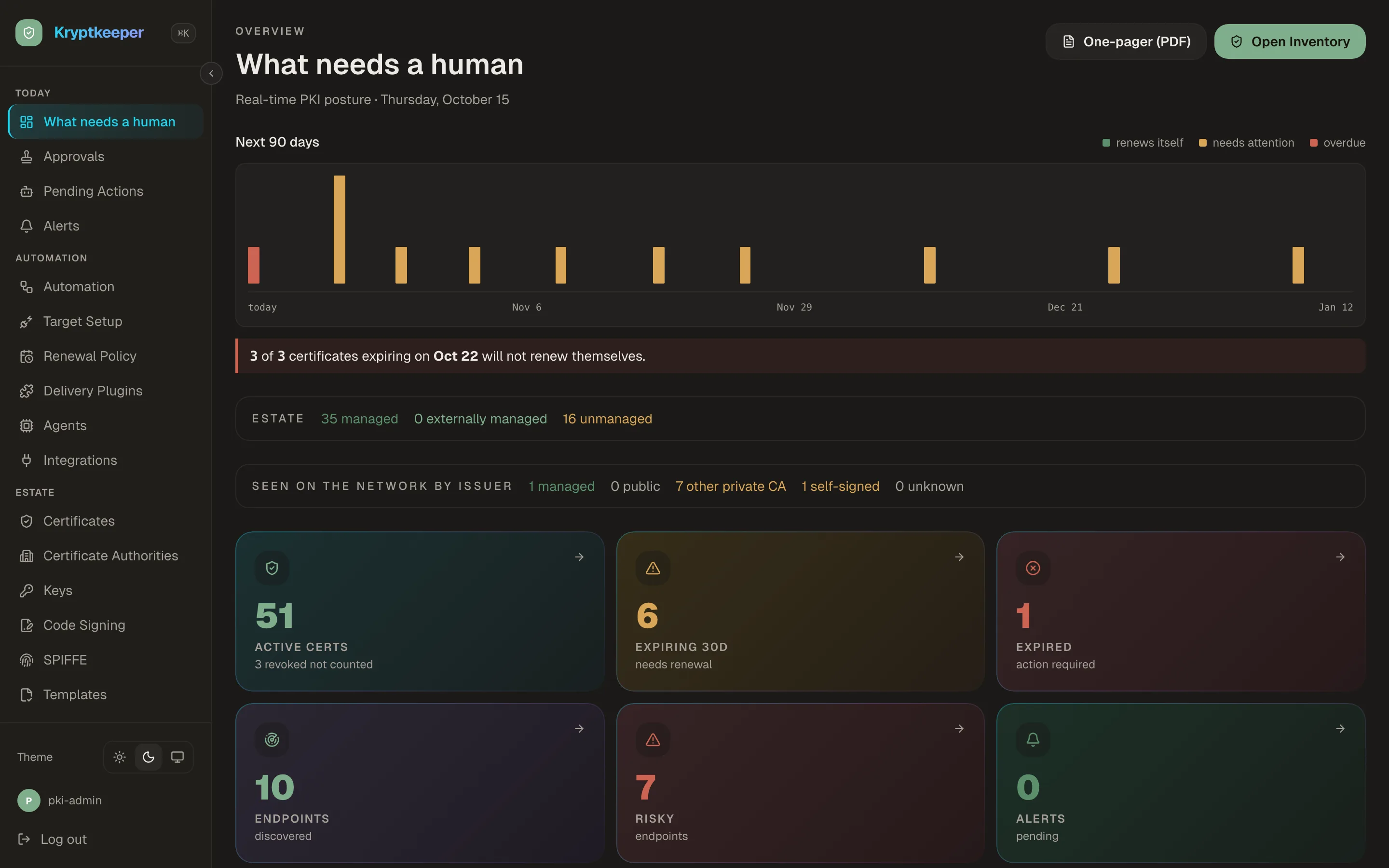
Certificate authorities
Your own root and issuing CAs, with dual control where it matters.
Create a root and the issuing CAs under it, or import a root you already trust. Sensitive operations on a CA are guarded, and a new root key can require an M-of-N key ceremony.
How it works →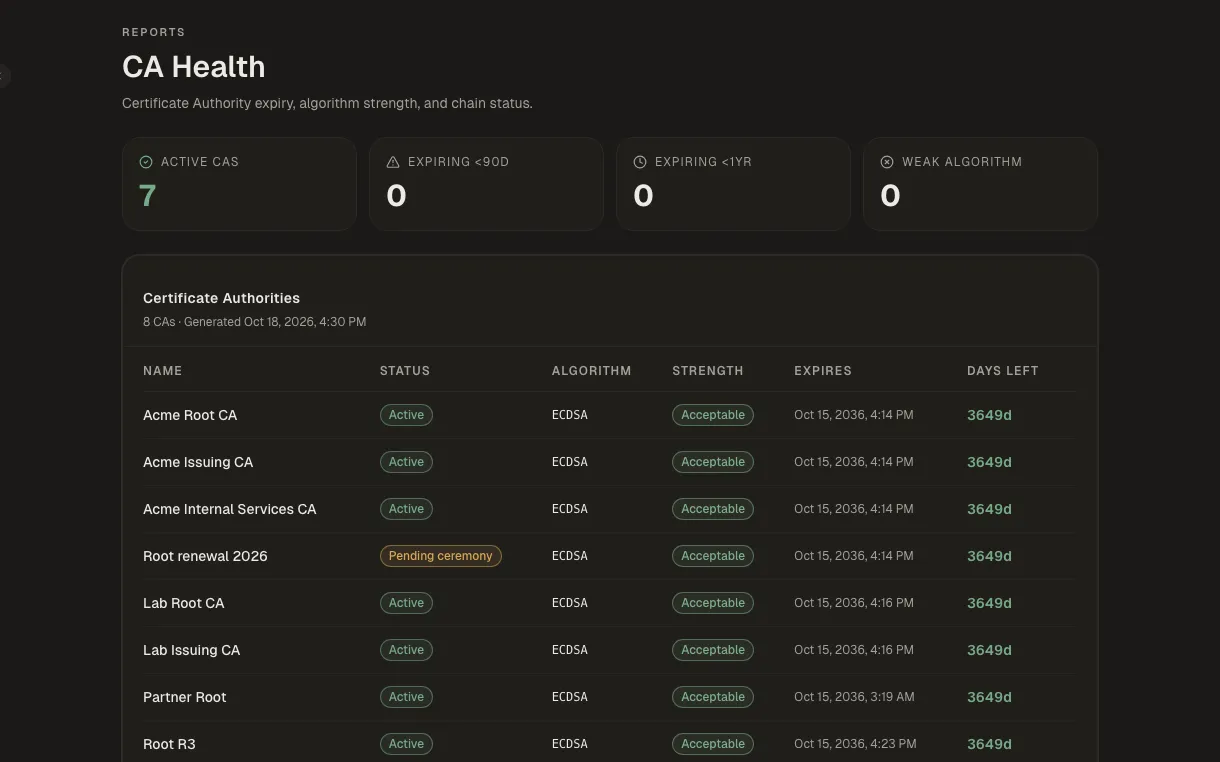
Templates and policy
Decide once what a certificate may look like, then let people self-serve.
Templates fix key types, lifetimes and approvals. Issuance policies add rules on top, can be drafted from plain English, and can be dry-run against a request before they go live.
How it works →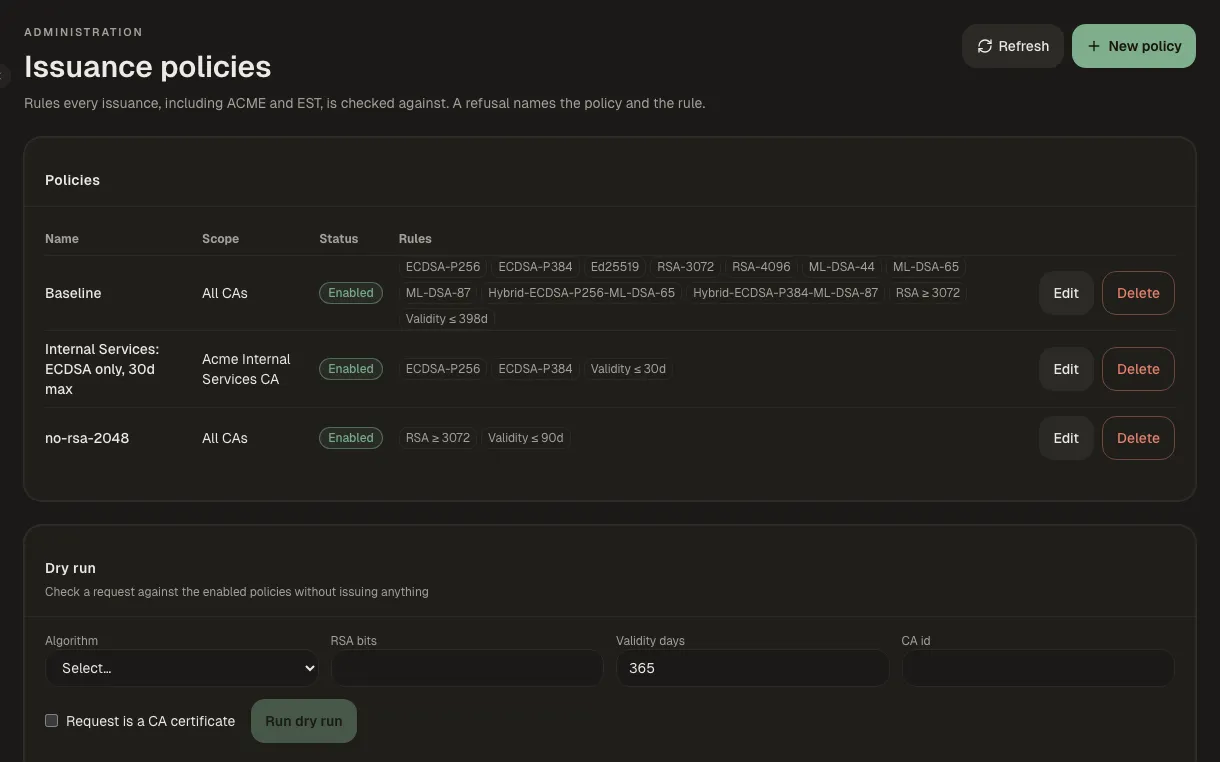
Keys and KMS
Keys in software, HSM or cloud KMS, with dual control for the root.
Generate, back up, import and rotate keys. Root keys can be escrowed and recovered only under dual control, and cloud KMS keys show up in one inventory.
How it works →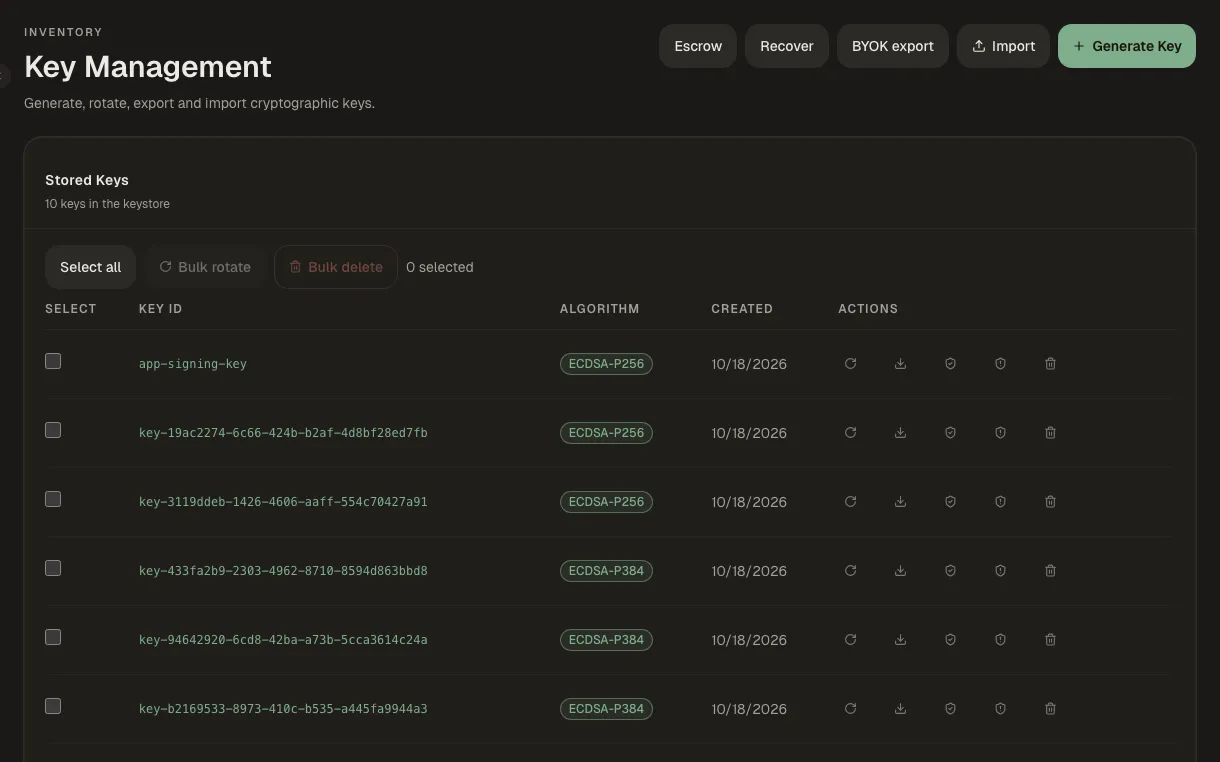
Issue certificates and keep them alive
Certificates go out by hand, by protocol or by agent, and renew on their own.
Windows and Active Directory
Autoenrollment for domain machines and users, without an ADCS server.
Kryptkeeper serves MS-XCEP and MS-WSTEP natively, so domain-joined Windows machines and users enroll through Group Policy with Kerberos, exactly as they did with ADCS. Templates say whether they are offered to machines or users, ADCS templates can be imported, and a Windows agent and WinRM scanning cover the machine stores.
How it works →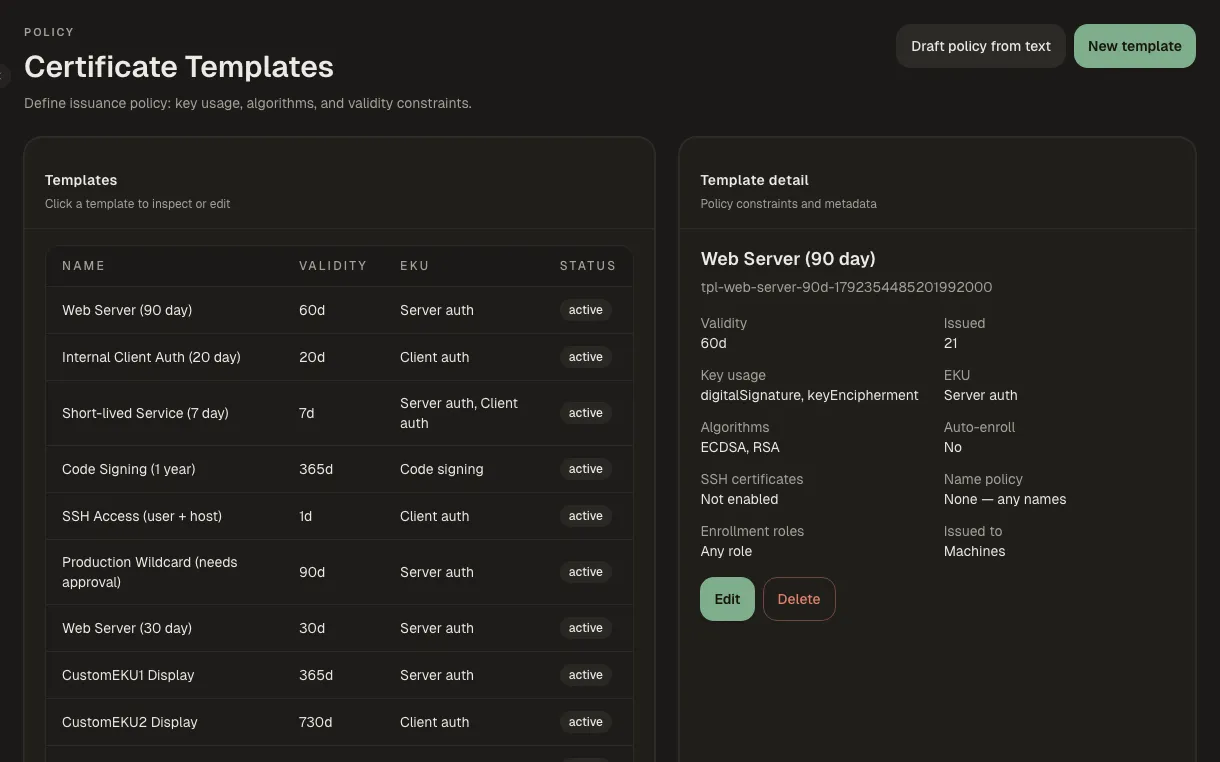
Linux and macOS hosts
Certificates that land on the host and renew themselves.
Run the lightweight agent on Linux and macOS, or manage hardened hosts agentlessly over SSH. Renewal policy is set per target, rollouts go canary first, and anything that fails lands in one queue.
How it works →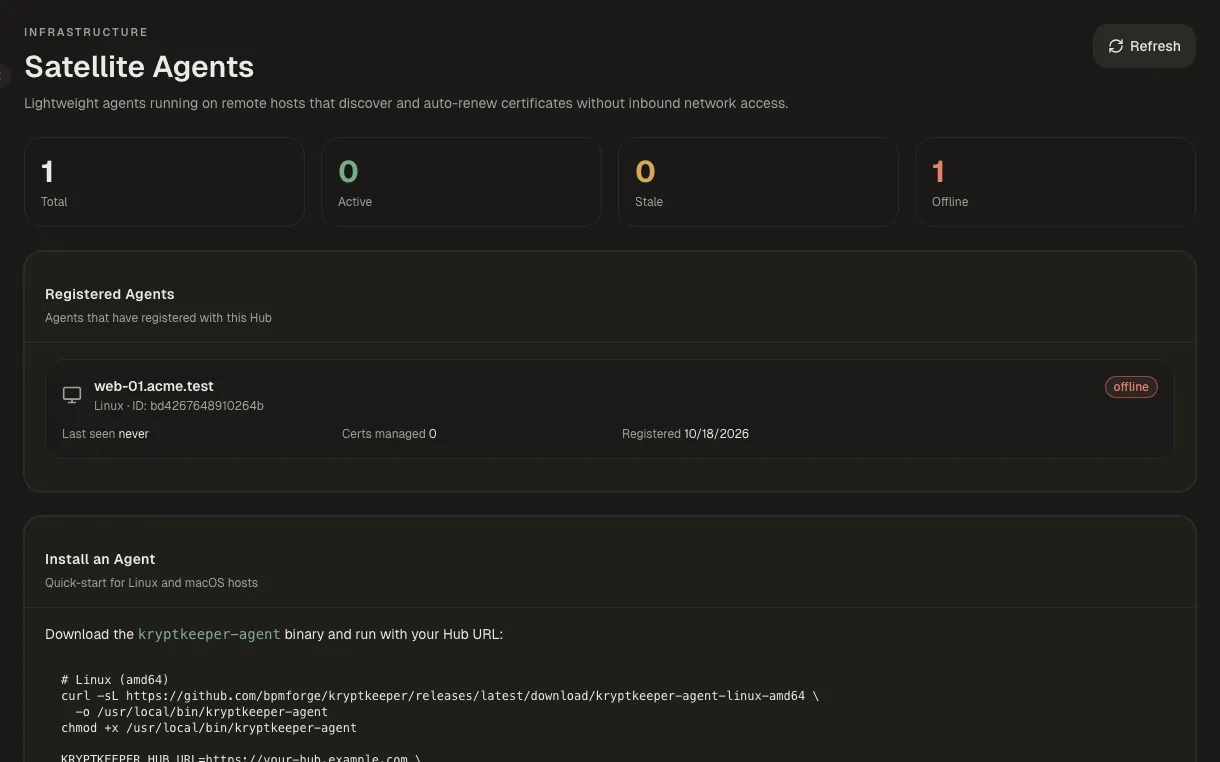
Issuing certificates
A guided wizard for people, an approval step when it matters.
Issue from your own CSR or let the wizard generate the key locally. Templates that need approval route the request to a second person, and the requester can track it to the end.
How it works →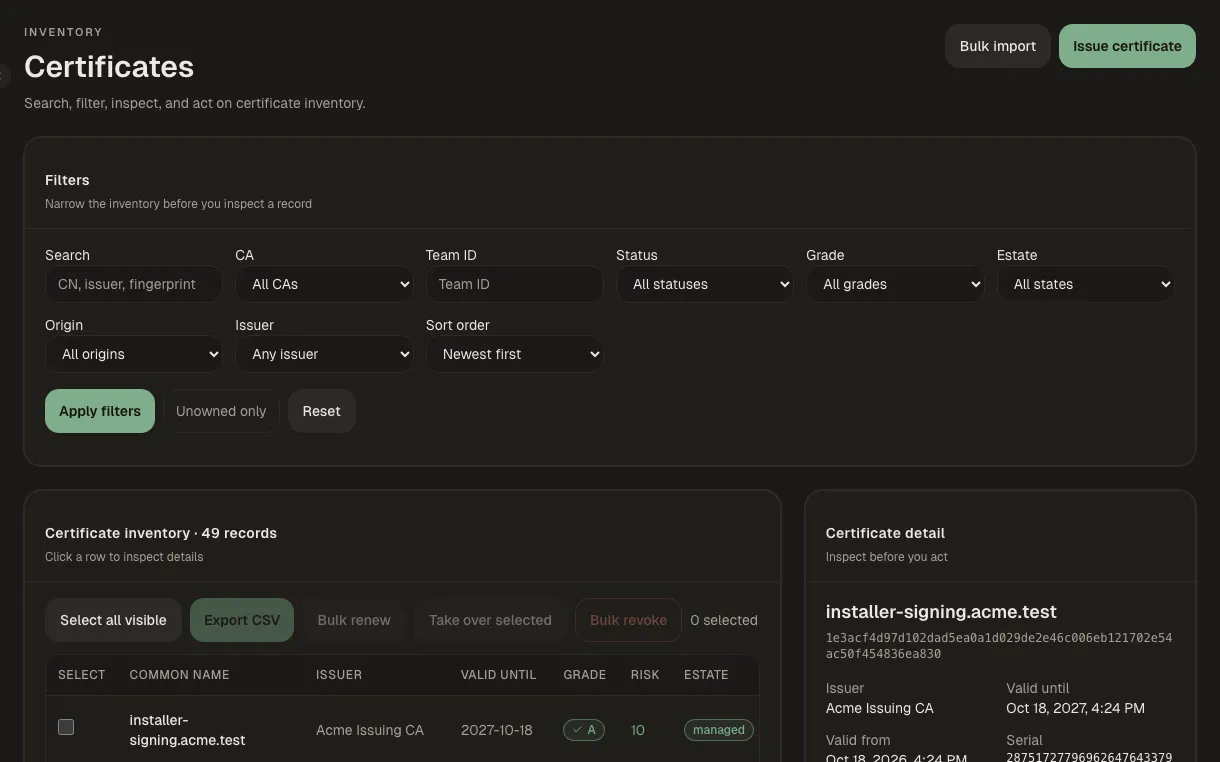
Renewal and revocation
Own every certificate, renew in bulk, revoke in one step.
Take ownership of certificates nobody owned, import the ones you already have, and renew or revoke one at a time or in bulk. Revocation is published over OCSP and CRL.
How it works →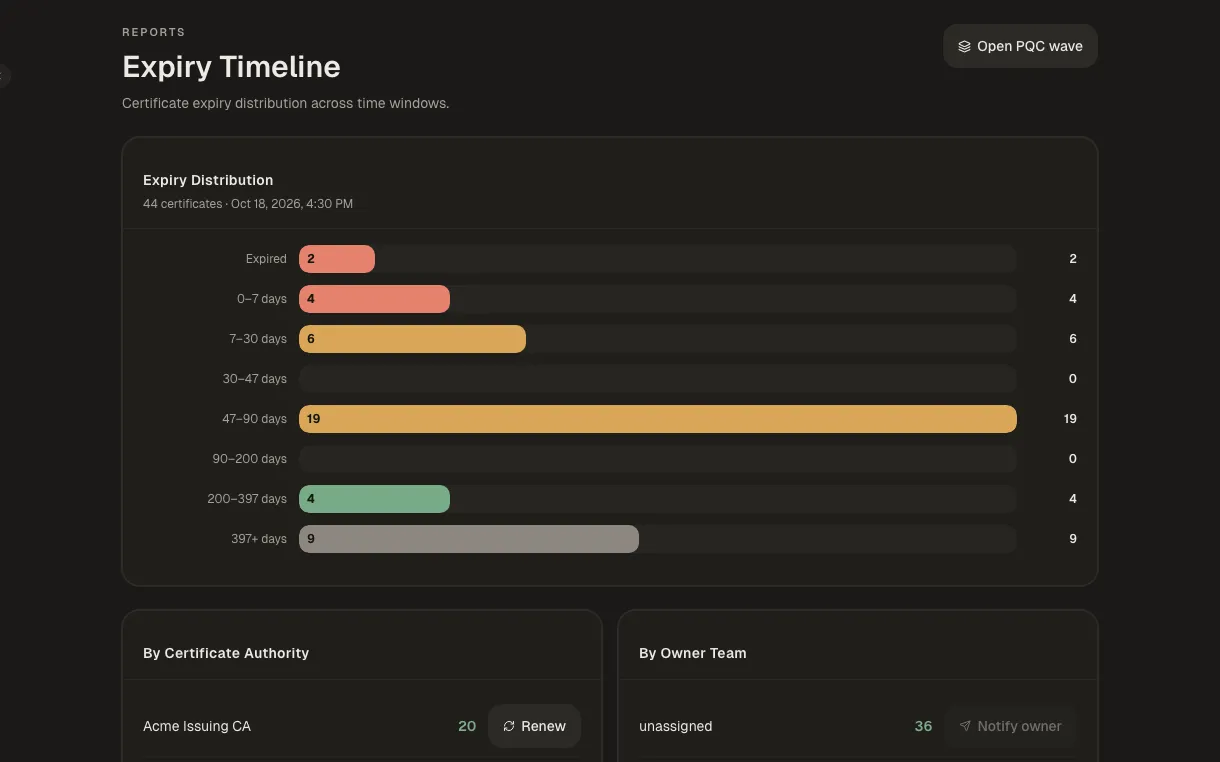
Automation and enrollment
Speaks the protocols your clients already use.
Servers renew over ACME, devices enroll over SCEP, EST or CMP, and agents or agentless targets install certificates where they are used. Rollouts go to a canary first, and failures wait in one queue.
How it works →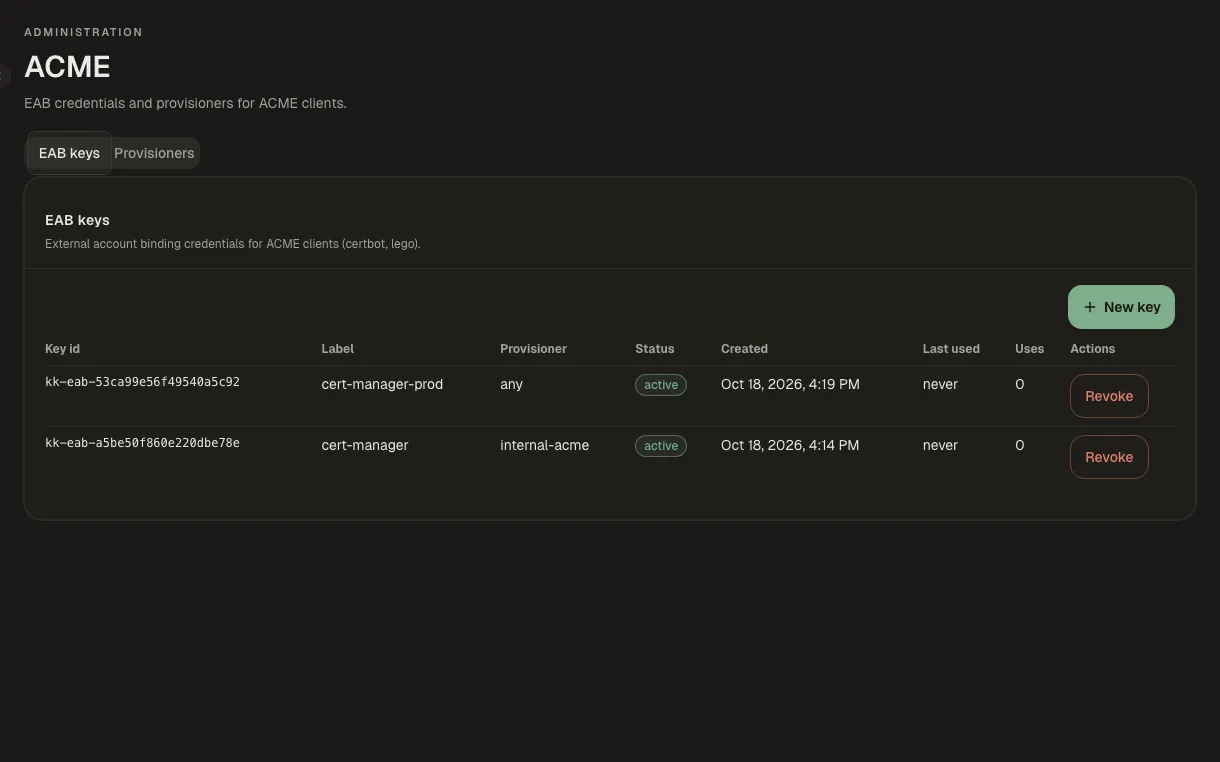
See everything, catch problems
Find what you didn't know about and hear before it breaks.
Discovery and inventory
Find the certificates you didn't know about.
Scan your network, pull inventory from other CAs, and watch Certificate Transparency logs for certificates issued in your name. Risky endpoints are flagged and can be accepted as risk with approval.
How it works →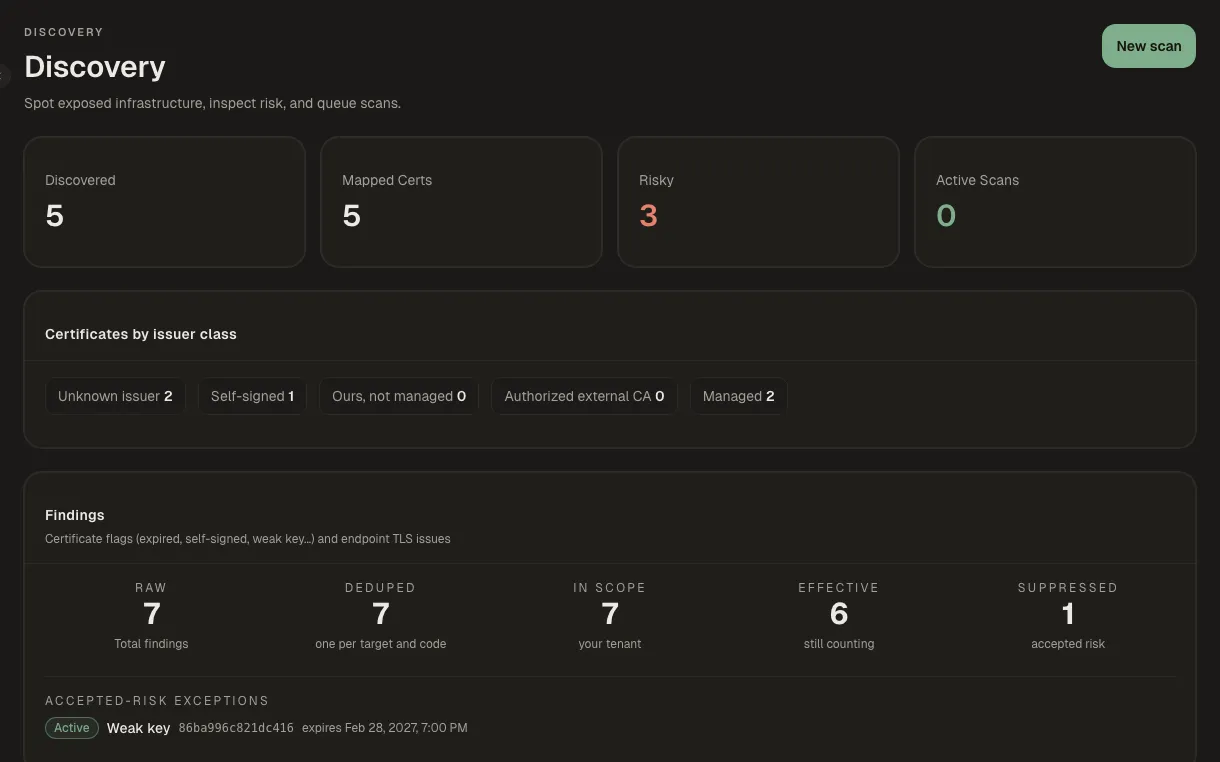
Alerts and notifications
Hear about expiry before your users do.
Send alerts to email, Slack, webhooks or PagerDuty, build rules for what matters, and open tickets in Jira or ServiceNow.
How it works →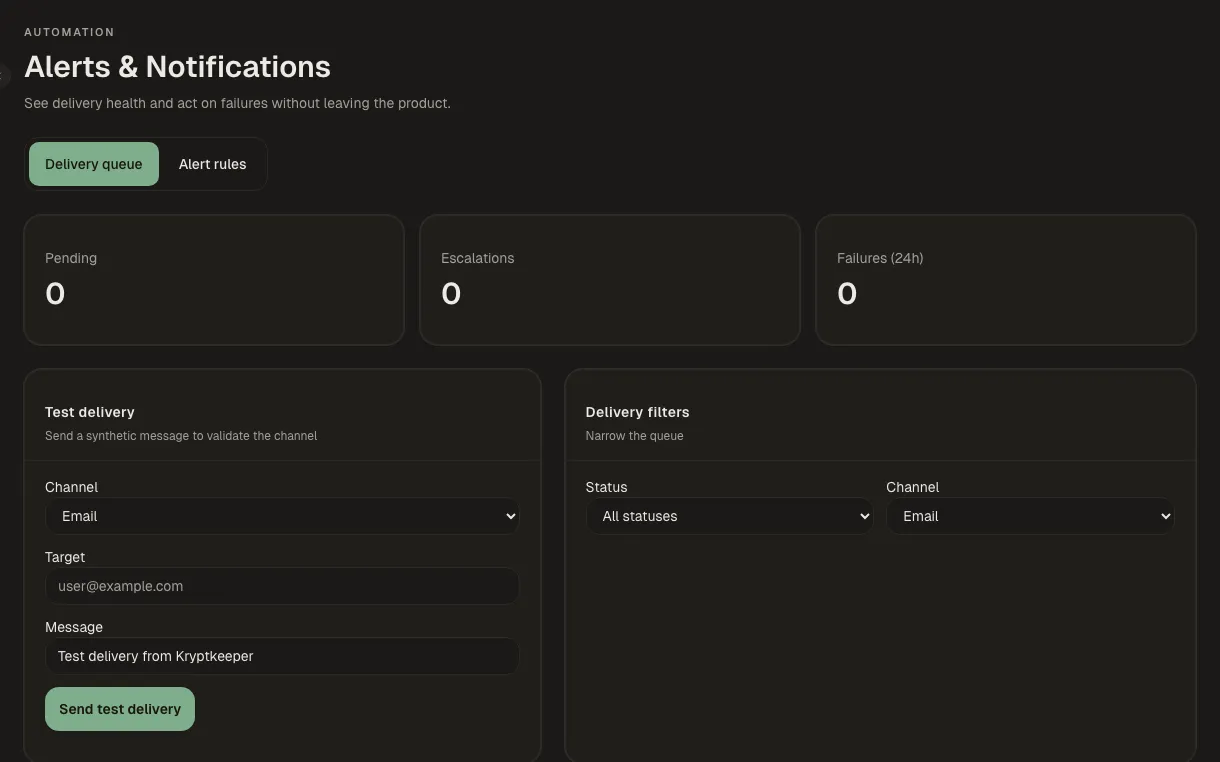
Compliance, risk and post-quantum
Evidence for auditors, and a plan for post-quantum.
Risk reports show weak keys, expiring chains and post-quantum readiness. Evidence packs and a CBOM can be produced on demand or delivered on a schedule, and every change is in the audit trail.
How it works →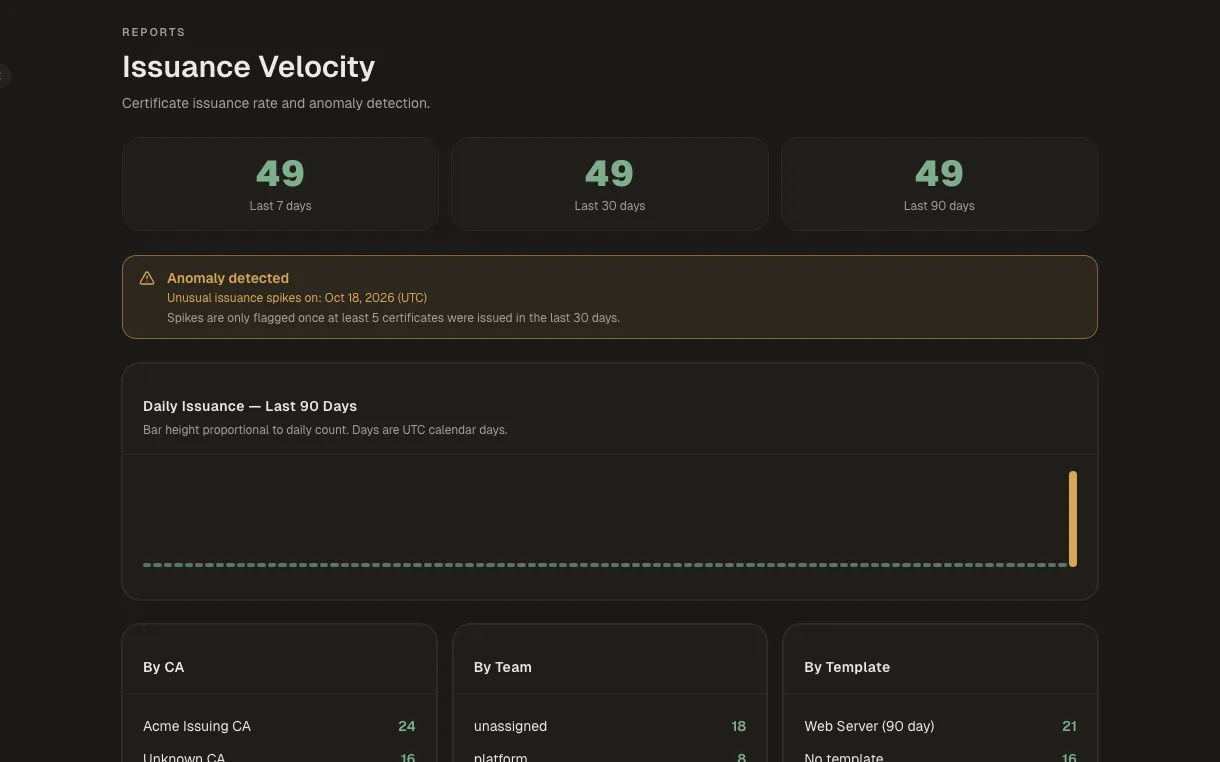
Govern it and extend it
A second person on sensitive changes, least privilege, and hooks into your stack.
Approvals and guardrails
Sensitive changes need a second person, and show their impact first.
Requests, policies and exceptions can require a second approver. Before anything destructive, Kryptkeeper shows the blast radius: what will break and who owns it.
How it works →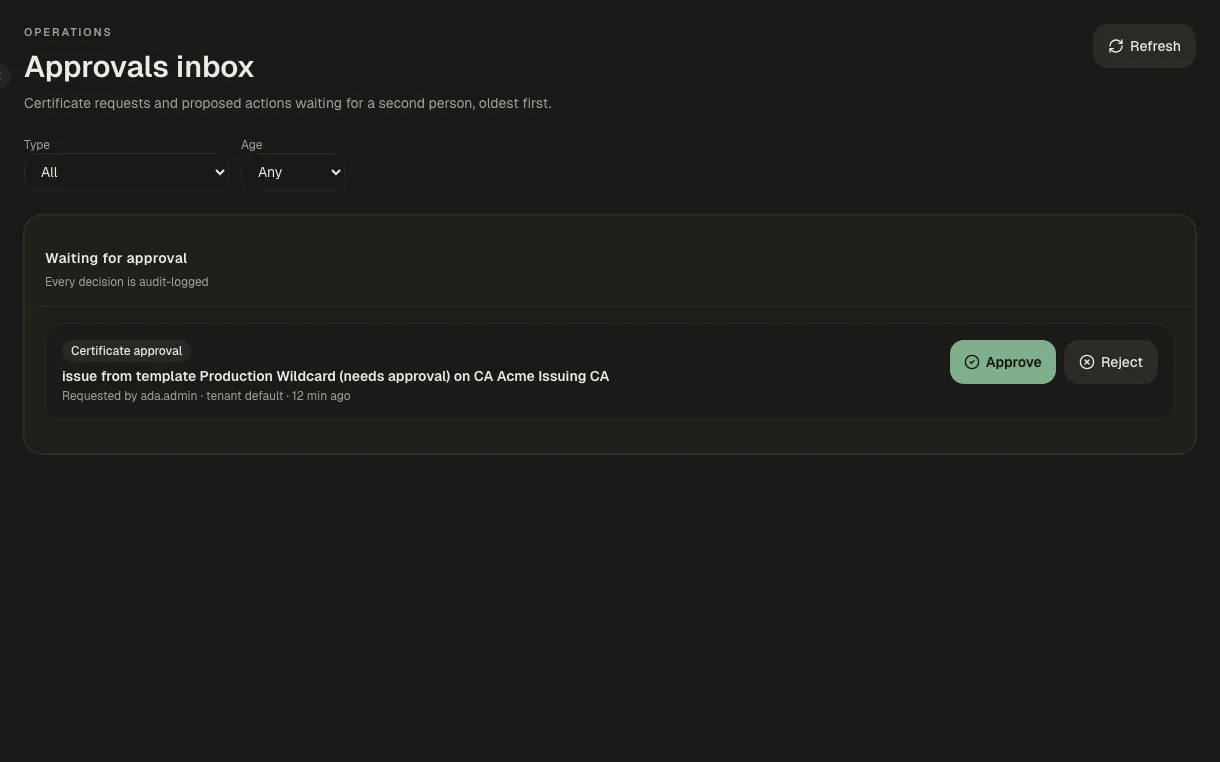
Build your own integrations
Plugins, an API and SDKs, so Kryptkeeper fits your stack.
If Kryptkeeper doesn't support a device yet, write a delivery plugin for it. Plugins are WebAssembly modules that run sandboxed in the hub, declare exactly what they may touch, and are signed so you can tell first-party, verified and community plugins apart. Everything in the console is also available over a documented REST API, with SDKs, a Terraform provider and an MCP server.
How it works →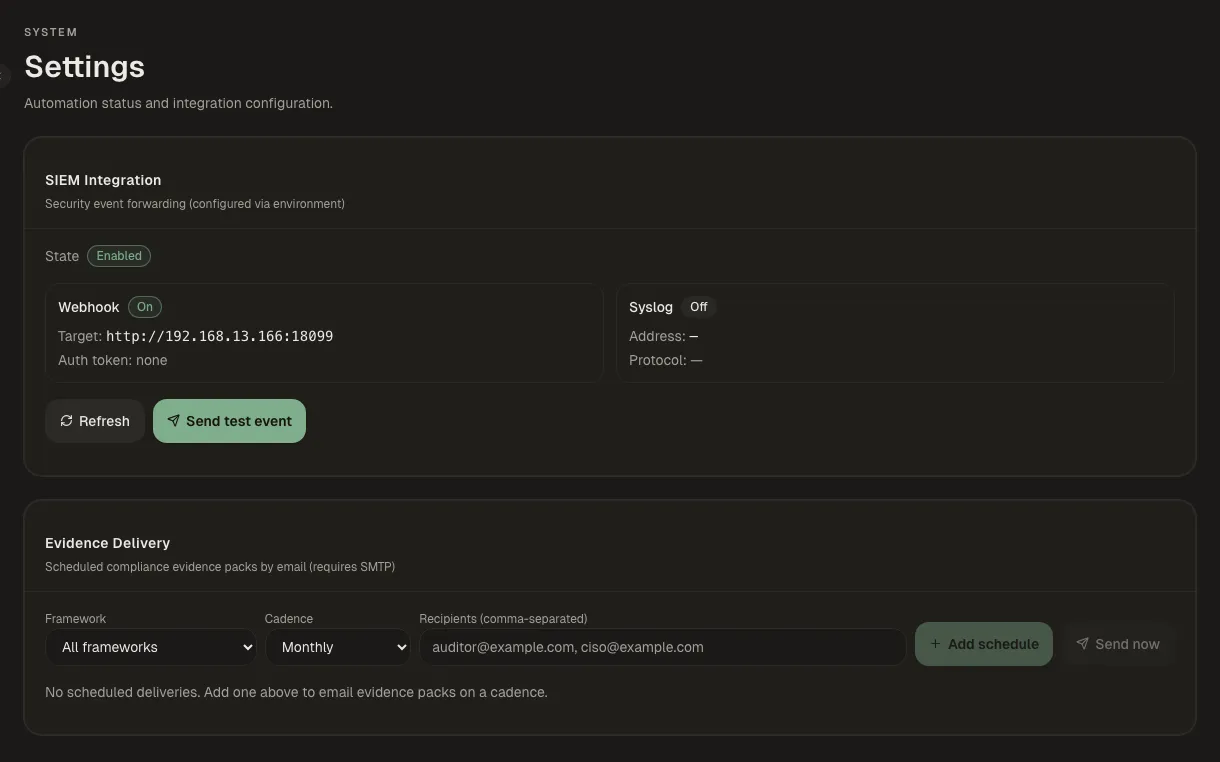
Access and tenancy
Least privilege, reviewed on a schedule.
Invite people with built-in roles, build custom roles with only the permissions they need, run periodic access reviews, and separate teams or customers with tenants.
How it works →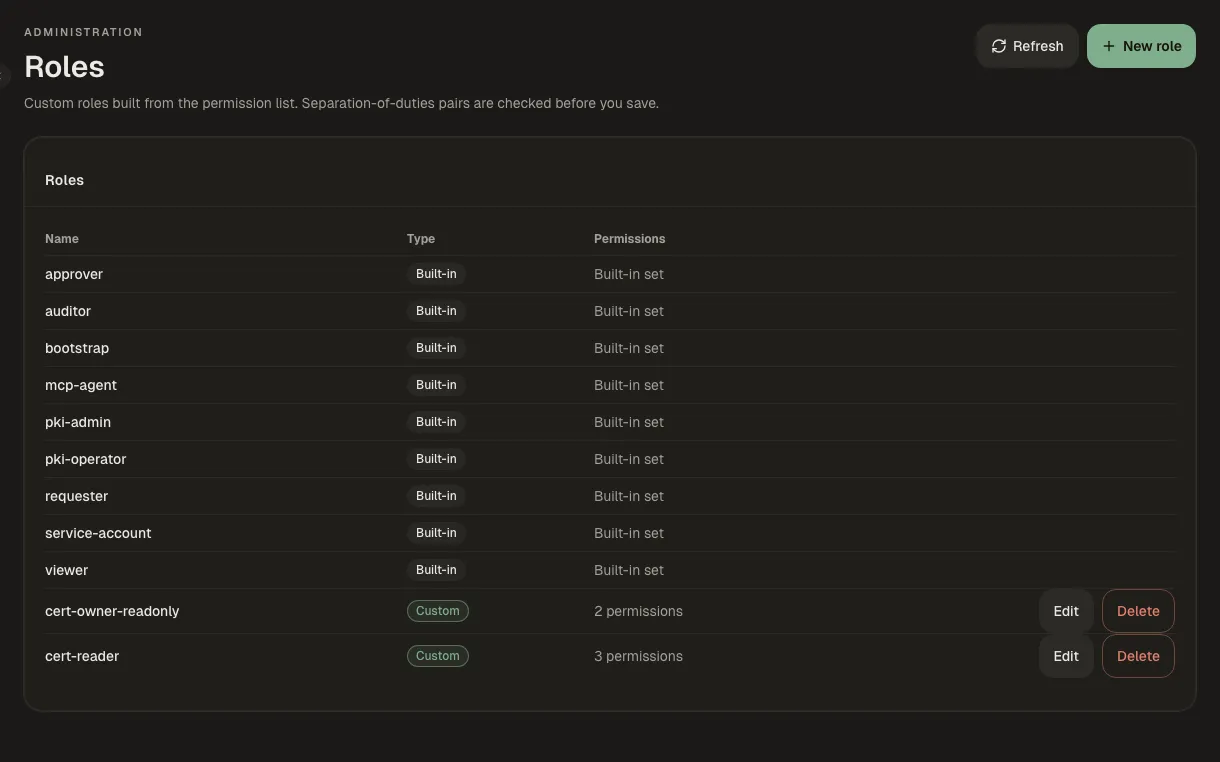
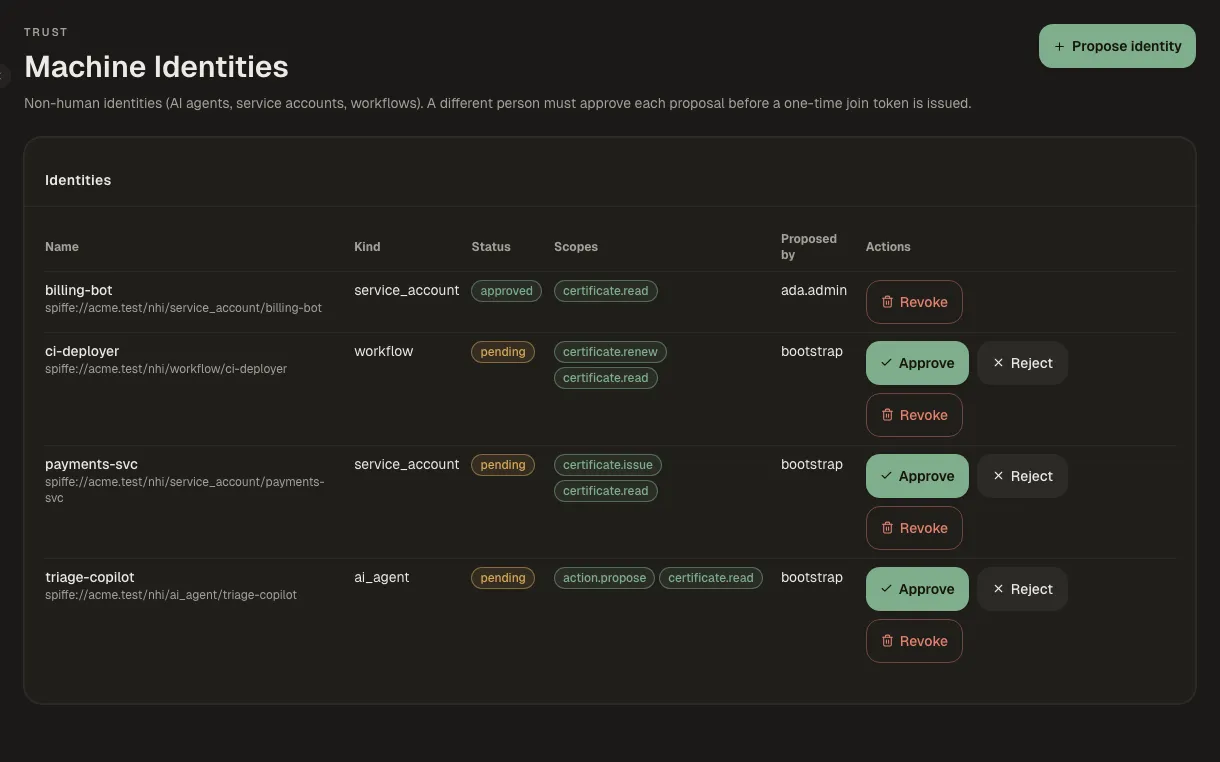
Machine and workload identity
Identities for workloads, SSH and code signing in the same place.
Approve machine identities before they exist, issue SPIFFE SVIDs to workloads, sign SSH certificates, and keep code-signing certificates in their own inventory.
How it works →