Certificate authorities
Your own root and issuing CAs, with dual control where it matters.
Create a root and the issuing CAs under it, or import a root you already trust. Sensitive operations on a CA are guarded, and a new root key can require an M-of-N key ceremony.
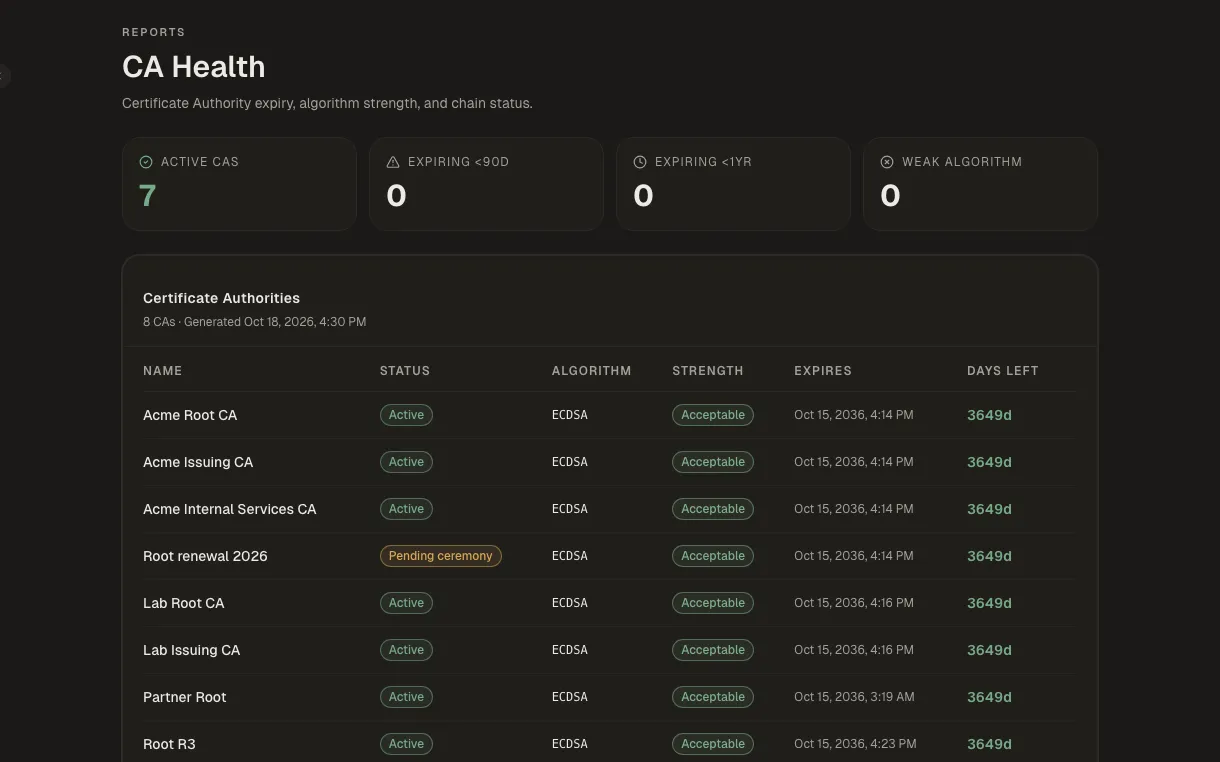
How it works
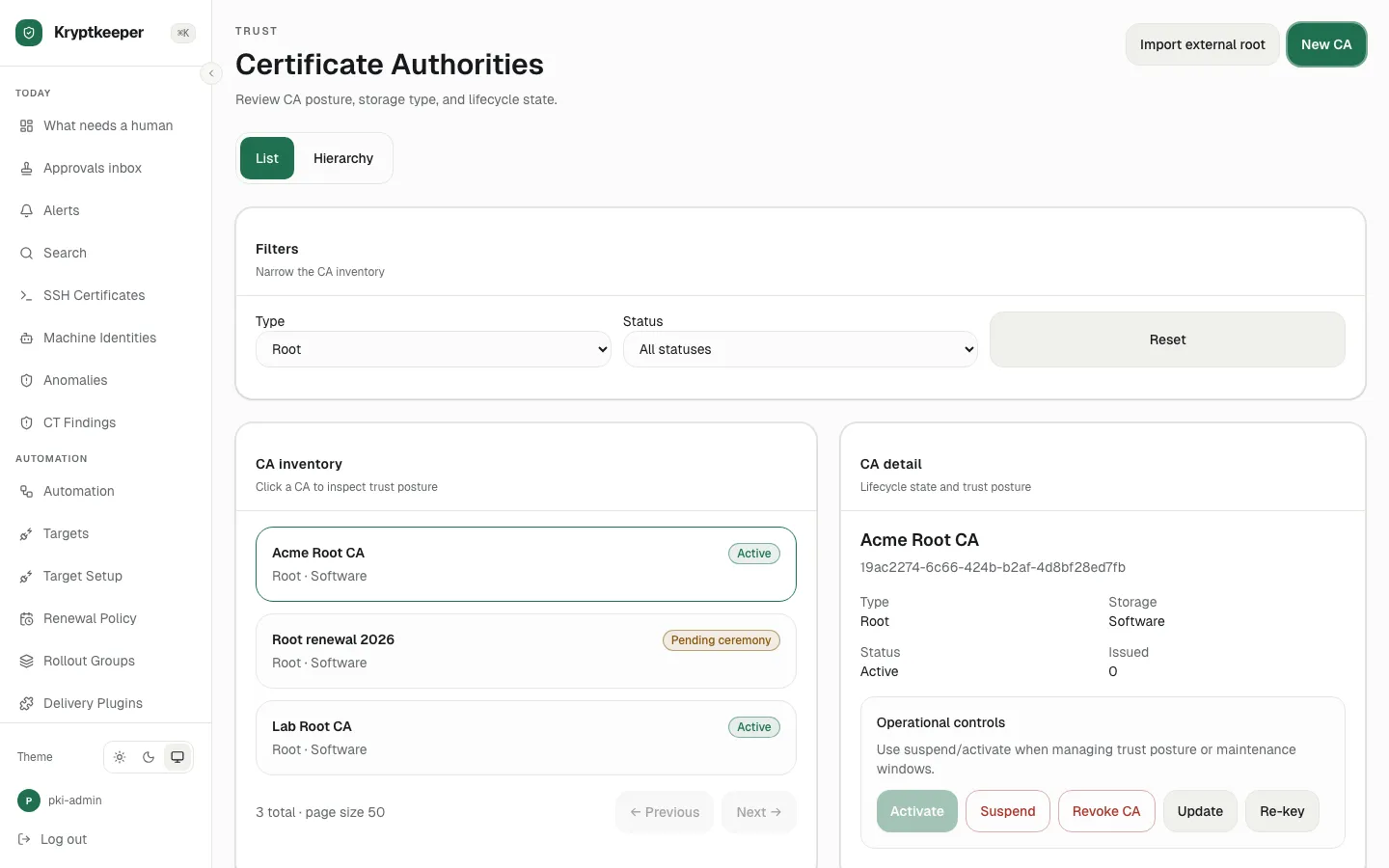
Create a root CA
Create a self-signed root with the algorithm and lifetime you choose.
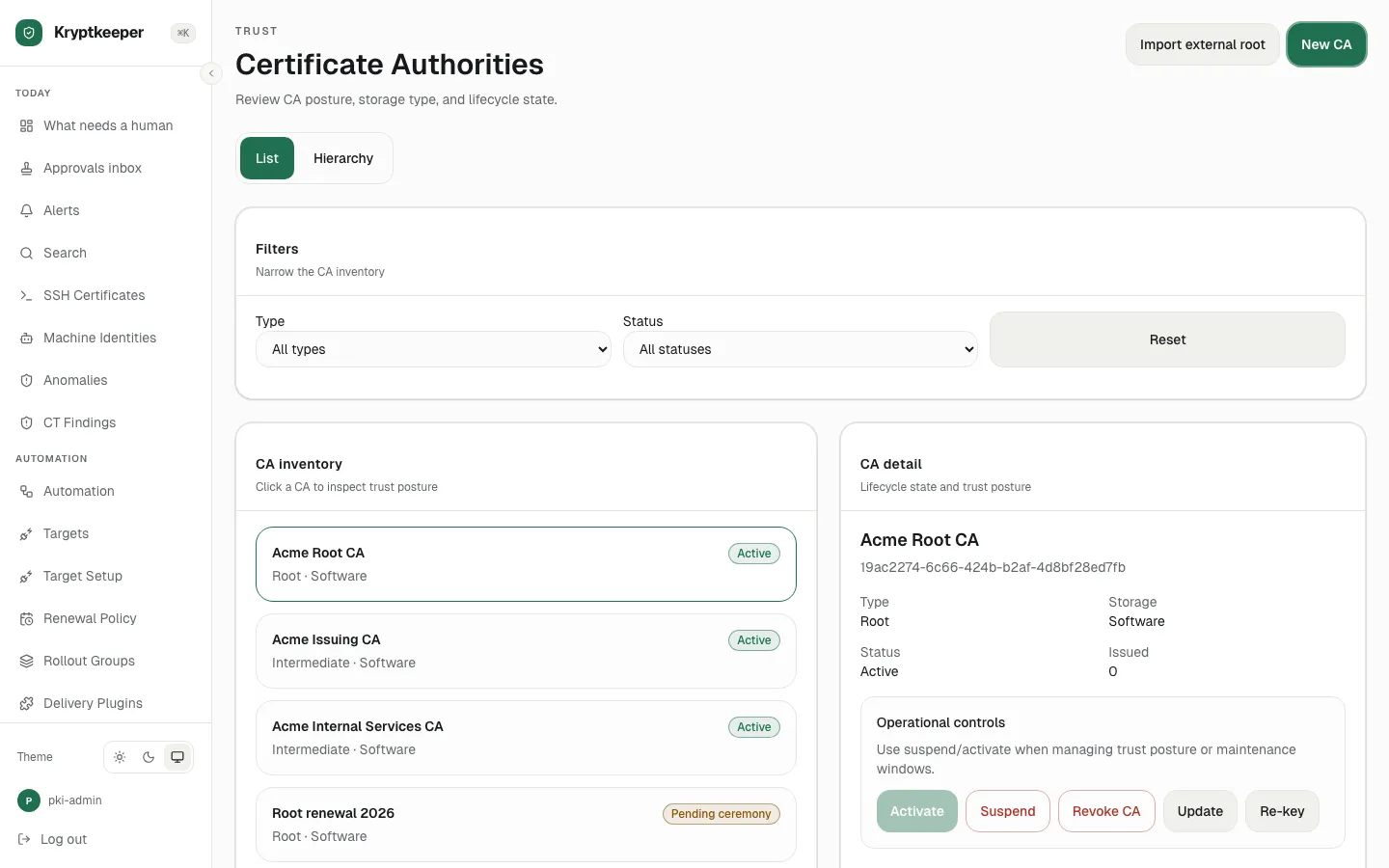
Create an issuing CA under a root
Create an intermediate CA that signs your day-to-day certificates.
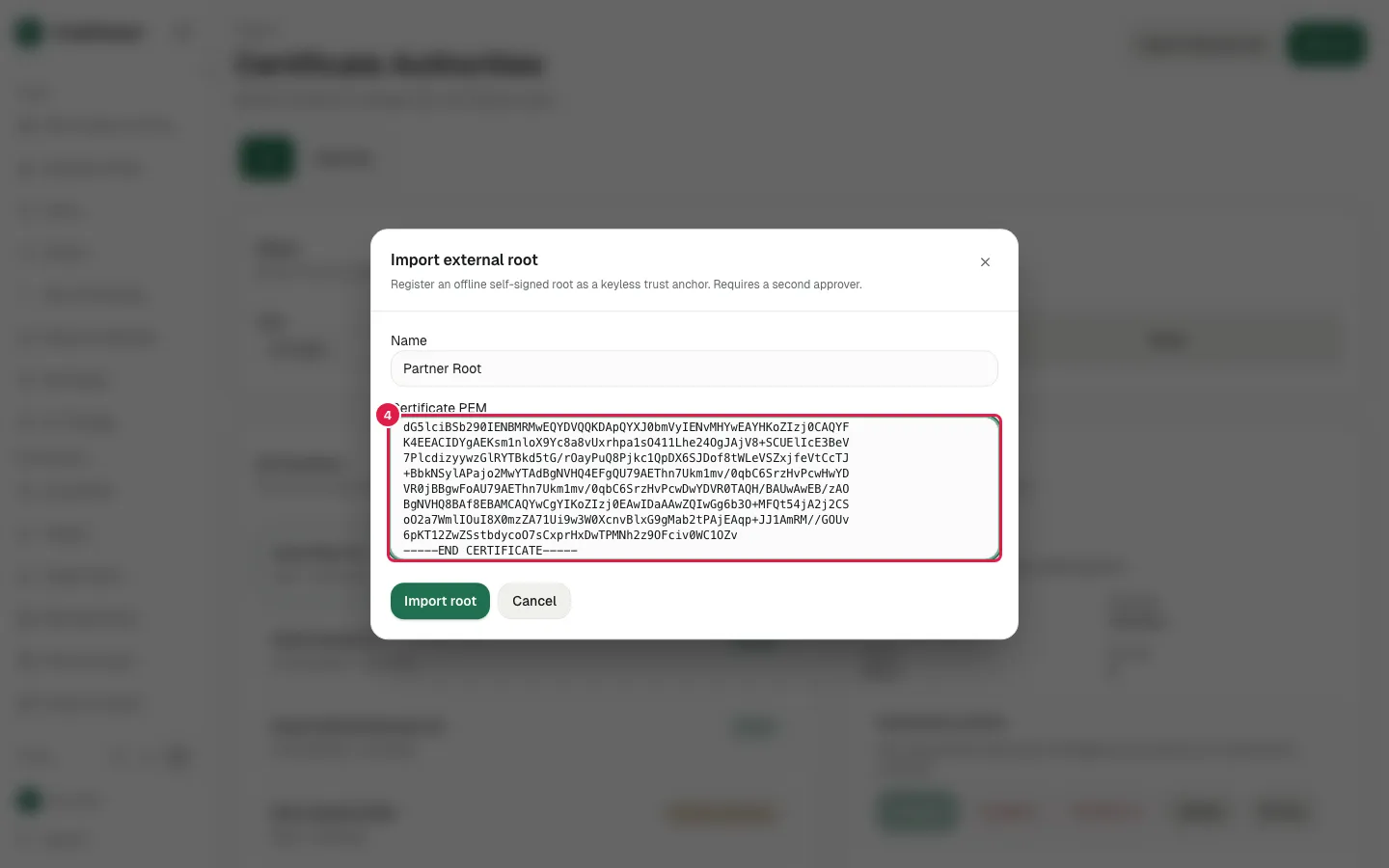
Import an existing root
Import a root you already trust as a trust anchor.
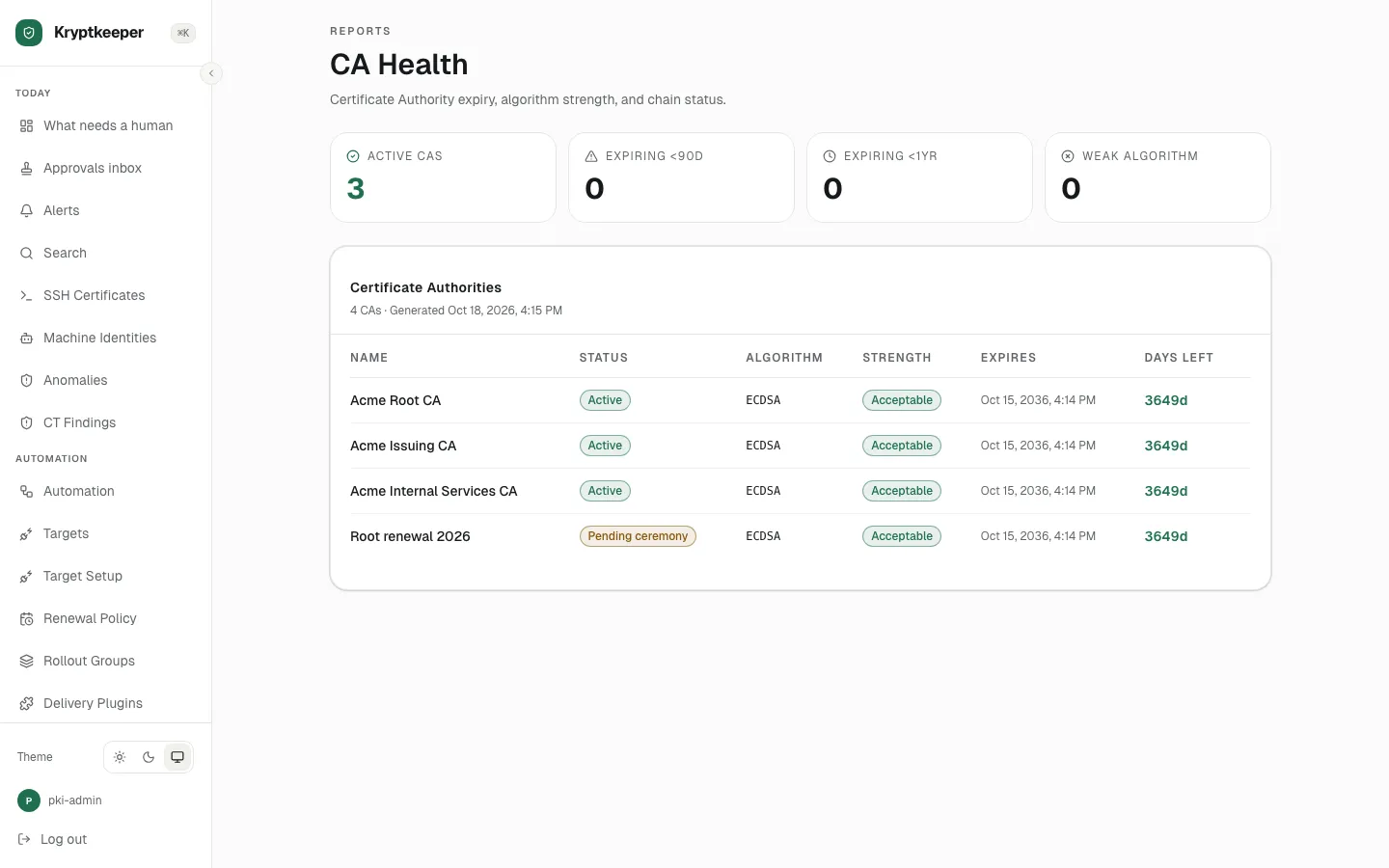
Inspect a CA and its hierarchy
Read a CA's details and see the whole chain at a glance.
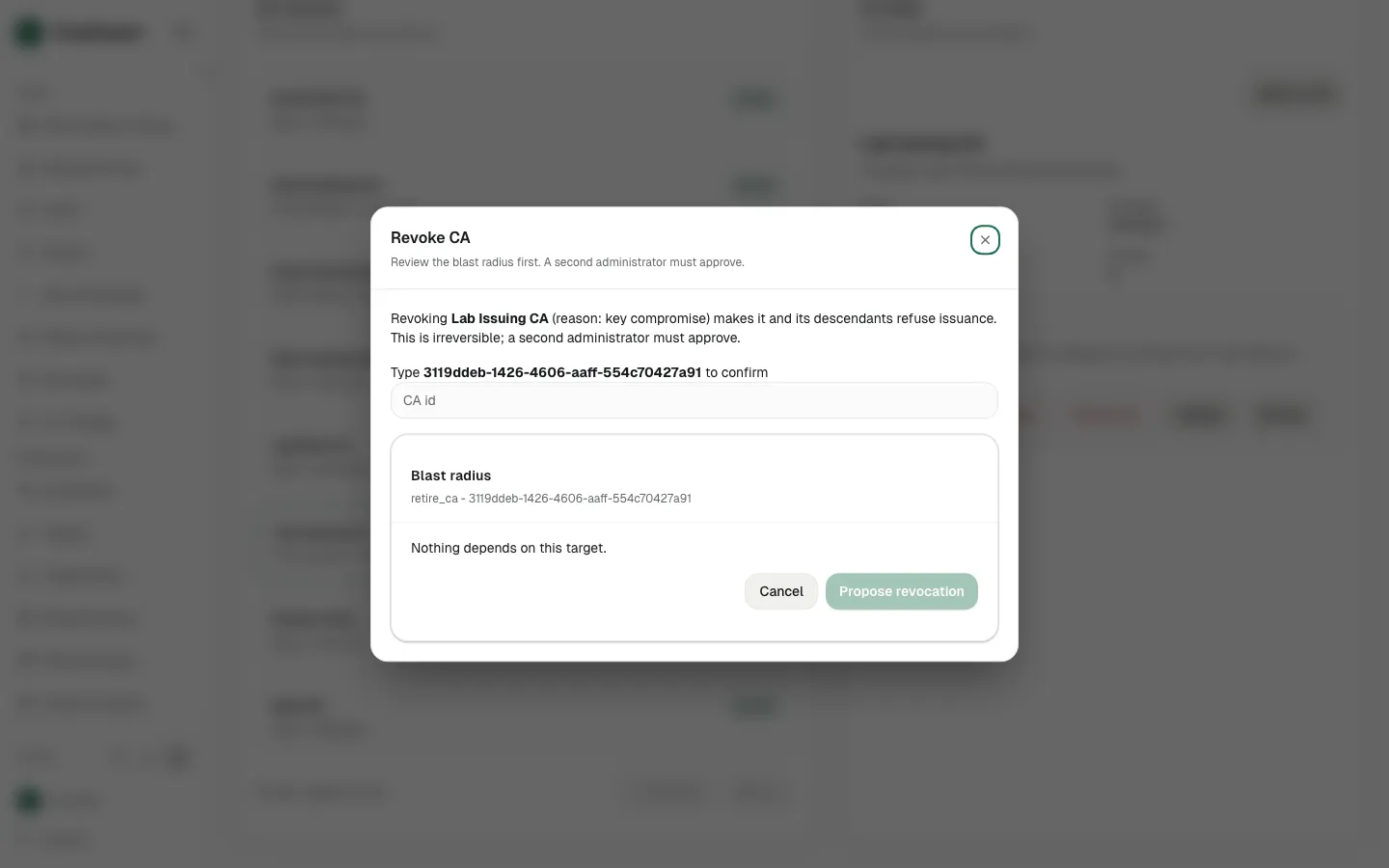
Suspend, re-key or revoke a CA
Change a CA's state through guarded actions that show what they affect.
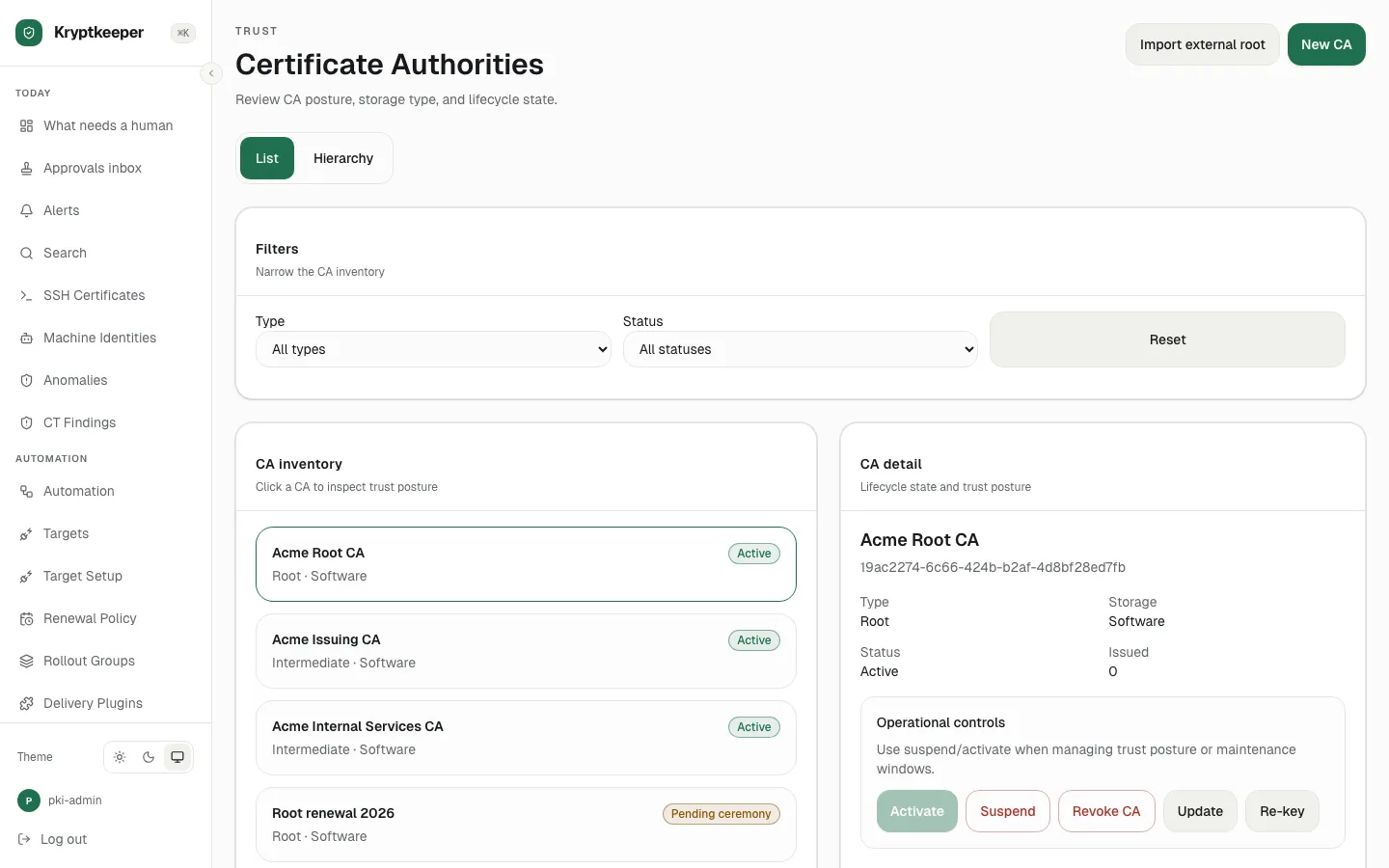
Run a root key ceremony (M-of-N)
One person starts a ceremony and two approvers complete the quorum.
Docs
Paths that use this
- Stand up your own PKI for PKI administrator
- Replace ADCS for your Windows domain for Windows and AD administrator