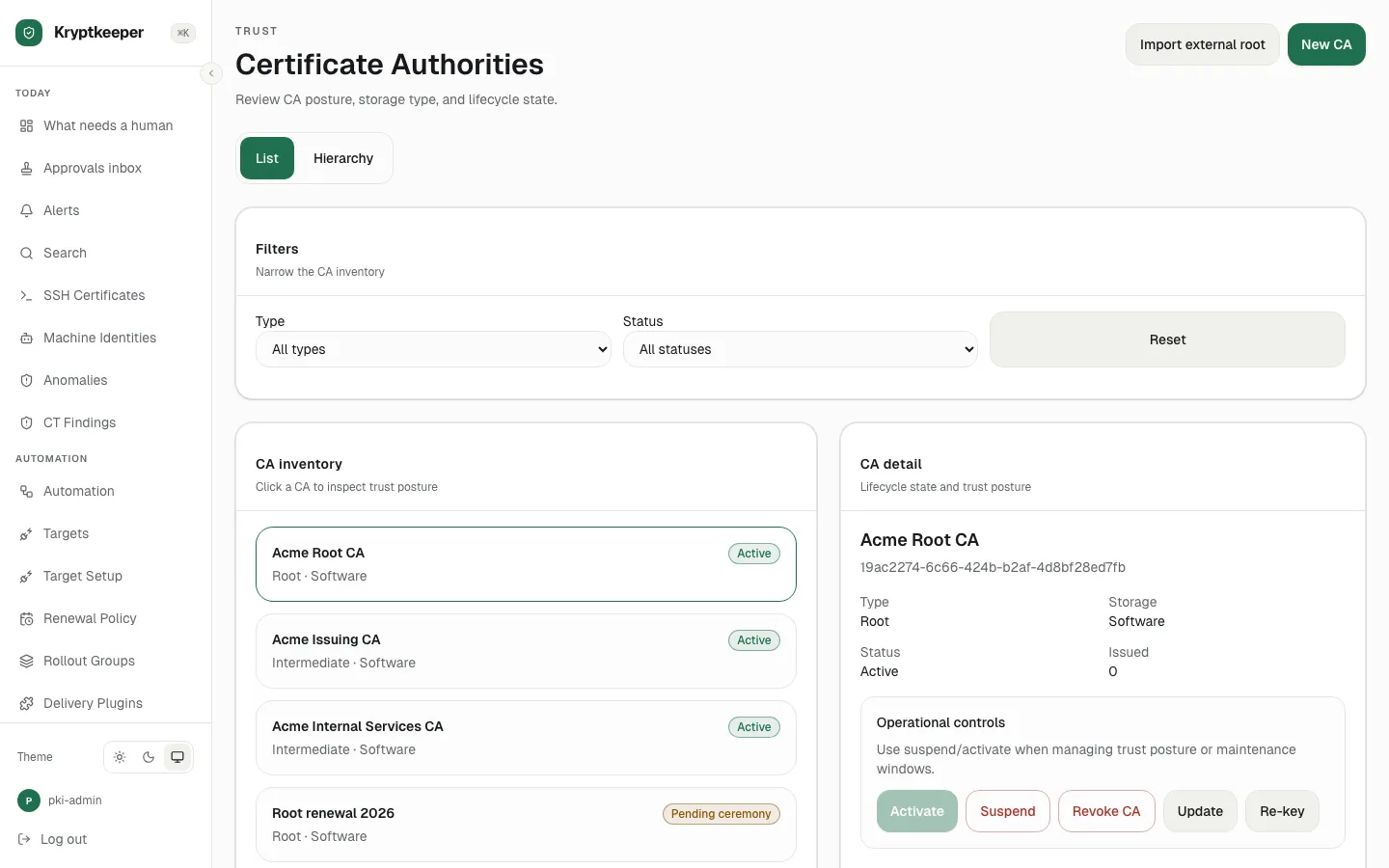
Run a root key ceremony (M-of-N)
One person starts a ceremony and two approvers complete the quorum.
Initiator starts
As pki-admin
Open /ceremonies
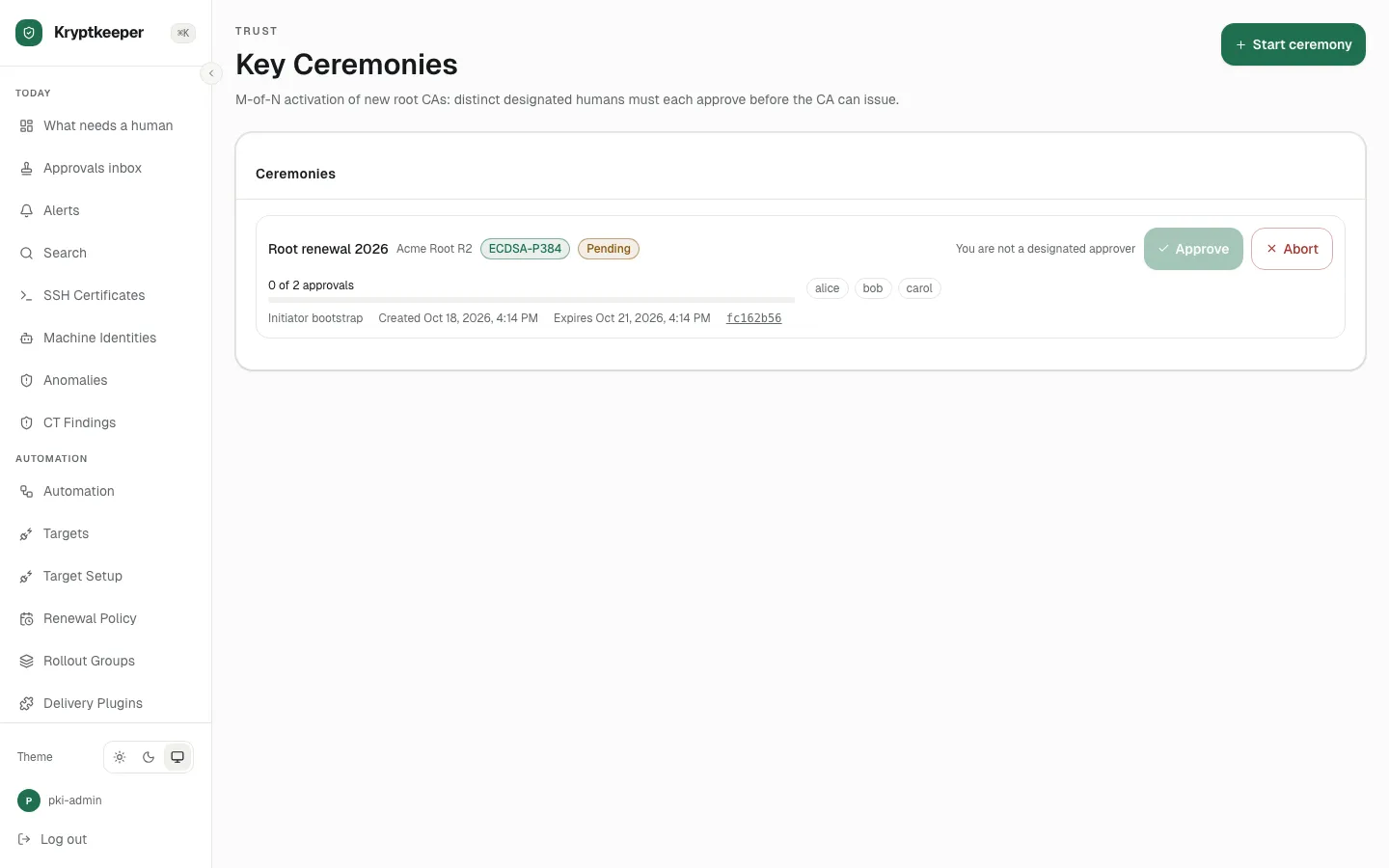
Click Start ceremony
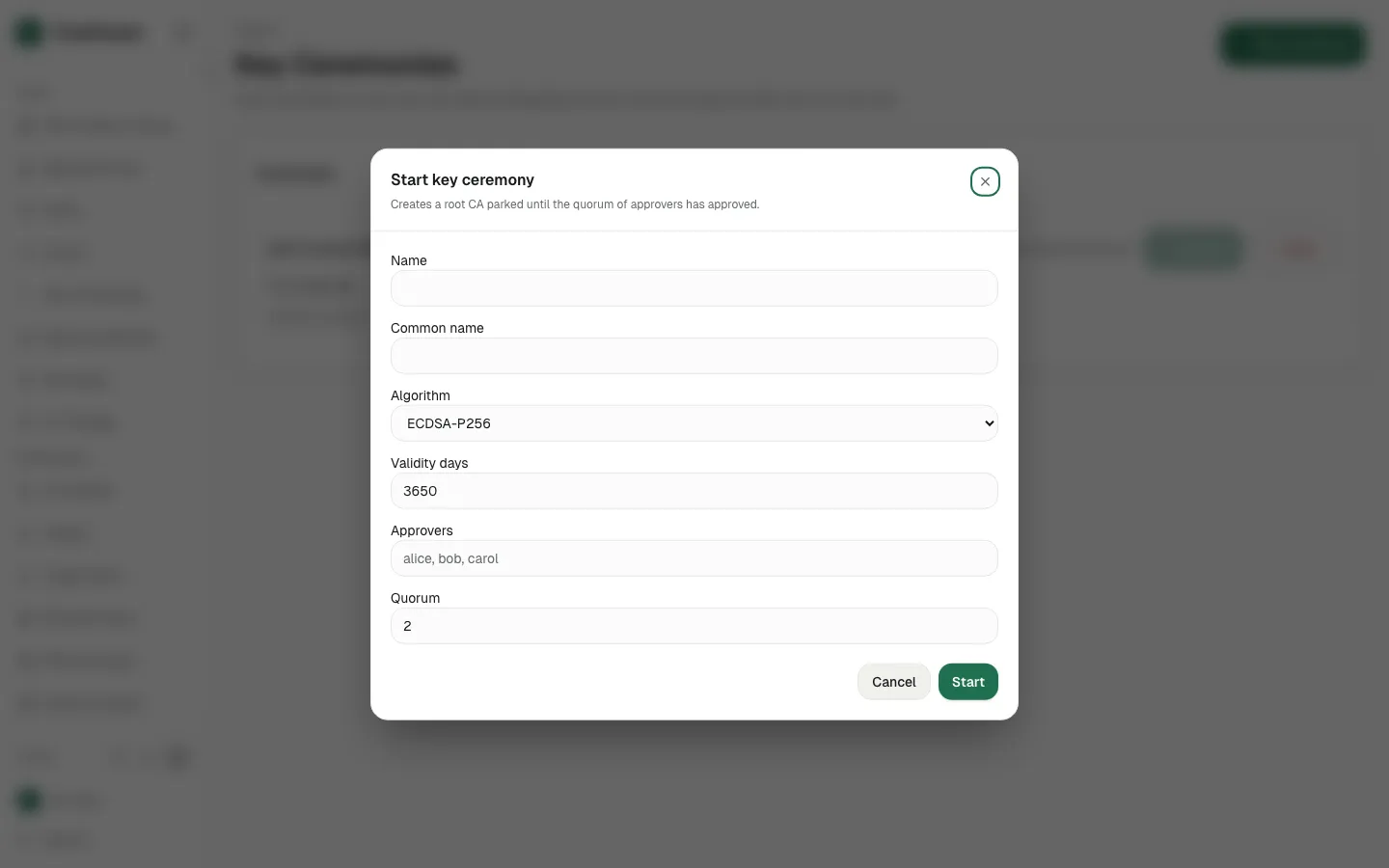
Fill Name with "Root R3"
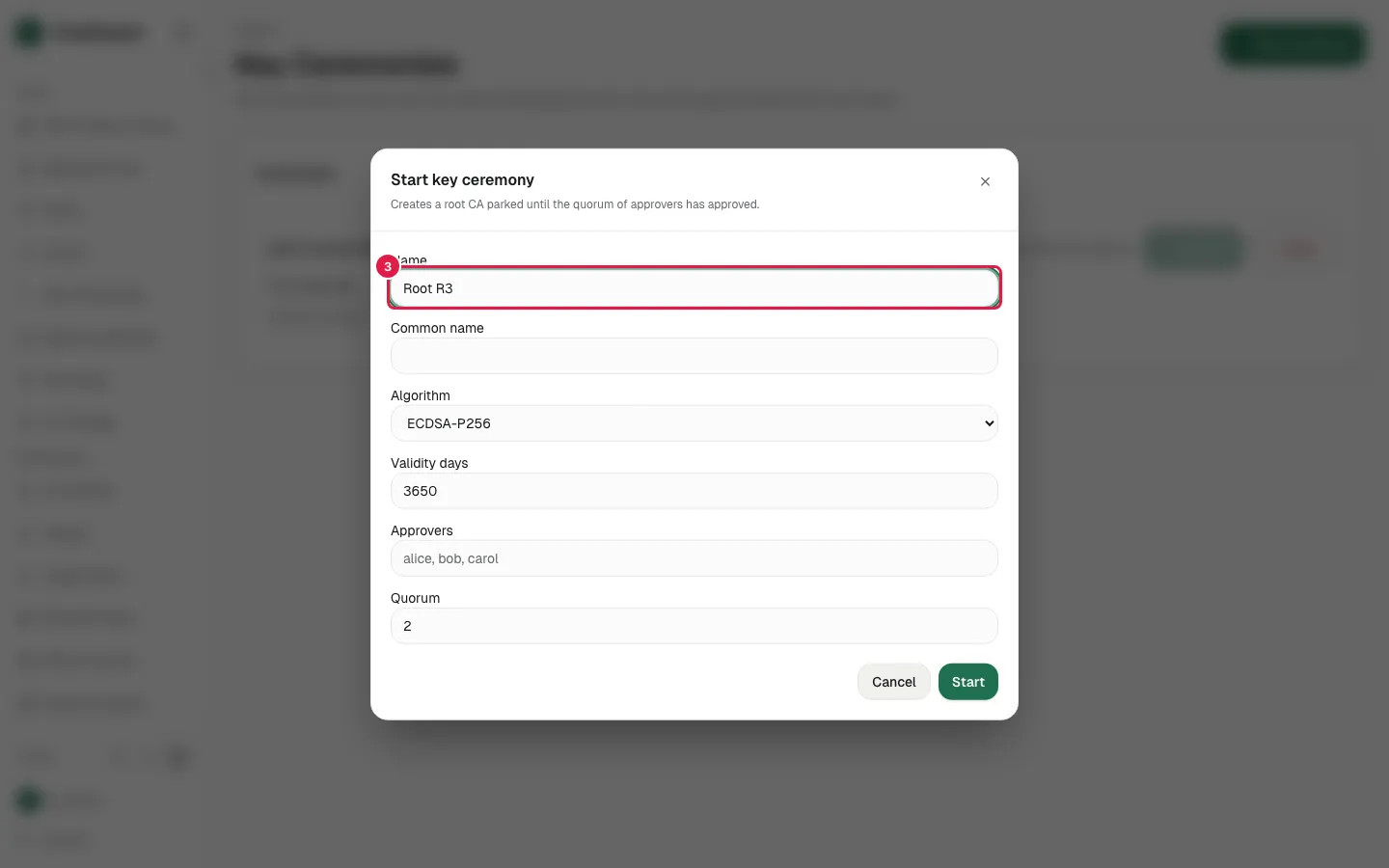
Fill Common name with "Acme Root R3"
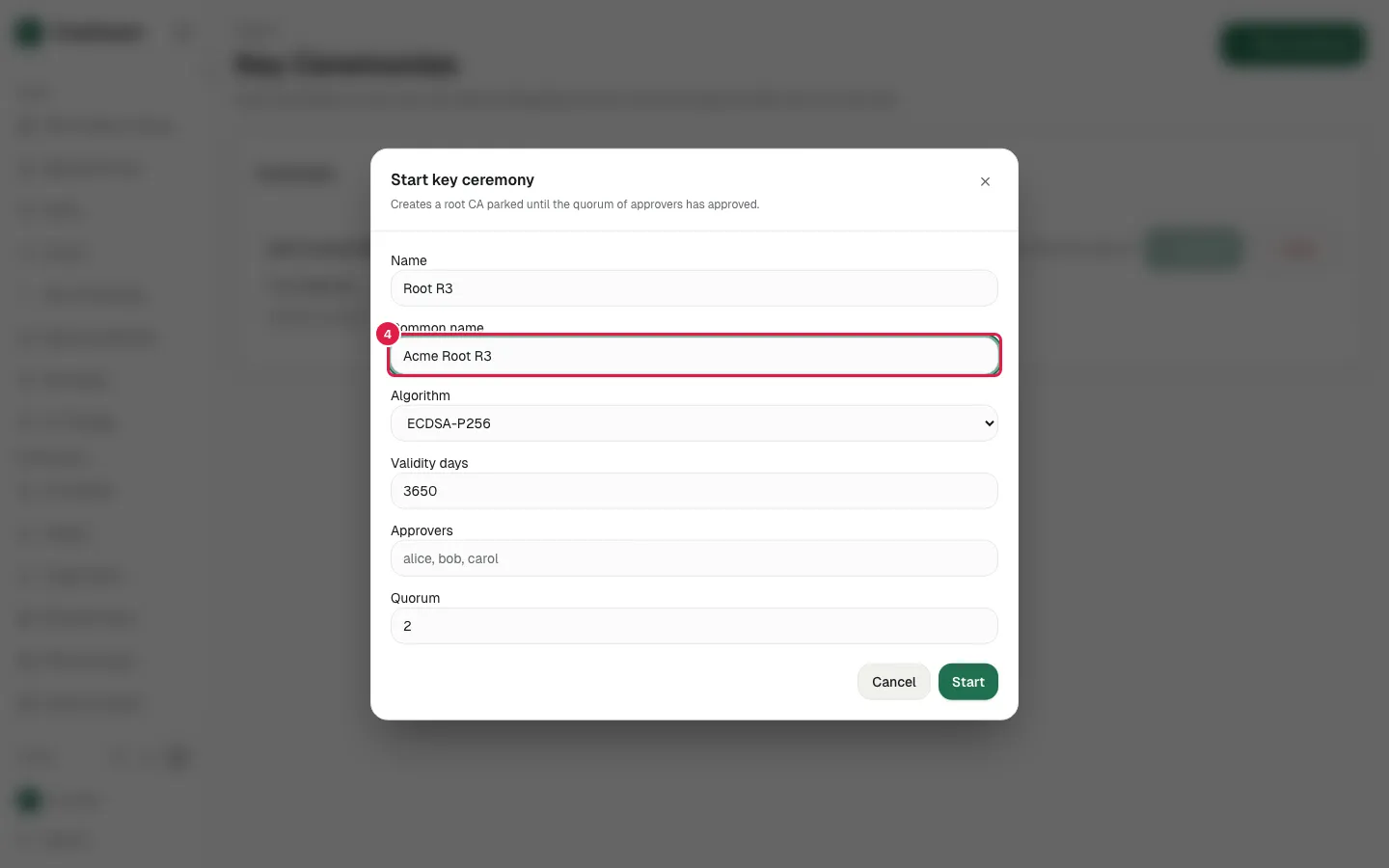
Select "ECDSA-P384" in select
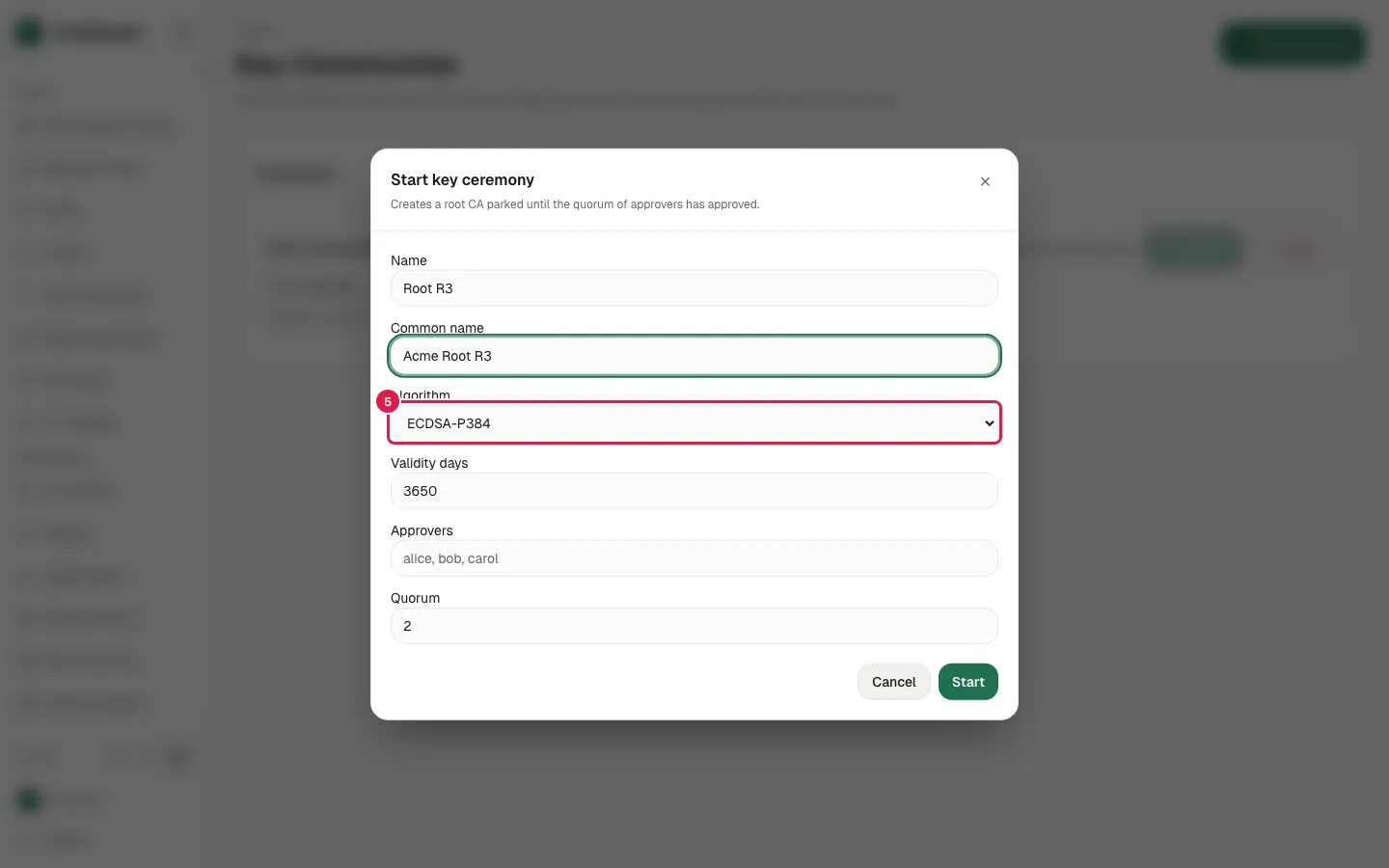
Fill Validity days with "3650"
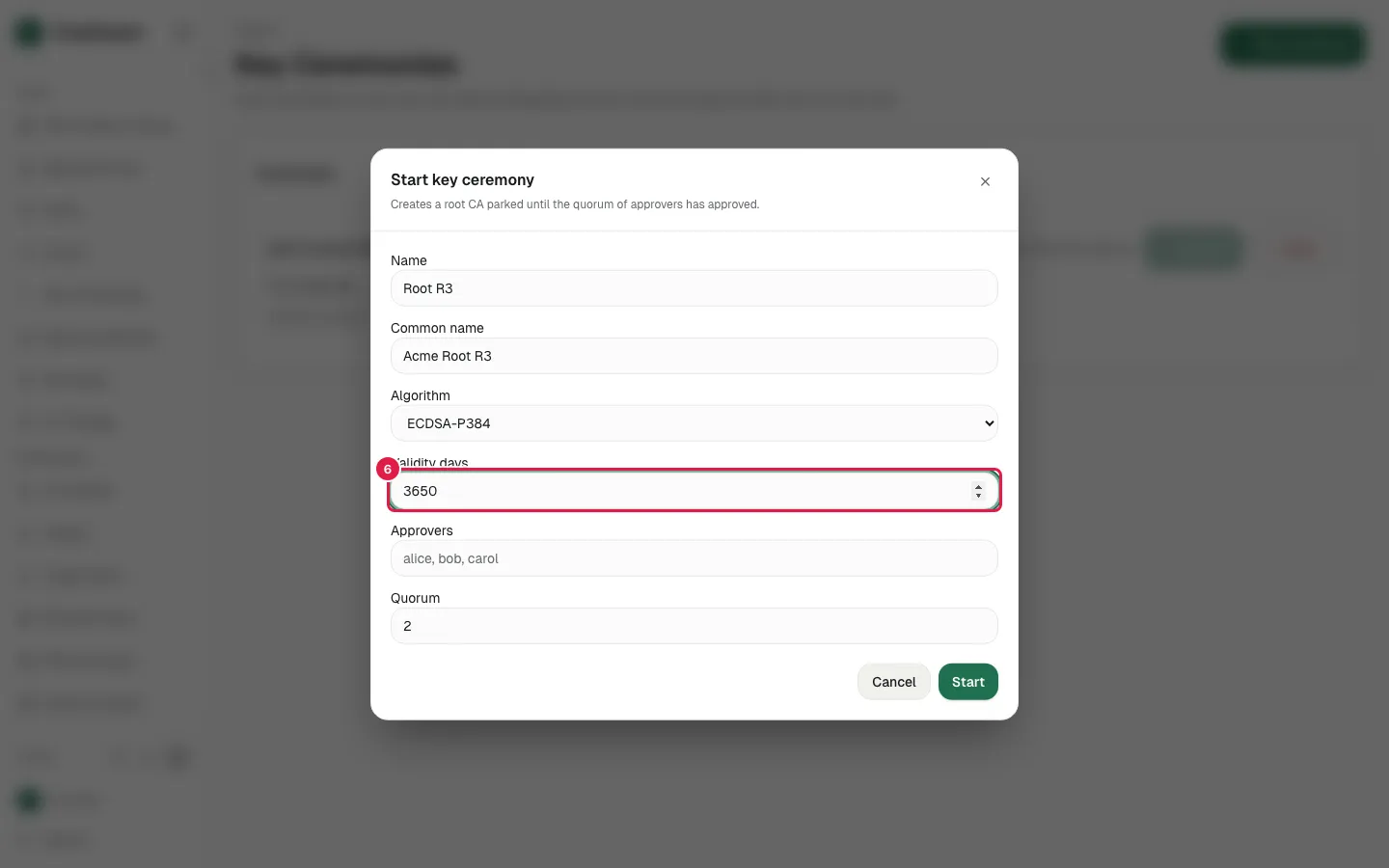
Fill Approvers with "alice,bob"
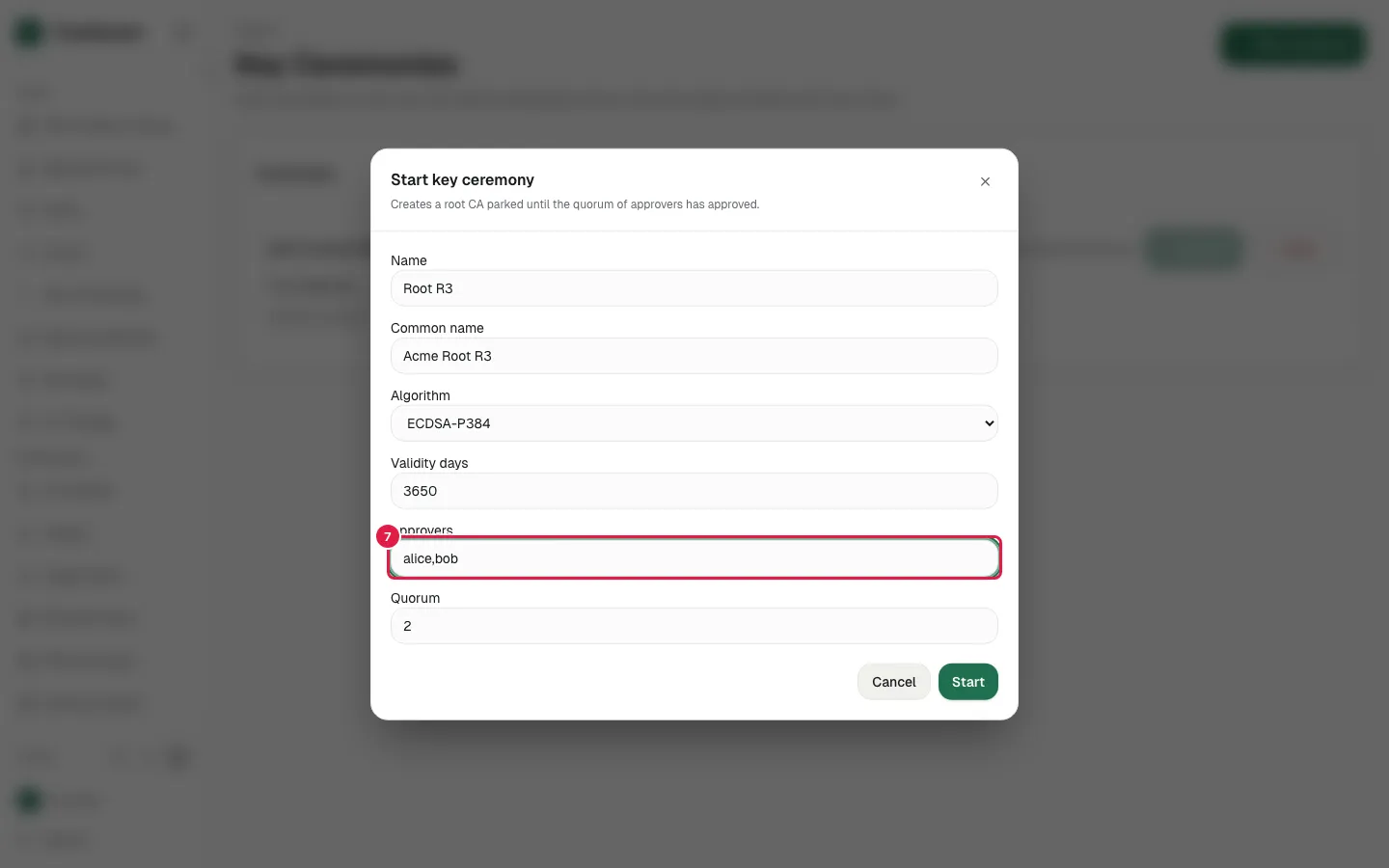
Fill Quorum with "2"
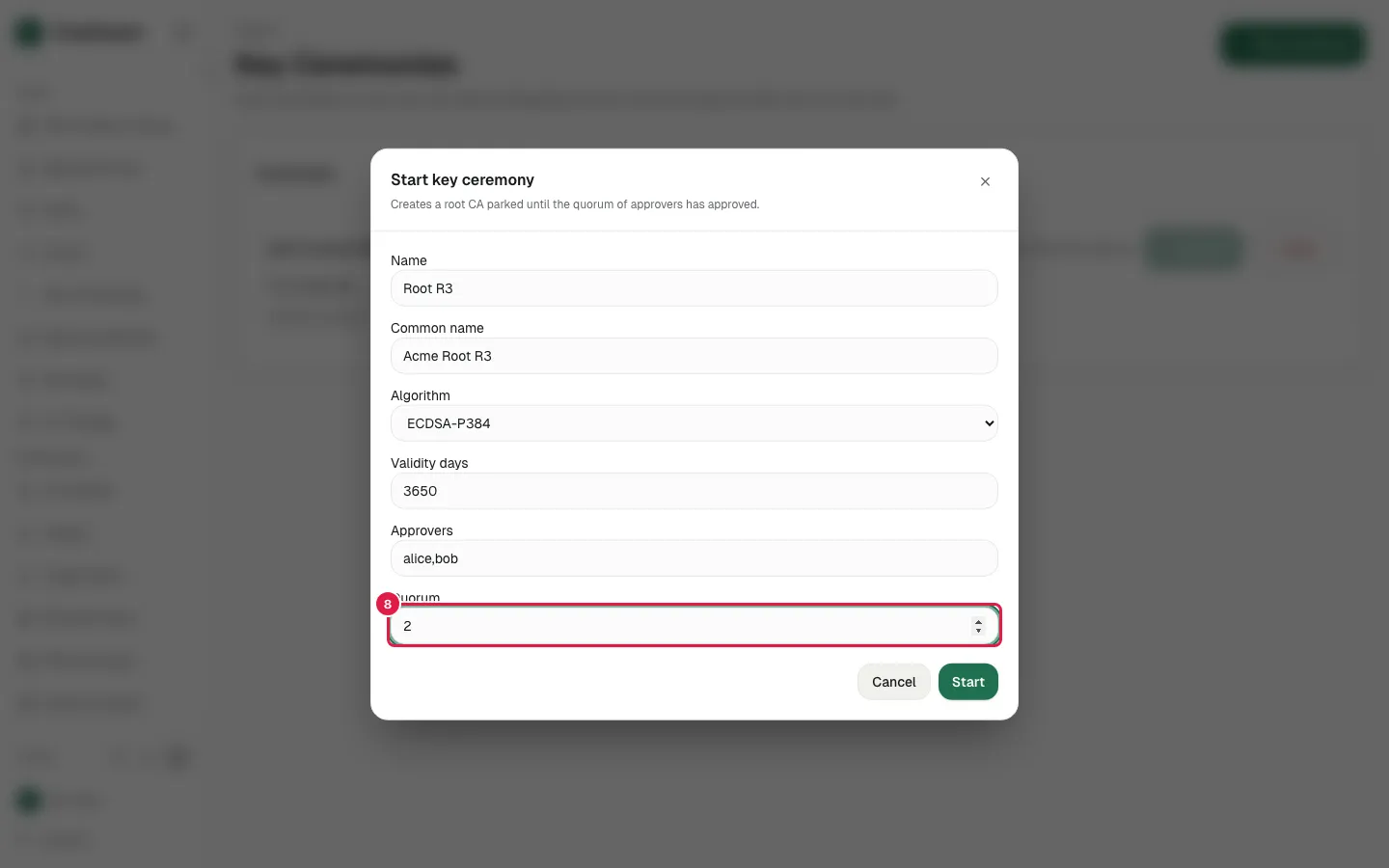
Click Start
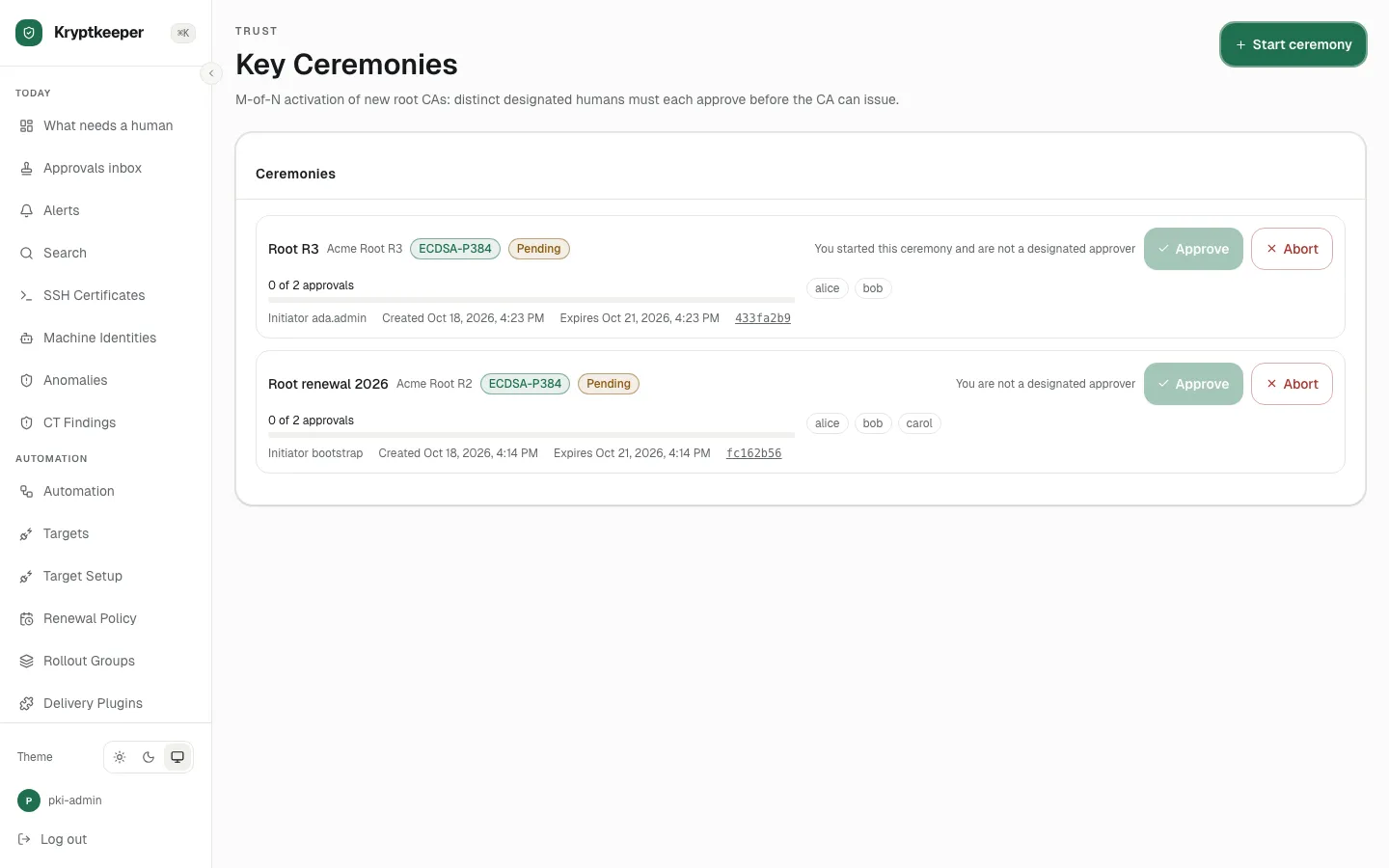
First approver (alice)
As designated approver
Open /ceremonies
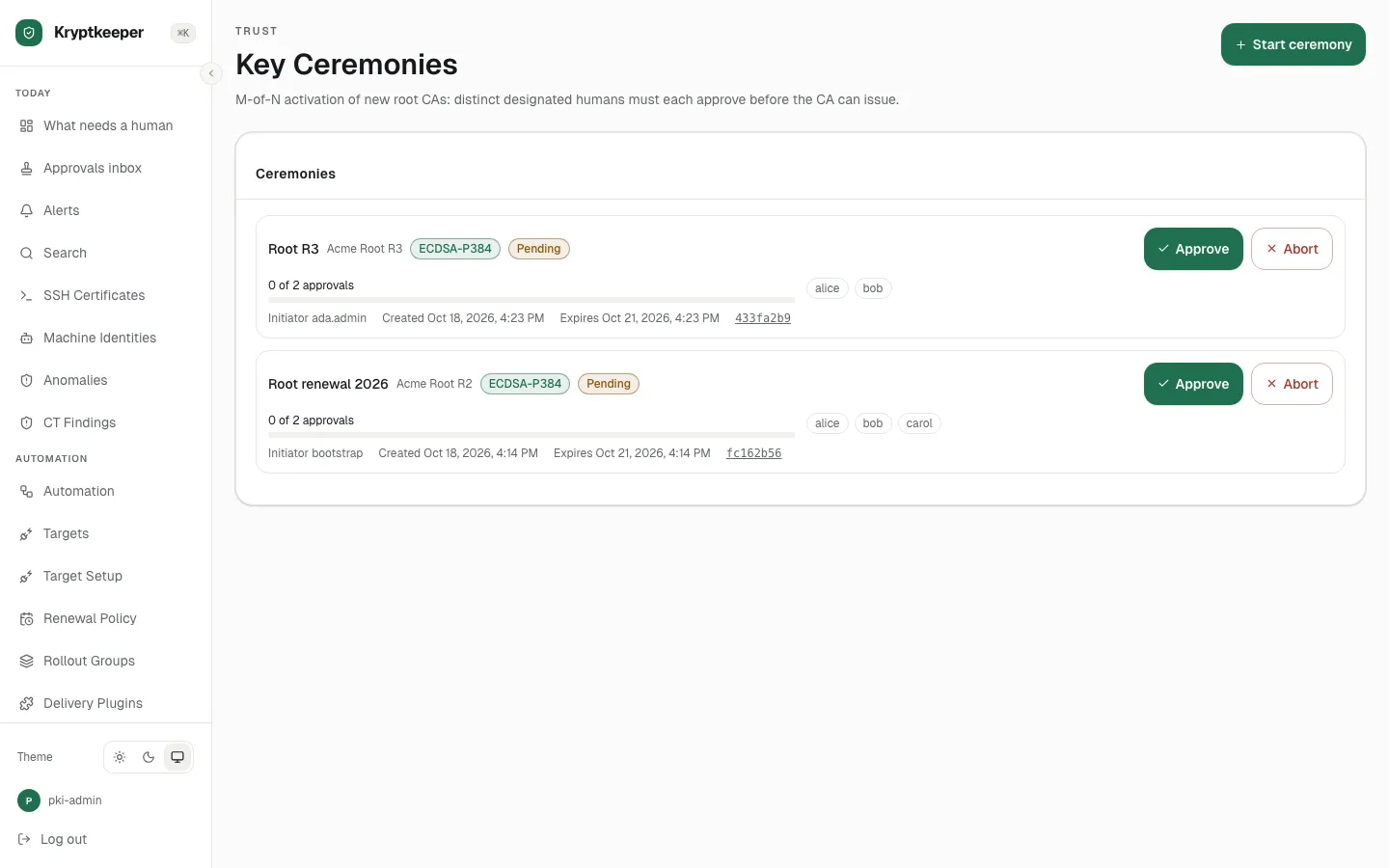
Click Approve Root R3
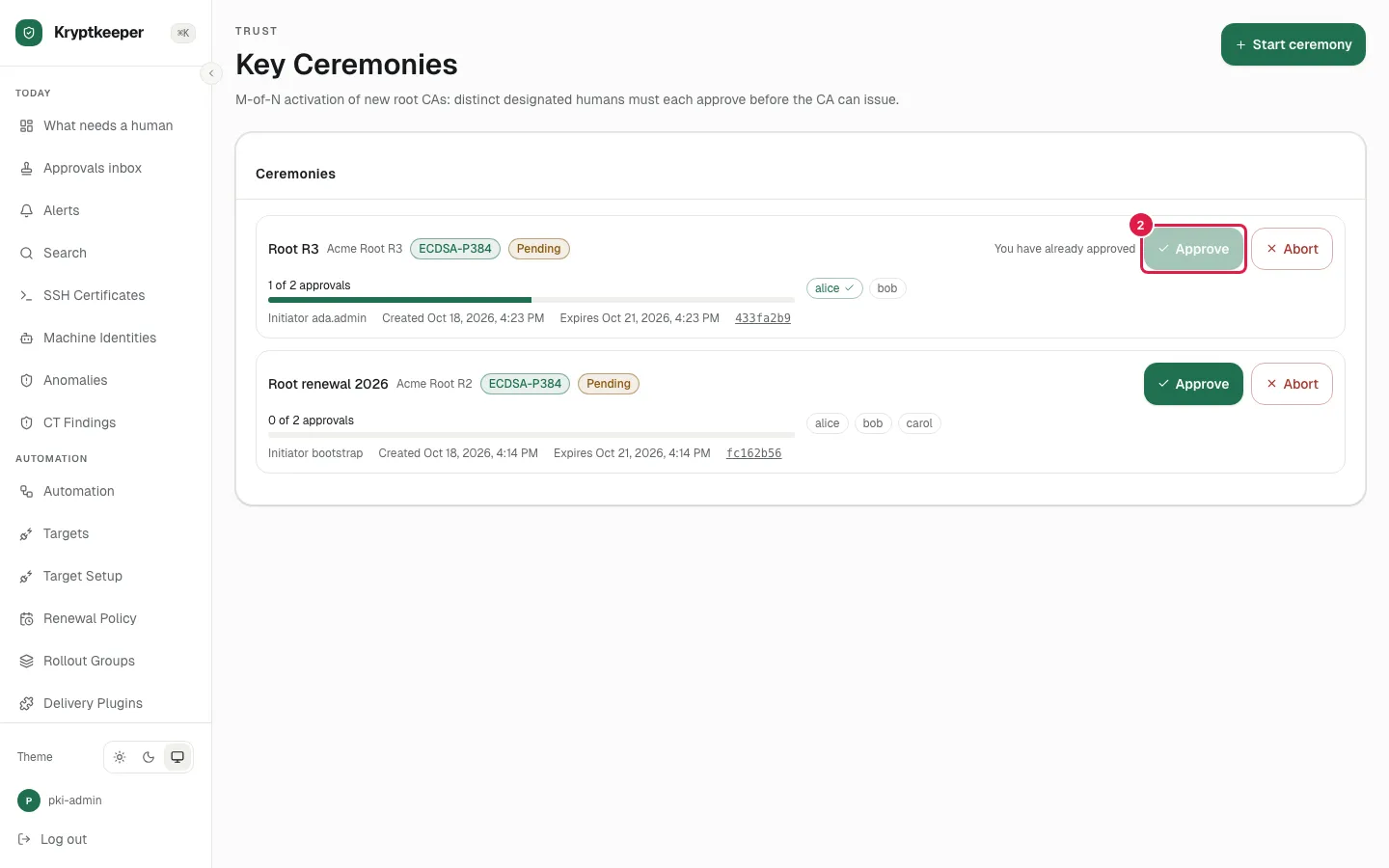
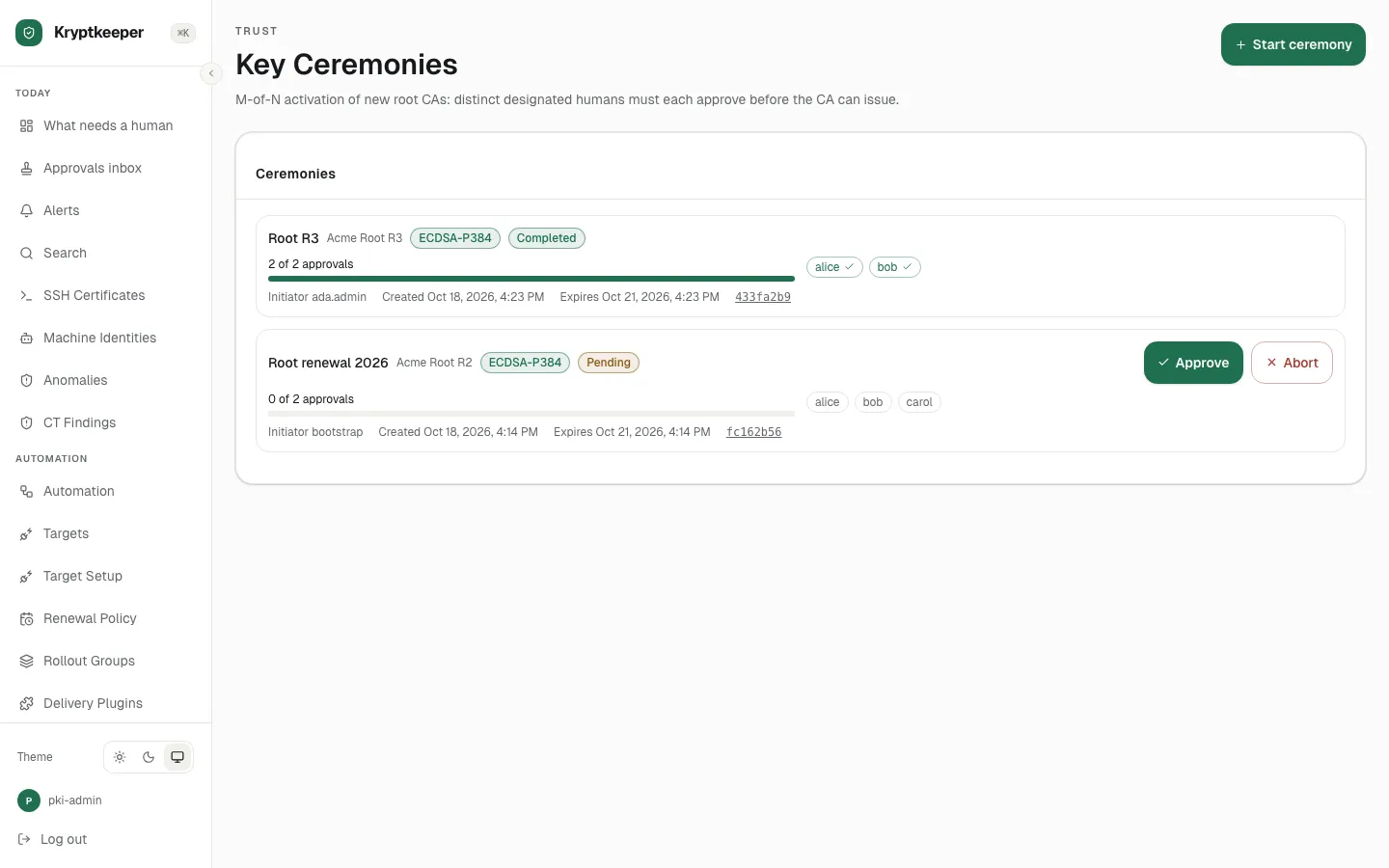
Second approver (bob) completes quorum
As designated approver
Open /ceremonies
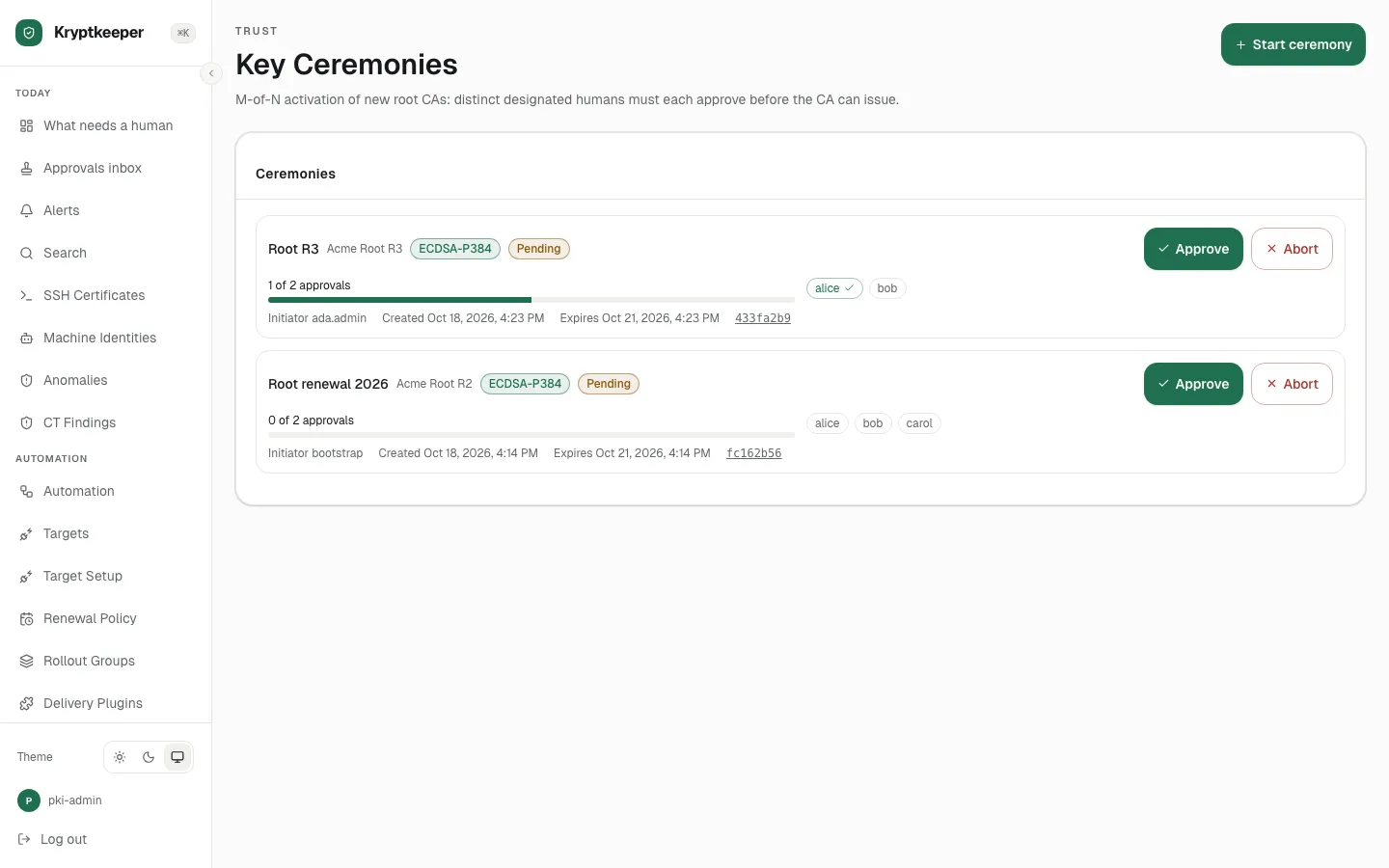
Click Approve Root R3
Open /cas