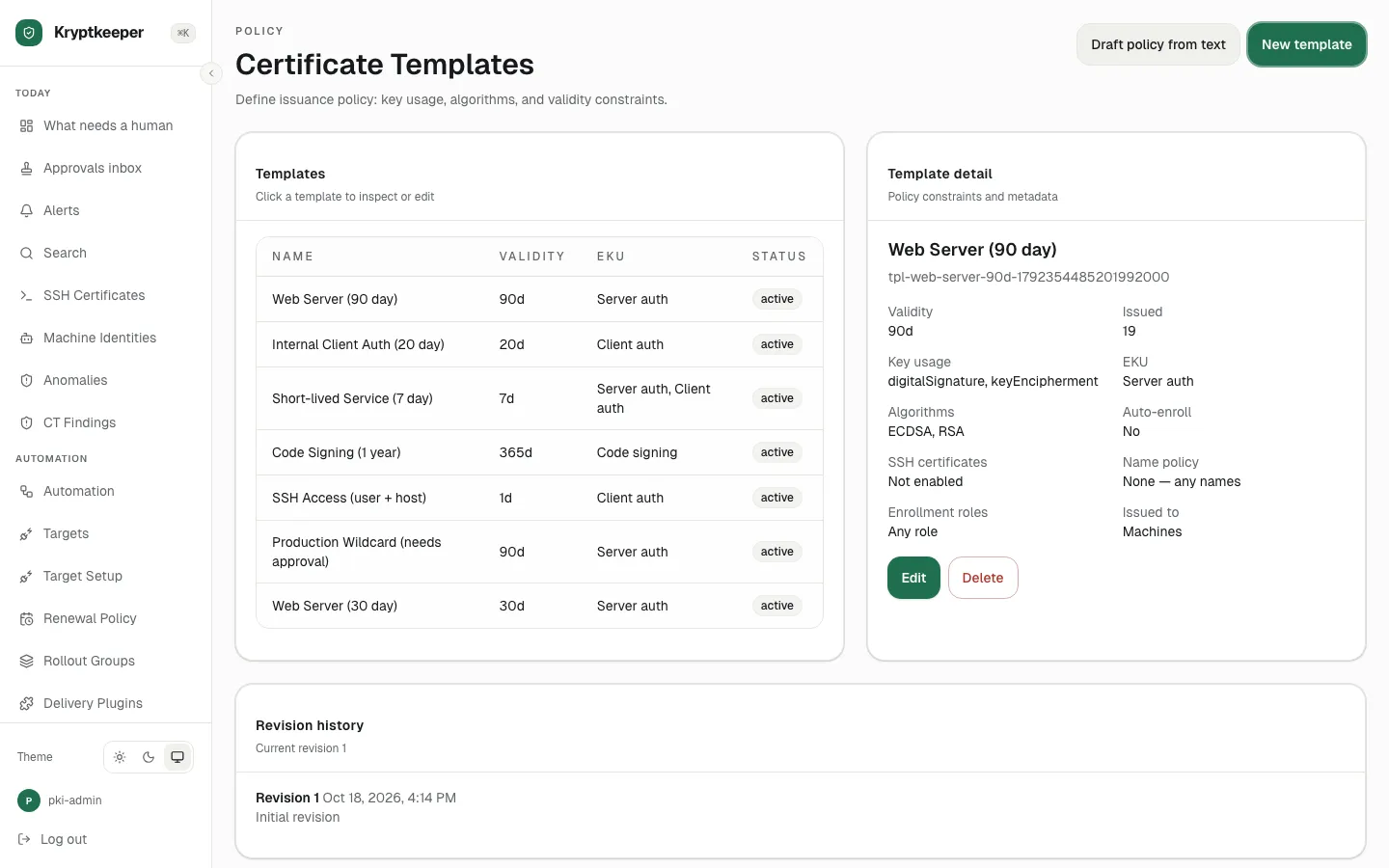
Create a certificate template
Set the key, lifetime, usage and approval rules for a kind of certificate.
As pki-admin
Open /templates
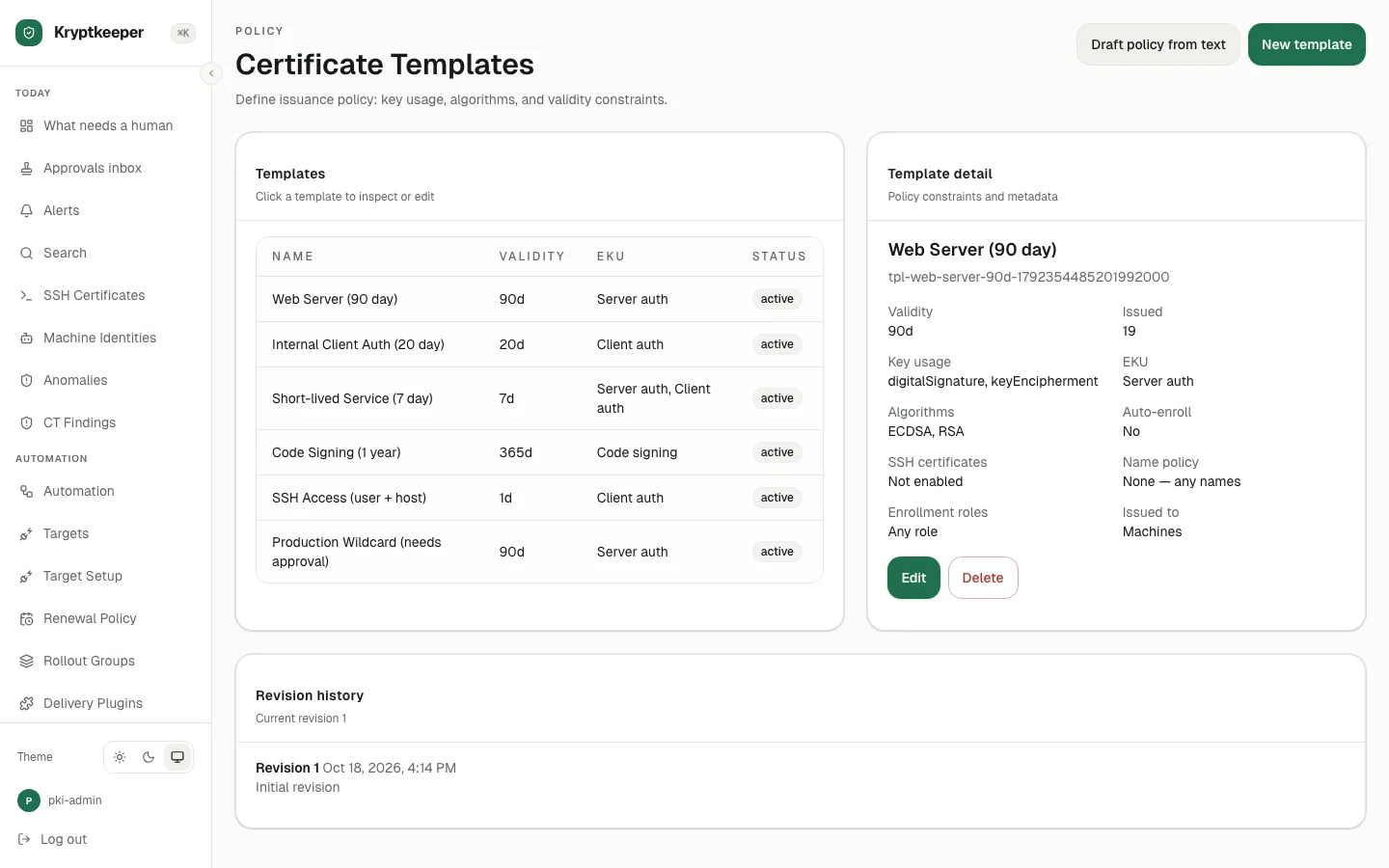
Click New template
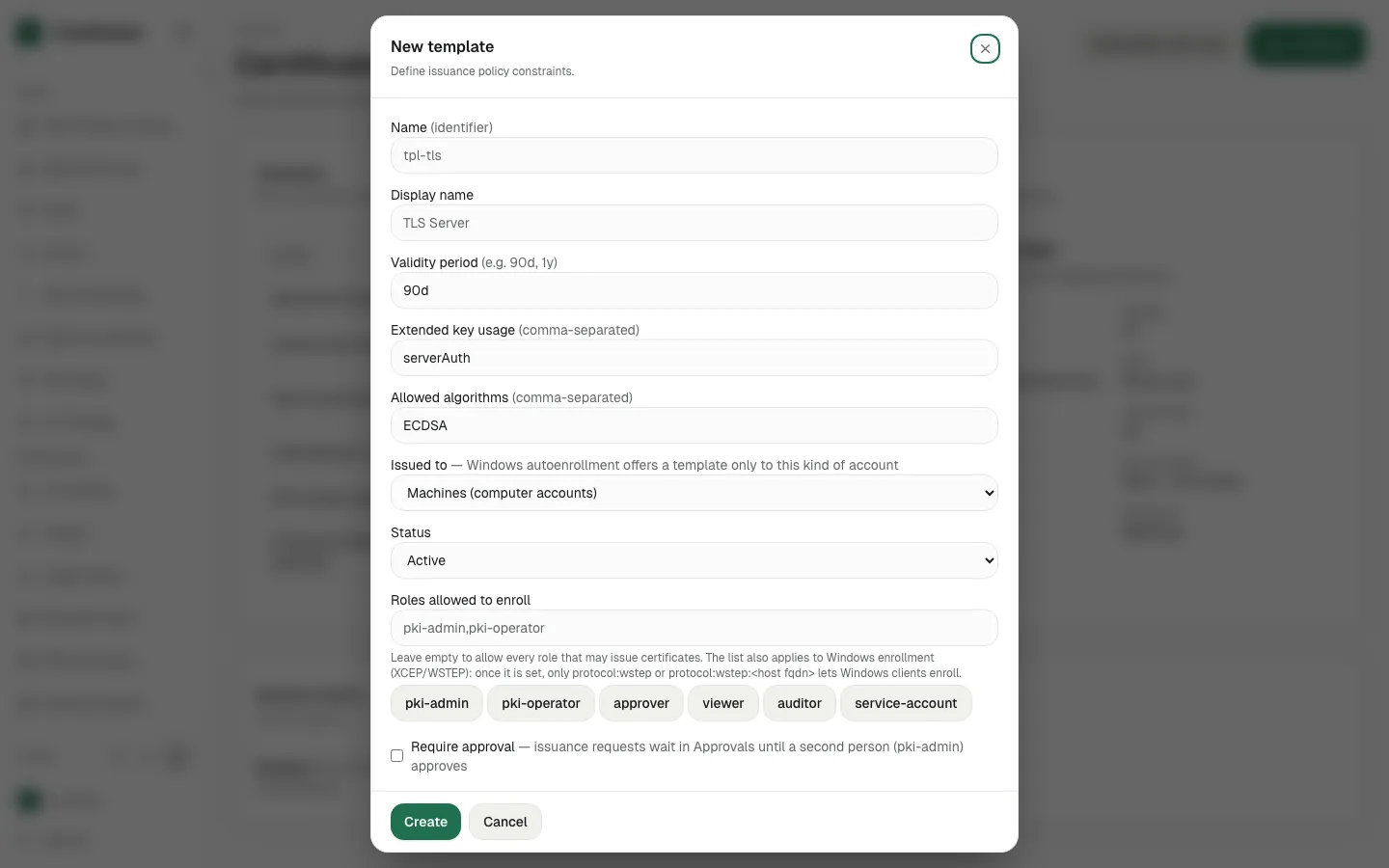
Fill Name (identifier) with "web-server-30d"
.webp)
Fill Display name with "Web Server (30 day)"
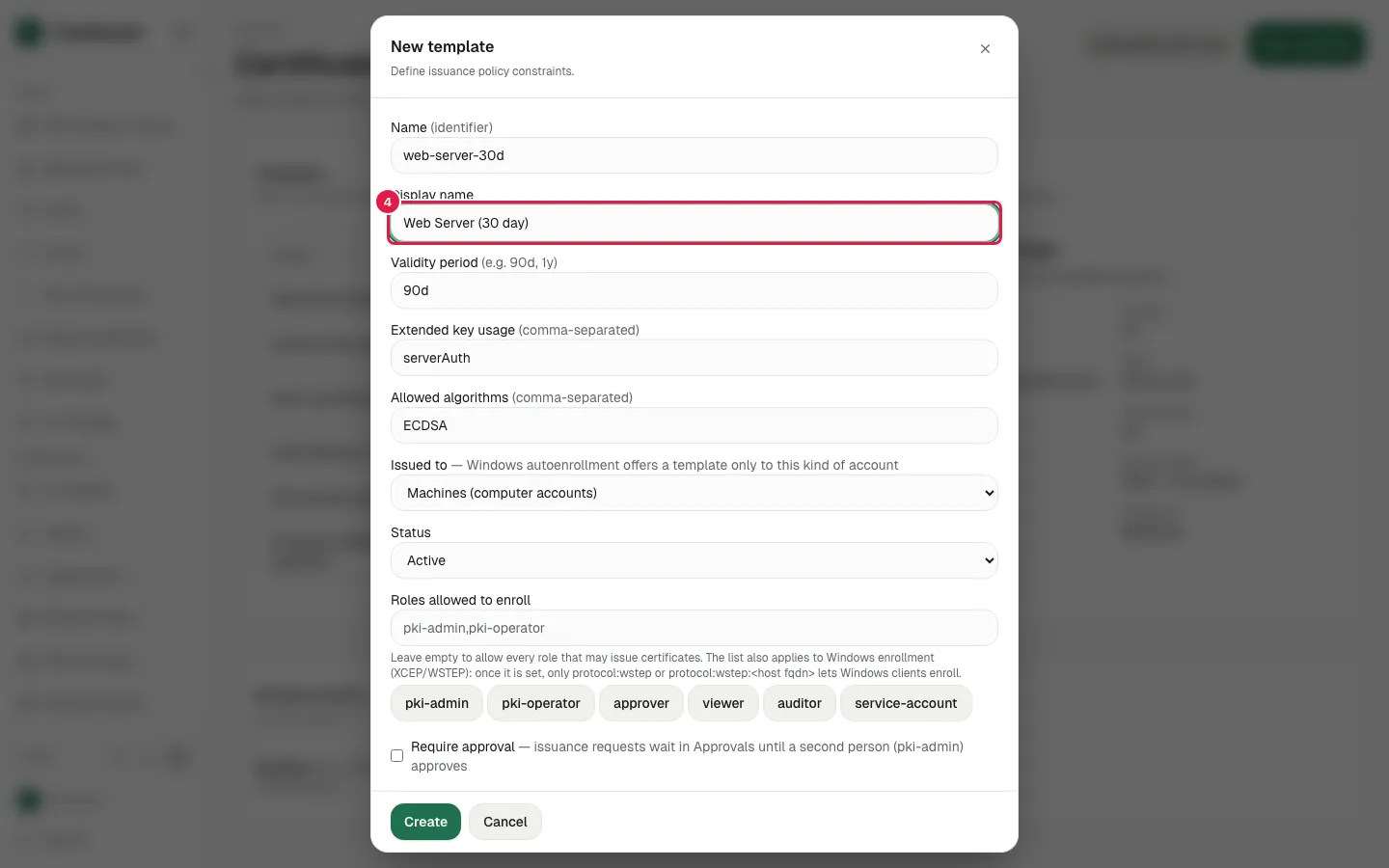
Fill Validity period with "30d"
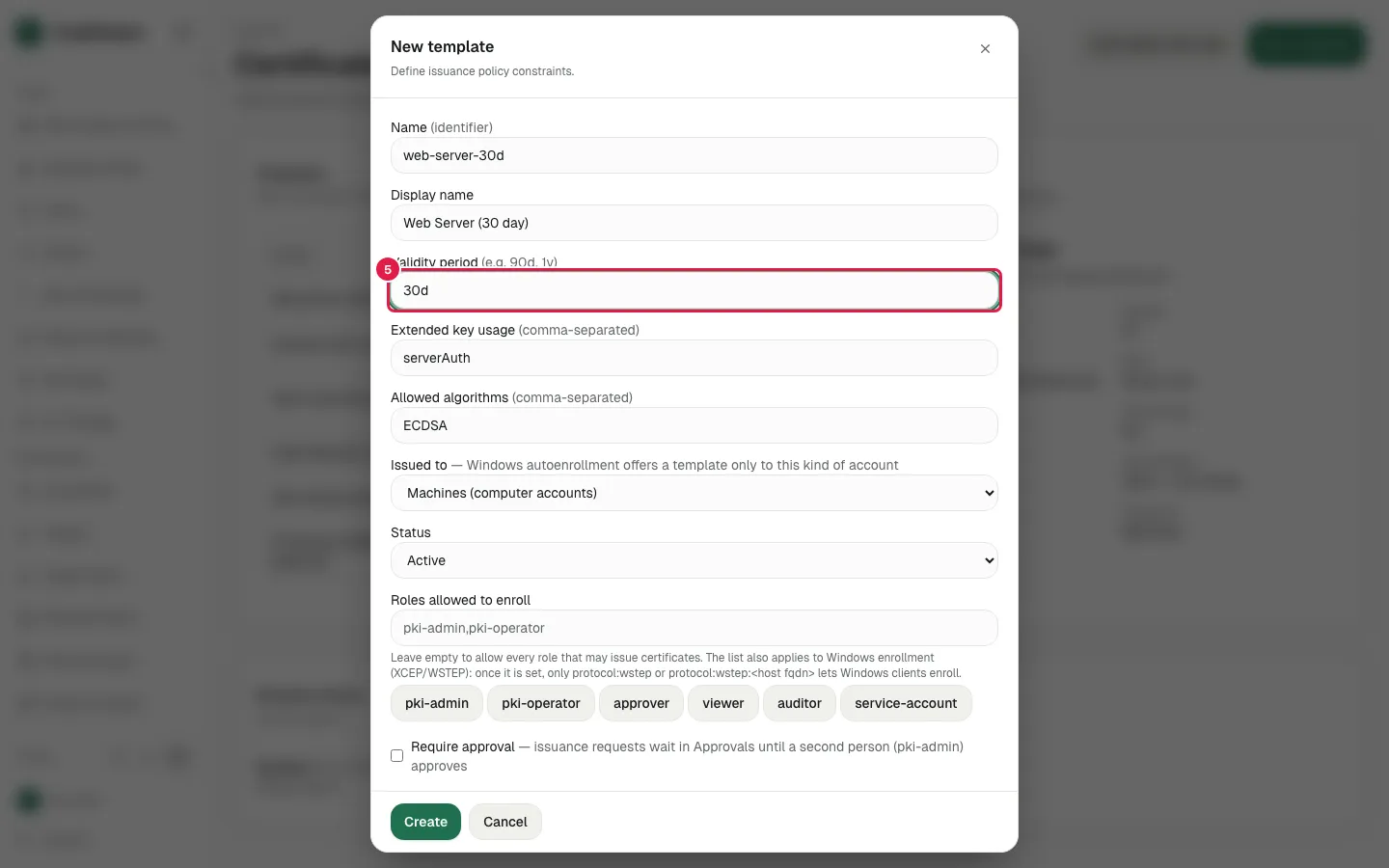
Fill Extended key usage with "serverAuth"
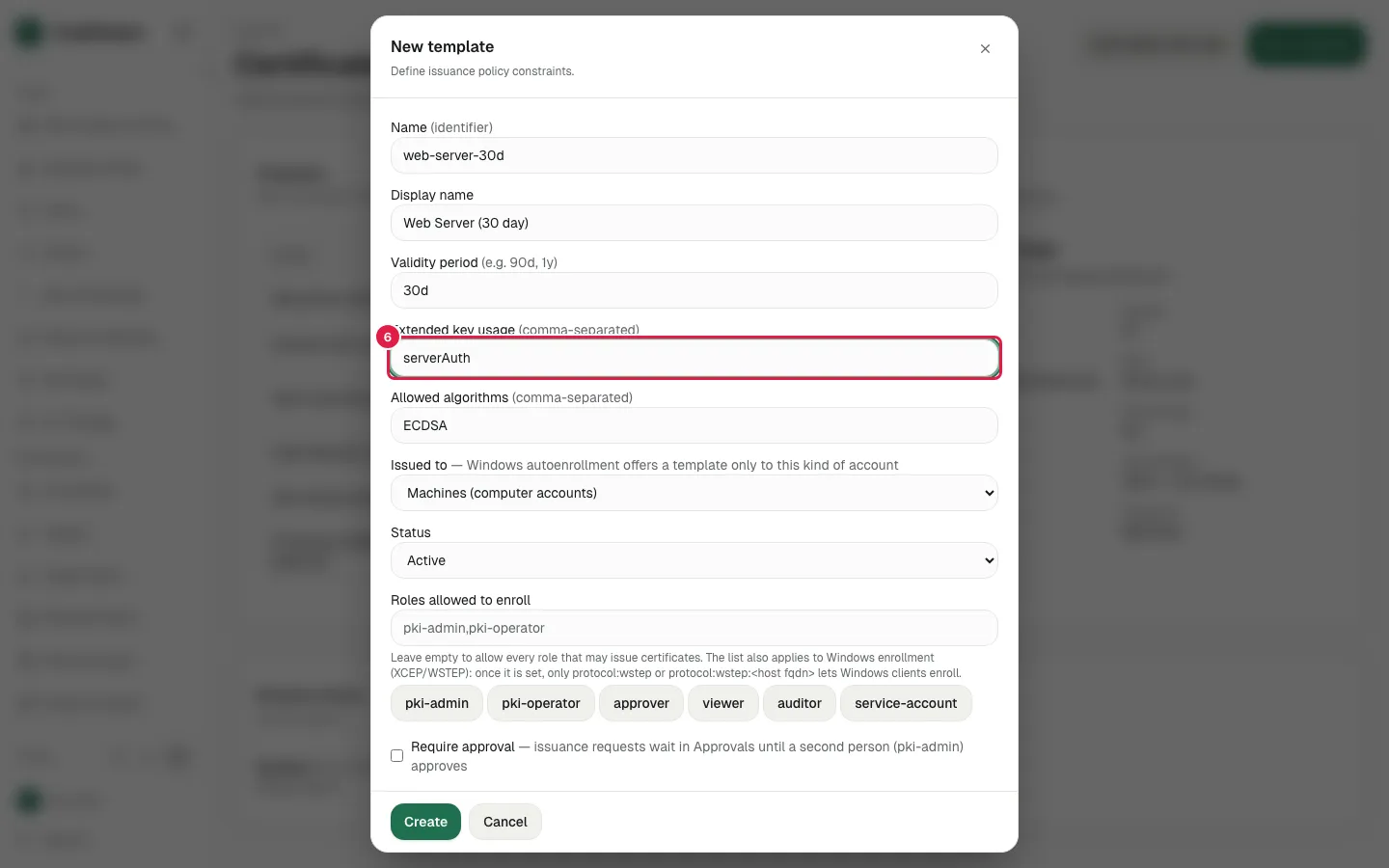
Fill Allowed algorithms with "ECDSA-P256"
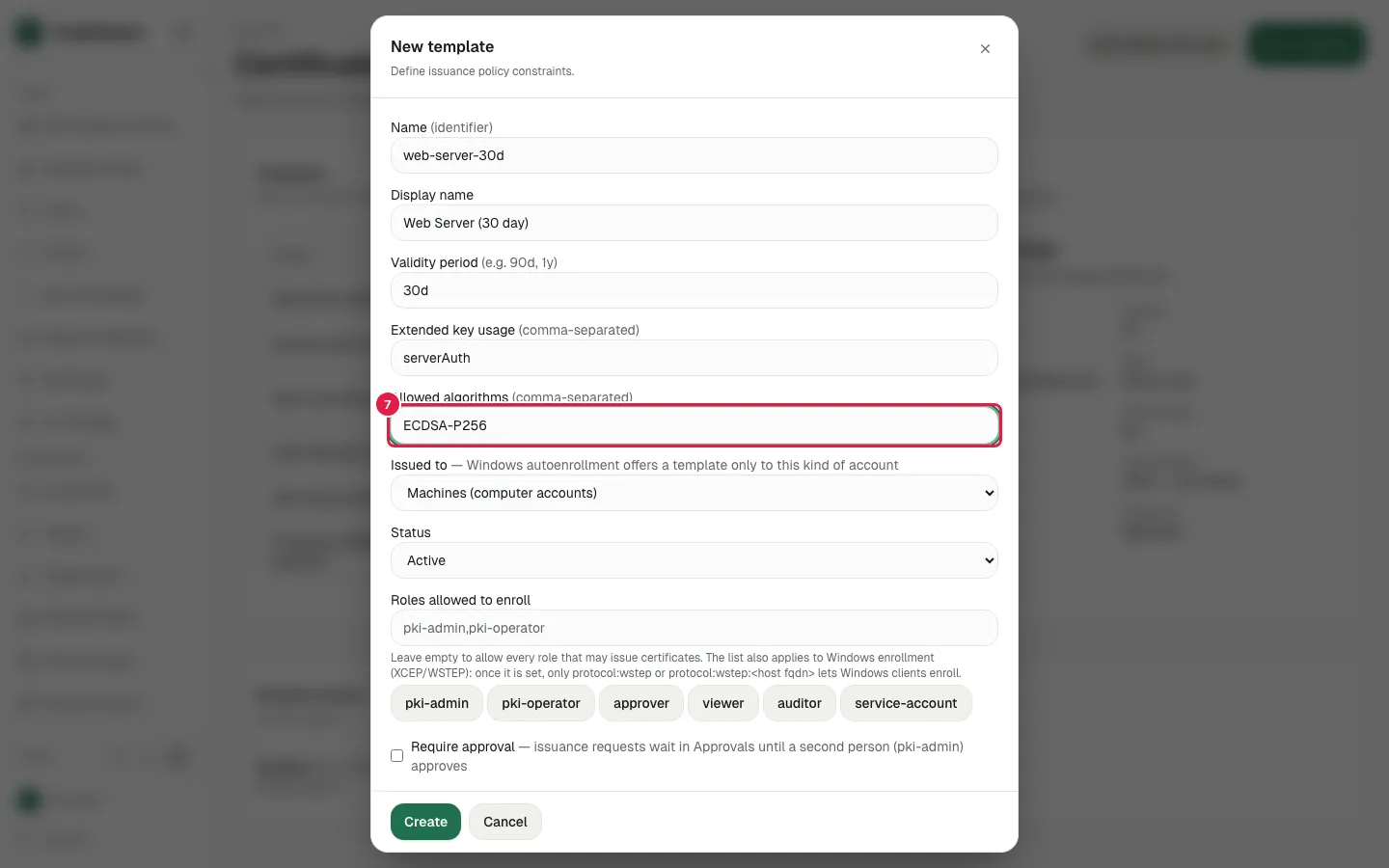
Click pki-operator
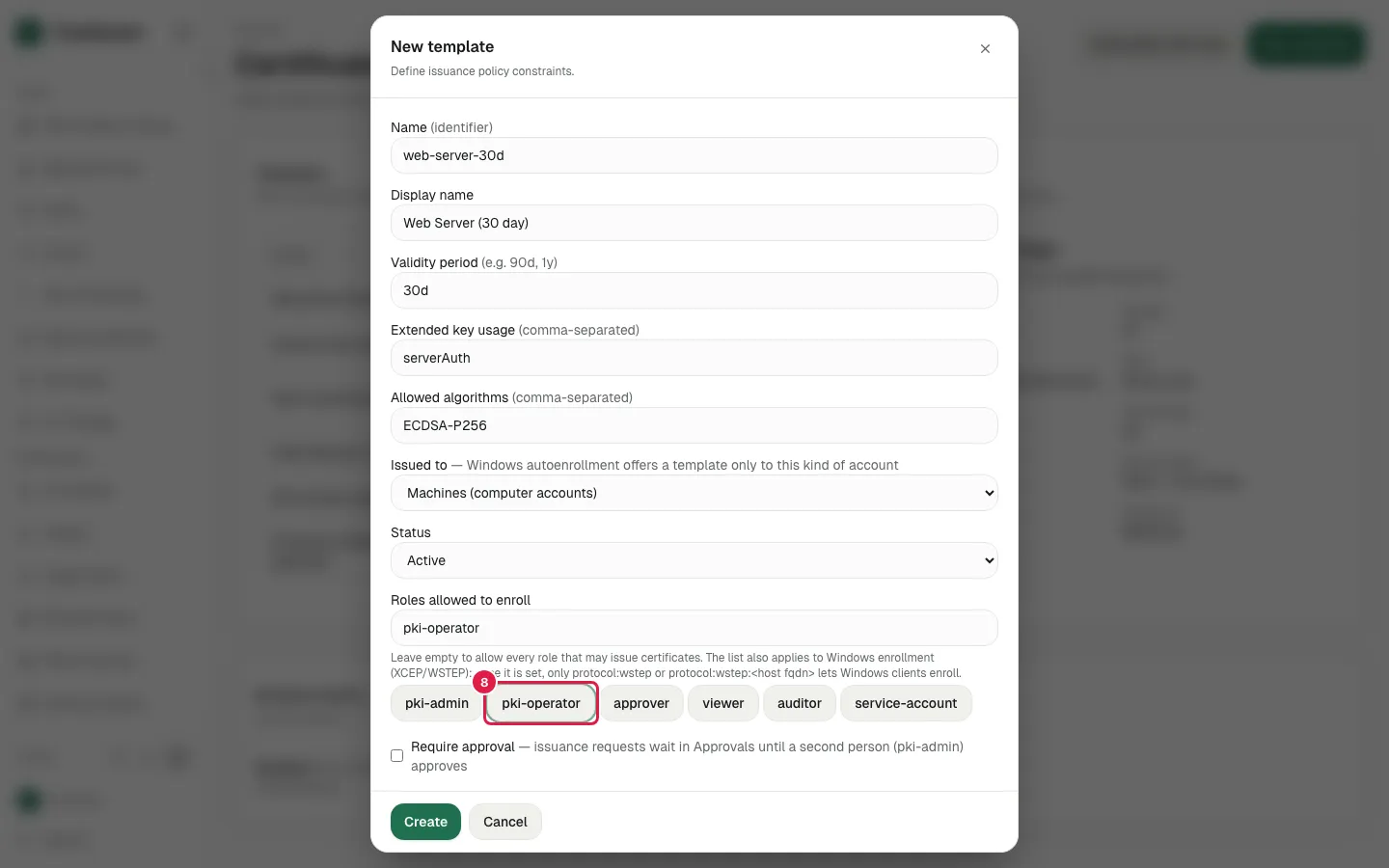
Further down the dialog: approval, SSH and name-restriction options
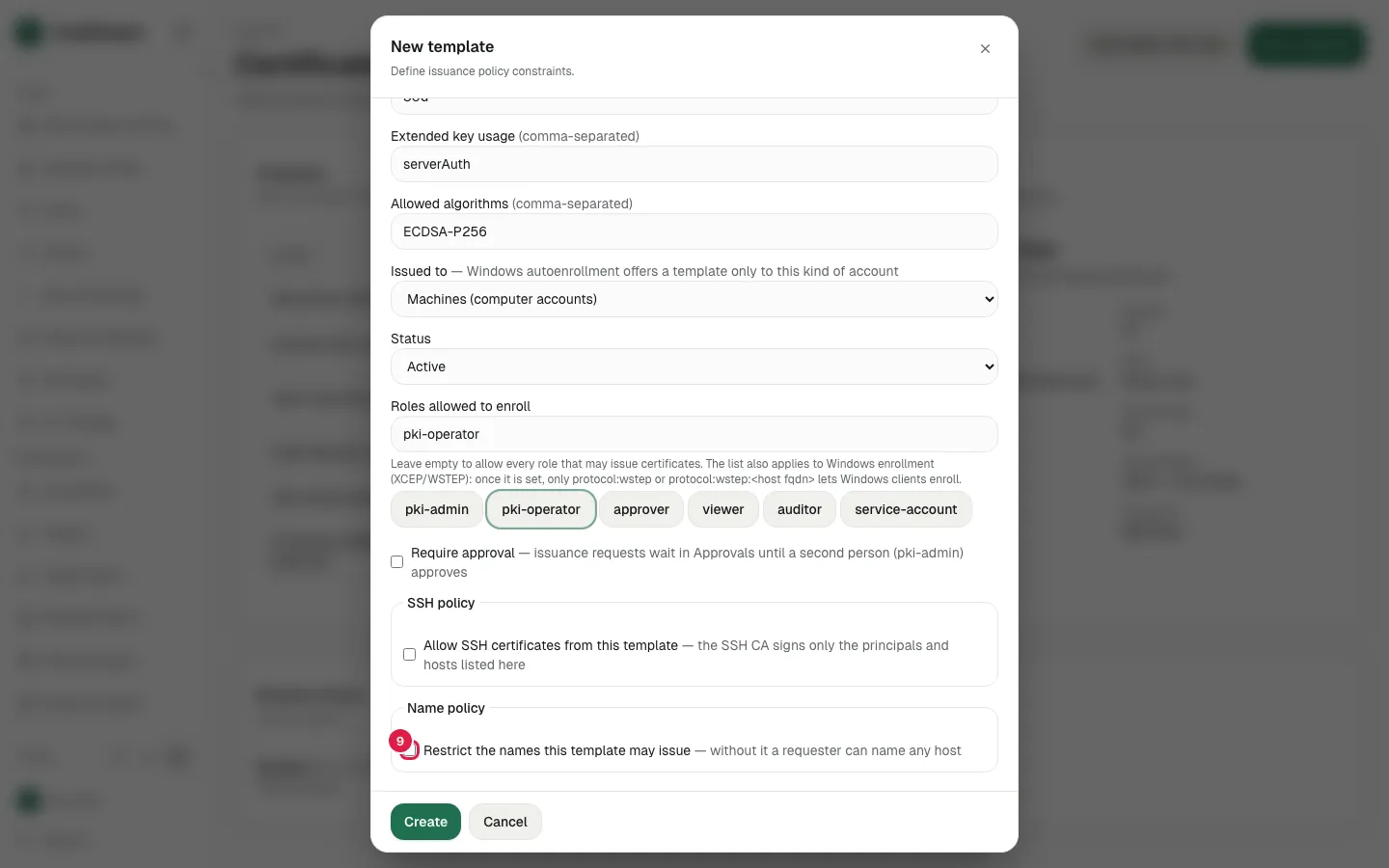
The filled New template dialog
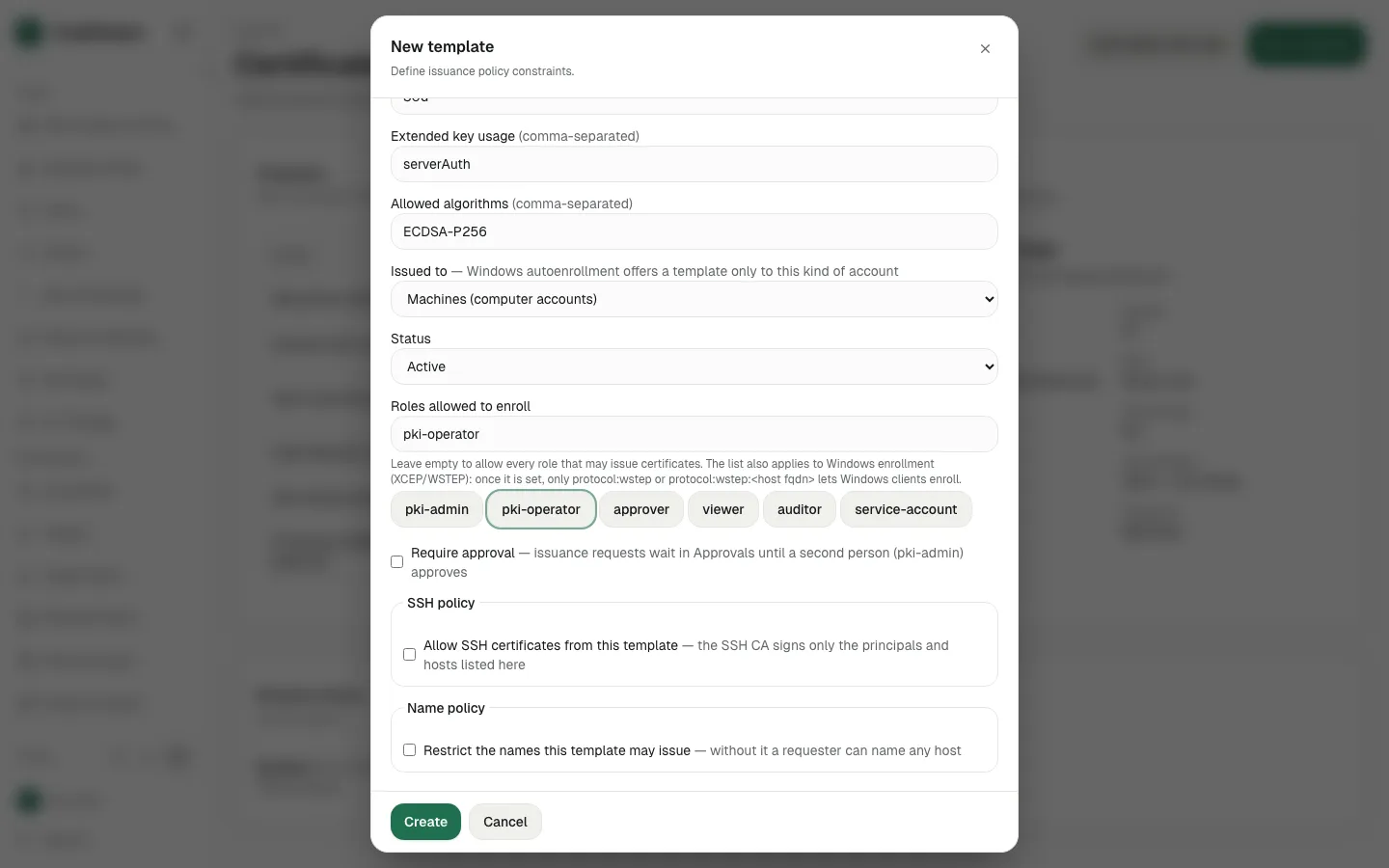
Click Create