Stand up your own PKI
From an empty install to a root, an issuing CA, templates and the first certificate.
7 walkthroughs, in order
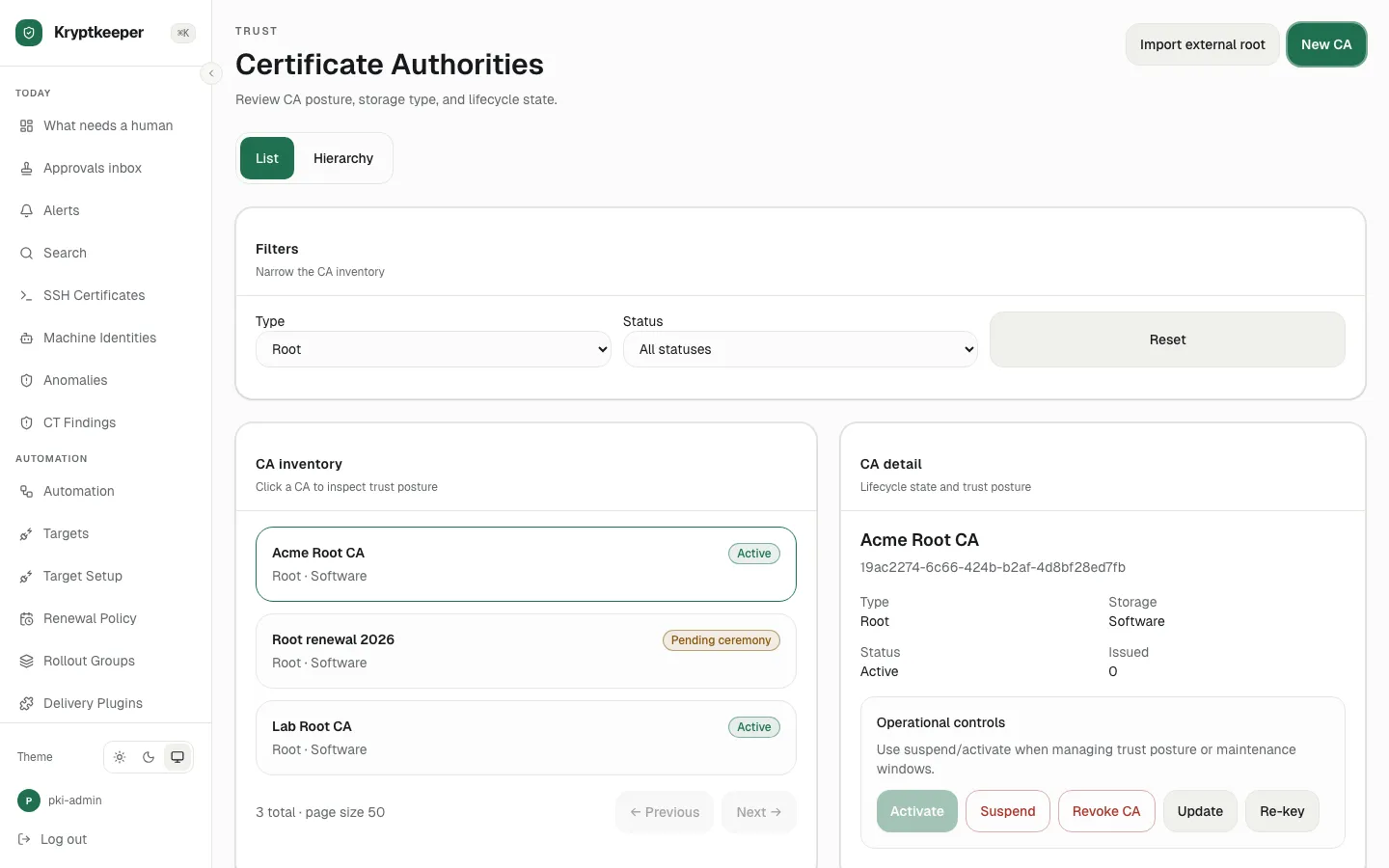
Certificate authorities Create a root CA
Create a self-signed root with the algorithm and lifetime you choose.
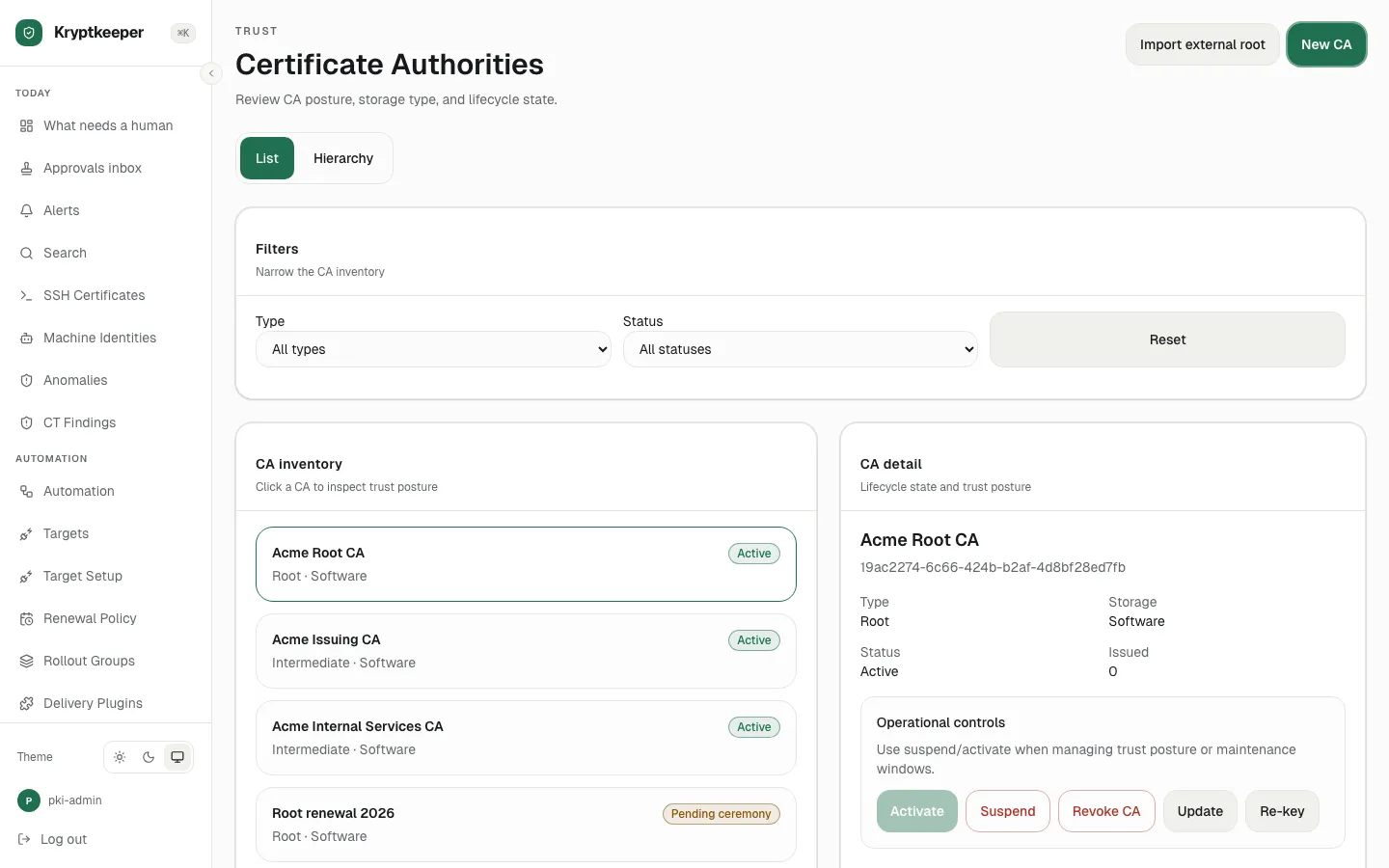
Certificate authorities Create an issuing CA under a root
Create an intermediate CA that signs your day-to-day certificates.
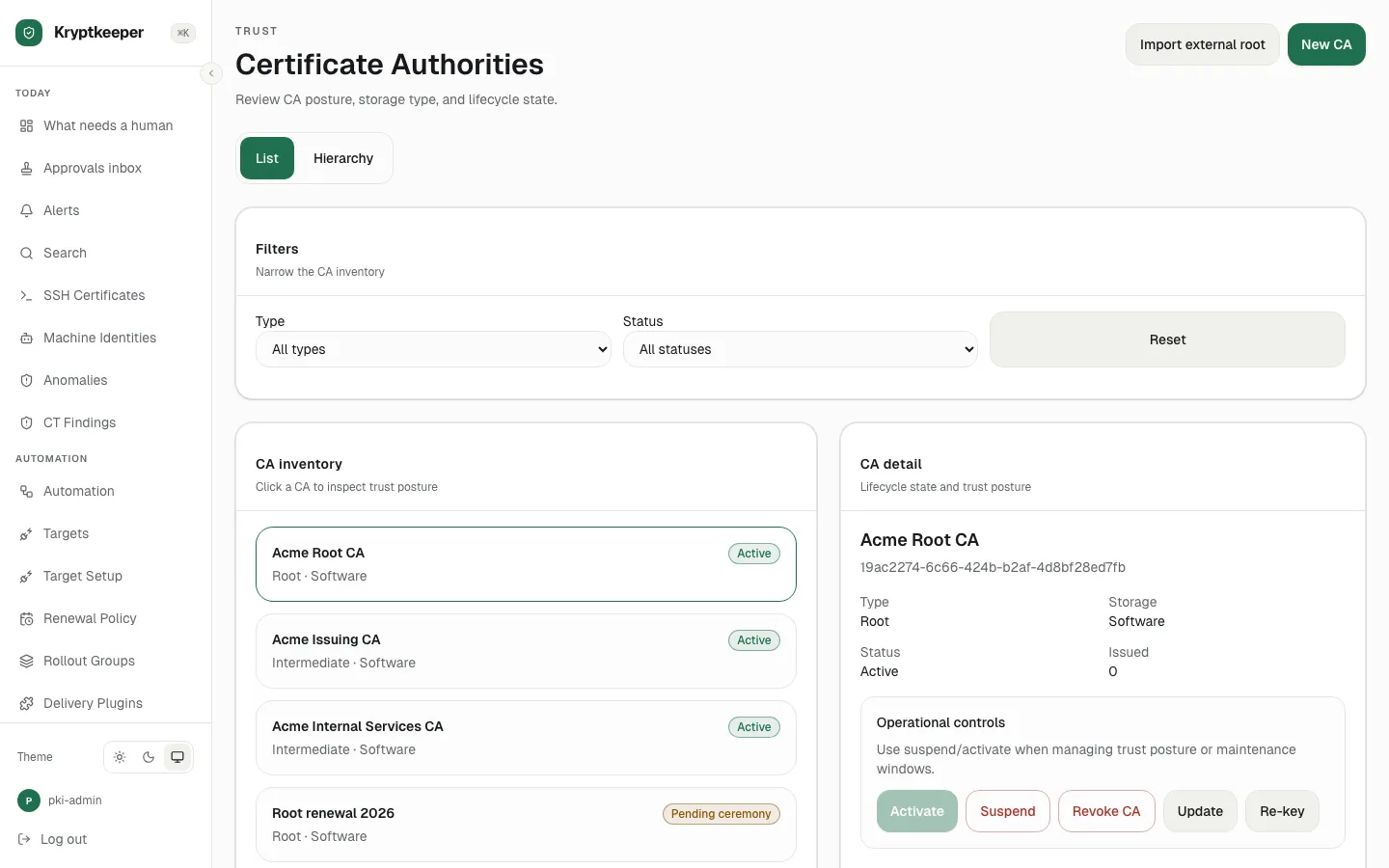
Certificate authorities Run a root key ceremony (M-of-N)
One person starts a ceremony and two approvers complete the quorum.
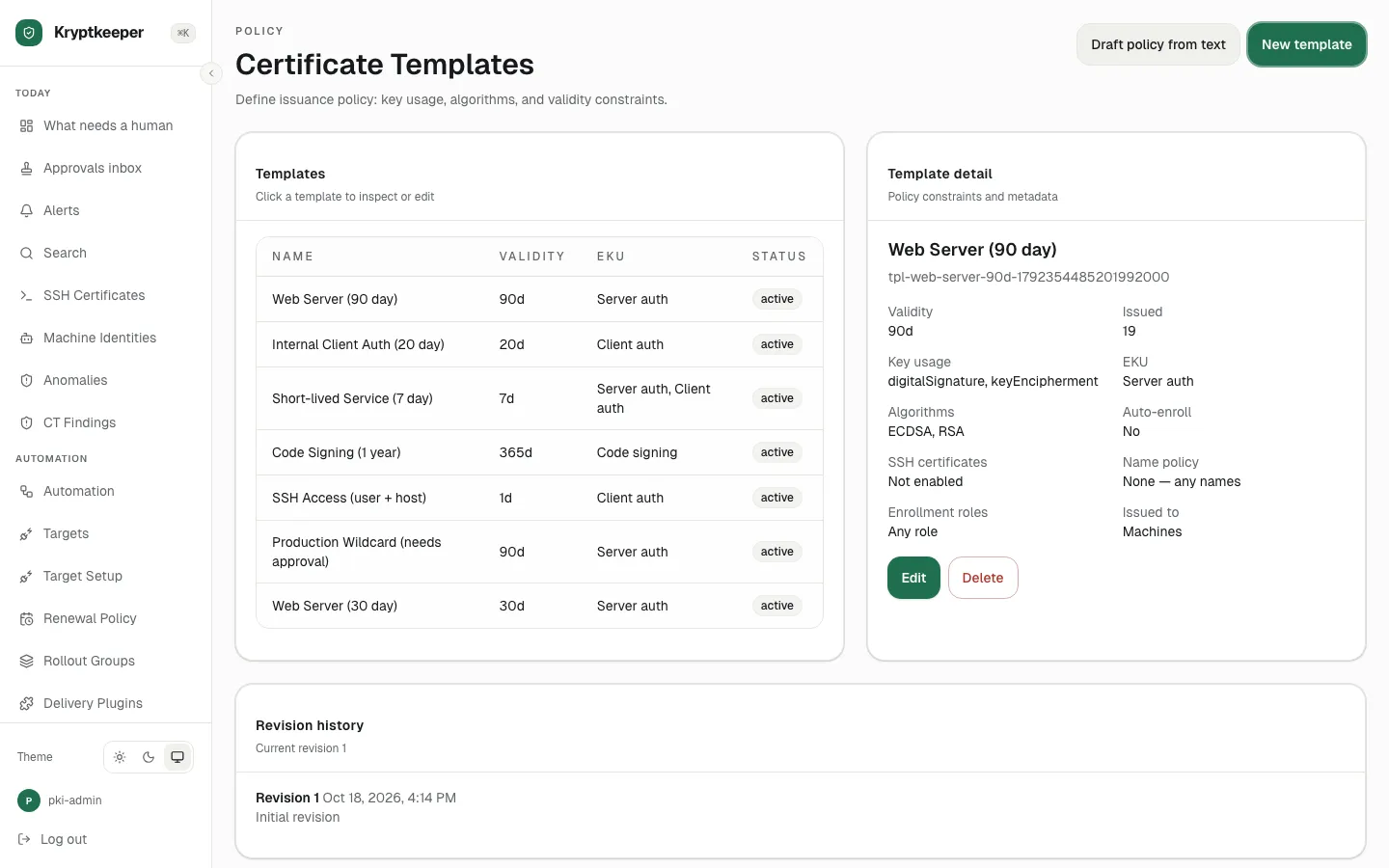
Templates and policy Create a certificate template
Set the key, lifetime, usage and approval rules for a kind of certificate.
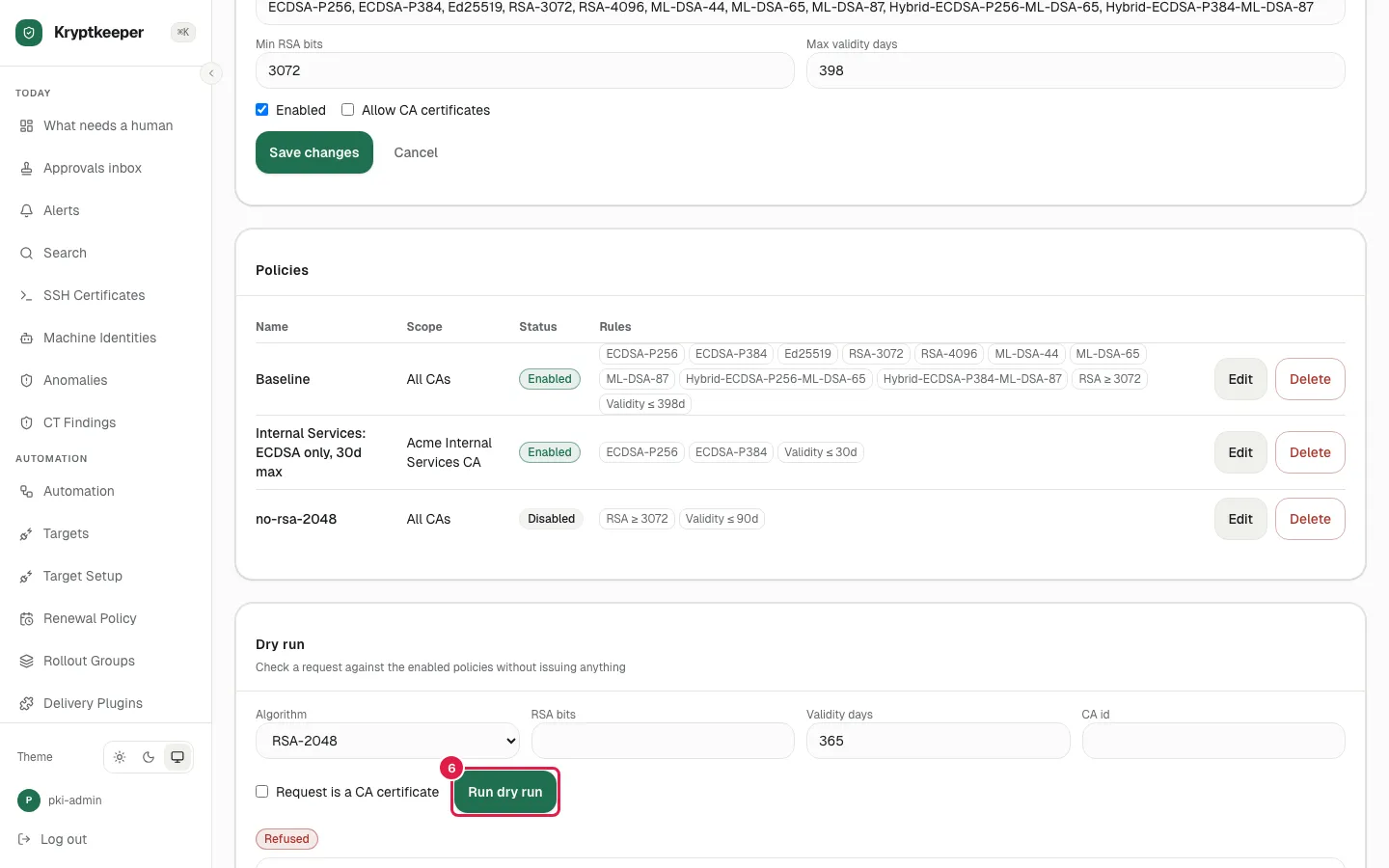
Templates and policy Create a policy and dry-run a request
Test a policy against a request before it can block anyone.
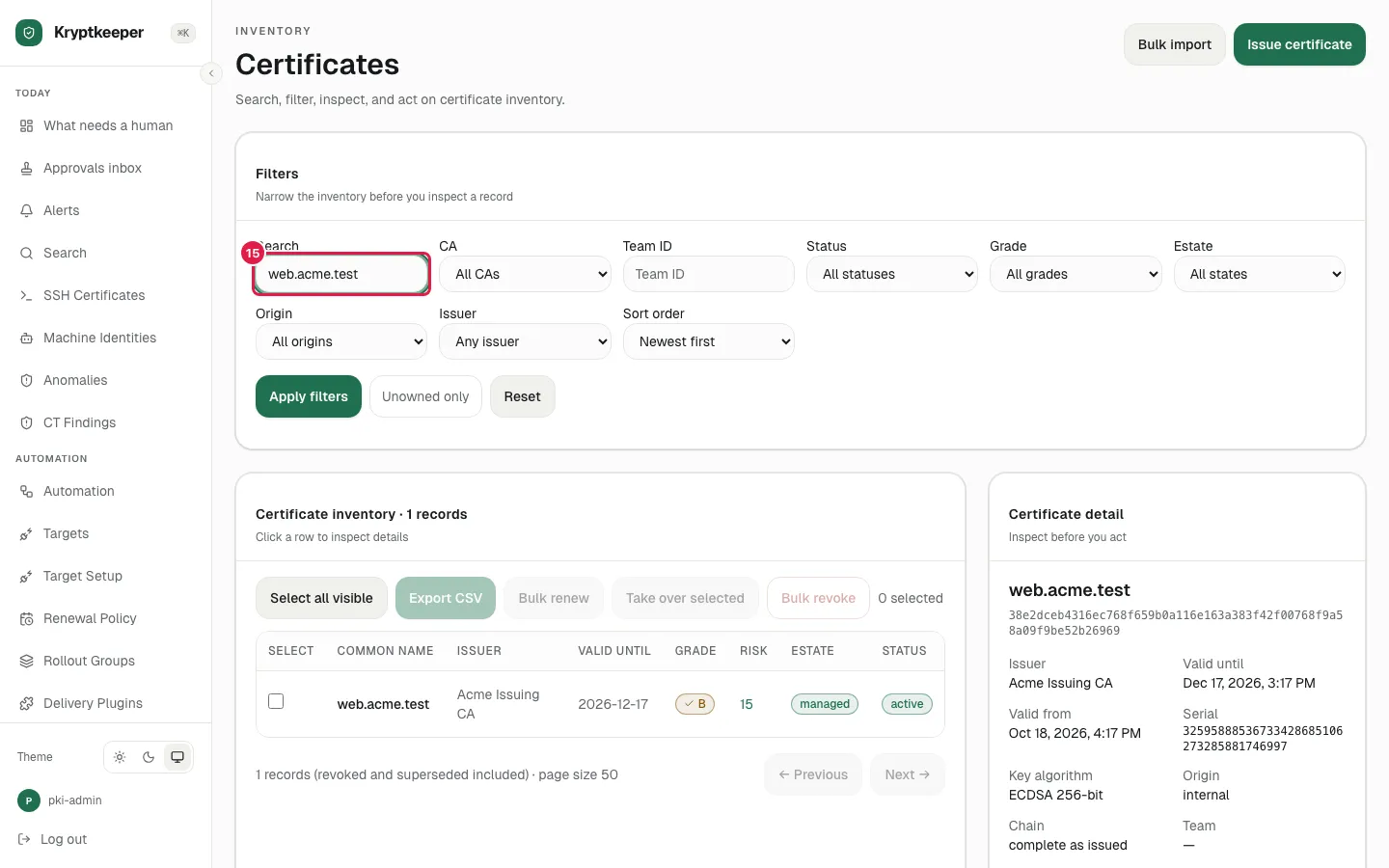
Issuing certificates Issue with your own CSR
Walk through the guided wizard with a CSR you generated.
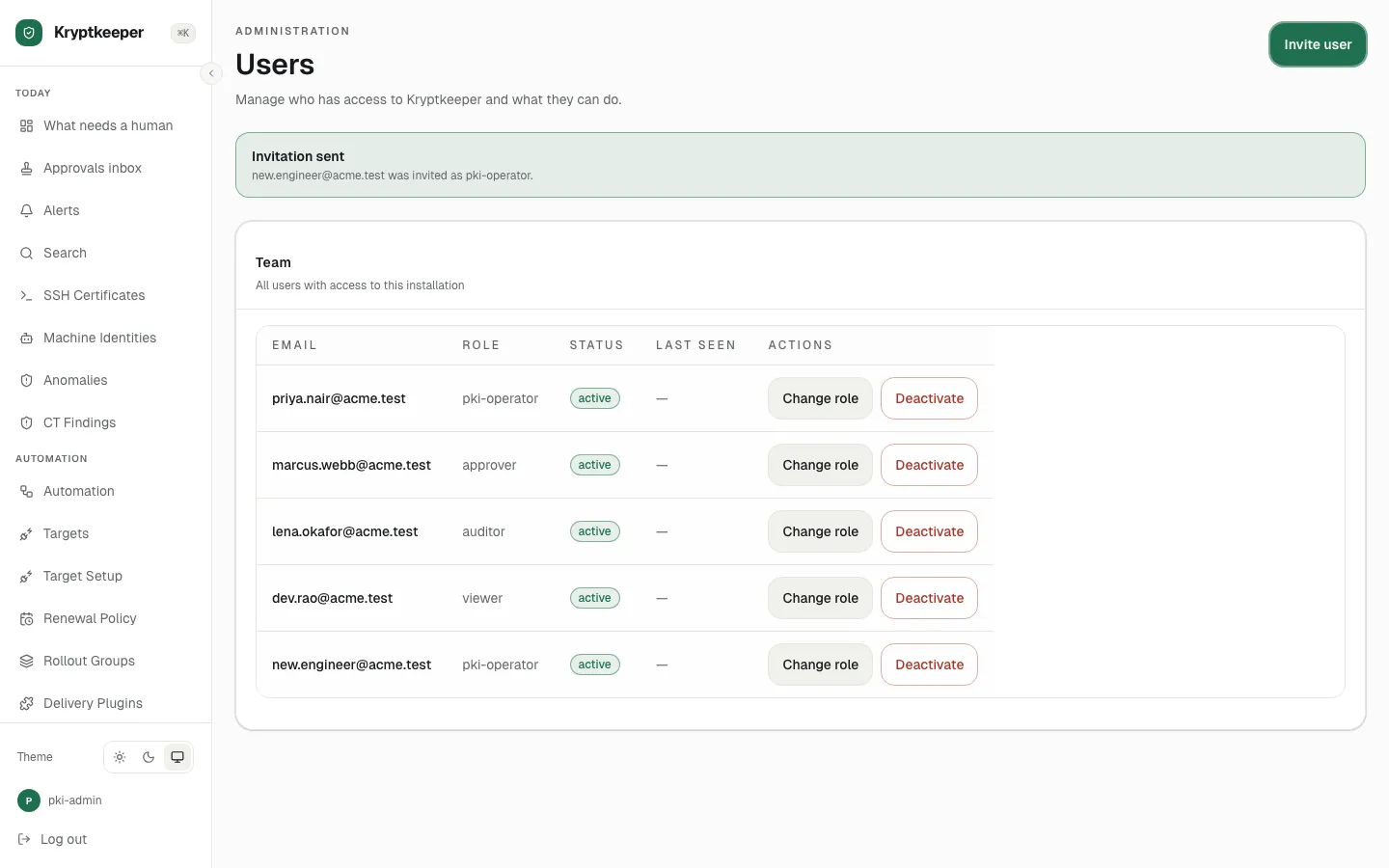
Access and tenancy Invite a user and assign a role
Invite someone and give them a built-in role.