Kryptkeeper
Walkthrough · 9 steps

Create a root CA

Create a self-signed root with the algorithm and lifetime you choose.

As pki-admin

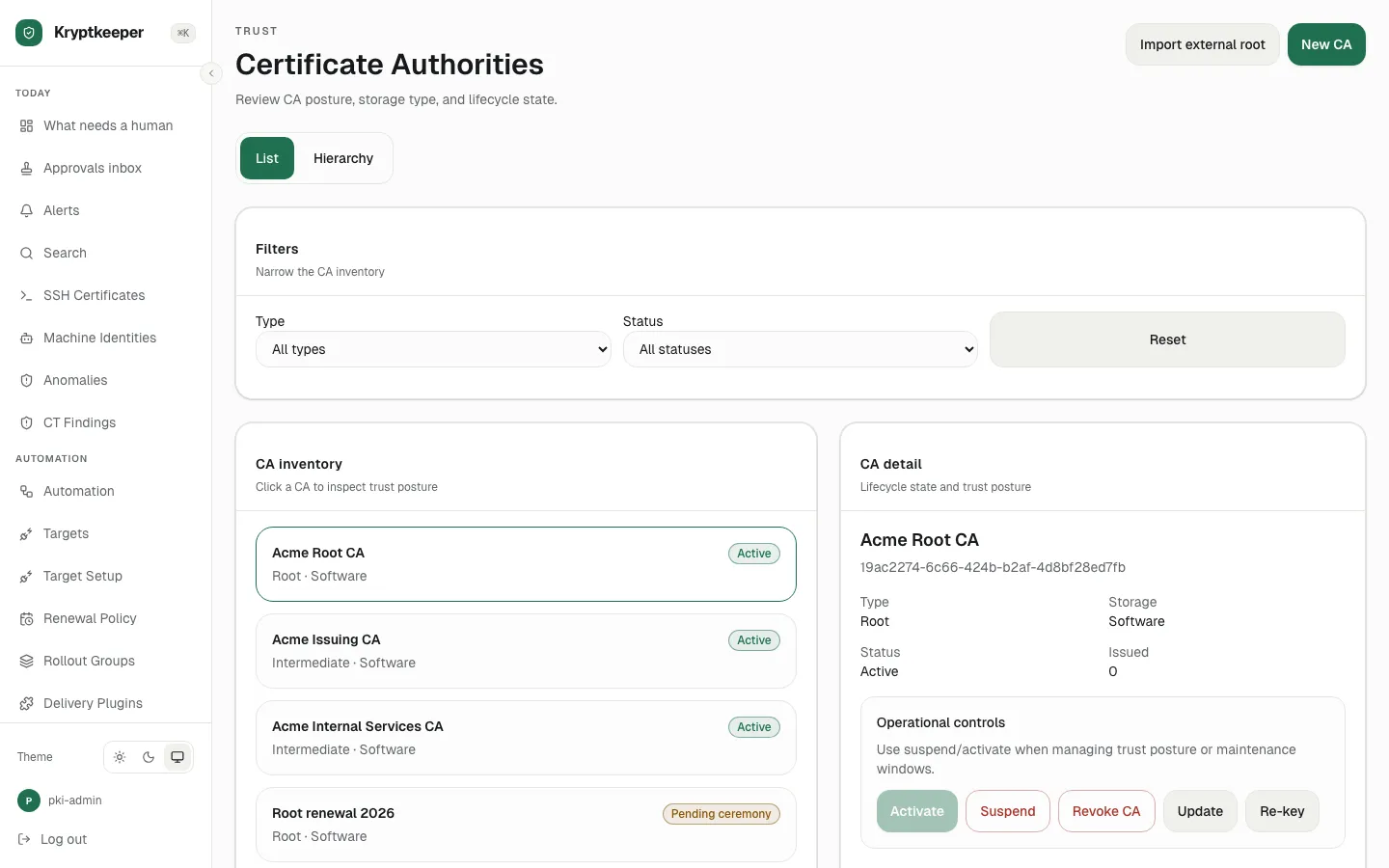
  1. Open Certificate Authorities

    Open Certificate Authorities
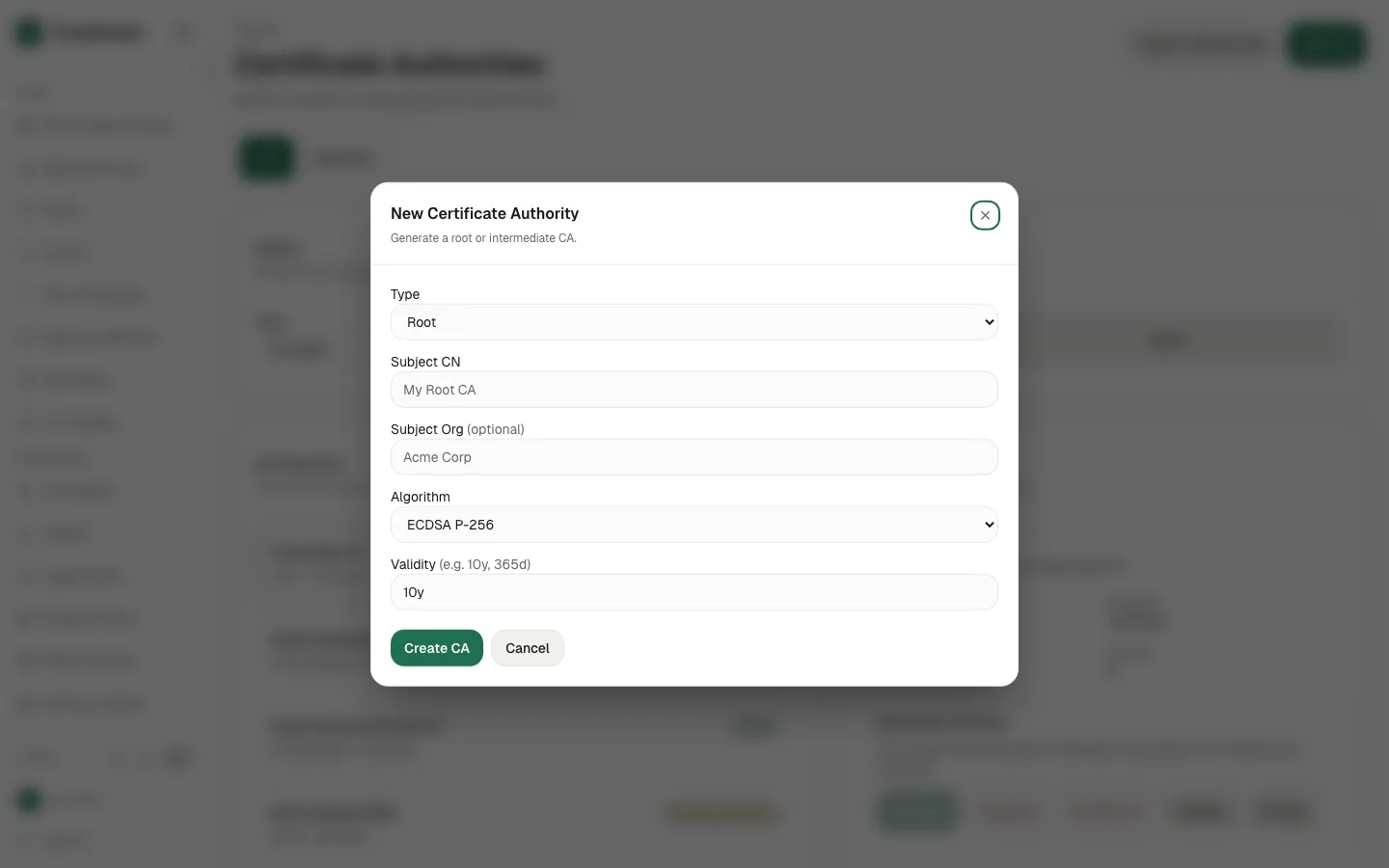
  2. Click New CA

    Click New CA
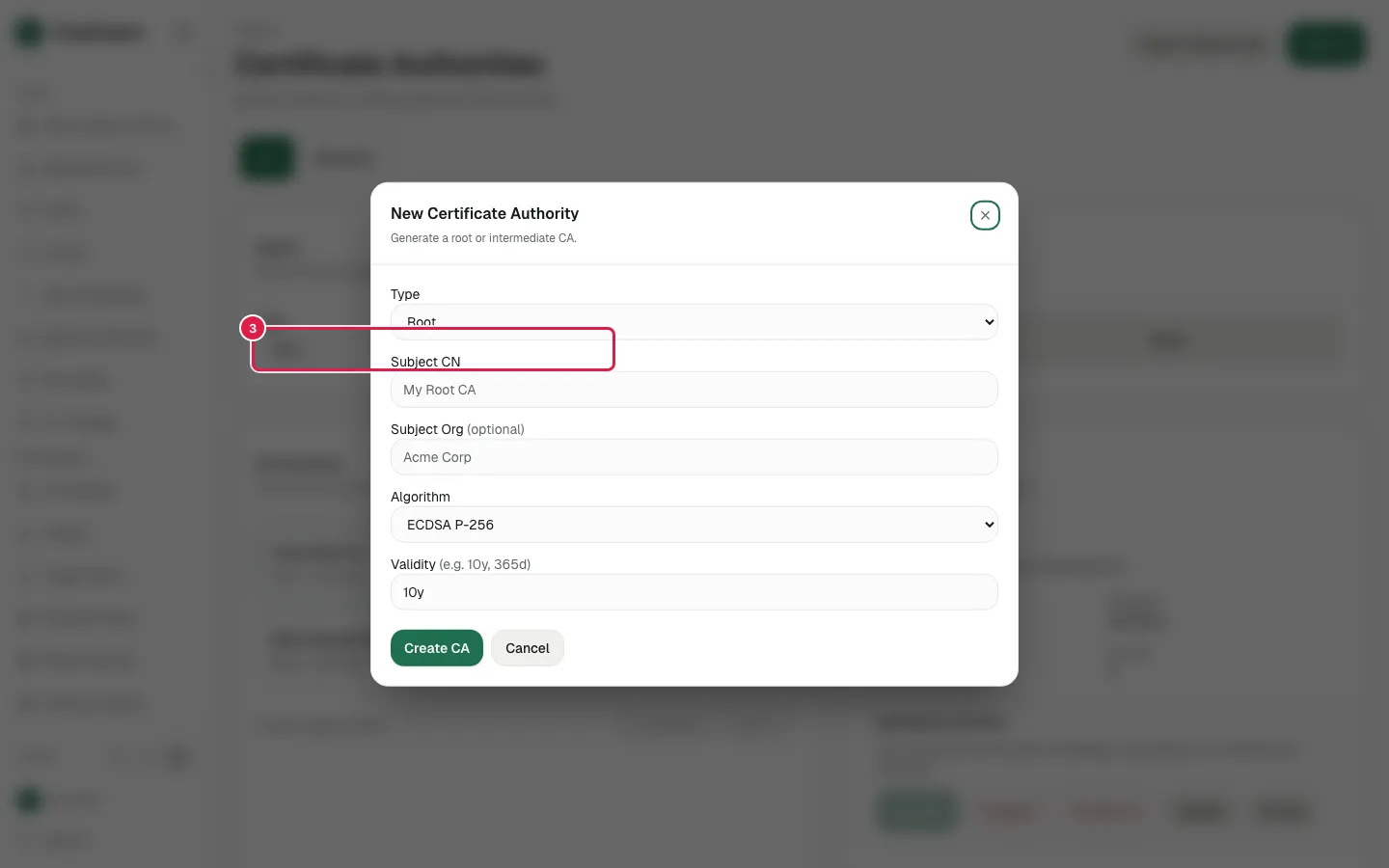
  3. Select "Root" in Type

    Select "Root" in Type
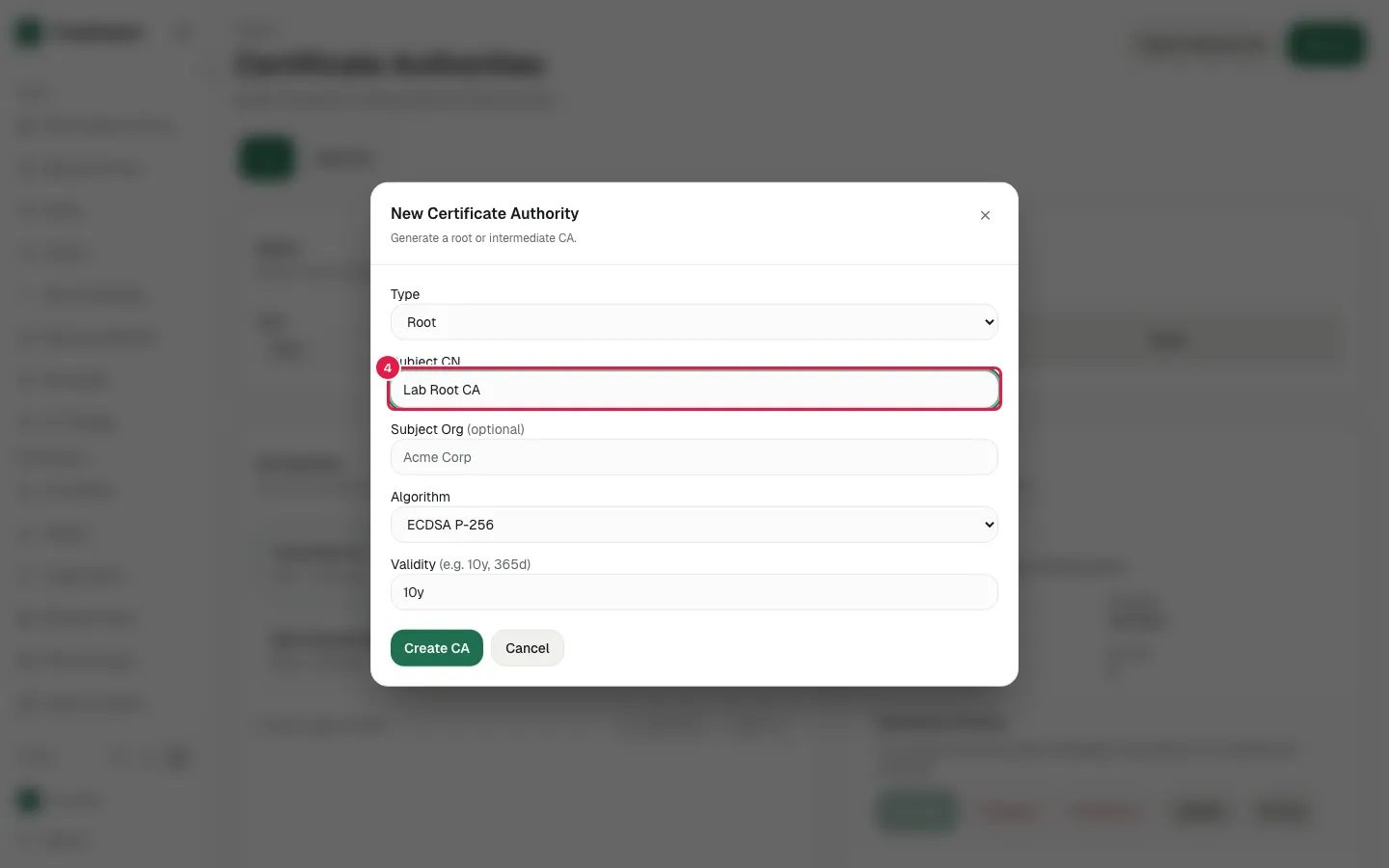
  4. Fill Subject CN with "Lab Root CA"

    Fill Subject CN with "Lab Root CA"
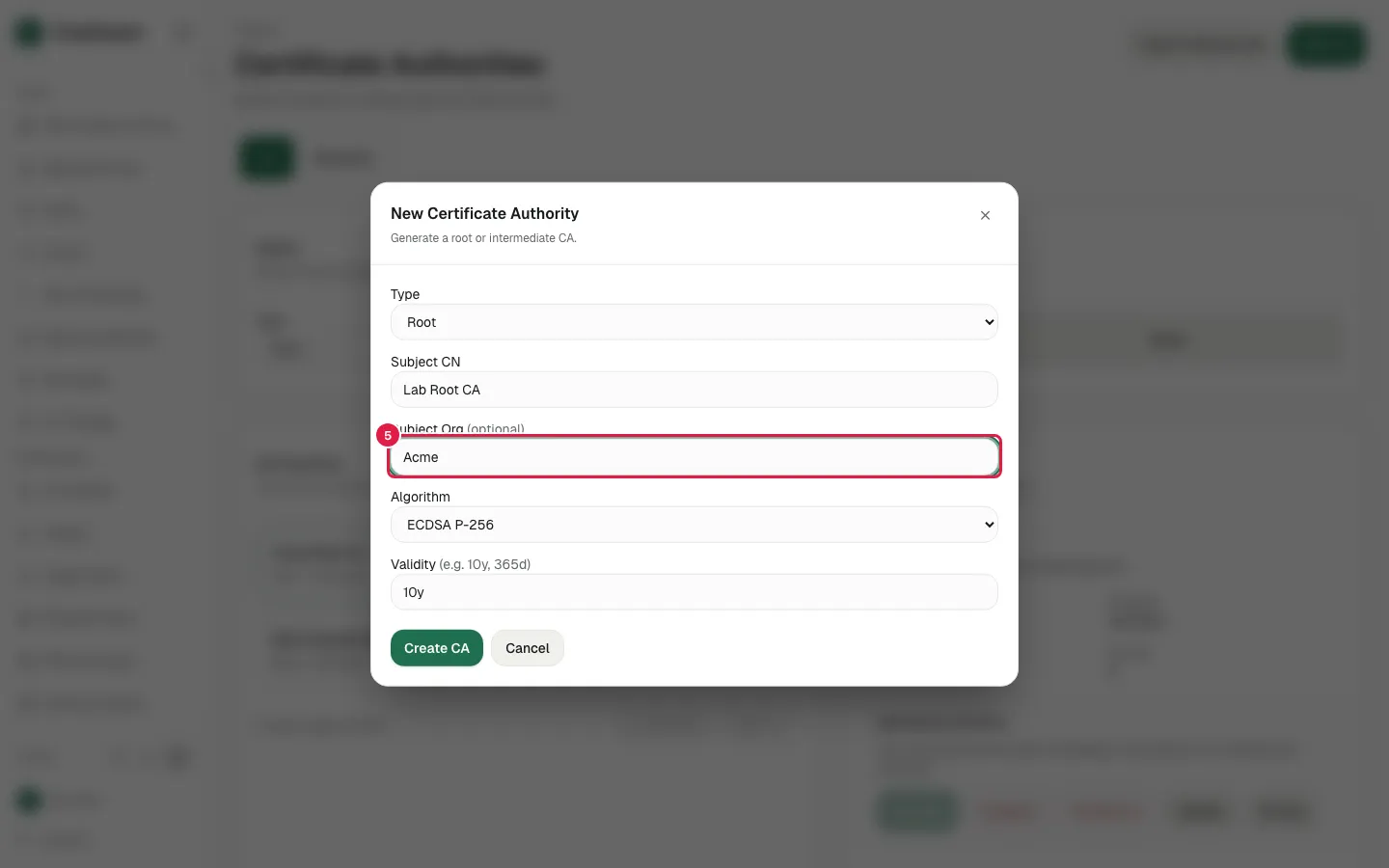
  5. Fill Subject Org with "Acme"

    Fill Subject Org with "Acme"
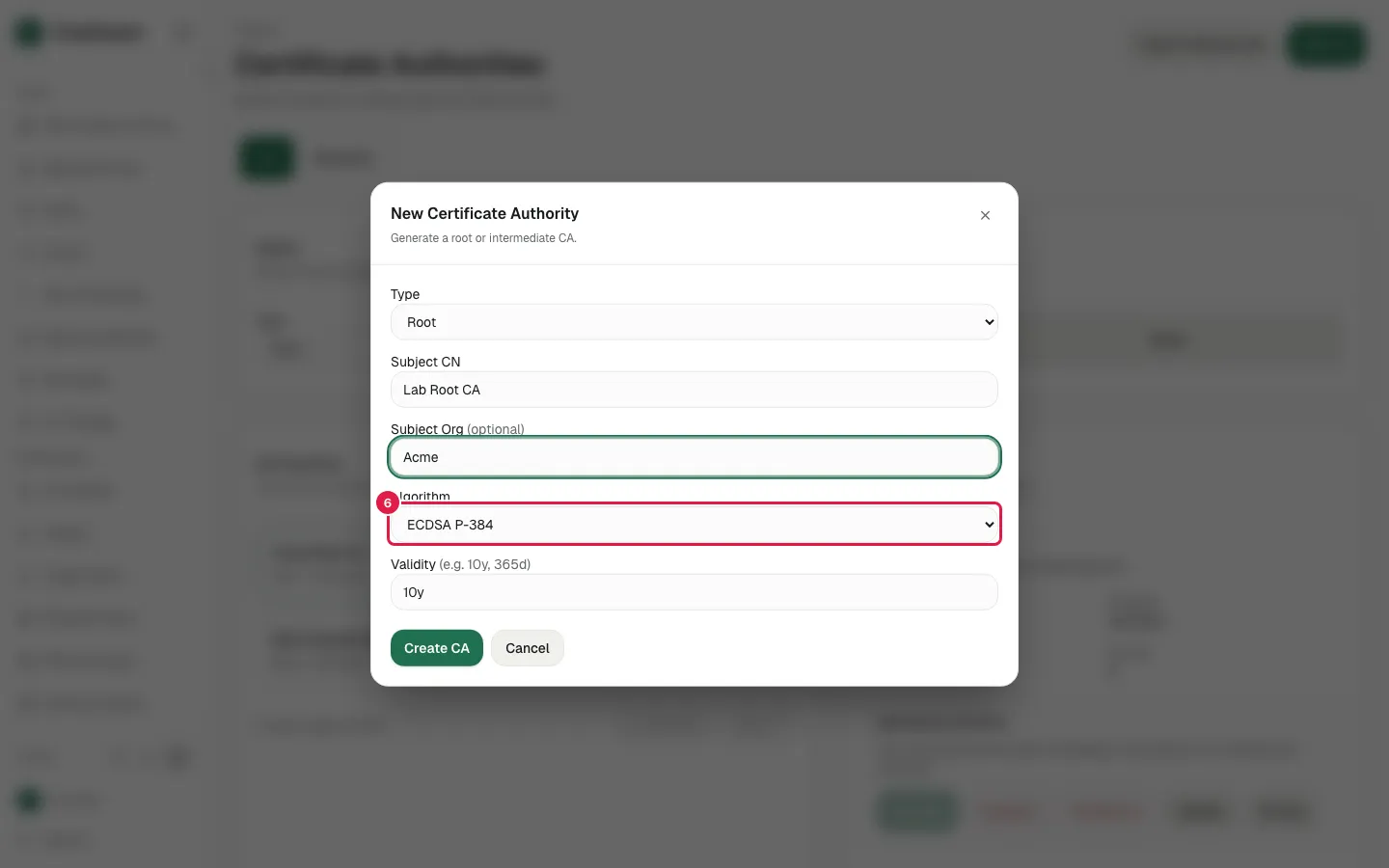
  6. Select "ECDSA P-384" in Algorithm

    Select "ECDSA P-384" in Algorithm
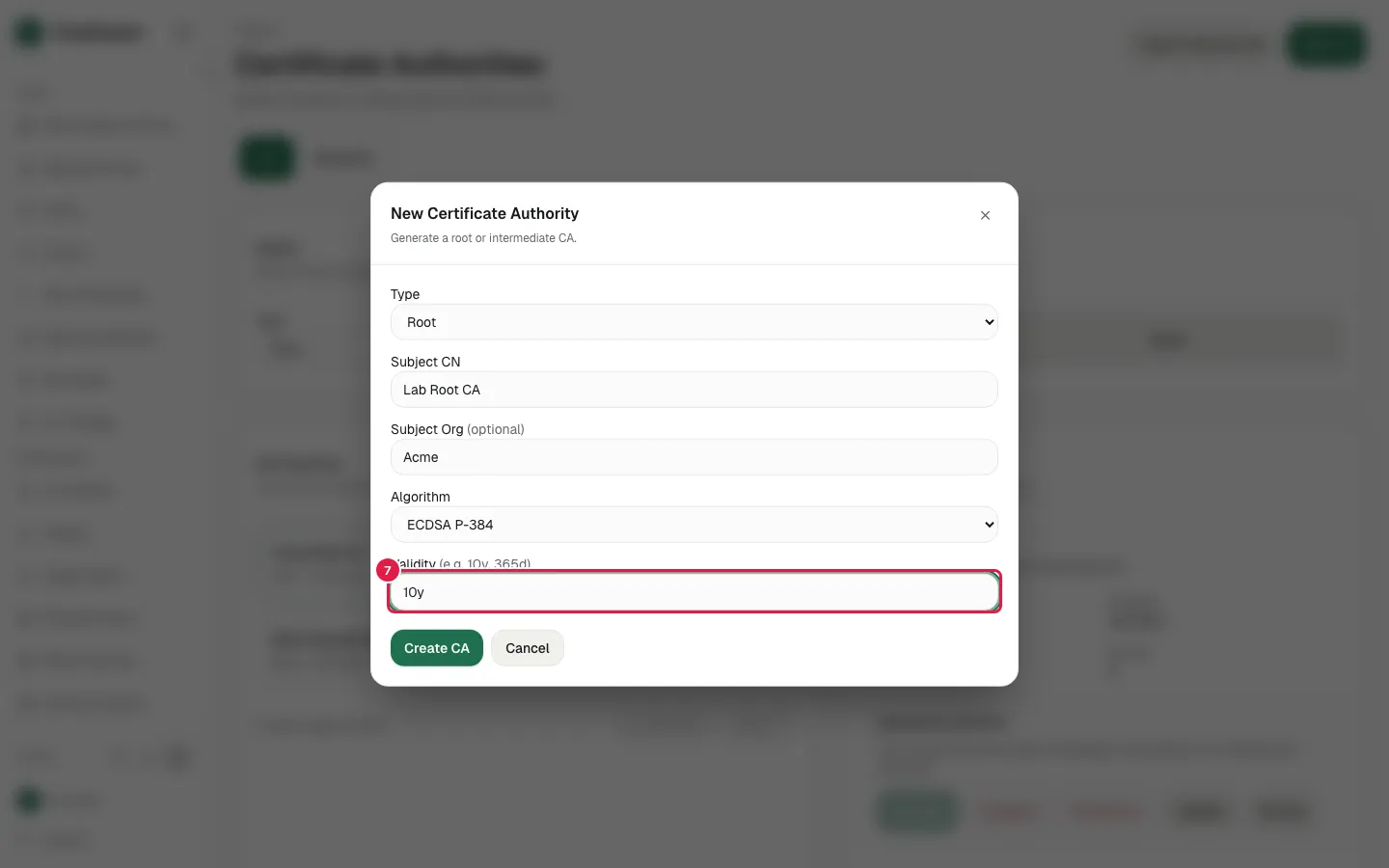
  7. Fill Validity with "10y"

    Fill Validity with "10y"
  8. The filled New Certificate Authority dialog
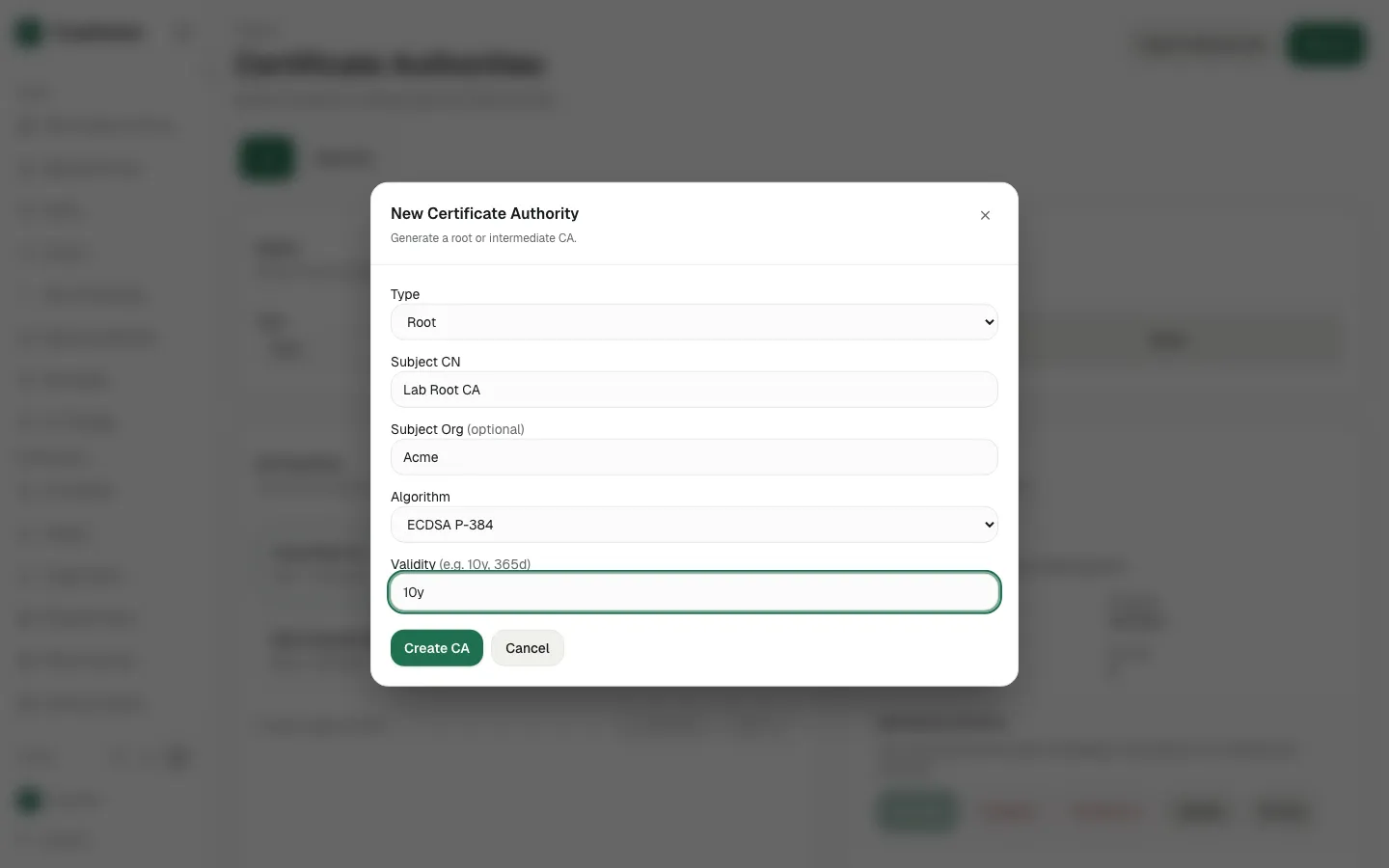
    The filled New Certificate Authority dialog
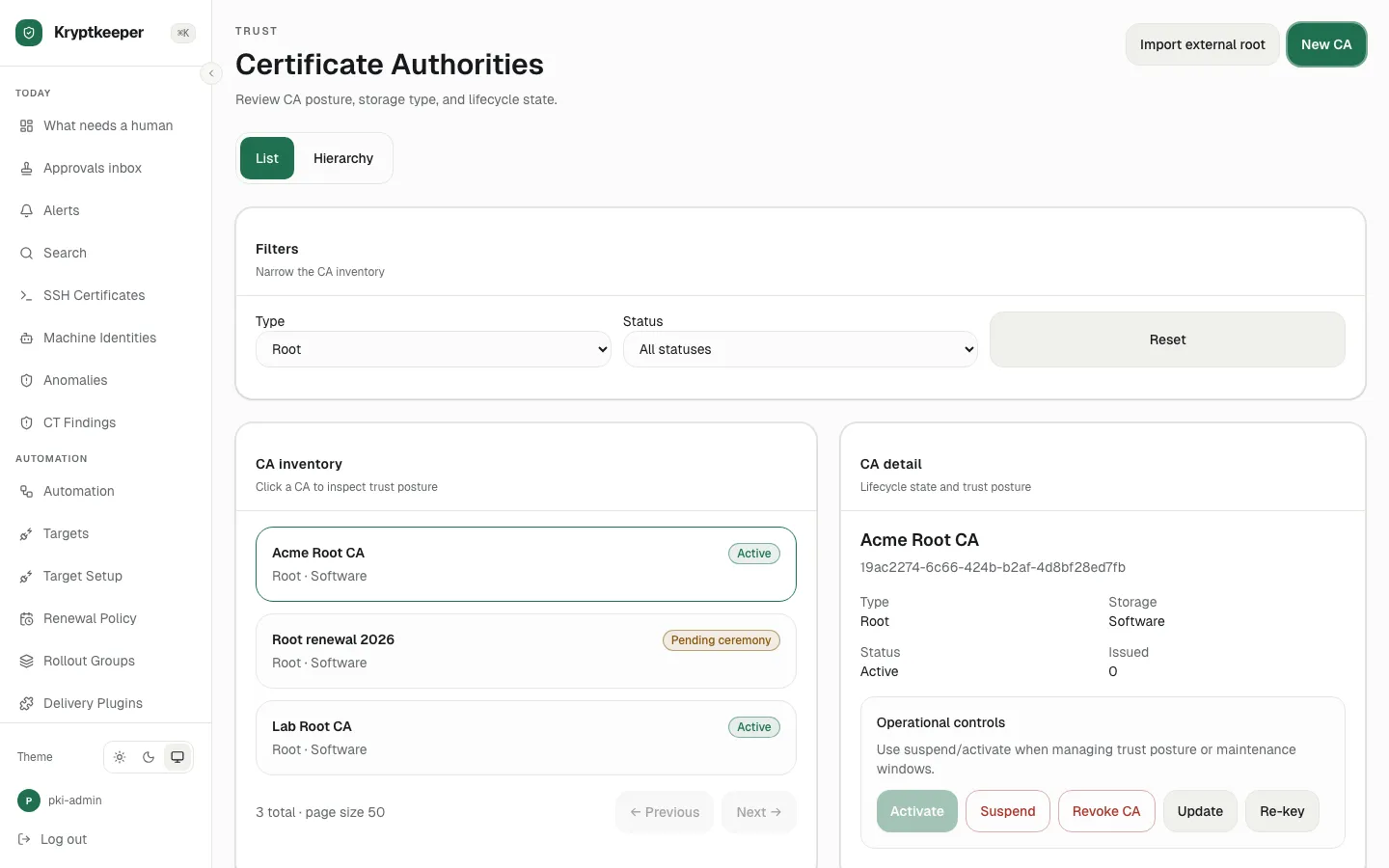
  9. Click Create CA

    Click Create CA