Getting around
One console for every certificate, CA and job that needs a person.
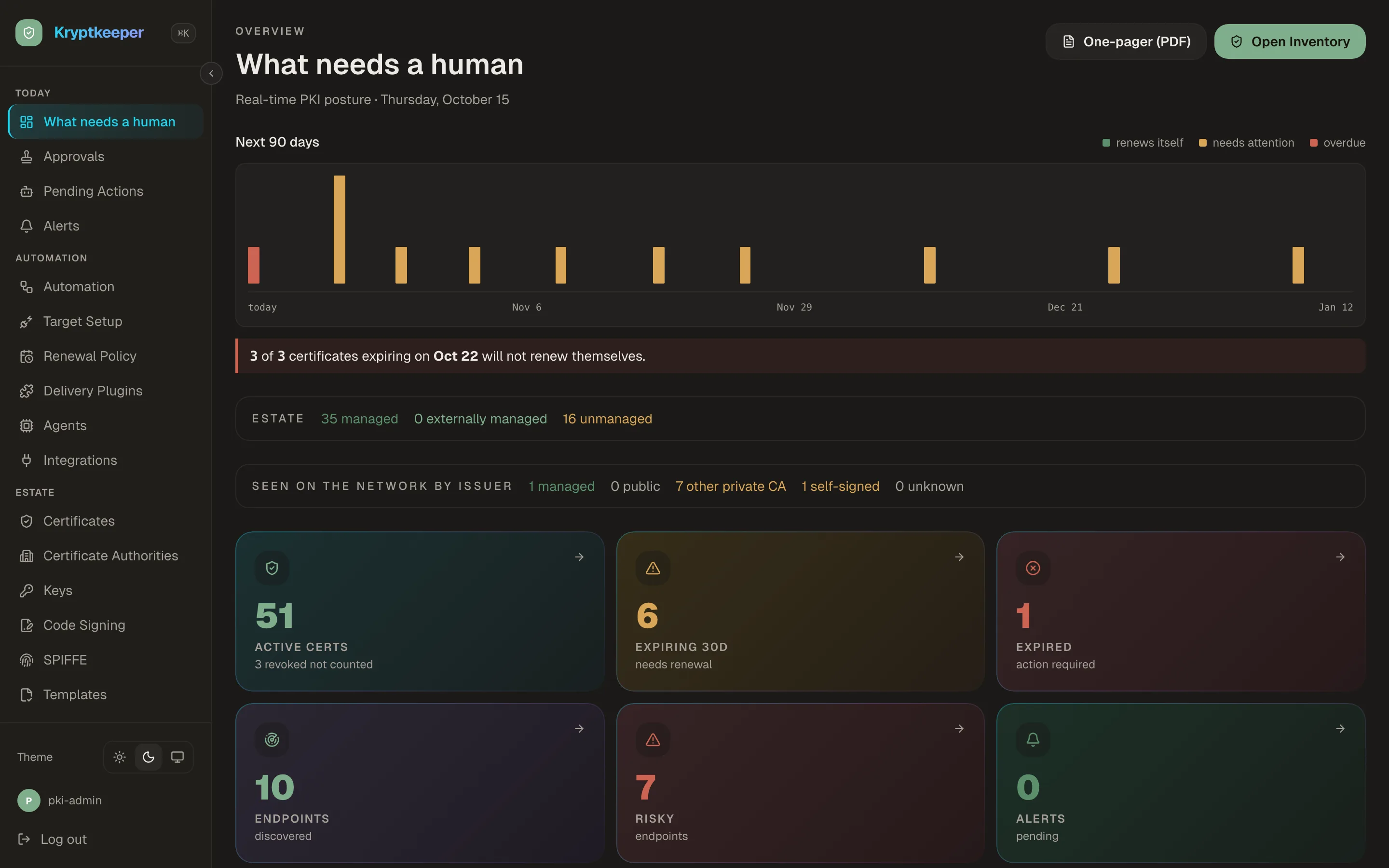
Sign in, see what needs attention today, and jump to any certificate, CA or setting from the keyboard. The console works the same on a phone.
How it works
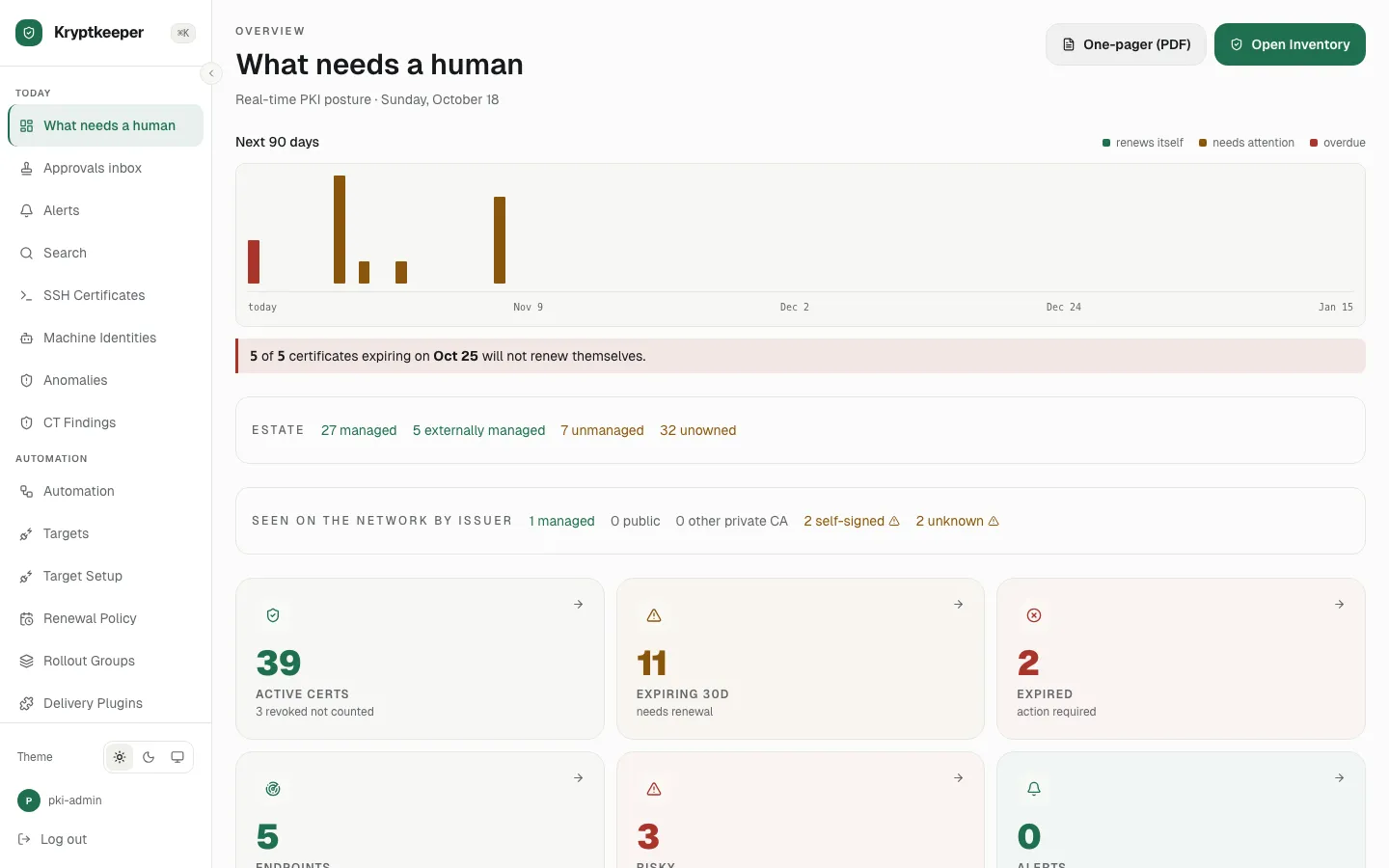
Sign in and find your way around
Sign in and tour the main areas of the console.
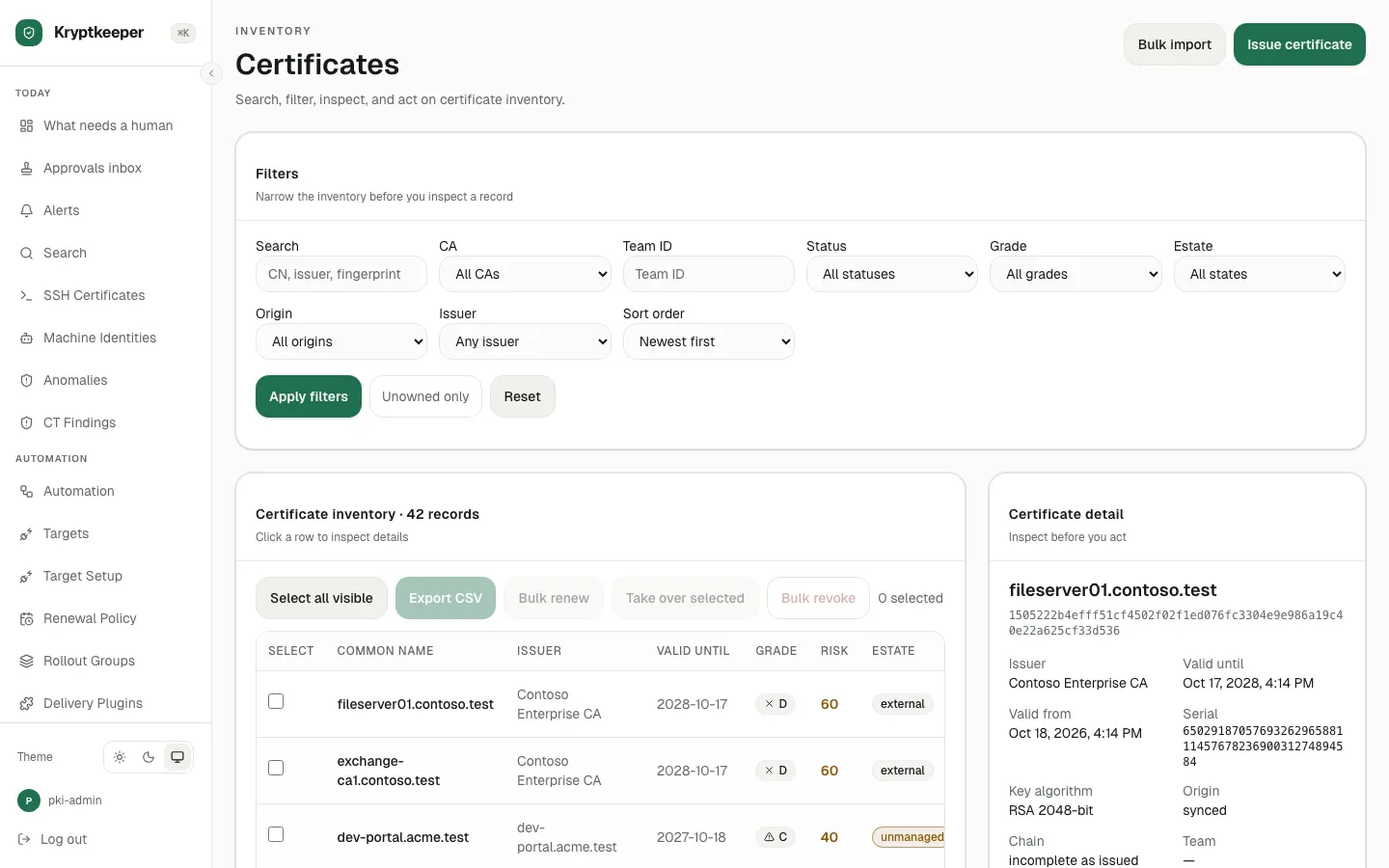
See what needs attention
Read the dashboard: what expires soon, what failed, and what waits on a person.
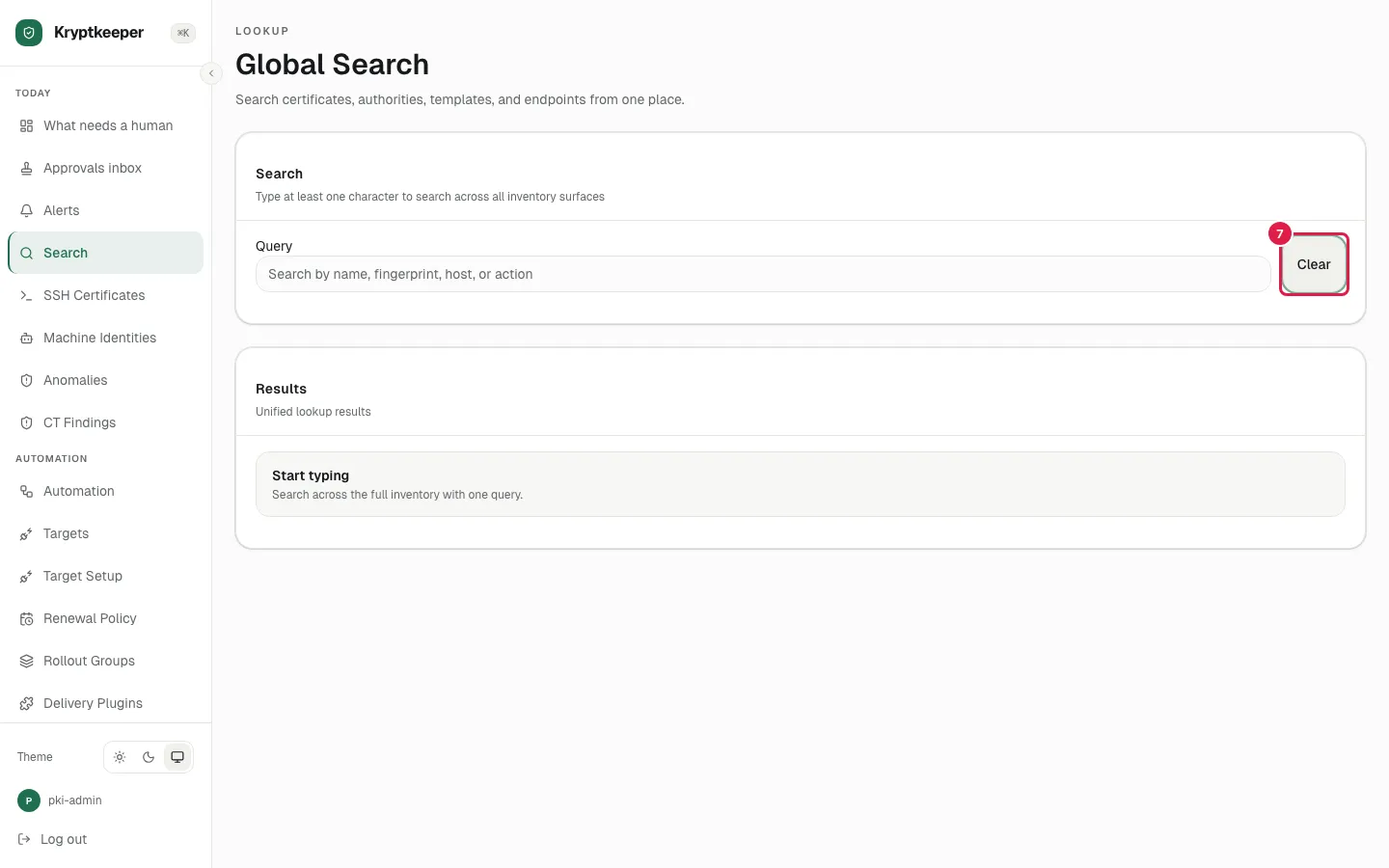
Find anything from the keyboard
Use global search and the command palette to jump straight to a certificate or page.
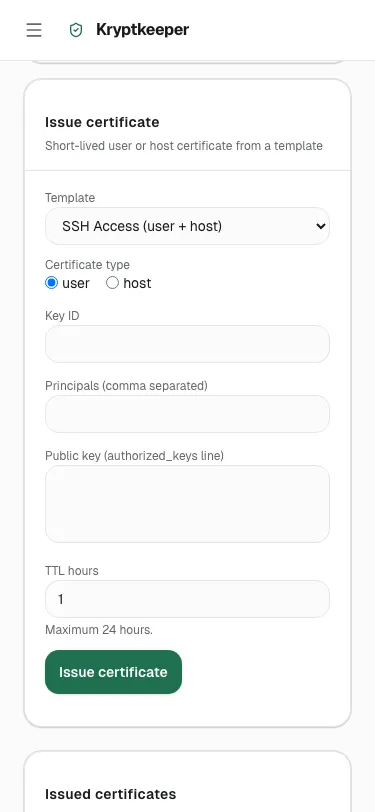
Use it on a phone
Approve a request or check a certificate from a phone-sized screen.