Kryptkeeper
Walkthrough · 9 steps

Sign in and find your way around

Sign in and tour the main areas of the console.

As pki-admin

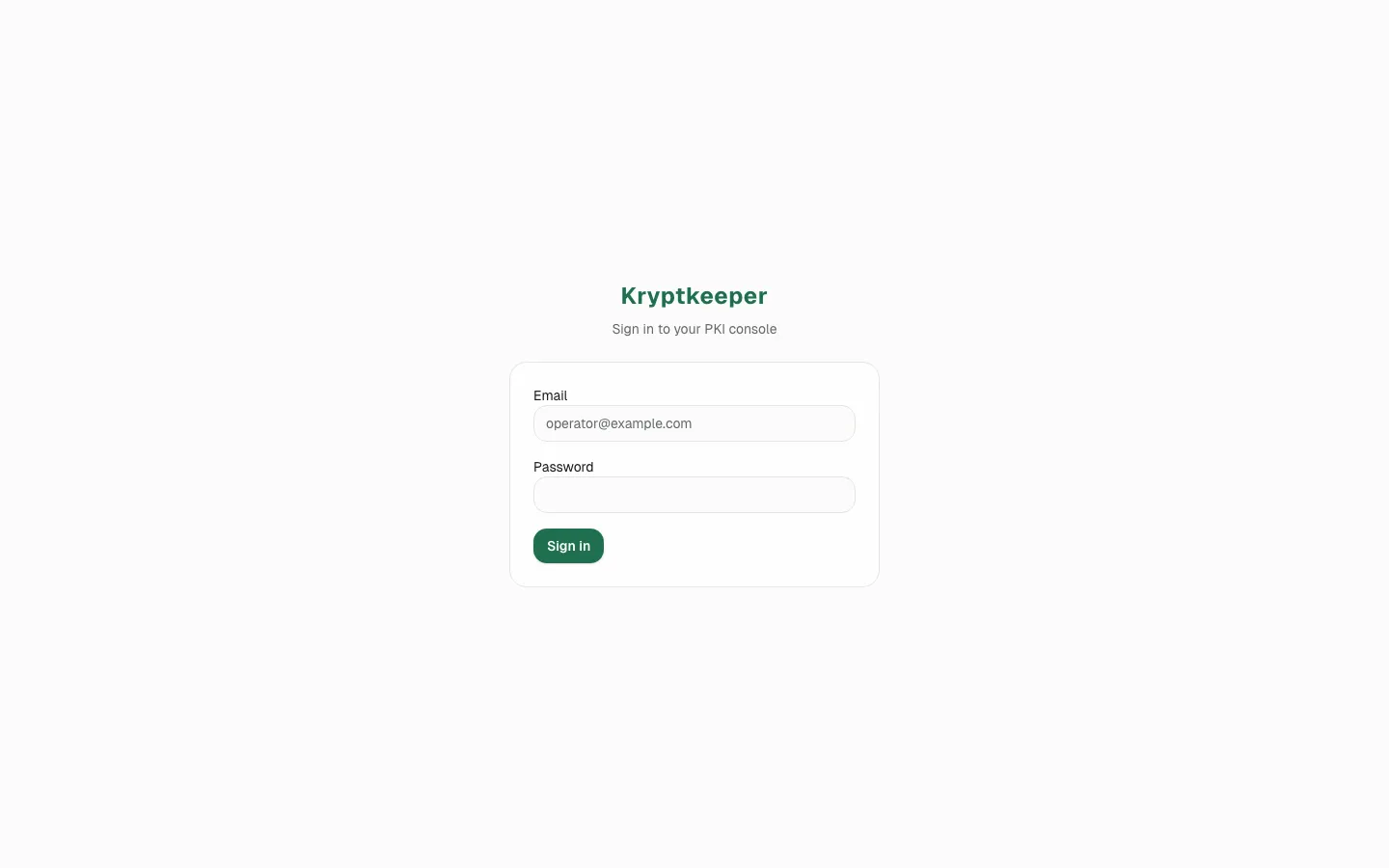
  1. Open the sign-in page

    Open the sign-in page
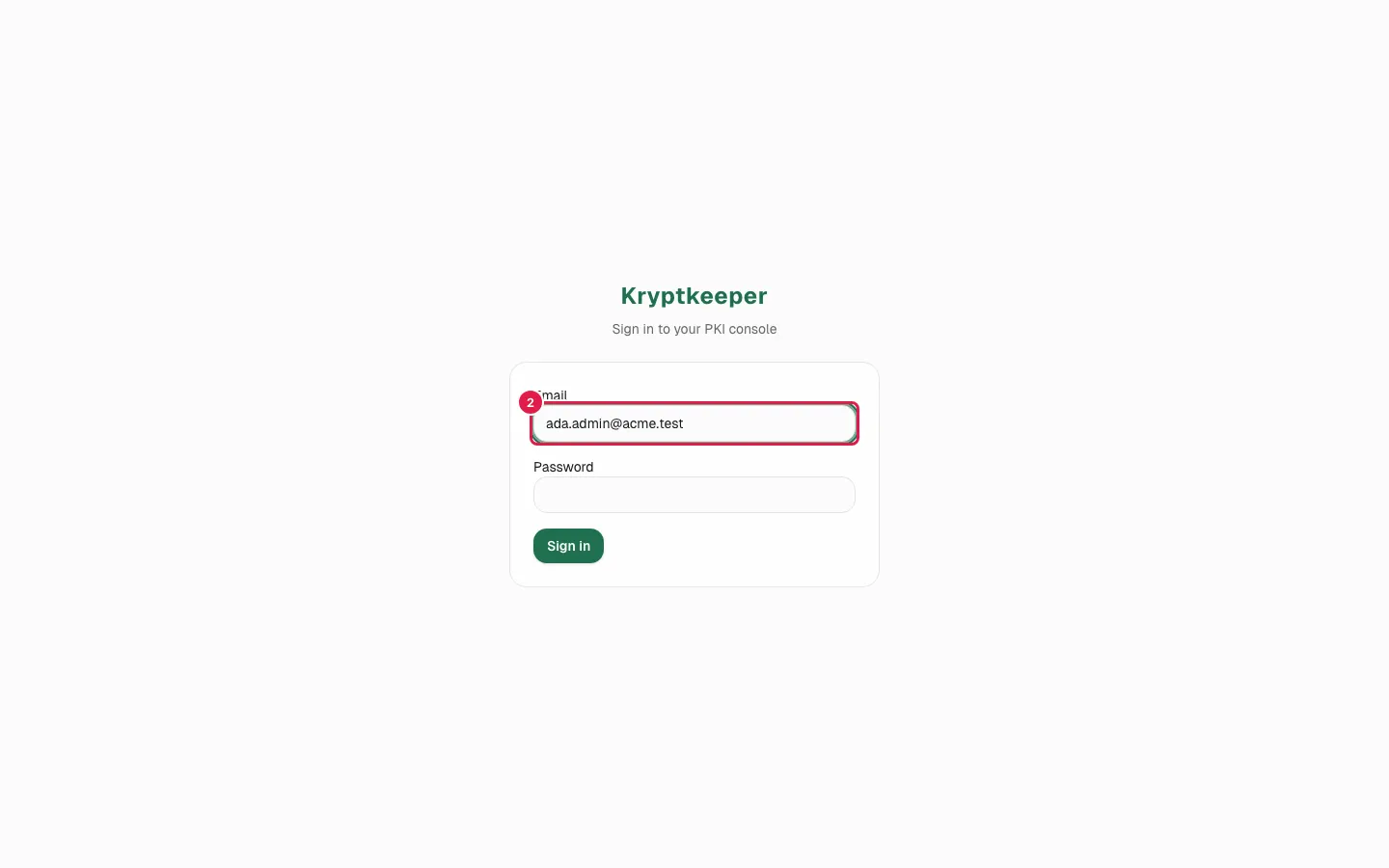
  2. Fill Email with "[email protected]"

    Fill Email with "ada.admin@acme.test"
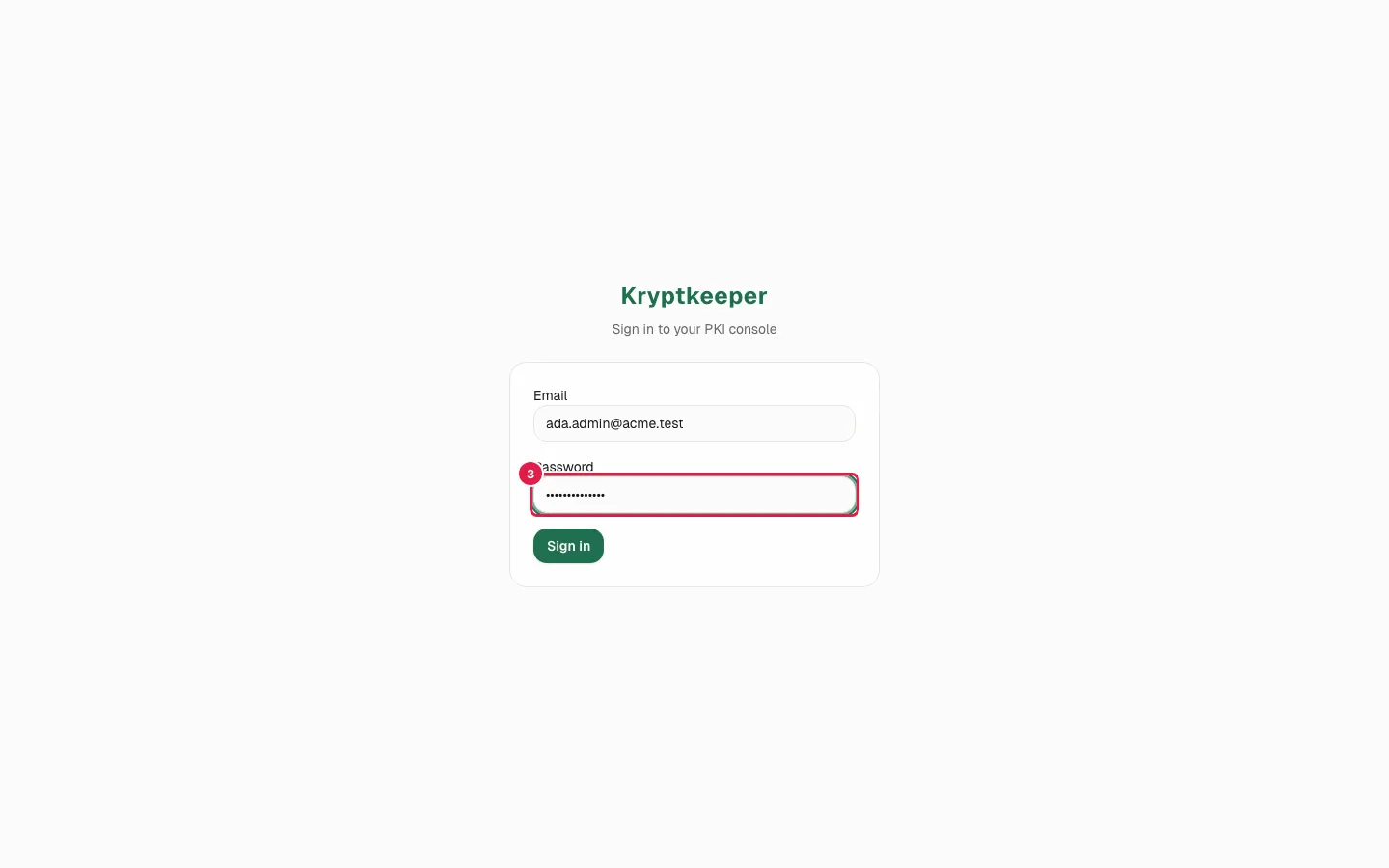
  3. Fill Password (the value is masked)

    Fill Password (the value is masked)
  4. Click Sign in

    Click Sign in
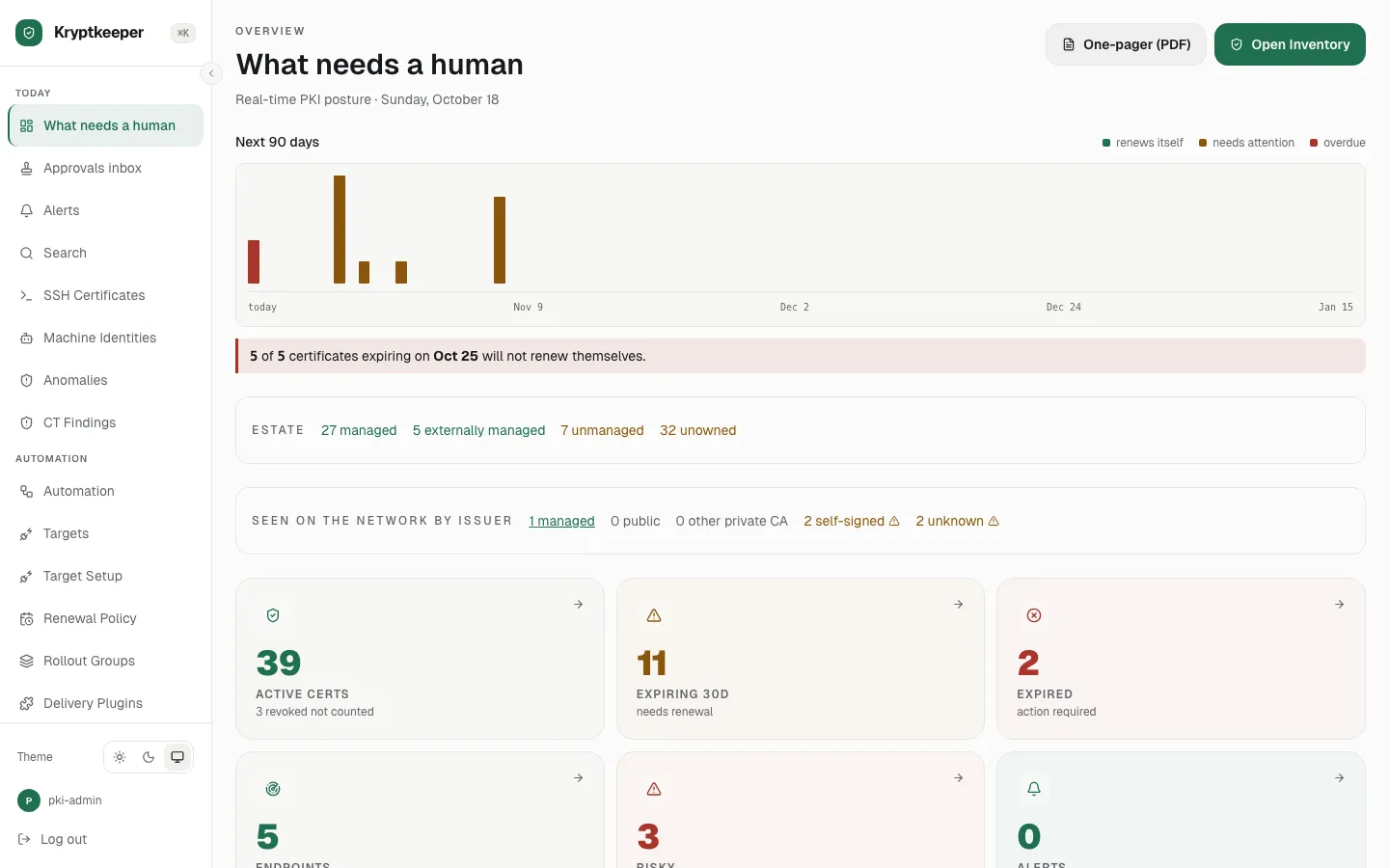
  5. The sidebar groups the pages: Today, Automation, Connect, Estate, Evidence, Analysis, Administration
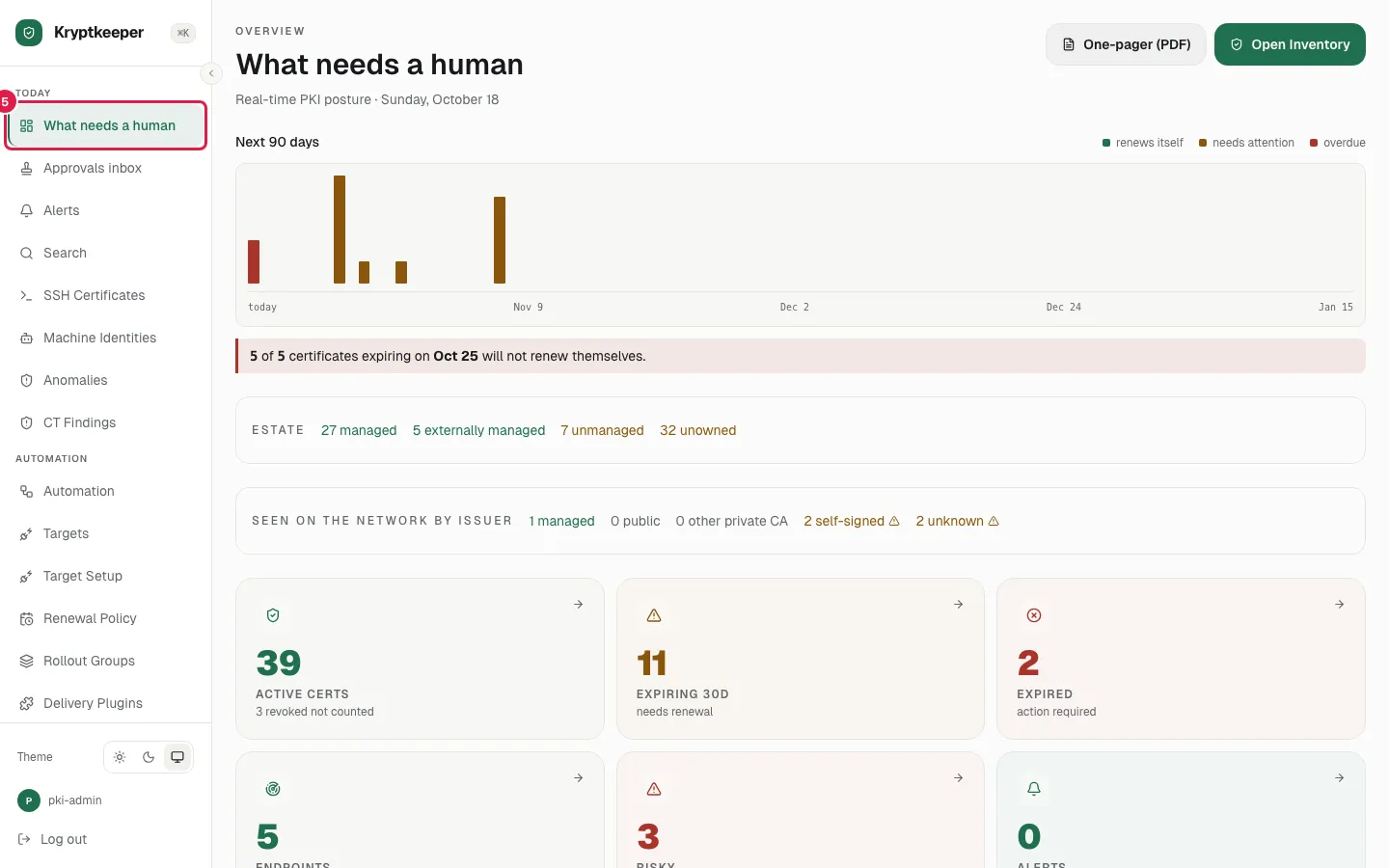
    The sidebar groups the pages: Today, Automation, Connect, Estate, Evidence, Analysis, Administration
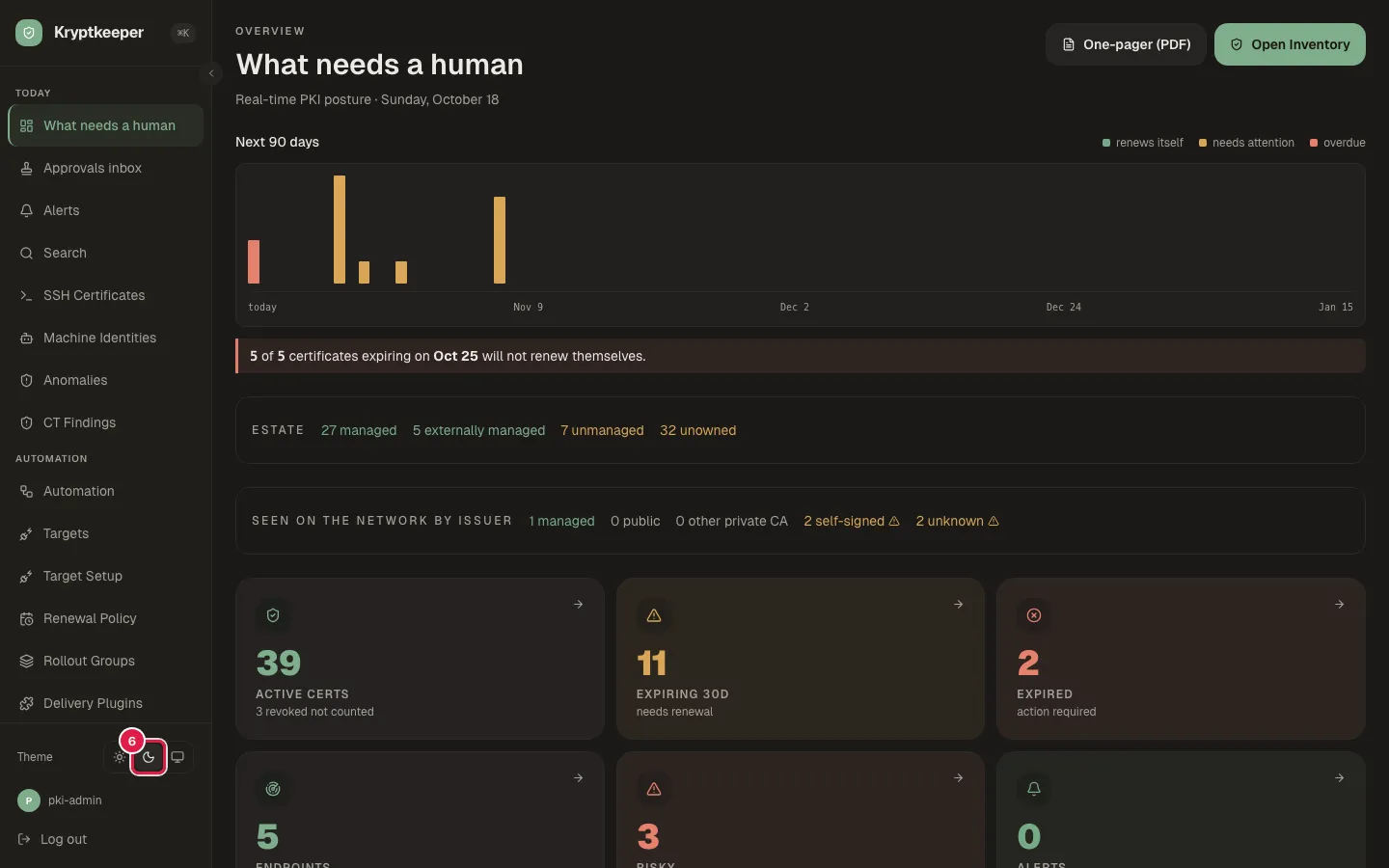
  6. Click the Dark theme button

    Click the Dark theme button
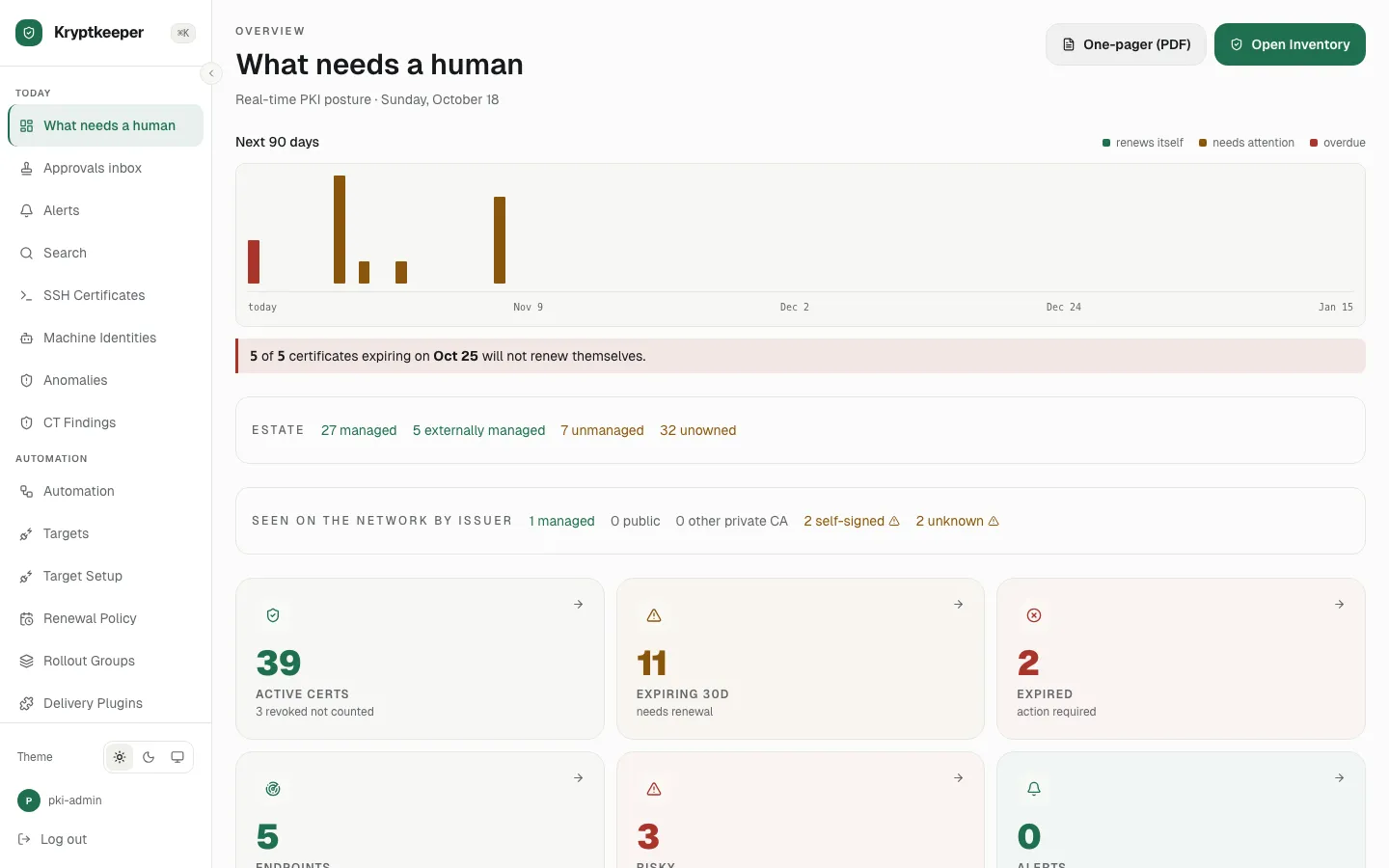
  7. Click the Light theme button

    Click the Light theme button
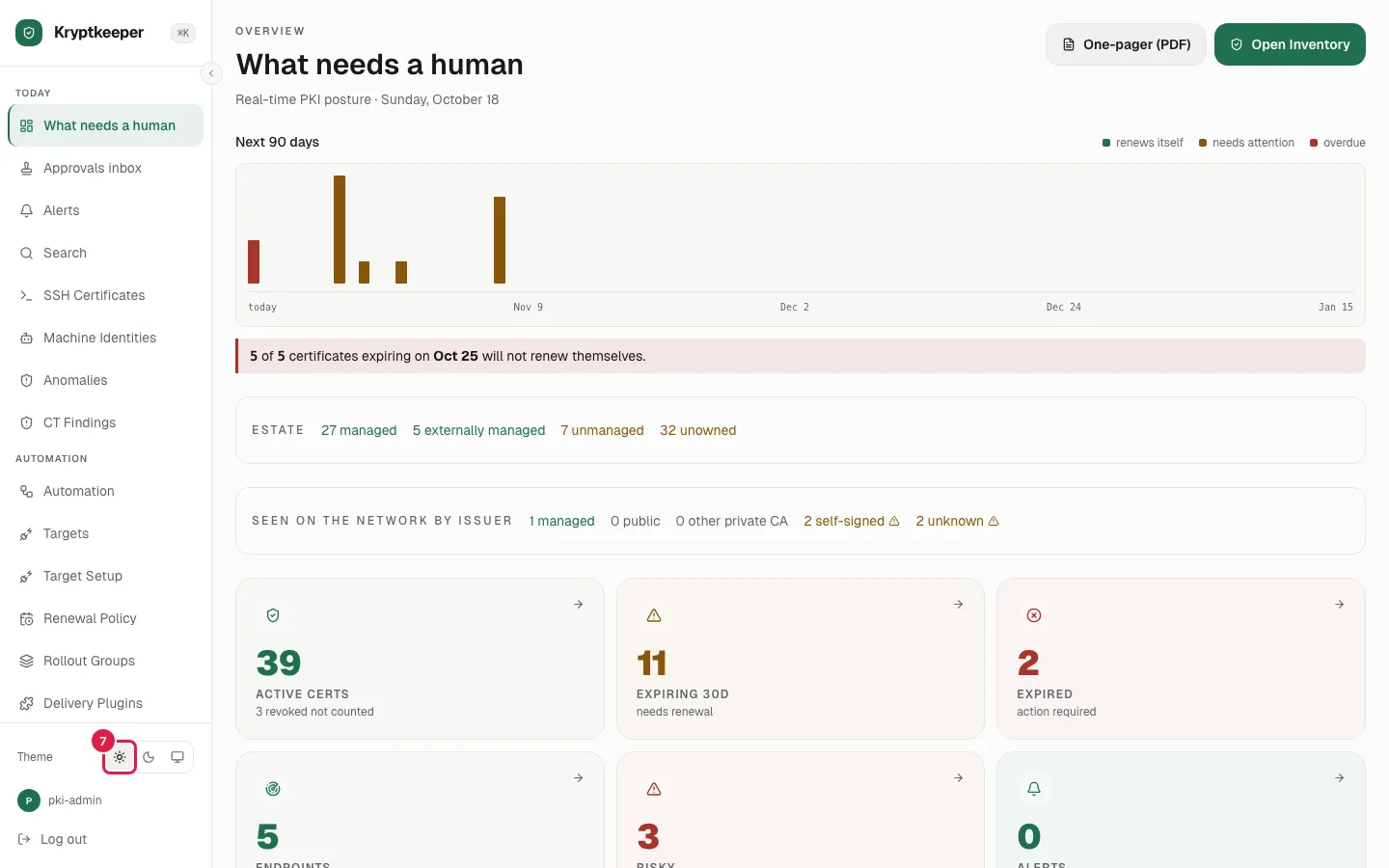
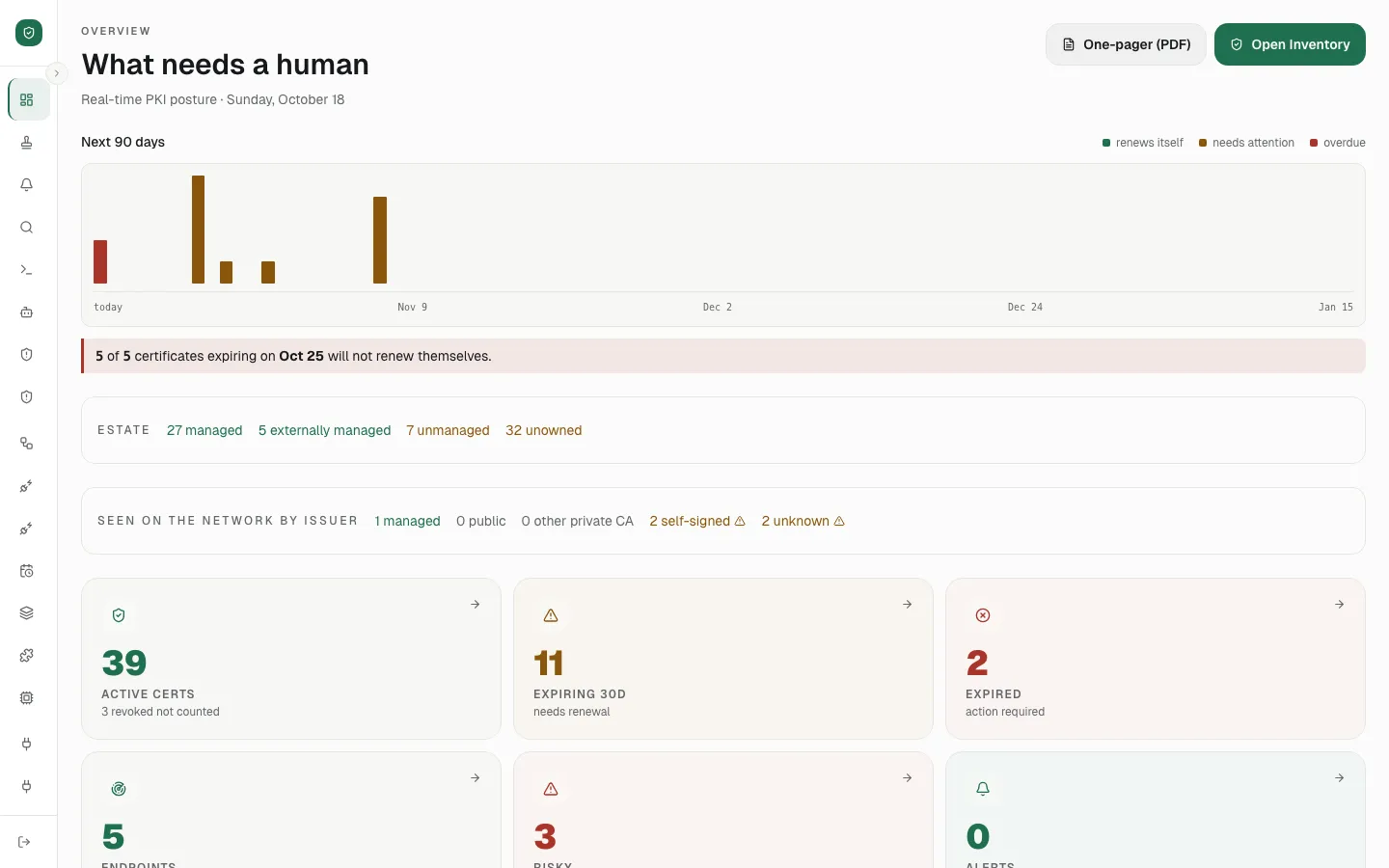
  8. Click Collapse sidebar

    Click Collapse sidebar
  9. Click Expand sidebar

    Click Expand sidebar