Find anything from the keyboard
Use global search and the command palette to jump straight to a certificate or page.
As pki-admin
Open the Dashboard
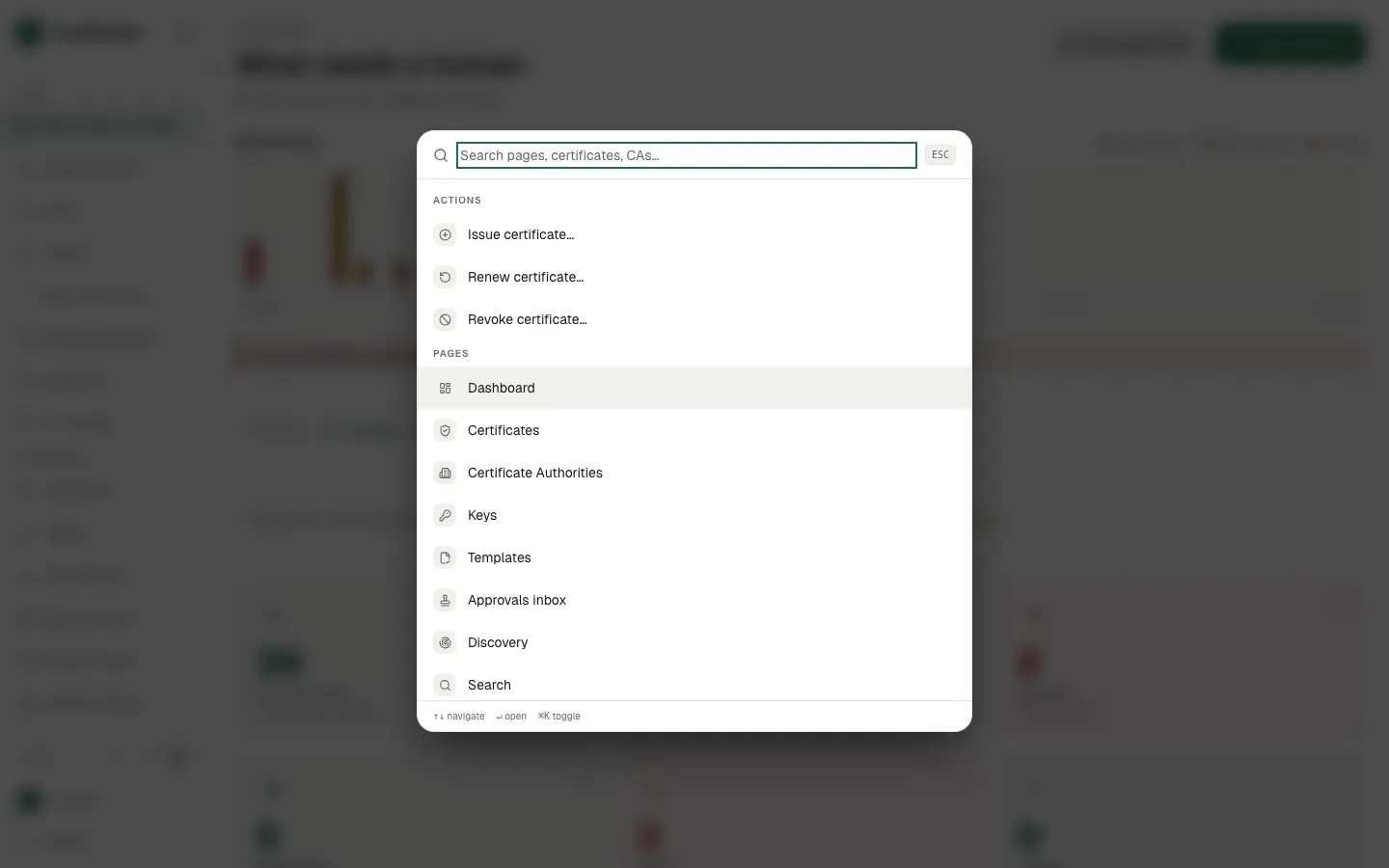
Press Ctrl/Cmd+K to open the command palette
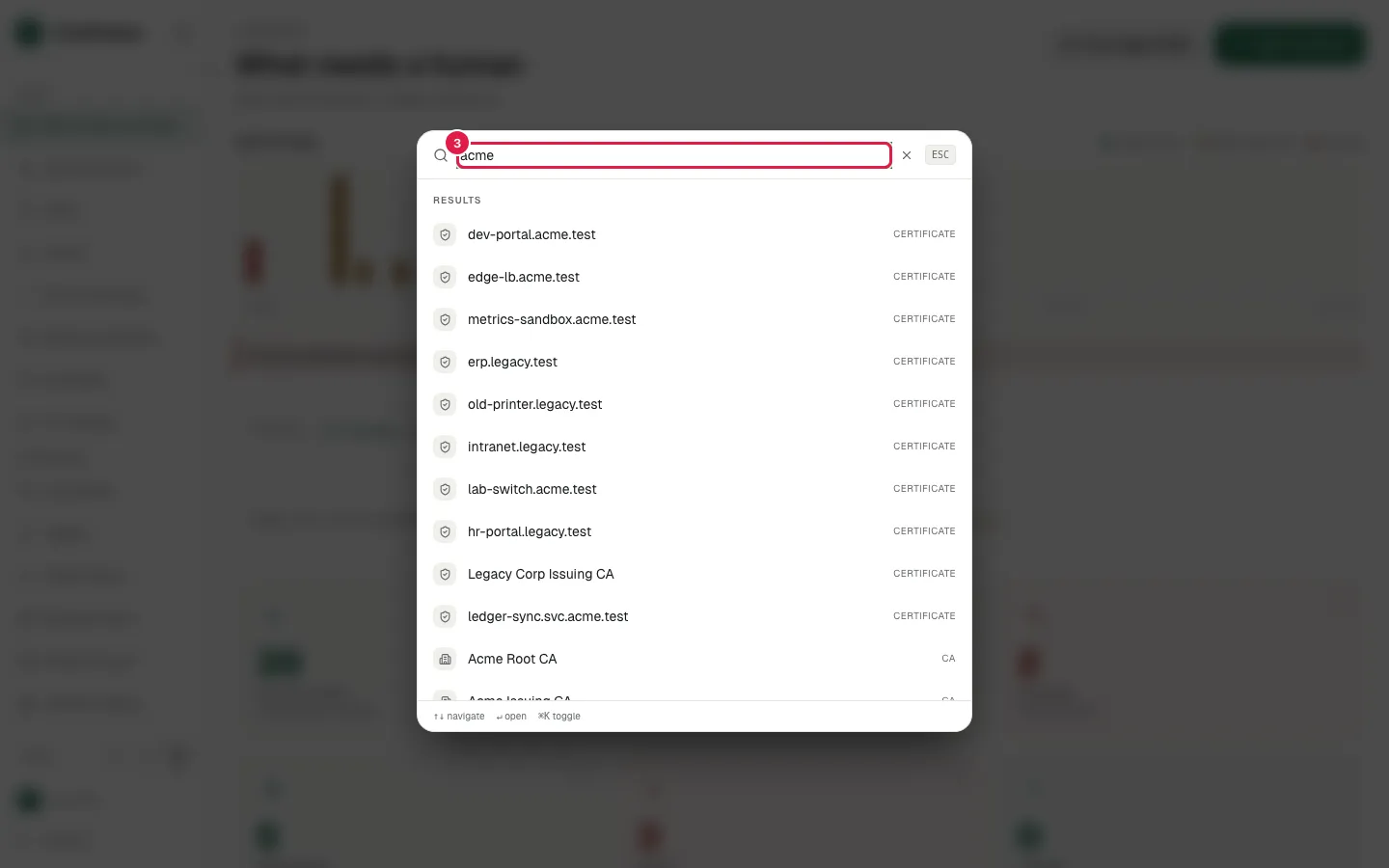
Fill the palette search with "acme"
Press Escape to close the palette
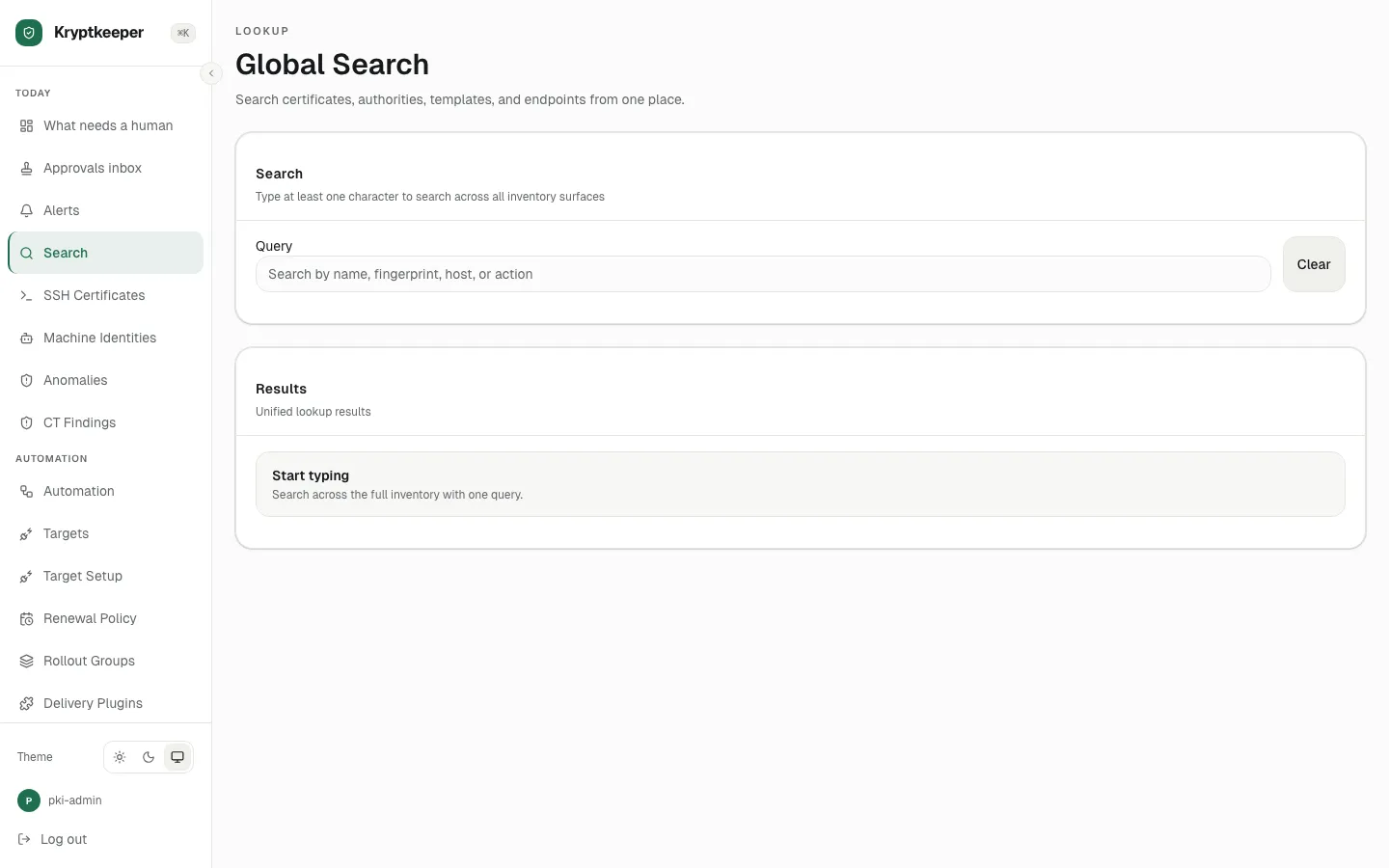
Open Search without a query
Fill Search all inventory with "acme"
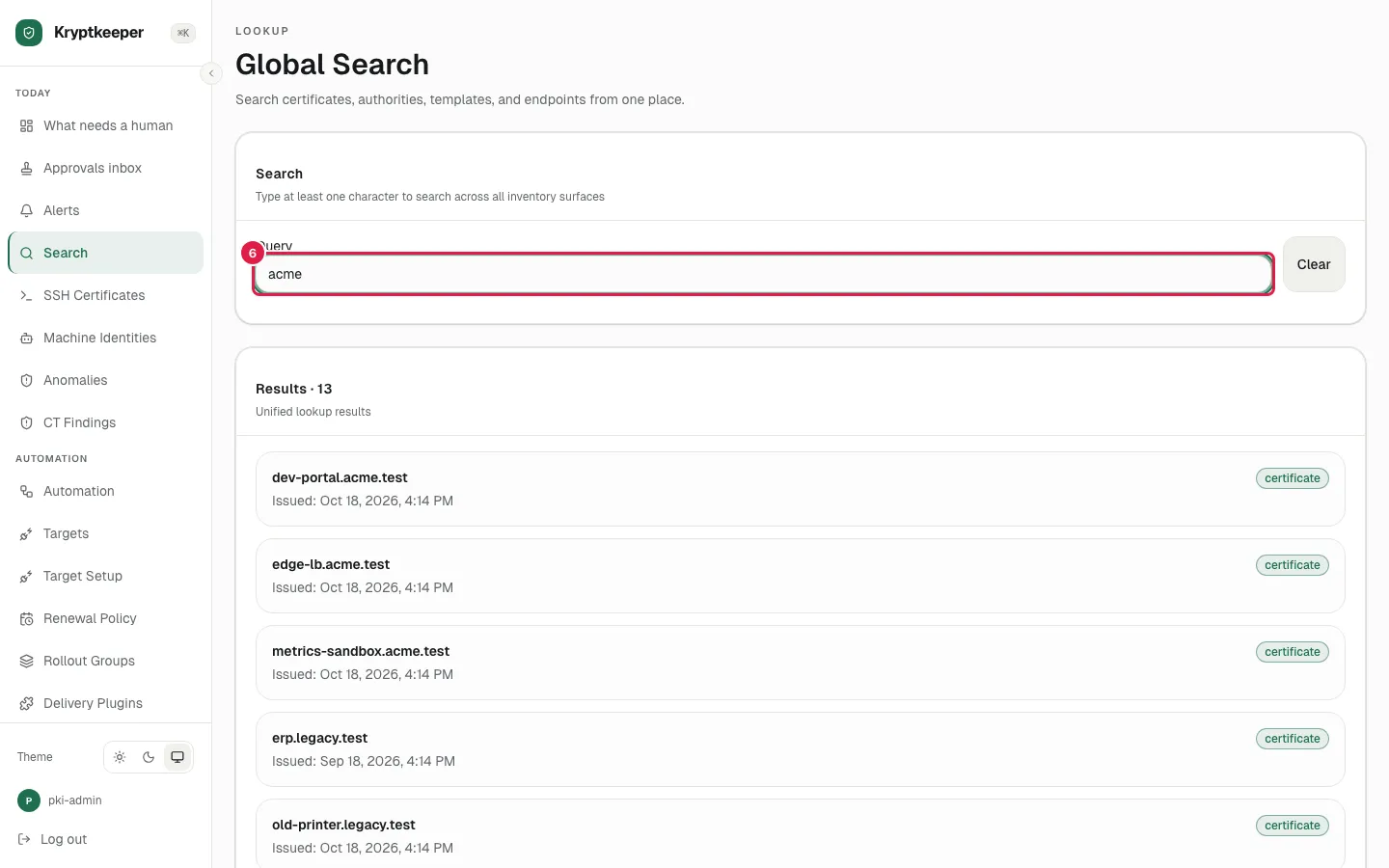
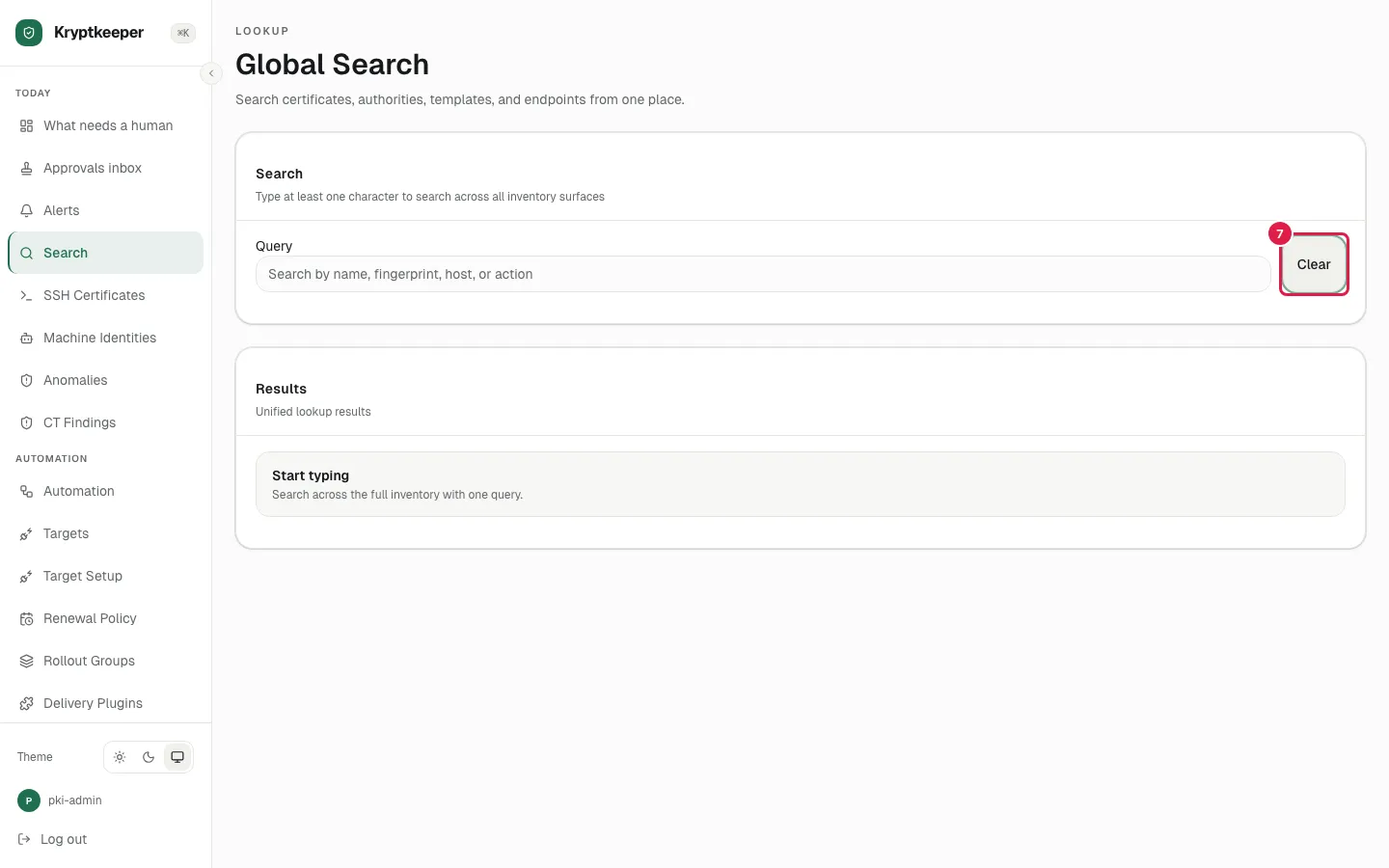
Click Clear