Windows and Active Directory
Autoenrollment for domain machines and users, without an ADCS server.
Kryptkeeper serves MS-XCEP and MS-WSTEP natively, so domain-joined Windows machines and users enroll through Group Policy with Kerberos, exactly as they did with ADCS. Templates say whether they are offered to machines or users, ADCS templates can be imported, and a Windows agent and WinRM scanning cover the machine stores.
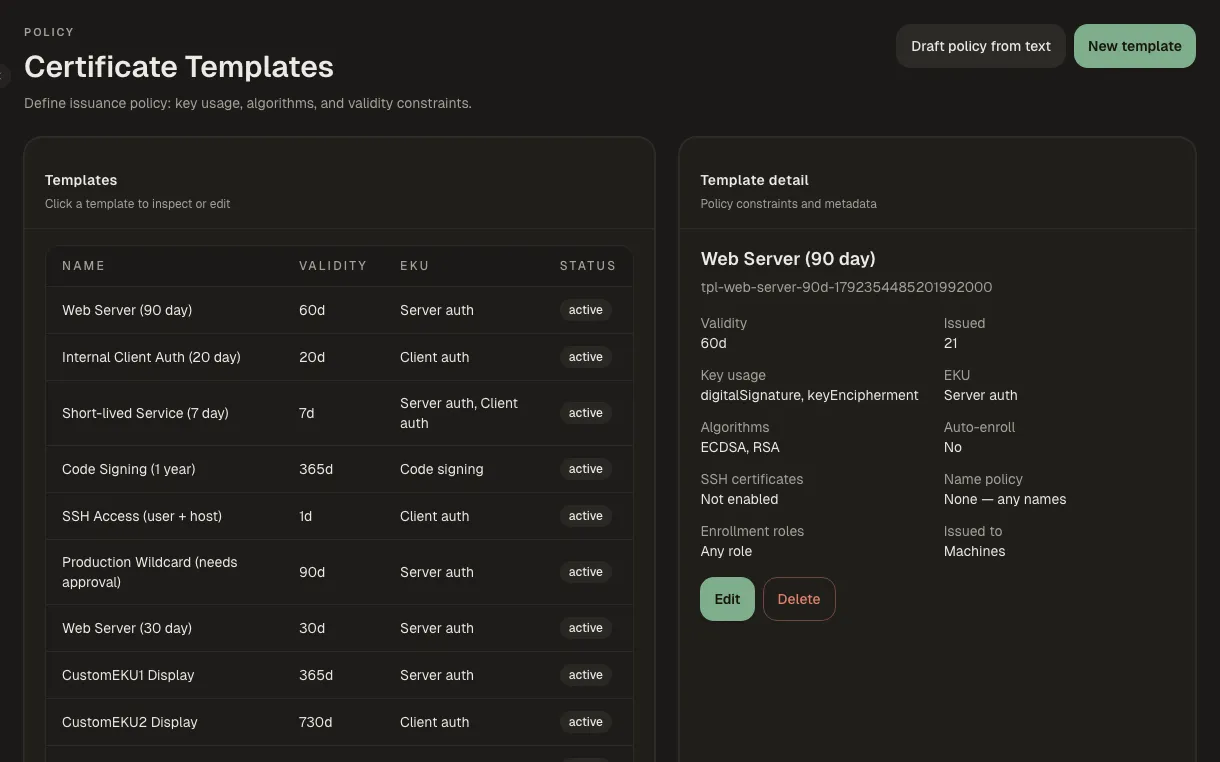
What you get
Group Policy autoenrollment
Point the domain's enrollment policy at Kryptkeeper. Machines and users authenticate with Kerberos and enroll and renew on their own. Proven on Windows 11 and Server 2022.
Templates for machines or users
Each template says whether Windows offers it to computer accounts or to users, and which groups may enroll.
Move off ADCS gradually
Import your ADCS templates, run both CAs side by side, and let old certificates expire naturally.
Coming: Screens from the Windows side (the Group Policy setup, a client enrolling, the certificate in certlm.msc) are being captured on the lab domain and will be added here.
How it works
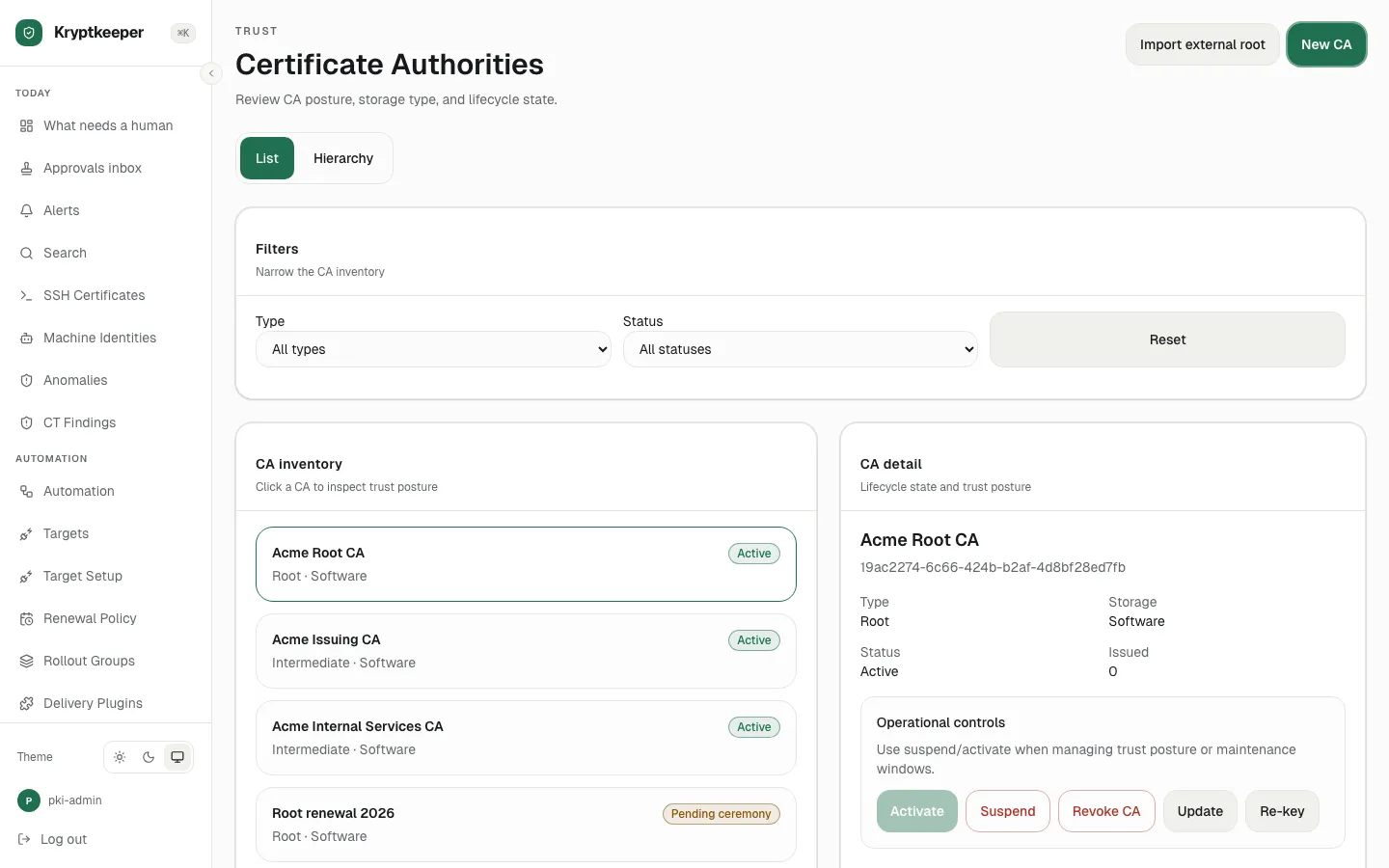
Create the issuing CA for the domain
Create the intermediate CA that will sign your domain certificates.
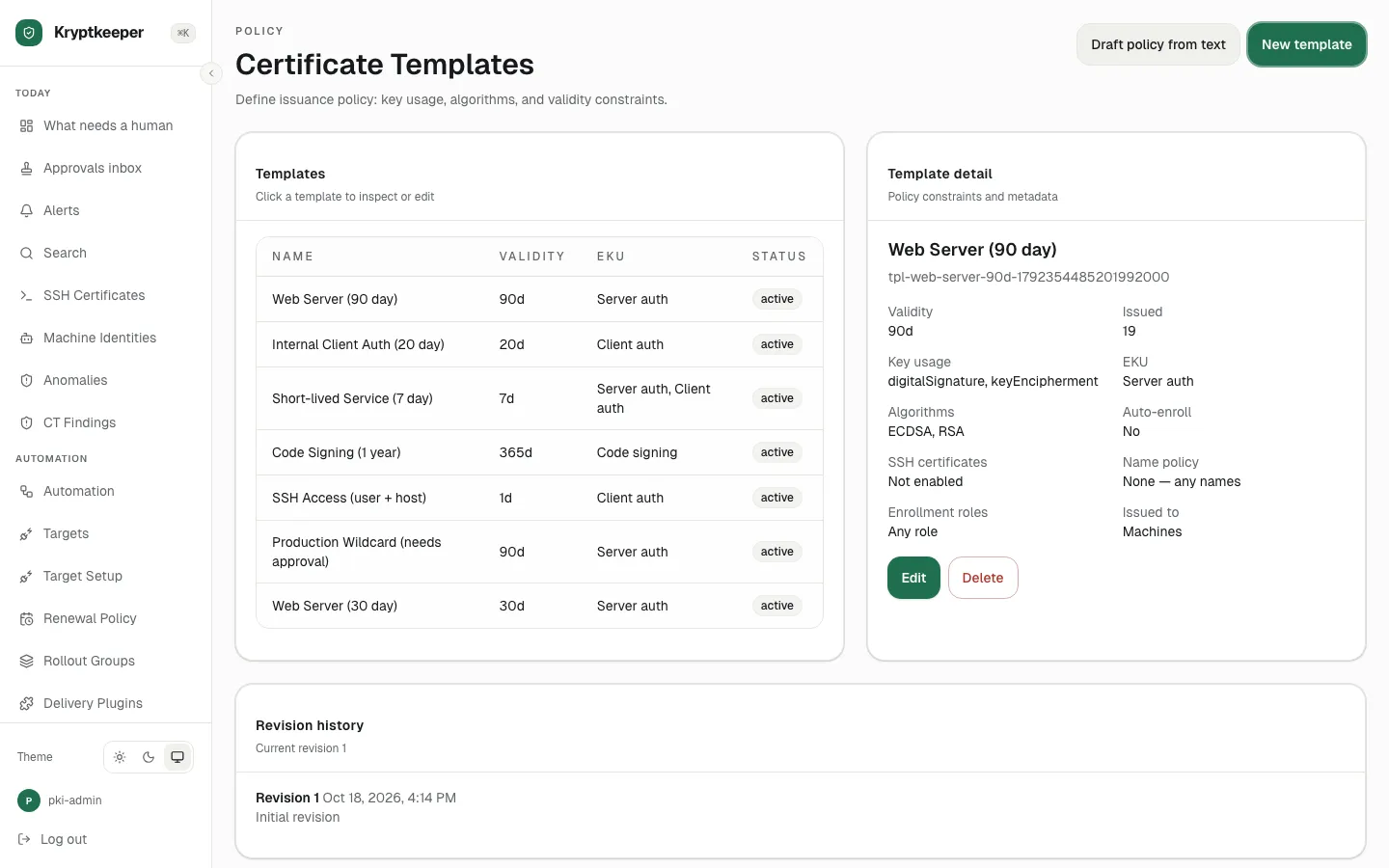
Create machine and user templates
Create a template and choose whether Windows offers it to machines or users.
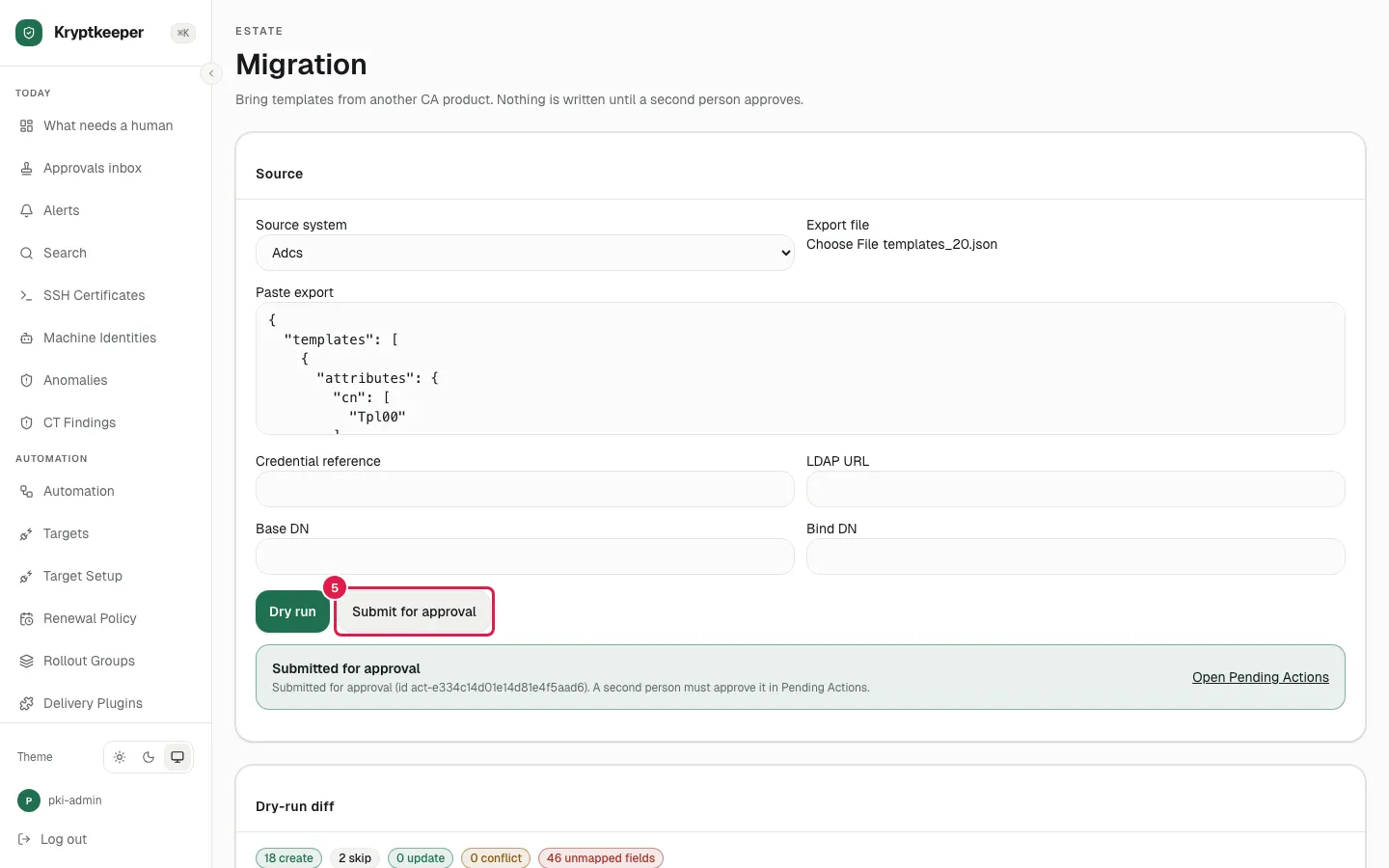
Import templates from ADCS
Bring your existing ADCS templates across instead of rebuilding them.
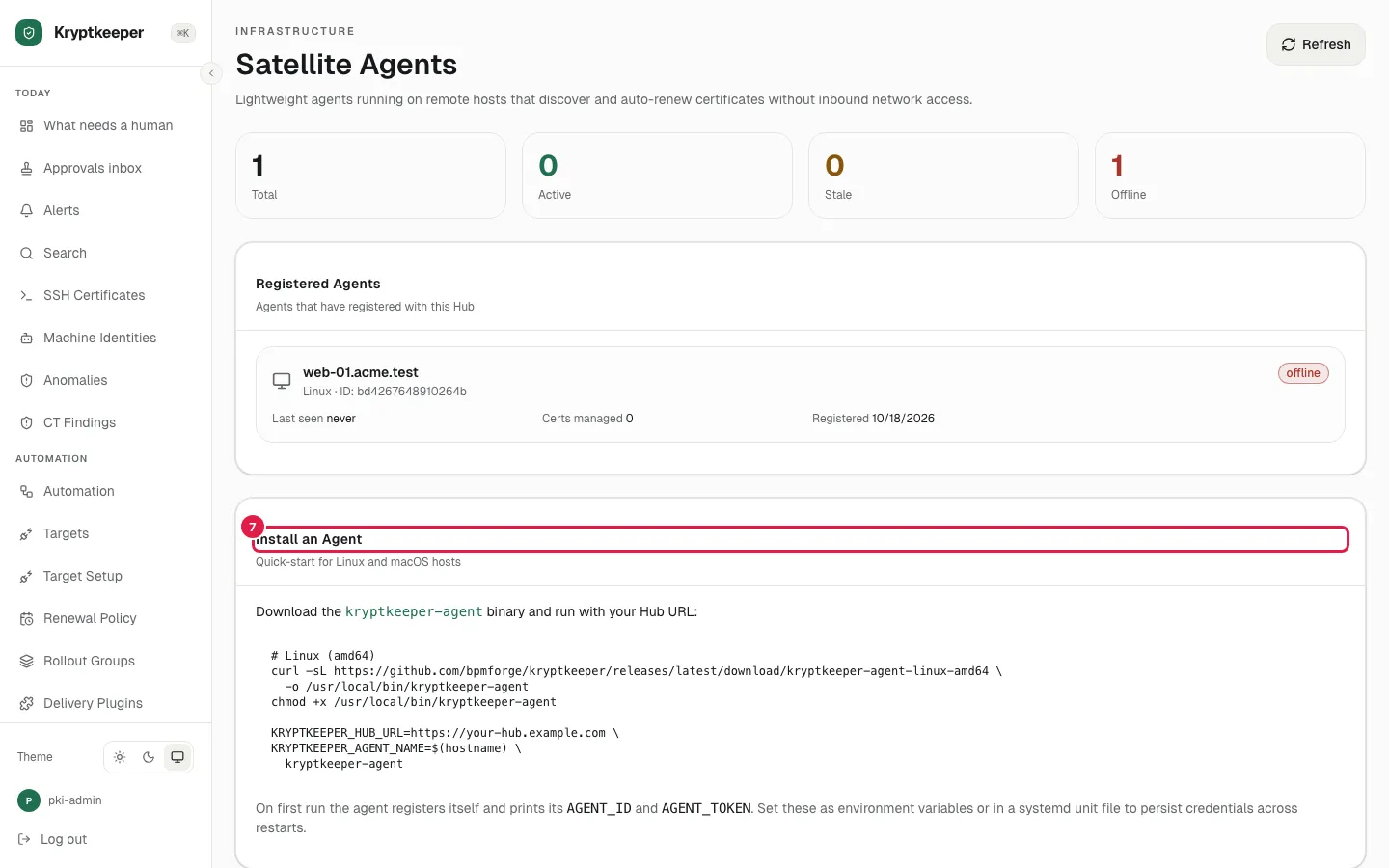
Enroll the Windows agent
Enroll an agent that installs and renews certificates on a Windows server.
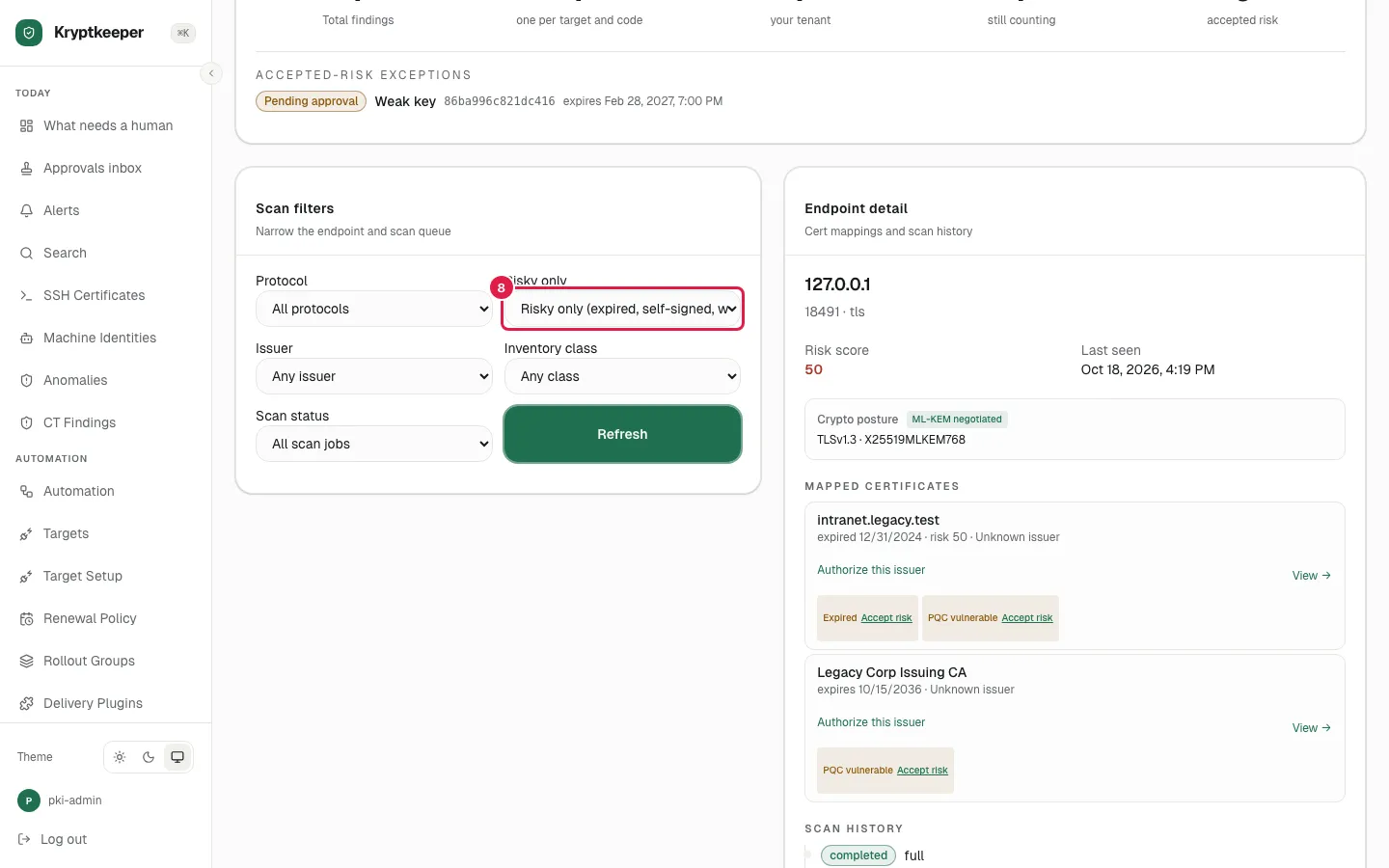
Scan Windows certificate stores
Find the certificates already sitting in your Windows machine stores.
Docs
Paths that use this
- Replace ADCS for your Windows domain for Windows and AD administrator
- Take over an existing estate for Security lead