Take over an existing estate
Find what you already have, give every certificate an owner, and bring it under renewal.
7 walkthroughs, in order
Discovery and inventory Run a discovery scan
Scan a range and read what was found.
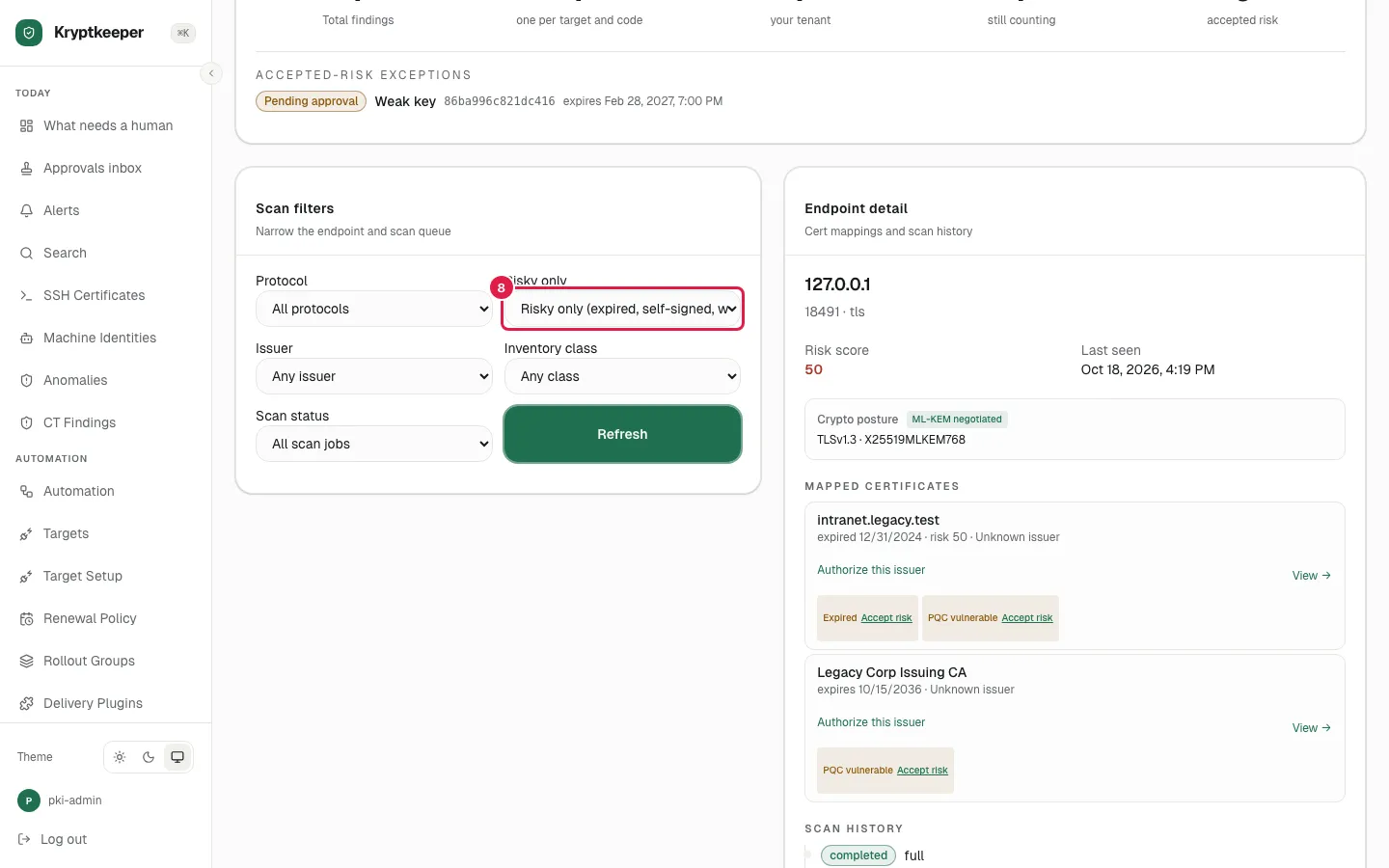
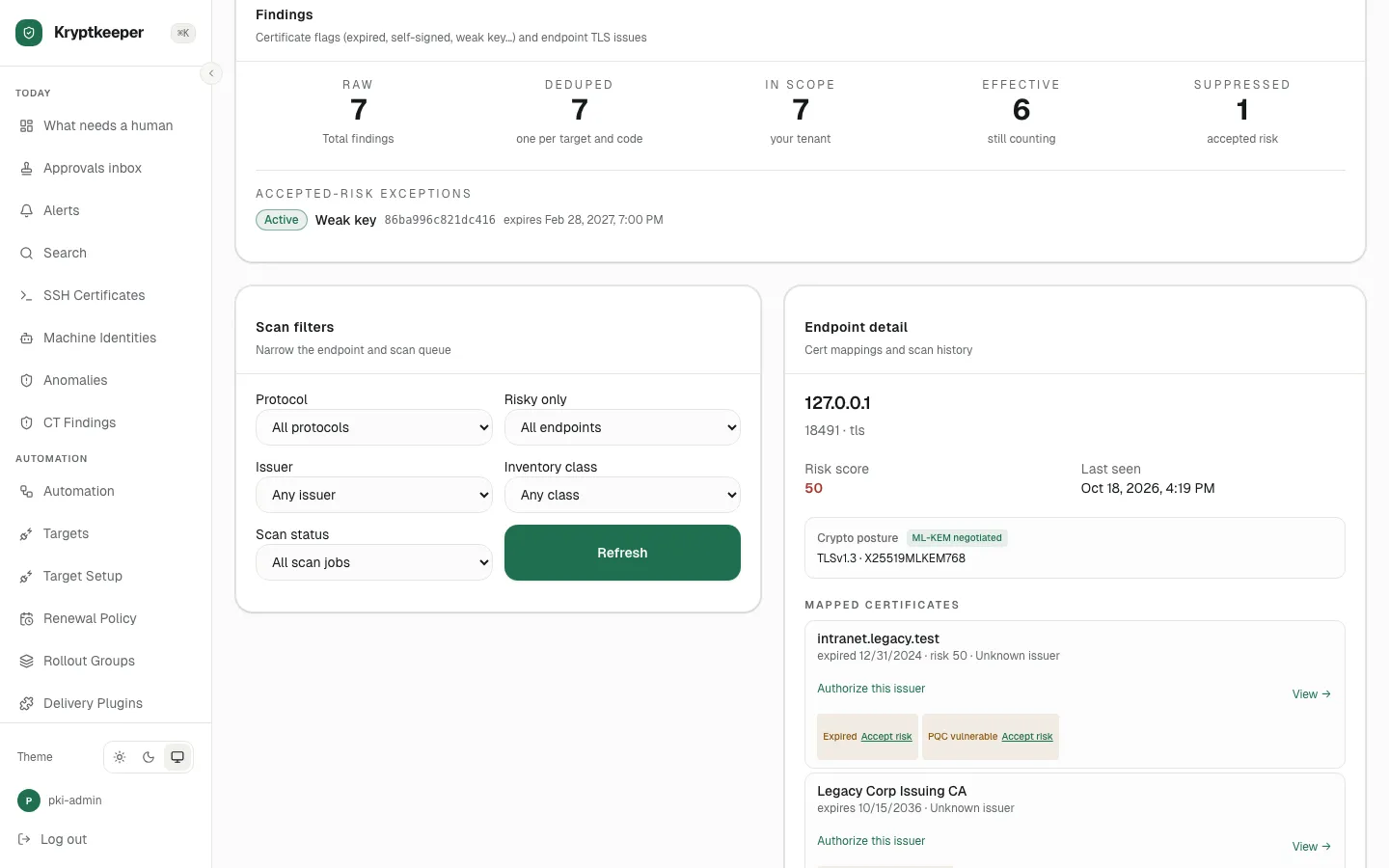
Discovery and inventory Inspect an endpoint and accept a risk
Open a risky endpoint and propose a risk exception for approval.
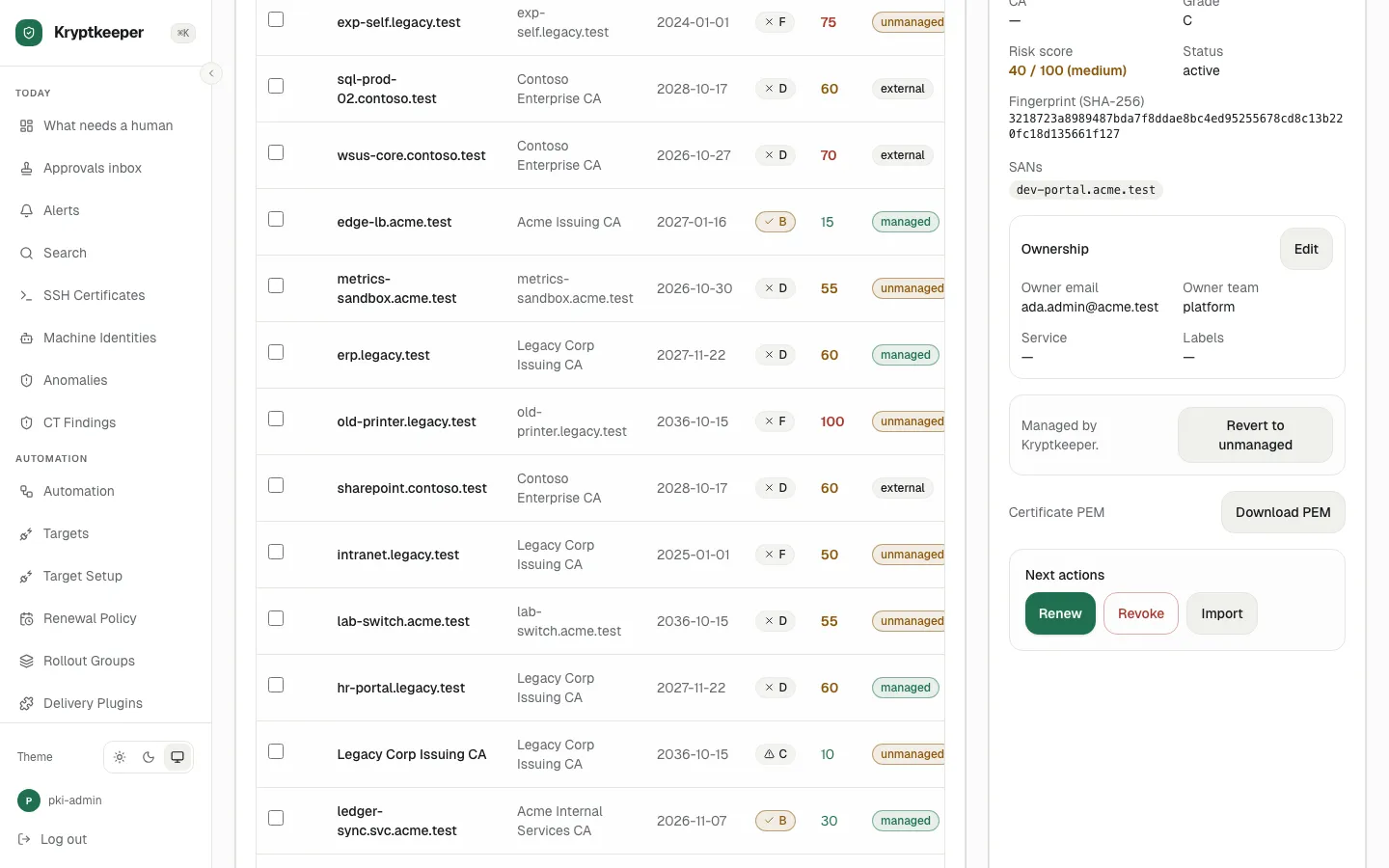
Renewal and revocation Take ownership of an unmanaged certificate
Claim a discovered certificate and record who owns it.
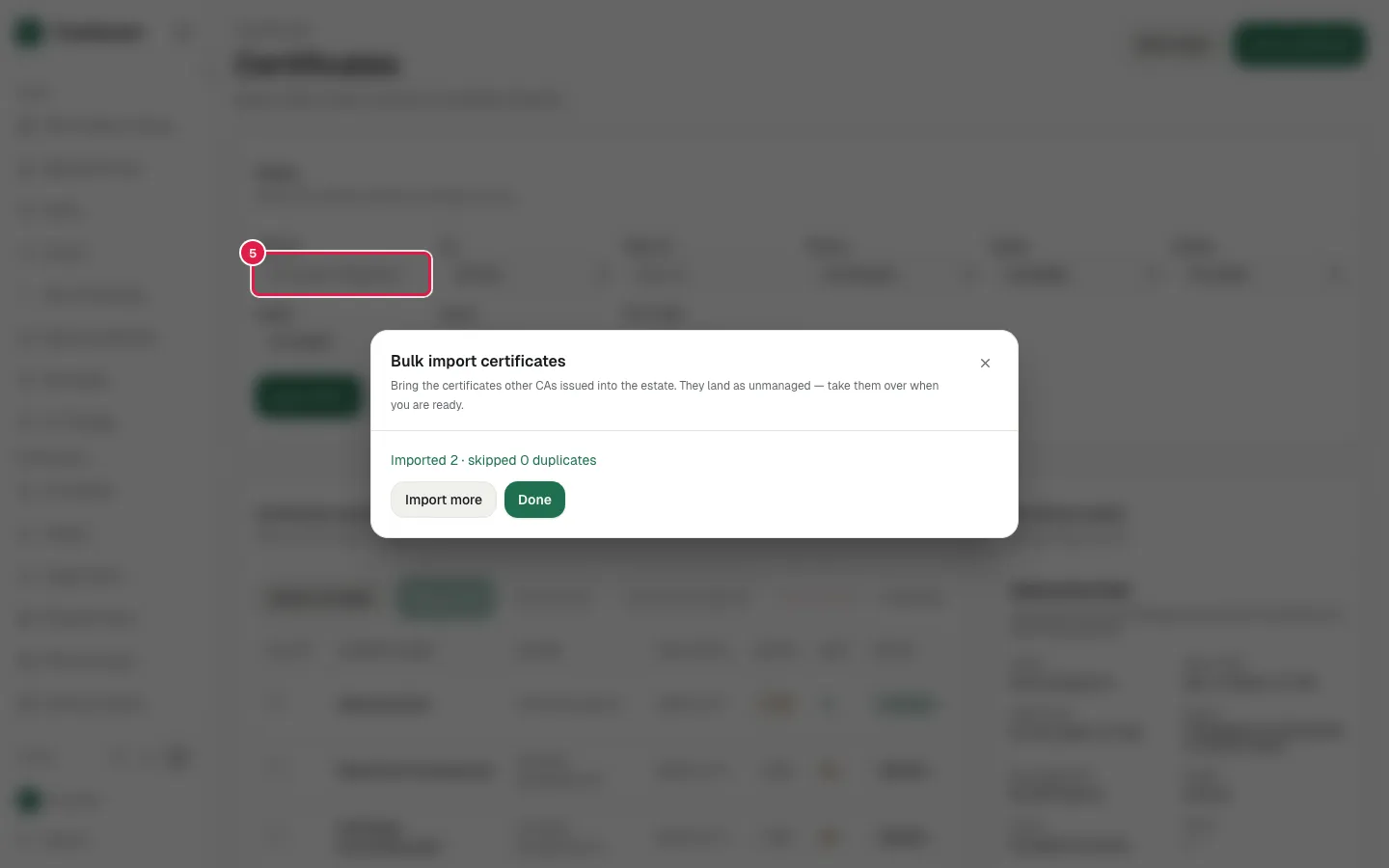
Renewal and revocation Bulk import existing certificates
Import a batch of certificates you already have.
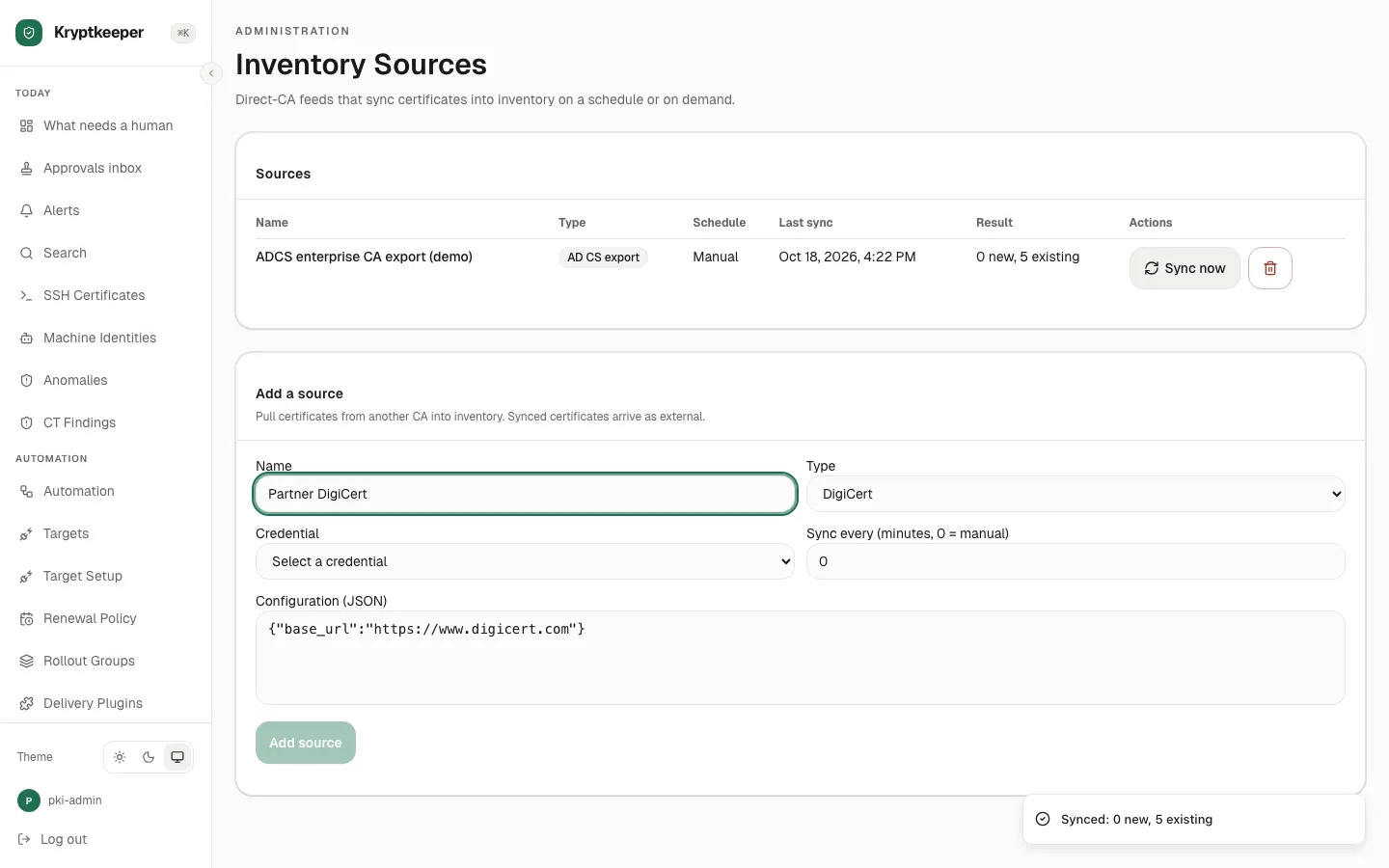
Discovery and inventory Sync certificates from another CA
Pull the inventory of another CA into one view.
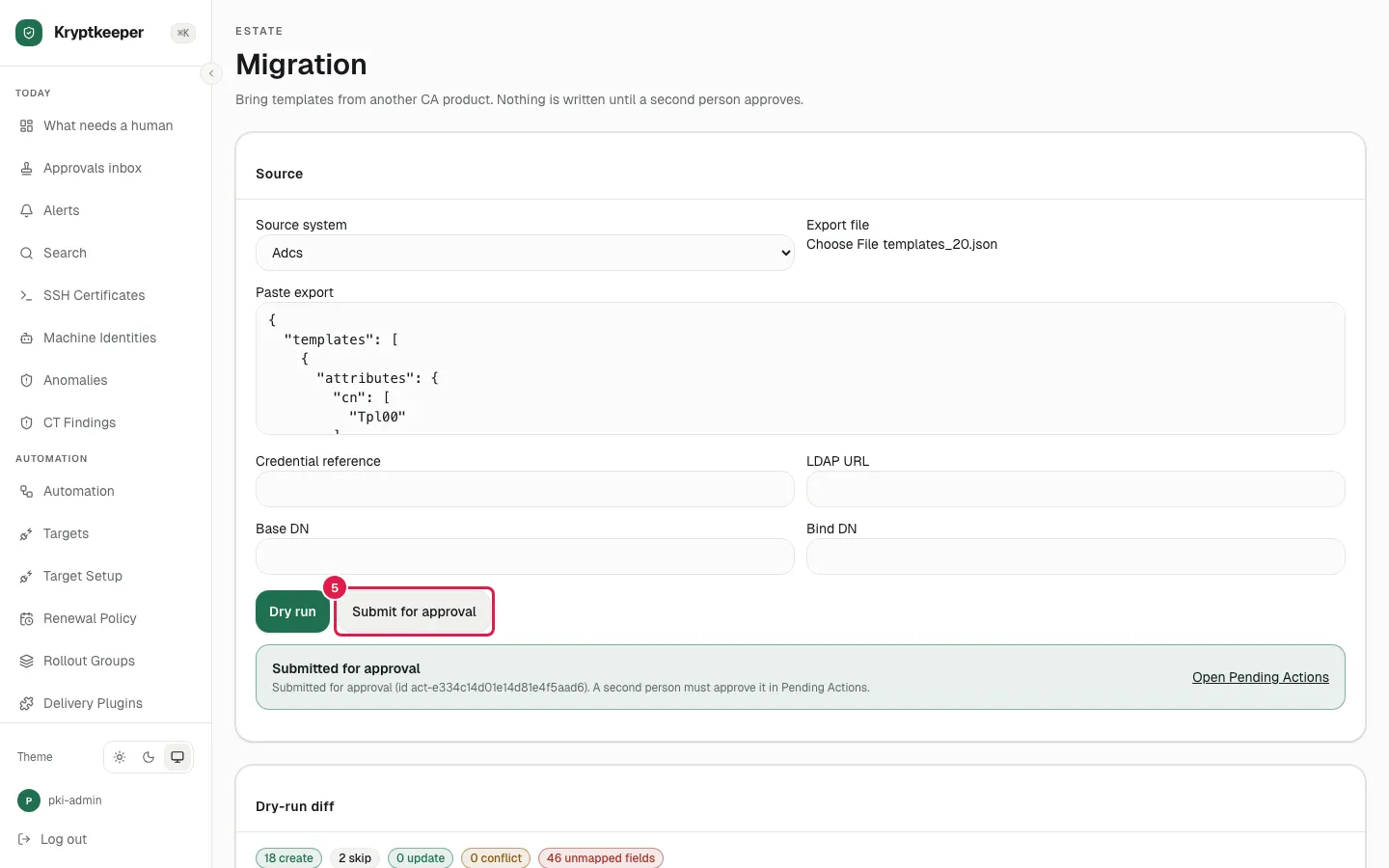
Windows and Active Directory Import templates from ADCS
Bring your existing ADCS templates across instead of rebuilding them.
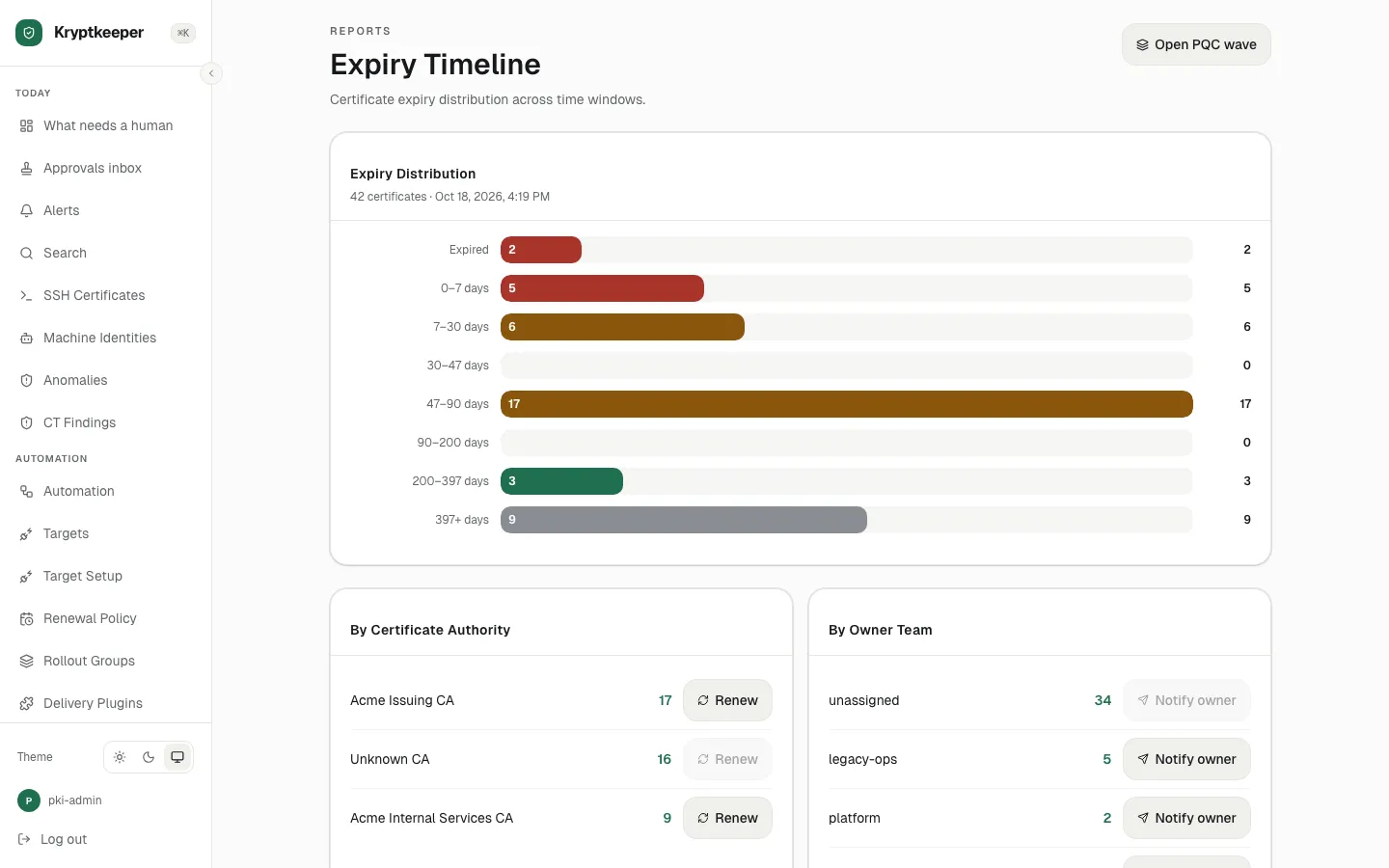
Renewal and revocation Renew certificates
Renew a single certificate or a whole selection at once.