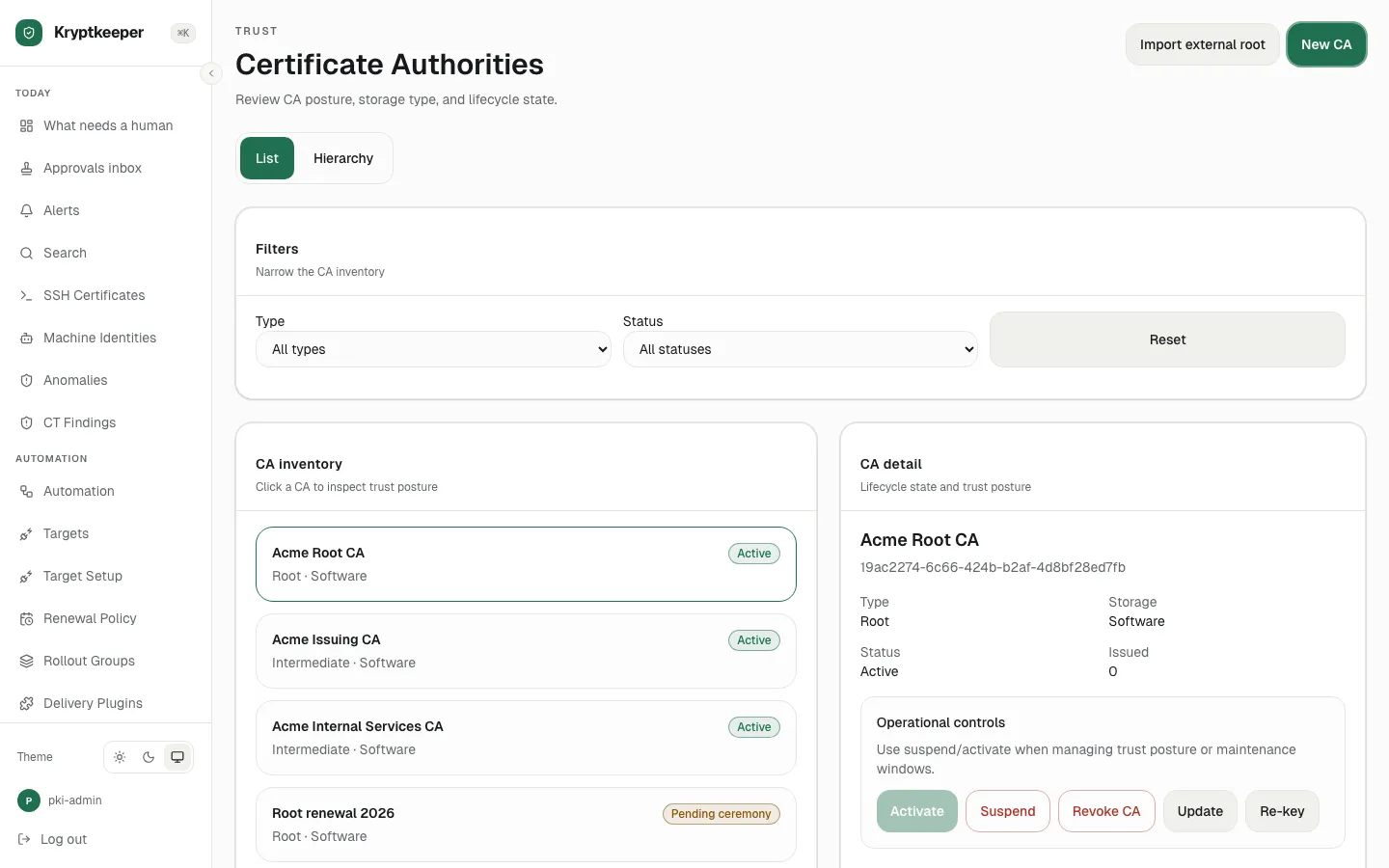
Create the issuing CA for the domain
Create the intermediate CA that will sign your domain certificates.
As pki-admin
Open /cas
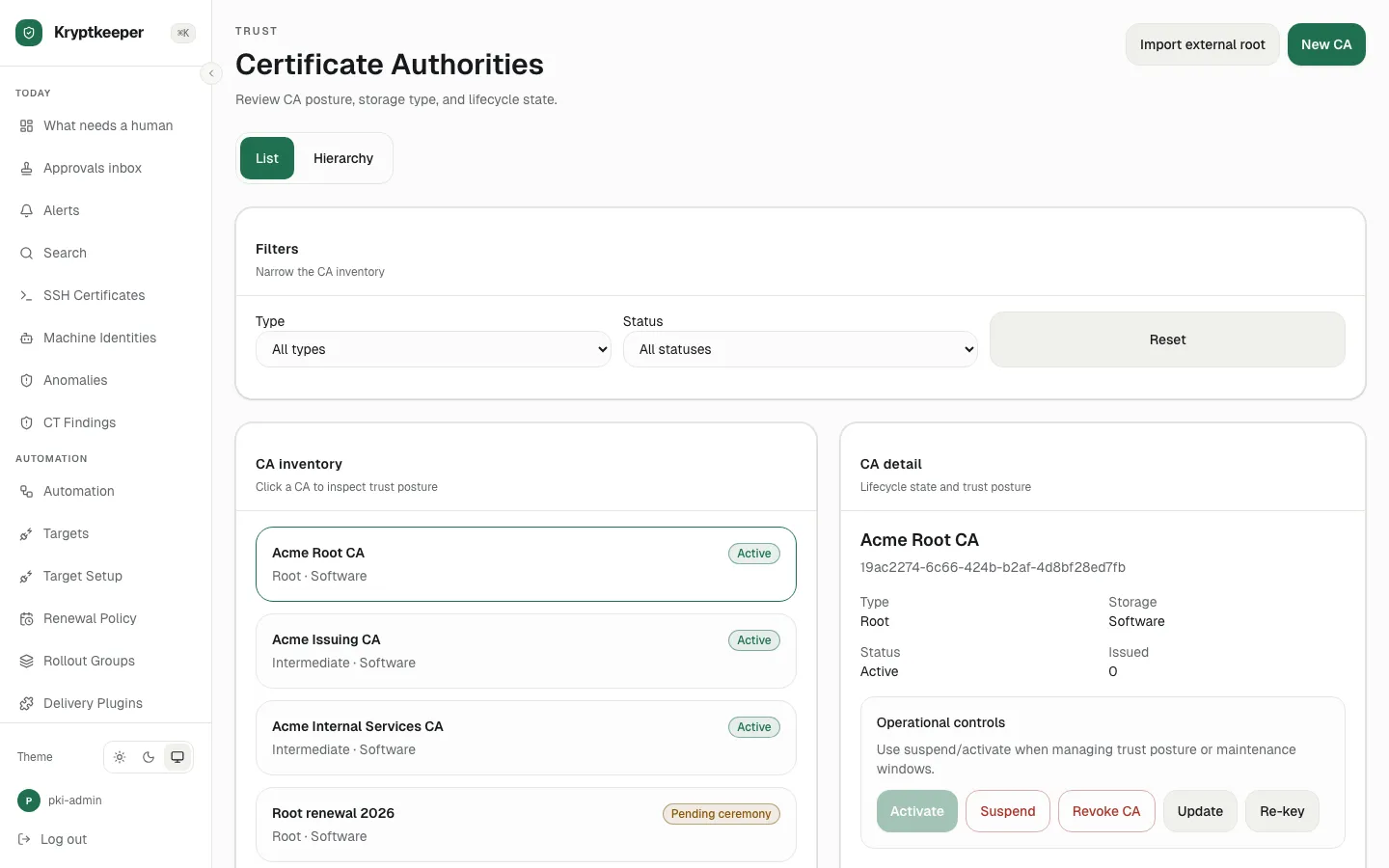
Click New CA
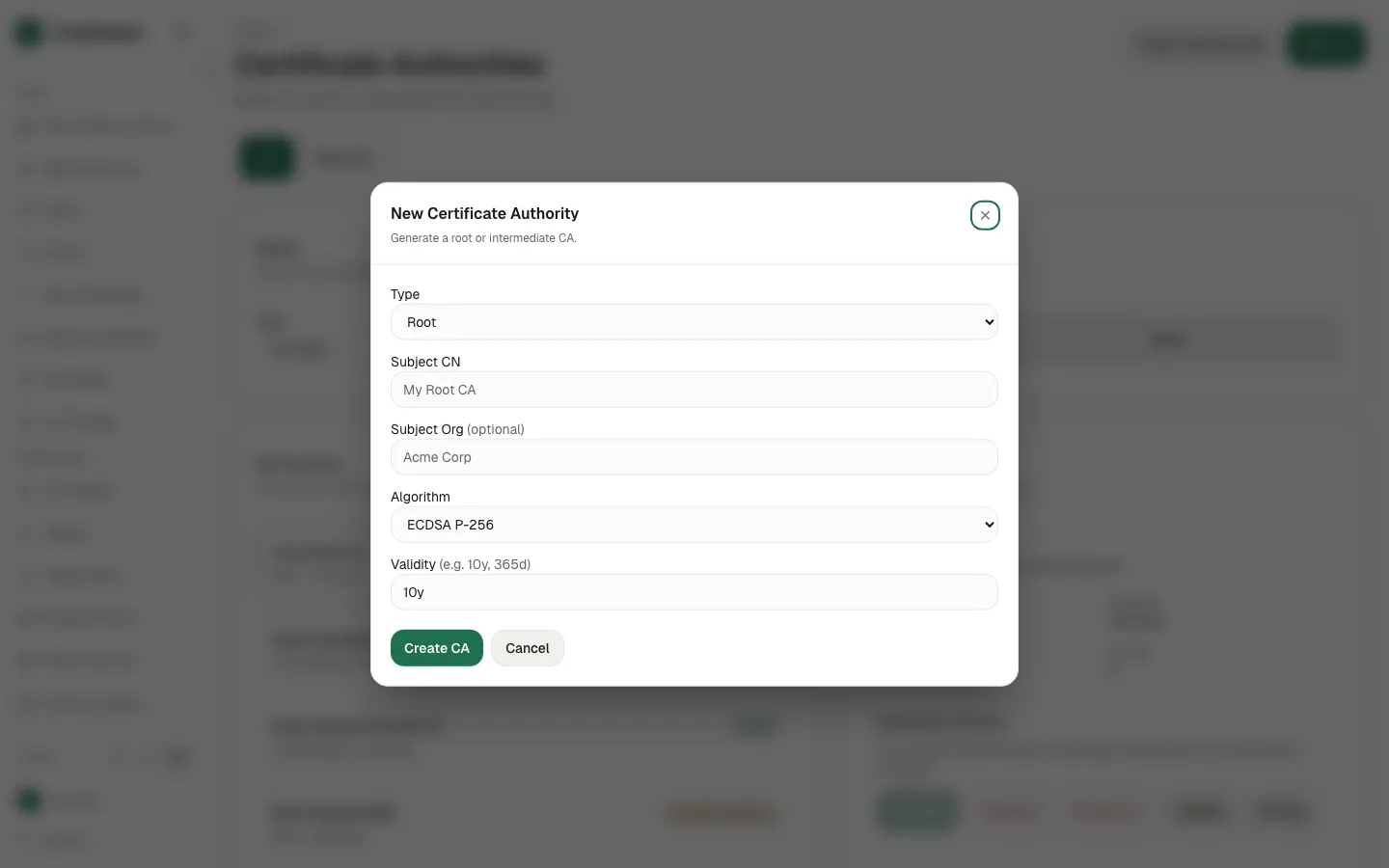
Select "Intermediate" in Type
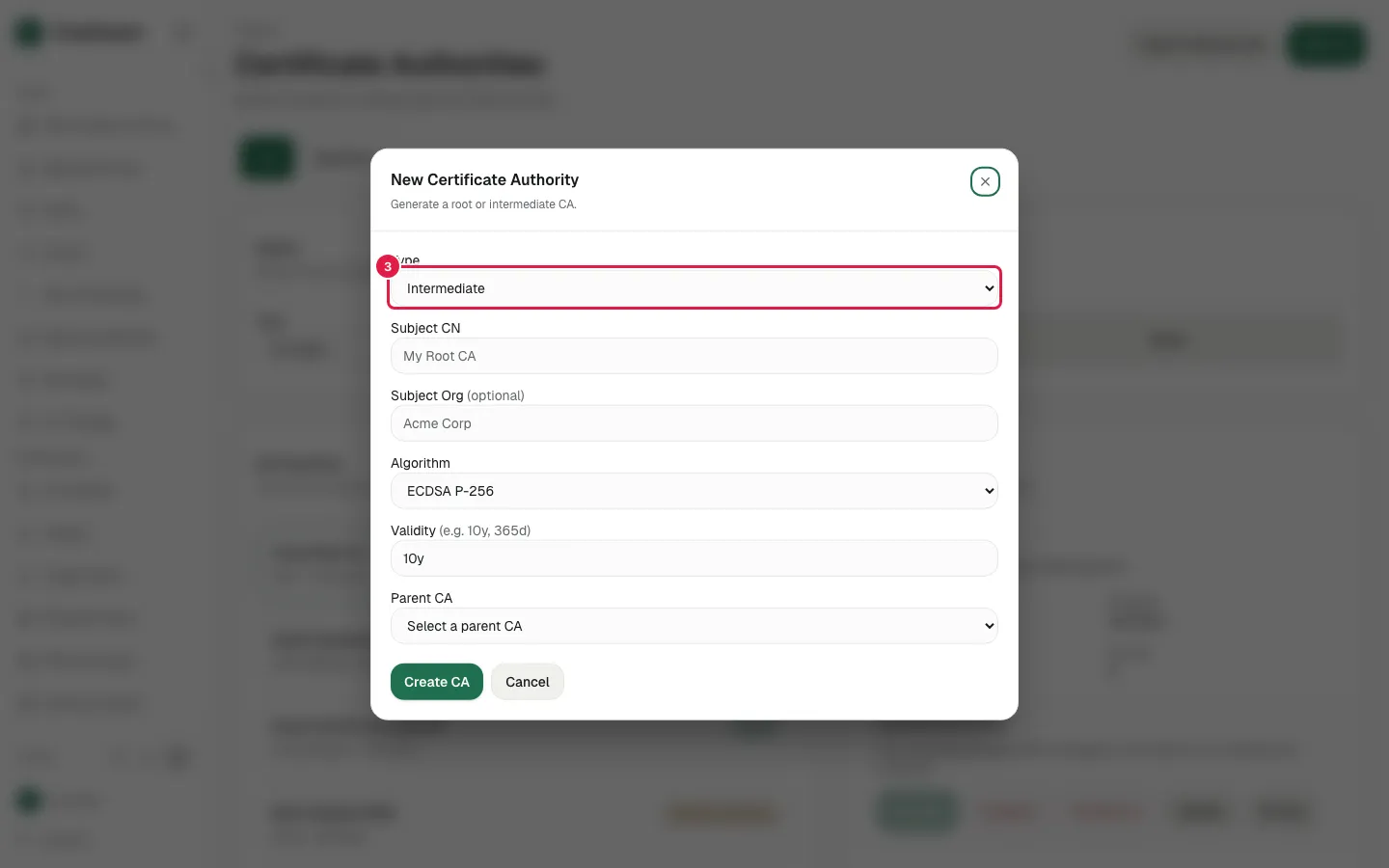
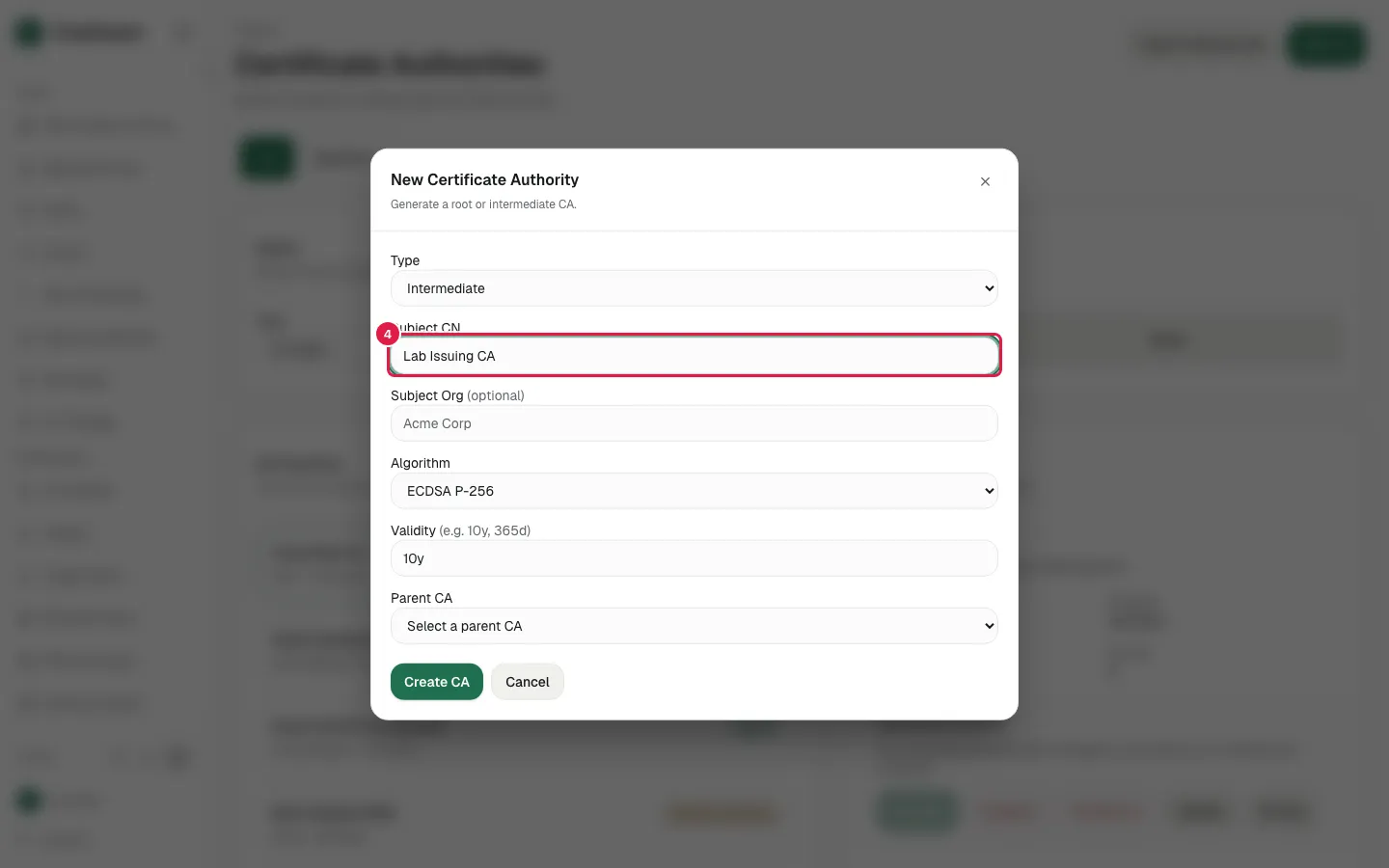
Fill Subject CN with "Lab Issuing CA"
Choose the parent CA (here Lab Root CA)
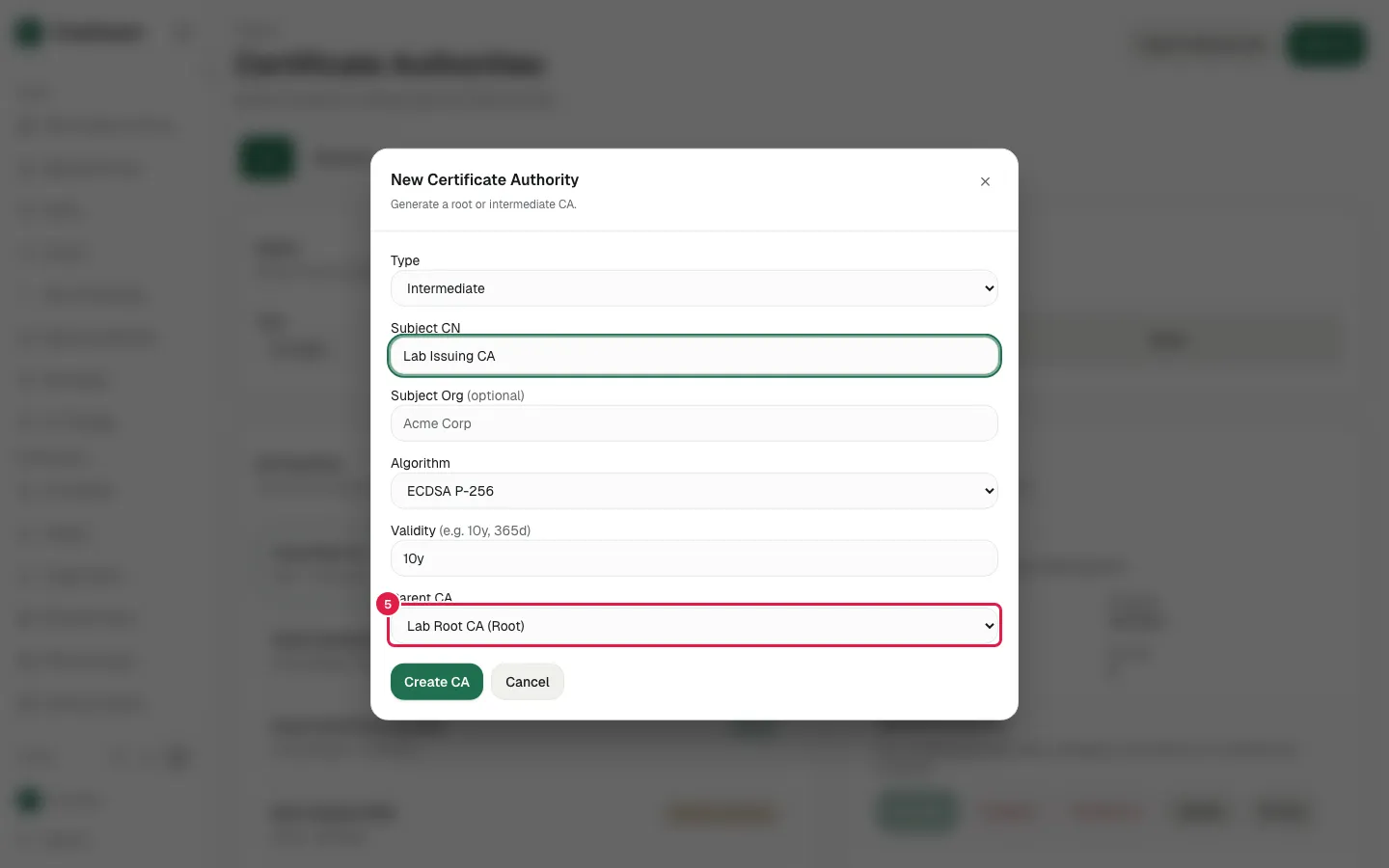
Choosing Intermediate reveals the Parent CA picker
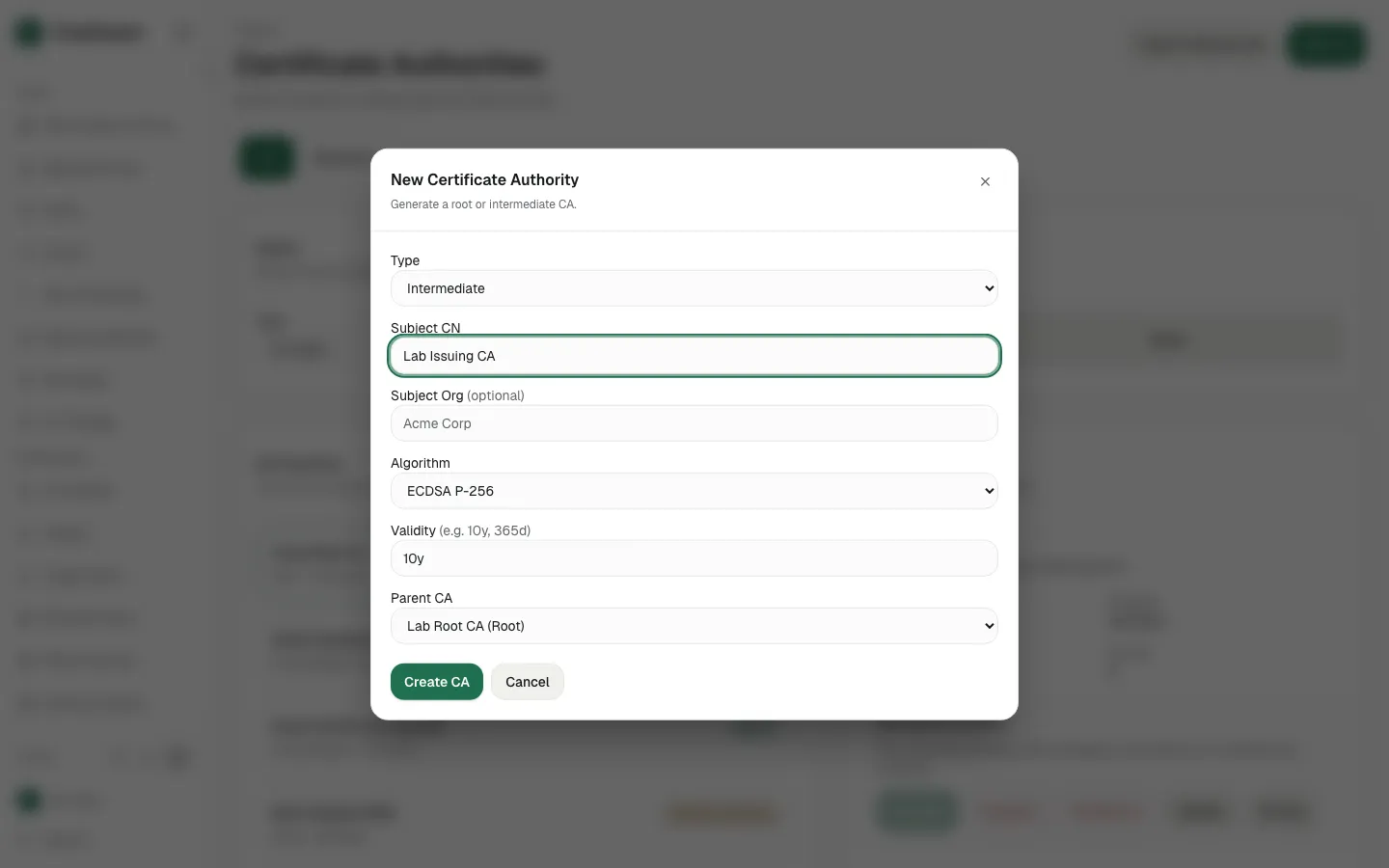
Click Create CA