Kryptkeeper
Walkthrough · 11 steps

Browse and inspect certificates

Filter the inventory and open any certificate's details.

As pki-admin

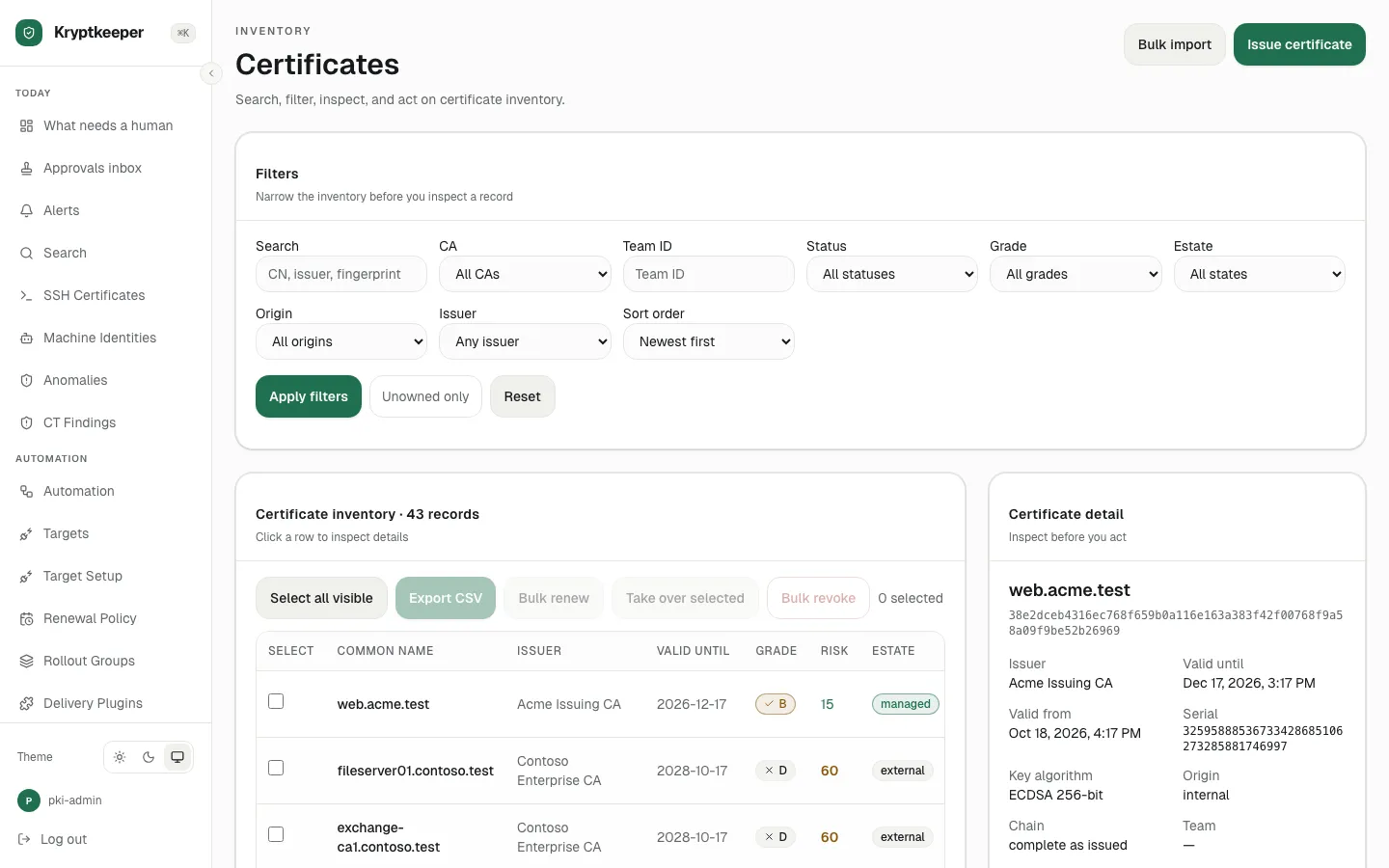
  1. Open /certificates

    Open /certificates
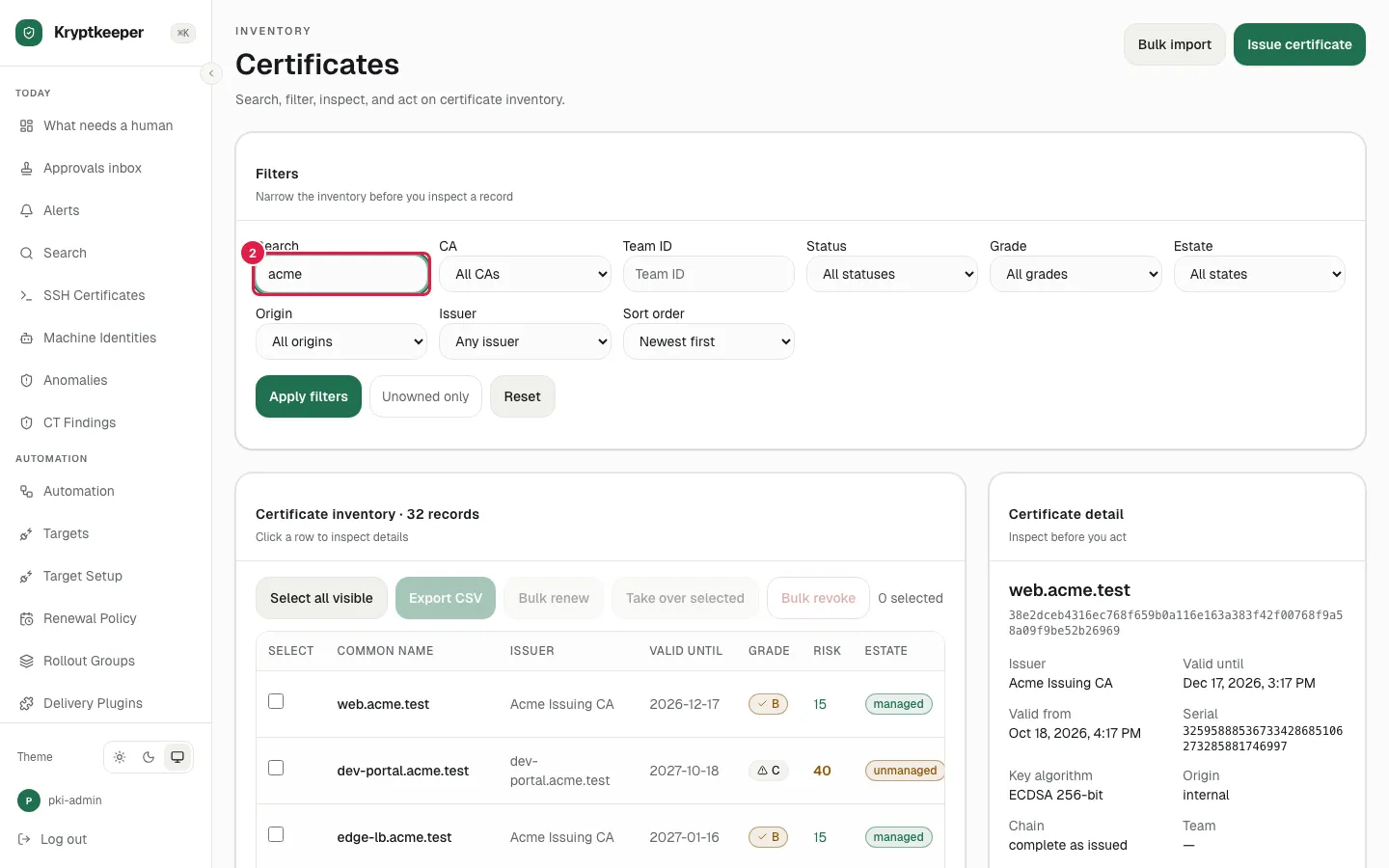
  2. Fill Search certificates with "acme"

    Fill Search certificates with "acme"
  3. Select "Acme Issuing CA" in Filter by CA
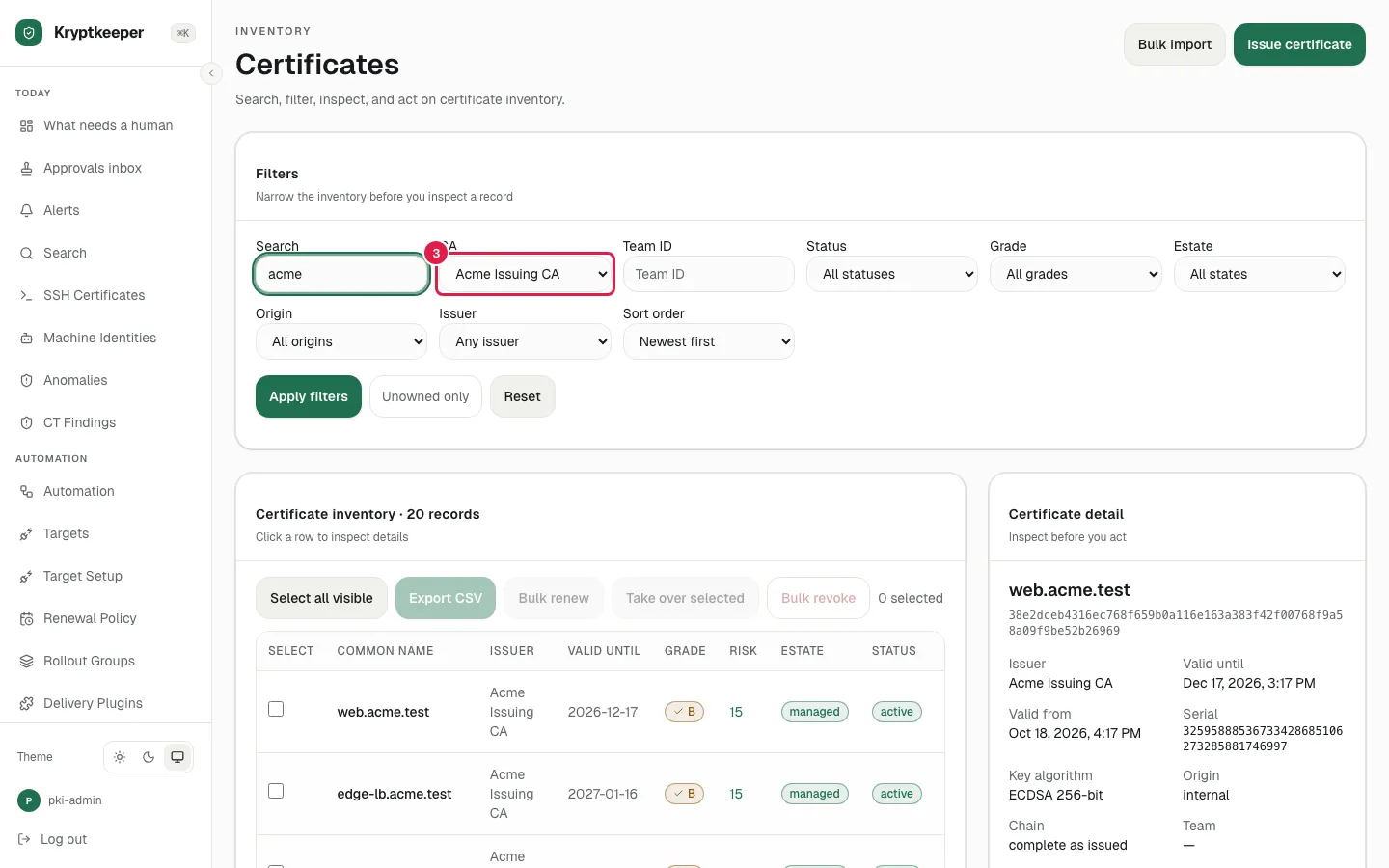
    Select "Acme Issuing CA" in Filter by CA
  4. Select "Active" in Filter by certificate status
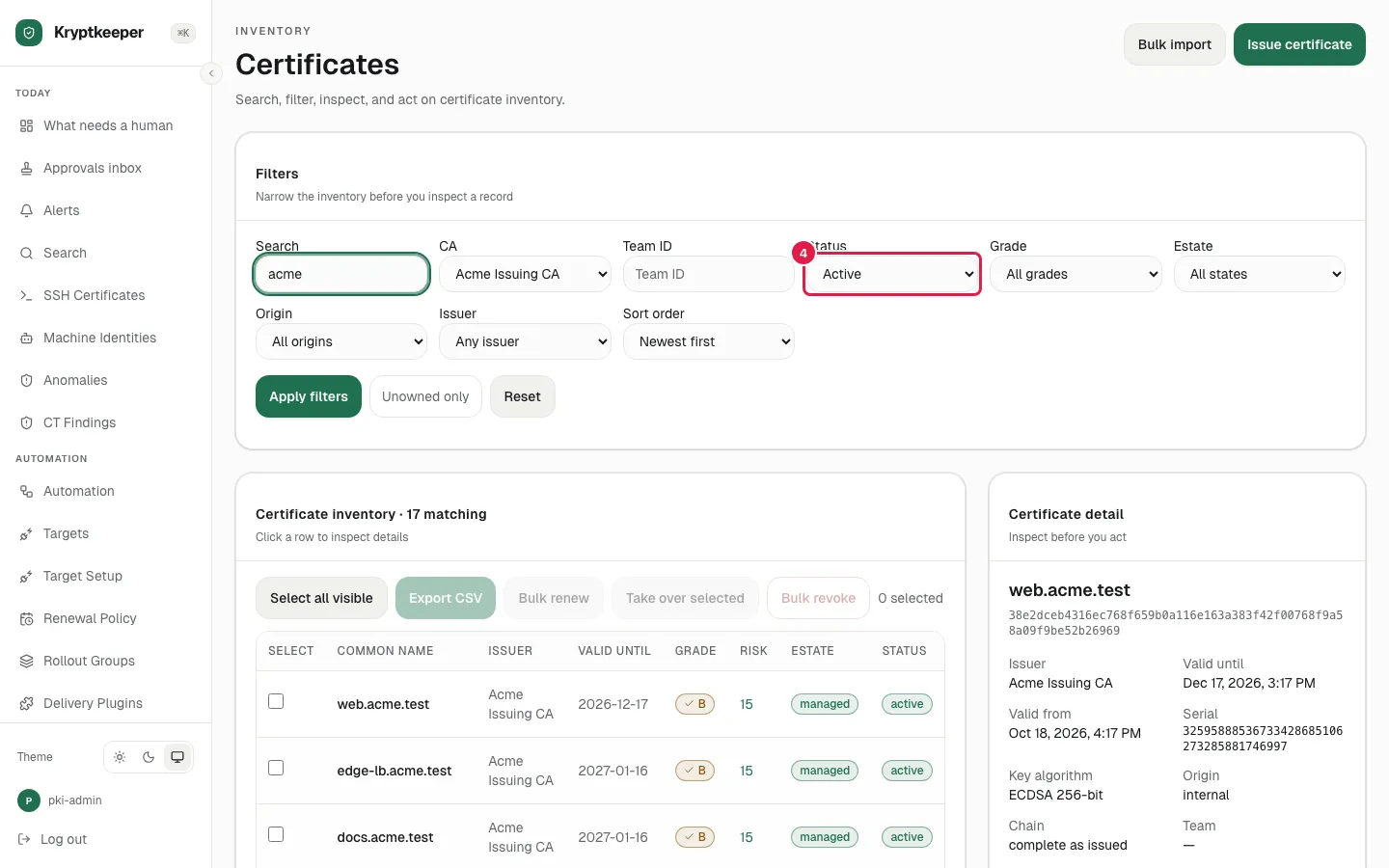
    Select "Active" in Filter by certificate status
  5. Select "Oldest first" in Sort certificates
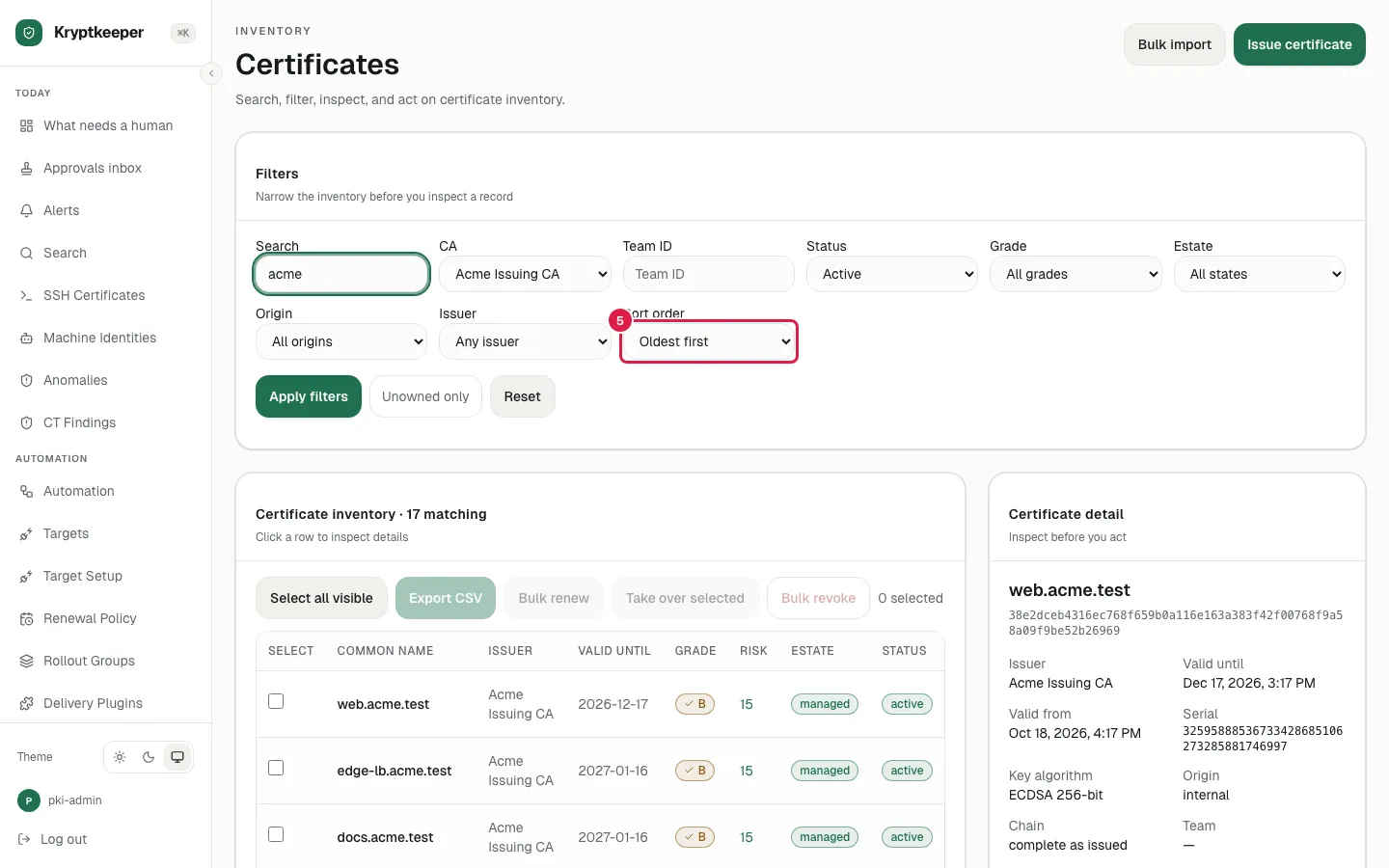
    Select "Oldest first" in Sort certificates
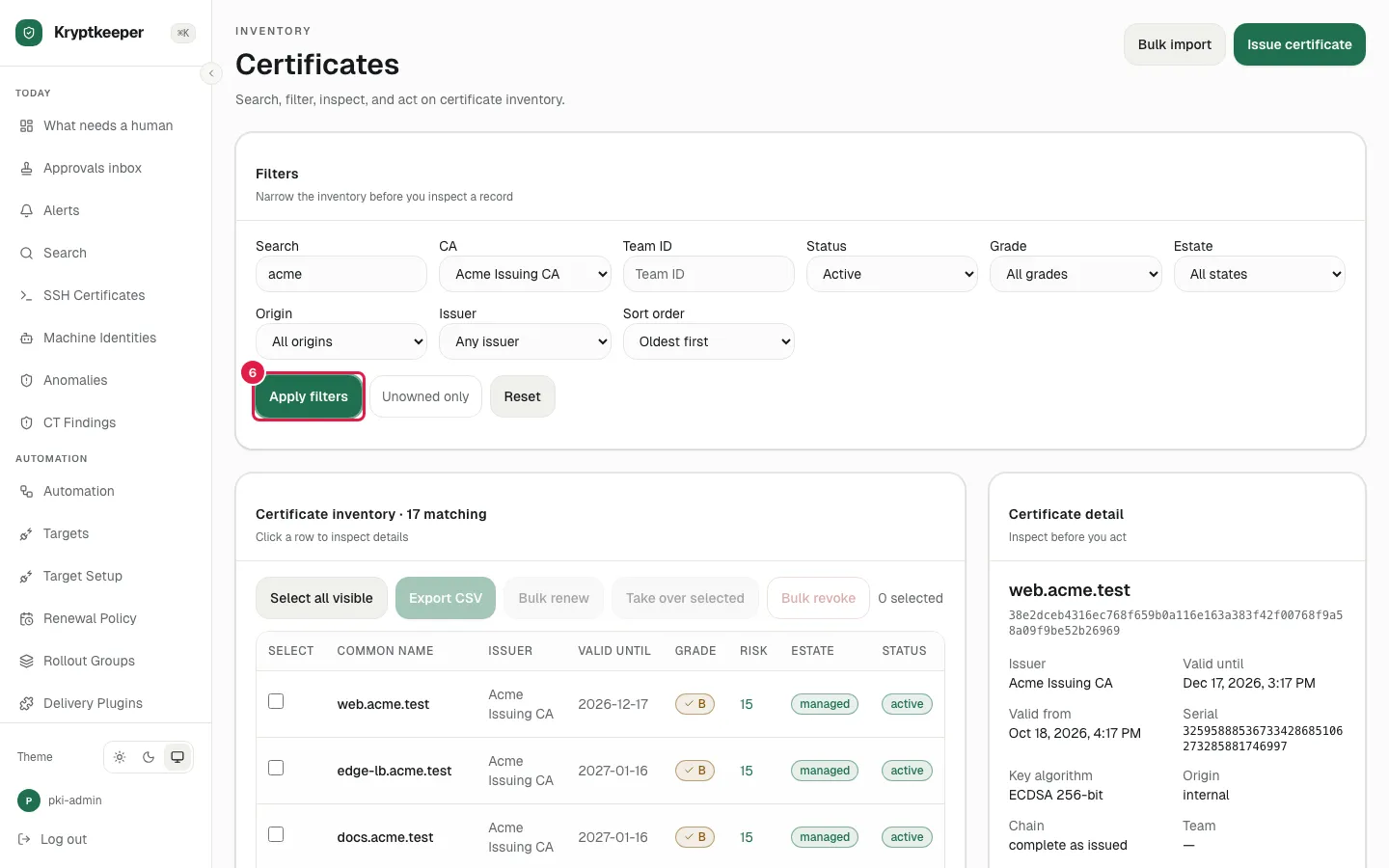
  6. Click Apply filters

    Click Apply filters
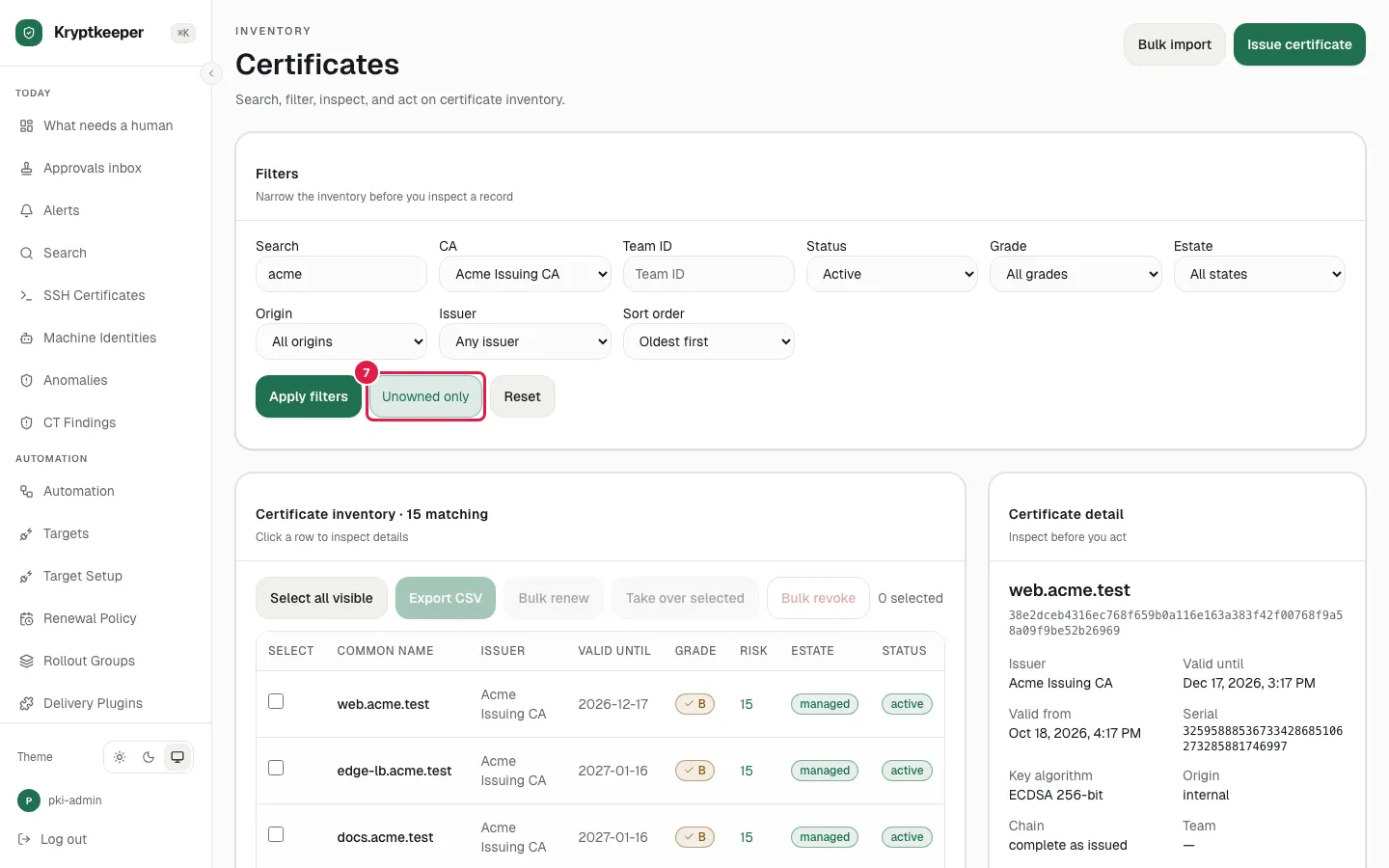
  7. Click Unowned only

    Click Unowned only
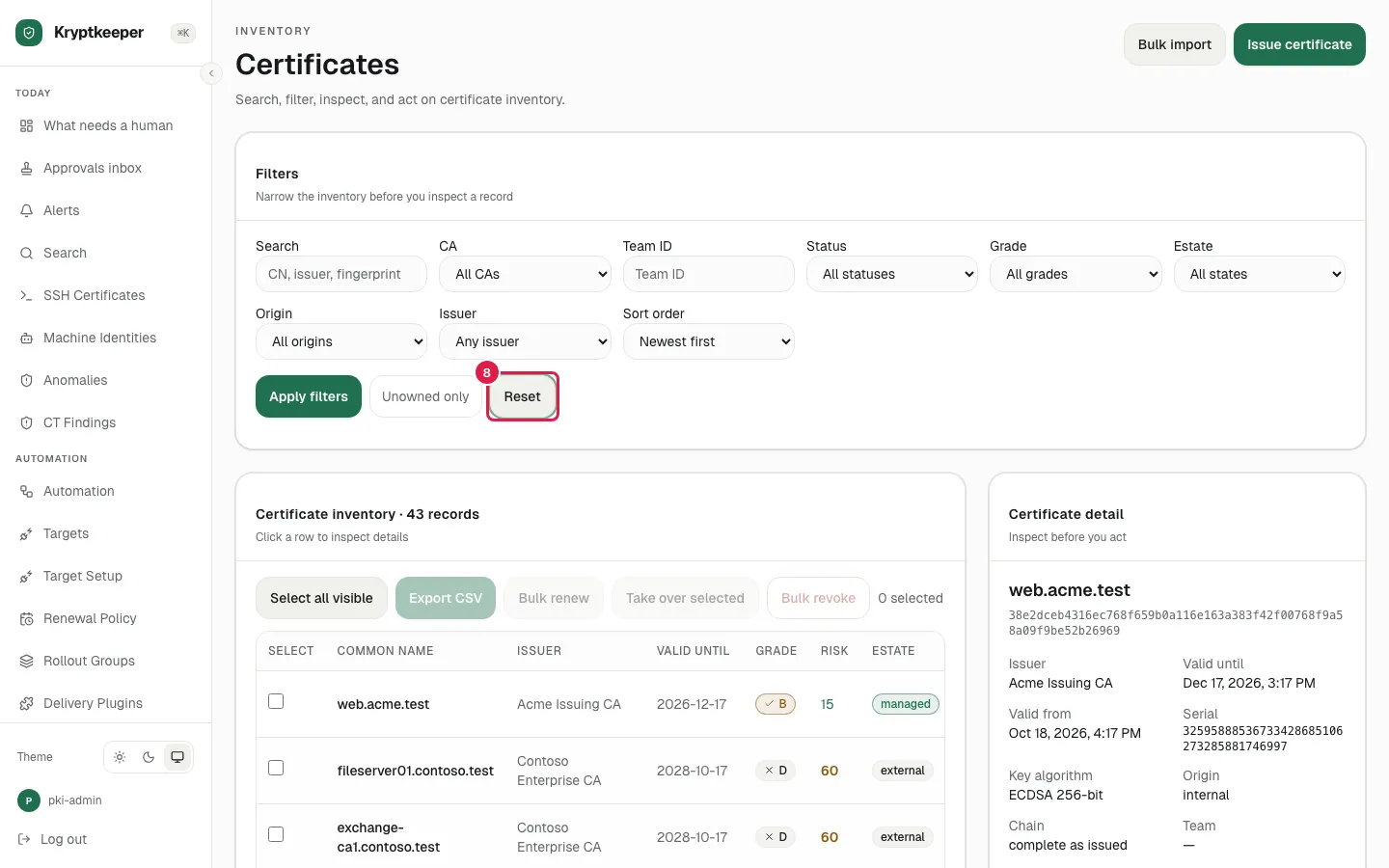
  8. Click Reset

    Click Reset
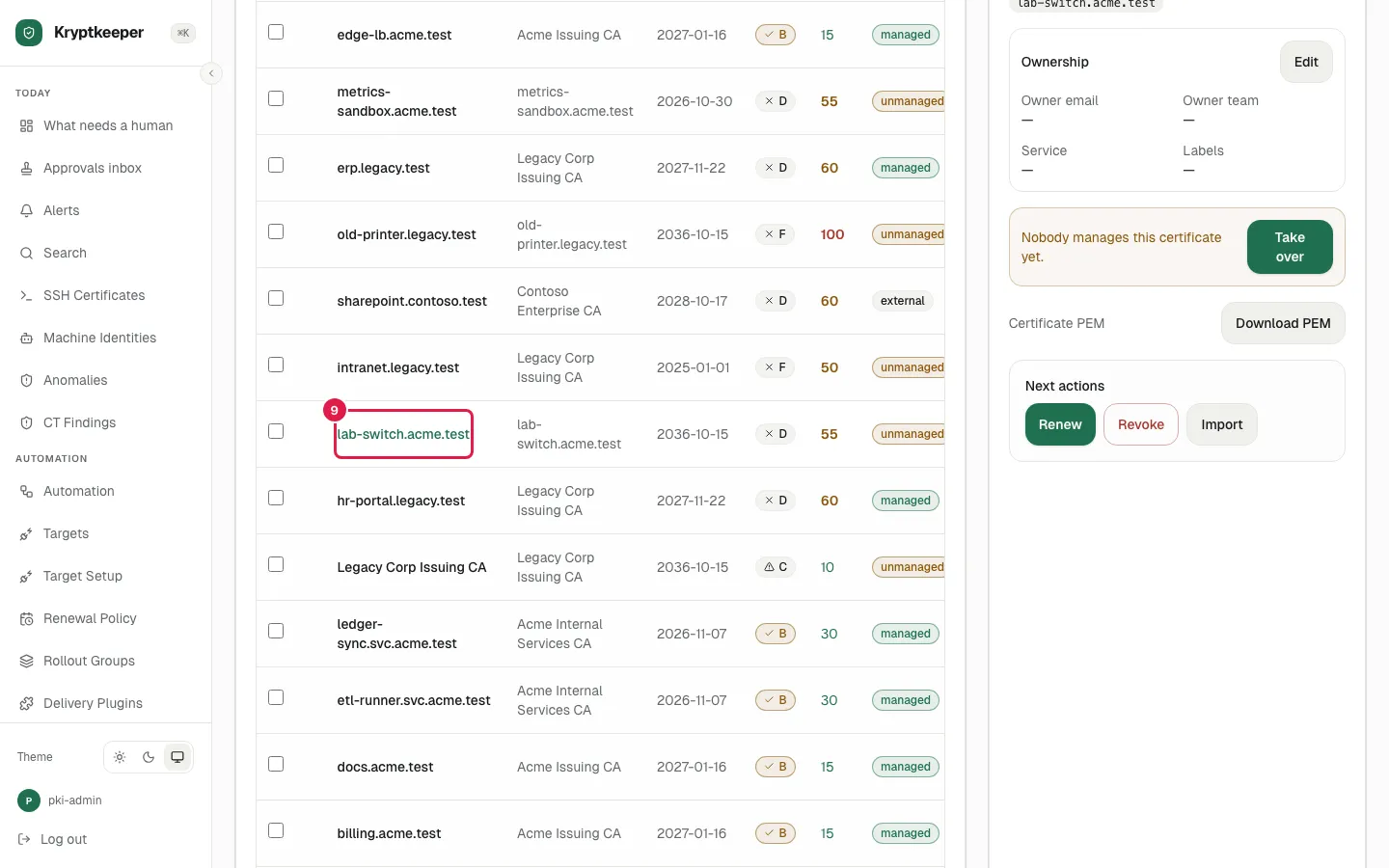
  9. Click lab-switch.acme.test

    Click lab-switch.acme.test
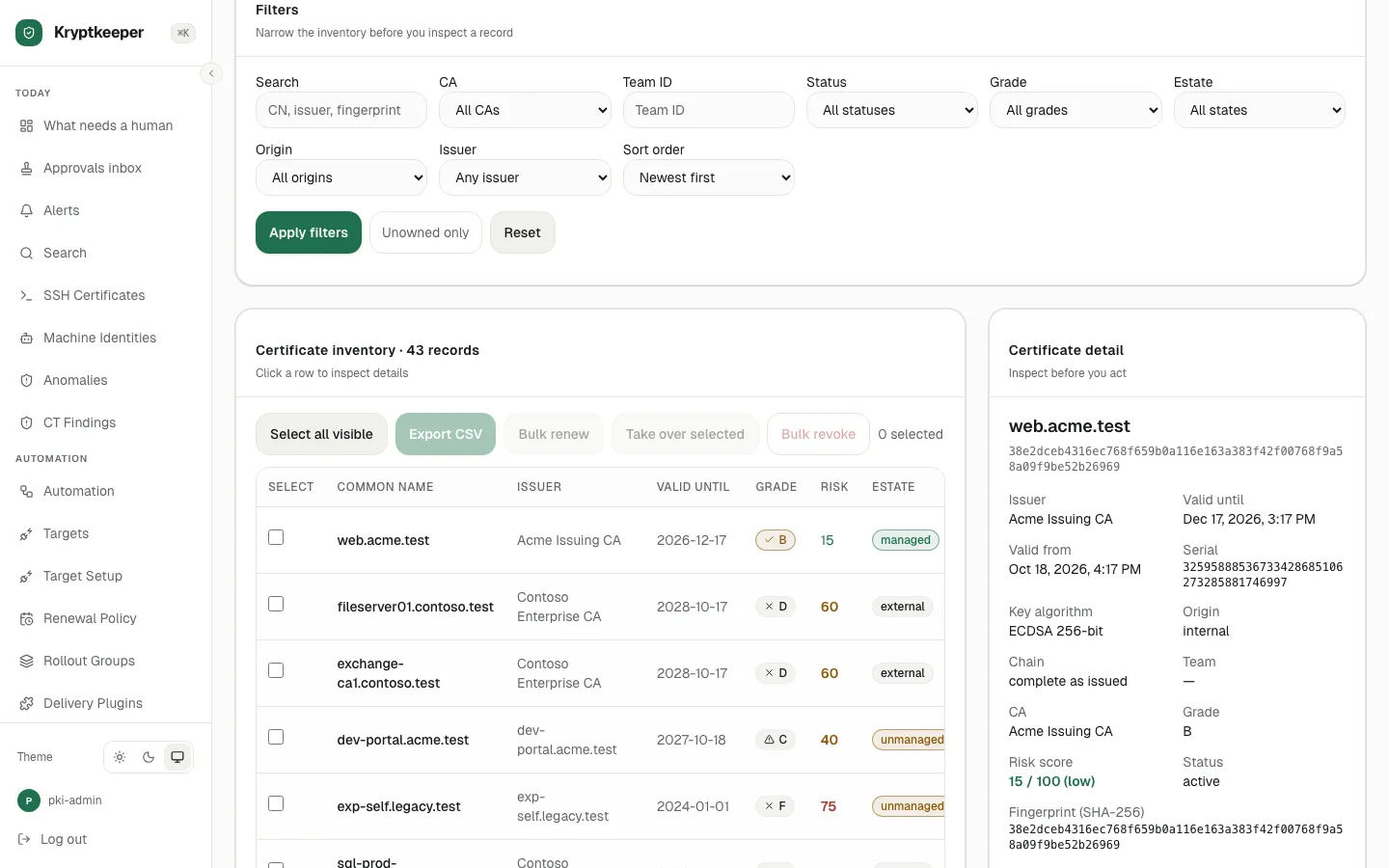
  10. Scroll down the detail card for risk score, fingerprint, SANs and ownership
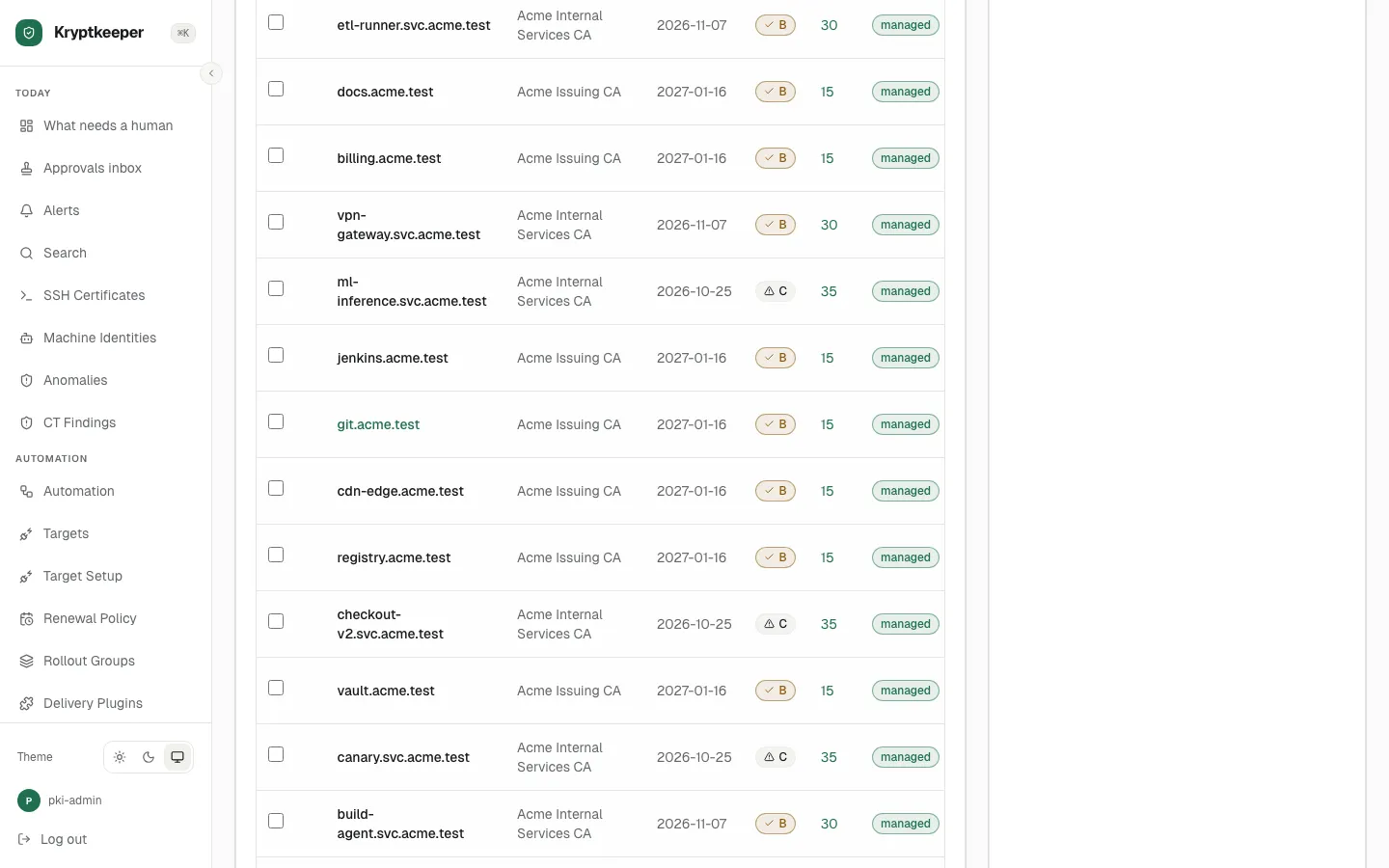
    Scroll down the detail card for risk score, fingerprint, SANs and ownership
  11. Click Back to list

    Click Back to list