Kryptkeeper
Walkthrough · 11 steps

Generate, back up and rotate keys

Run the key lifecycle from the console.

As pki-admin

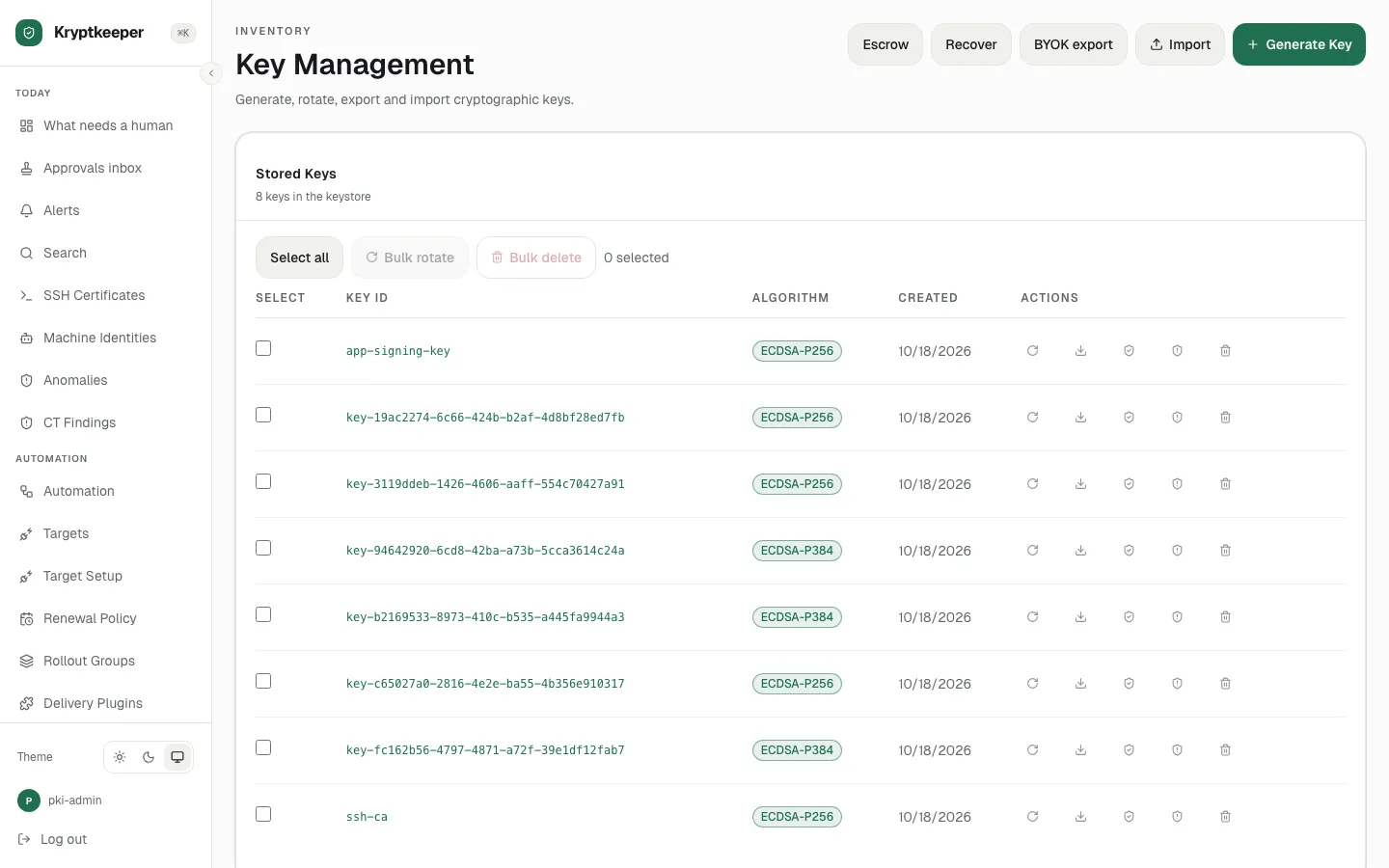
  1. Open /keys

    Open /keys
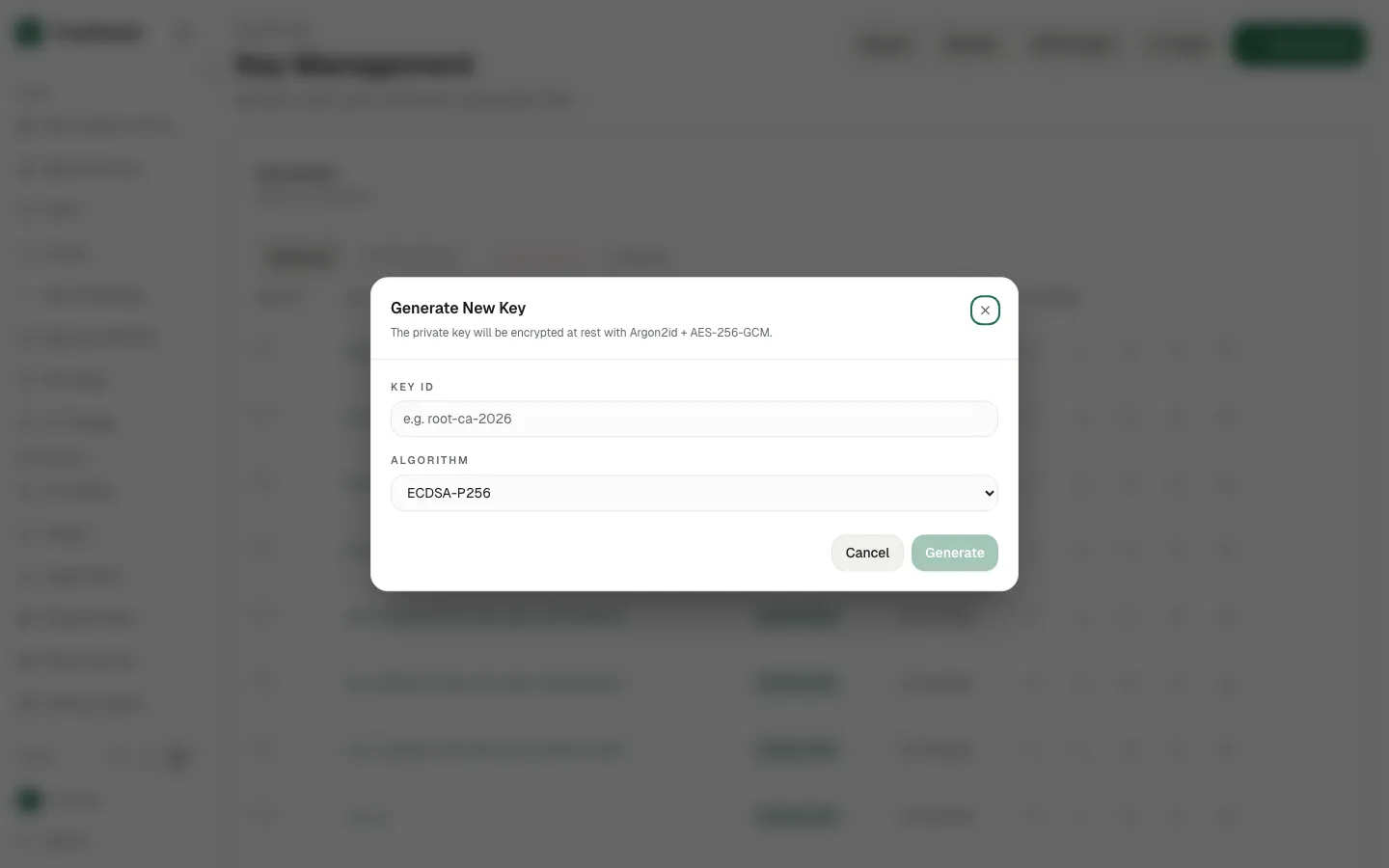
  2. Click Generate Key

    Click Generate Key
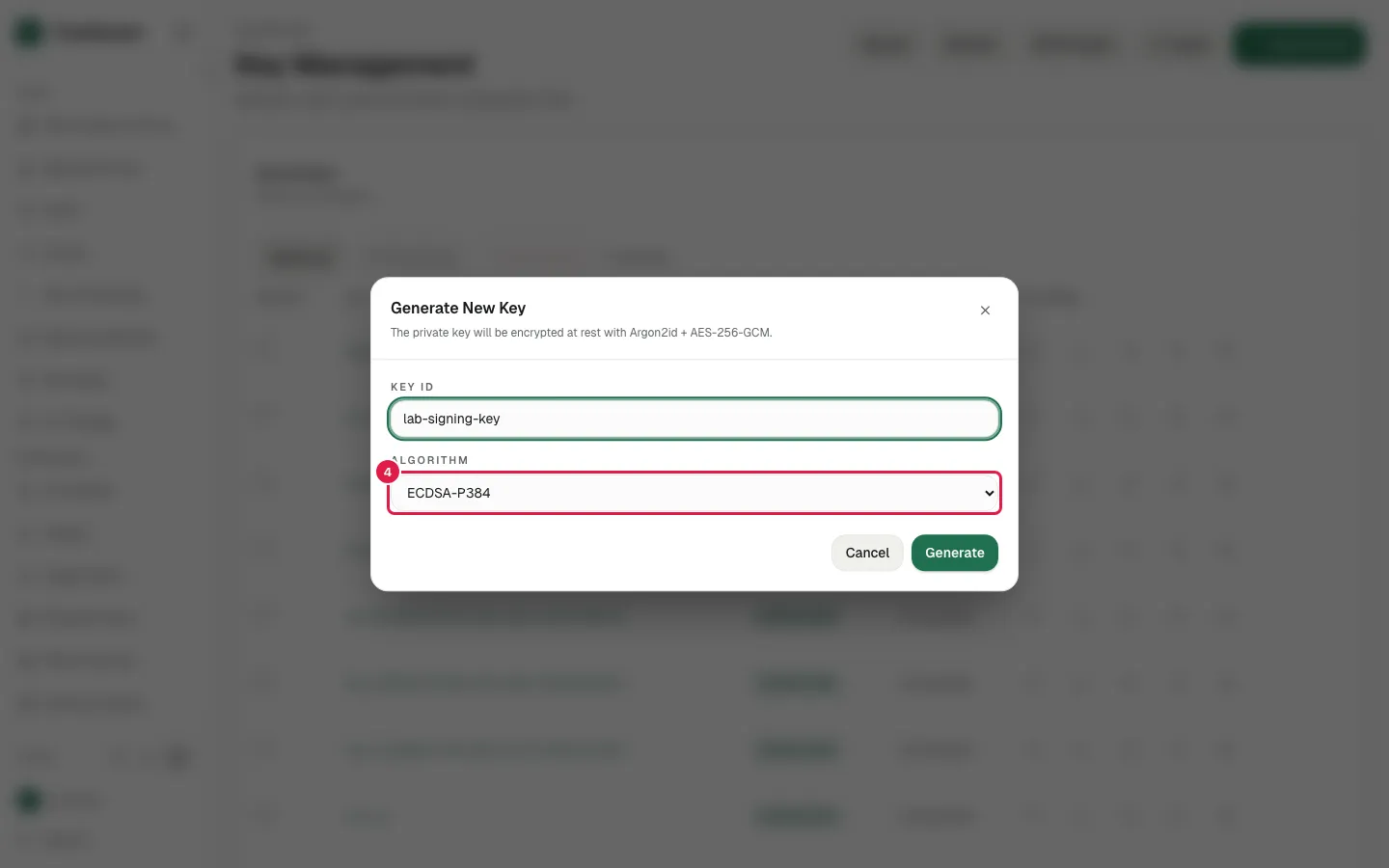
  3. Fill e.g. root-ca-2026 with "lab-signing-key"
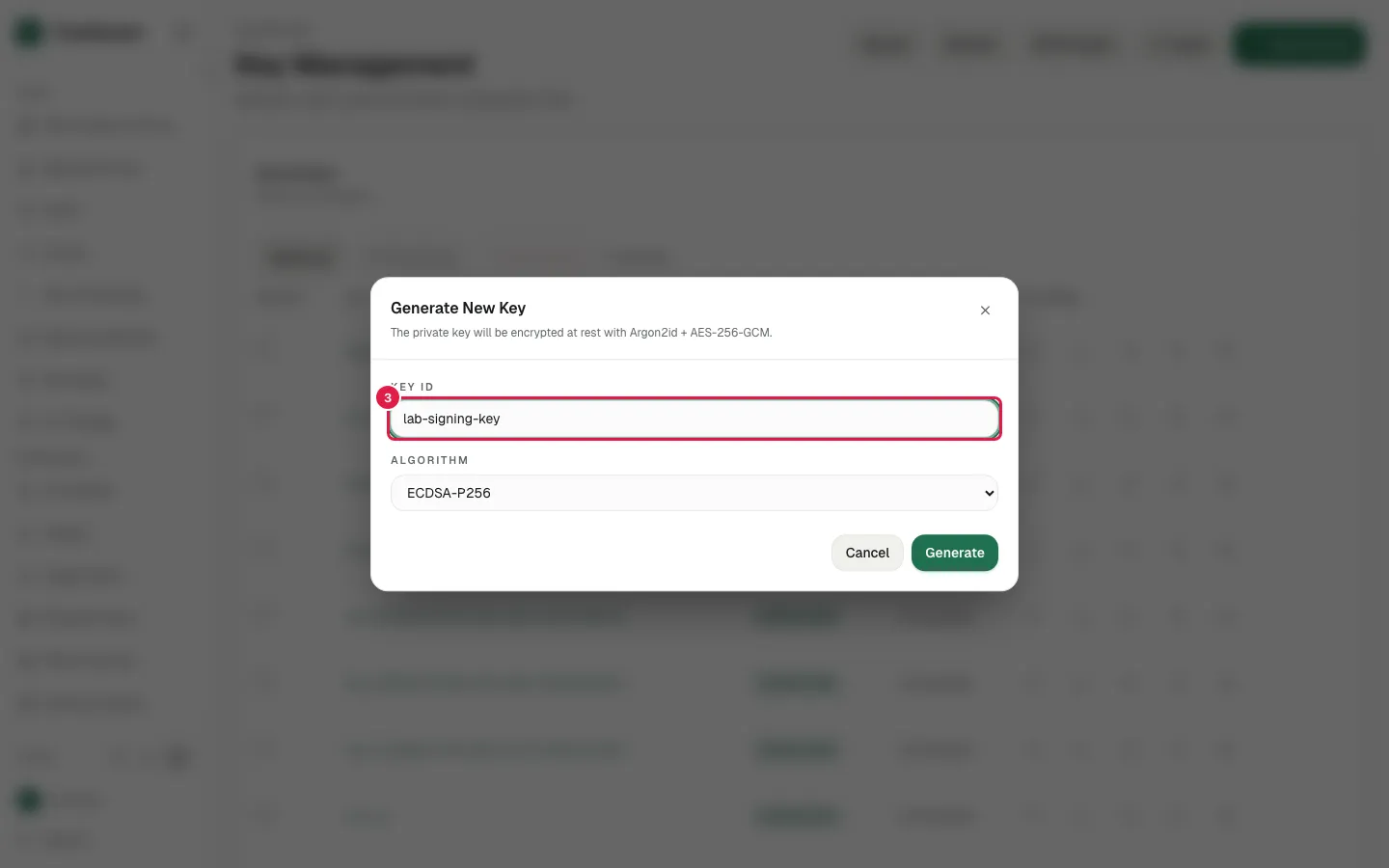
    Fill e.g. root-ca-2026 with "lab-signing-key"
  4. Select "ECDSA-P384" in select

    Select "ECDSA-P384" in select
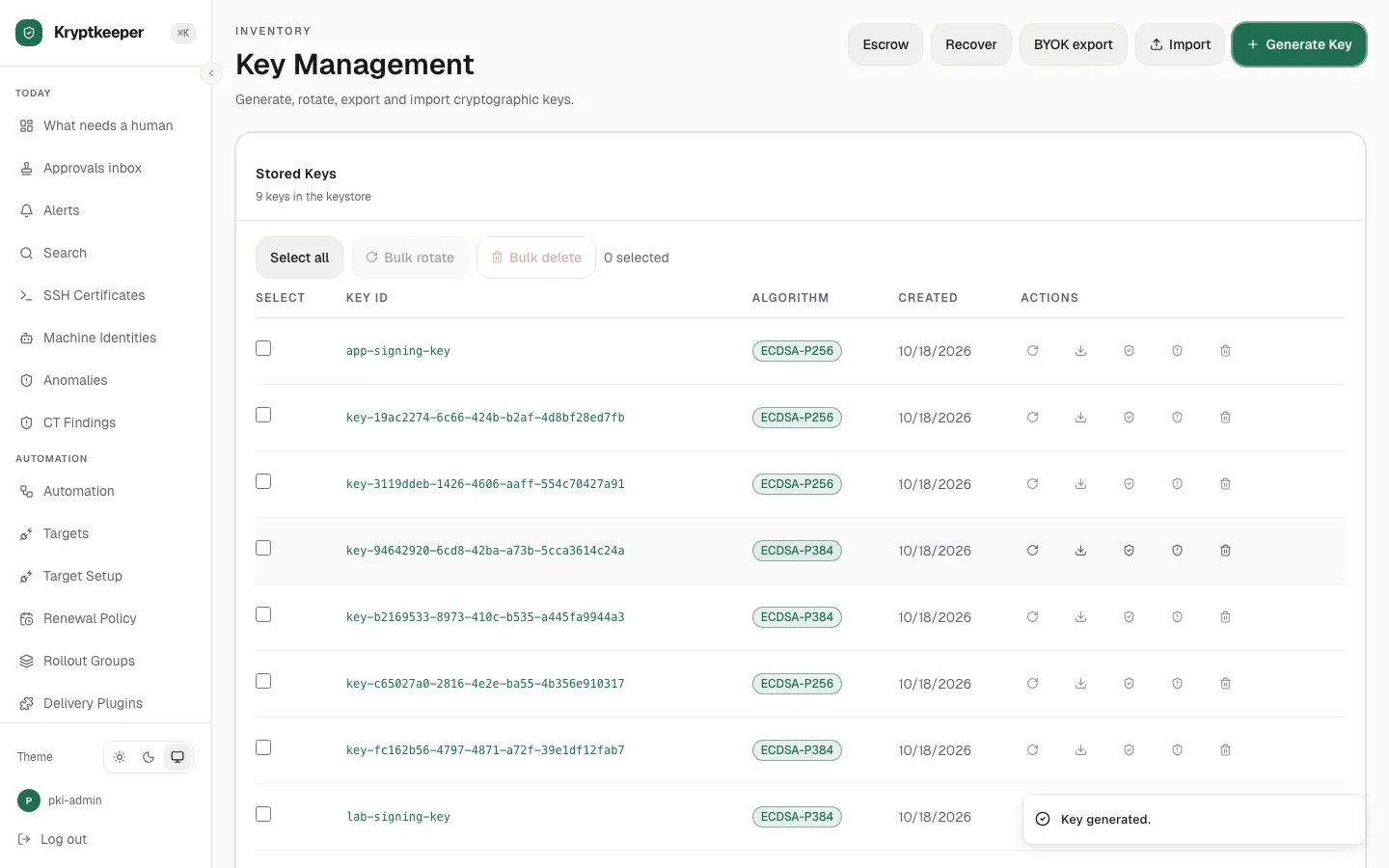
  5. Click Generate

    Click Generate
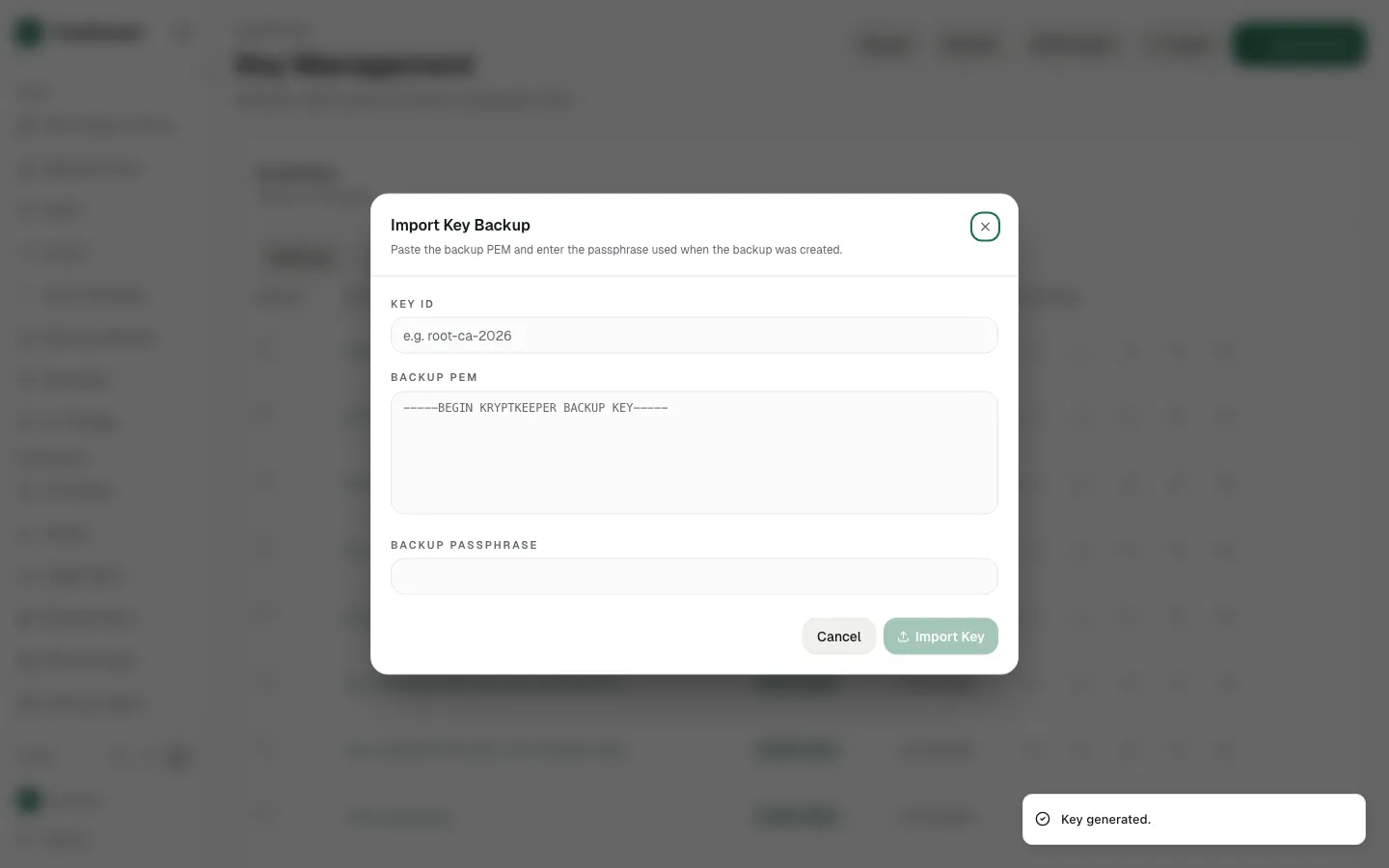
  6. Click Import

    Click Import
  7. Click Cancel

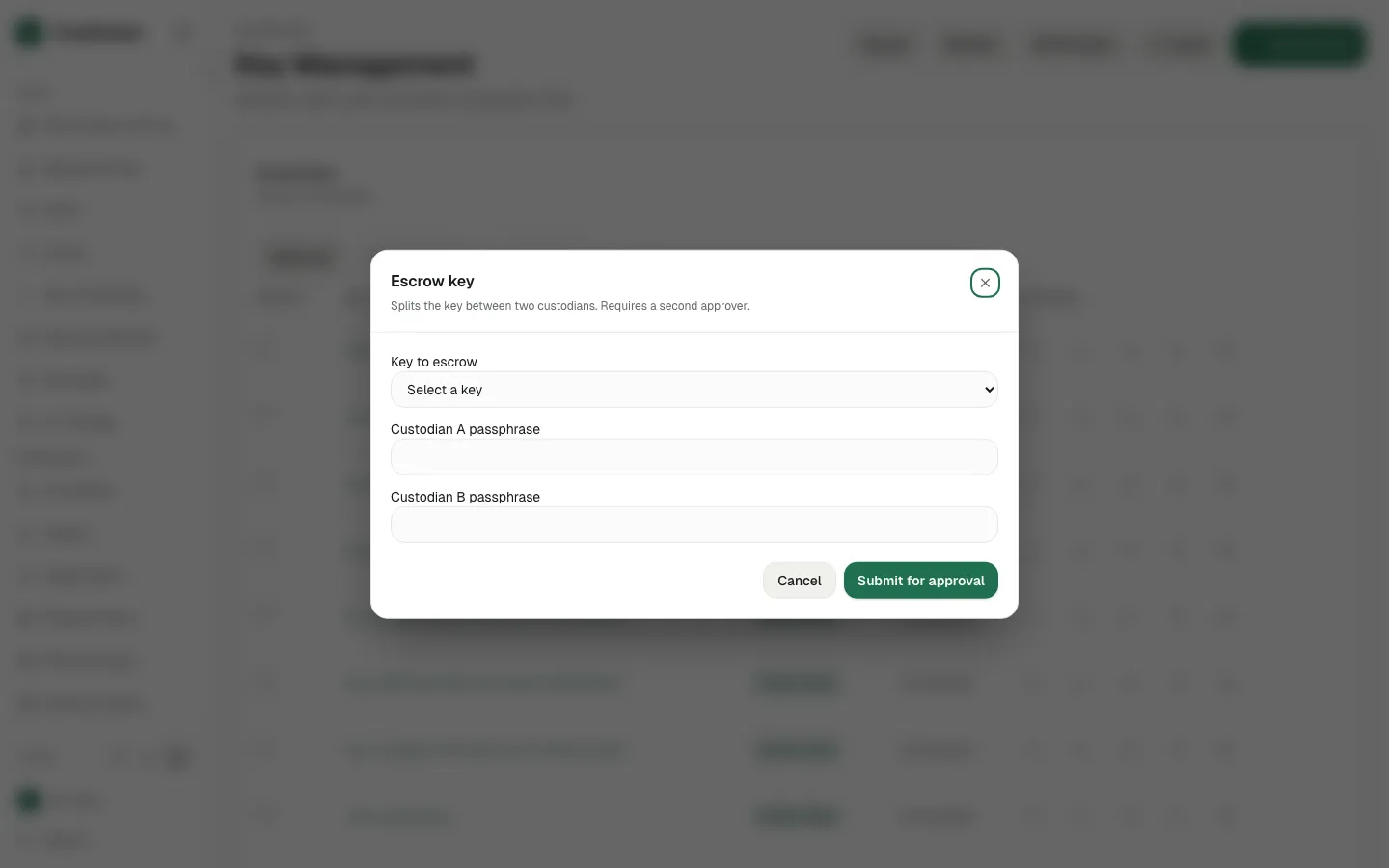
  8. Click Escrow

    Click Escrow
  9. Click Cancel

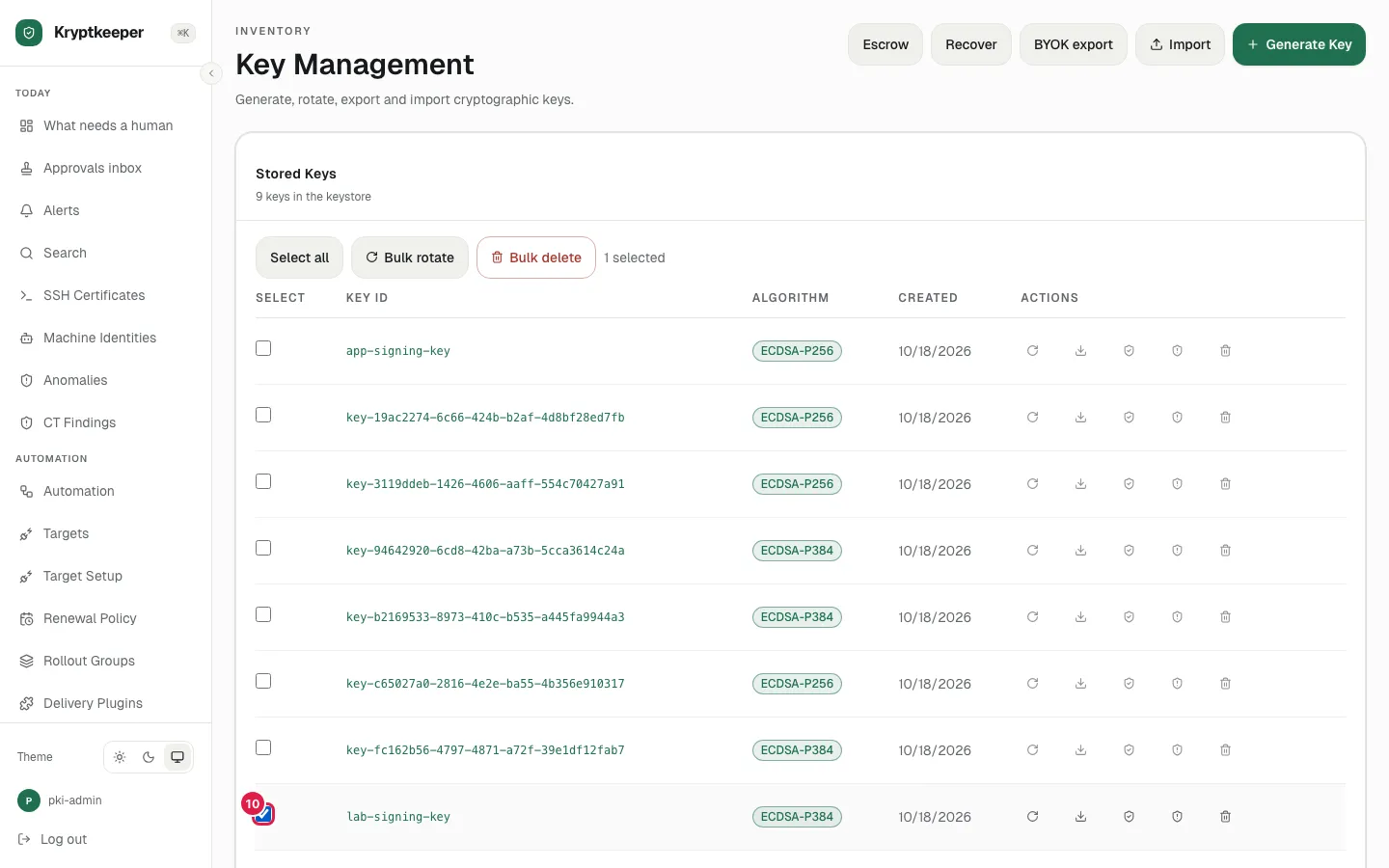
  10. Tick Select lab-signing-key

    Tick Select lab-signing-key
  11. Bulk rotate and Bulk delete are destructive and are captured only up to the button
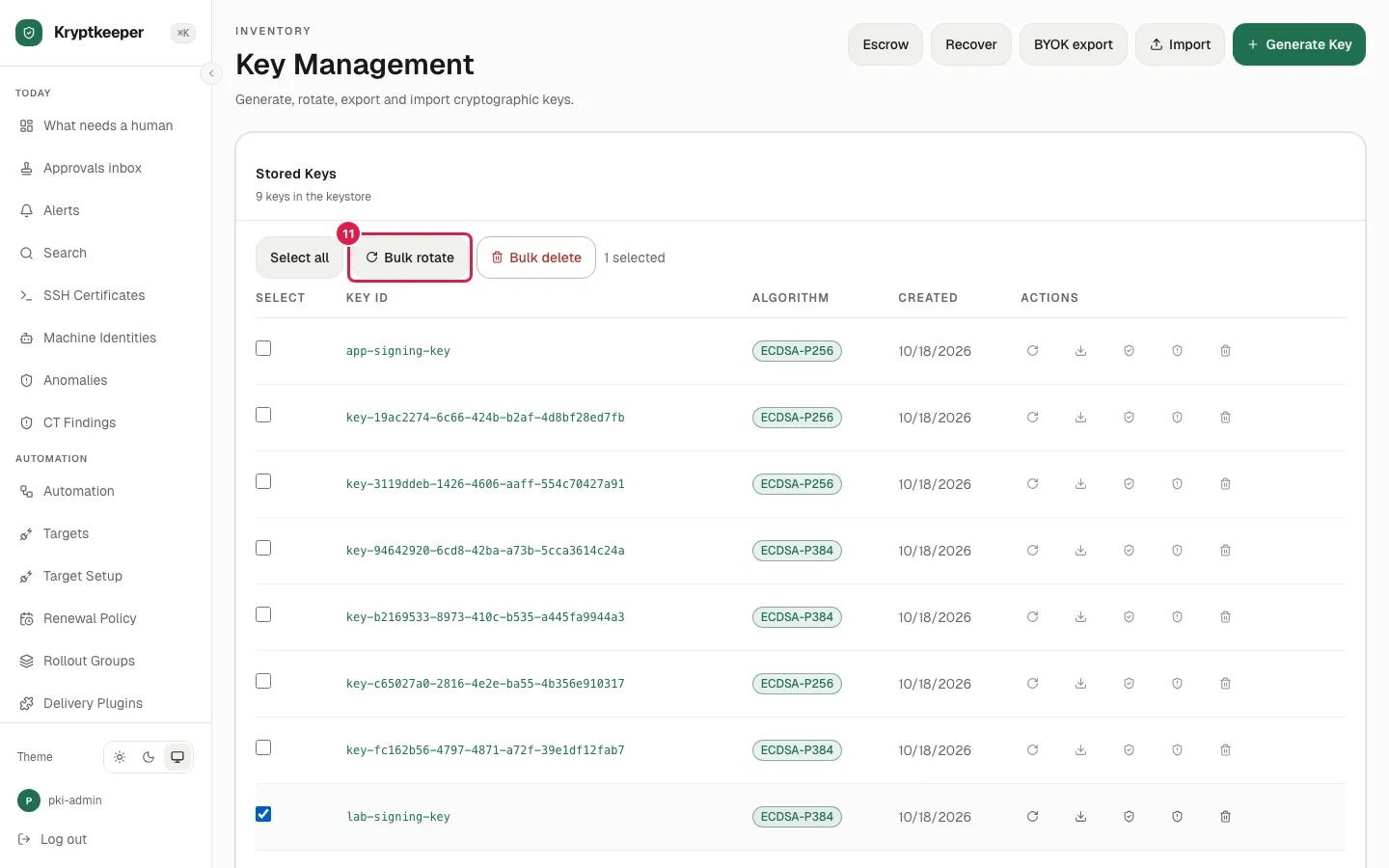
    Bulk rotate and Bulk delete are destructive and are captured only up to the button