Kryptkeeper
Walkthrough · 13 steps

Build alert rules and retry failures

Send a test, write a rule, and retry a failed delivery.

As pki-admin

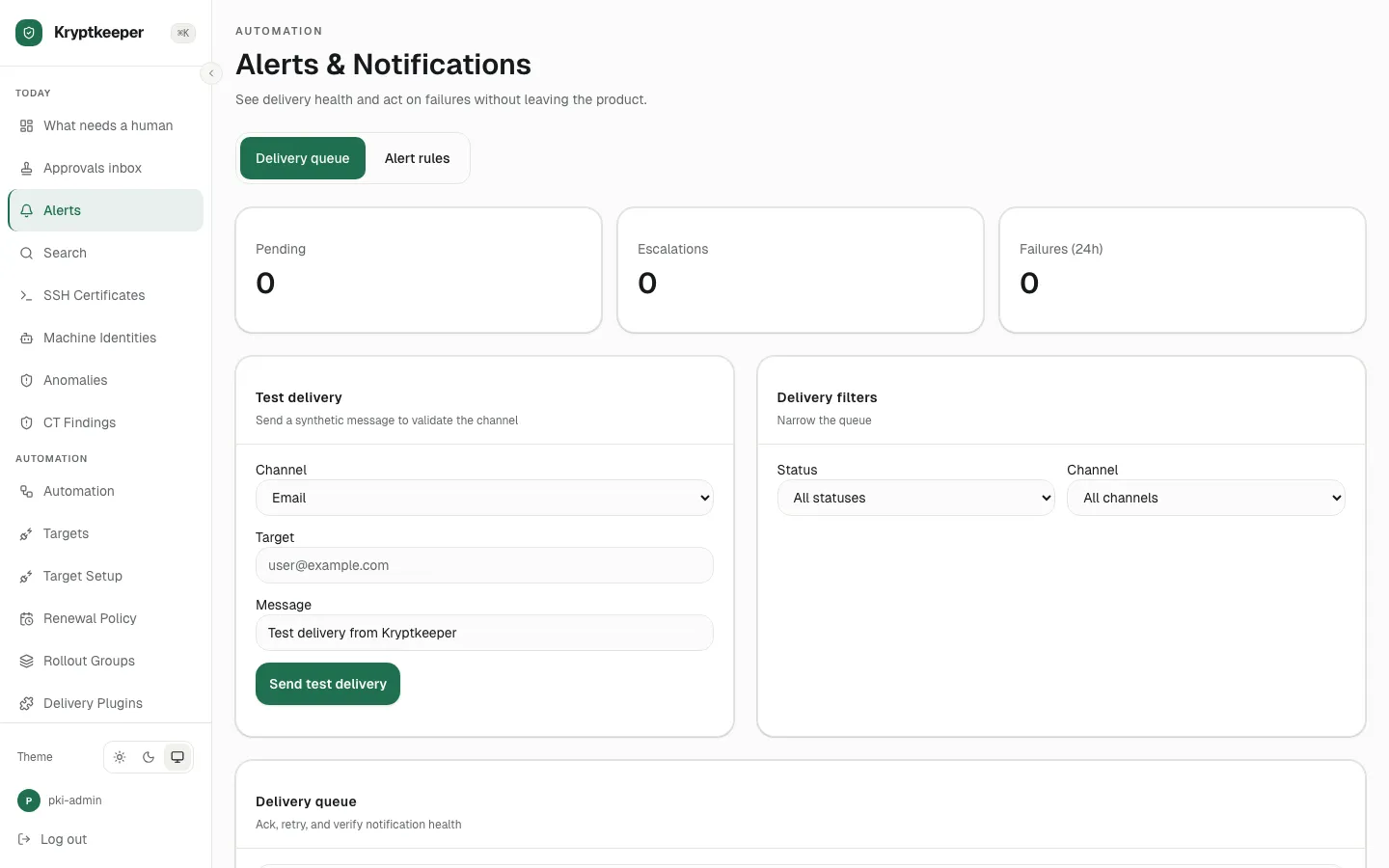
  1. Open /alerts

    Open /alerts
  2. Select "Email" in Notification test channel
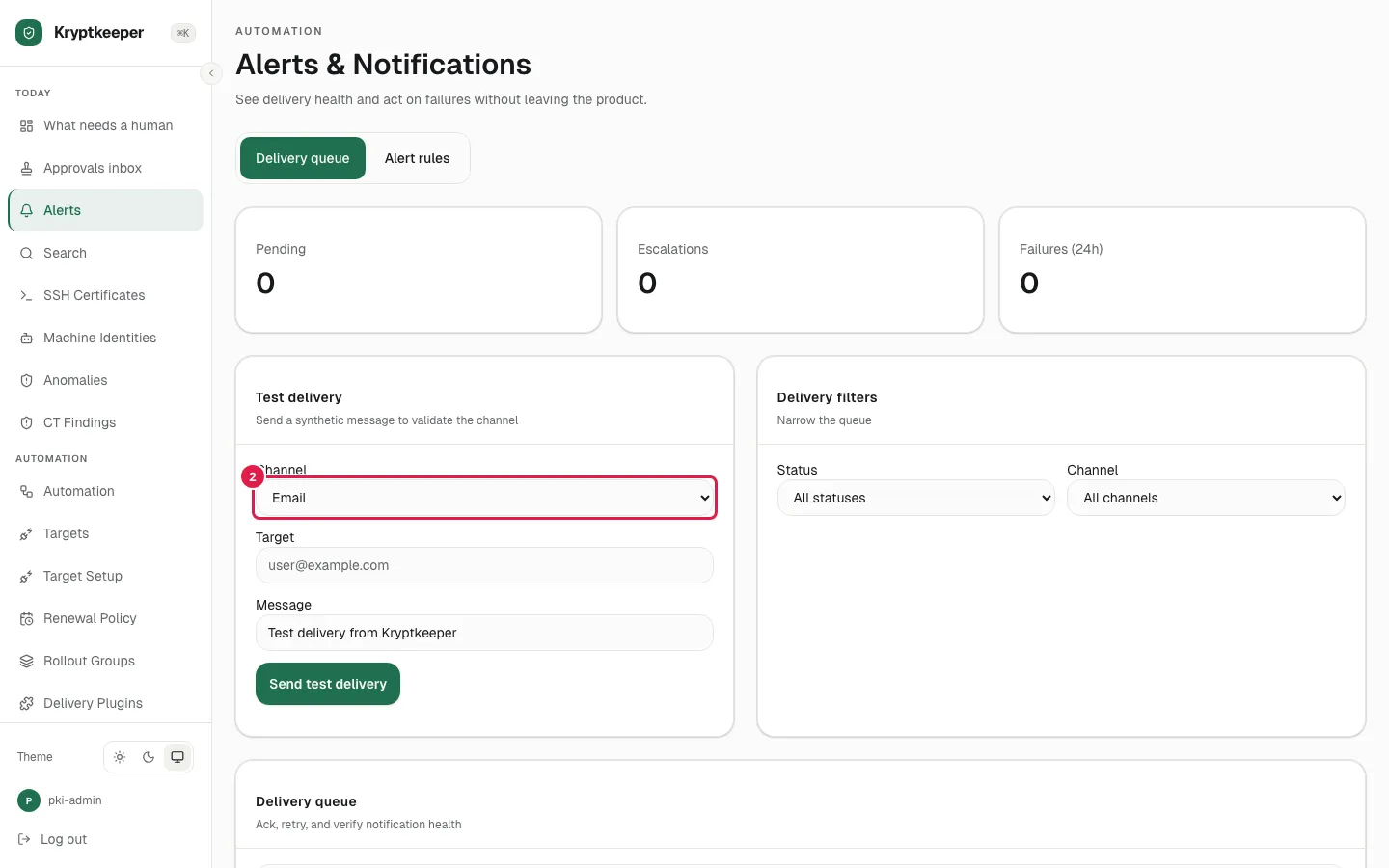
    Select "Email" in Notification test channel
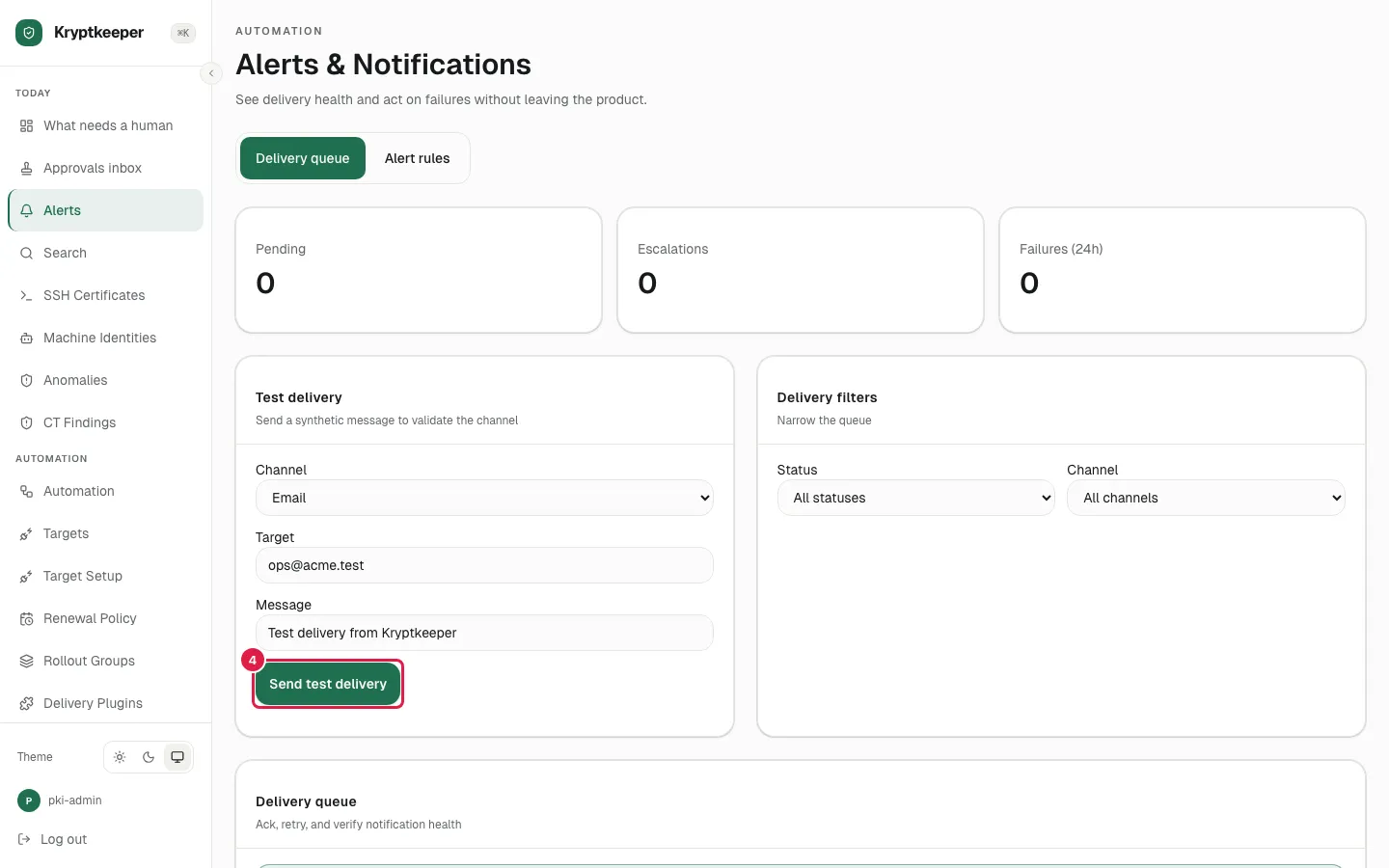
  3. Fill Notification test target with "[email protected]"
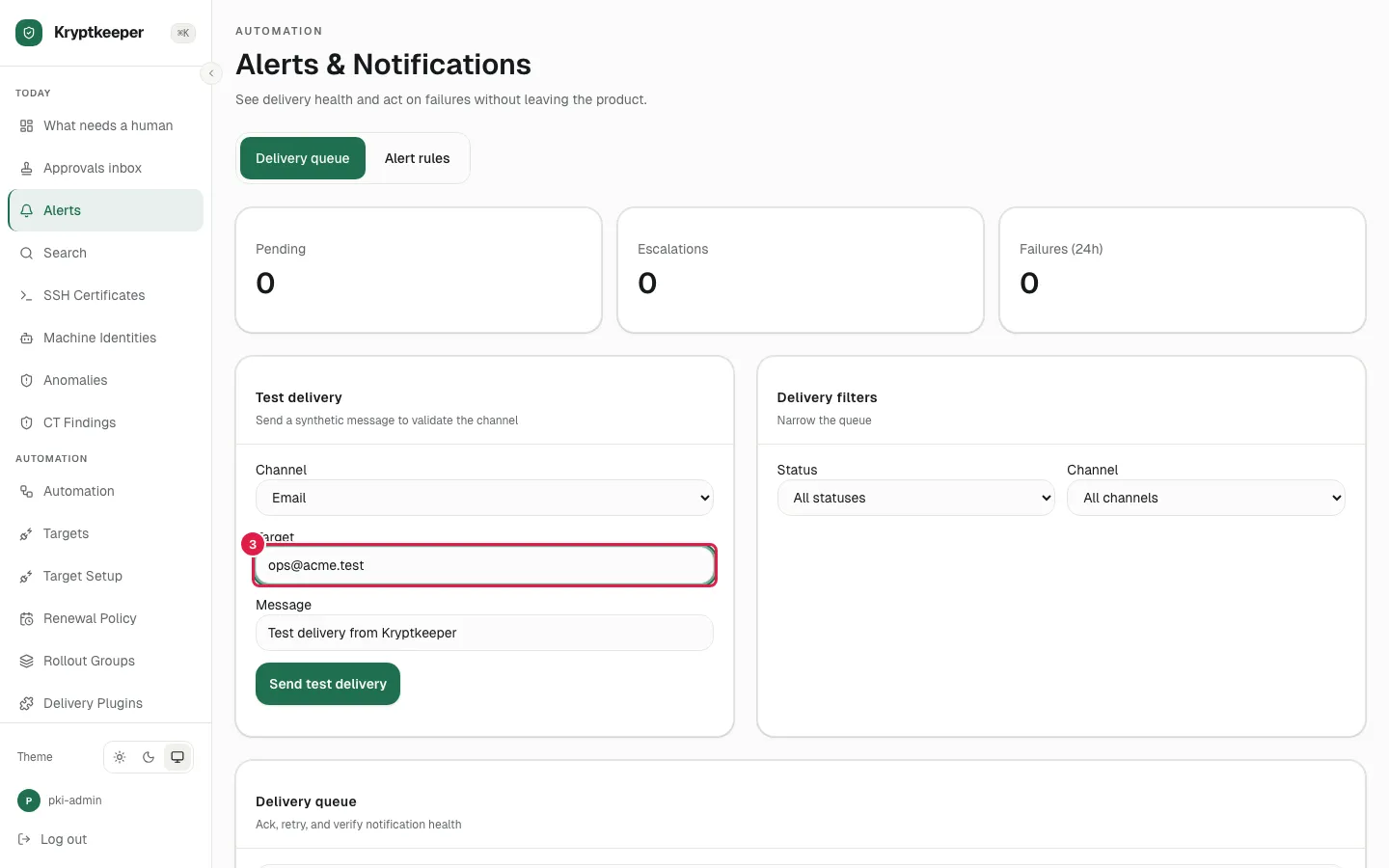
    Fill Notification test target with "ops@acme.test"
  4. Click Send test delivery

    Click Send test delivery
  5. Click a delivery row to open its detail, attempts and actions
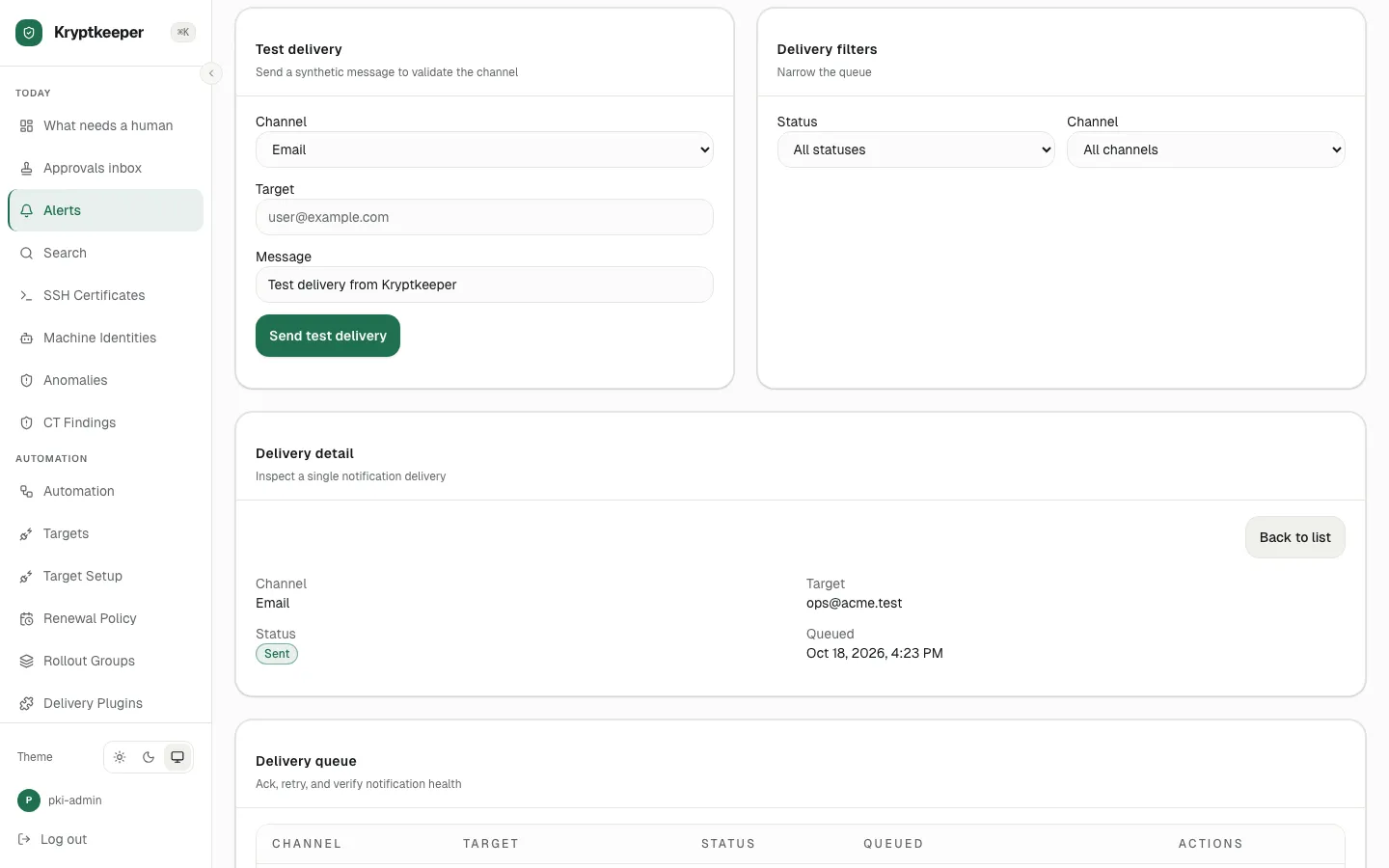
    Click a delivery row to open its detail, attempts and actions
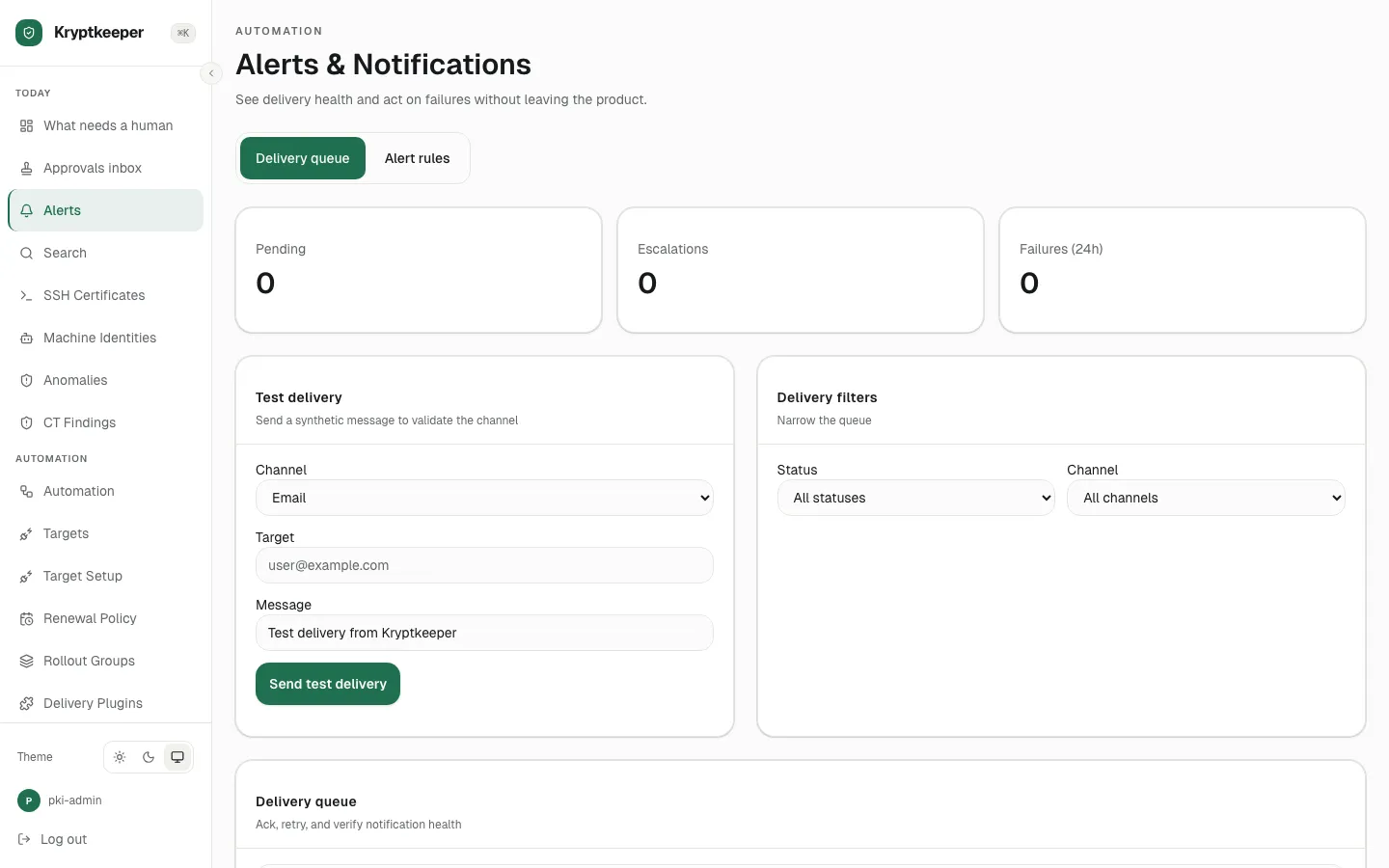
  6. Open /alerts

    Open /alerts
  7. Select "Email" in Filter deliveries by channel
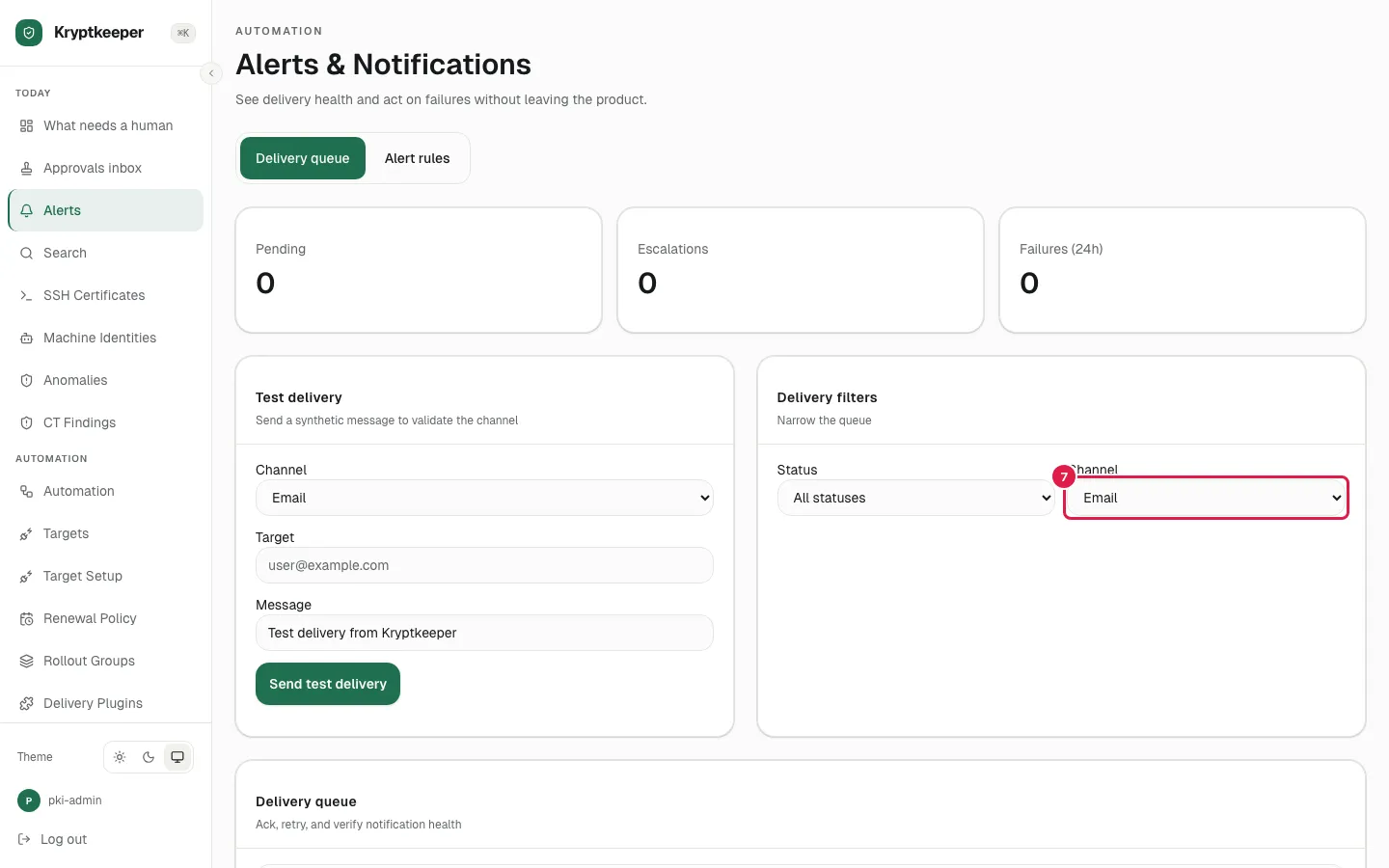
    Select "Email" in Filter deliveries by channel
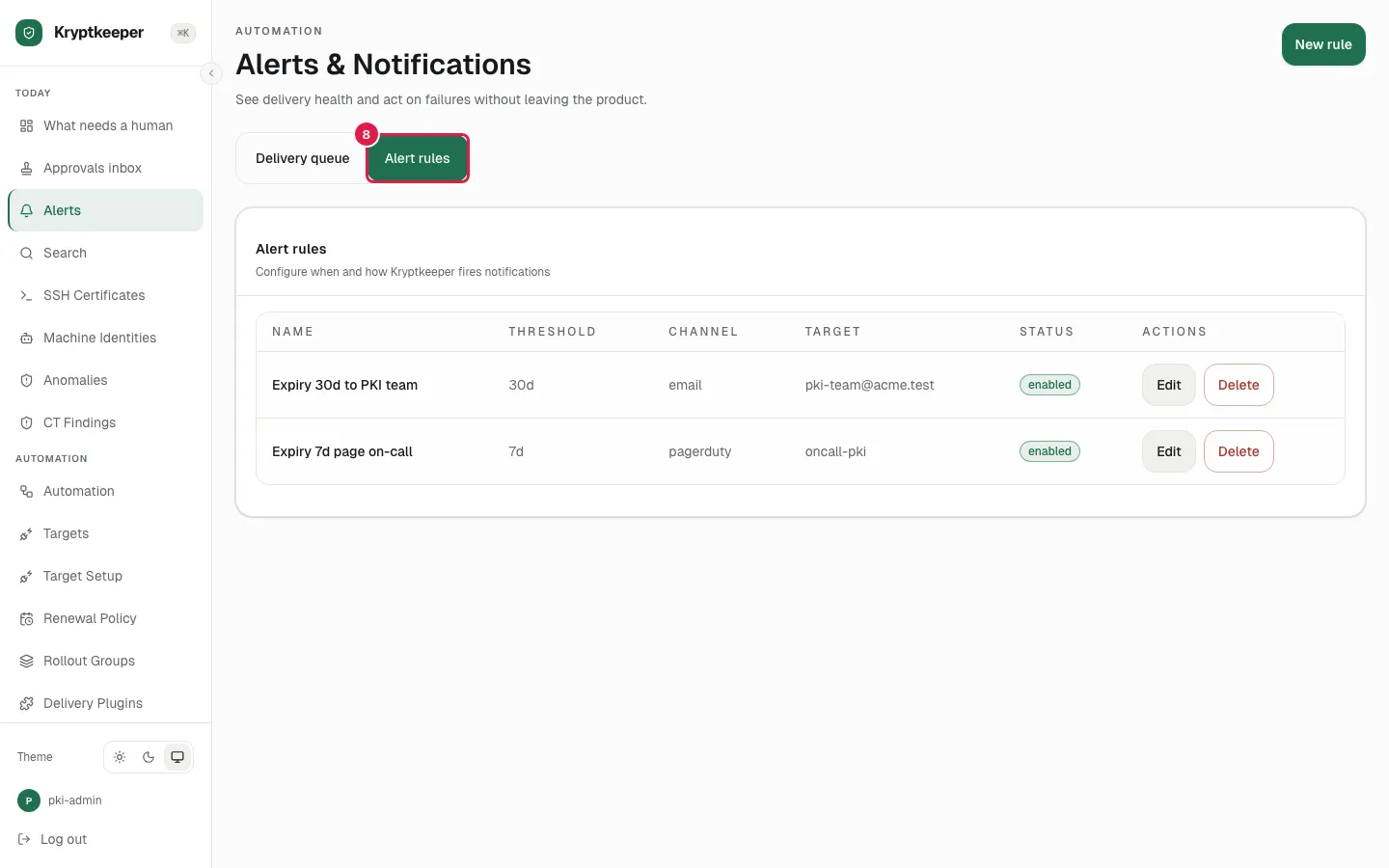
  8. Click Alert rules

    Click Alert rules
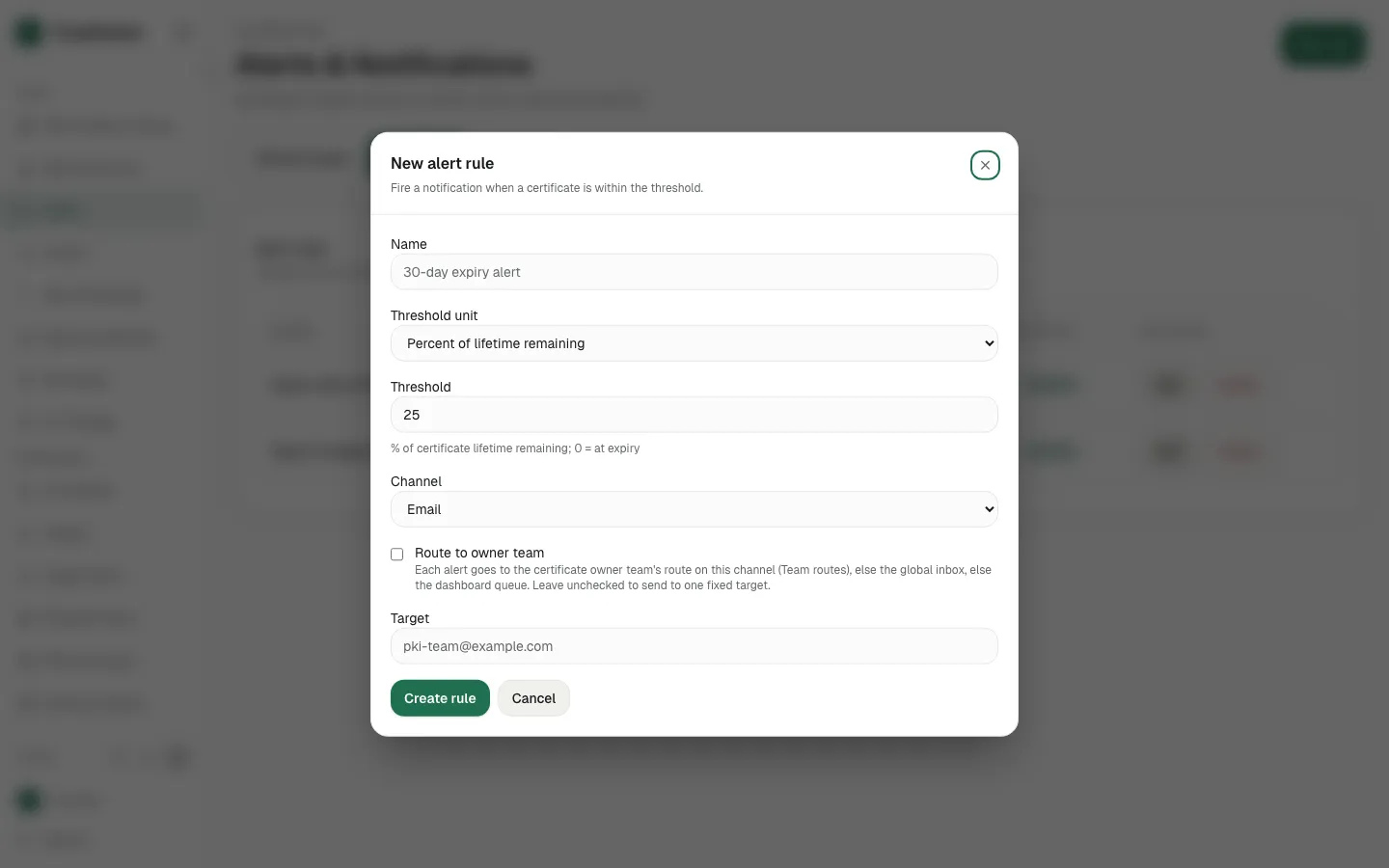
  9. Click New rule

    Click New rule
  10. Fill Name with "Expiry 14d to platform"
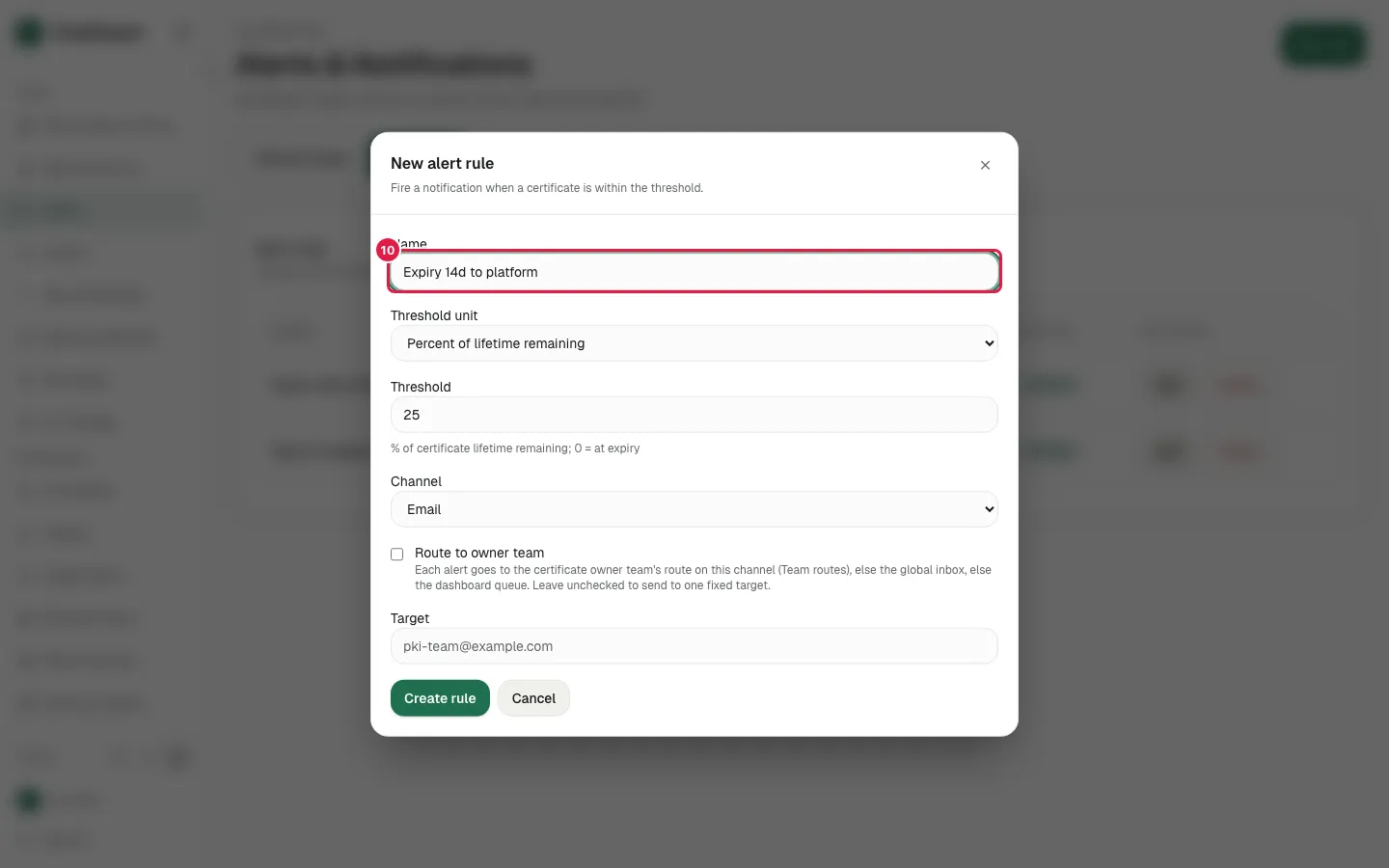
    Fill Name with "Expiry 14d to platform"
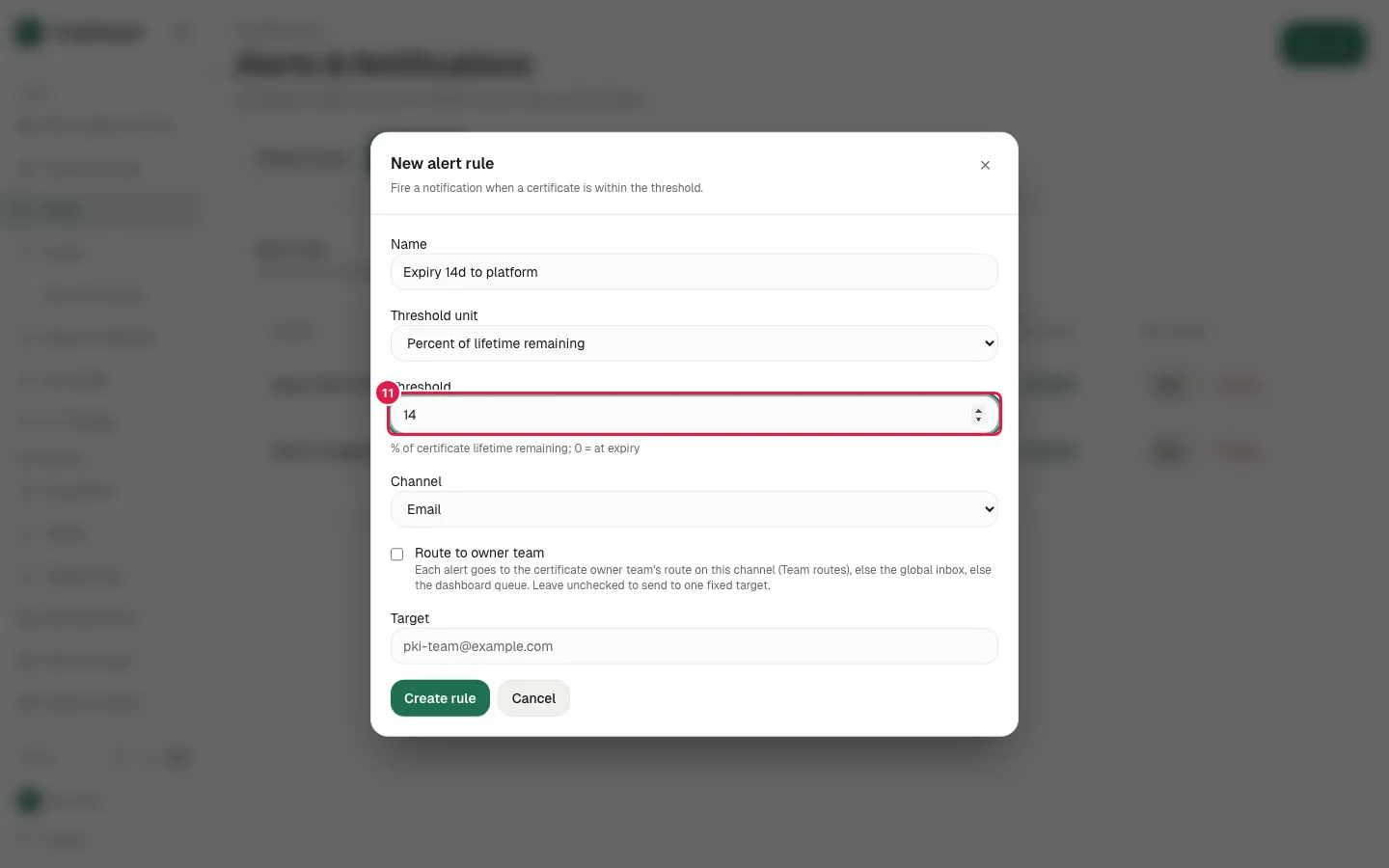
  11. Fill Threshold with "14"

    Fill Threshold with "14"
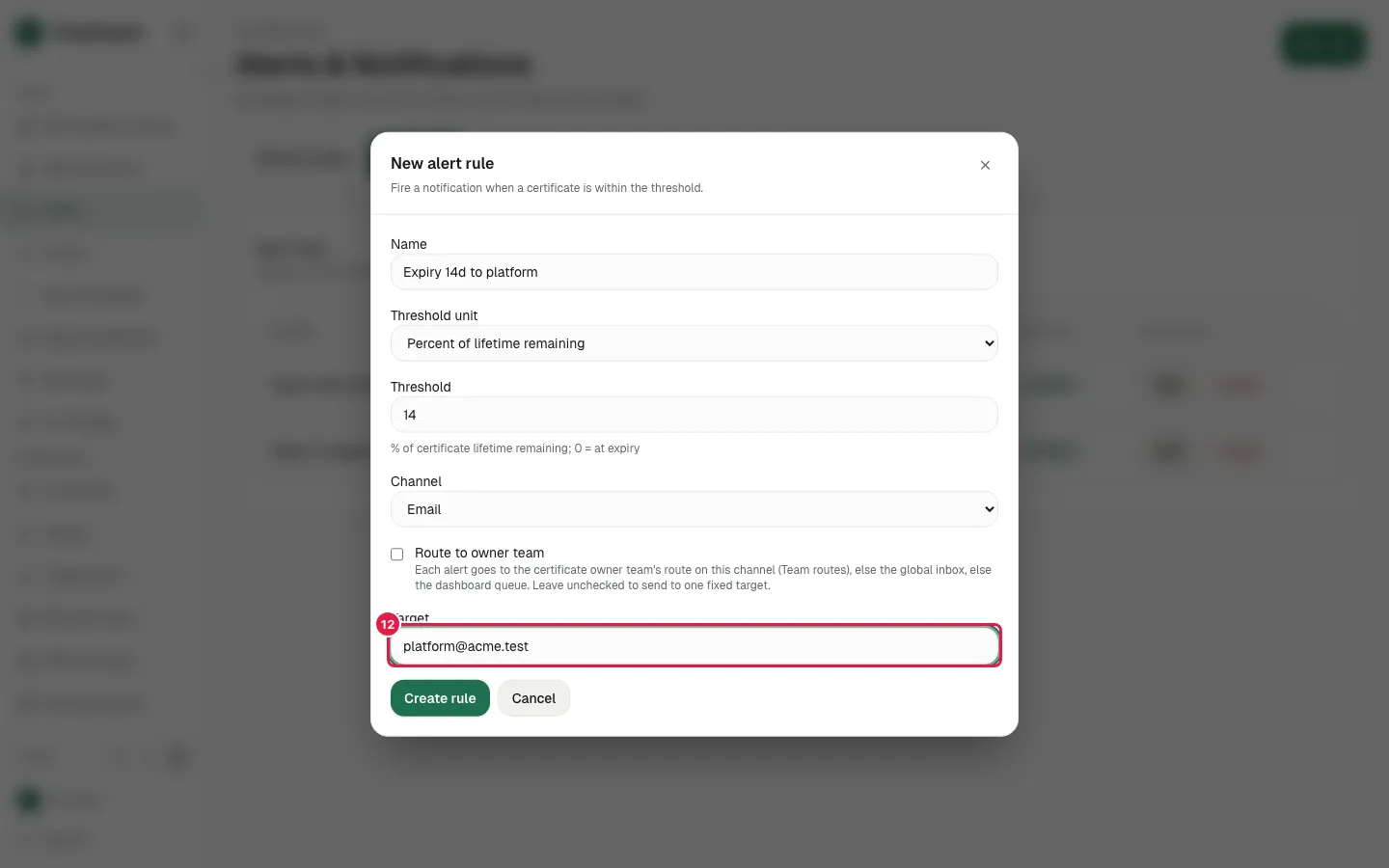
  12. Fill Target with "[email protected]"

    Fill Target with "platform@acme.test"
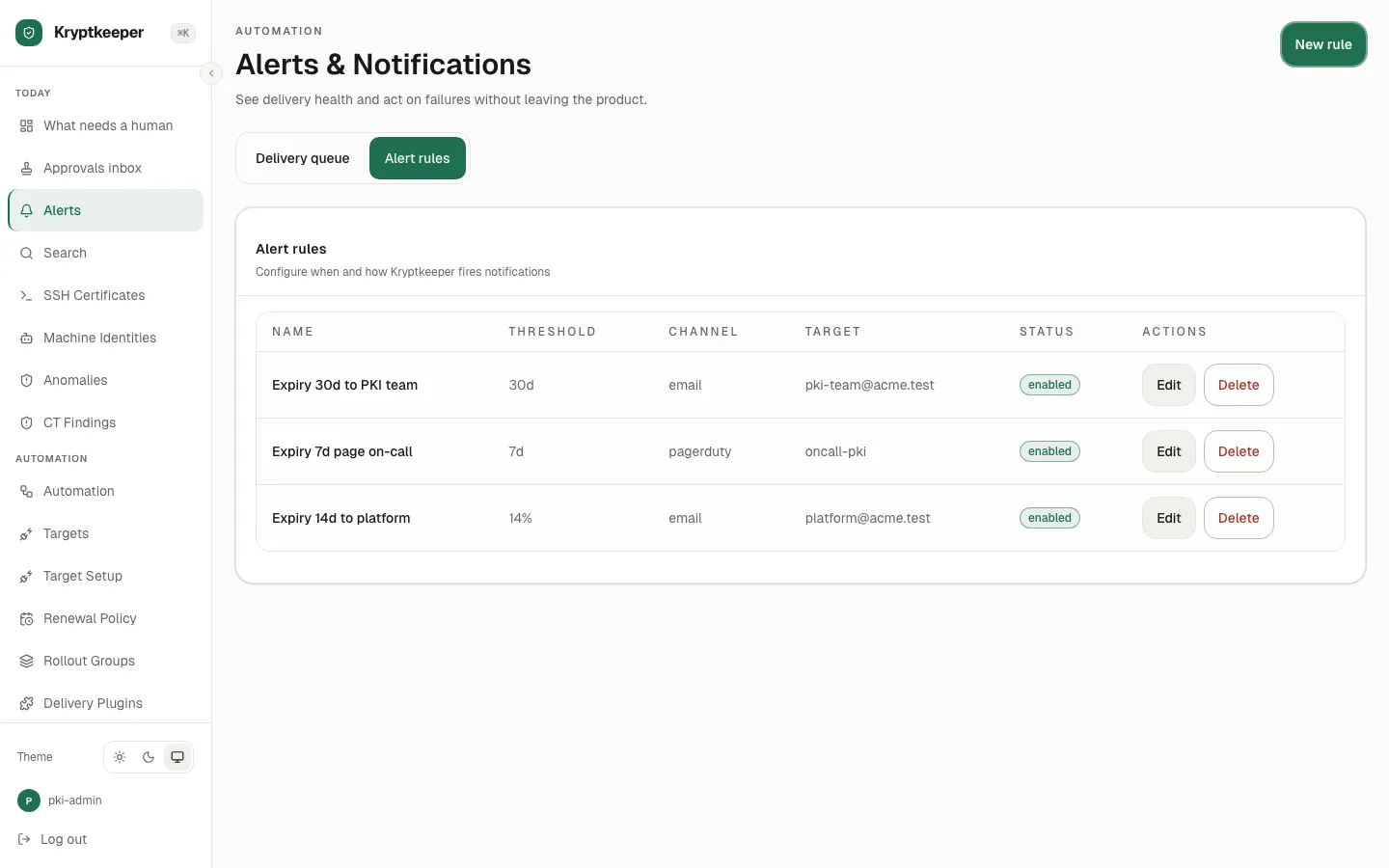
  13. Click Create rule

    Click Create rule