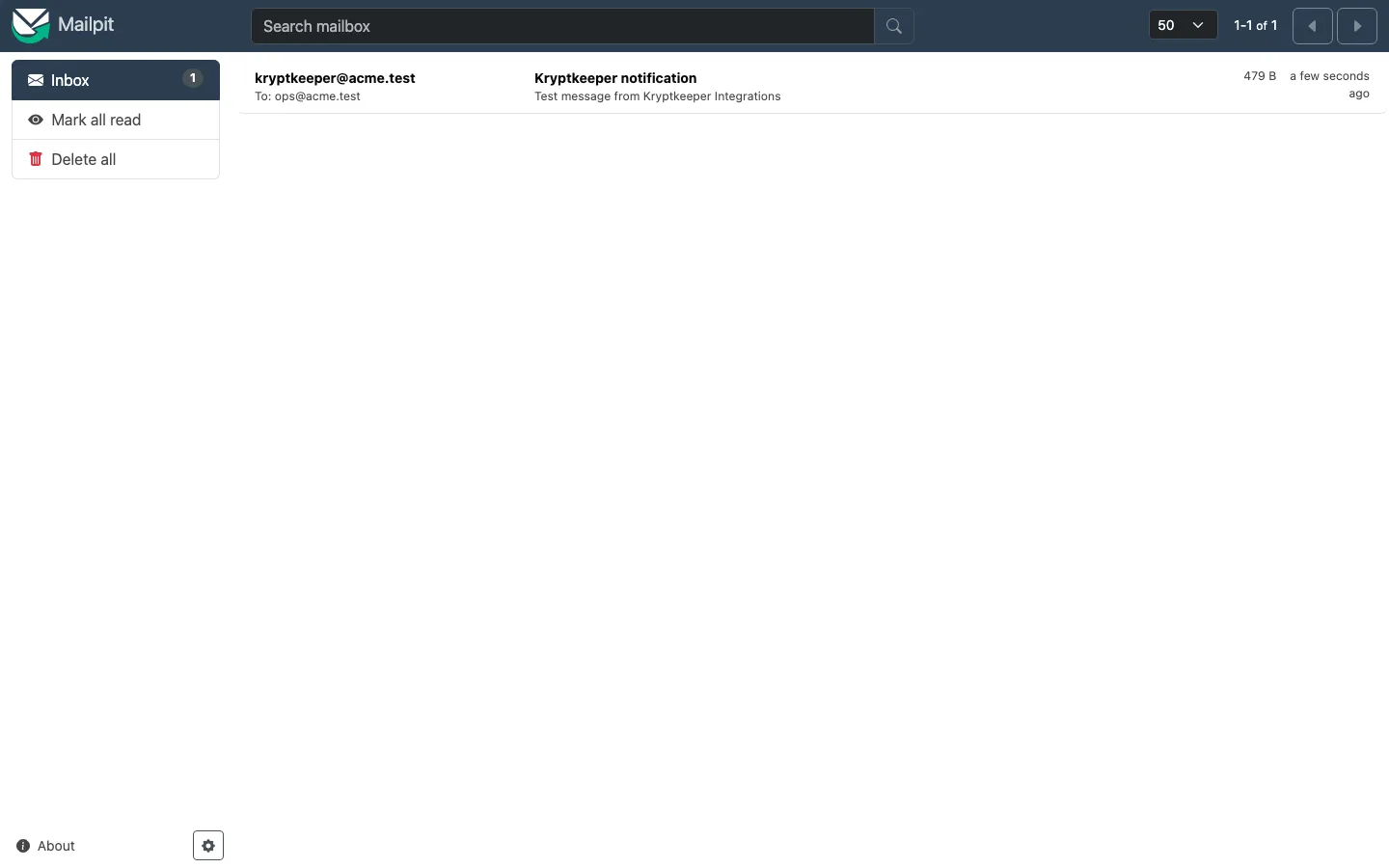
Configure notification channels
Connect email, Slack, a webhook or PagerDuty.
As pki-admin
Open /integrations
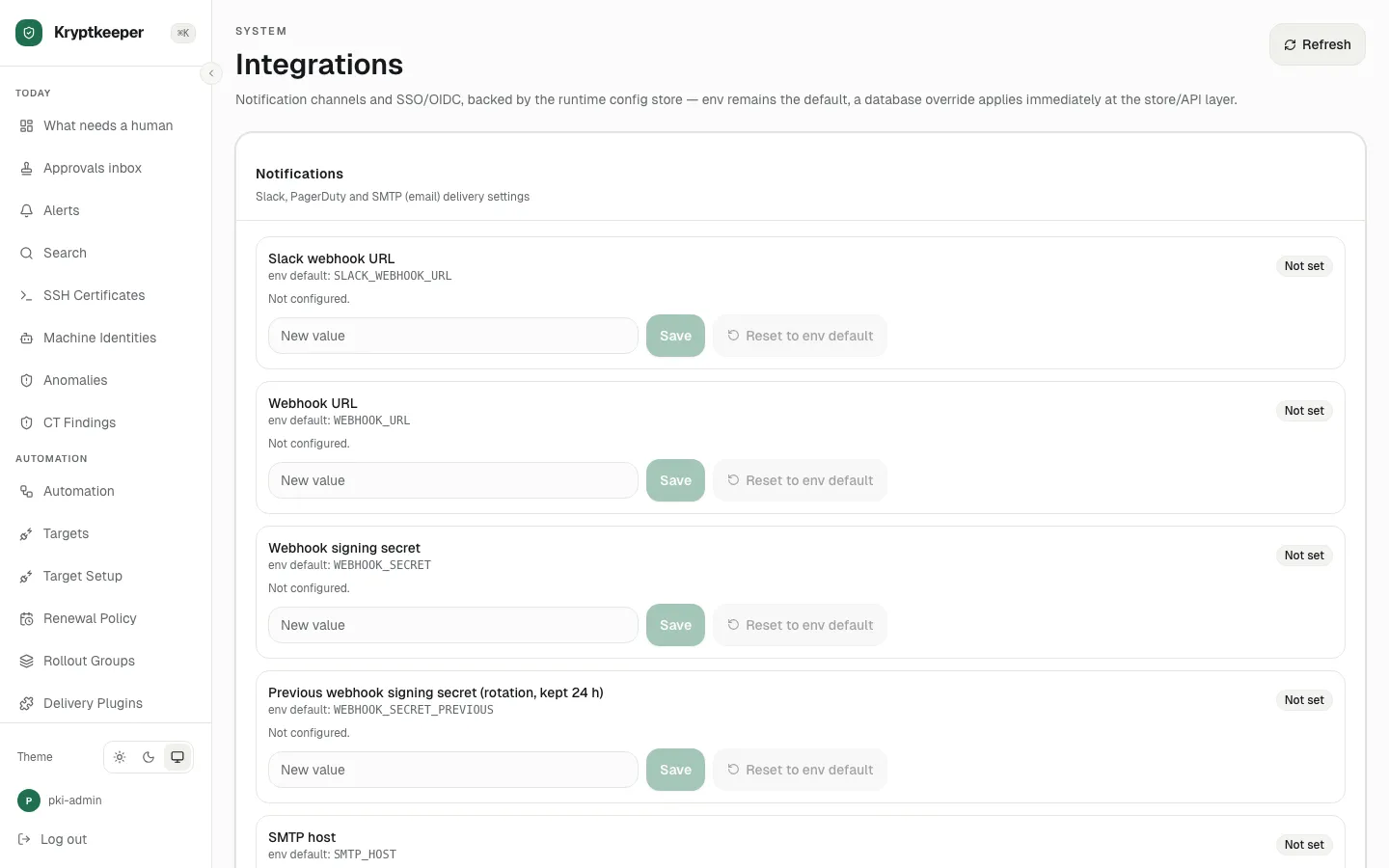
Fill SMTP host with "192.168.13.166"
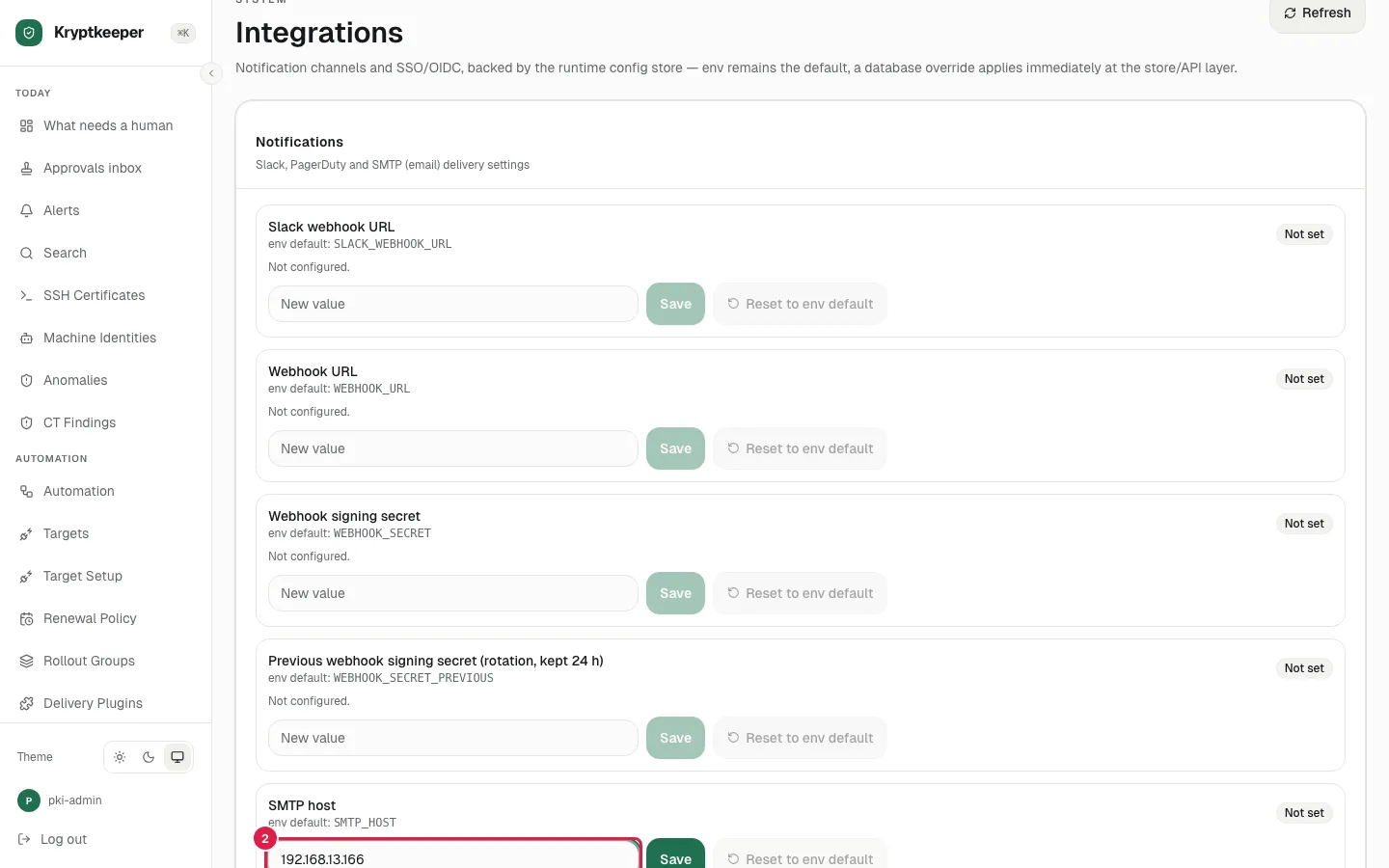
Click Save on the SMTP host row
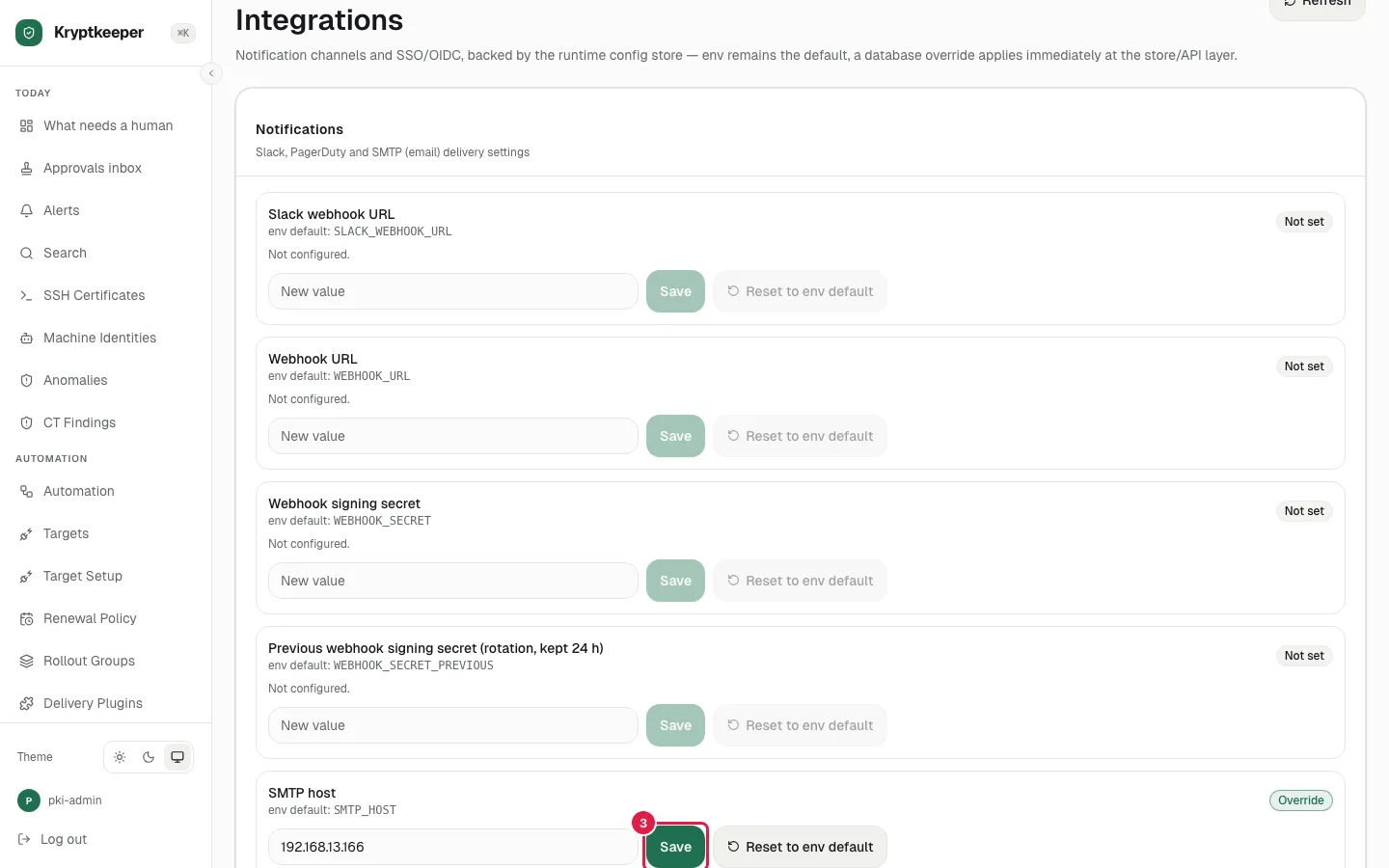
Fill SMTP port with "11025"
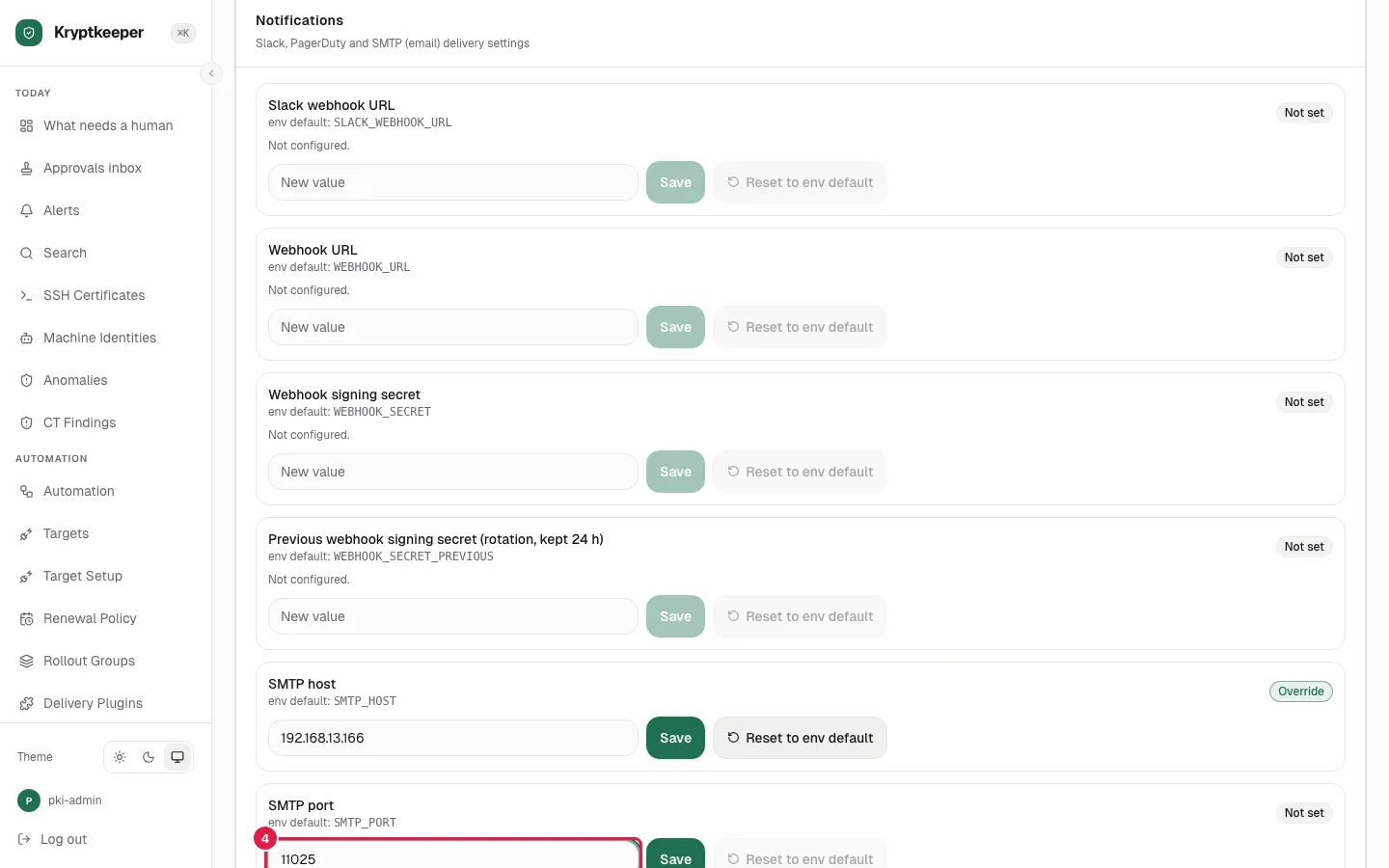
Click xpath=//input[@aria-label="SMTP port"]/ancestor::div[.//button[normalize-space()="Save"]][1]//button[normalize-space()="Save"]
![Click xpath=//input[@aria-label="SMTP port"]/ancestor::div[.//button[normalize-space()="Save"]][1]//button[normalize-space()="Save"]](/shots/U-35/05-smtp-port-saved.webp)
Fill SMTP from address with "[email protected]"
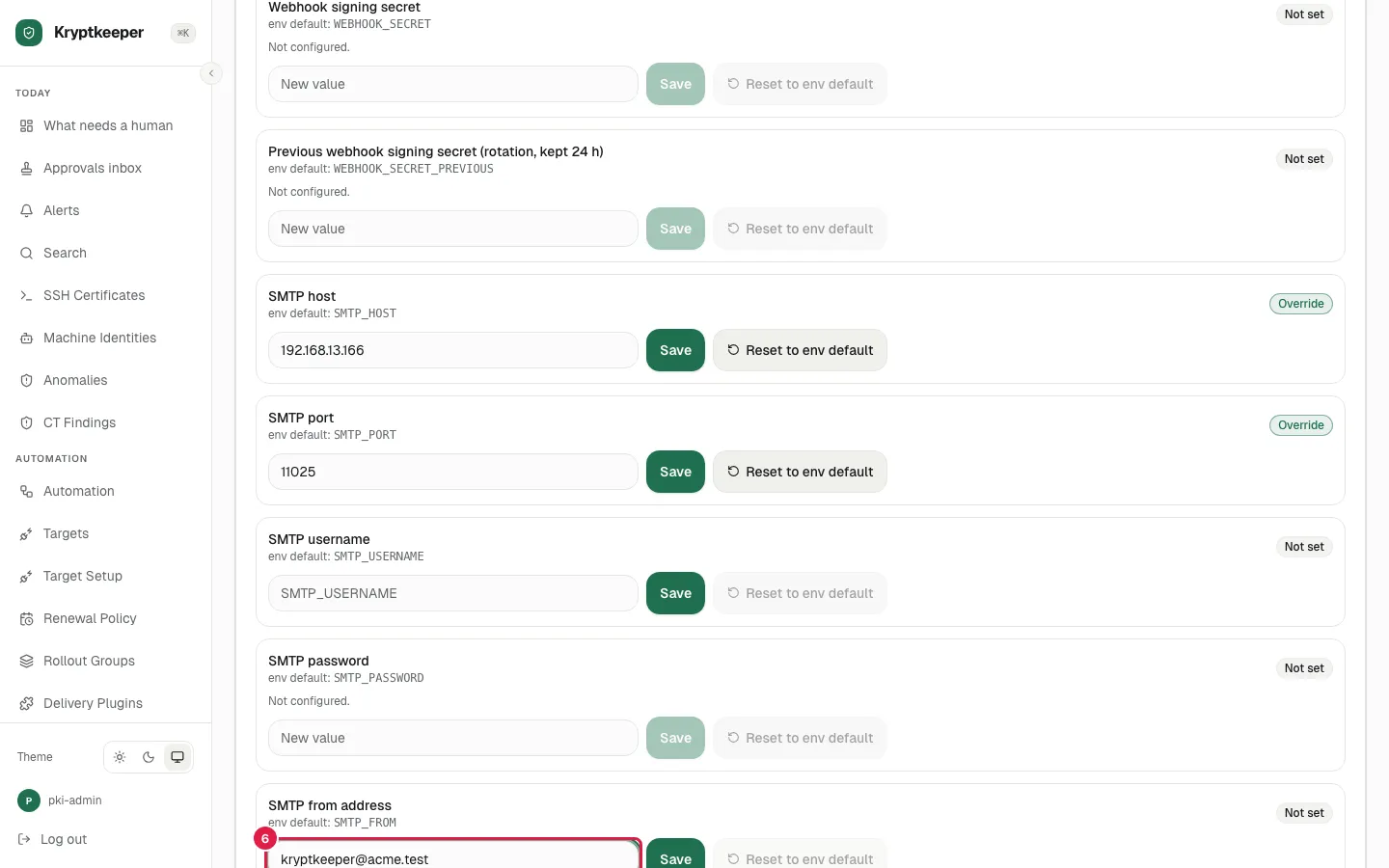
Click xpath=//input[@aria-label="SMTP from address"]/ancestor::div[.//button[normalize-space()="Save"]][1]//button[normalize-space()="Save"]
![Click xpath=//input[@aria-label="SMTP from address"]/ancestor::div[.//button[normalize-space()="Save"]][1]//button[normalize-space()="Save"]](/shots/U-35/07-smtp-from-saved.webp)
Fill Webhook URL with "http://192.168.13.166:18099/hook"
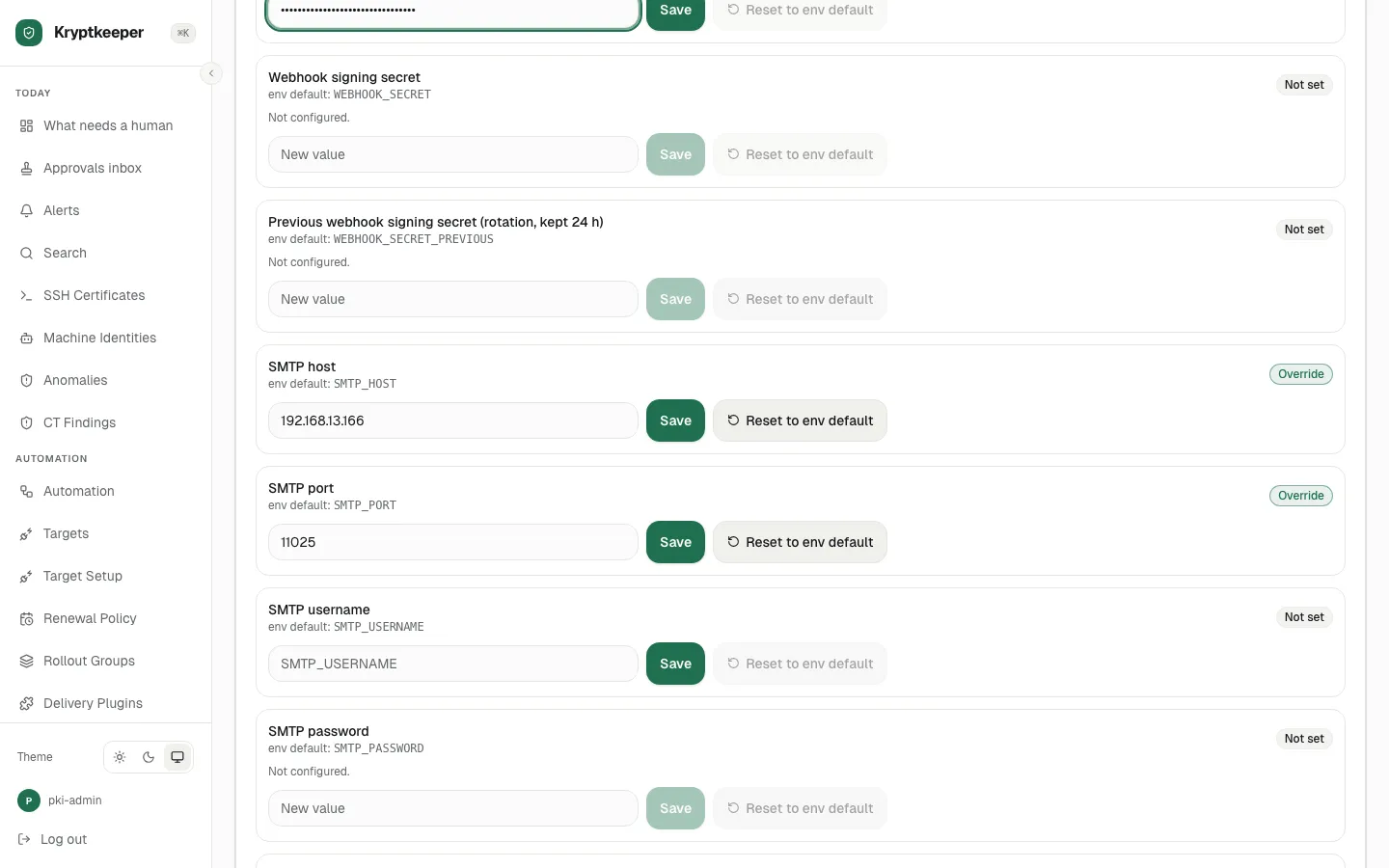
Click xpath=//input[@aria-label="Webhook URL"]/ancestor::div[.//button[normalize-space()="Save"]][1]//button[normalize-space()="Save"]
![Click xpath=//input[@aria-label="Webhook URL"]/ancestor::div[.//button[normalize-space()="Save"]][1]//button[normalize-space()="Save"]](/shots/U-35/09-webhook-saved.webp)
Select "Email (SMTP)" in Notification test channel
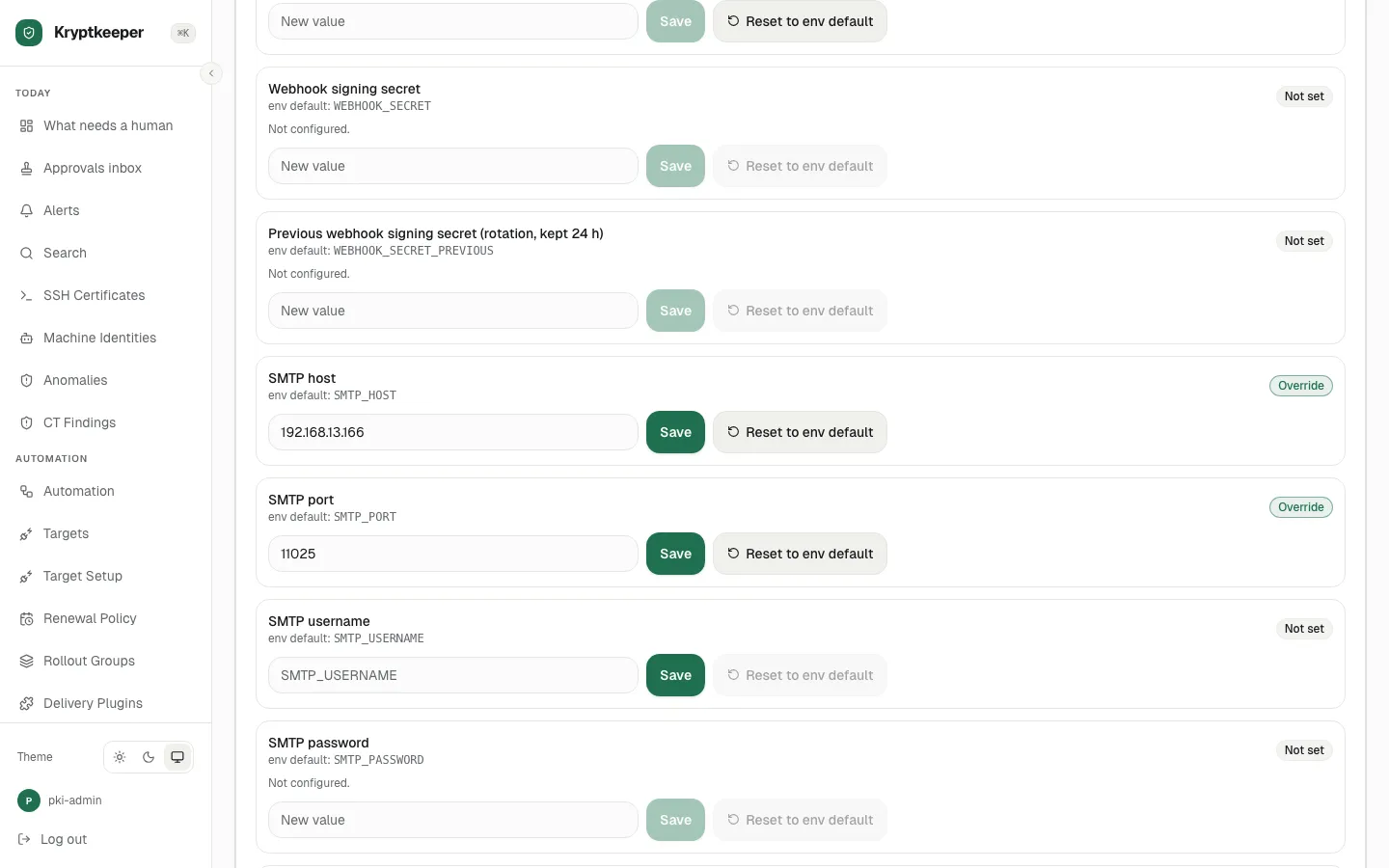
Fill Notification test target with "[email protected]"
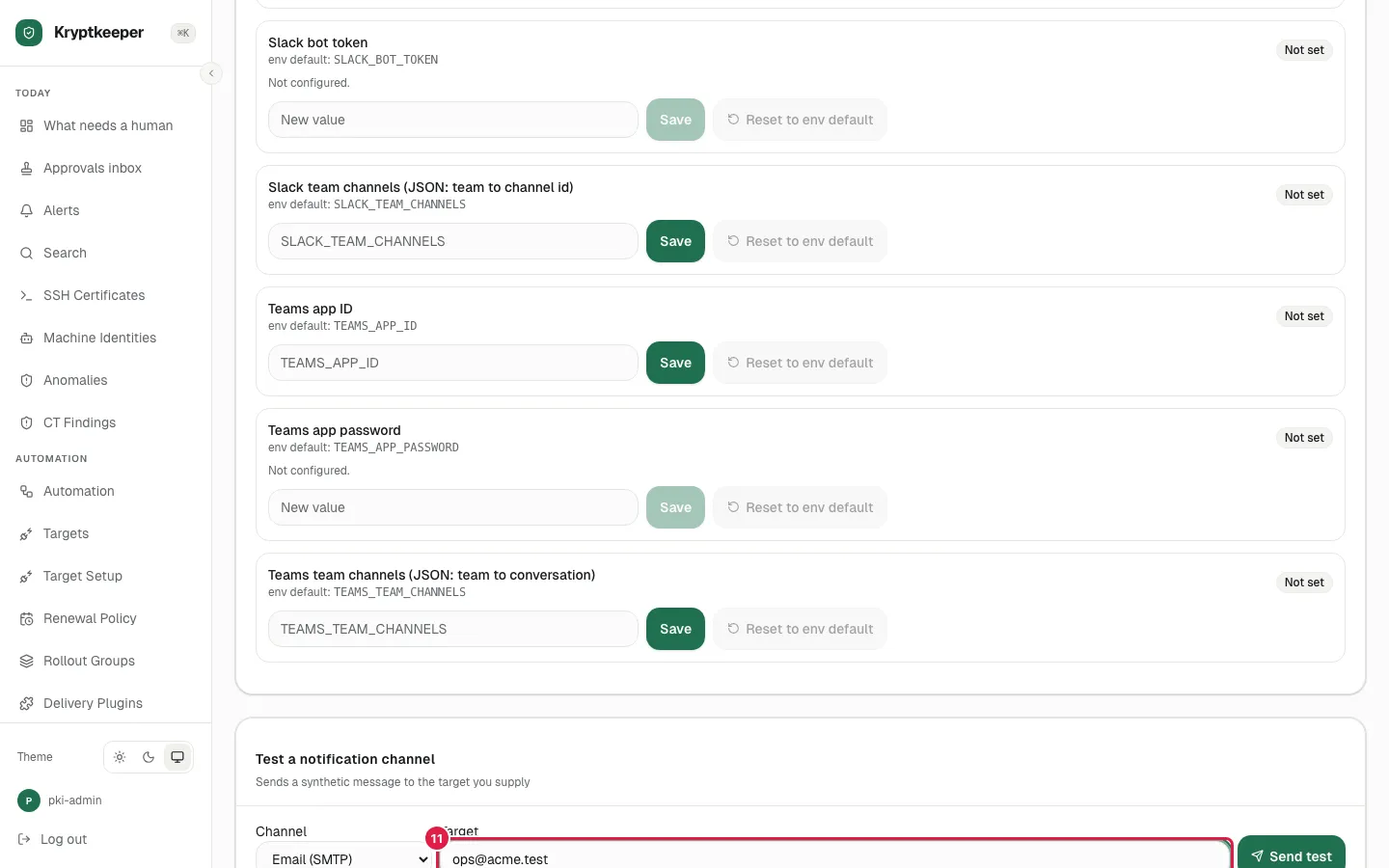
Click Send test
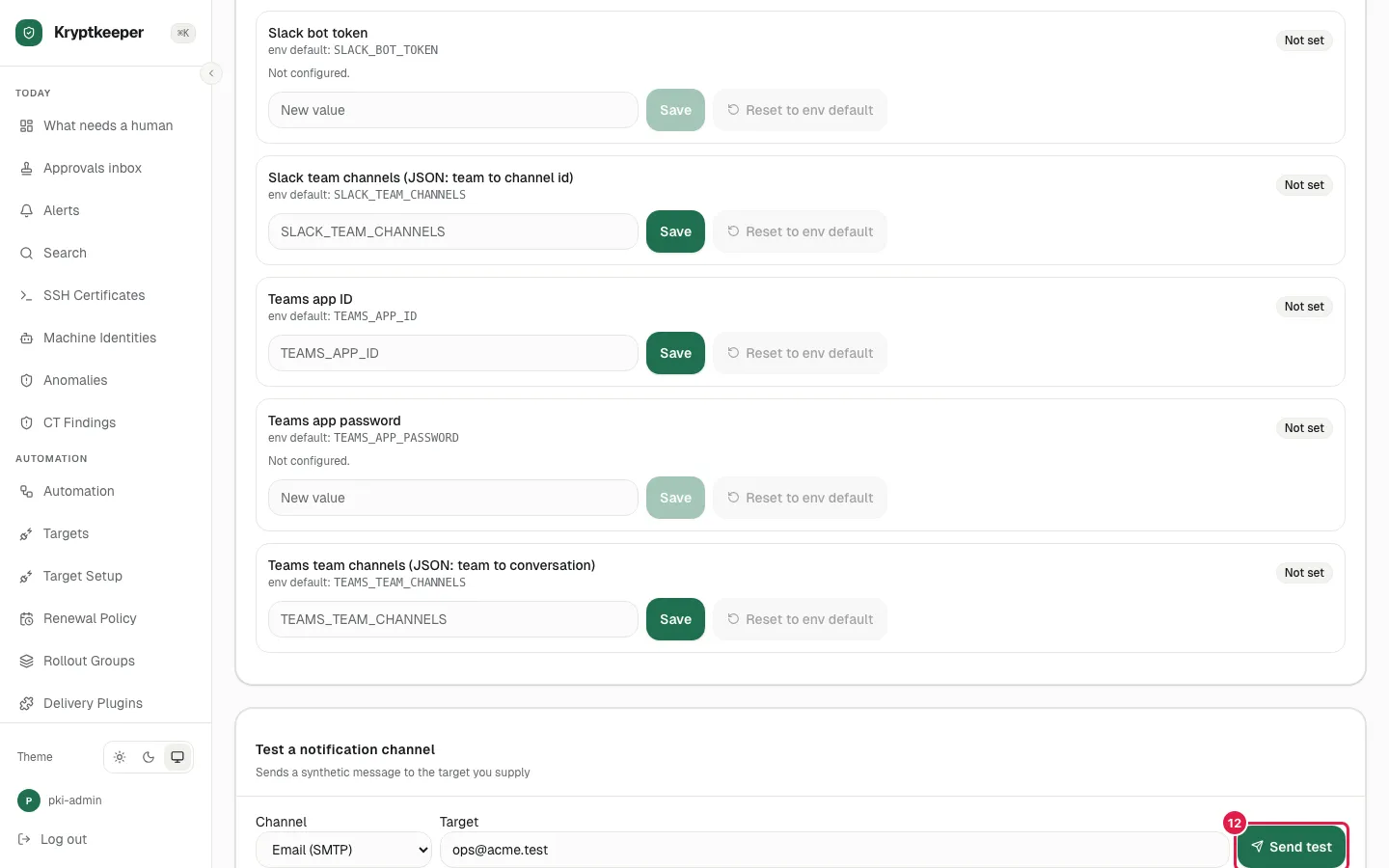
The sink: the test message arrives in the Mailpit inbox