Automate renewal for servers and devices
Get certificates renewing and installing themselves, and hear about it only when one can't.
8 walkthroughs, in order
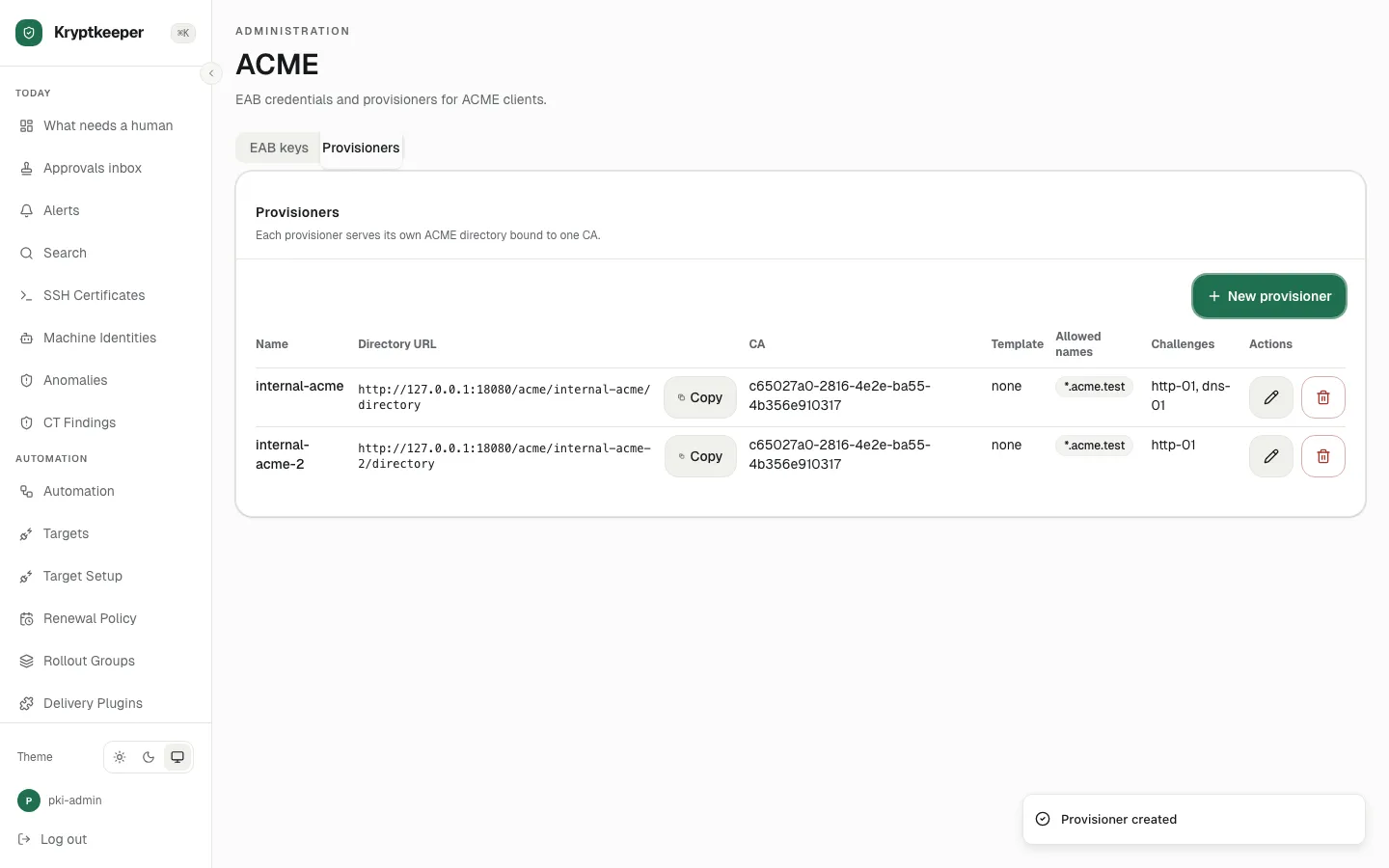
Automation and enrollment Set up ACME for a server
Create a provisioner and EAB key, then point an ACME client at it.
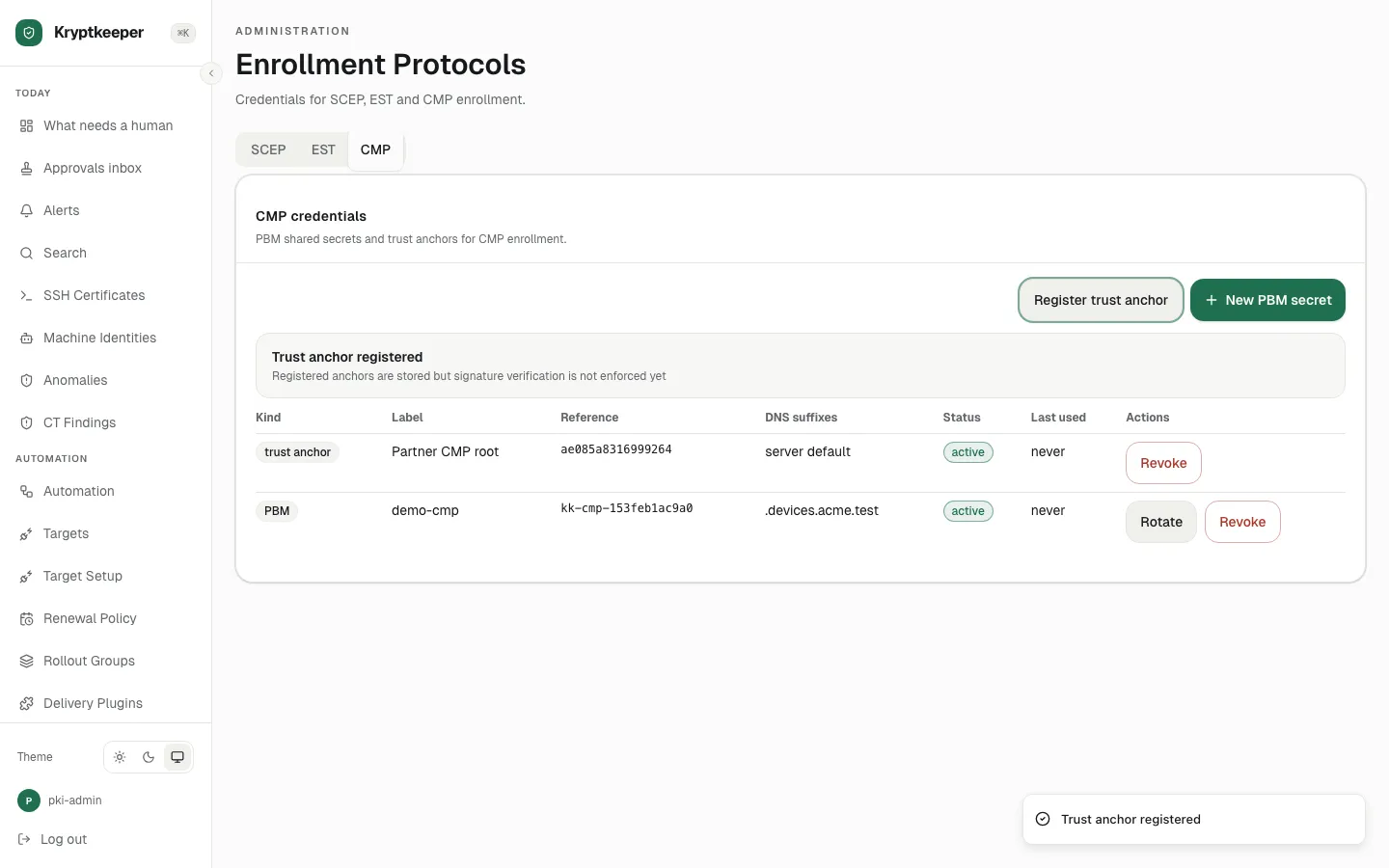
Automation and enrollment Enroll devices with SCEP, EST or CMP
Configure device enrollment and see a device enroll.
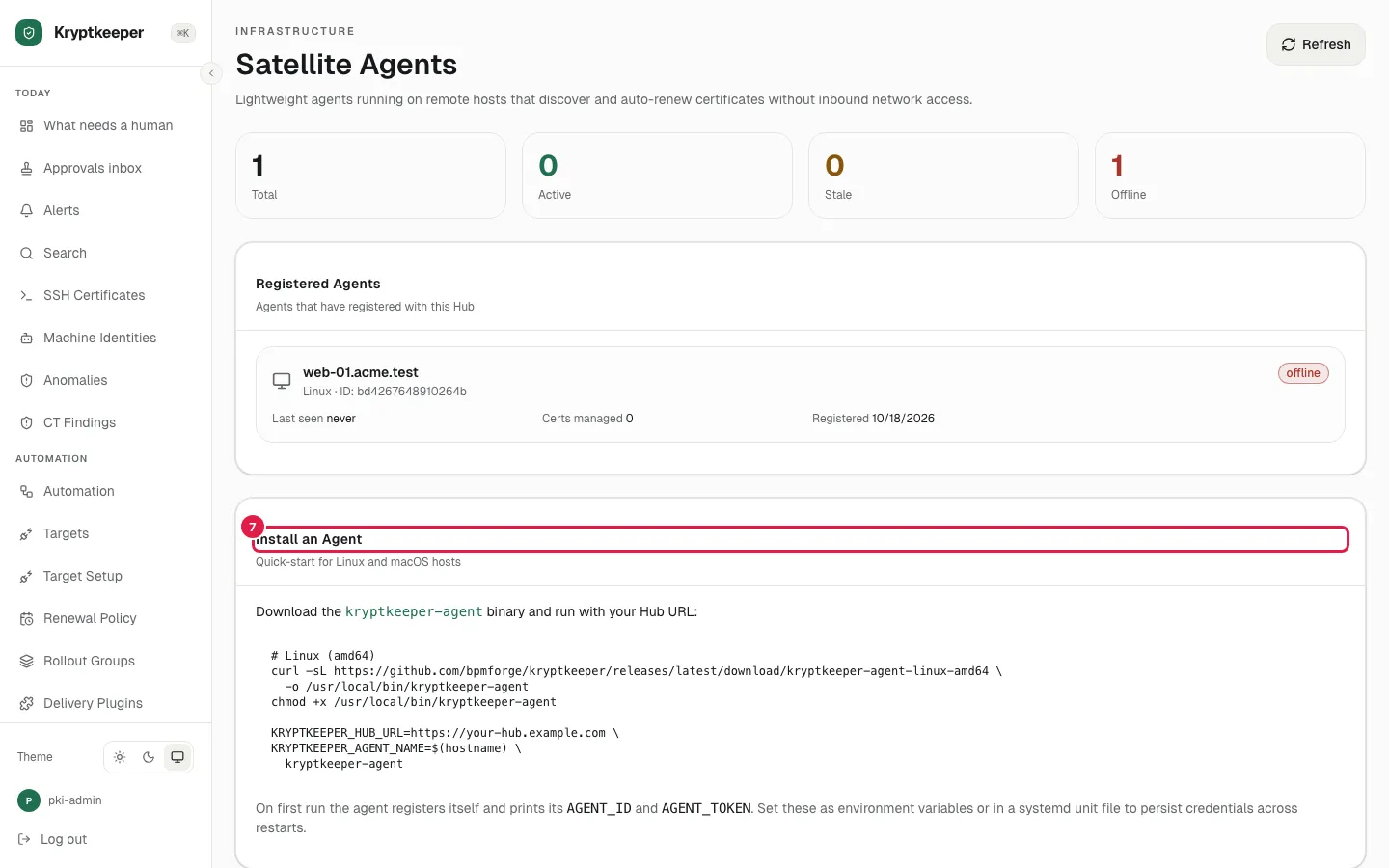
Automation and enrollment Enroll a satellite agent
Enroll an agent that installs certificates on its host.
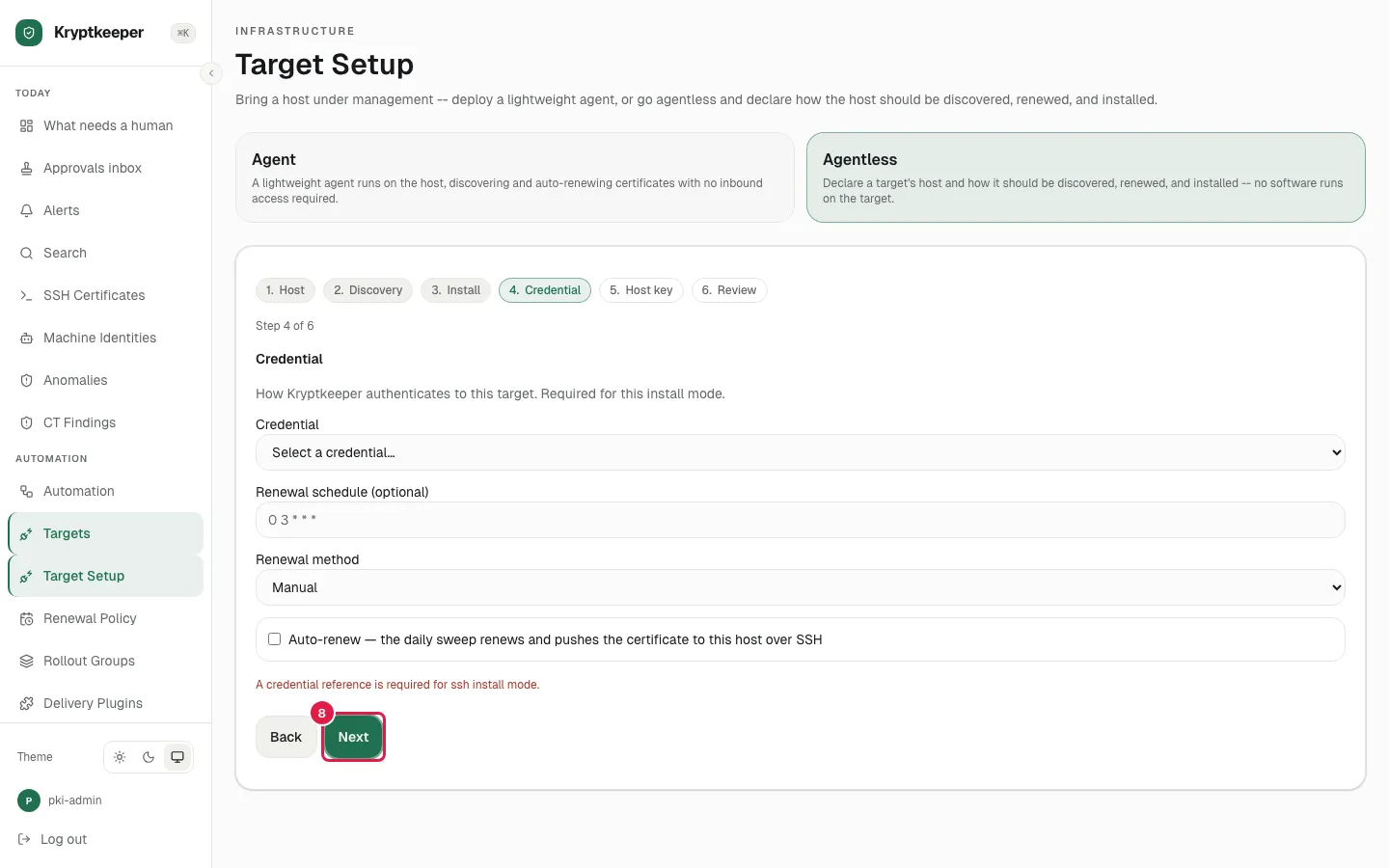
Linux and macOS hosts Manage a host without an agent
Bring a host under management over SSH, with no agent installed.
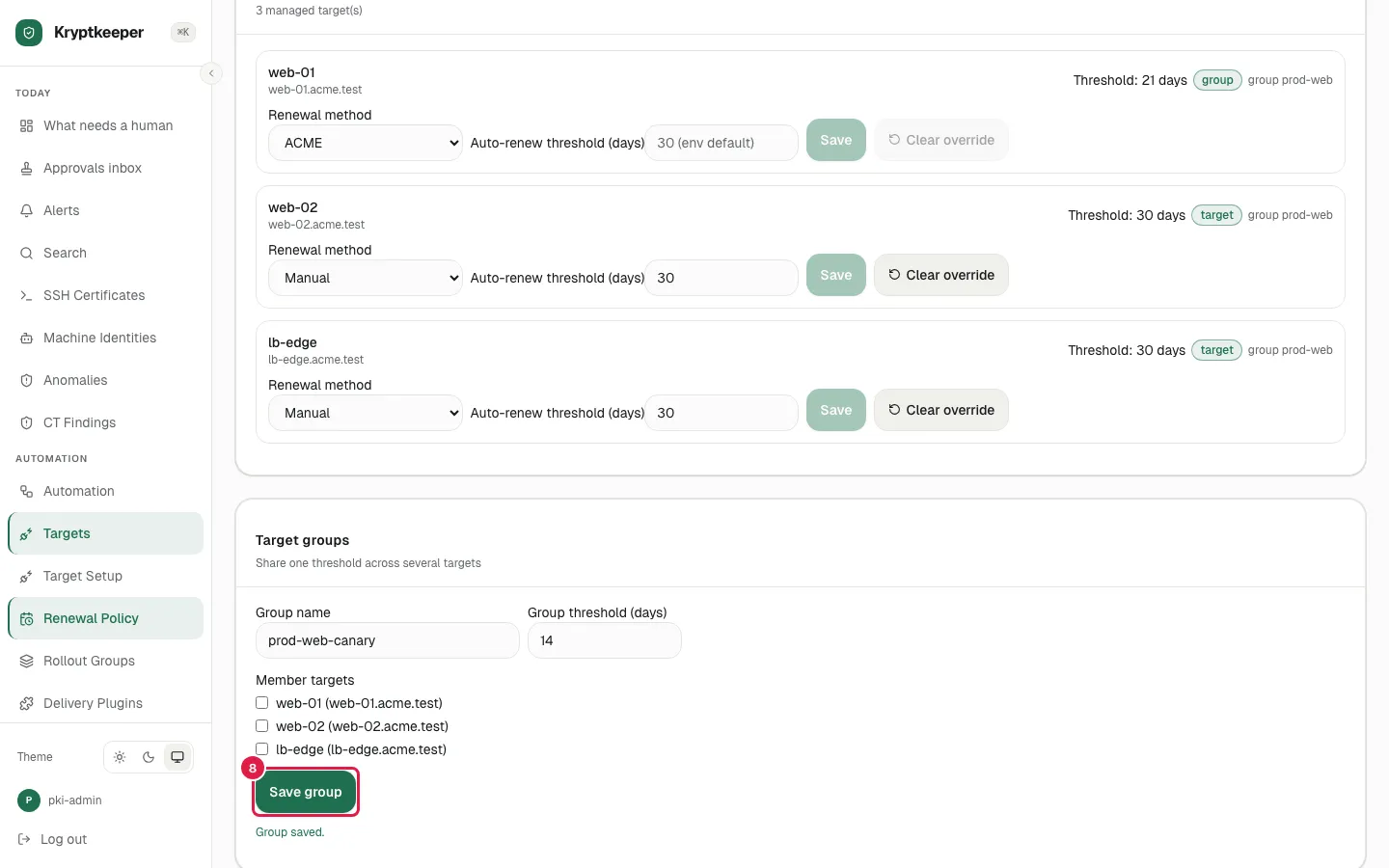
Linux and macOS hosts Set renewal policy per target
Decide when each target renews and how it is checked.
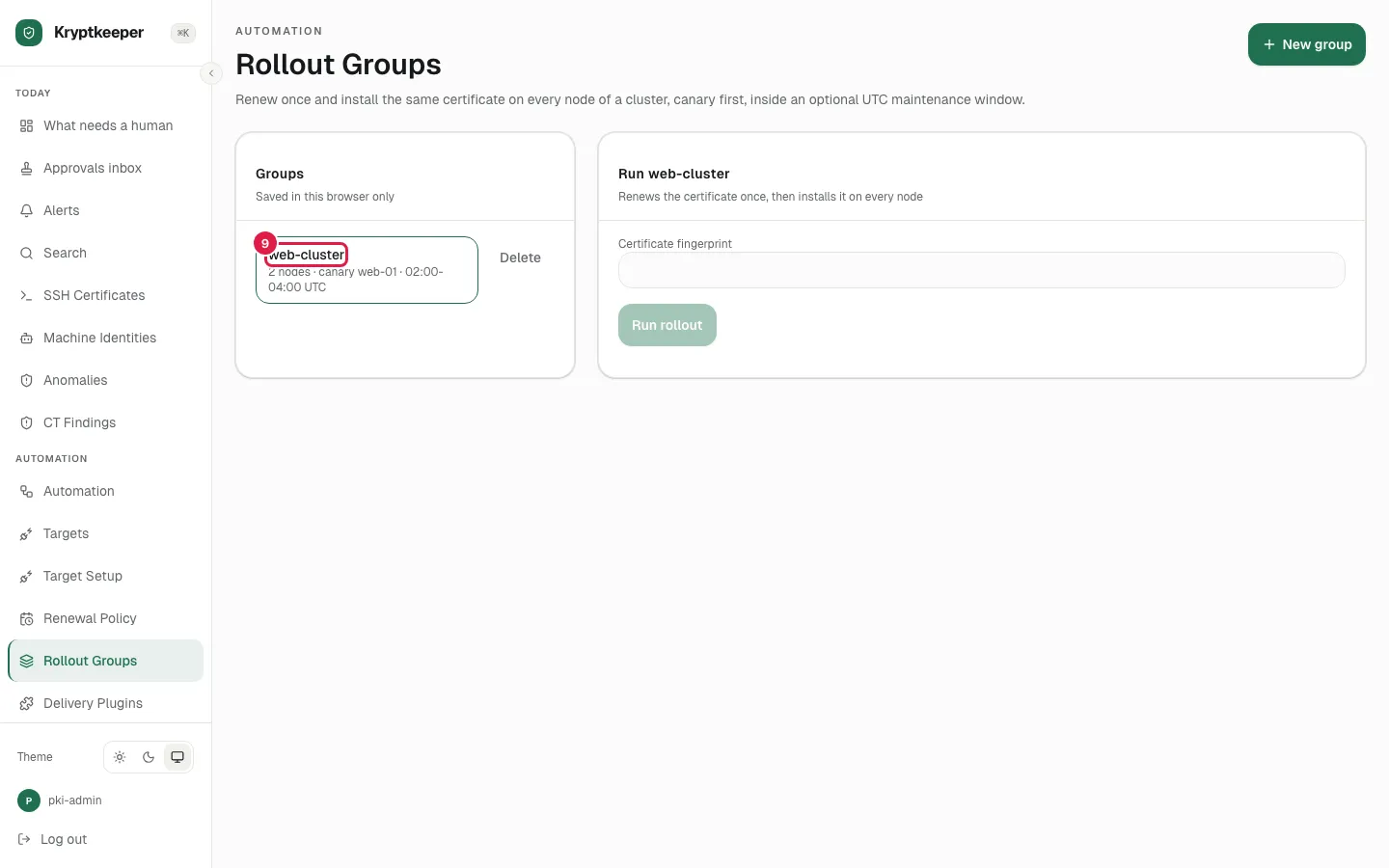
Automation and enrollment Roll out to a cluster, canary first
Send a certificate to one node, check it, then the rest.
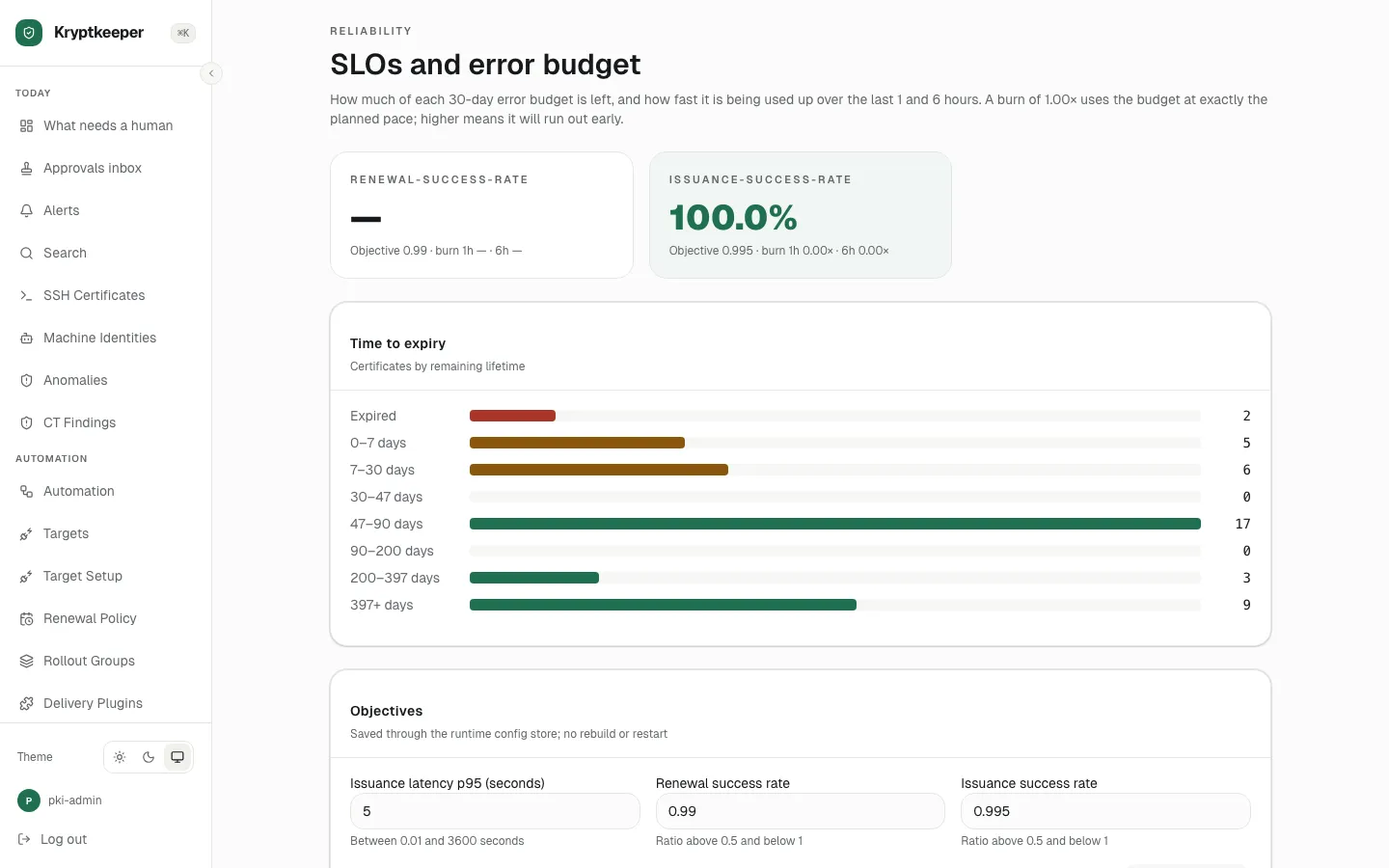
Automation and enrollment Watch the failed-renewal queue
See every renewal that needs a person, in one place.
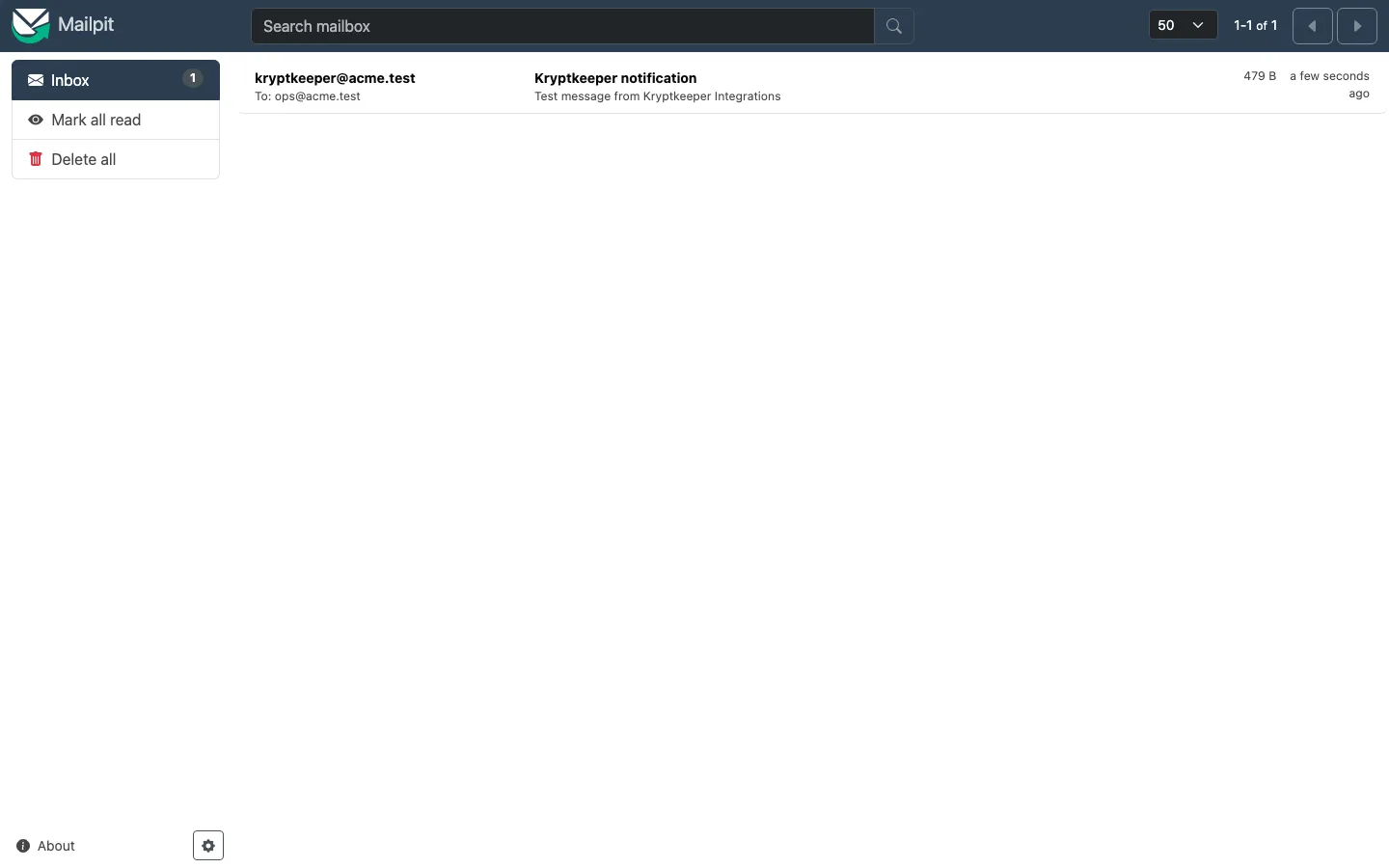
Alerts and notifications Configure notification channels
Connect email, Slack, a webhook or PagerDuty.