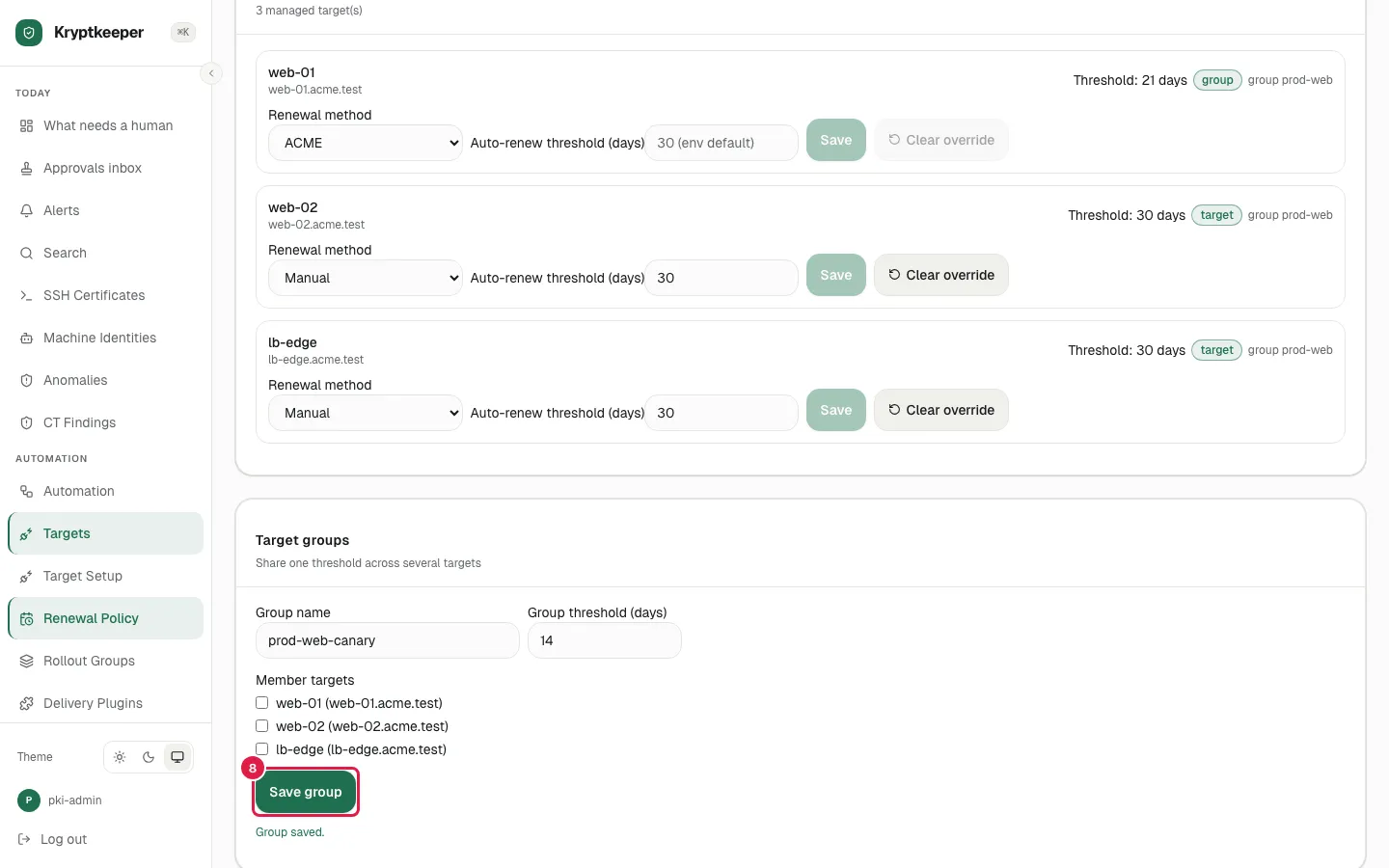
Set renewal policy per target
Decide when each target renews and how it is checked.
As pki-admin
Open /targets/renewal-policy
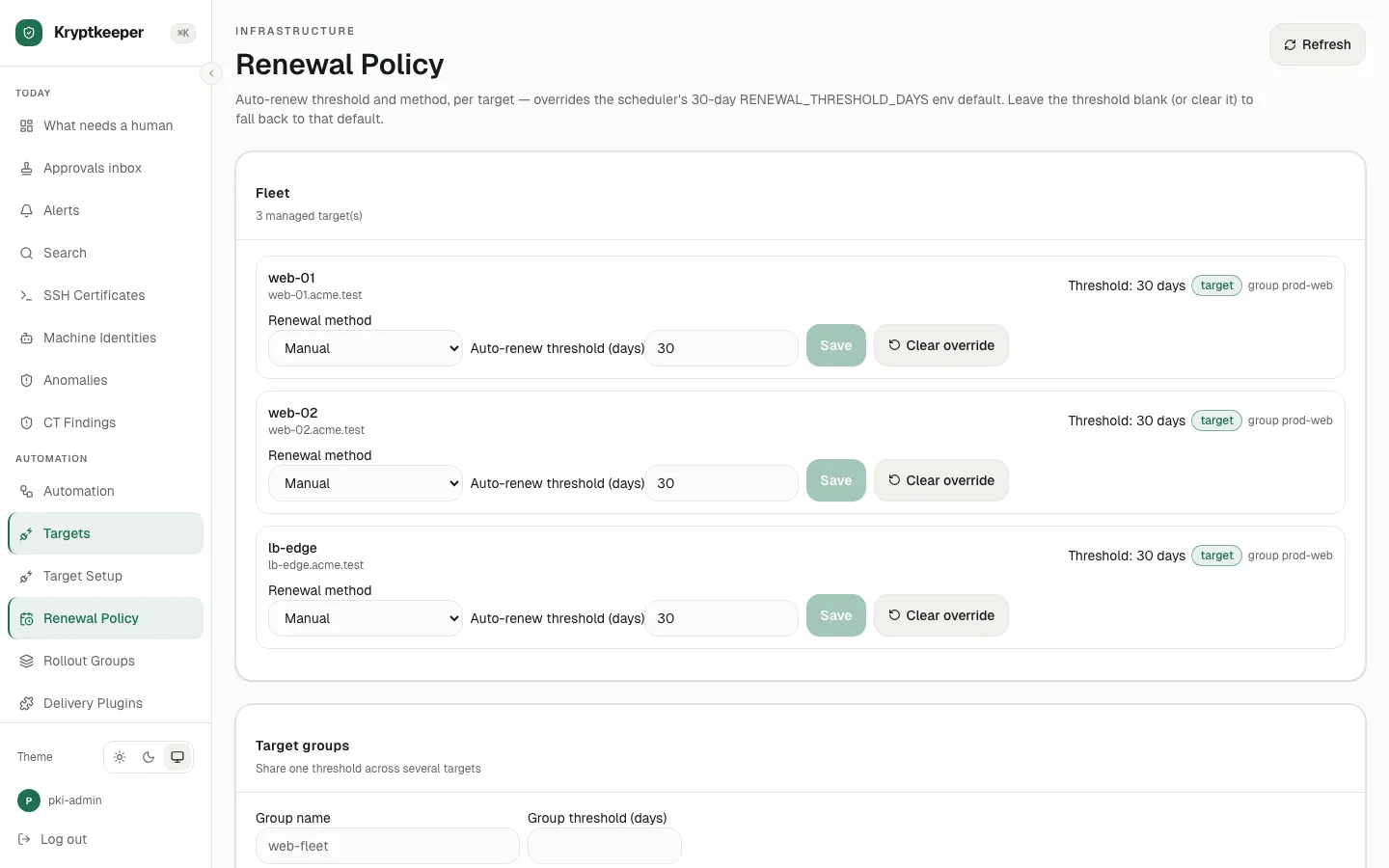
Select "ACME" in web-01 renewal method
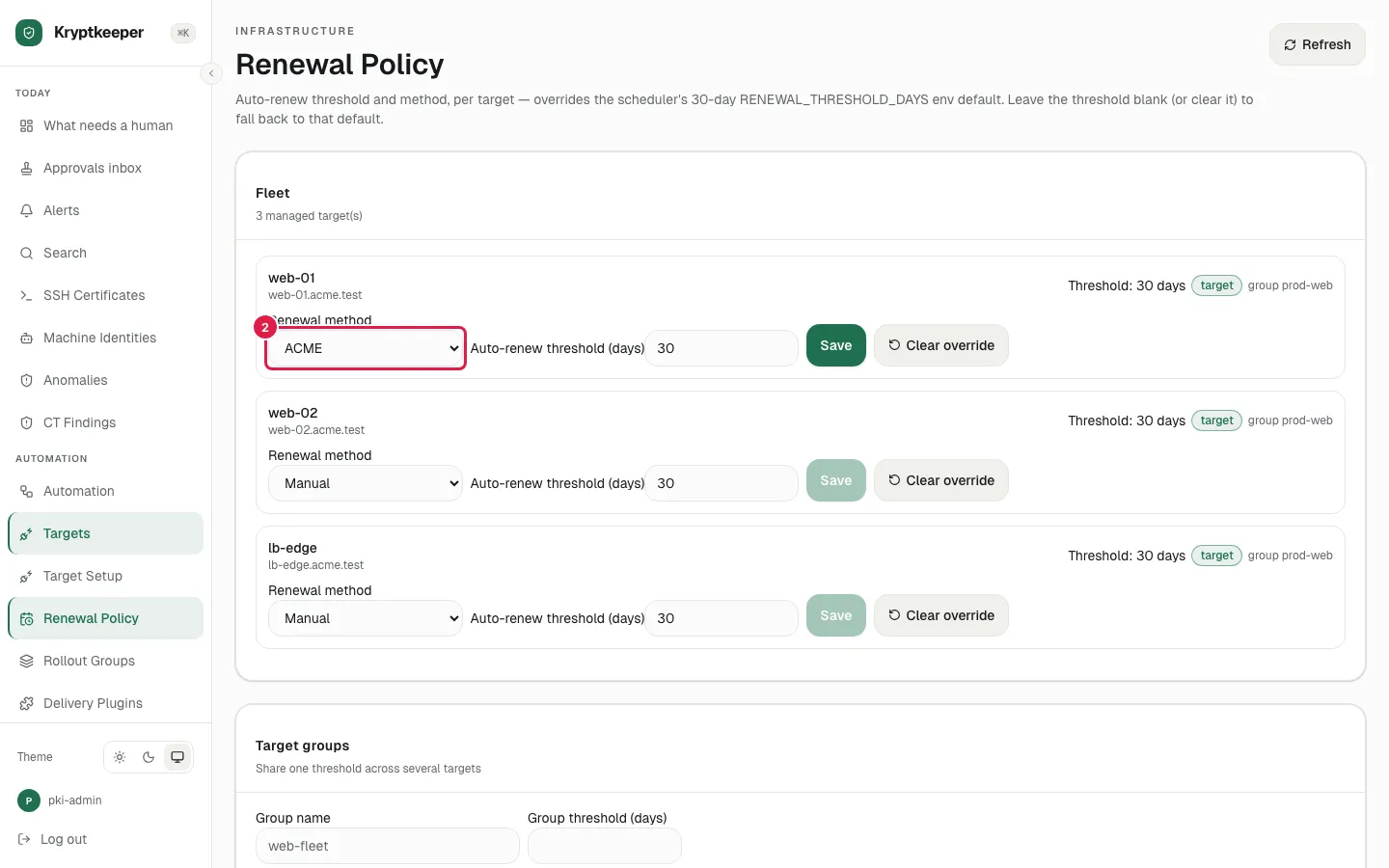
Fill web-01 auto-renew threshold days with "21"
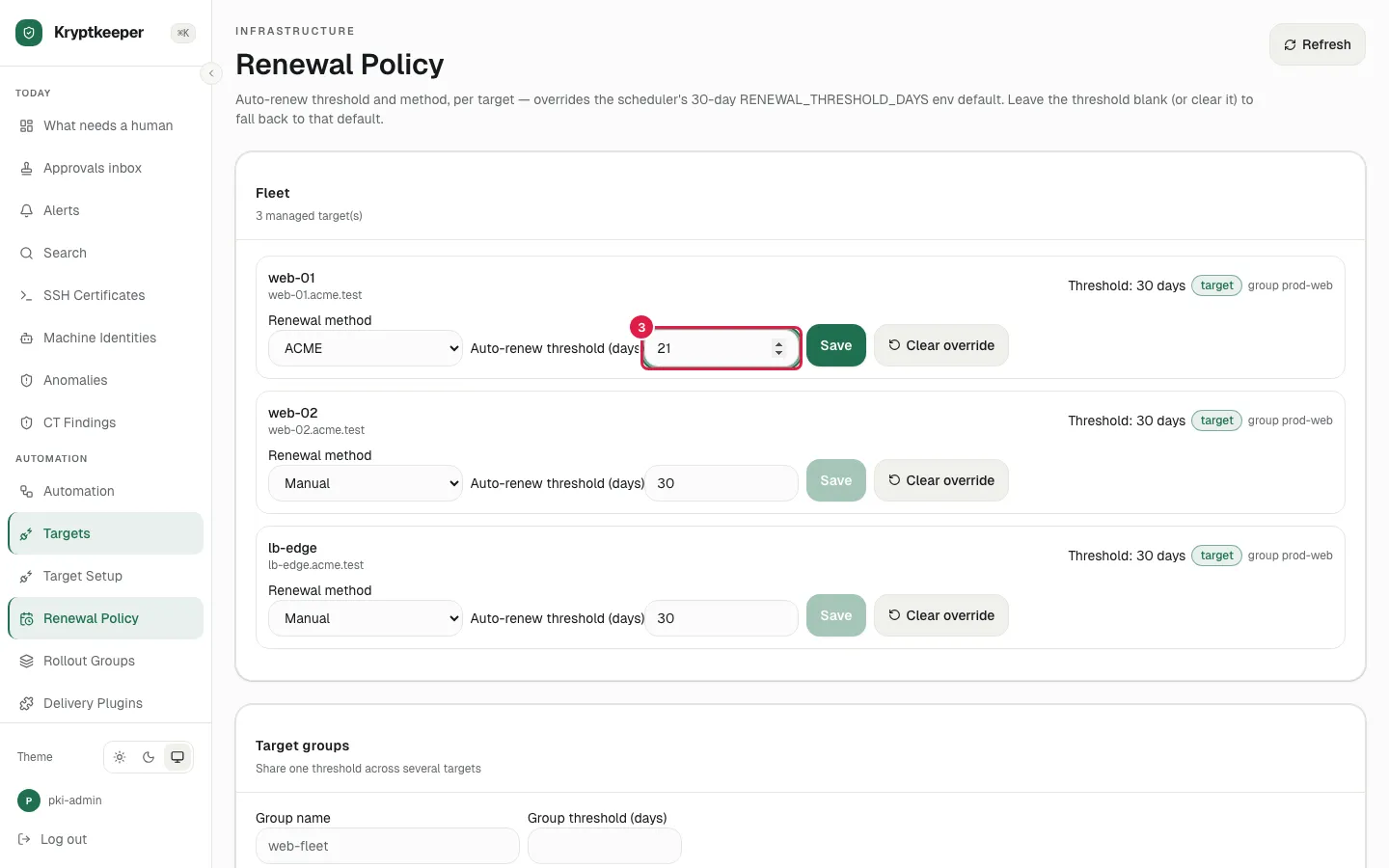
Click xpath=//input[@aria-label="web-01 auto-renew threshold days"]/following::button[normalize-space()="Save"][1]
![Click xpath=//input[@aria-label="web-01 auto-renew threshold days"]/following::button[normalize-space()="Save"][1]](/shots/U-31/04-saved.webp)
Click xpath=//input[@aria-label="web-01 auto-renew threshold days"]/following::button[normalize-space()="Clear override"][1]
![Click xpath=//input[@aria-label="web-01 auto-renew threshold days"]/following::button[normalize-space()="Clear override"][1]](/shots/U-31/05-cleared.webp)
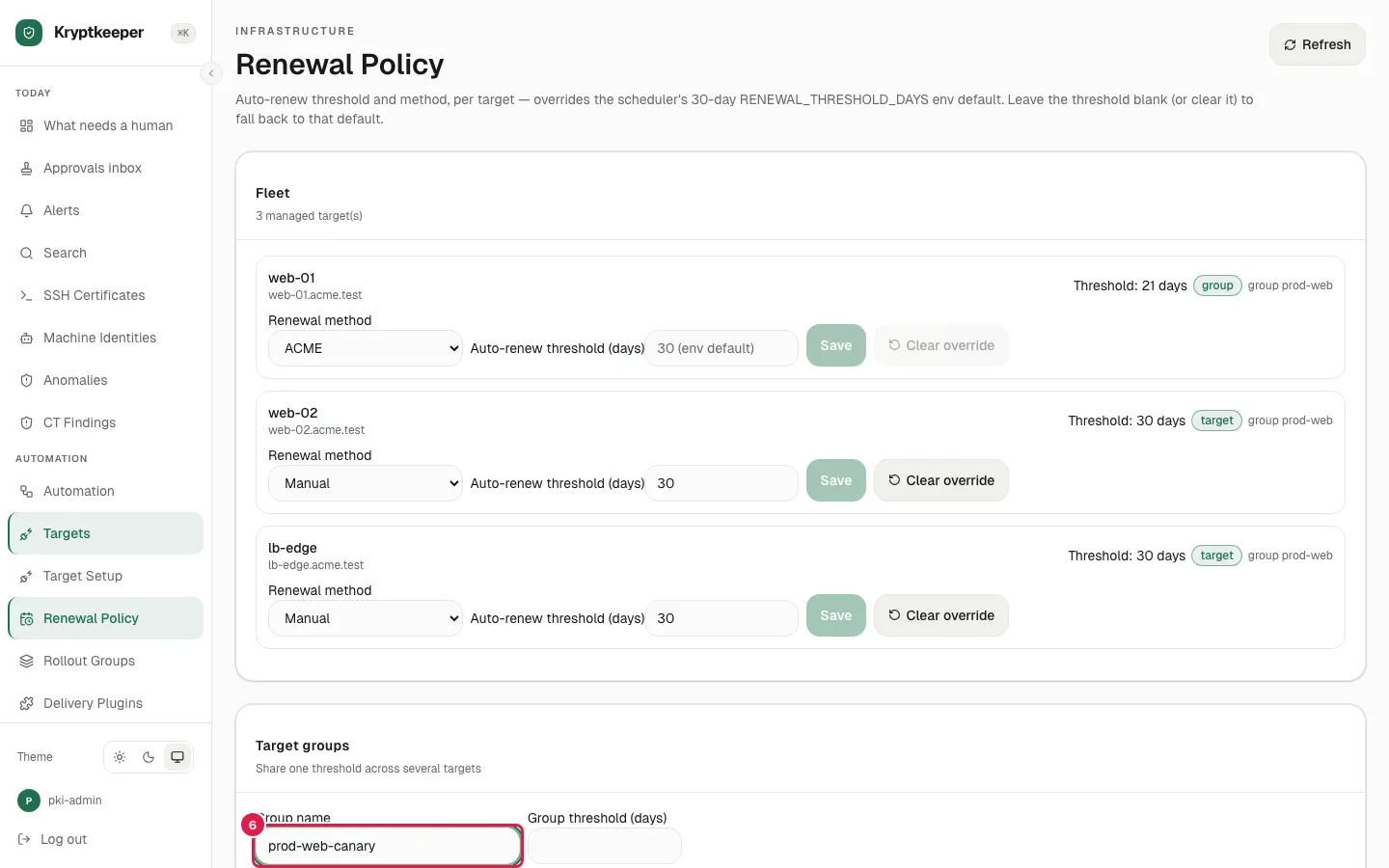
Fill Group name with "prod-web-canary"
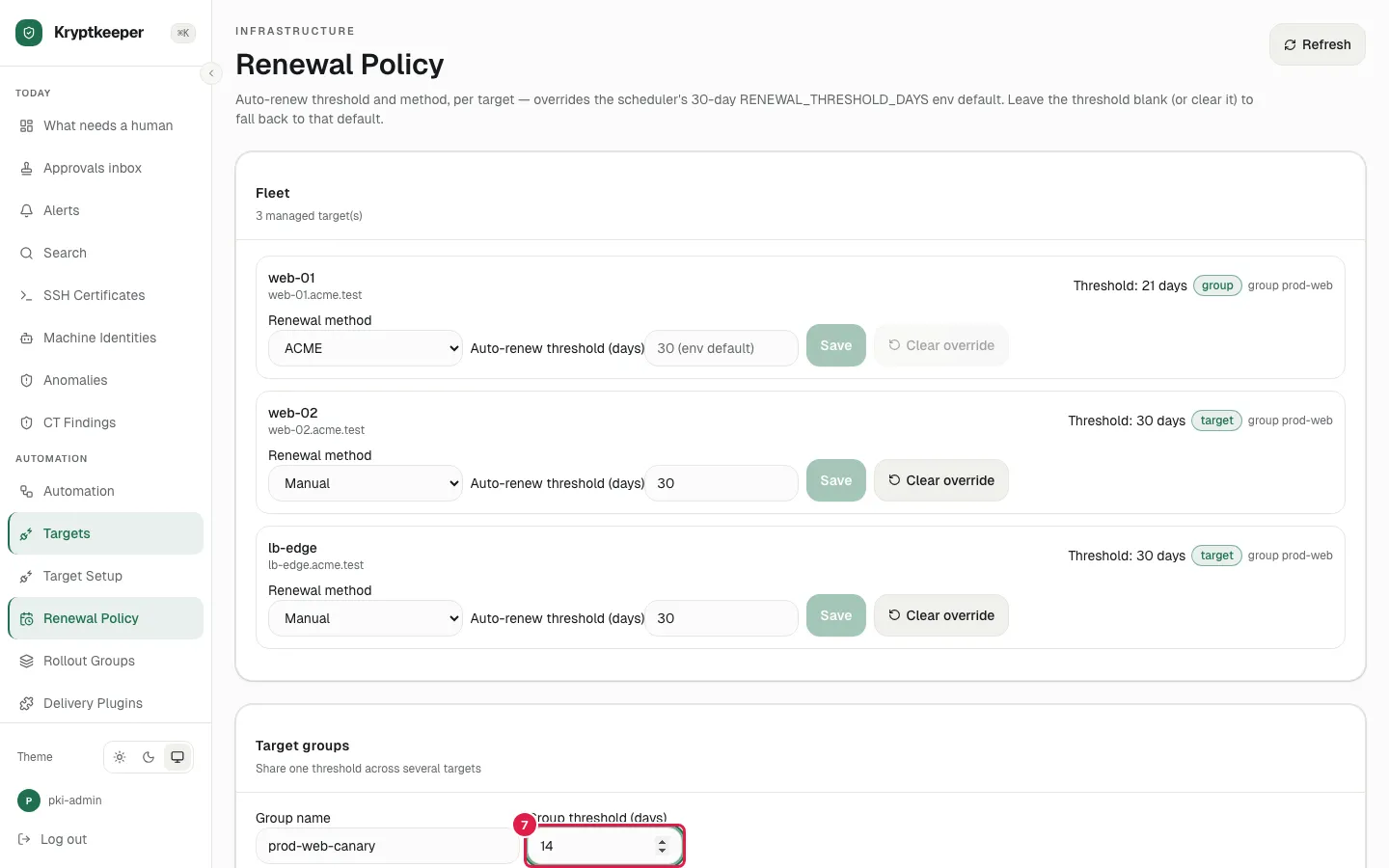
Fill Group threshold days with "14"
Click Save group