Reject a request
Turn a request down with a reason the requester can read.
As approver
Open /inbox
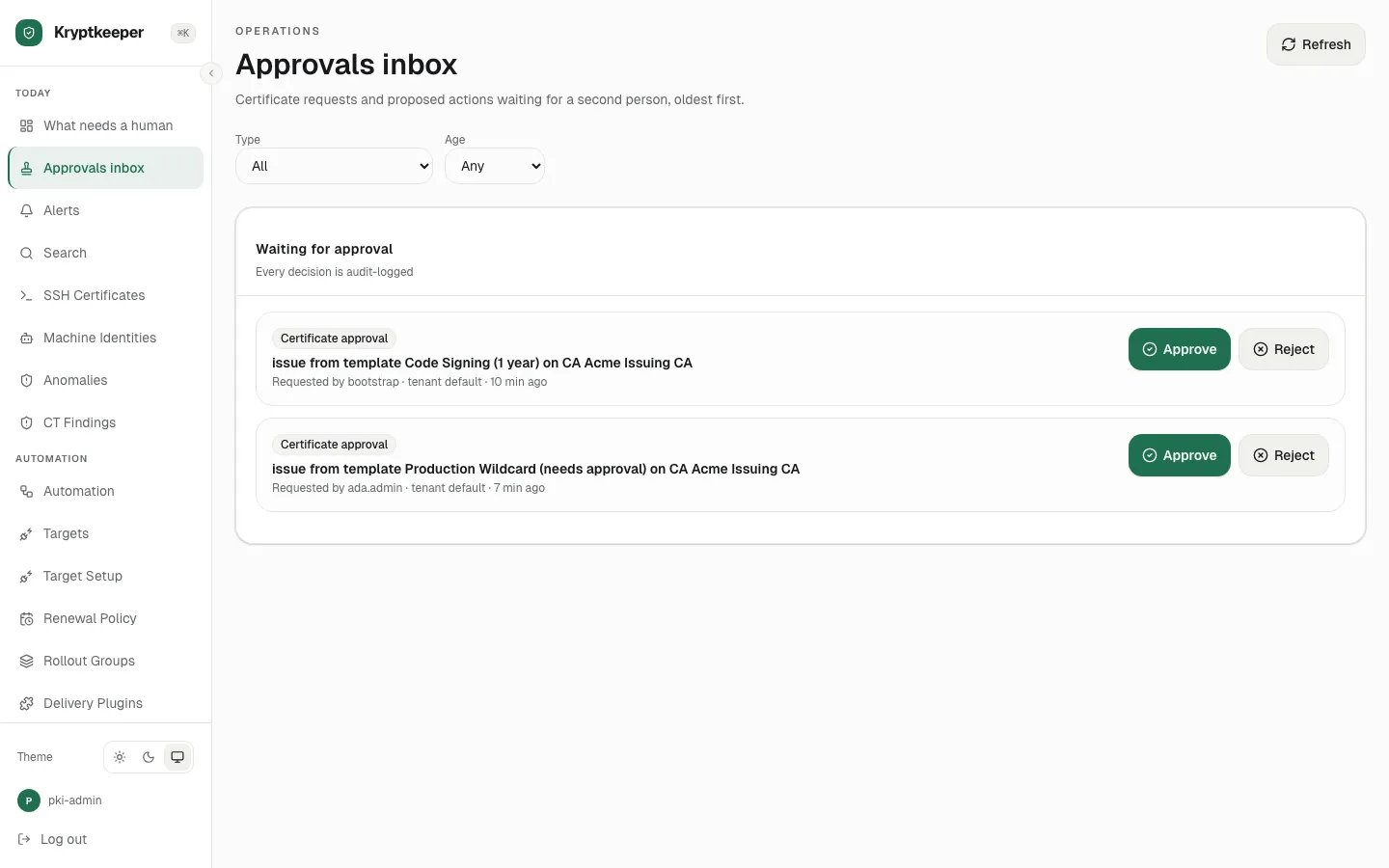
Click Reject
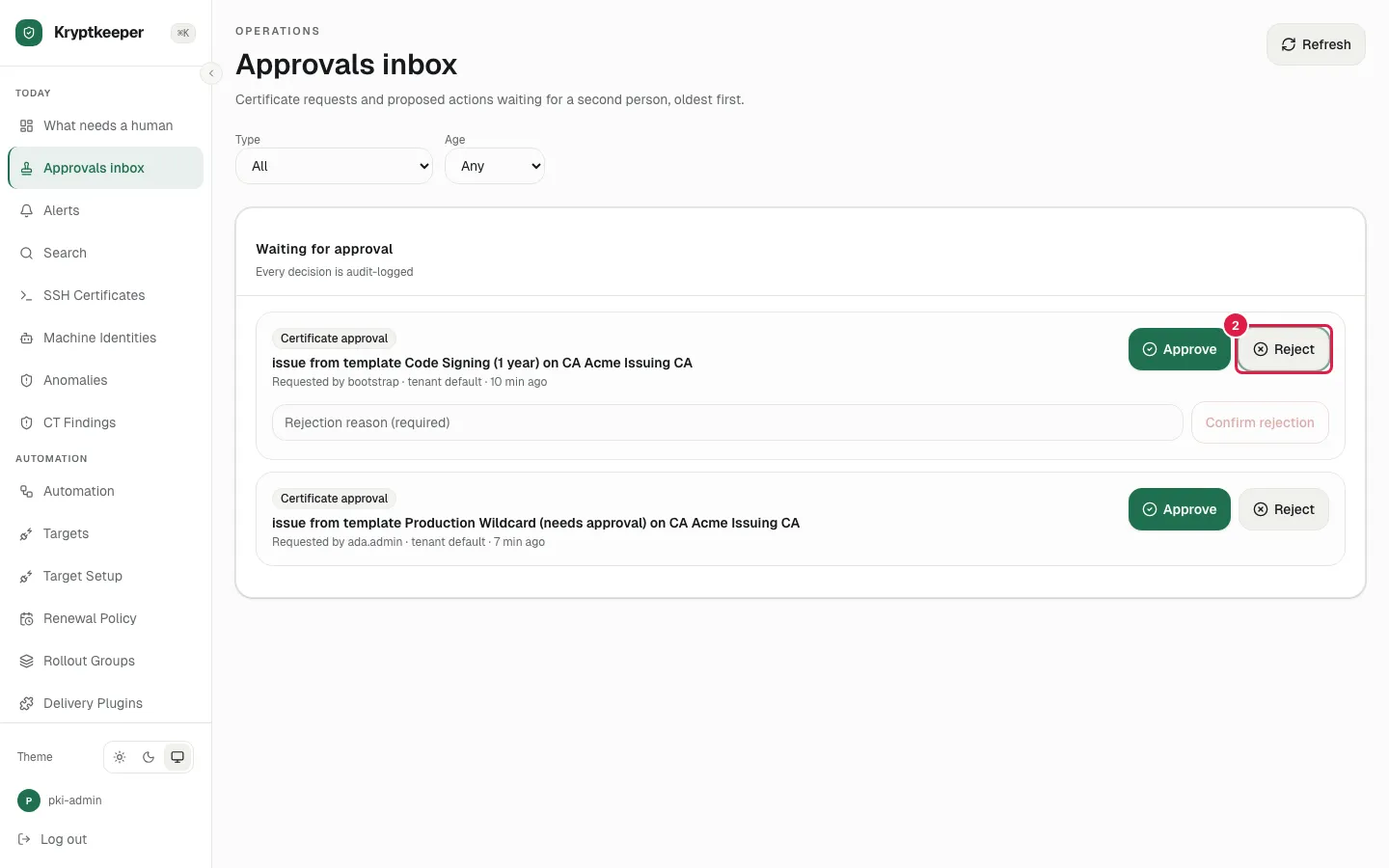
Fill Rejection reason with "Wildcard scope is broader than the request needs"
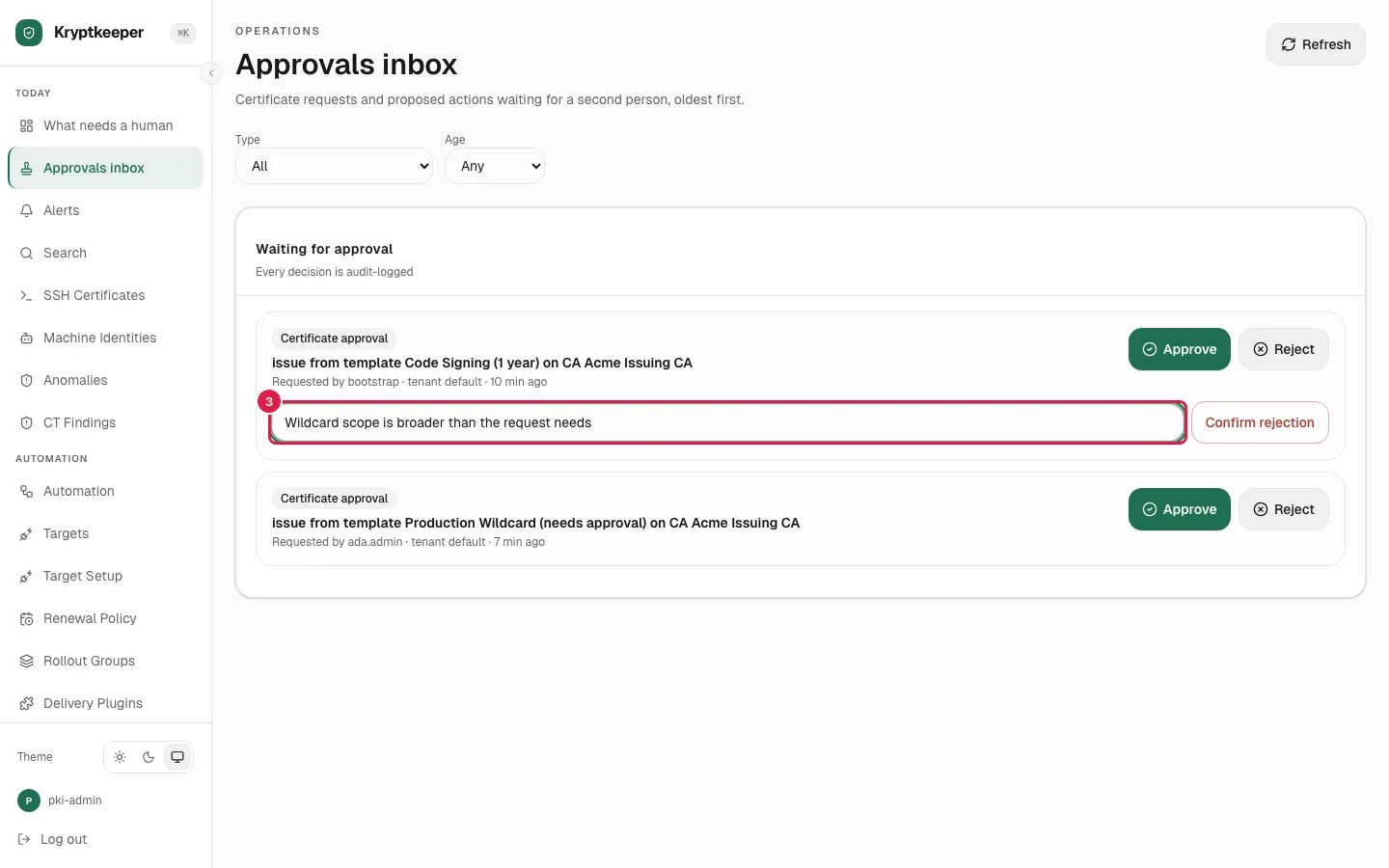
Click Confirm rejection
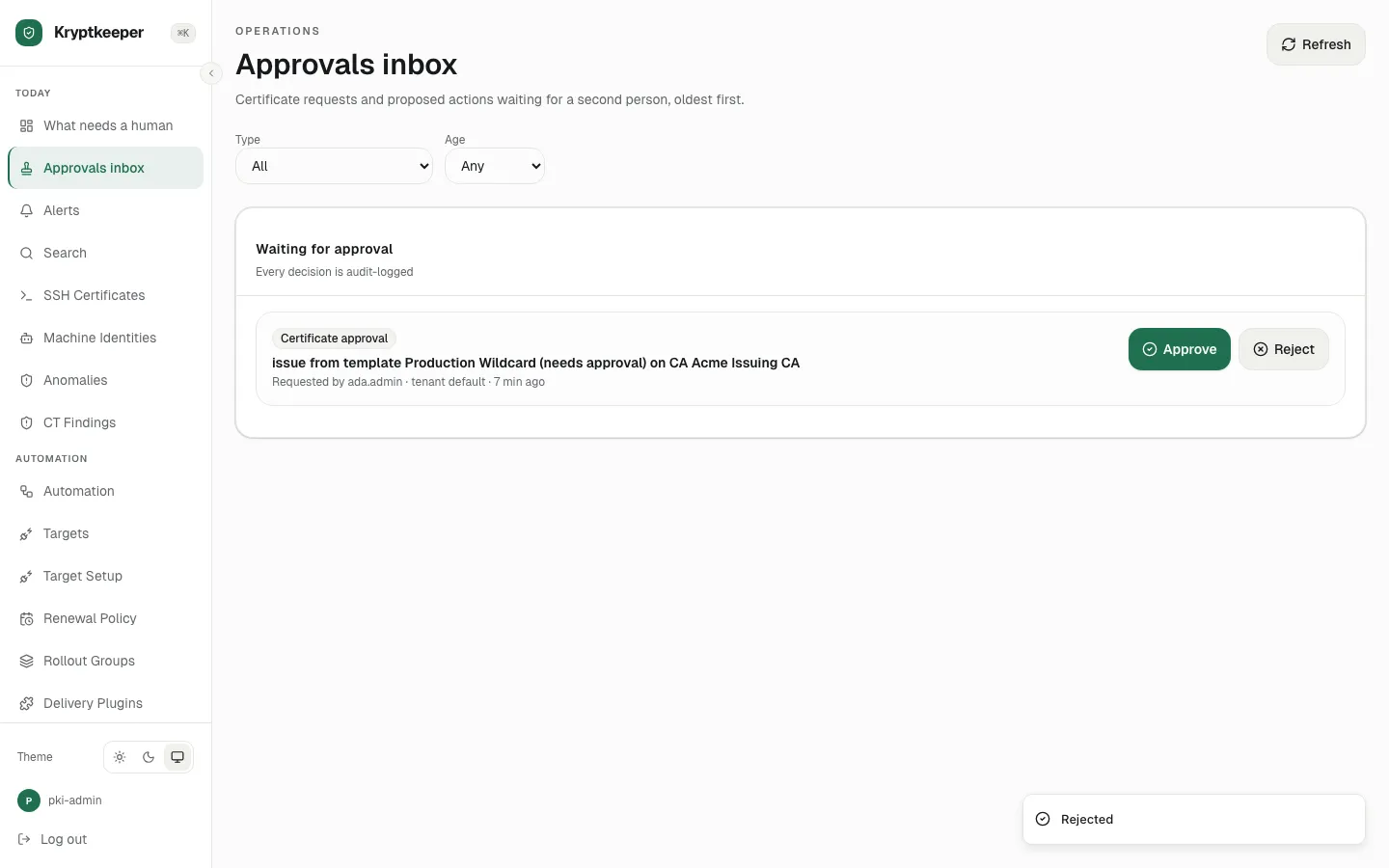
Turn a request down with a reason the requester can read.
As approver
Open /inbox
Click Reject
Fill Rejection reason with "Wildcard scope is broader than the request needs"
Click Confirm rejection