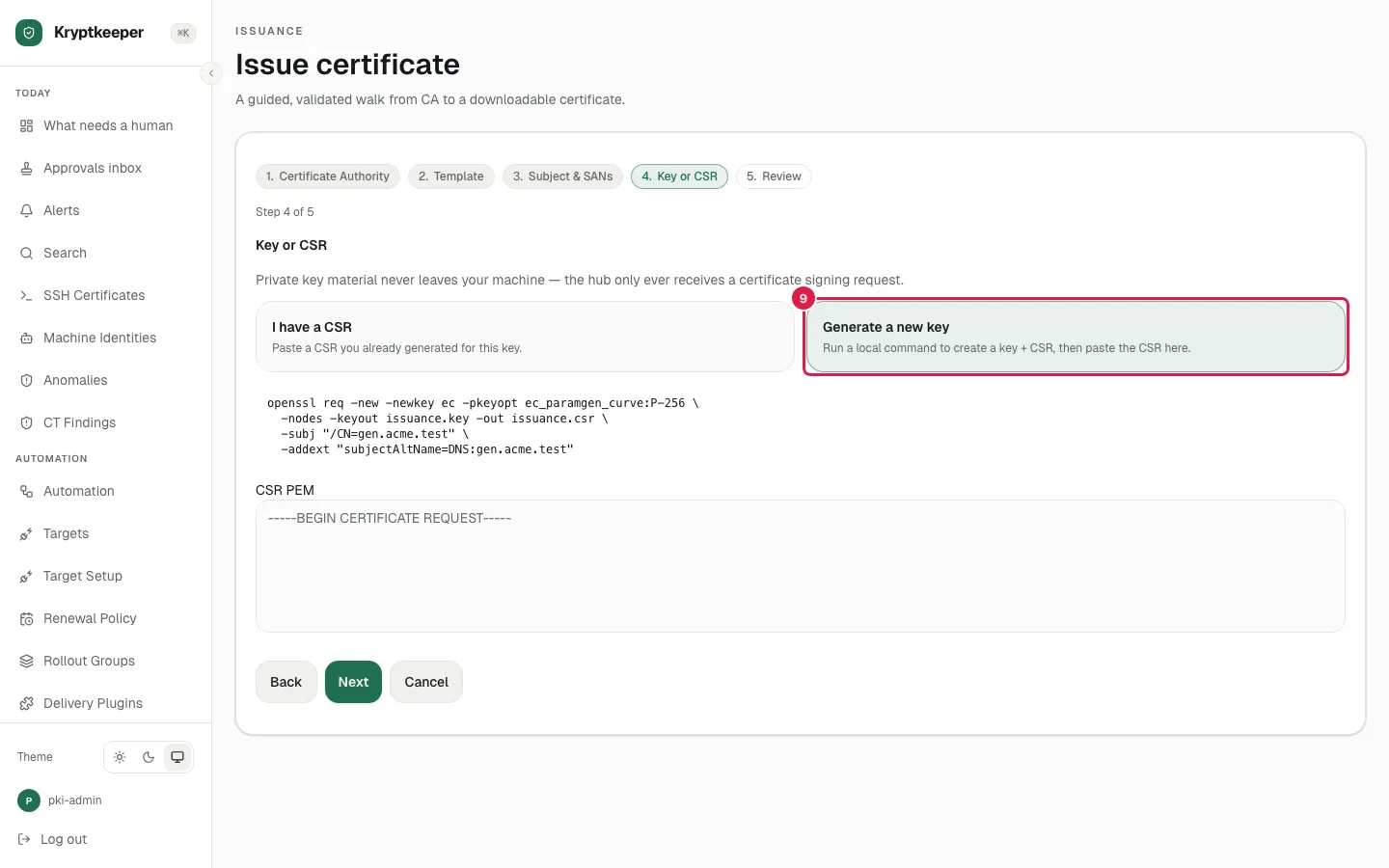
Issue with a generated key
Let the wizard give you the openssl command so the key never leaves your machine.
As pki-admin
Open /certificates/issue
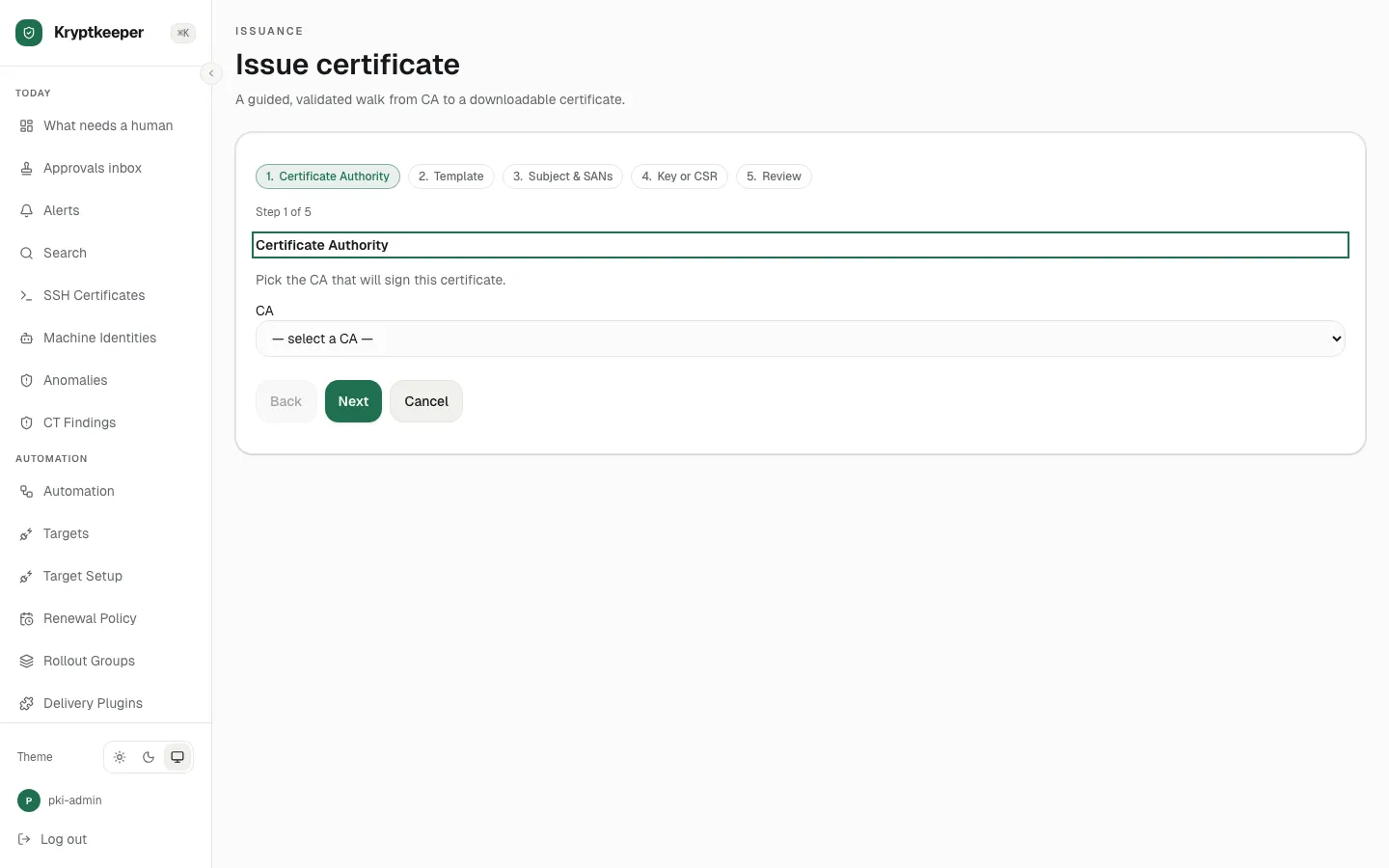
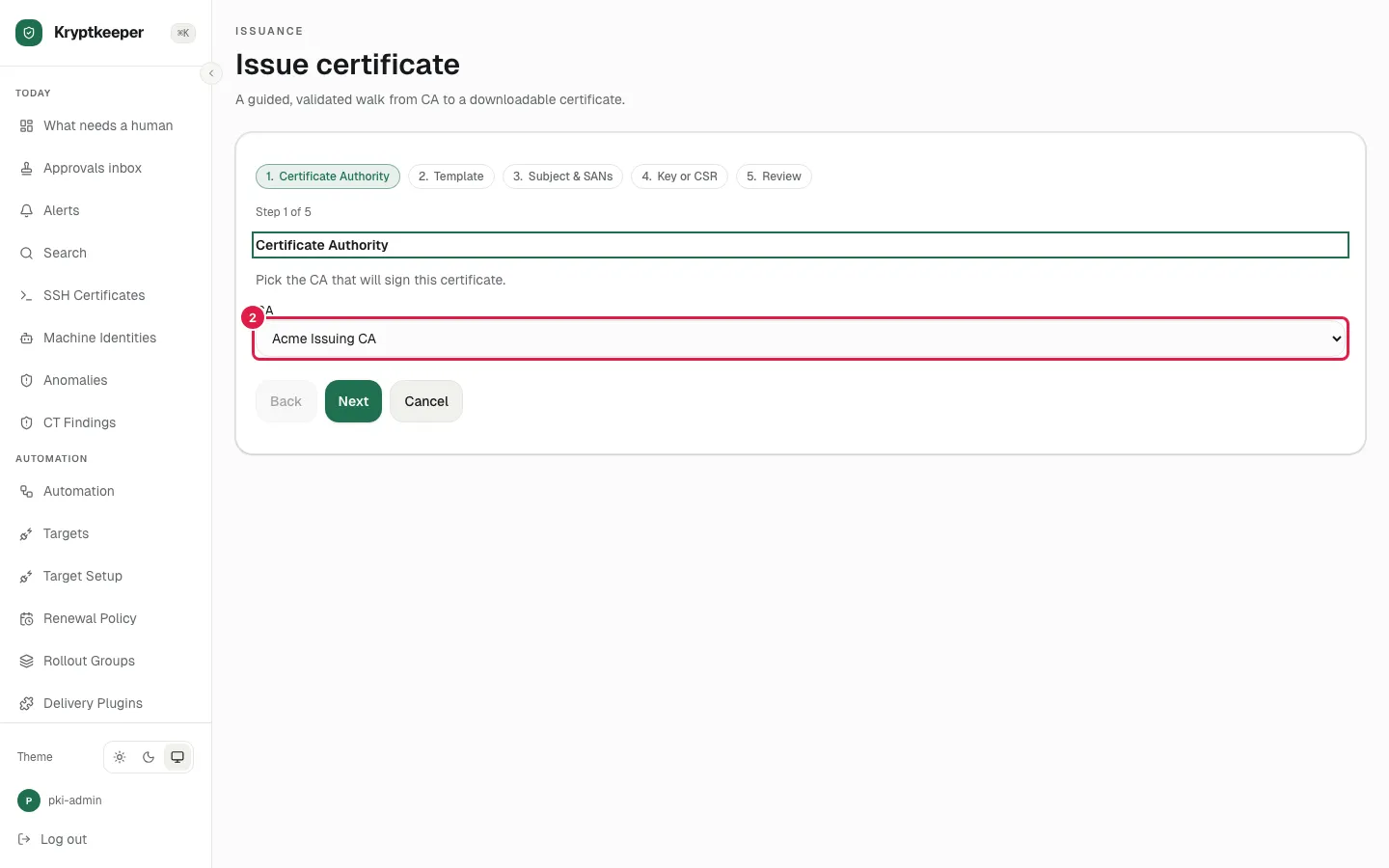
Select "Acme Issuing CA" in Certificate authority
Click Next
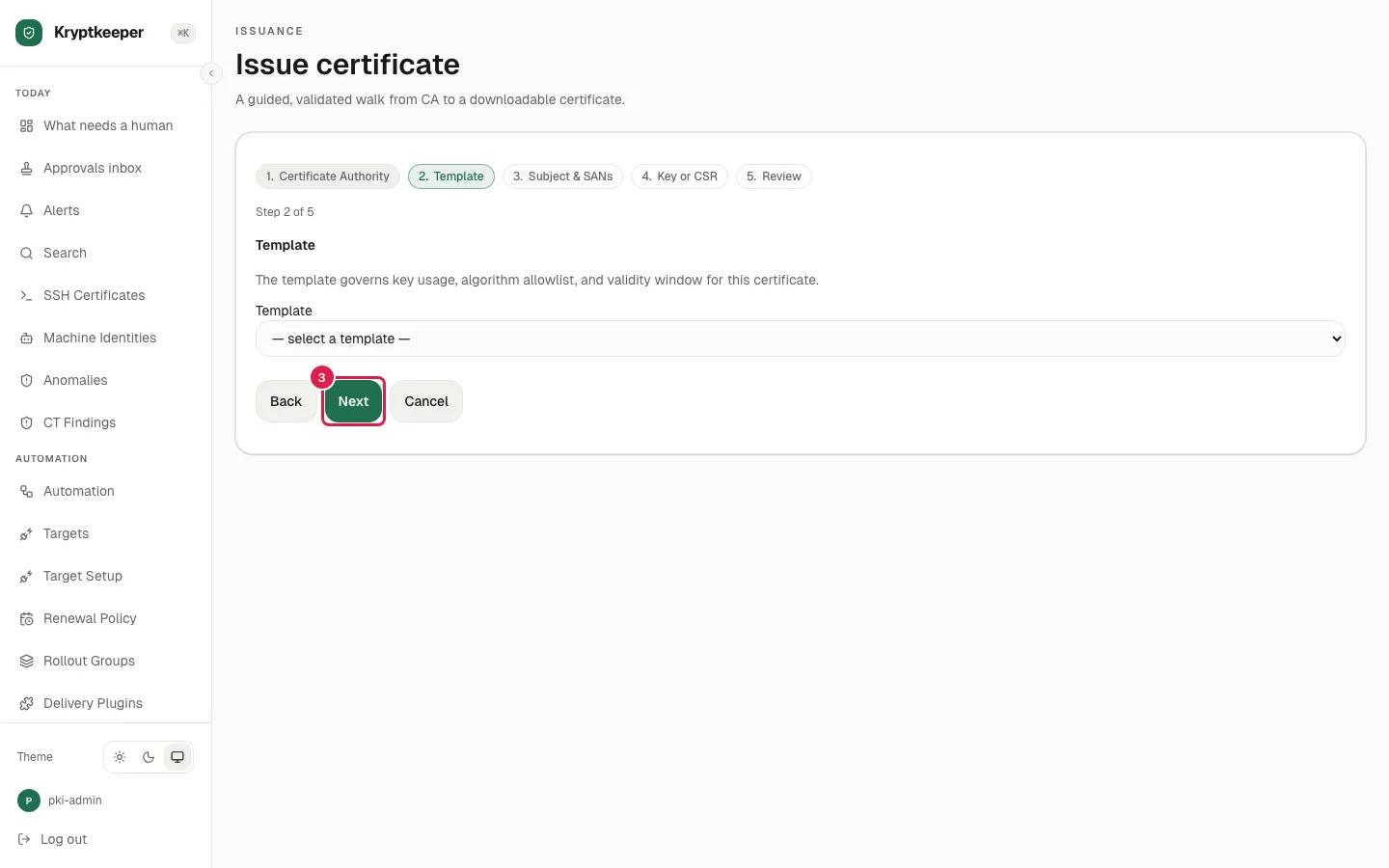
Select "Web Server (90 day)" in Issuance template
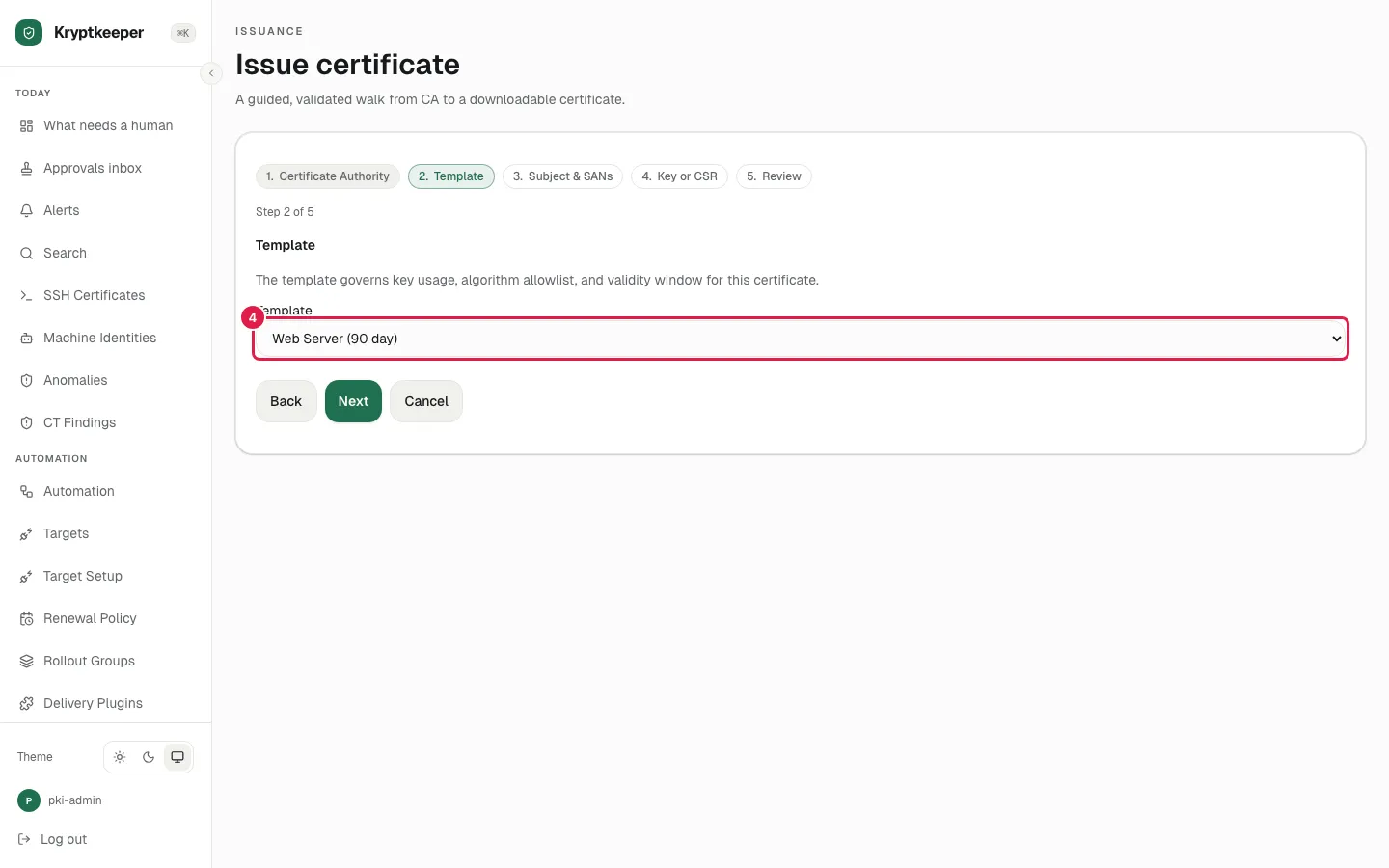
Click Next
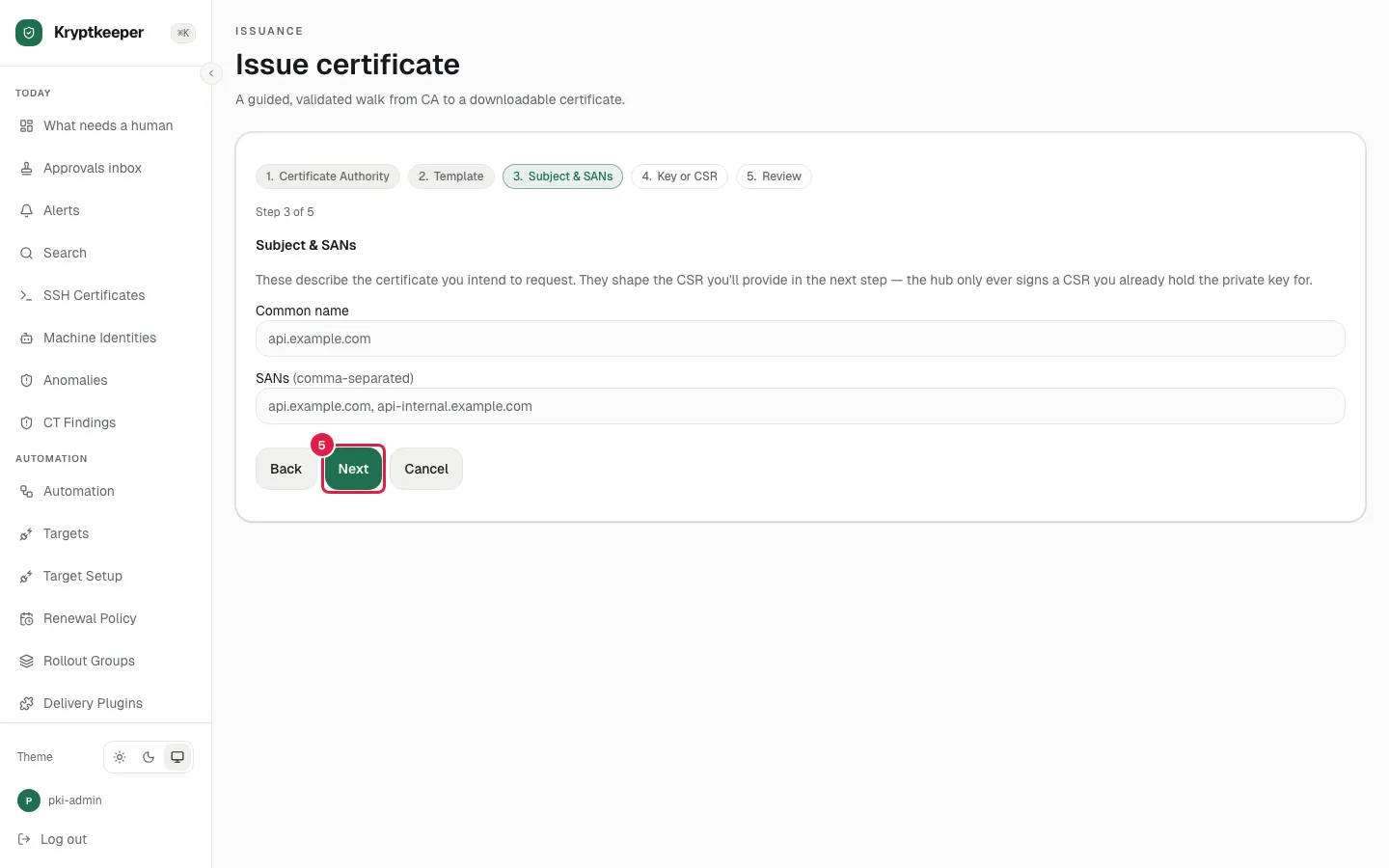
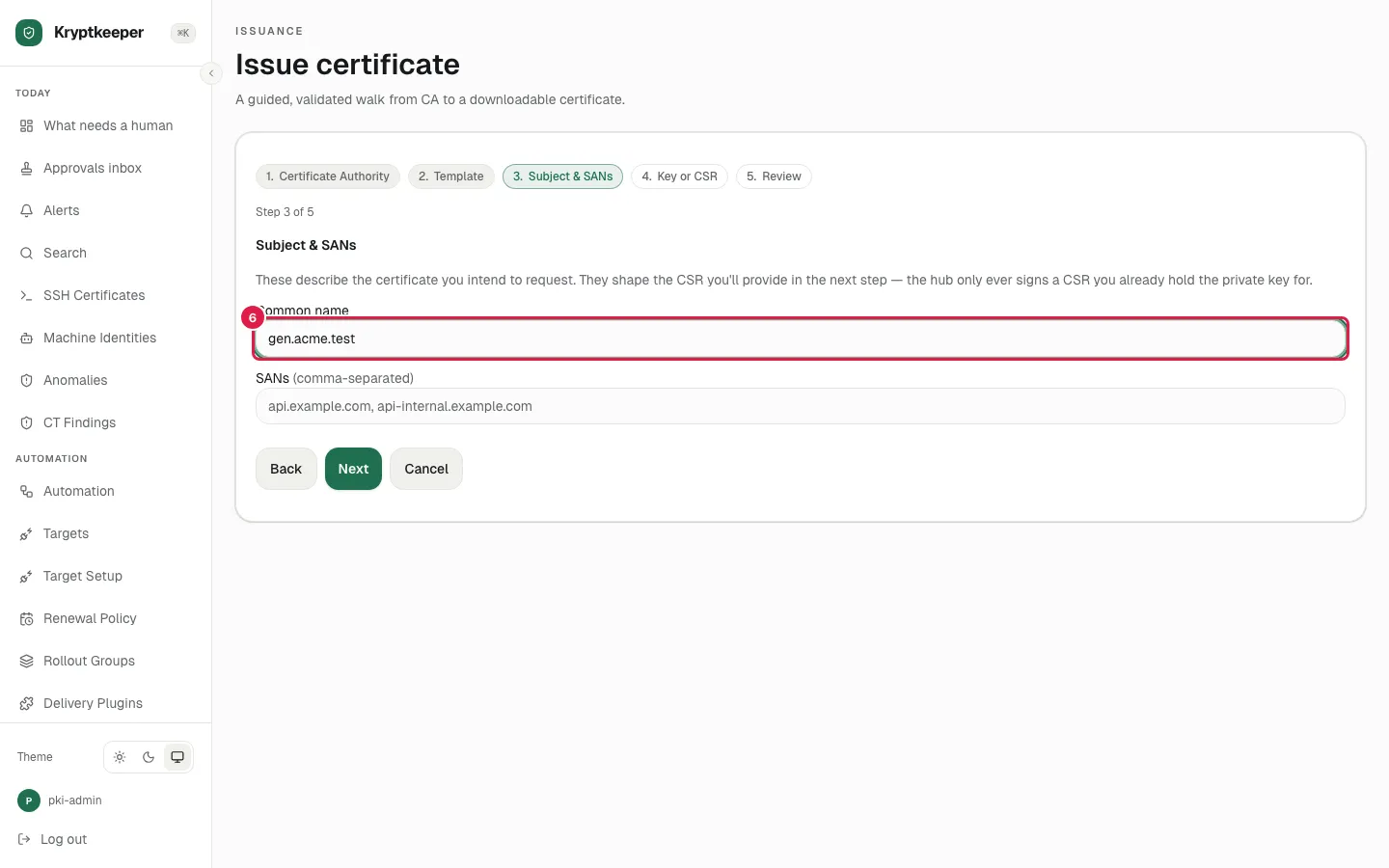
Fill Subject common name with "gen.acme.test"
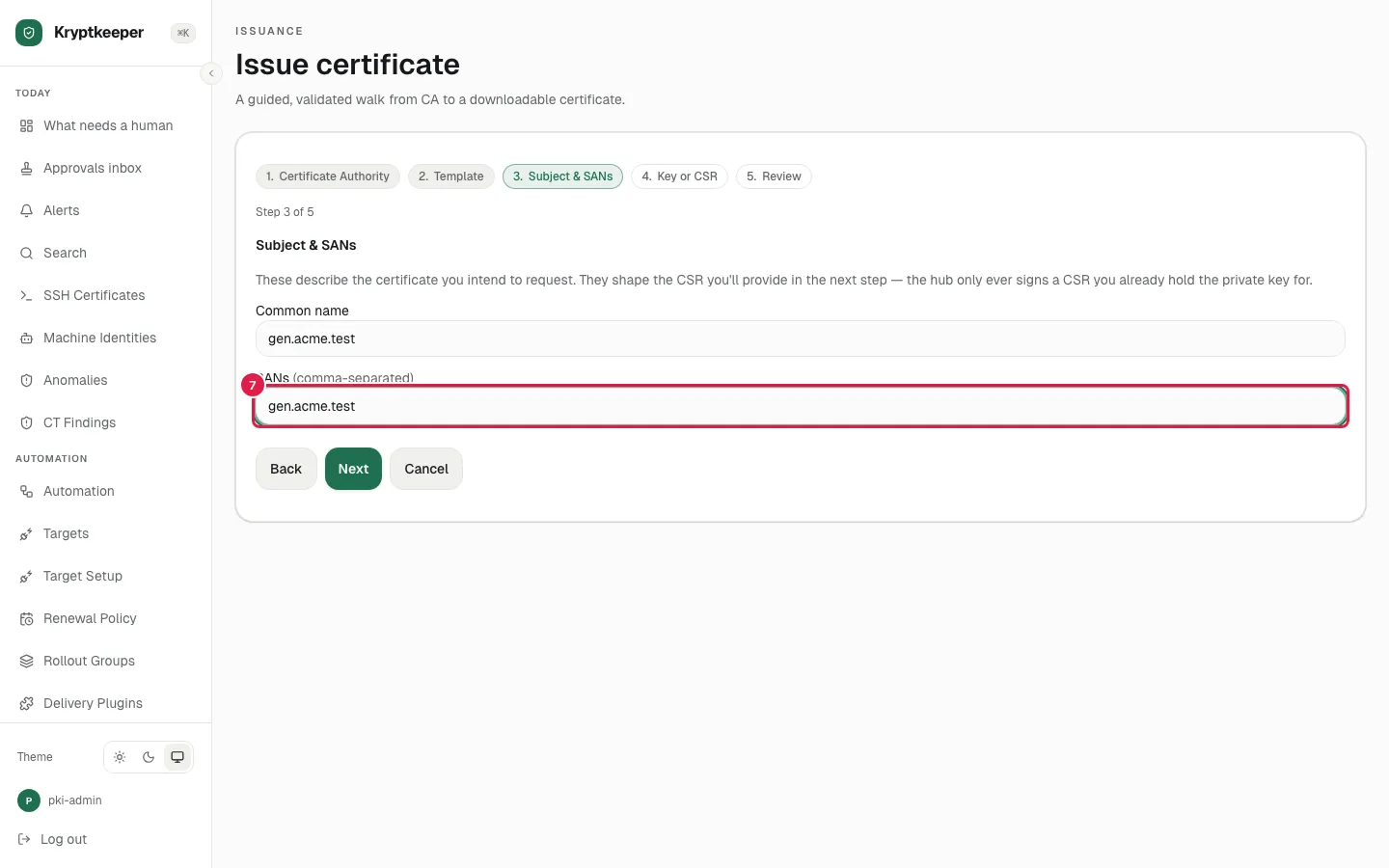
Fill Subject alternative names with "gen.acme.test"
Click Next
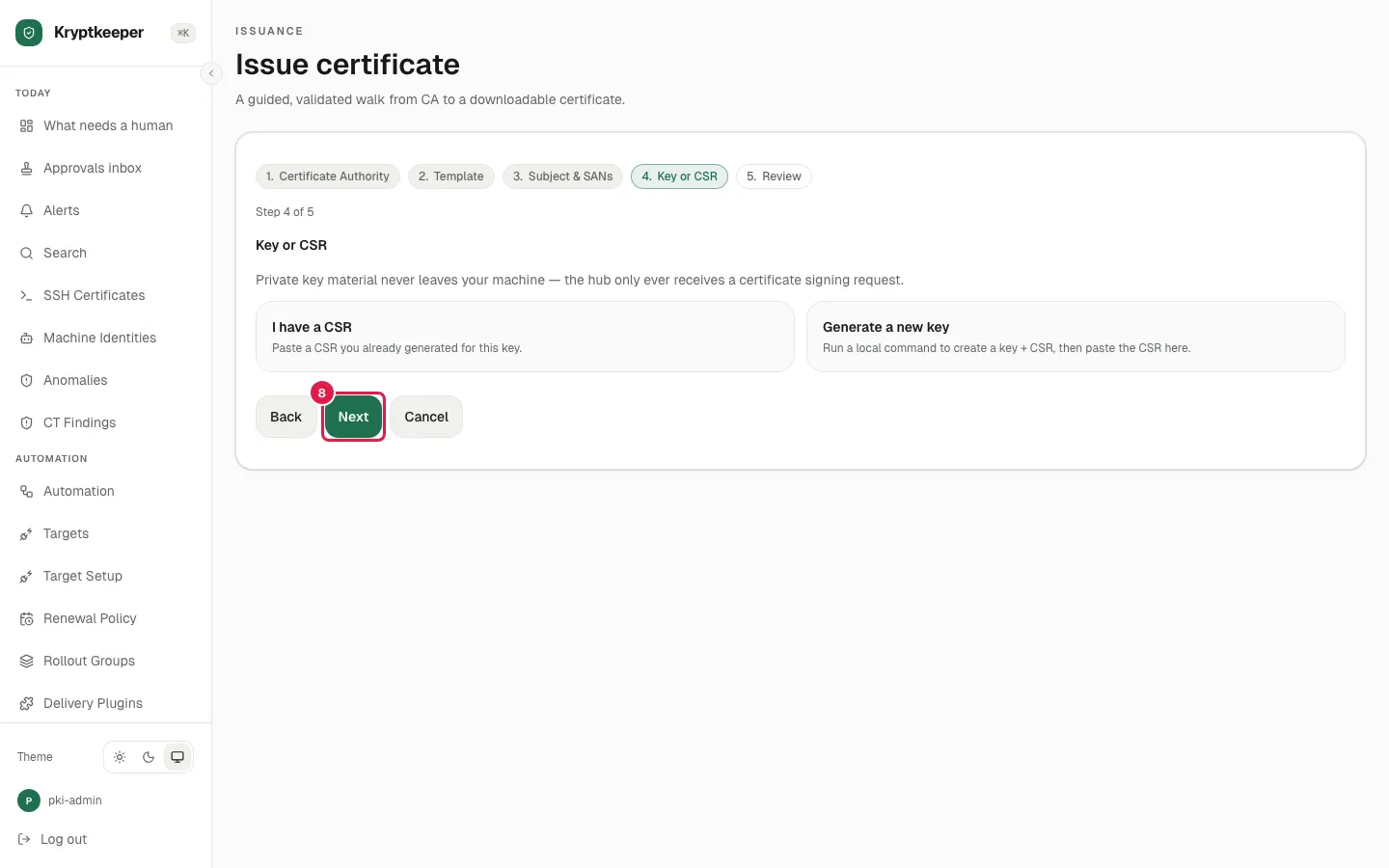
Click Generate a new key