Kryptkeeper
Walkthrough · 7 steps

Issue SSH certificates

Sign SSH user and host certificates.

As pki-admin

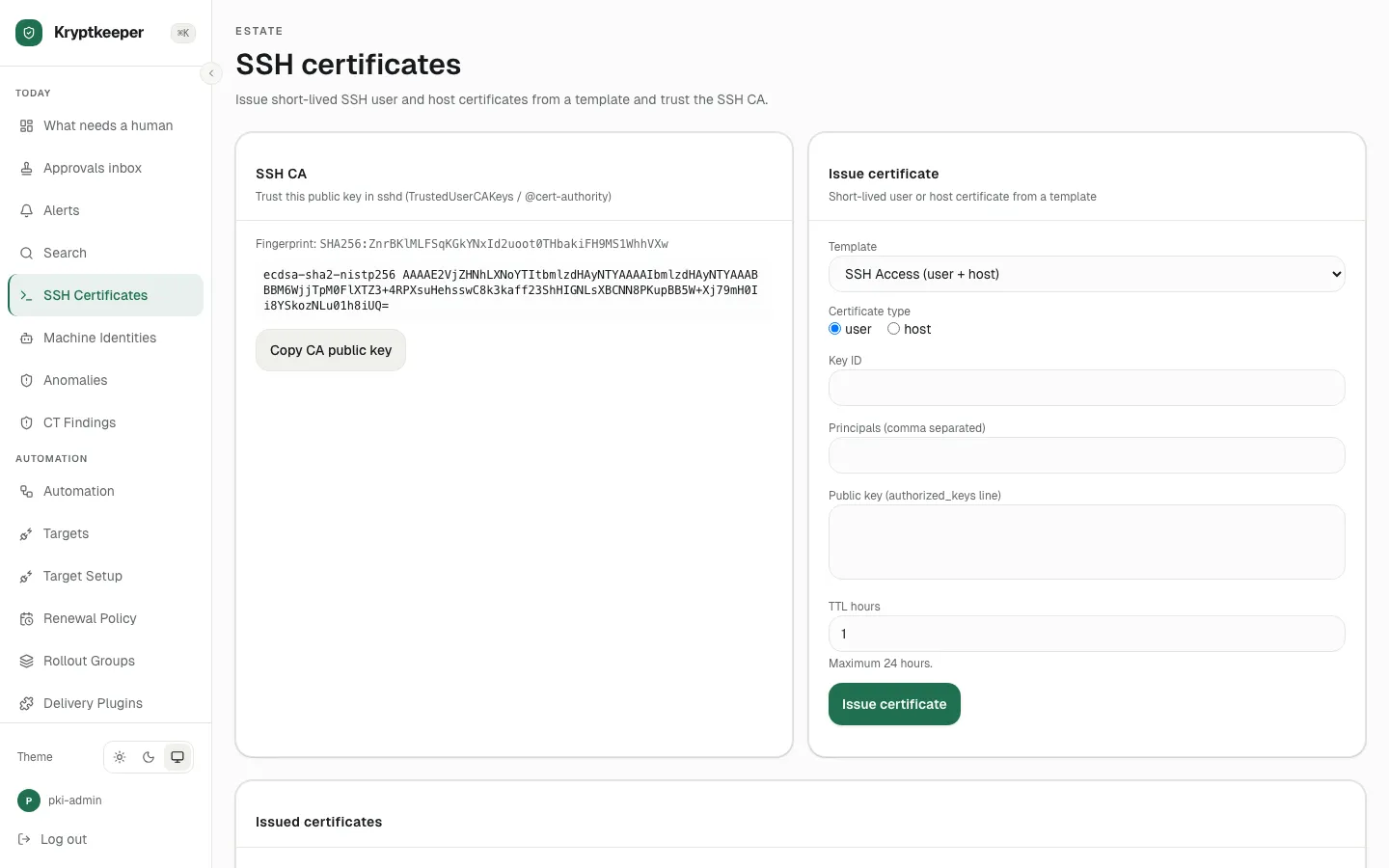
  1. Open /ssh-certificates

    Open /ssh-certificates
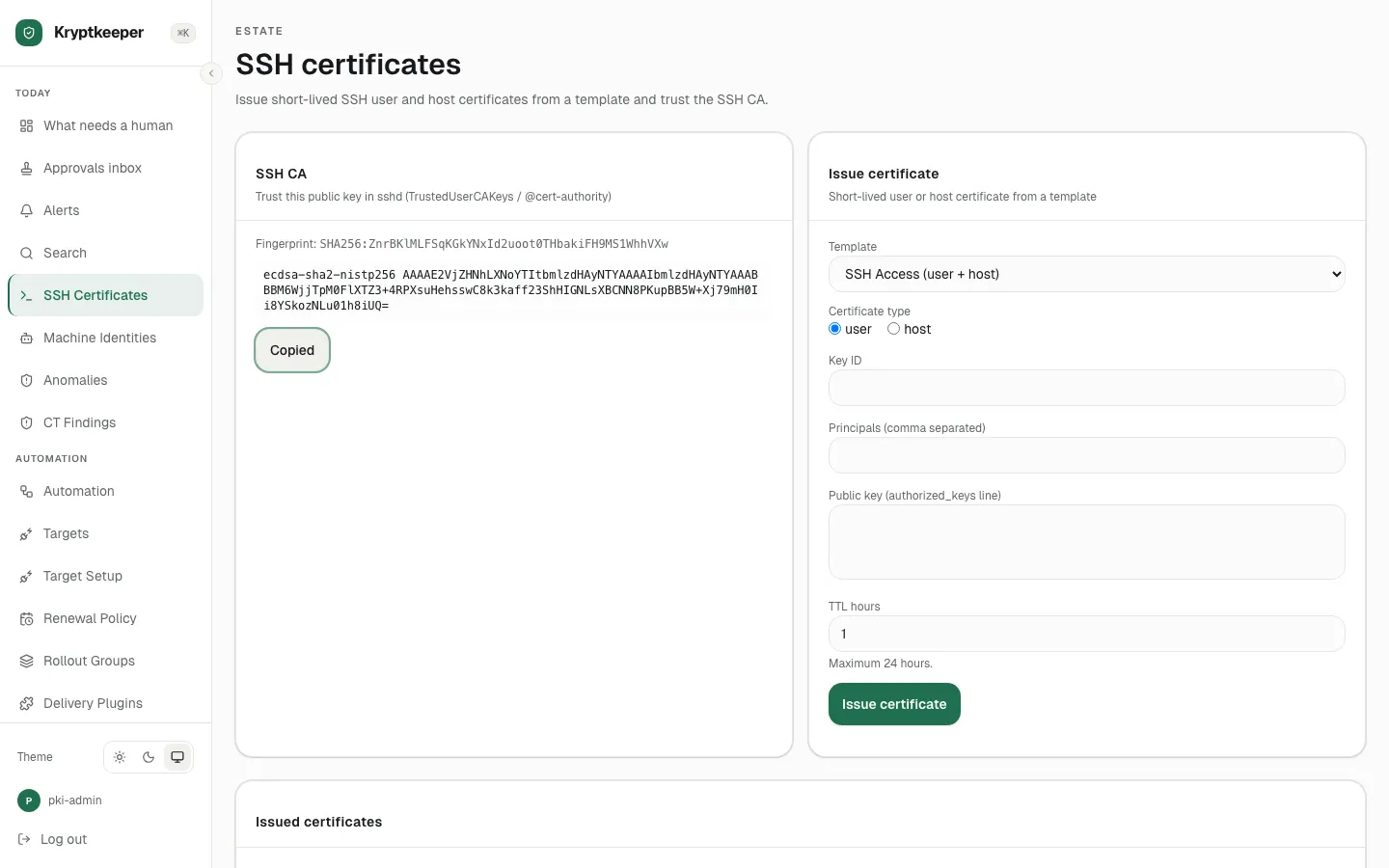
  2. Click Copy CA public key

    Click Copy CA public key
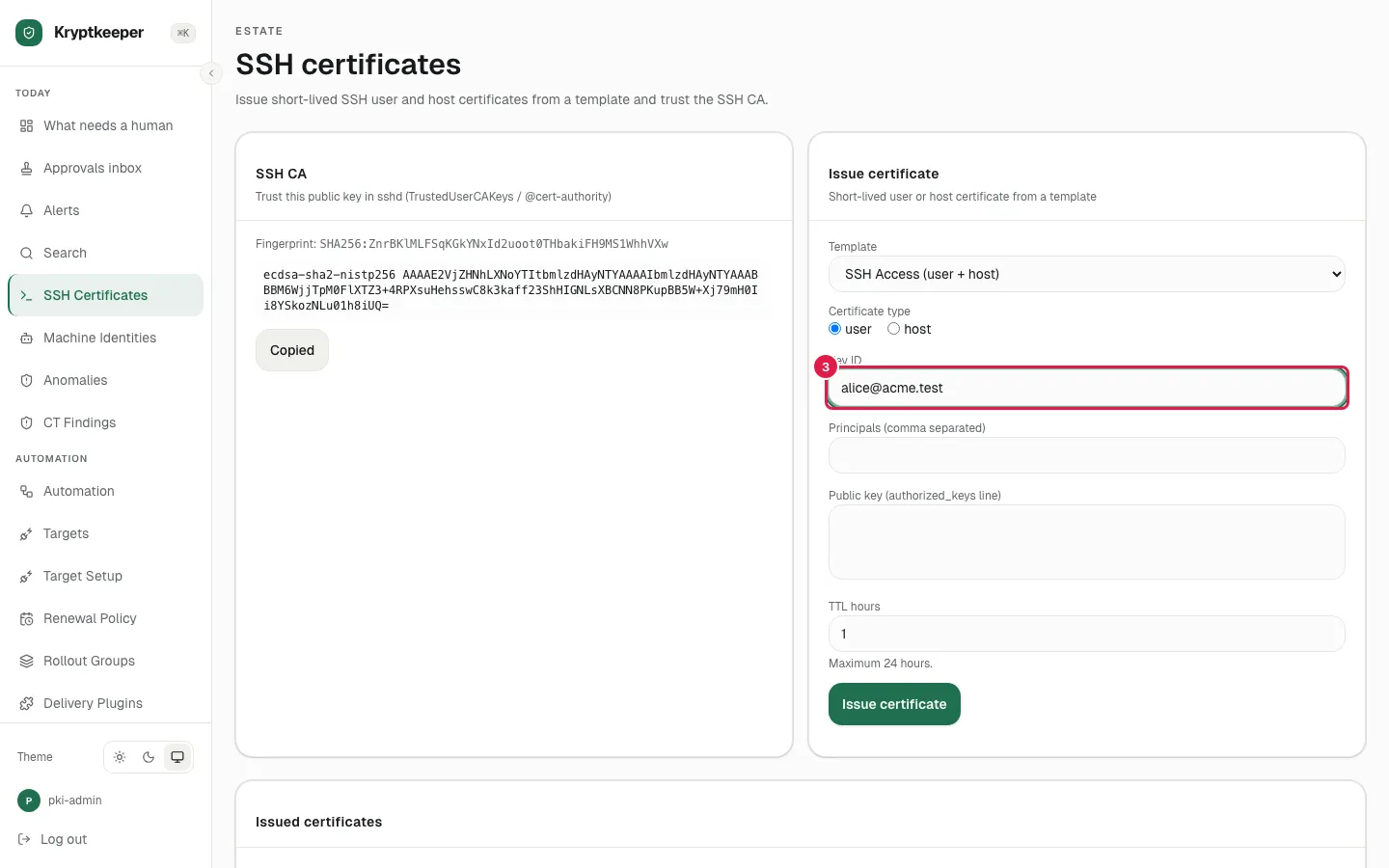
  3. Fill Key ID with "[email protected]"

    Fill Key ID with "alice@acme.test"
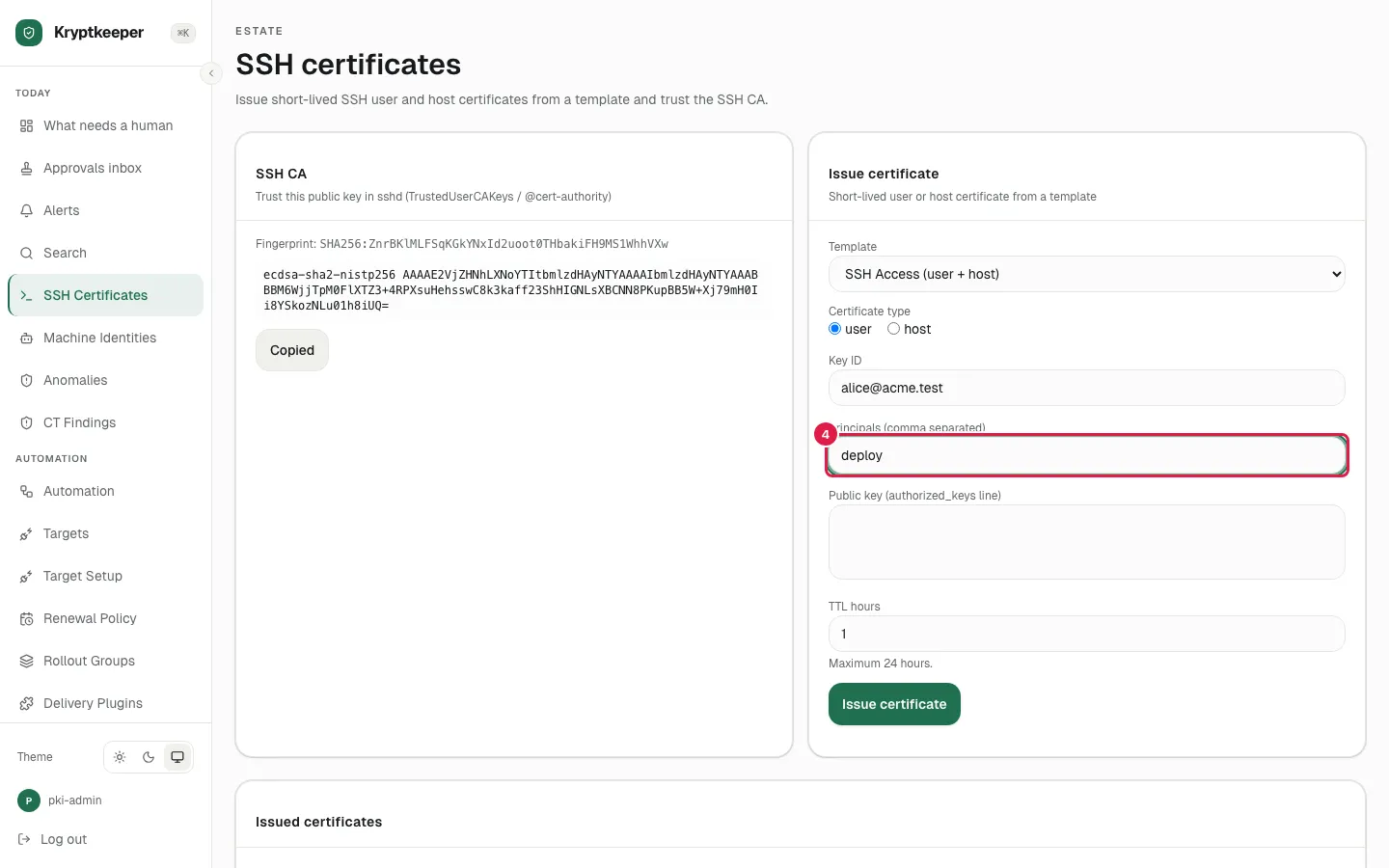
  4. Fill Principals with "deploy"

    Fill Principals with "deploy"
  5. Paste the Public key (authorized_keys line)
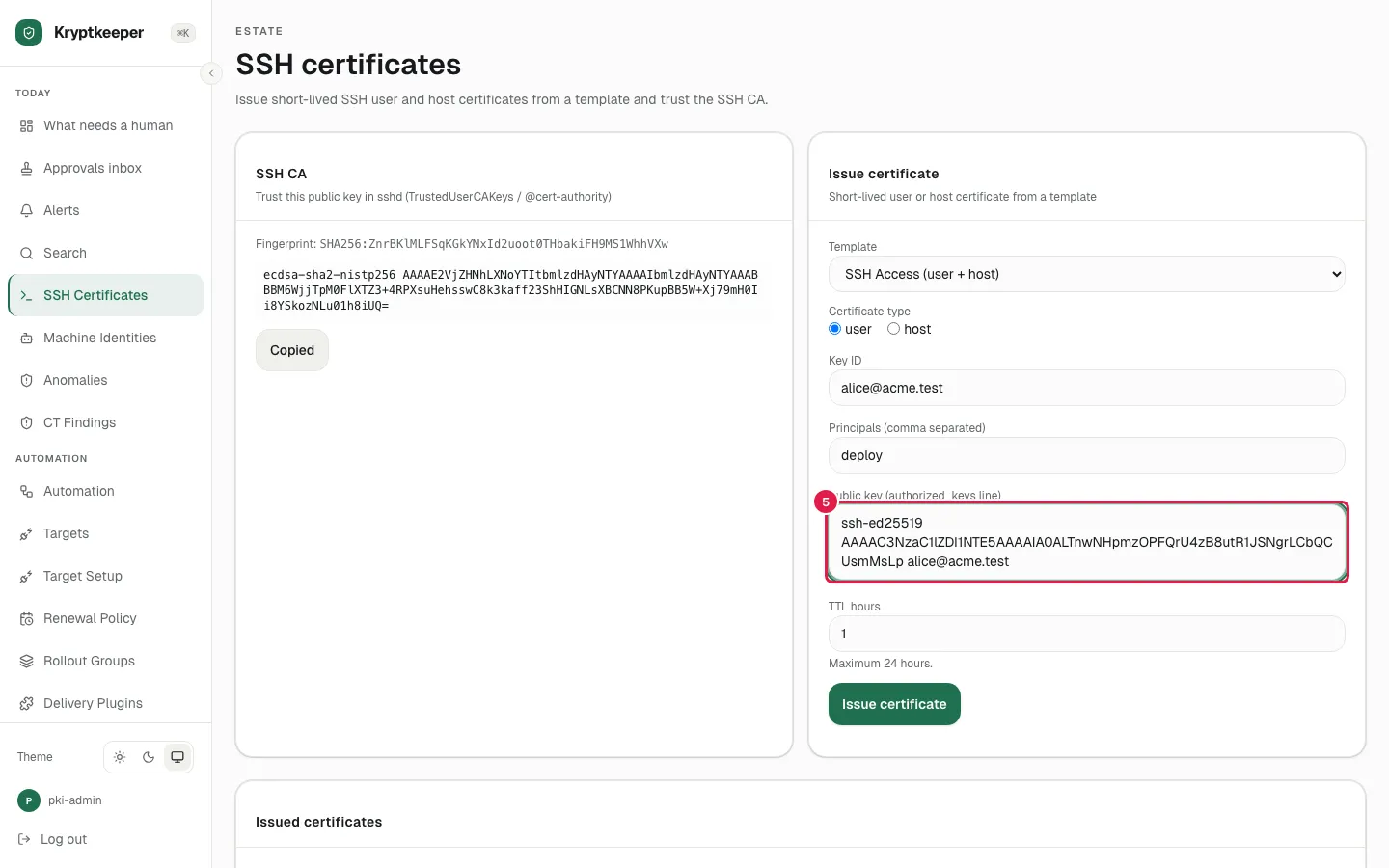
    Paste the Public key (authorized_keys line)
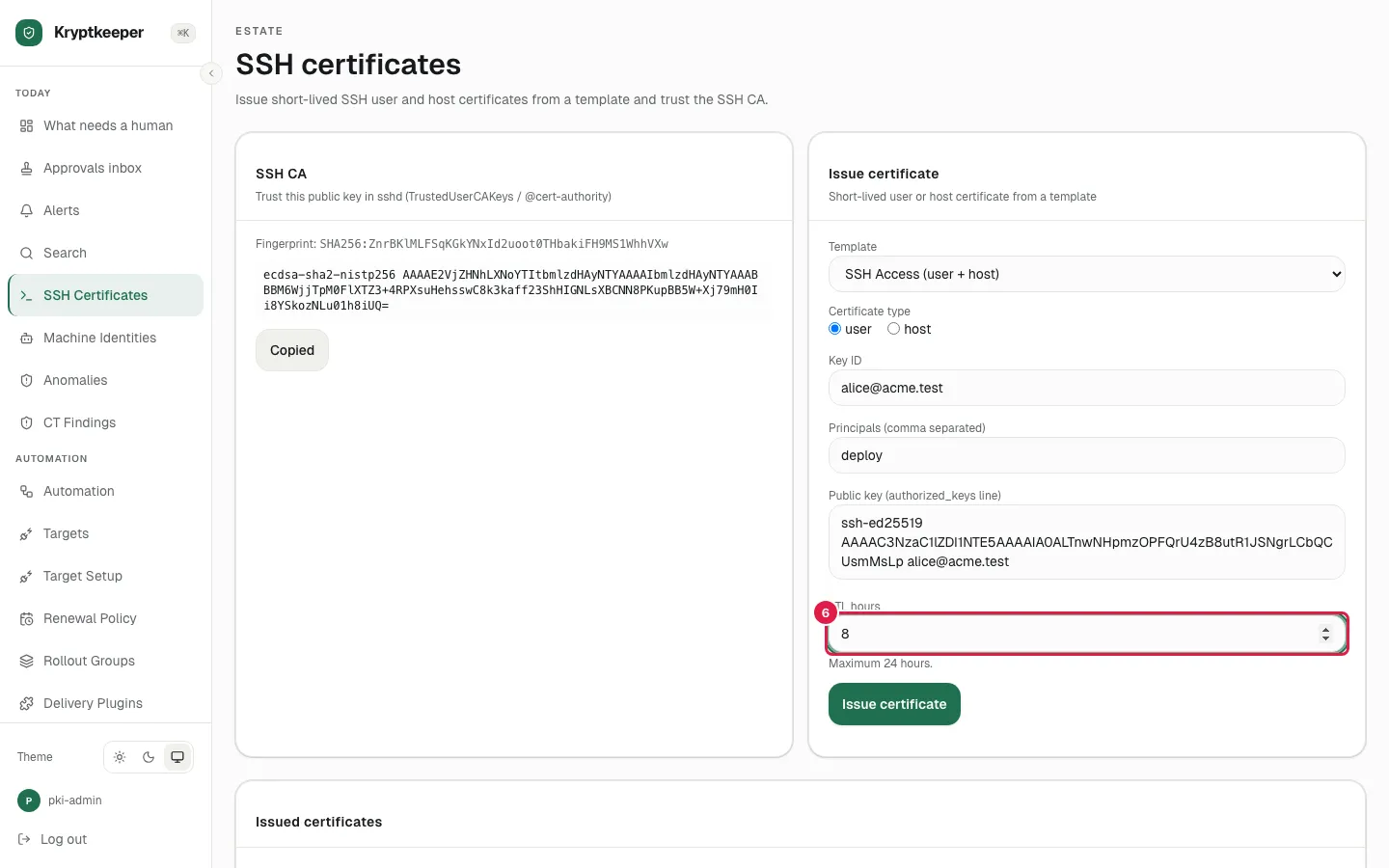
  6. Fill TTL hours with "8"

    Fill TTL hours with "8"
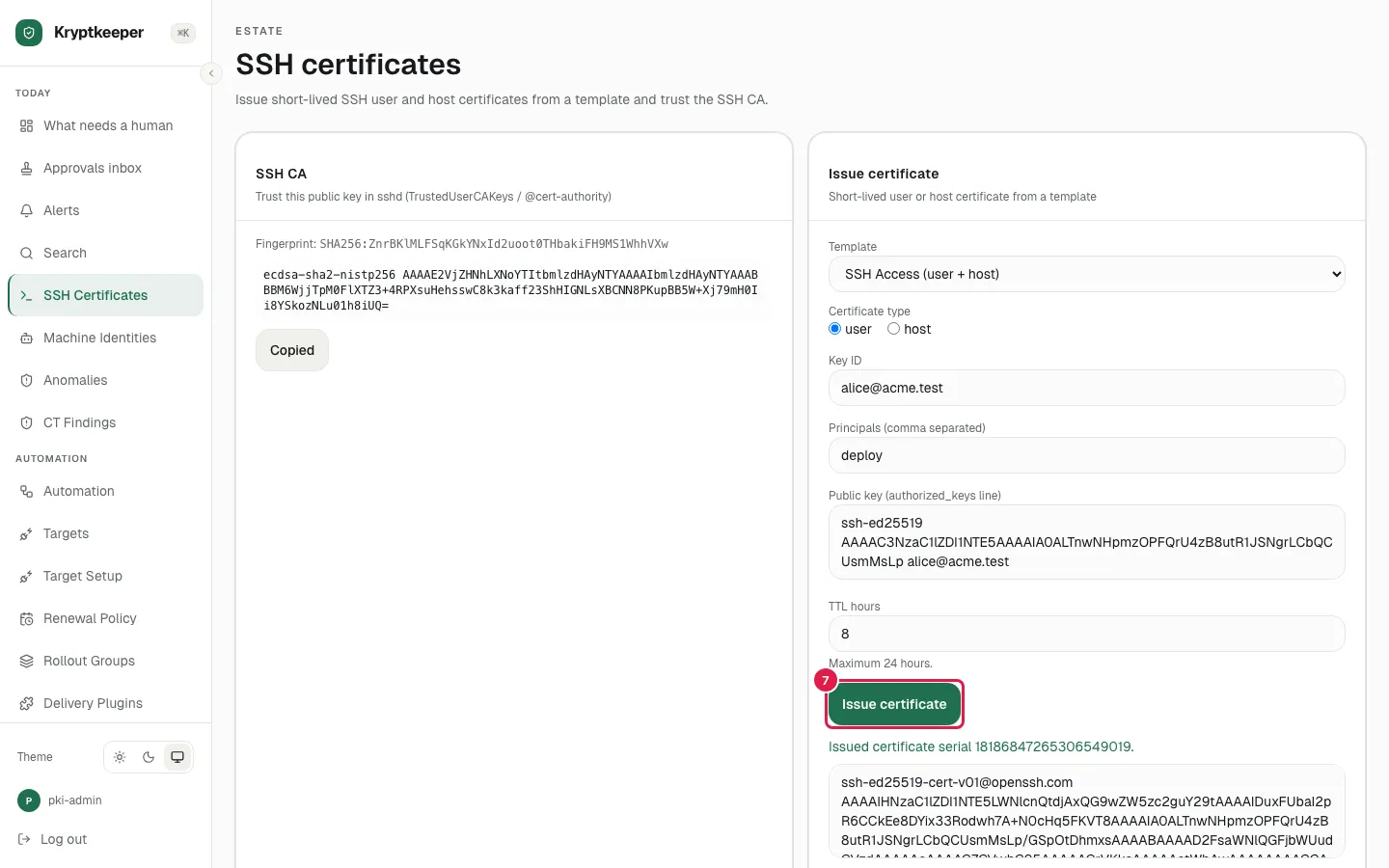
  7. Click Issue certificate

    Click Issue certificate