Keep the CA you already use
Connect HashiCorp Vault PKI as an issuer, test it, and propose it as an external CA for a second administrator to approve.
As pki-admin
- Step 1
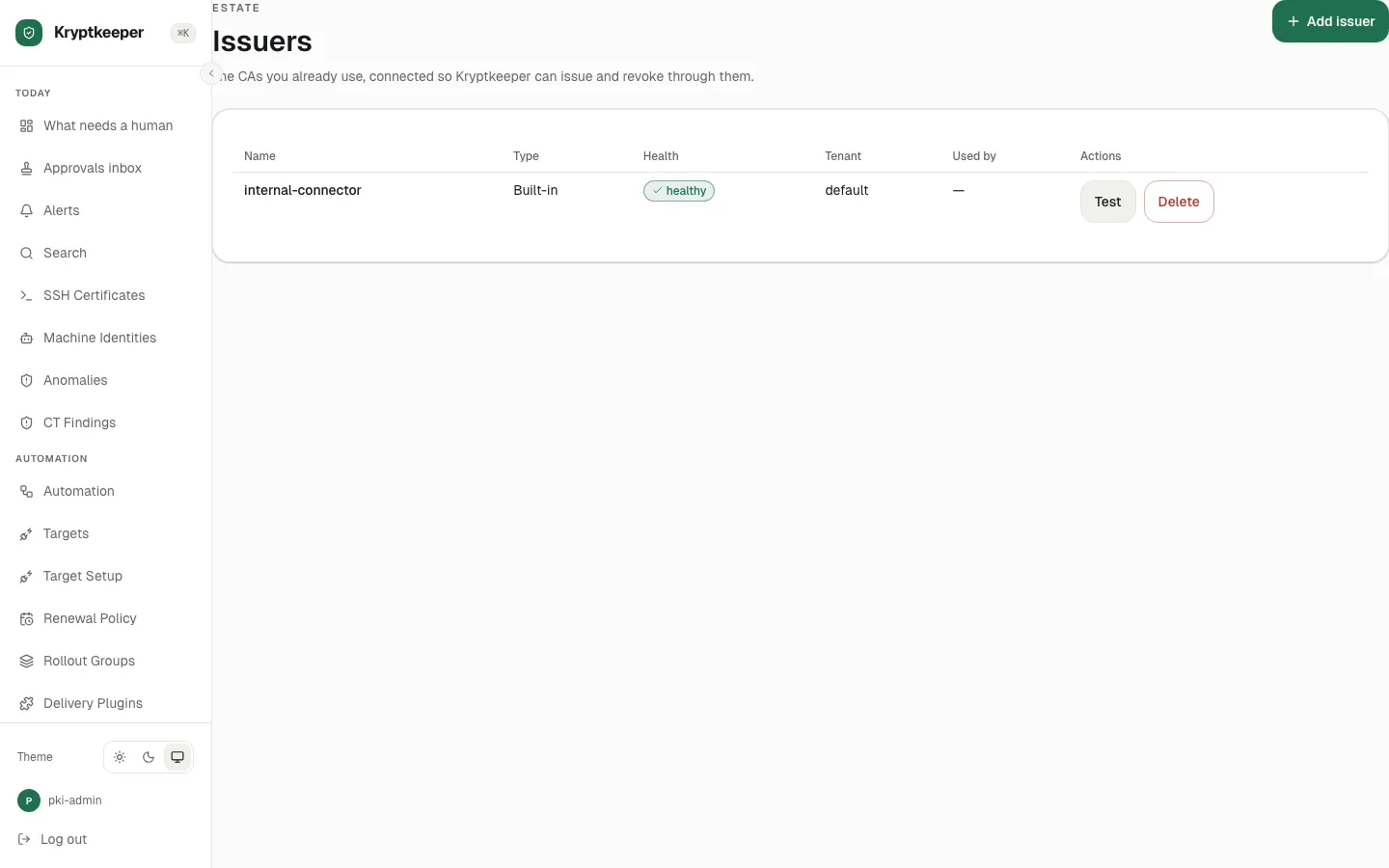
Open /issuers
- Step 2
Click Add issuer
- Step 3
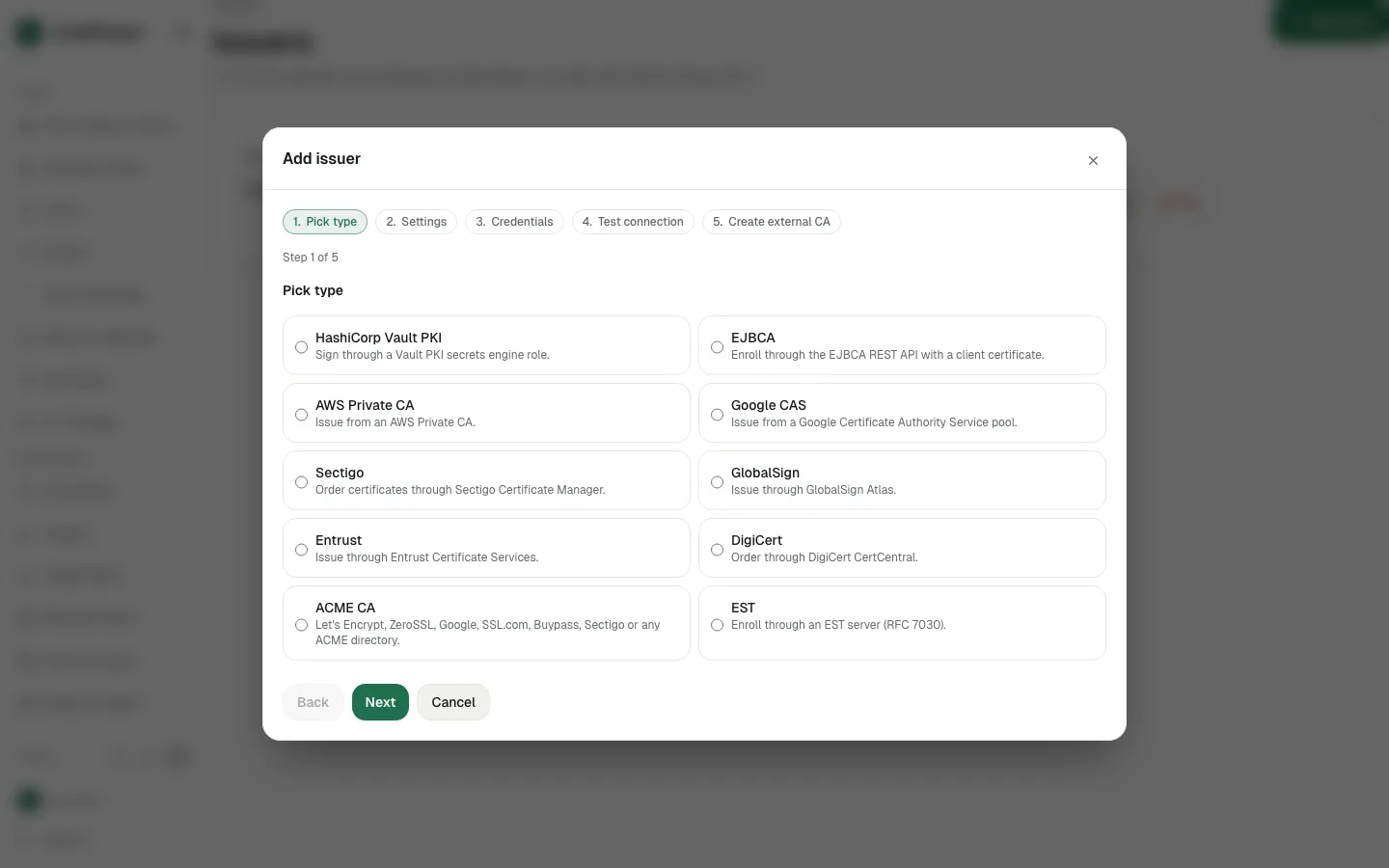
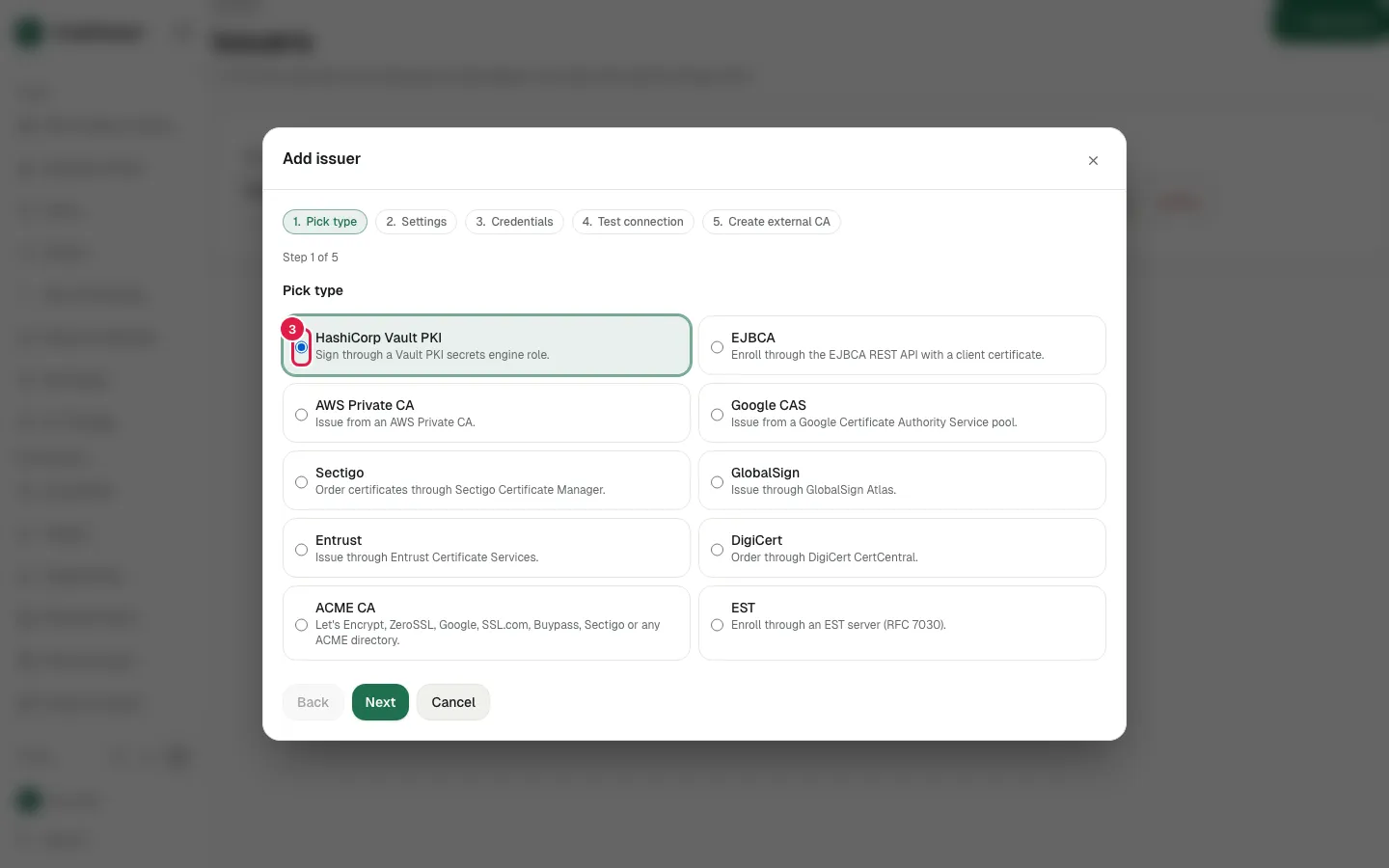
Pick HashiCorp Vault PKI
- Step 4
Click Next
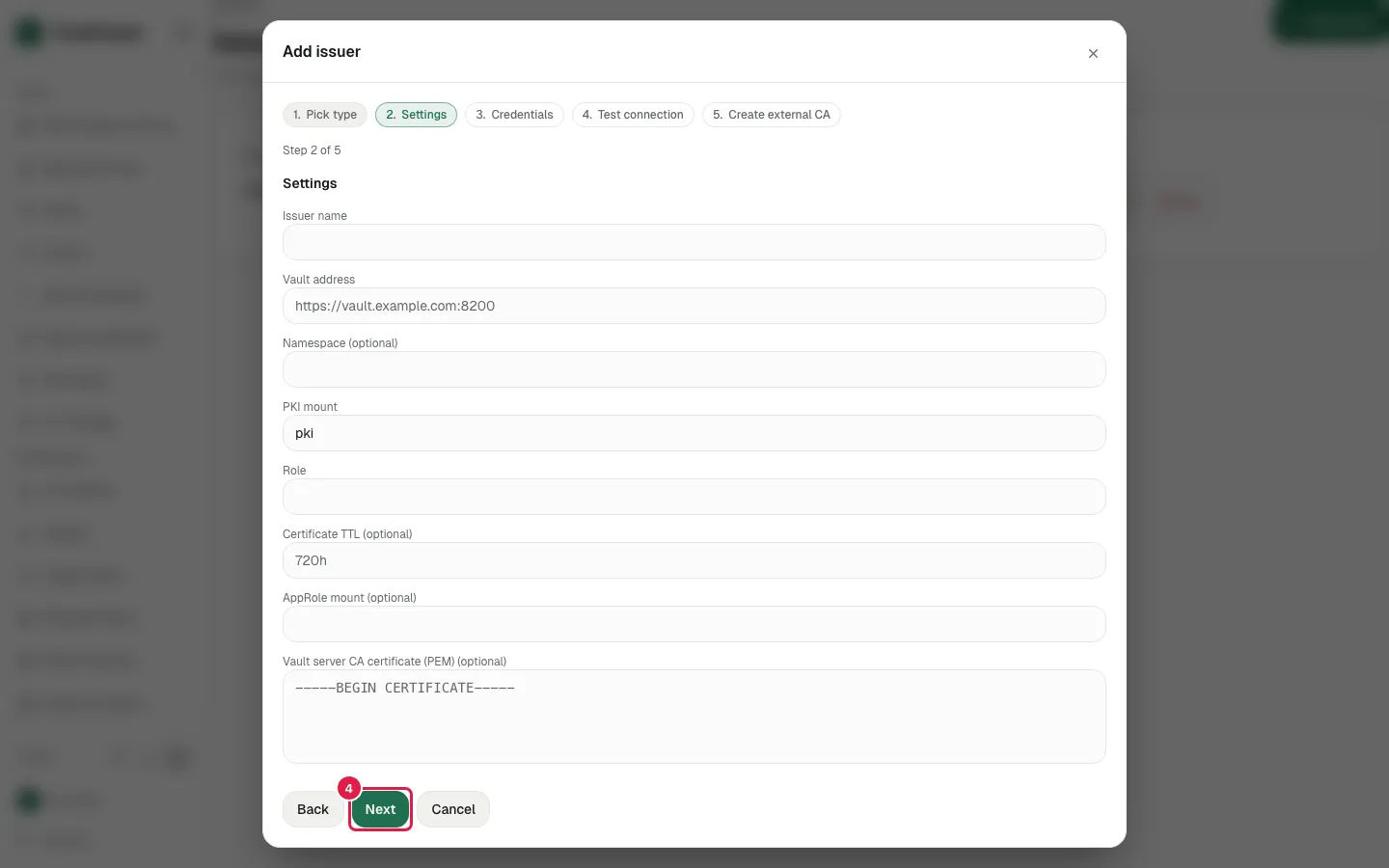
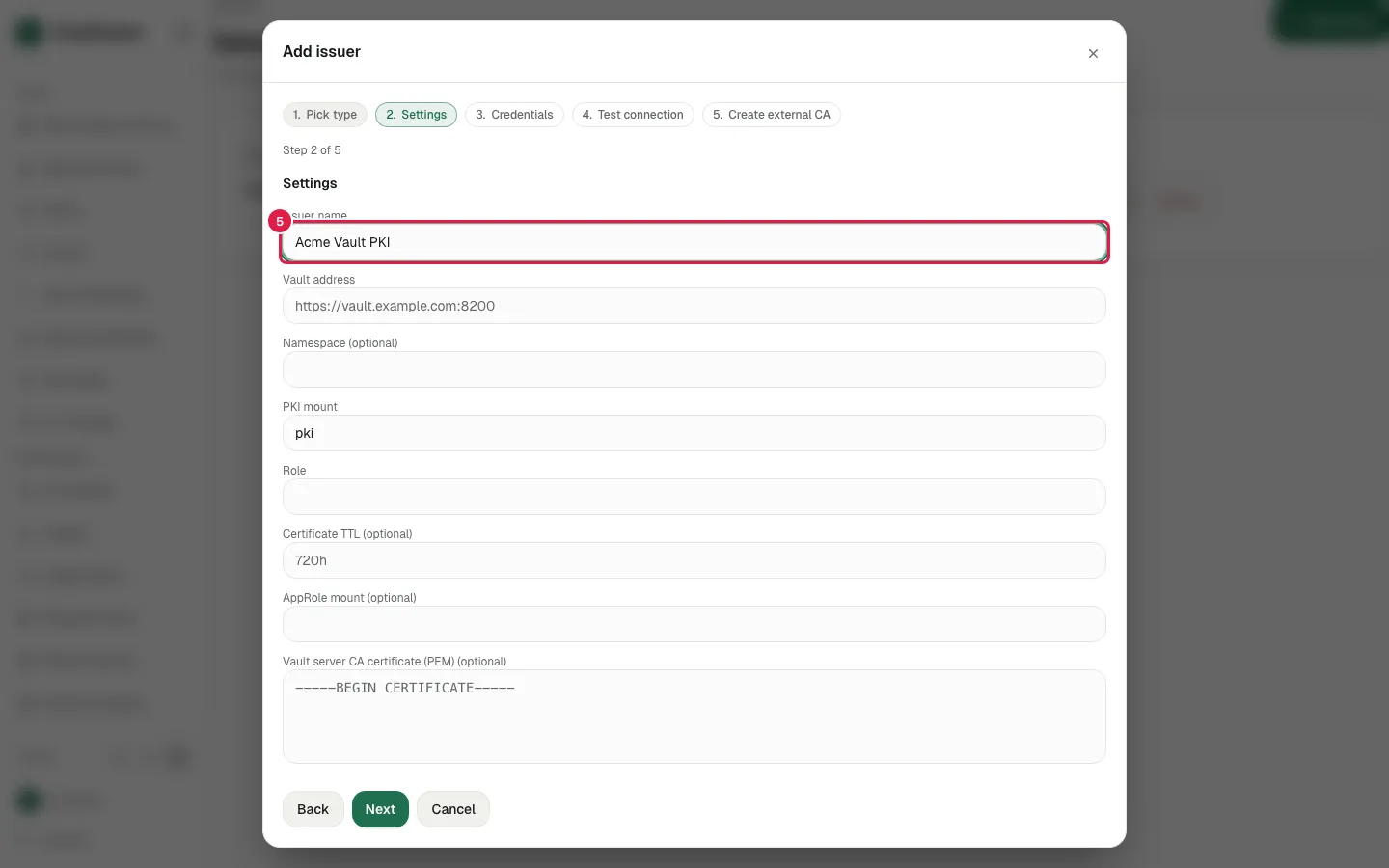
- Step 5
Fill Issuer name with "Acme Vault PKI"
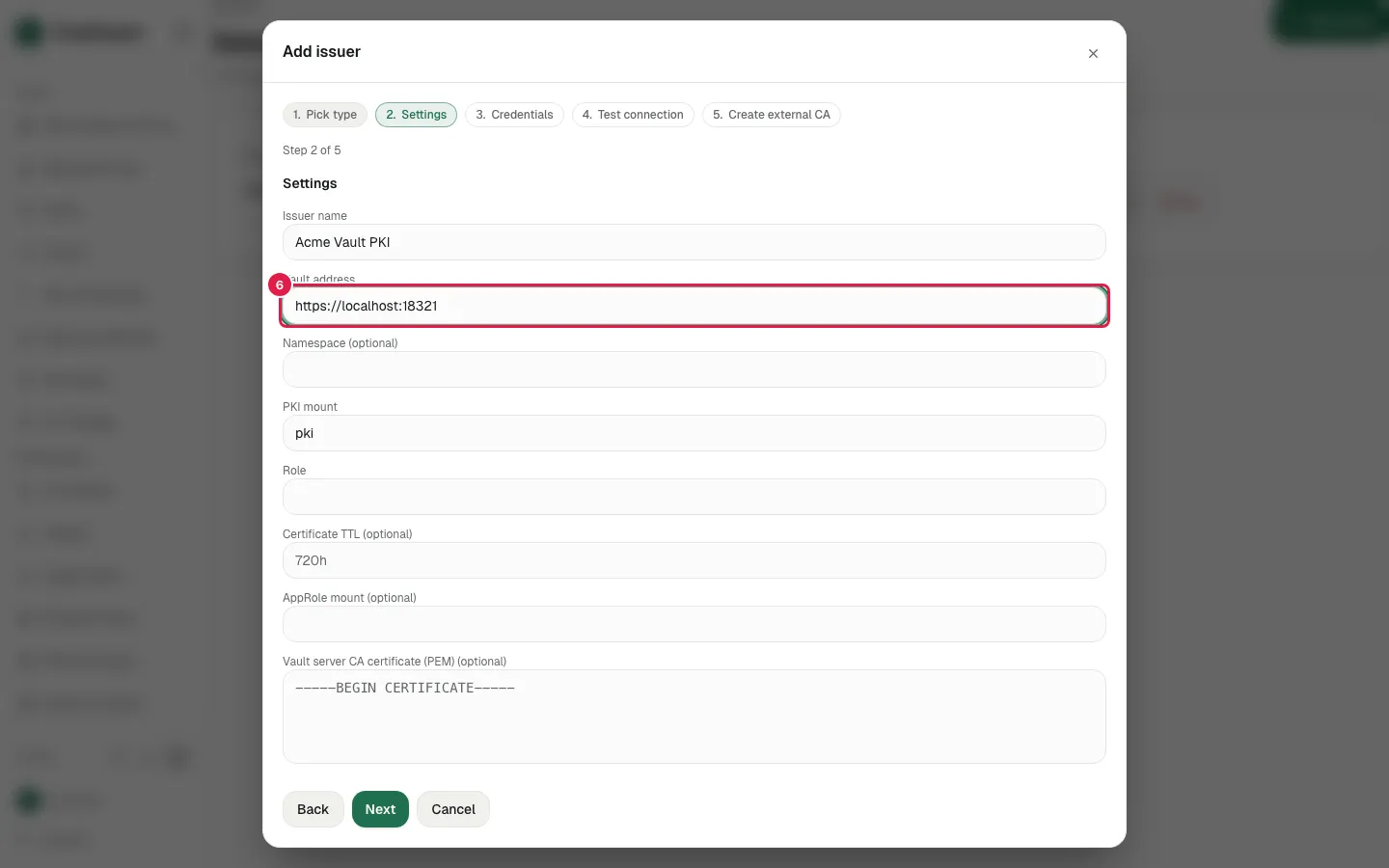
- Step 6
Fill Vault address with "https://localhost:18321"
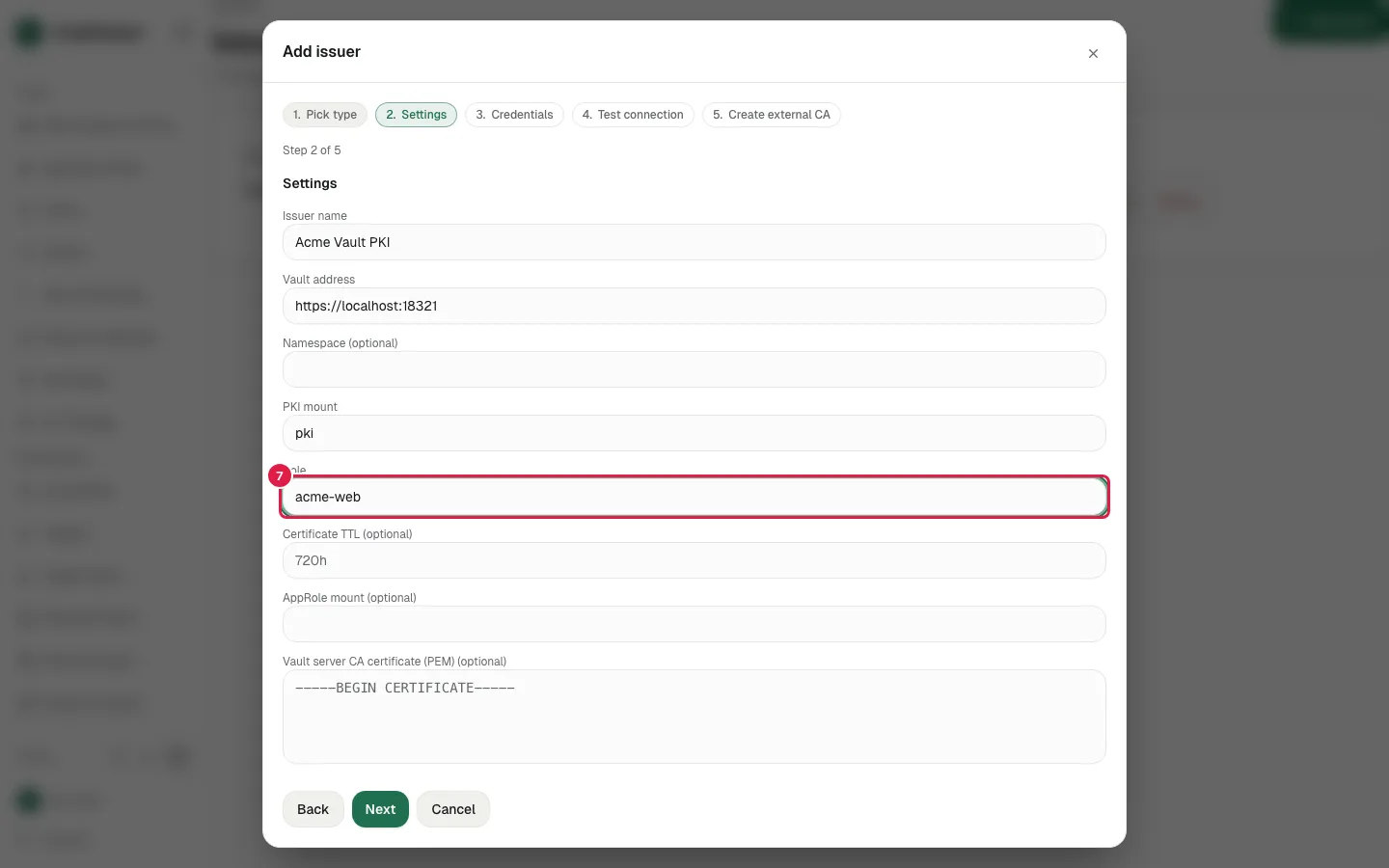
- Step 7
Fill Role with "acme-web"
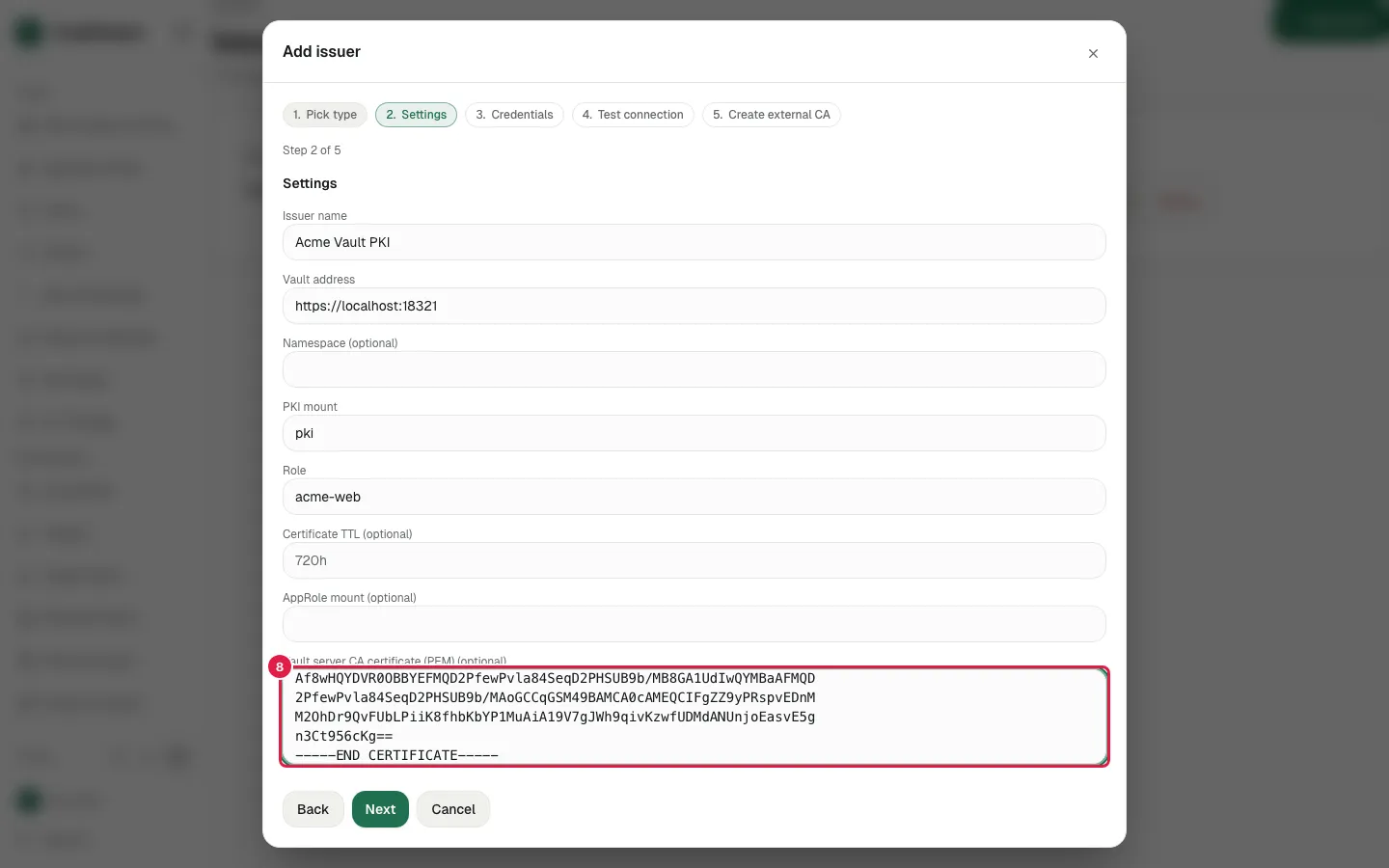
- Step 8
Paste the Vault server CA certificate
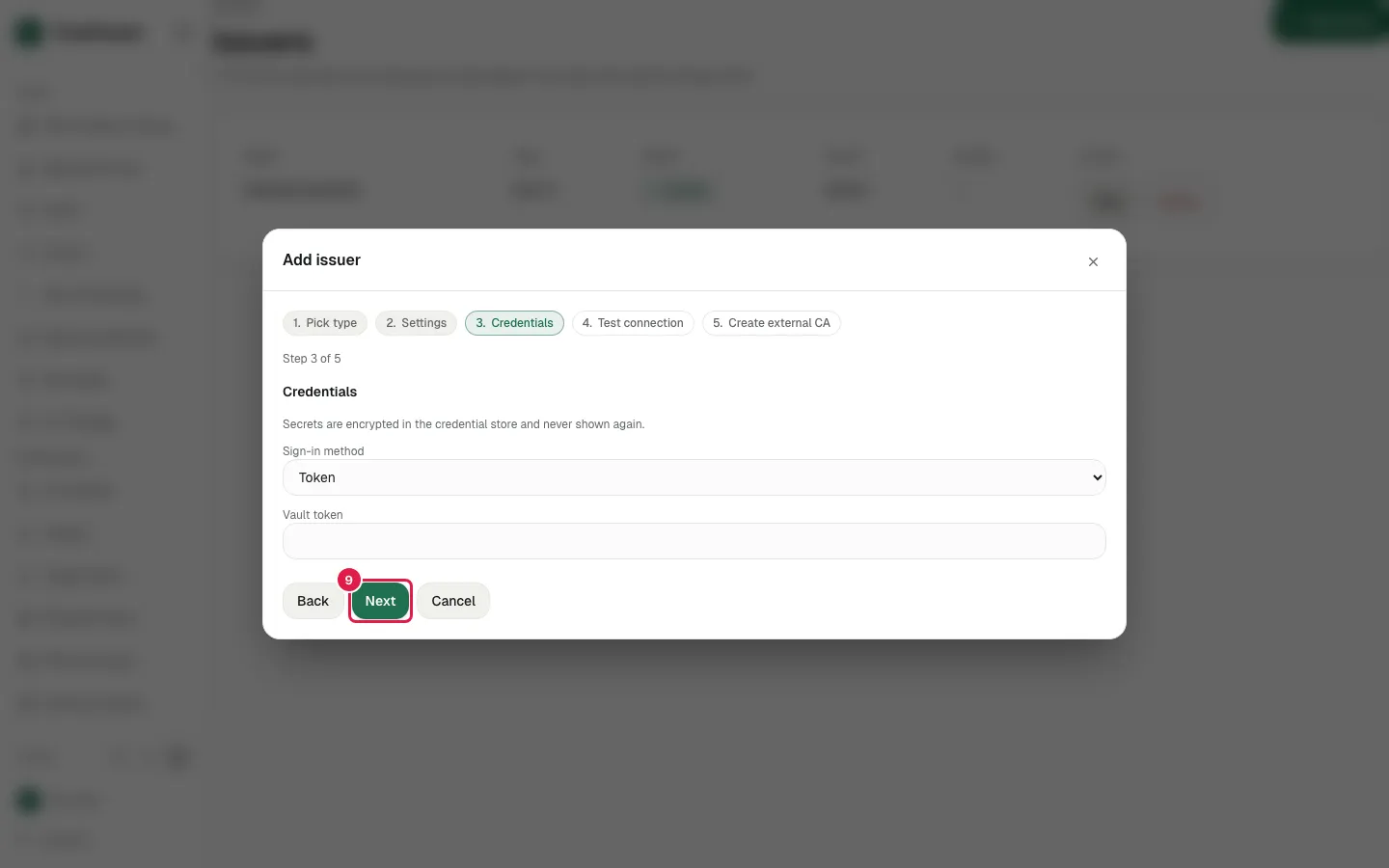
- Step 9
Click Next
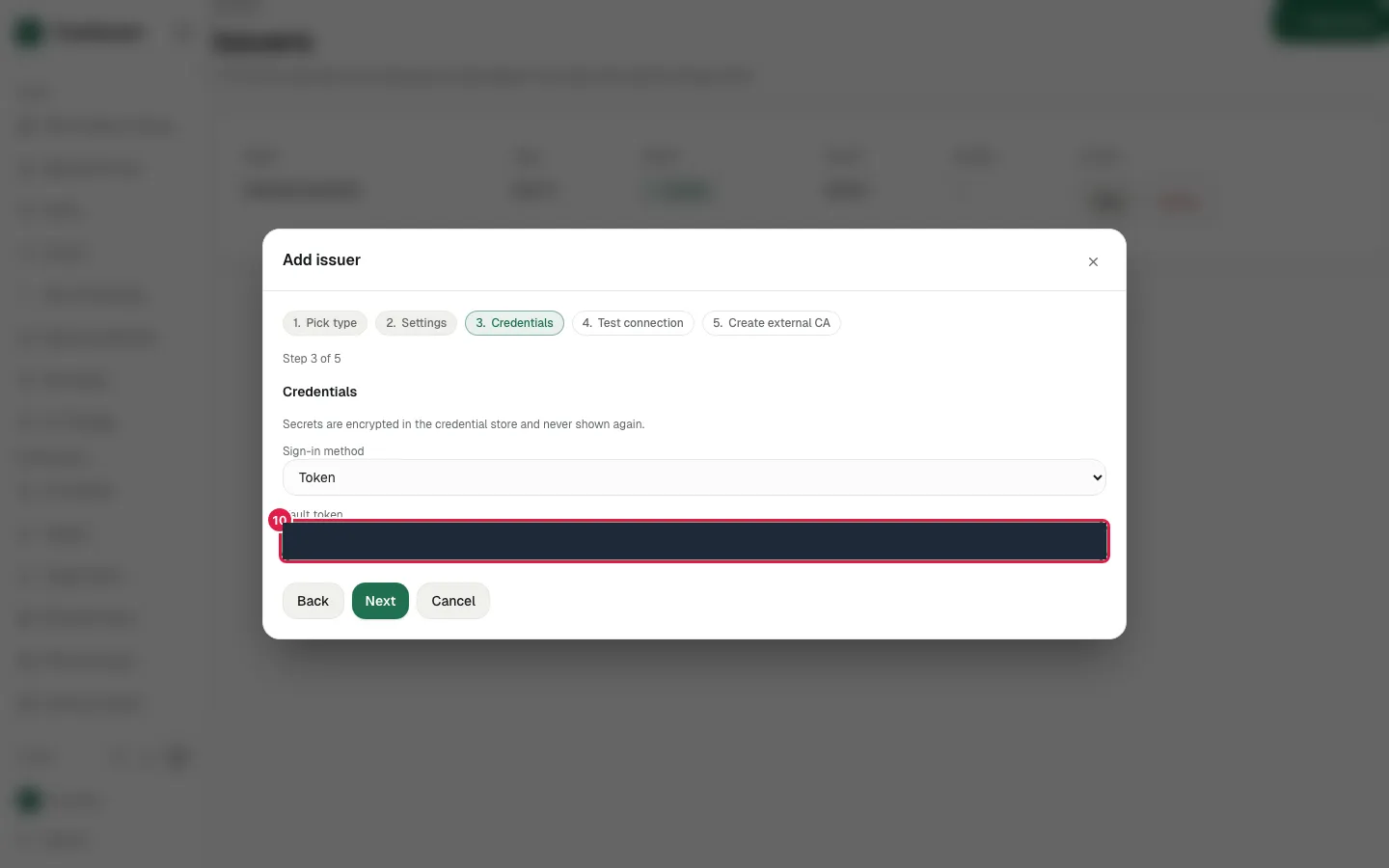
- Step 10
Fill Vault token
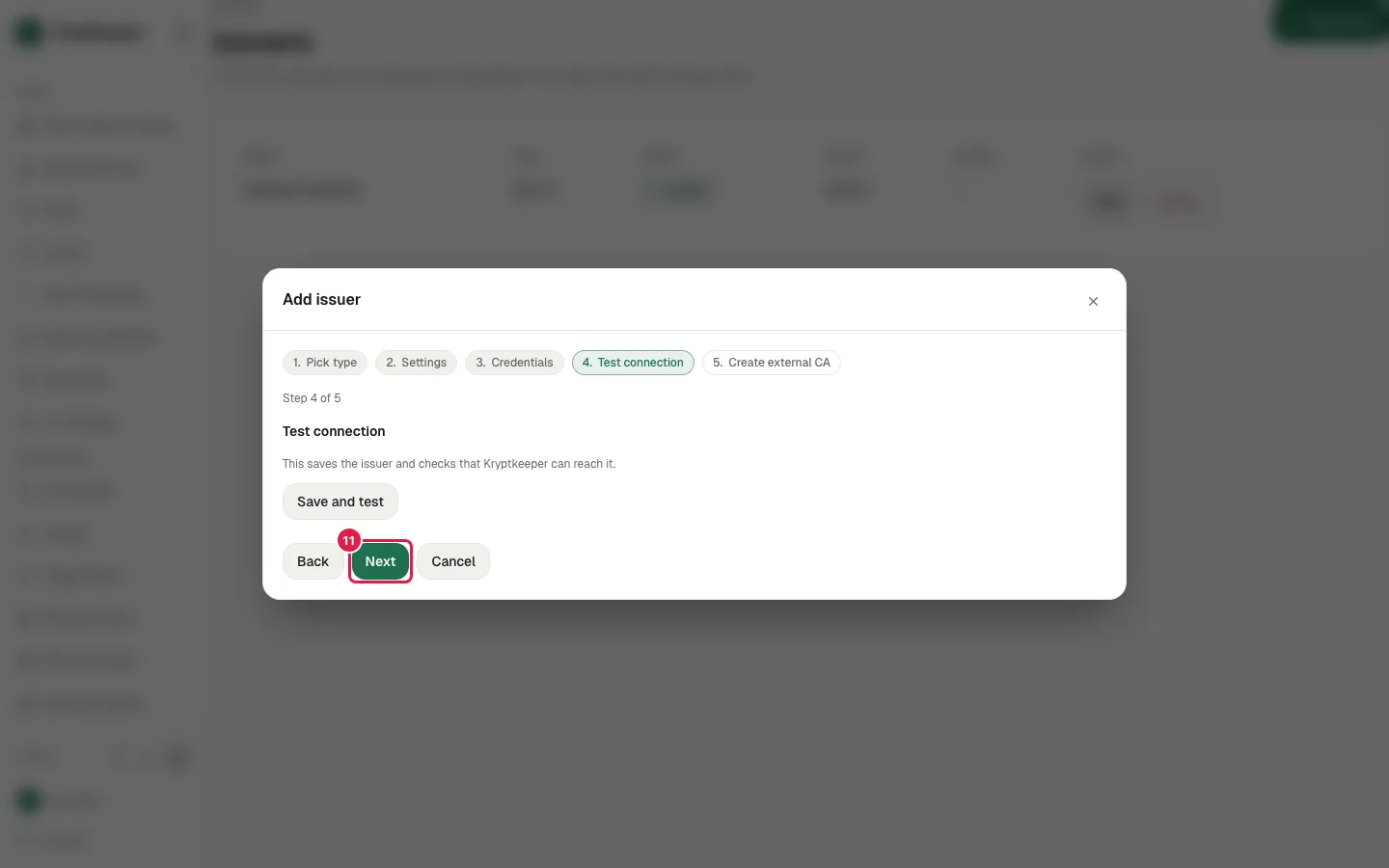
- Step 11
Click Next
- Step 12
Click Save and test
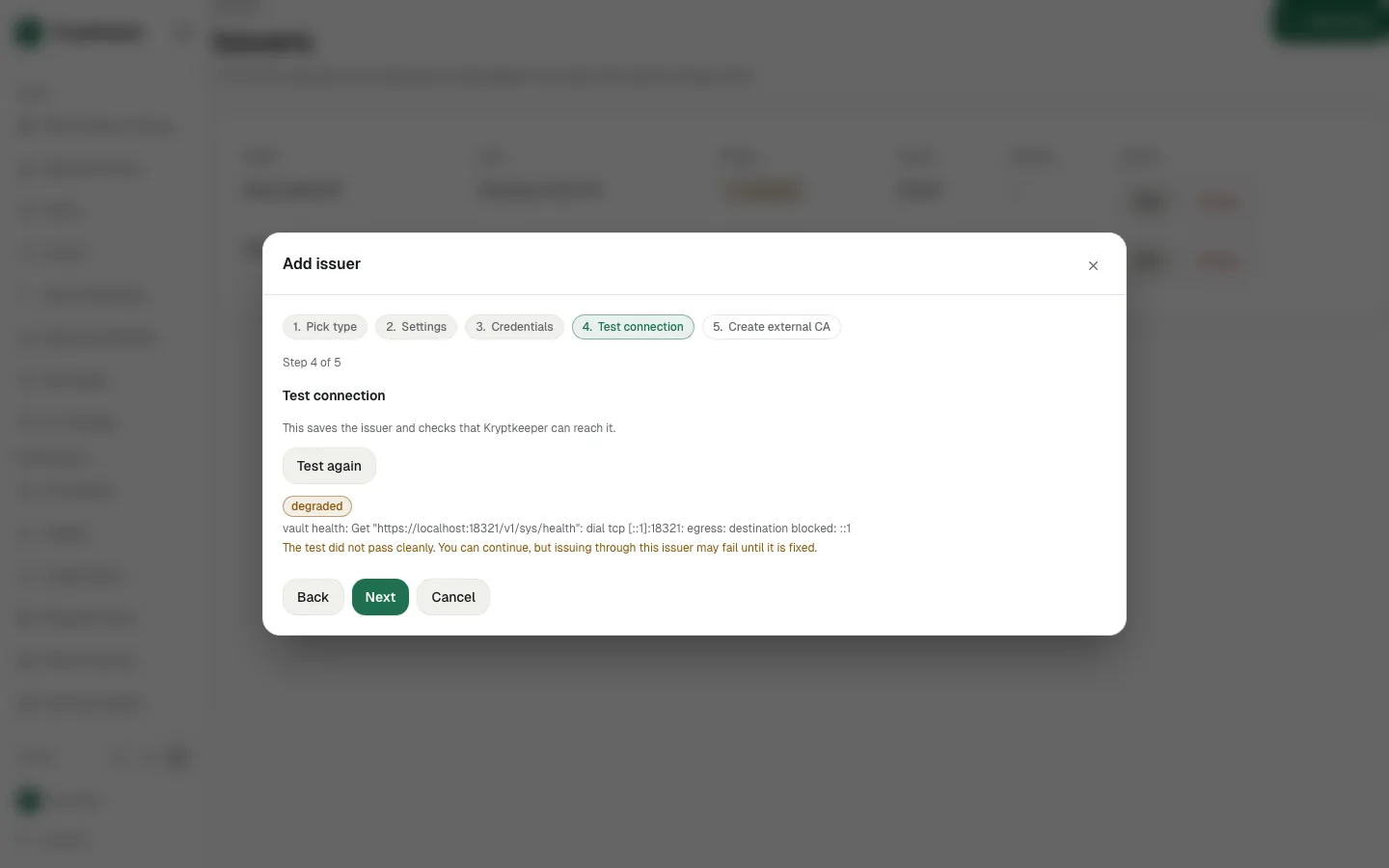
- Step 13
Click Next
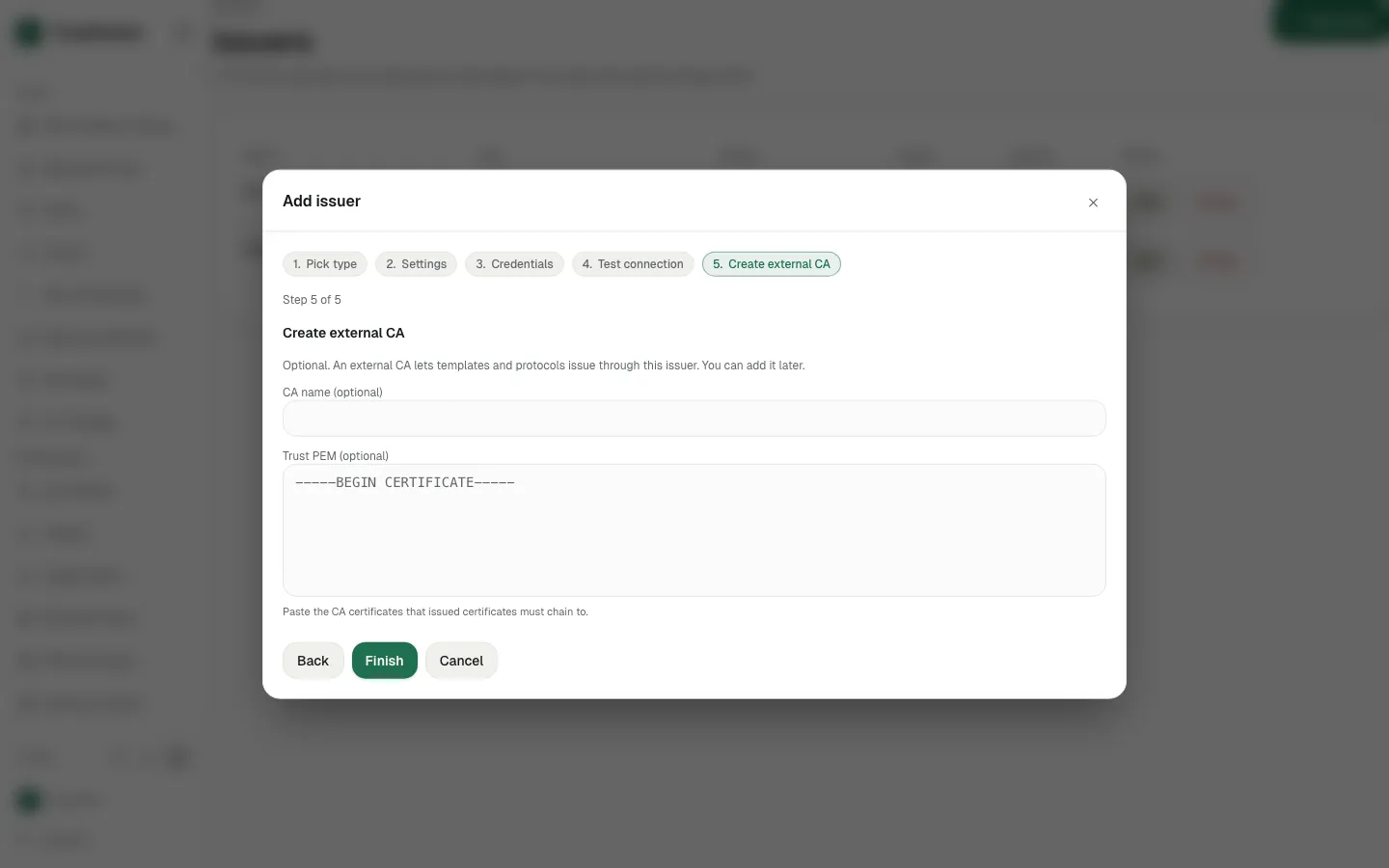
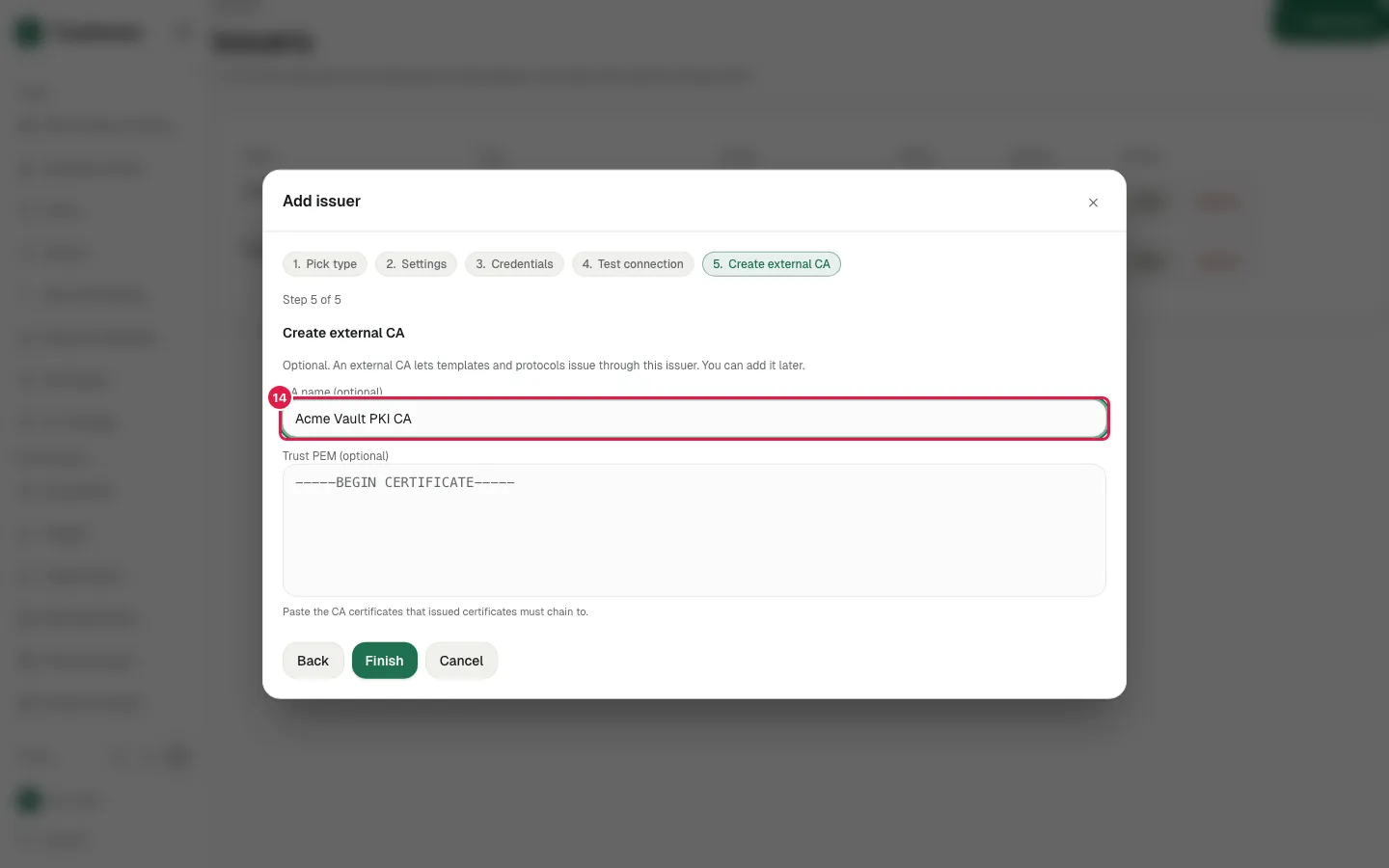
- Step 14
Fill CA name with "Acme Vault PKI CA"
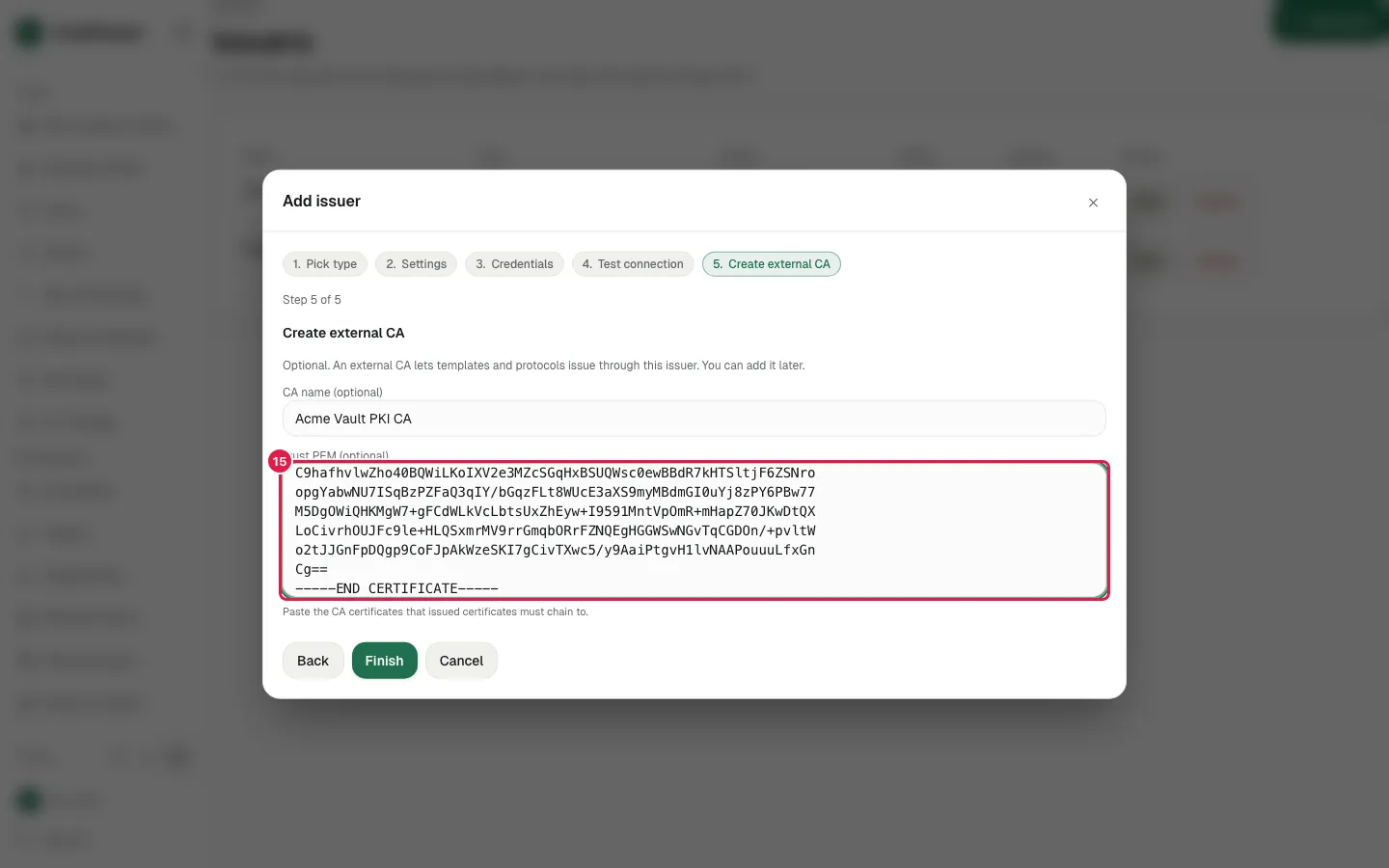
- Step 15
Paste the Vault root as the trust PEM
- Step 16
Click Finish
- Step 17
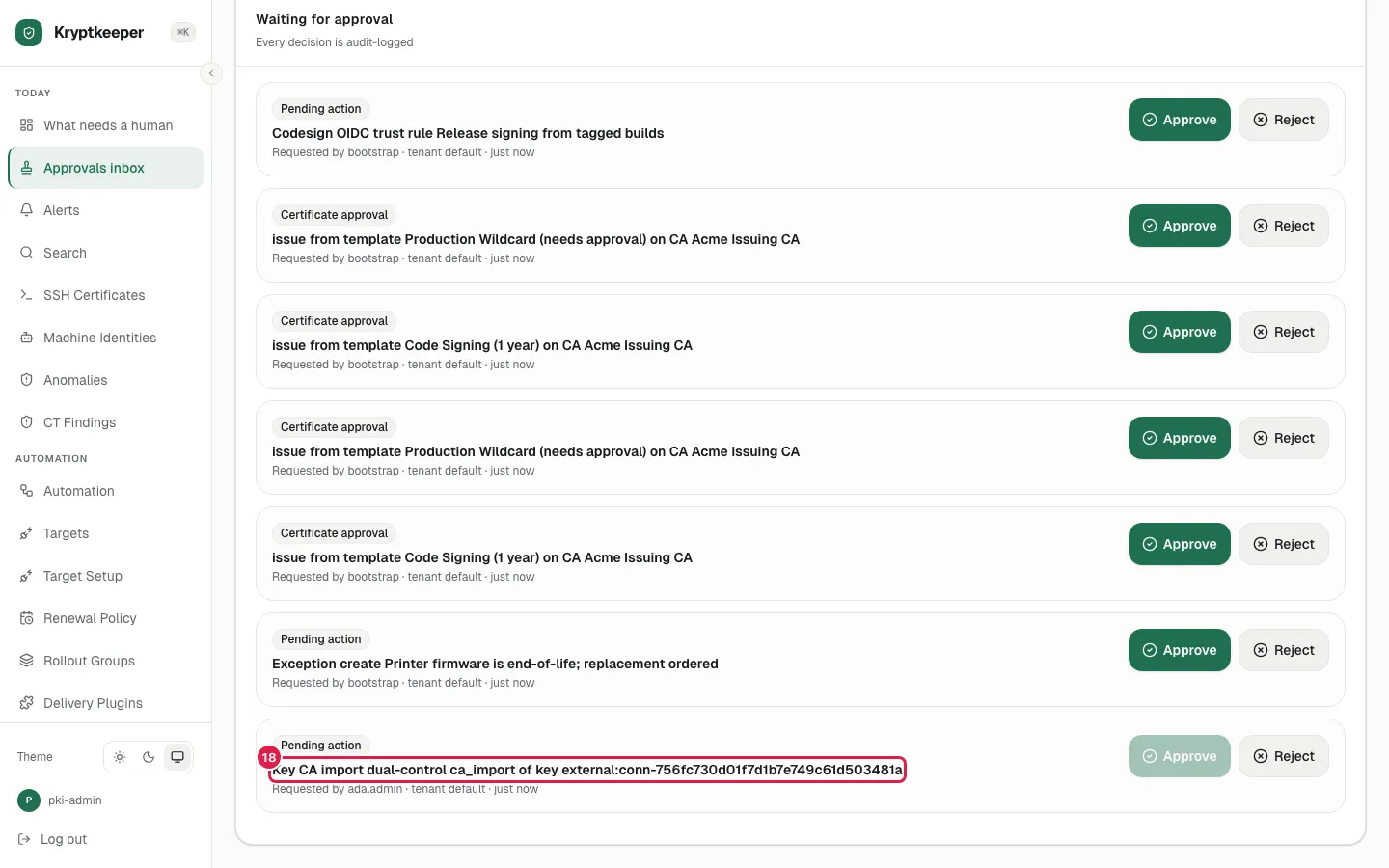
Open /inbox
- Step 18
The new external CA waits here for a second administrator