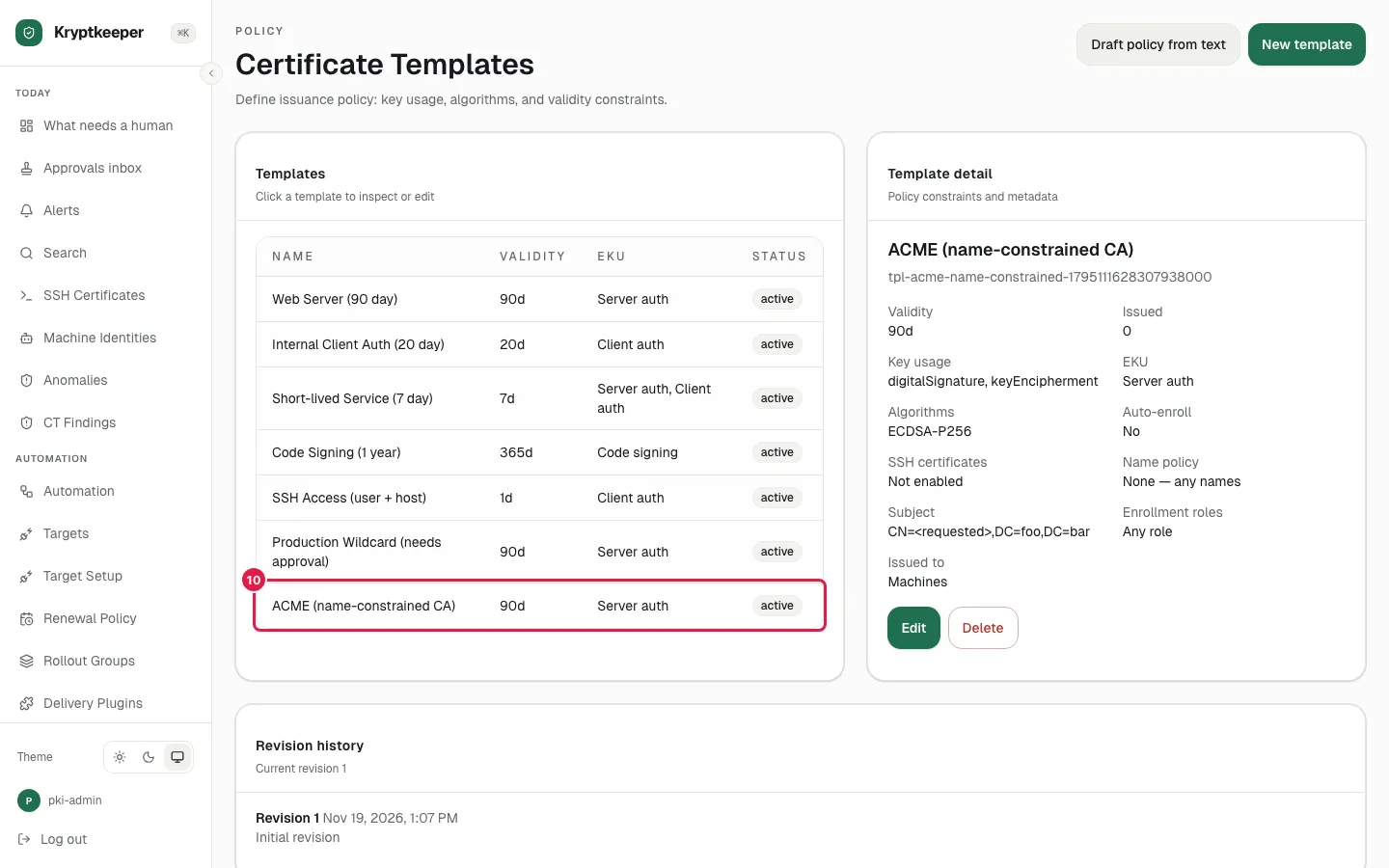
Fit ACME clients to a name-constrained CA
Create a template that fixes DC=foo,DC=bar after the CN, then read it back on the template detail.
As pki-admin
- Step 1
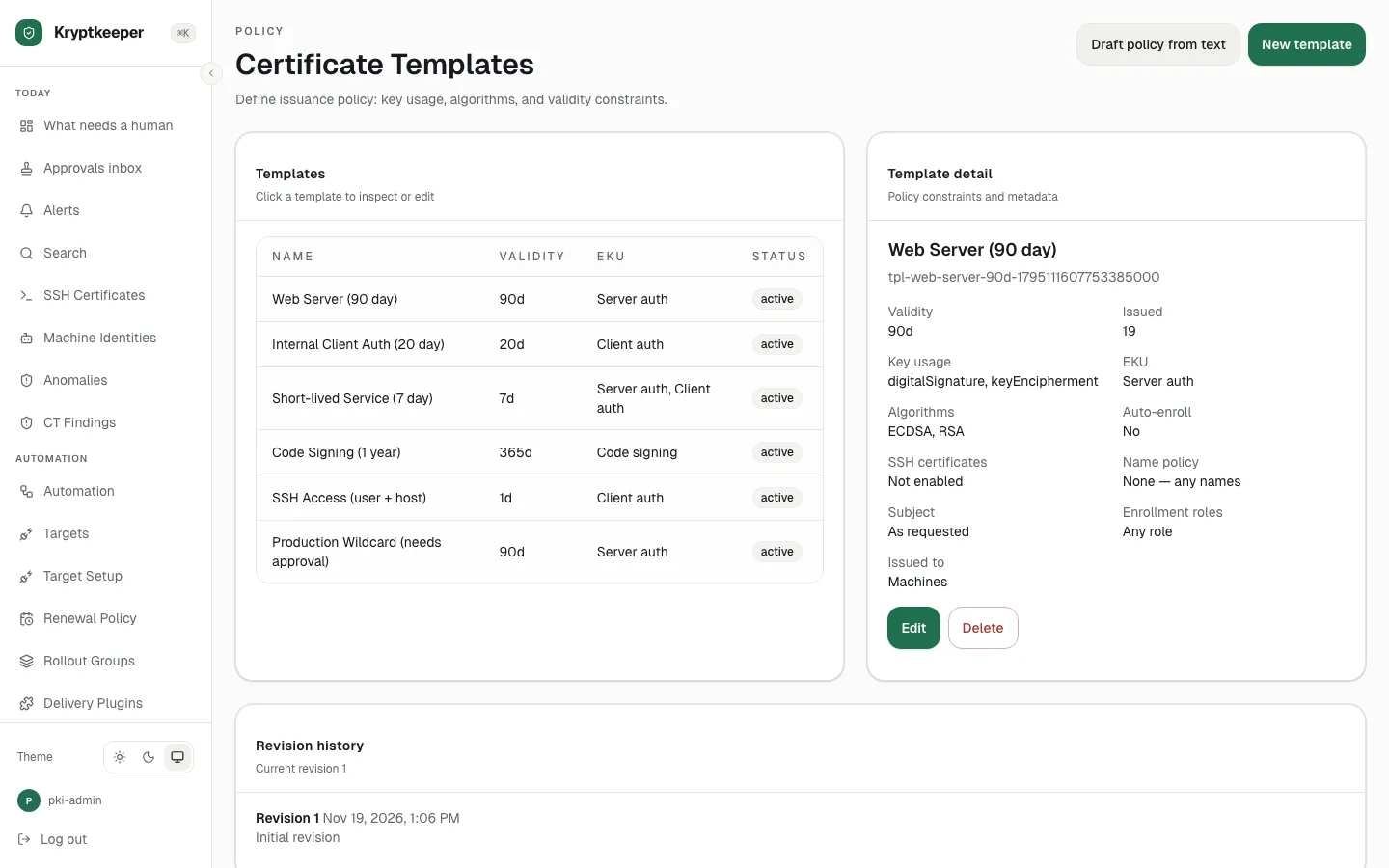
Open /templates
- Step 2
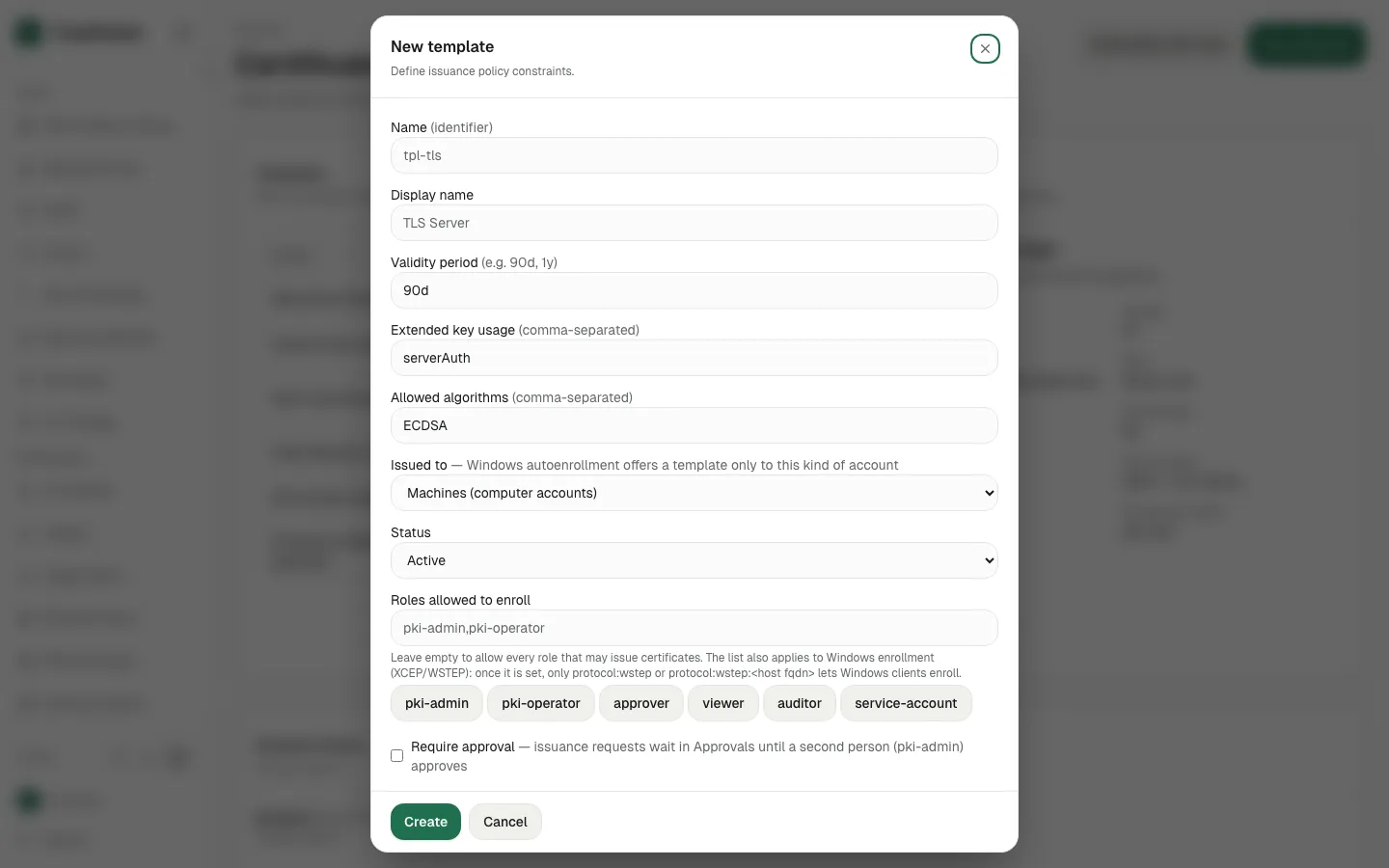
Click New template
- Step 3
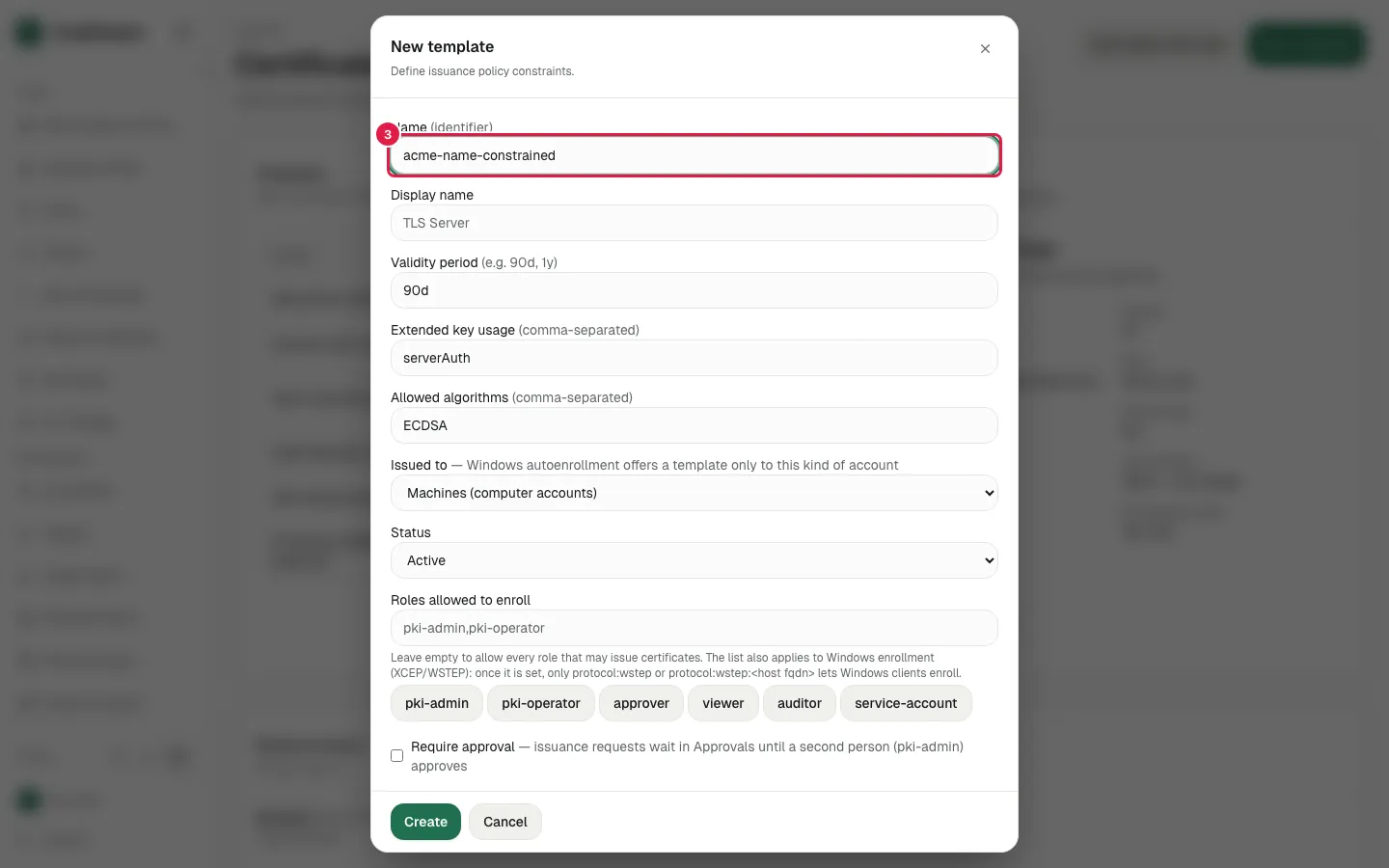
Fill Name (identifier) with "acme-name-constrained"
- Step 4
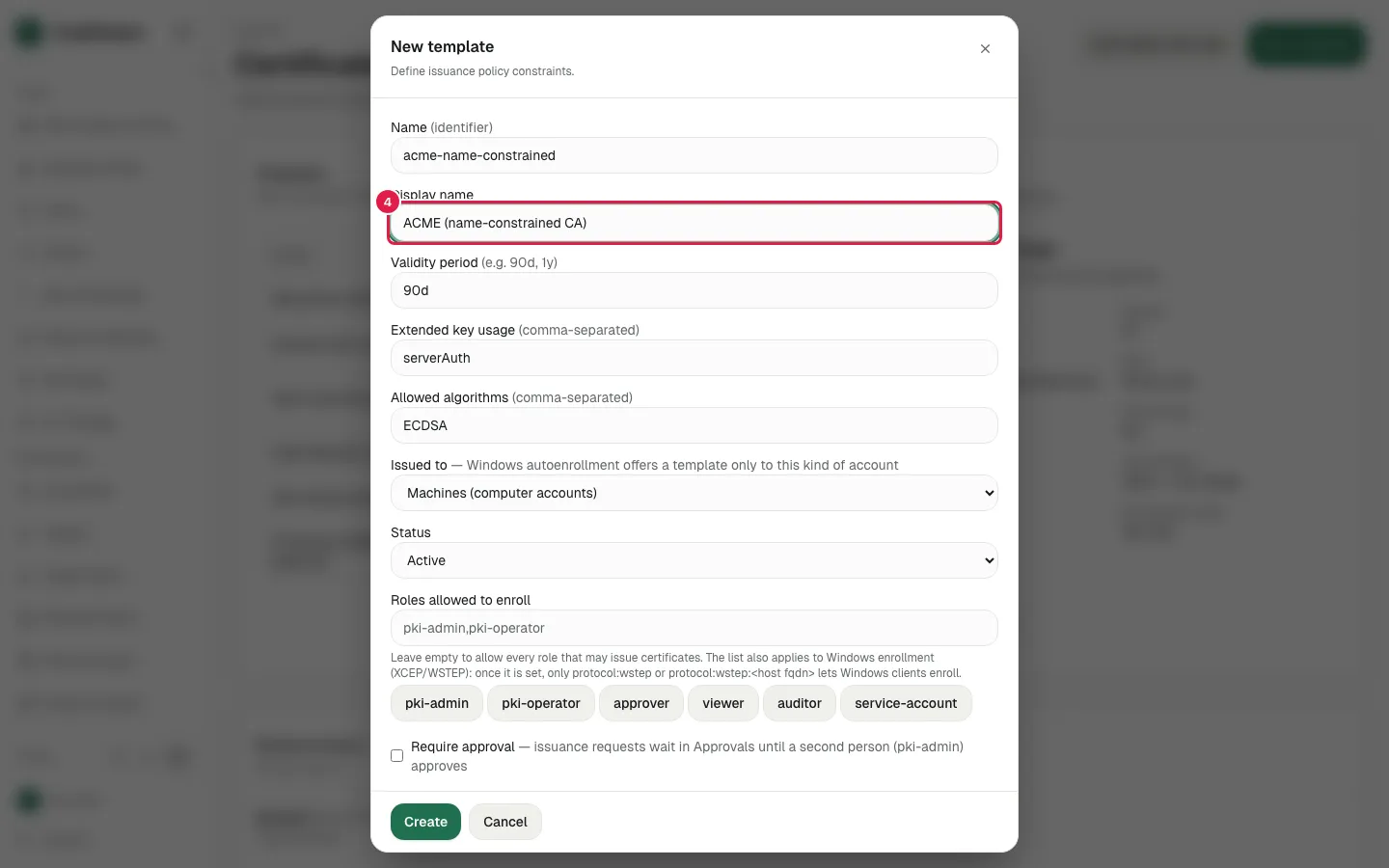
Fill Display name with "ACME (name-constrained CA)"
- Step 5
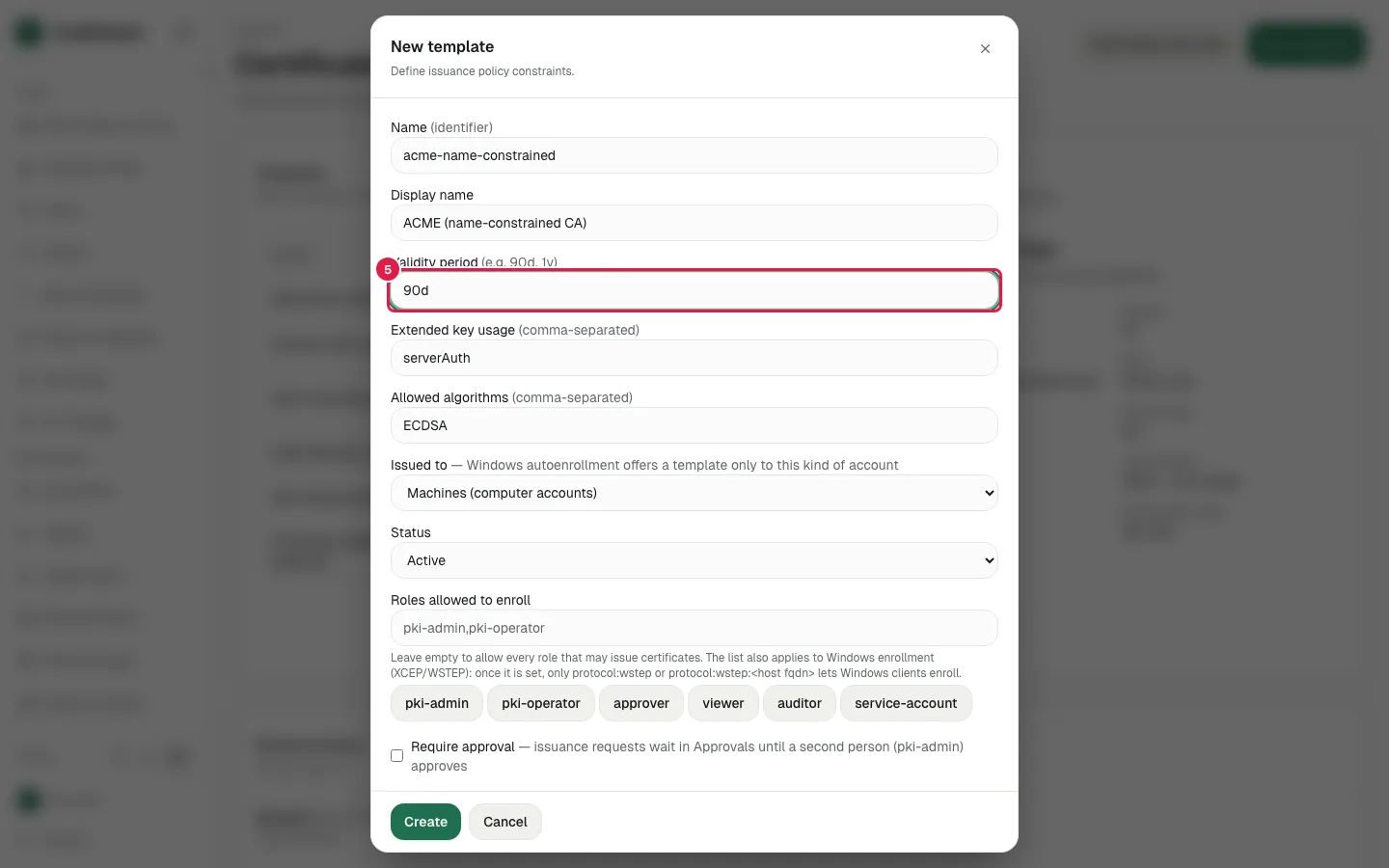
Fill Validity period with "90d"
- Step 6
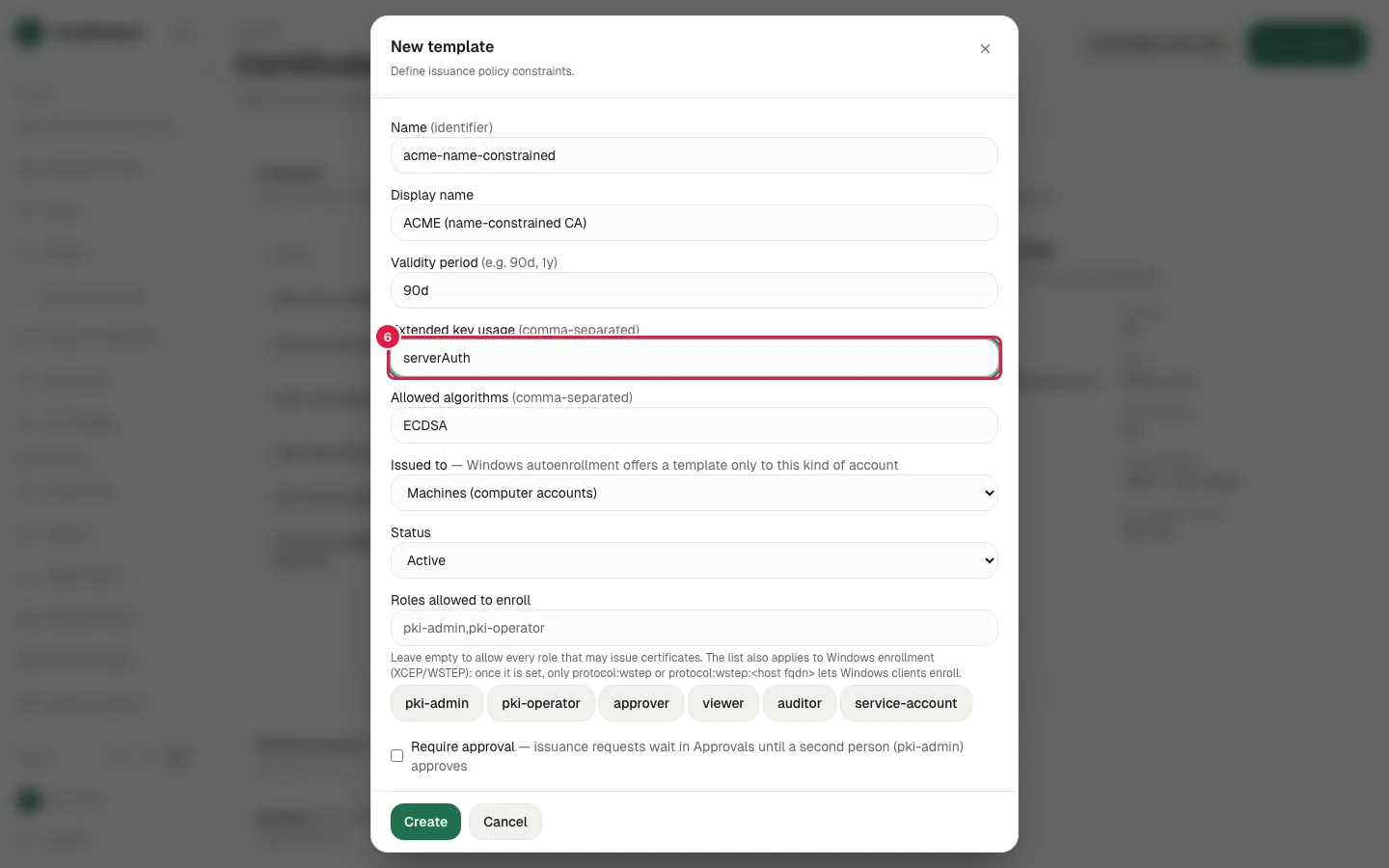
Fill Extended key usage with "serverAuth"
- Step 7
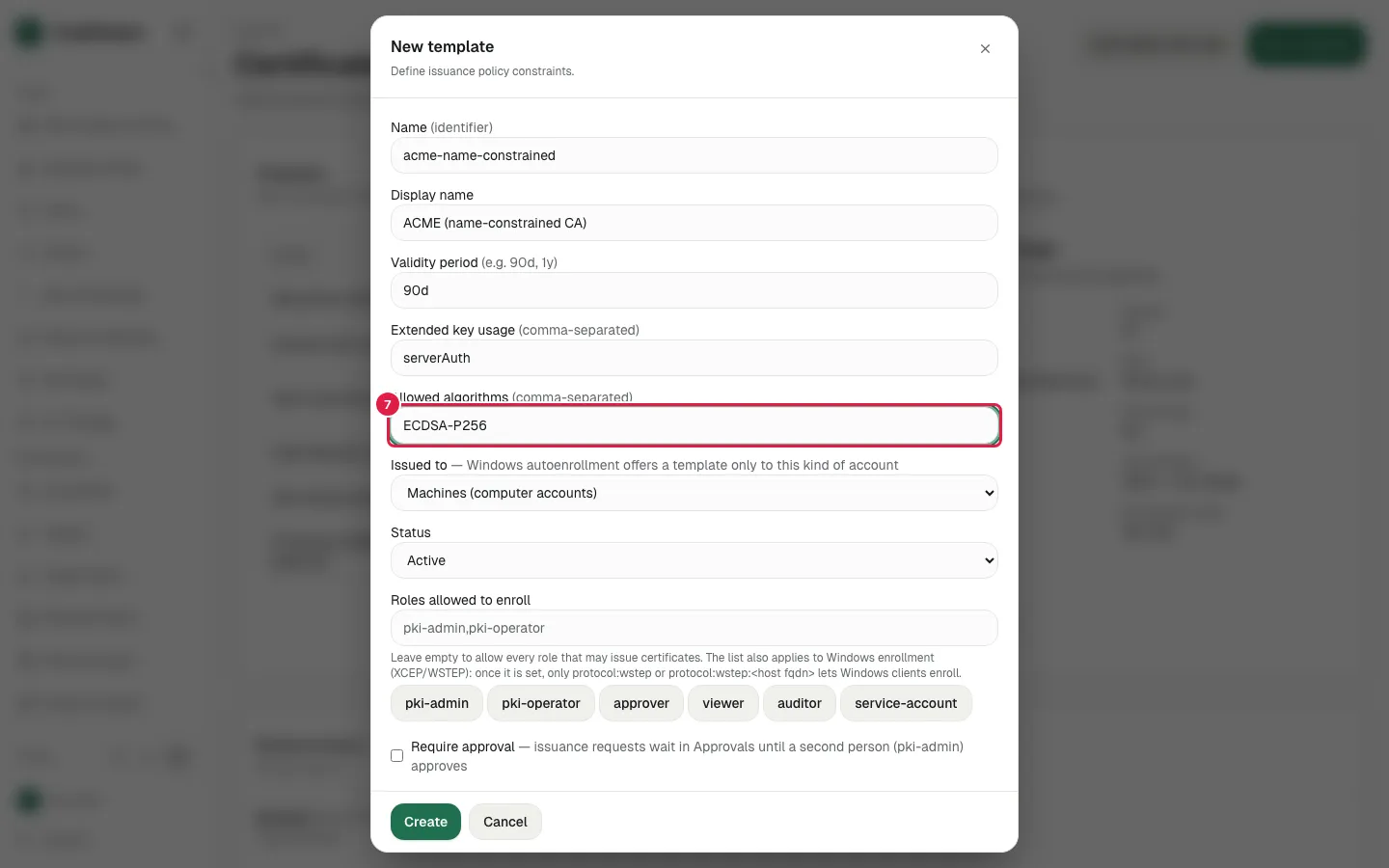
Fill Allowed algorithms with "ECDSA-P256"
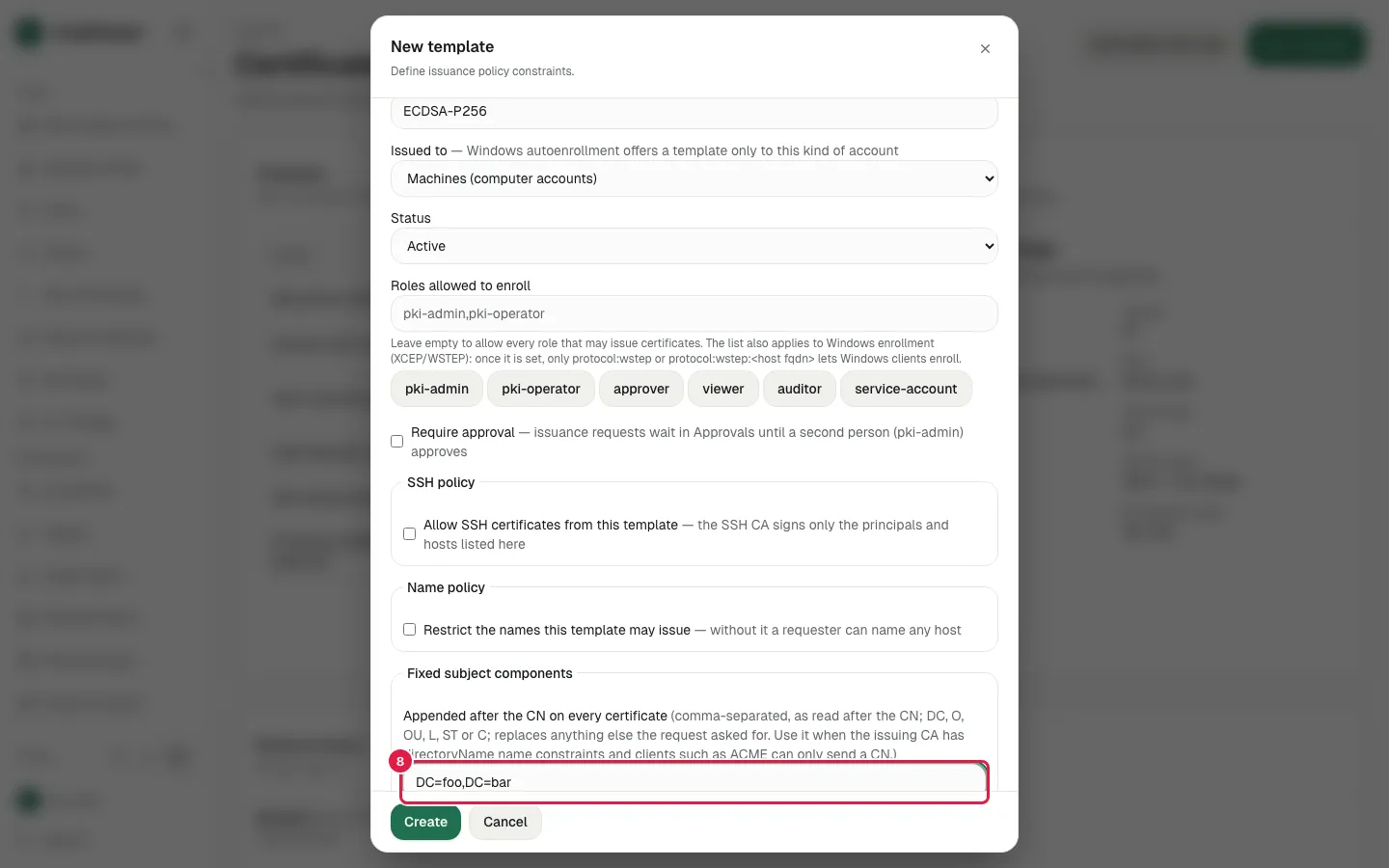
- Step 8
Fill Fixed subject components with "DC=foo,DC=bar"
- Step 9
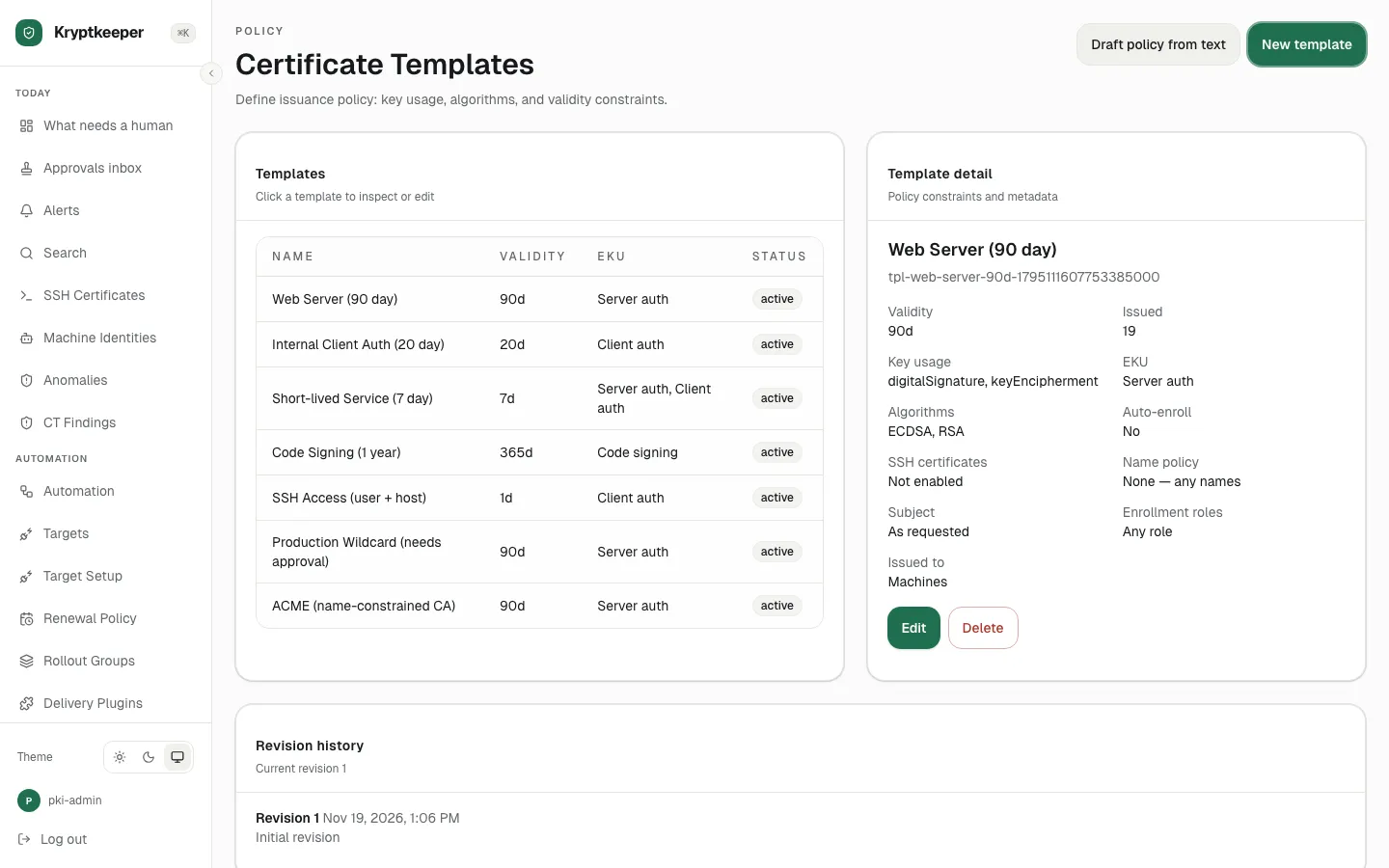
Click Create
- Step 10
Click the new template row