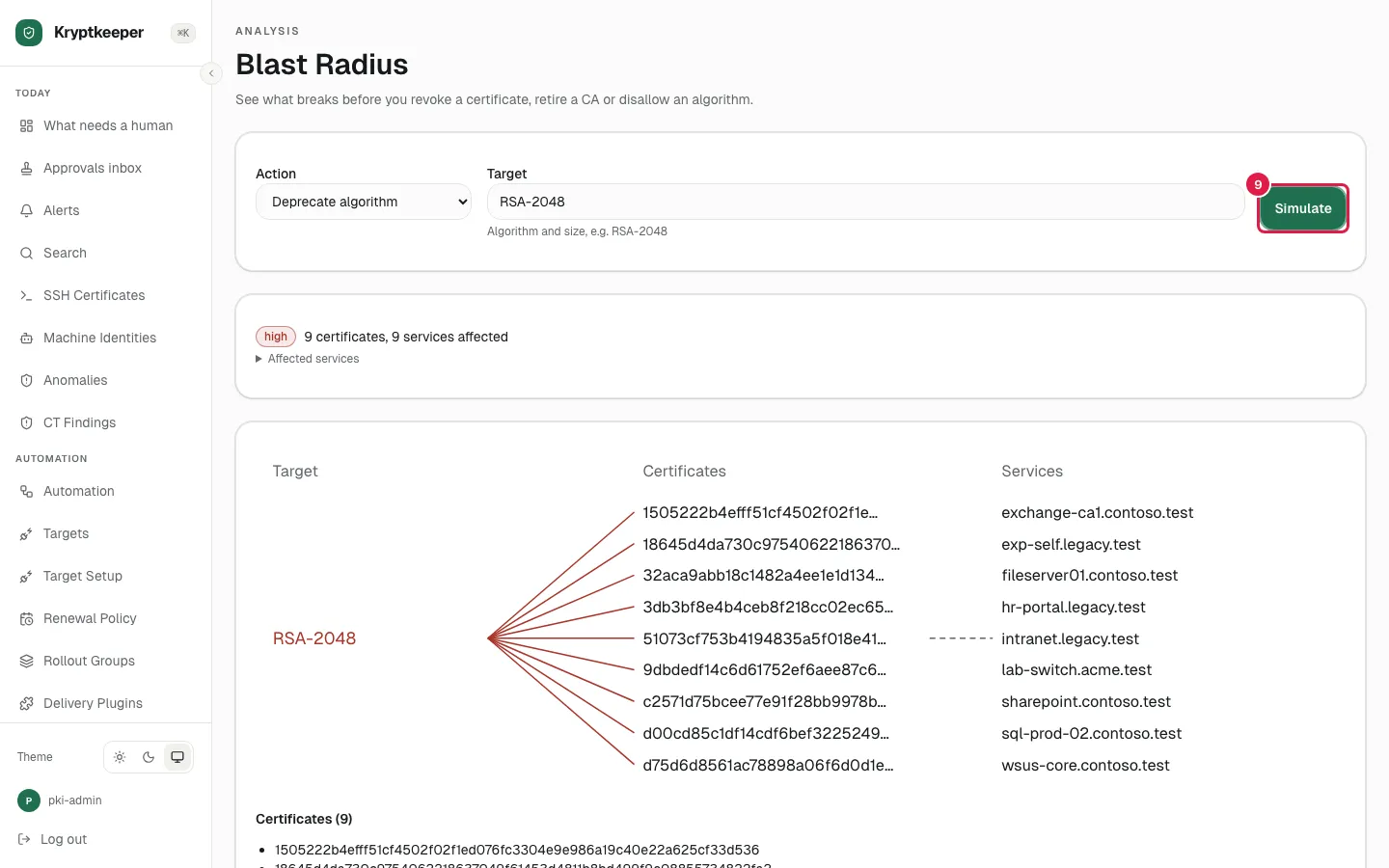
Check the blast radius first
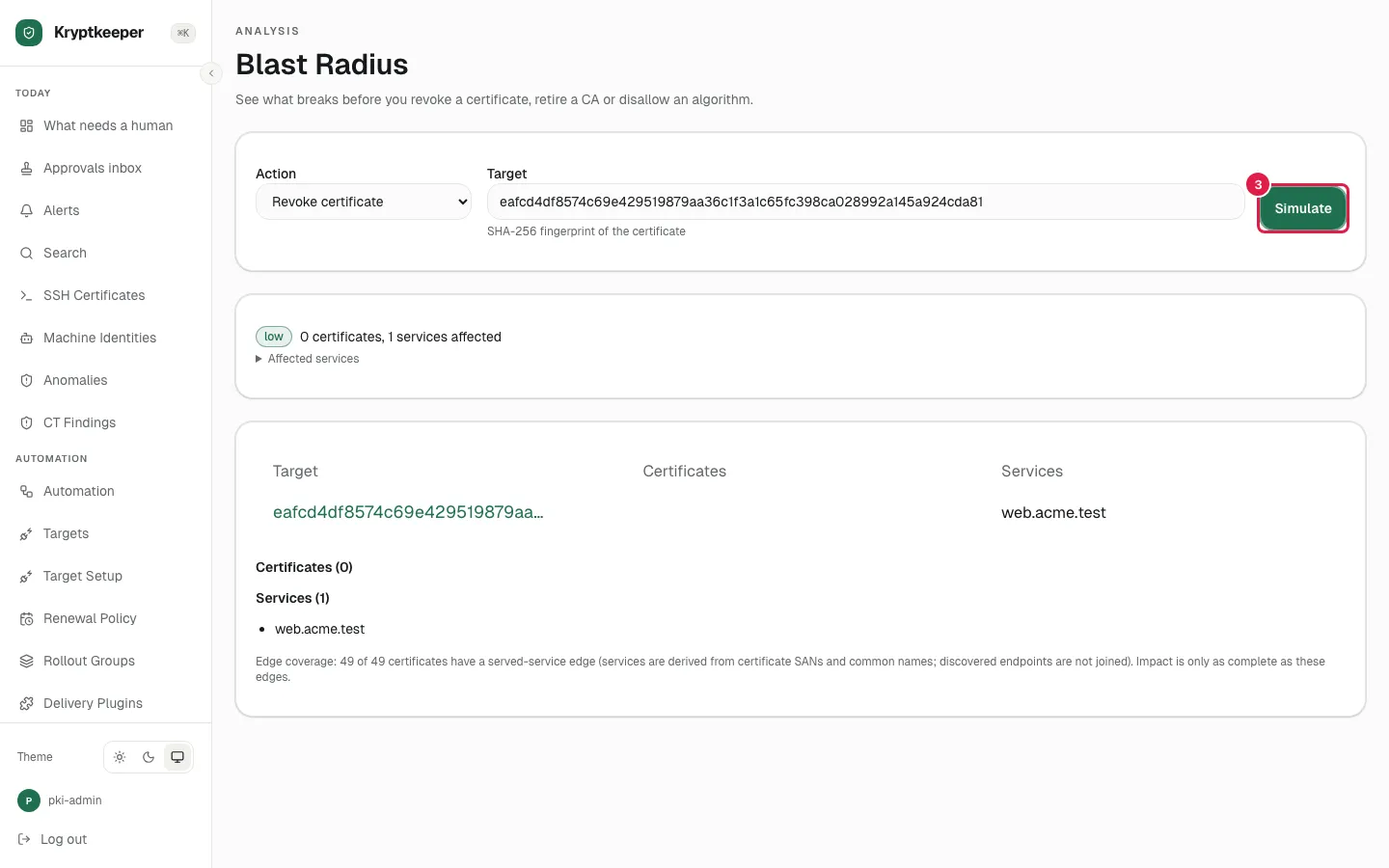
See every certificate and service a destructive change would affect.
As pki-admin
Open /blast-radius
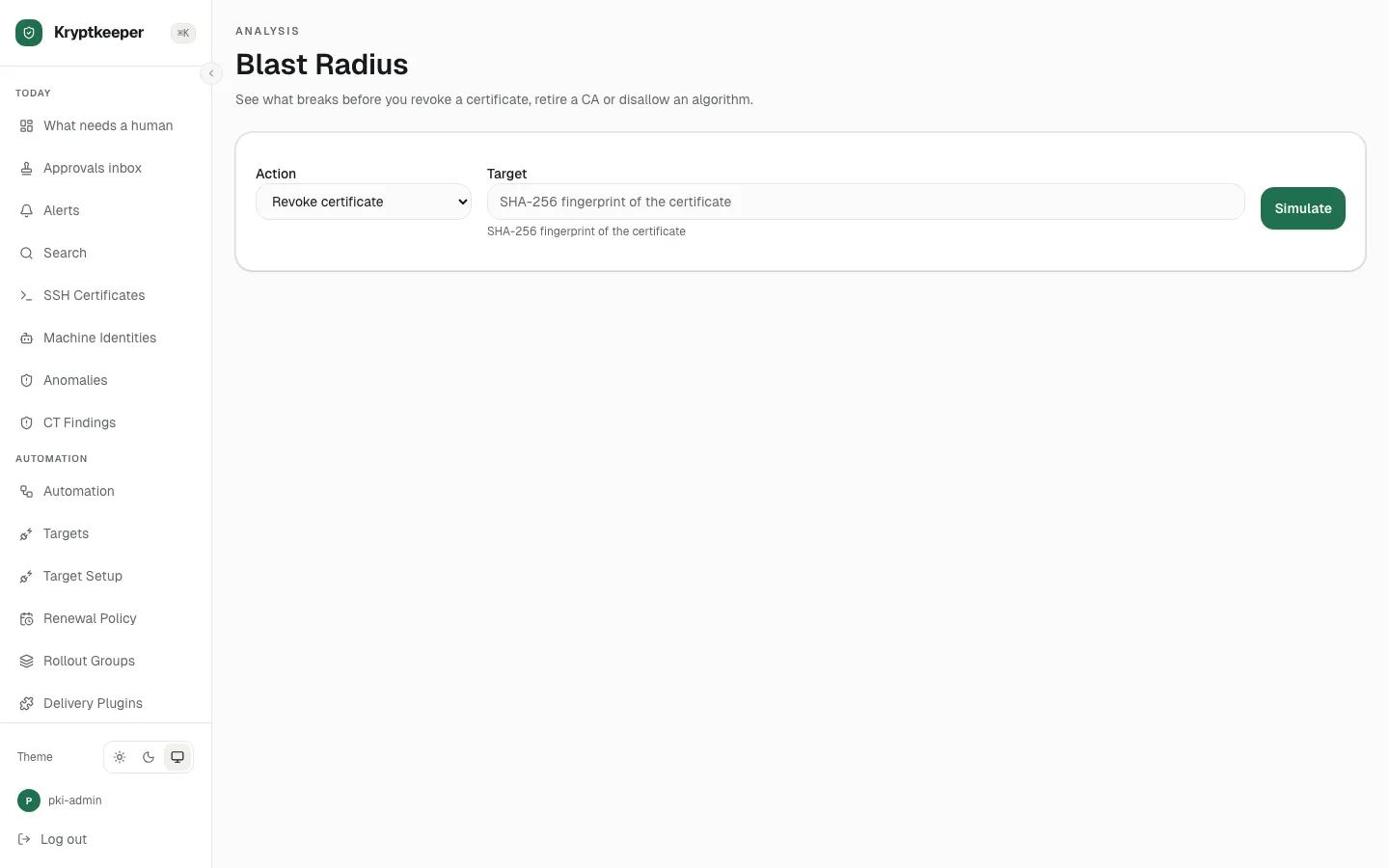
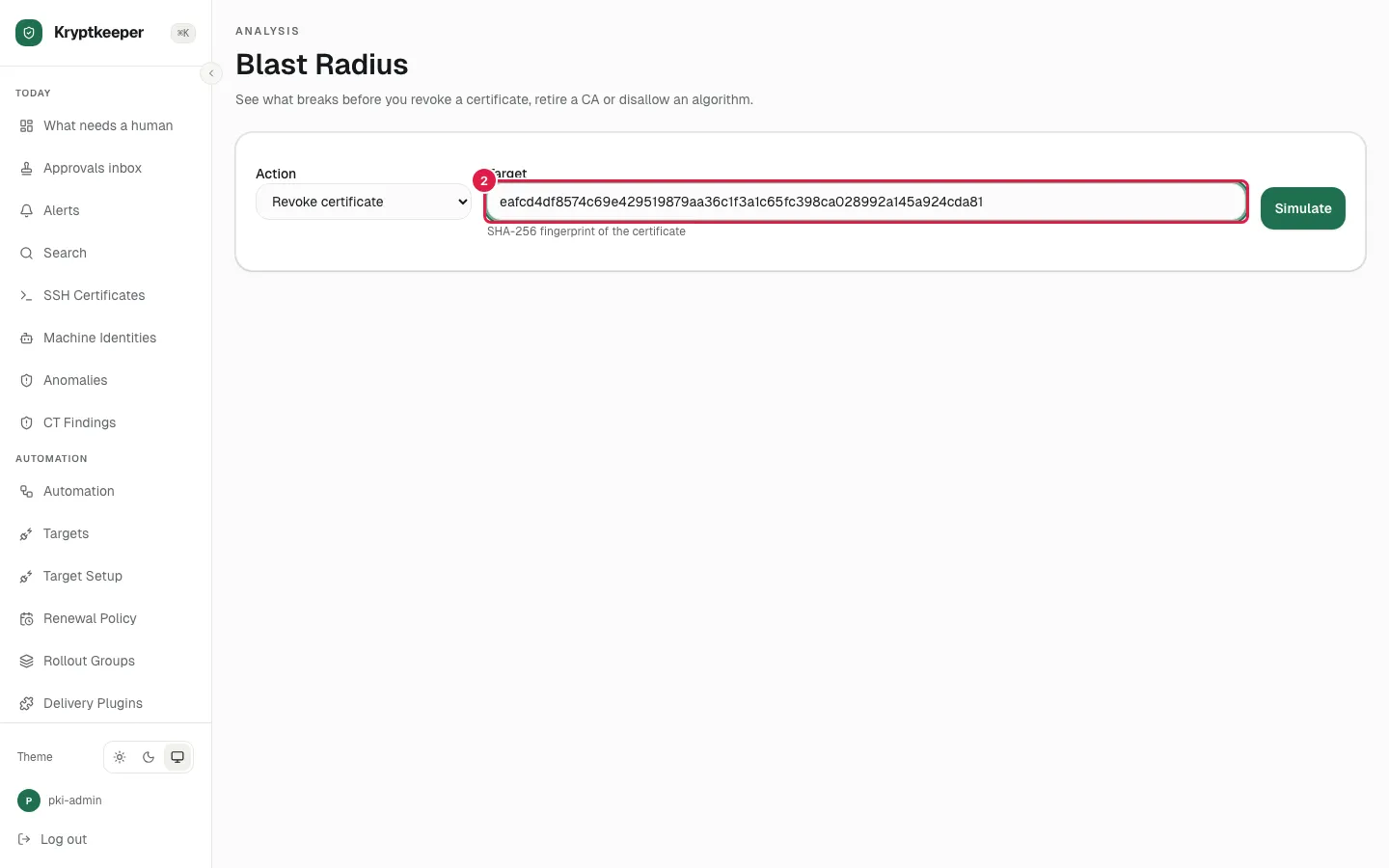
Fill Target with the certificate's SHA-256 fingerprint
Click Simulate
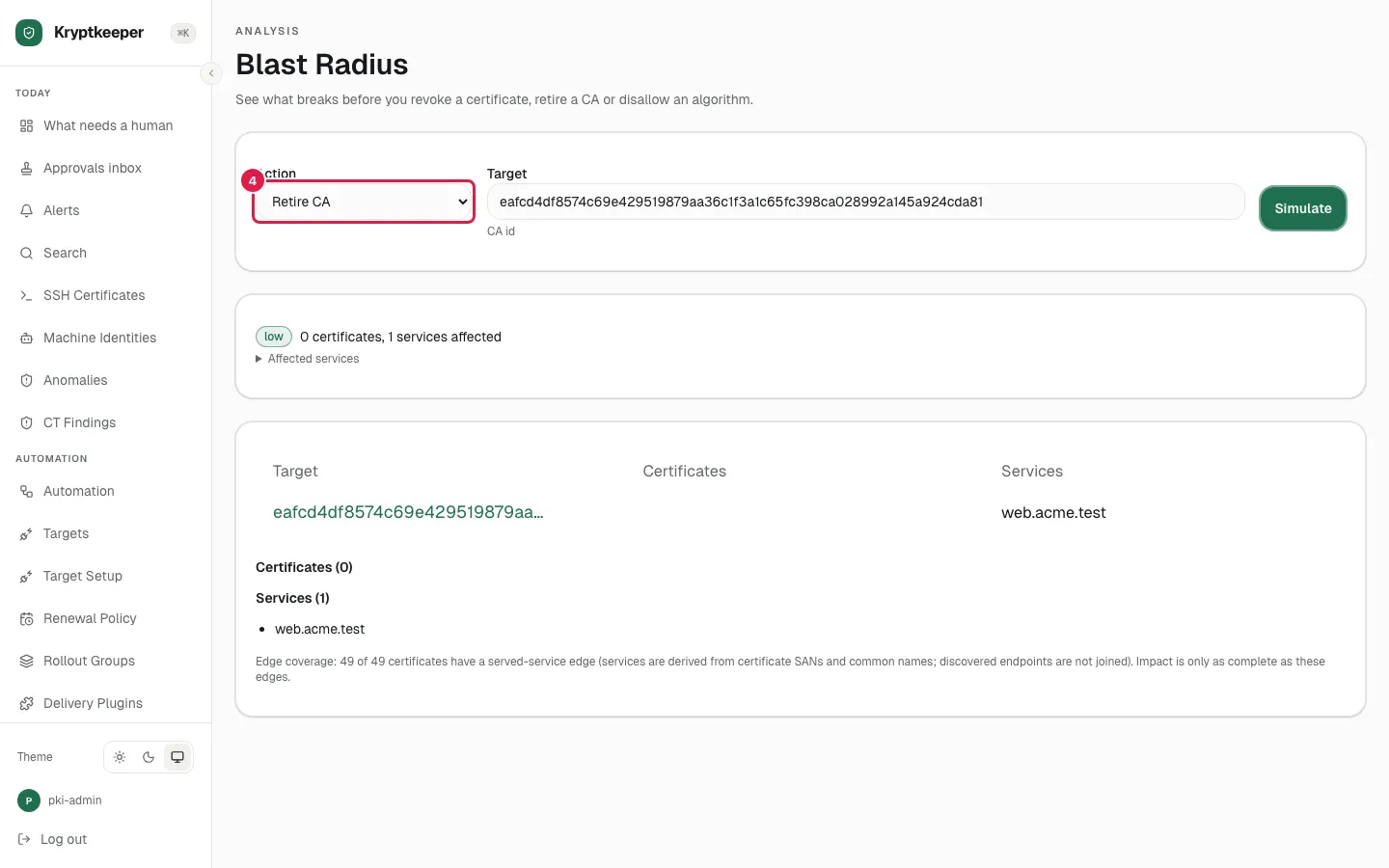
Select "Retire CA" in Action
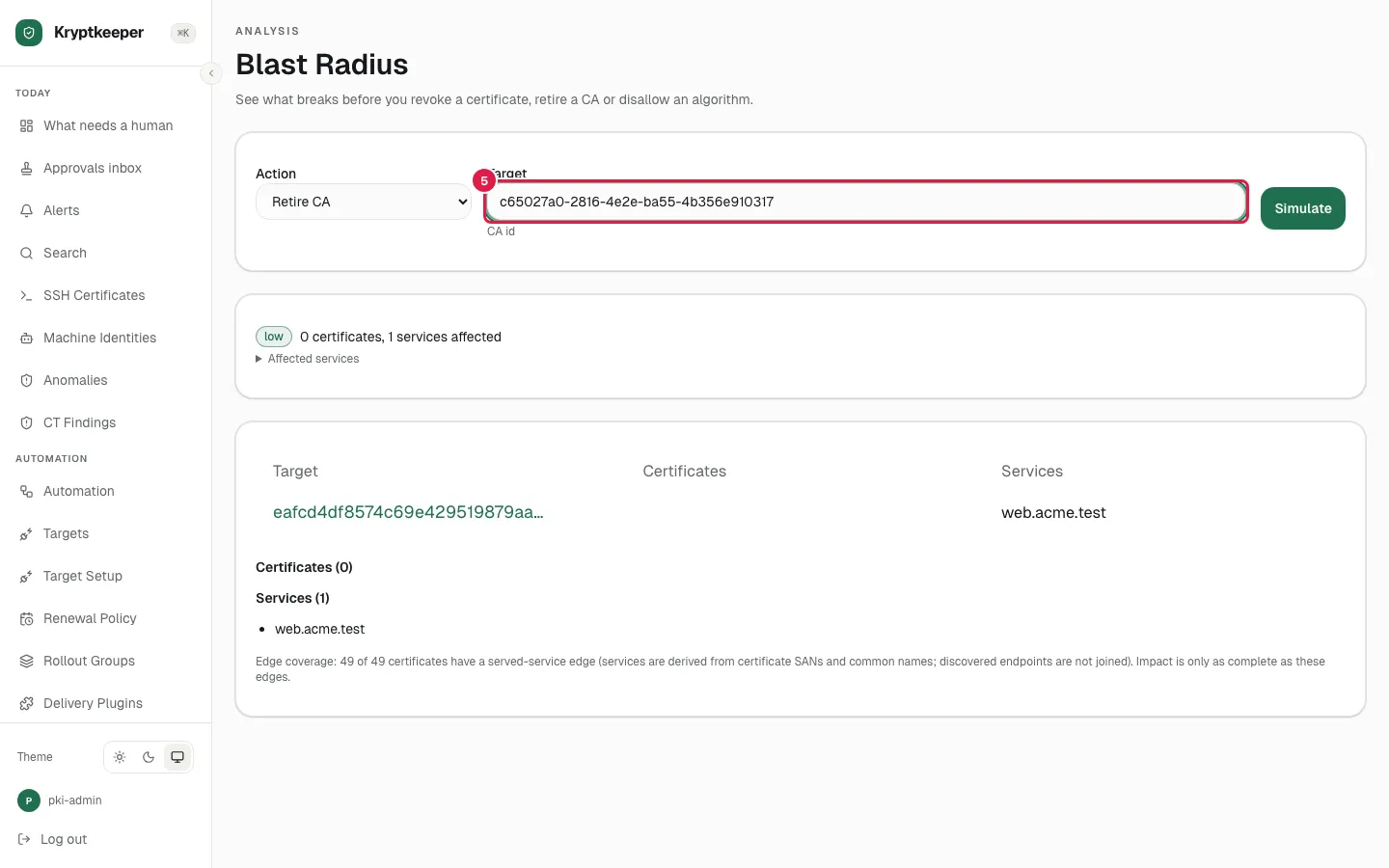
Fill Target with the CA id
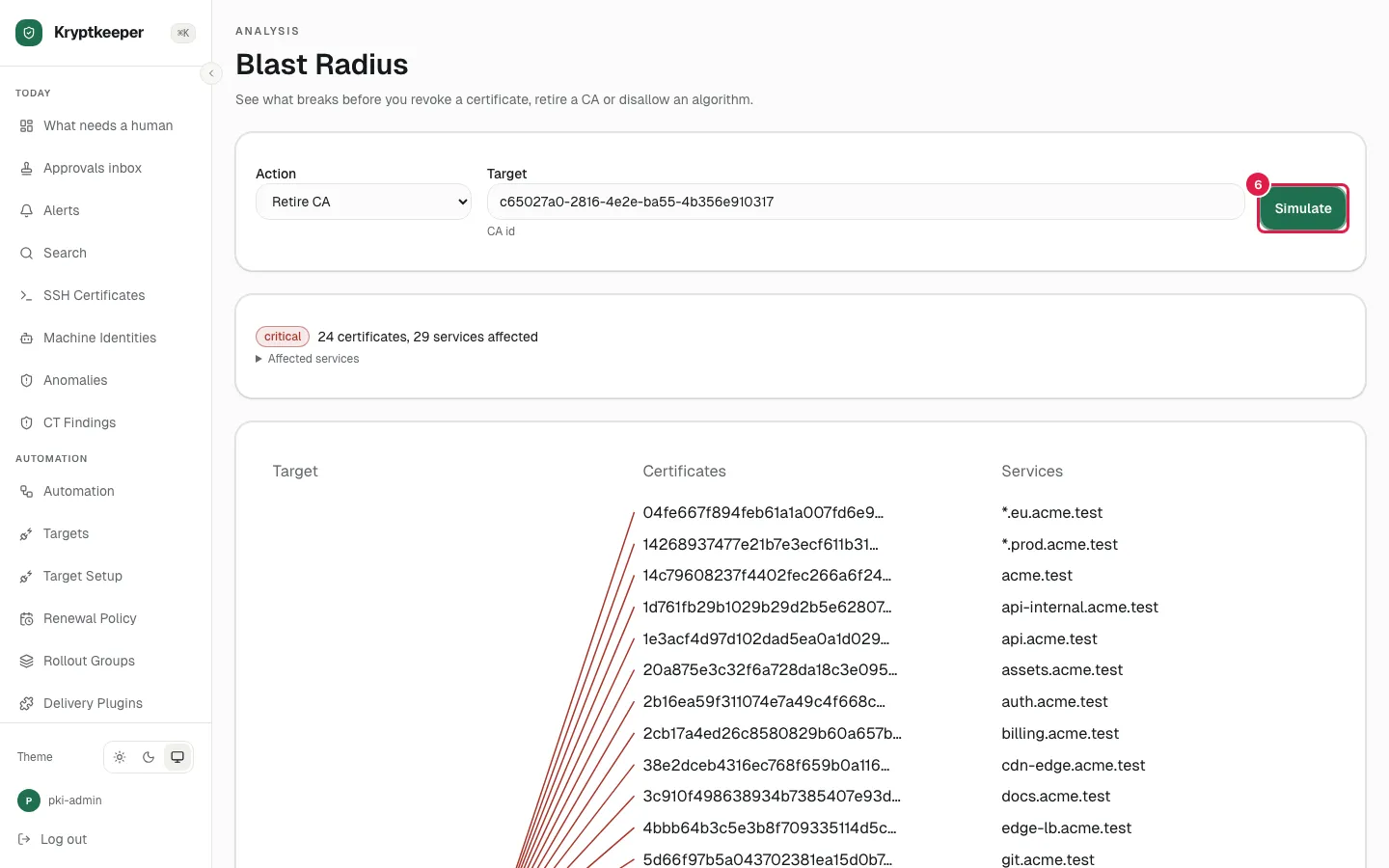
Click Simulate
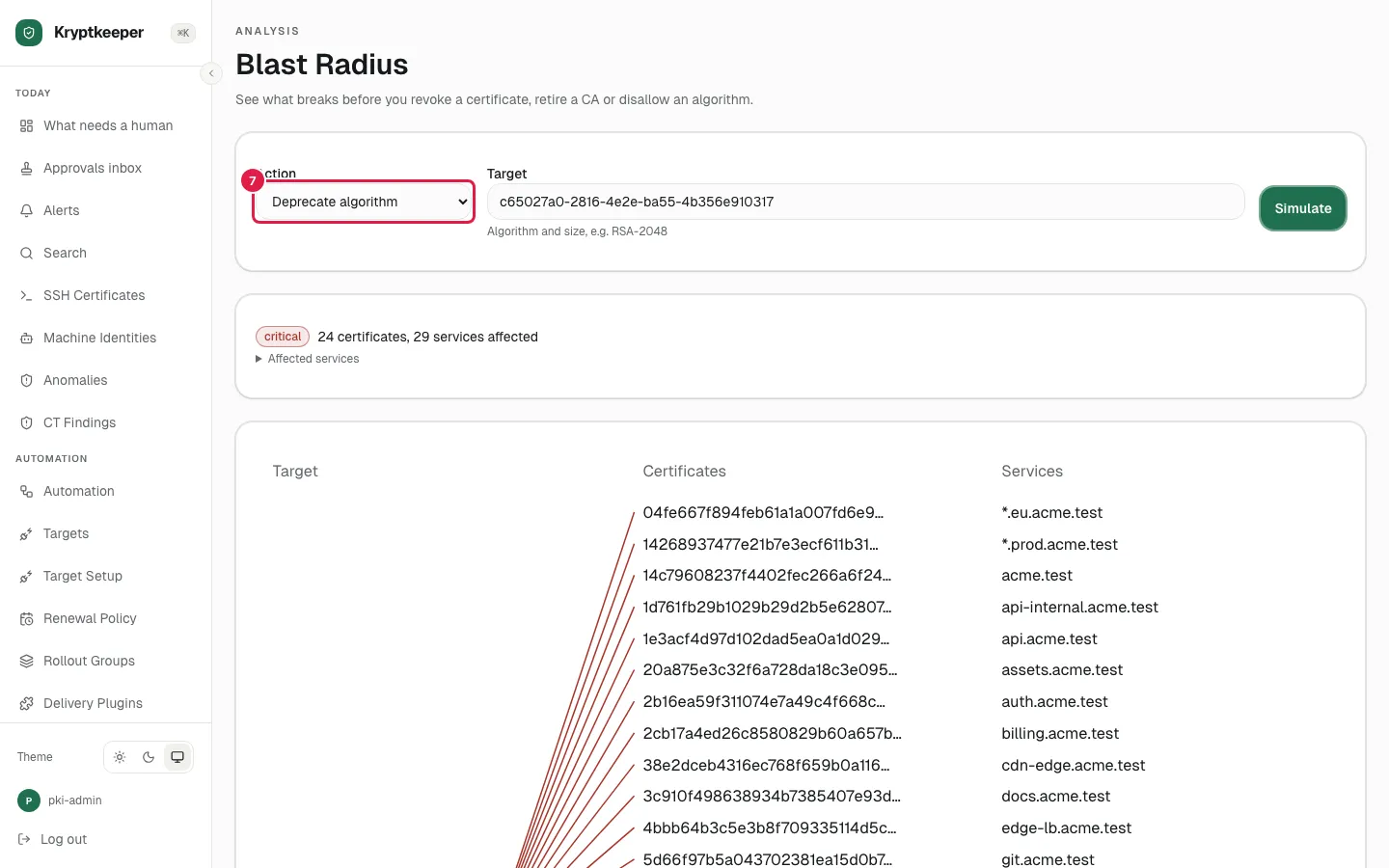
Select "Deprecate algorithm" in Action
Fill Algorithm and size with "RSA-2048"
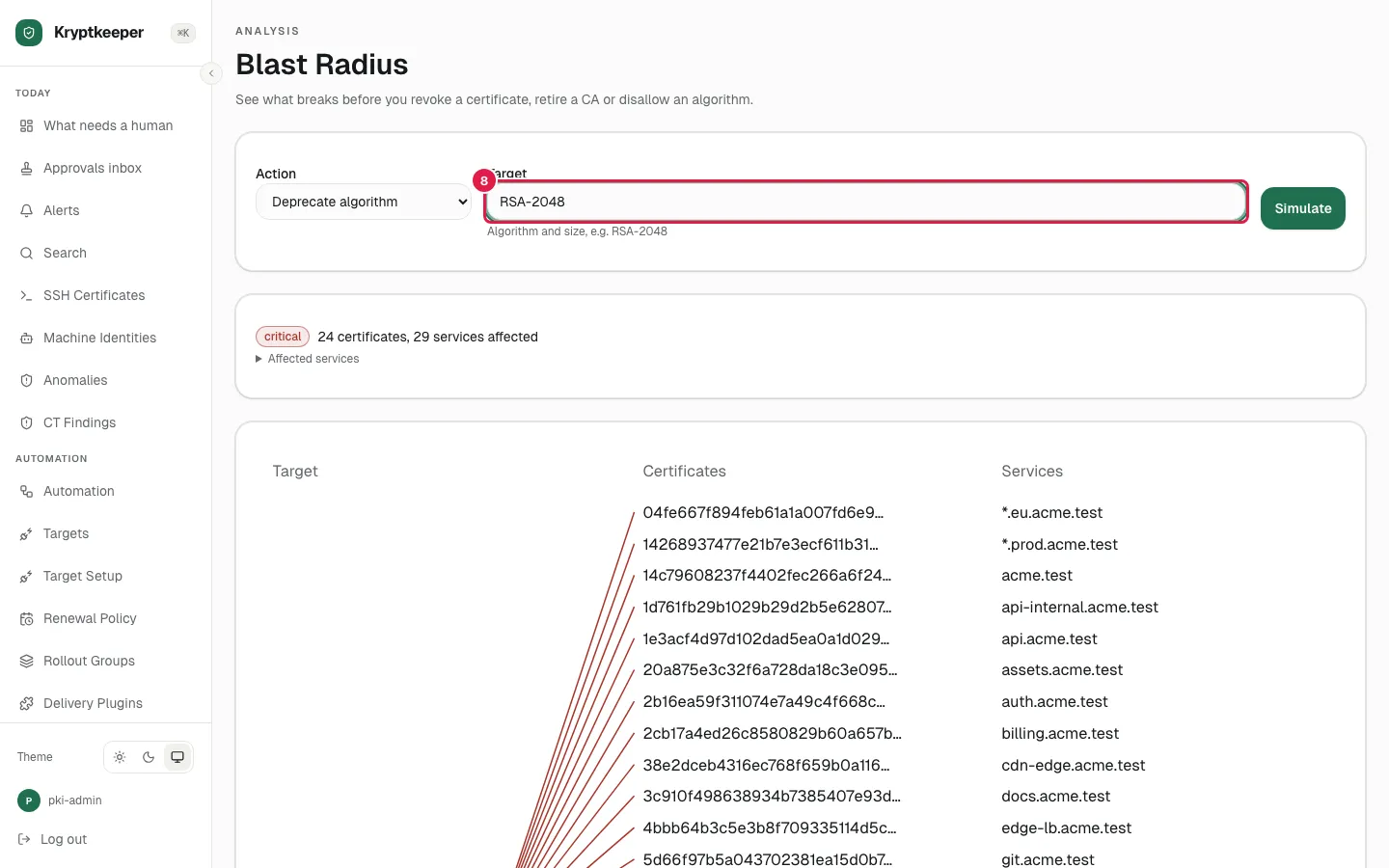
Click Simulate