Push a CA to your hosts' trust stores
Propose a CA bundle for chosen agents, have a second person approve it, and read the per-host result.
As pki-admin
- Step 1
Open /agents
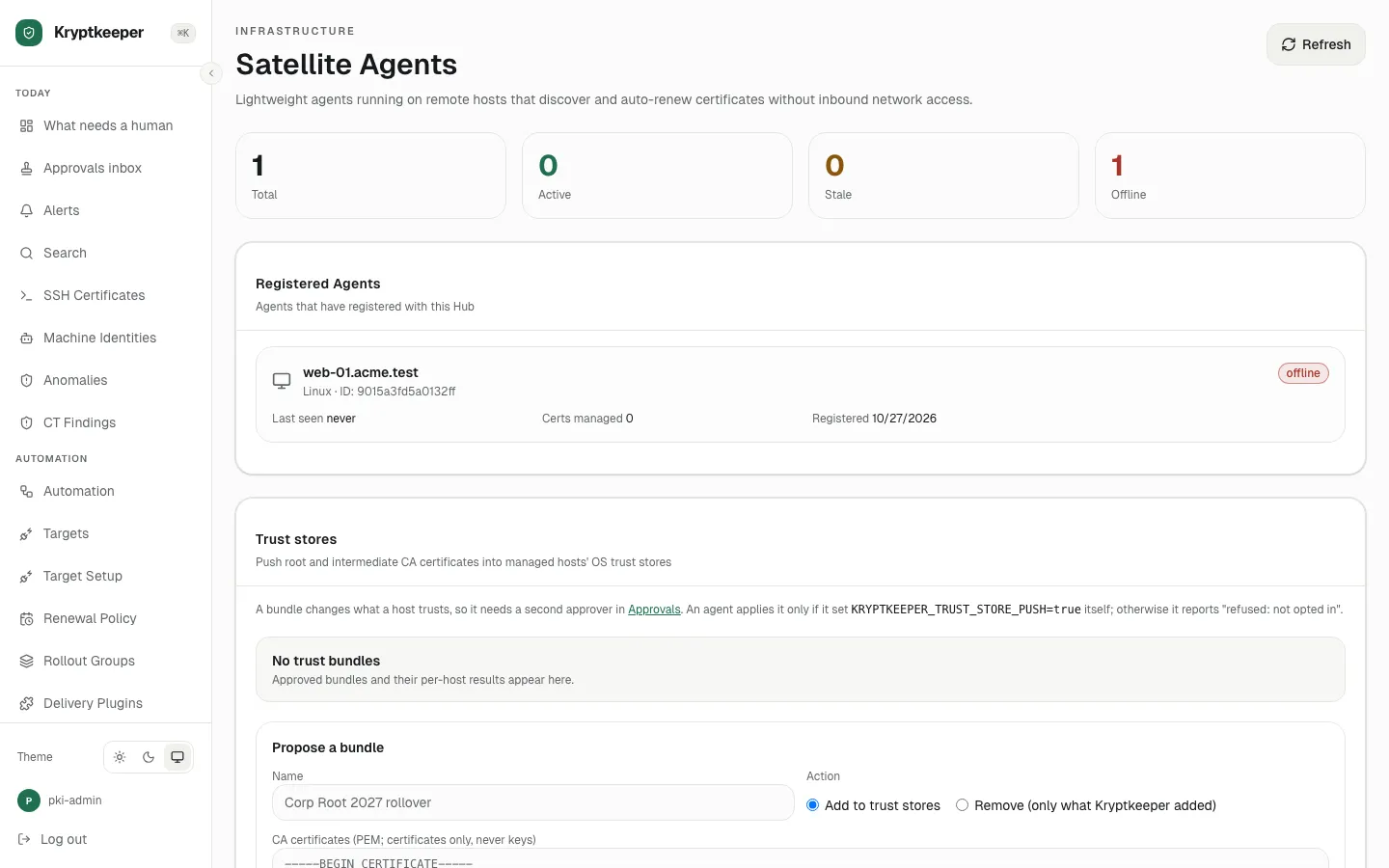
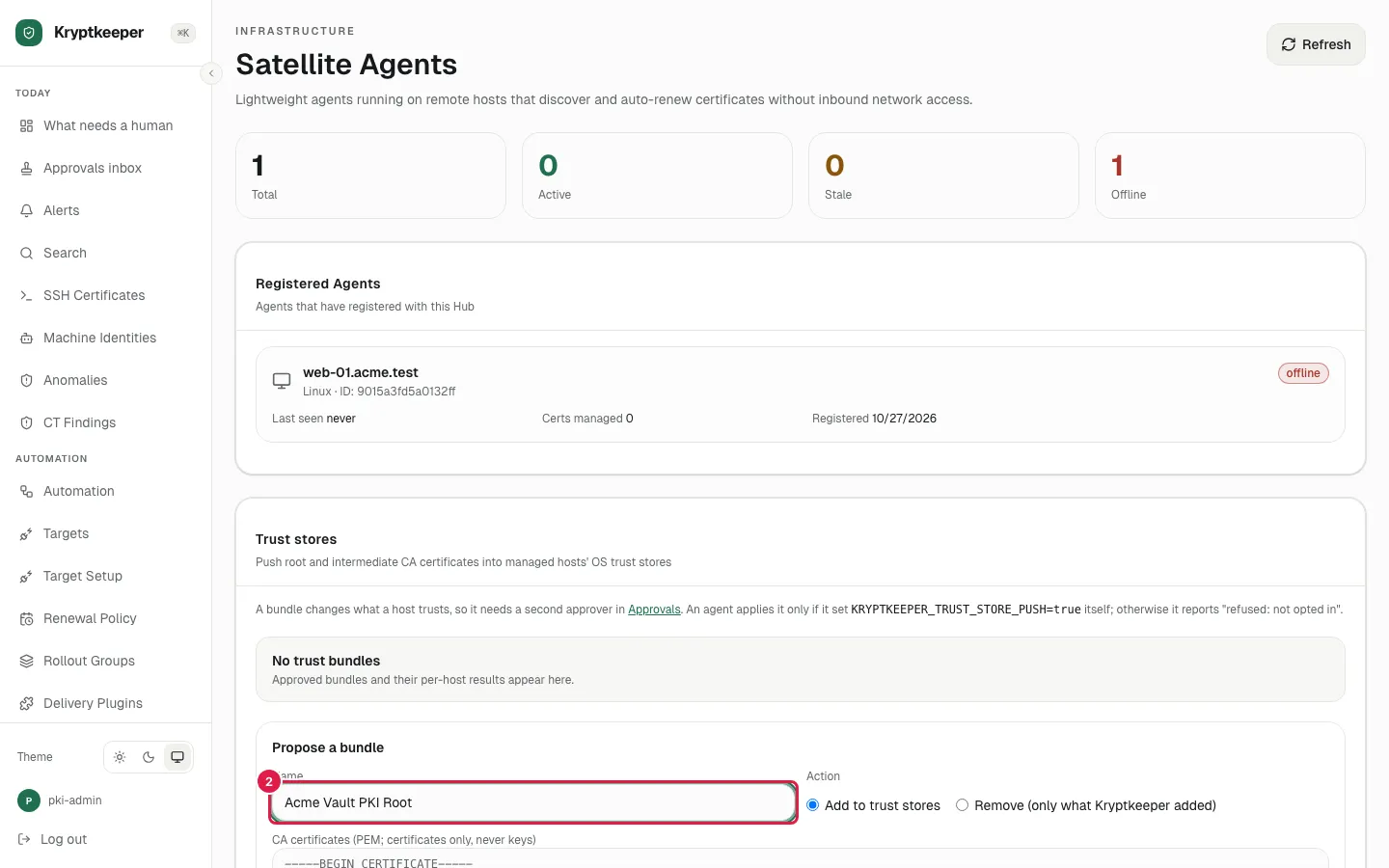
- Step 2
Fill Name with "Acme Vault PKI Root"
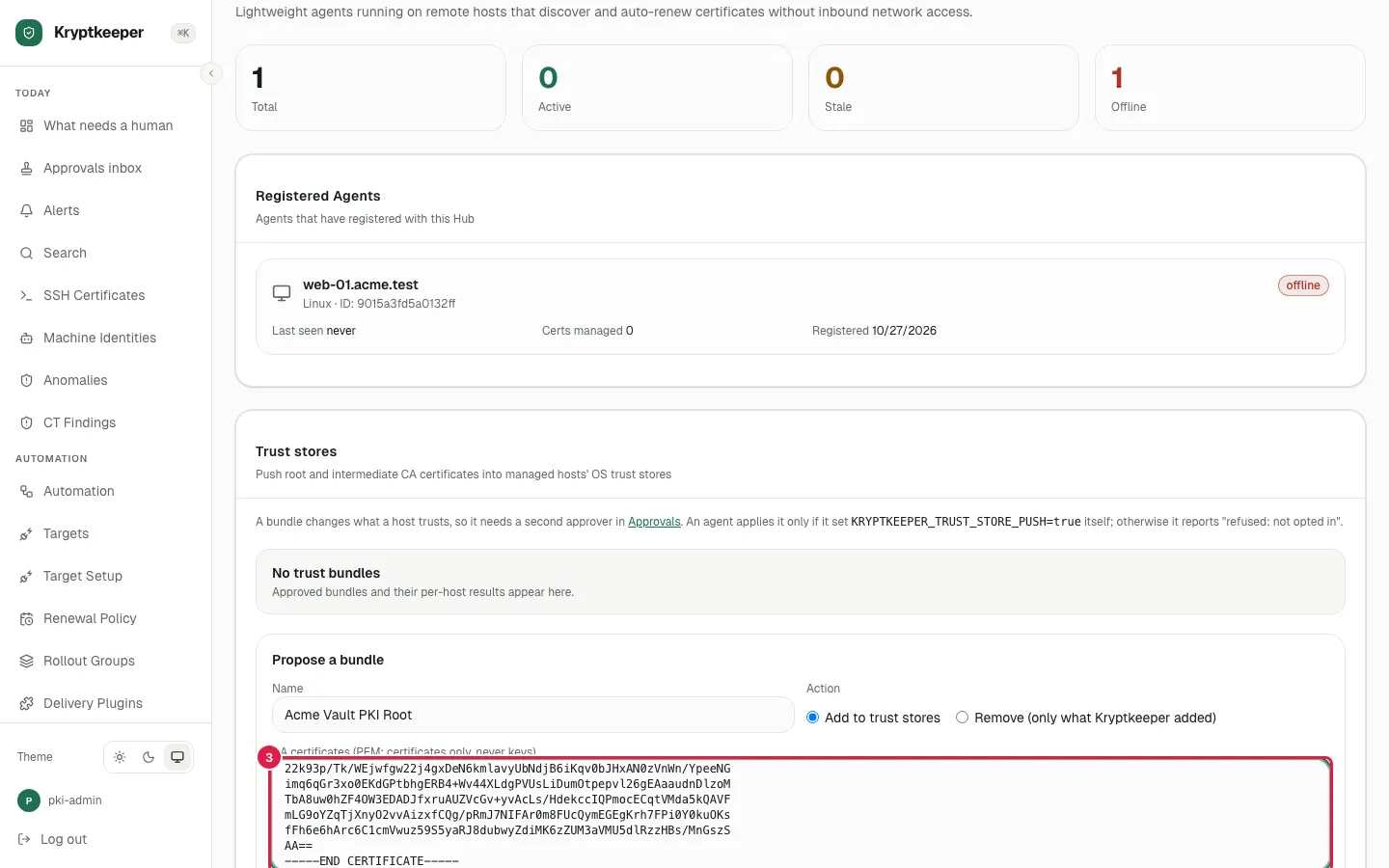
- Step 3
Paste the CA certificate (certificates only, never keys)
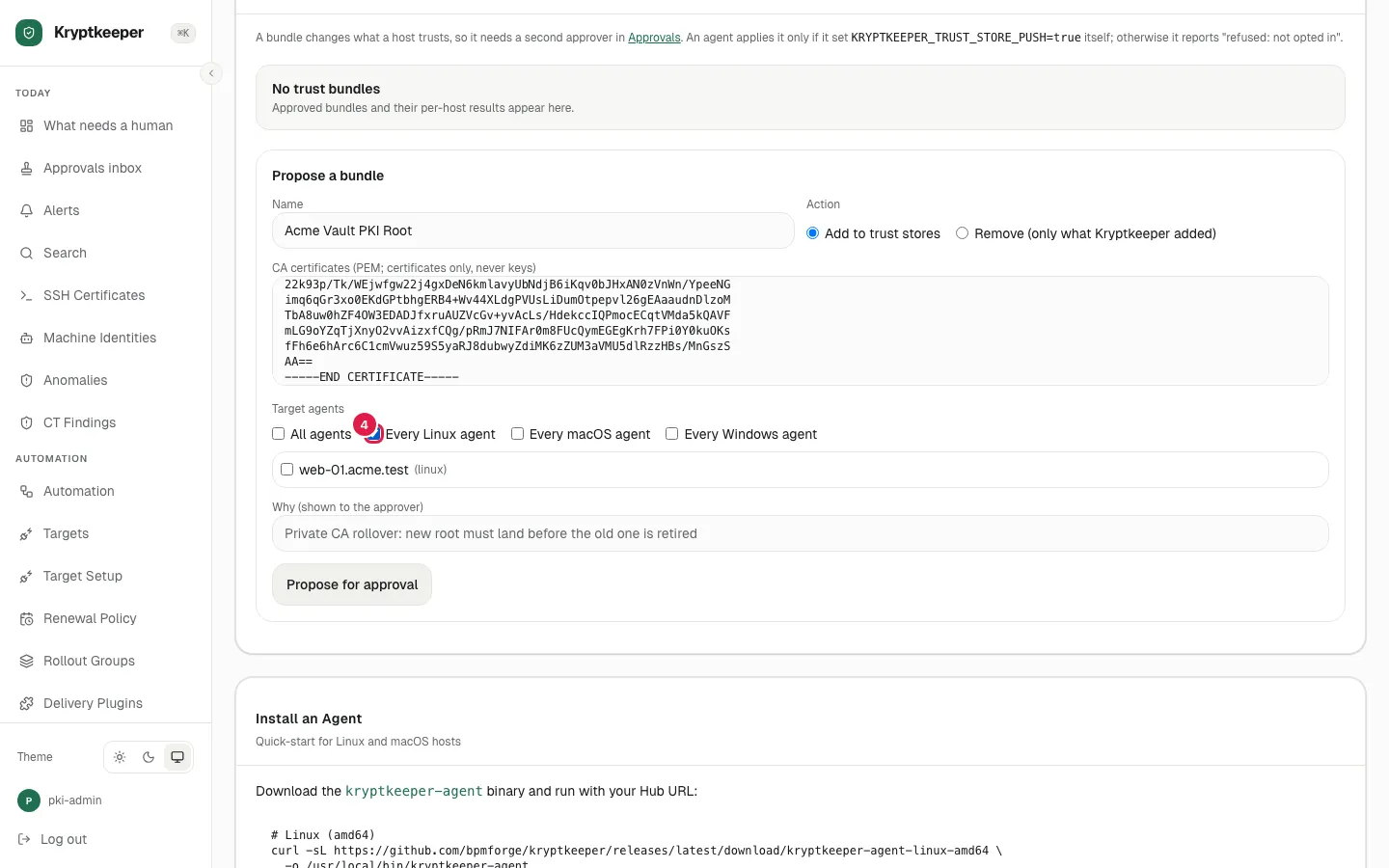
- Step 4
Check Every Linux agent
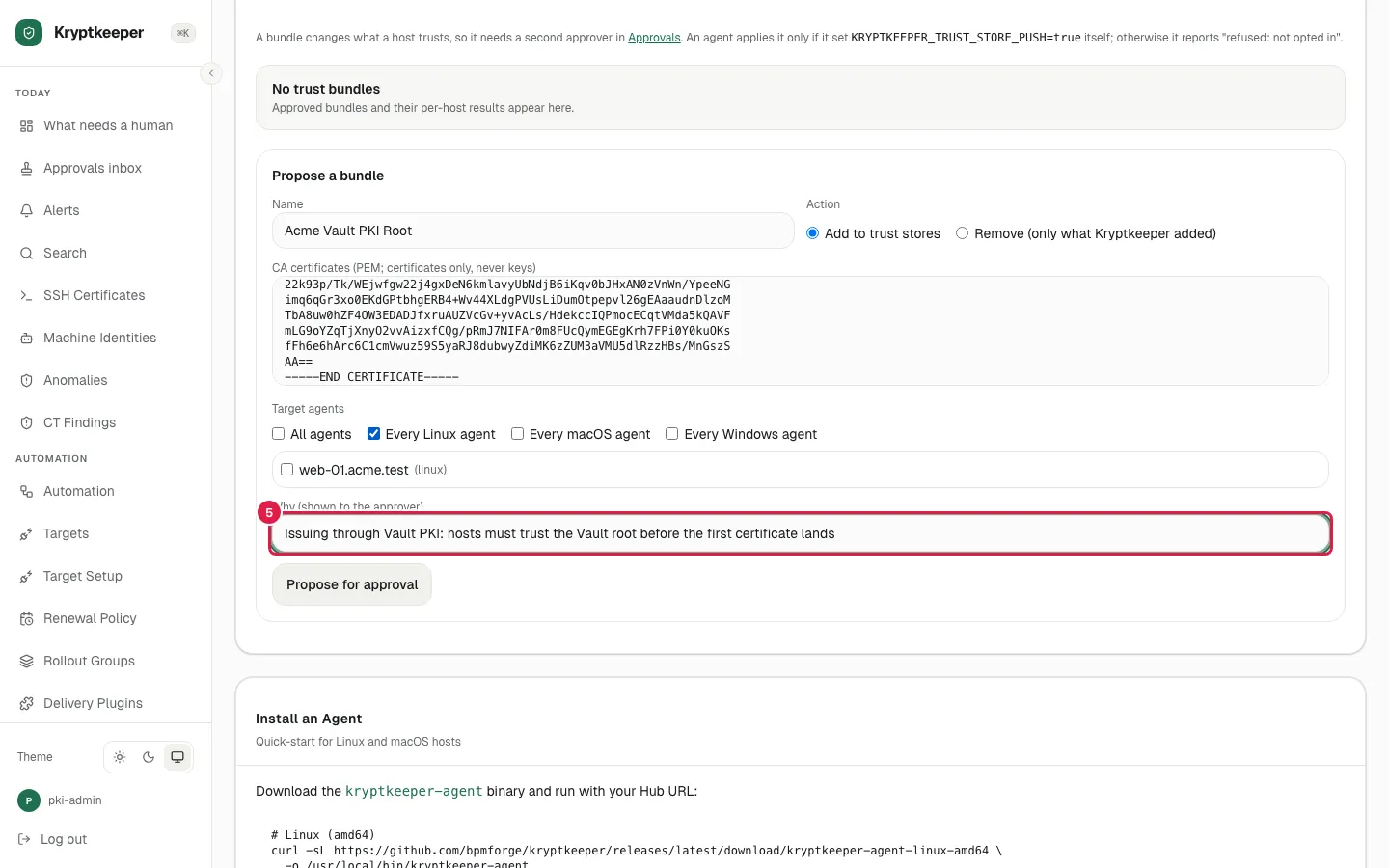
- Step 5
Fill Why for the approver
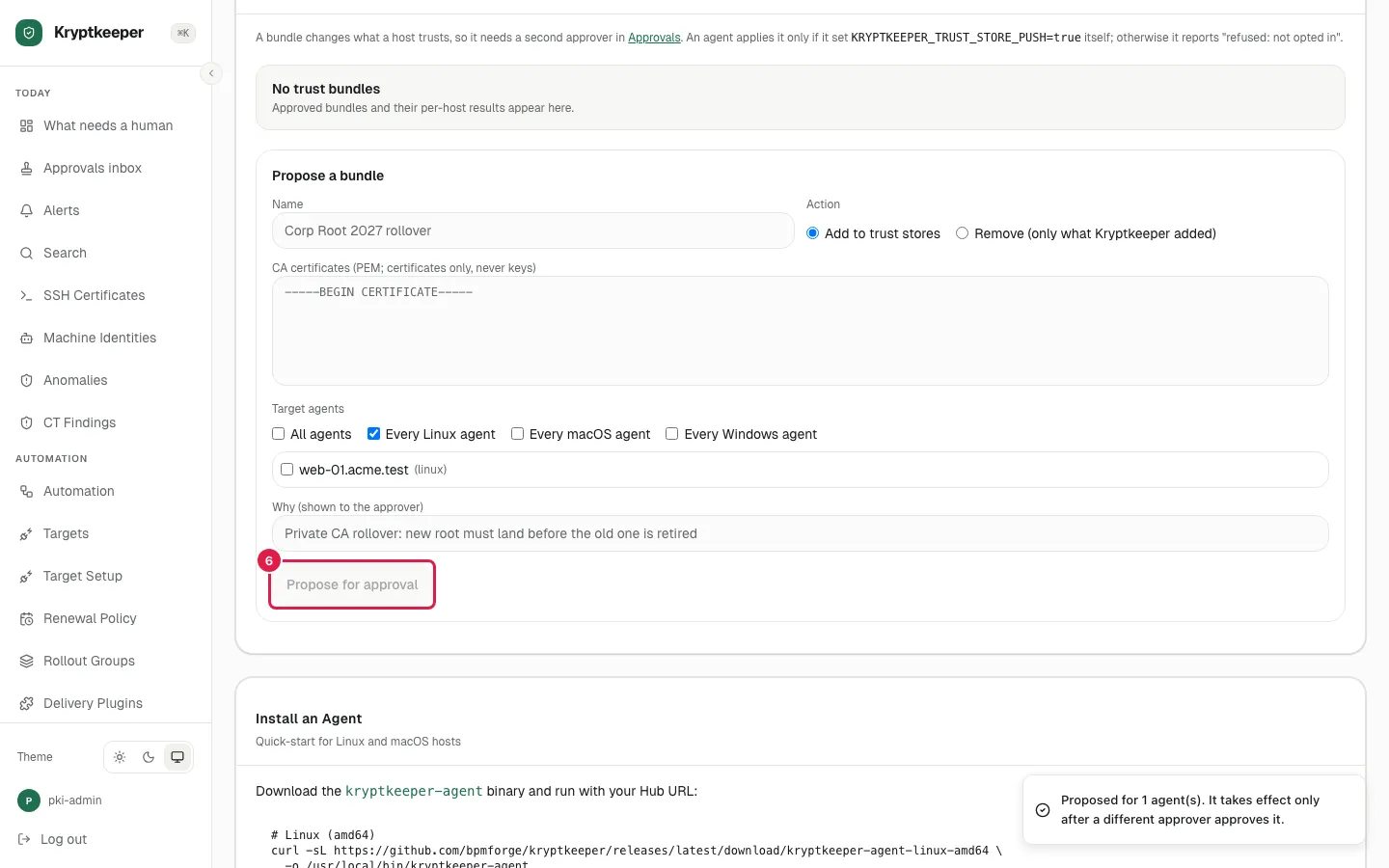
- Step 6
Click Propose for approval
- Step 7
A second administrator approves the bundle
- Step 8
Open /agents again
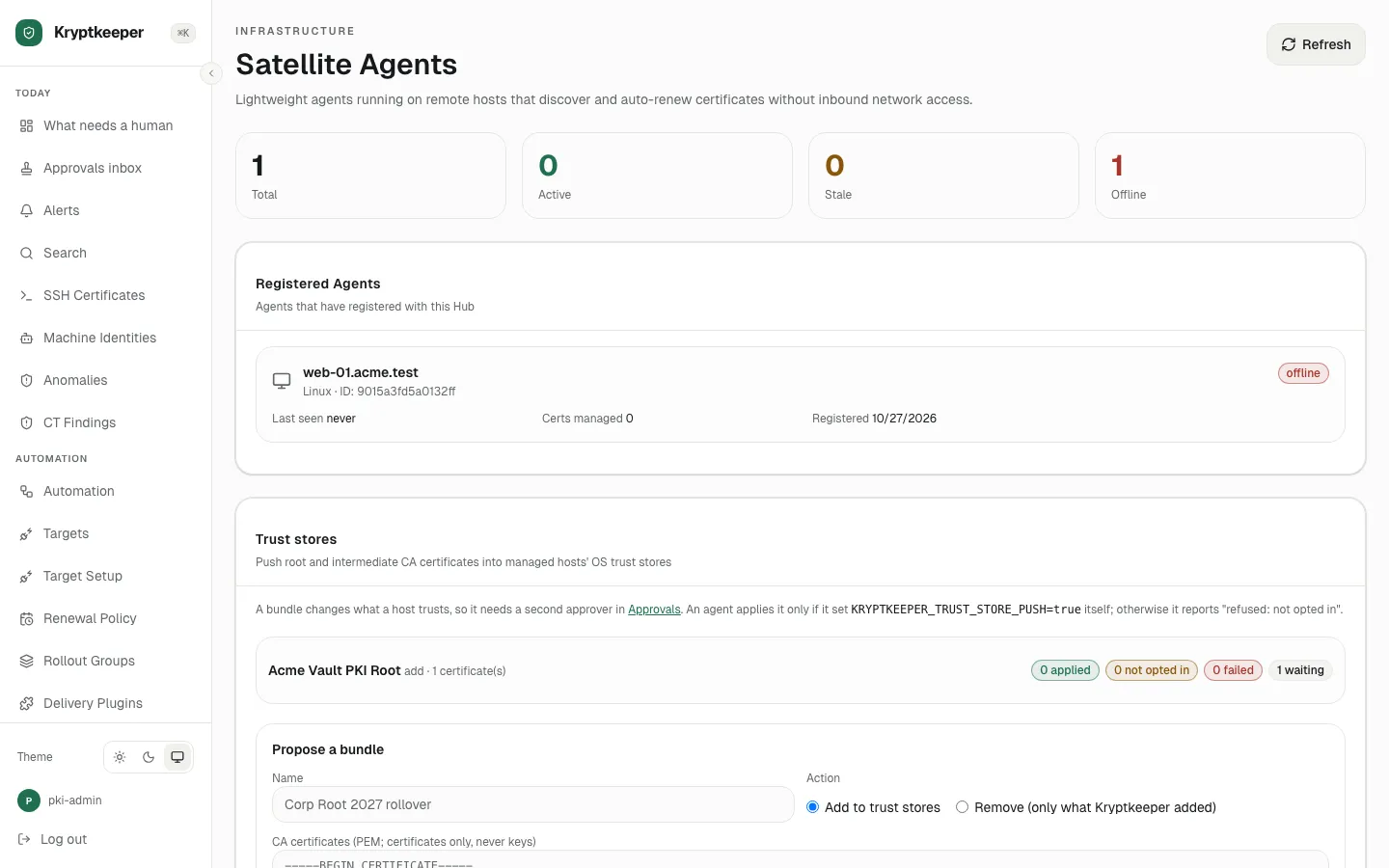
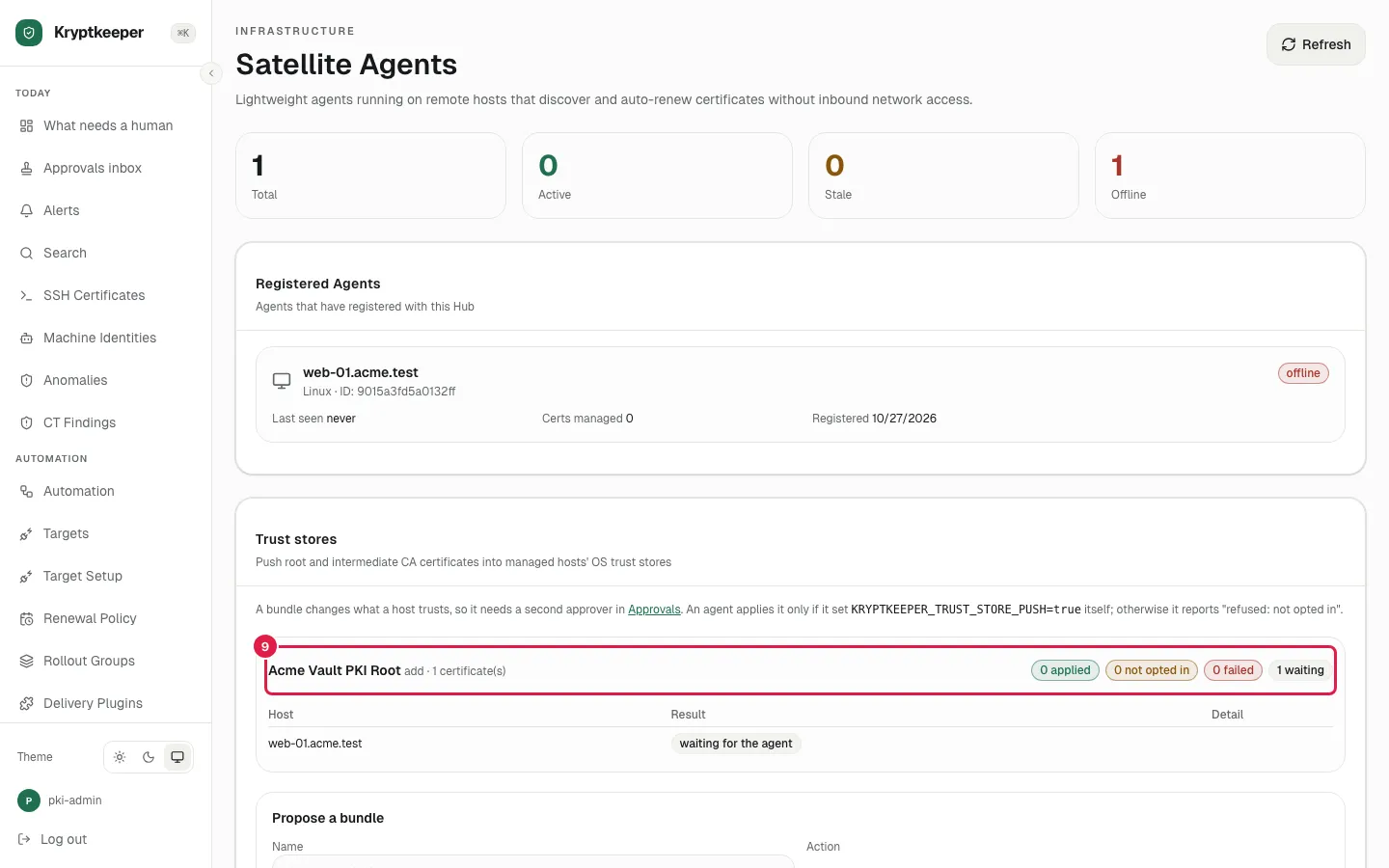
- Step 9
Click the bundle to see each host