PKI administrator
Keep the CA you already use
Connect the CA you run today, put its root on your hosts, and plan the move to post-quantum.
-
 Step 1 · Certificate authorities
Keep the CA you already use
Connect HashiCorp Vault PKI as an issuer, test it, and propose it as an external CA for a second administrator to approve.
18 steps -
 Step 2 · Automation and enrollment
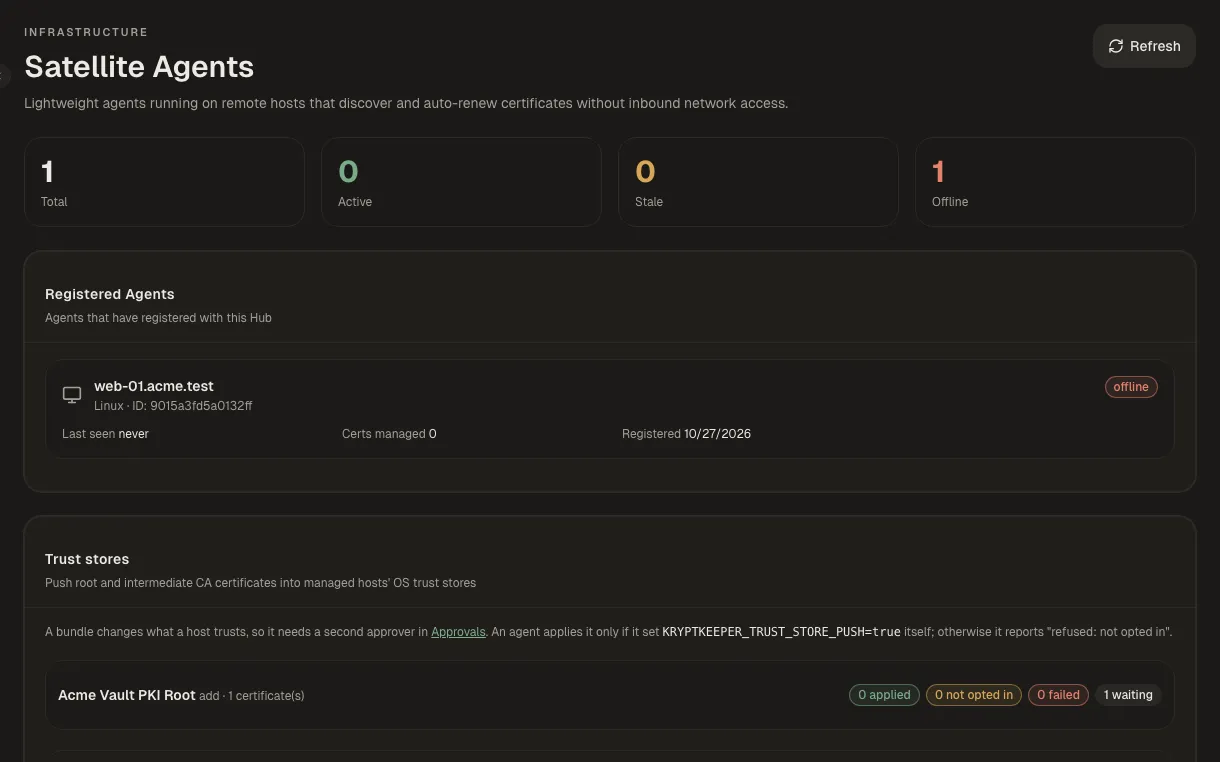
Push a CA to your hosts' trust stores
Propose a CA bundle for chosen agents, have a second person approve it, and read the per-host result.
9 steps -
 Step 3 · Windows and Active Directory
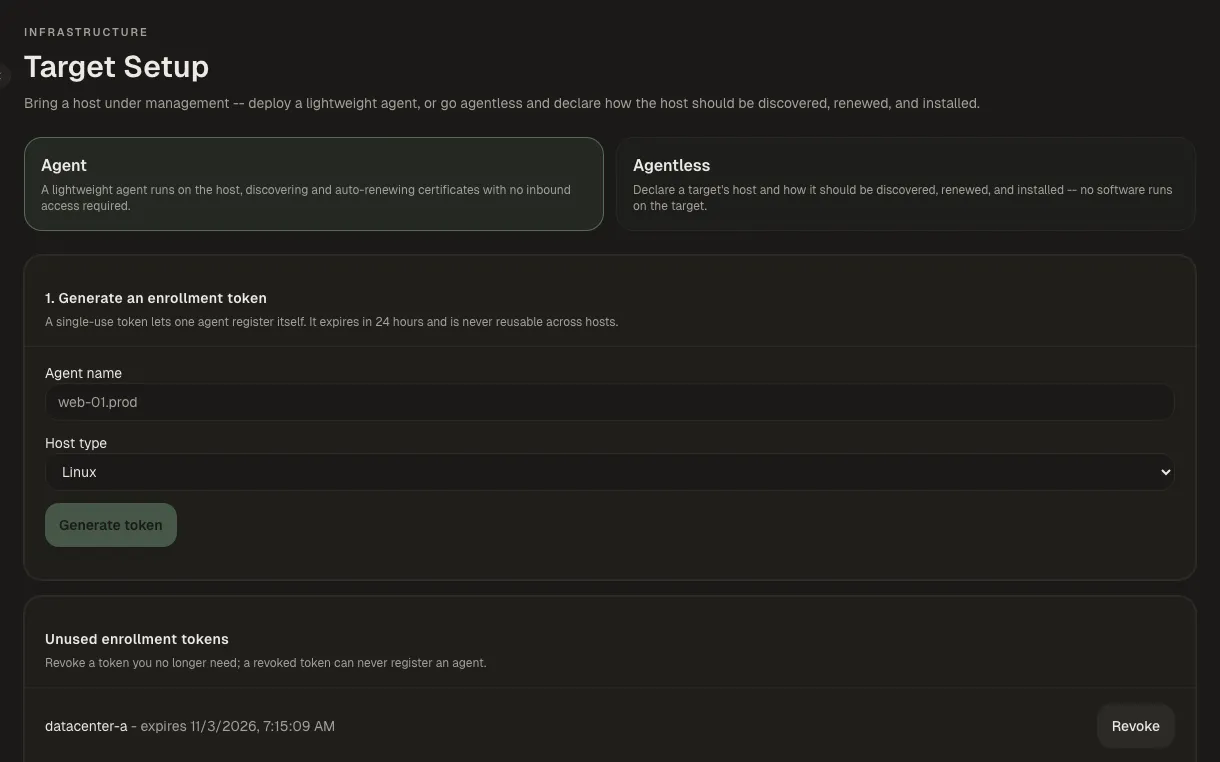
Install onto SQL Server, Remote Desktop or Exchange
Declare a Windows target and choose a WinRM install mode, with the credential stored here or fetched from a secret manager.
20 steps -
 Step 4 · Compliance, risk and post-quantum
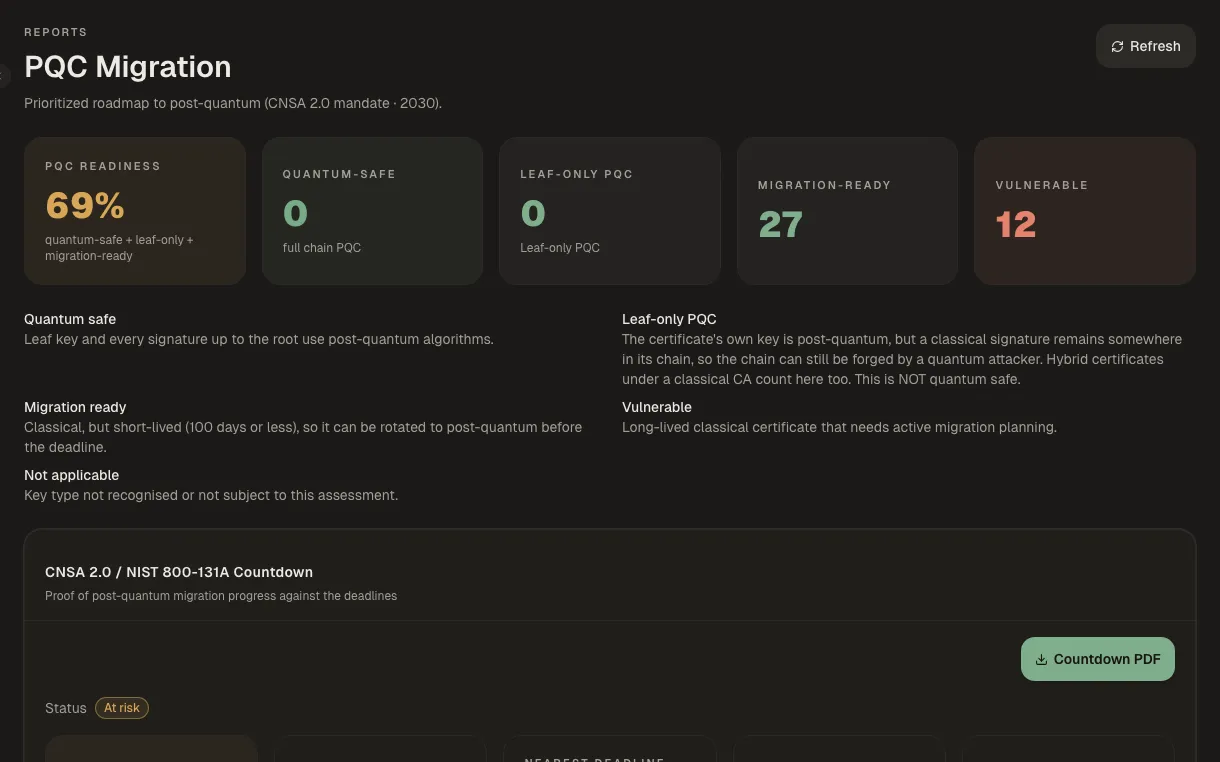
Start a post-quantum migration wave
Pick the certificates, an ML-DSA template and a target algorithm, then propose the wave for approval.
14 steps