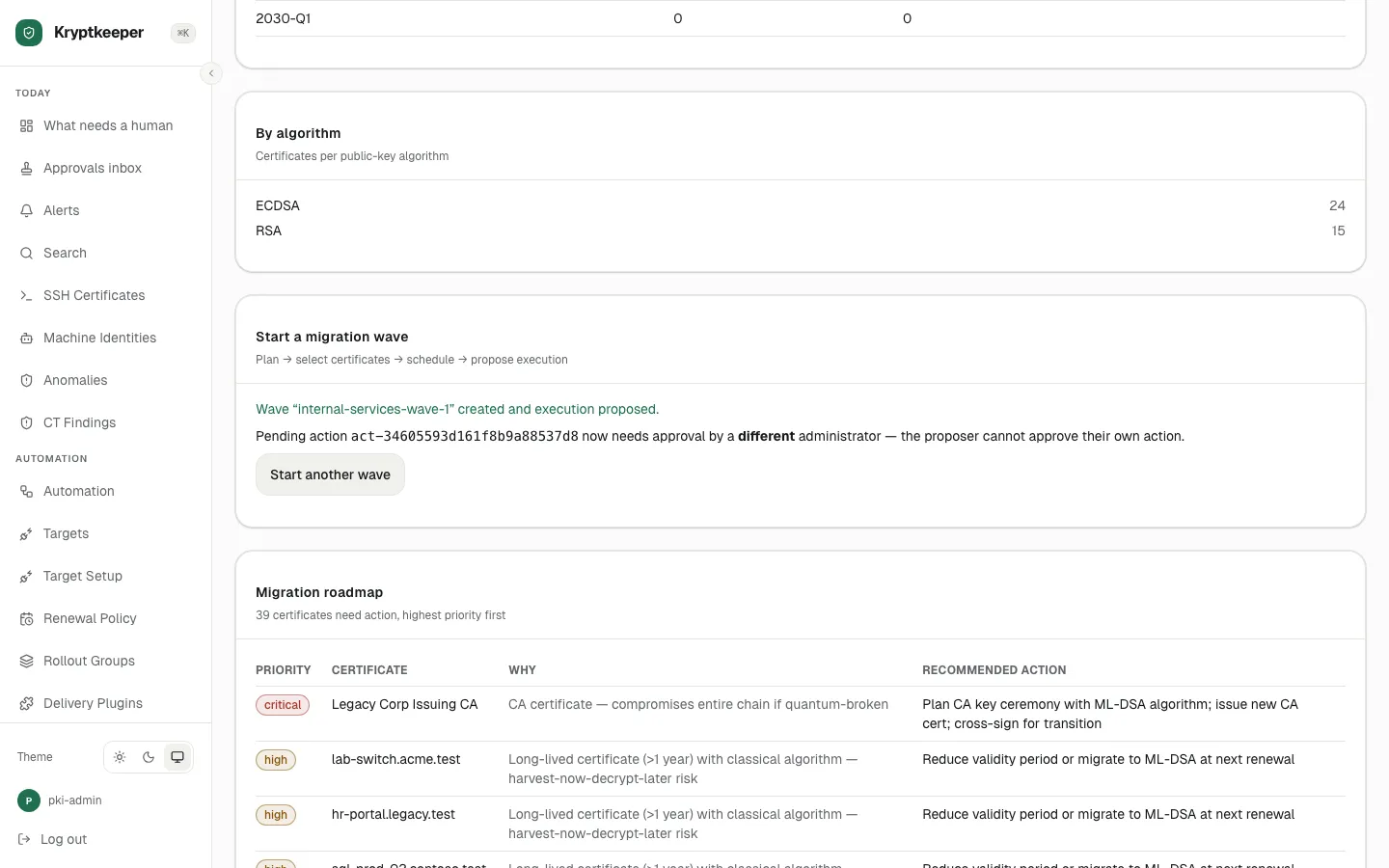
Start a post-quantum migration wave
Pick the certificates, an ML-DSA template and a target algorithm, then propose the wave for approval.
As pki-admin
- Step 1
Open the app
- Step 2
Setup: a template that allows ML-DSA
- Step 3
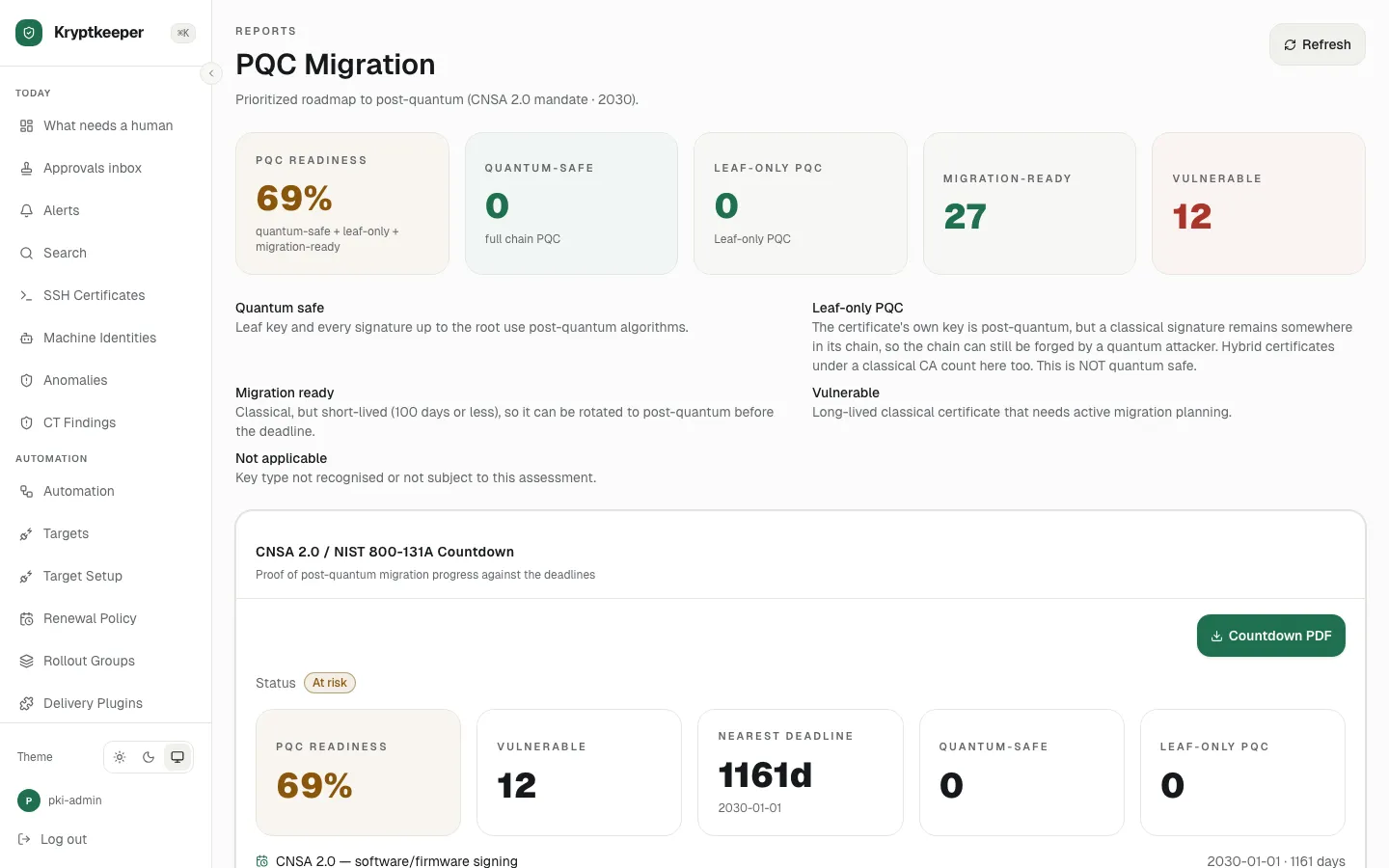
Open /reports/pqc-migration
- Step 4
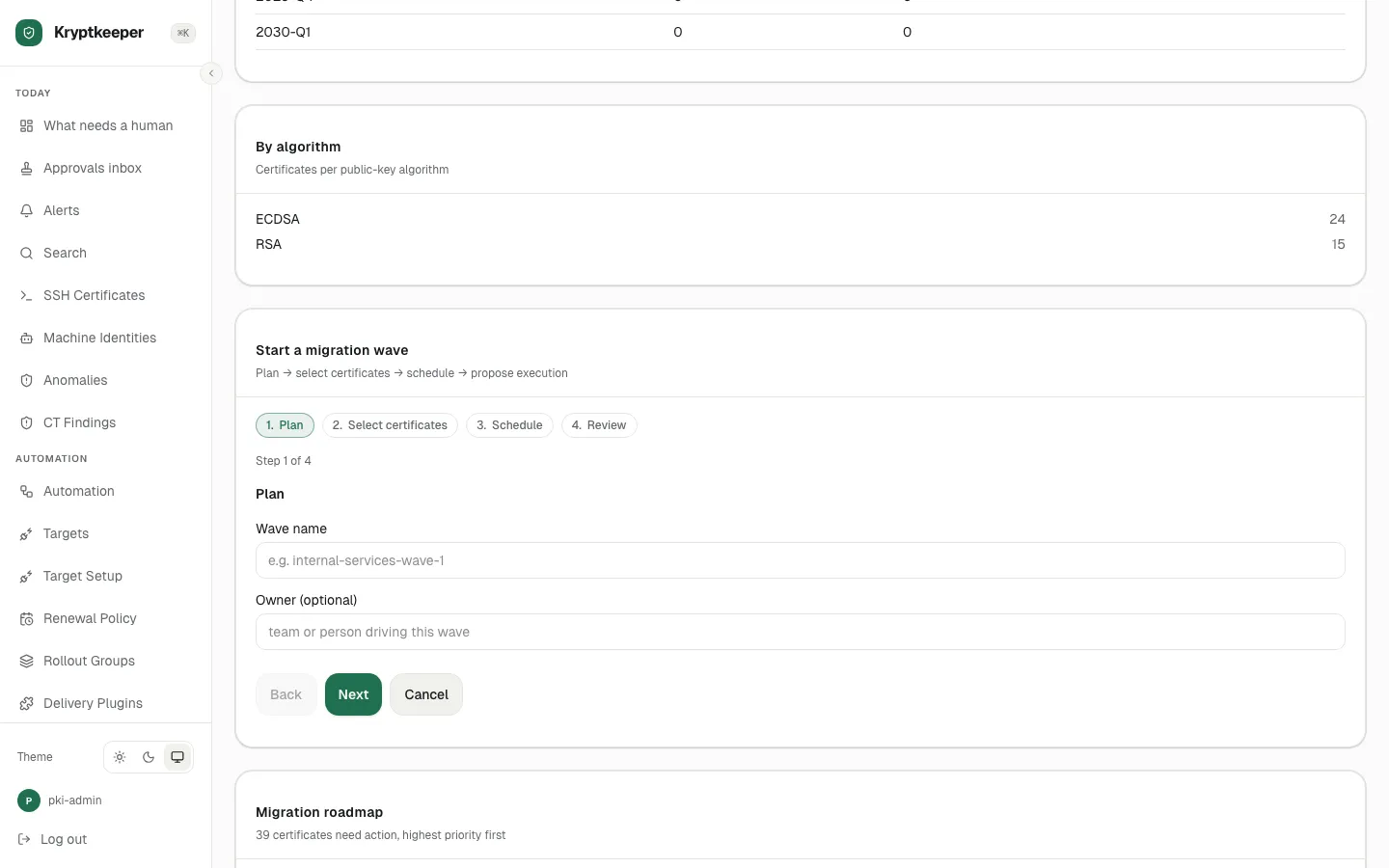
Click Start migration wave
- Step 5
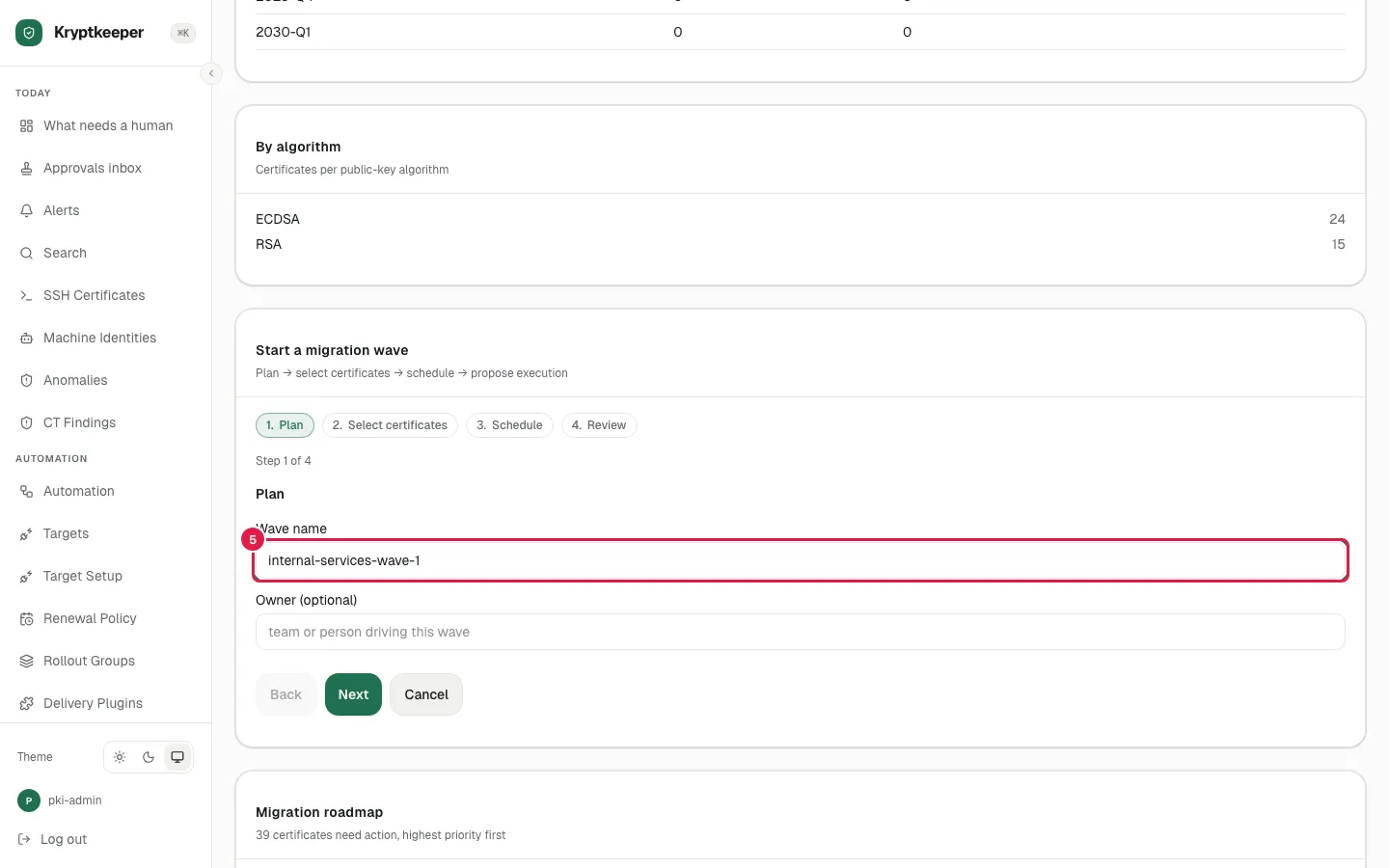
Fill Wave name with "internal-services-wave-1"
- Step 6
Fill Owner with "platform-team"
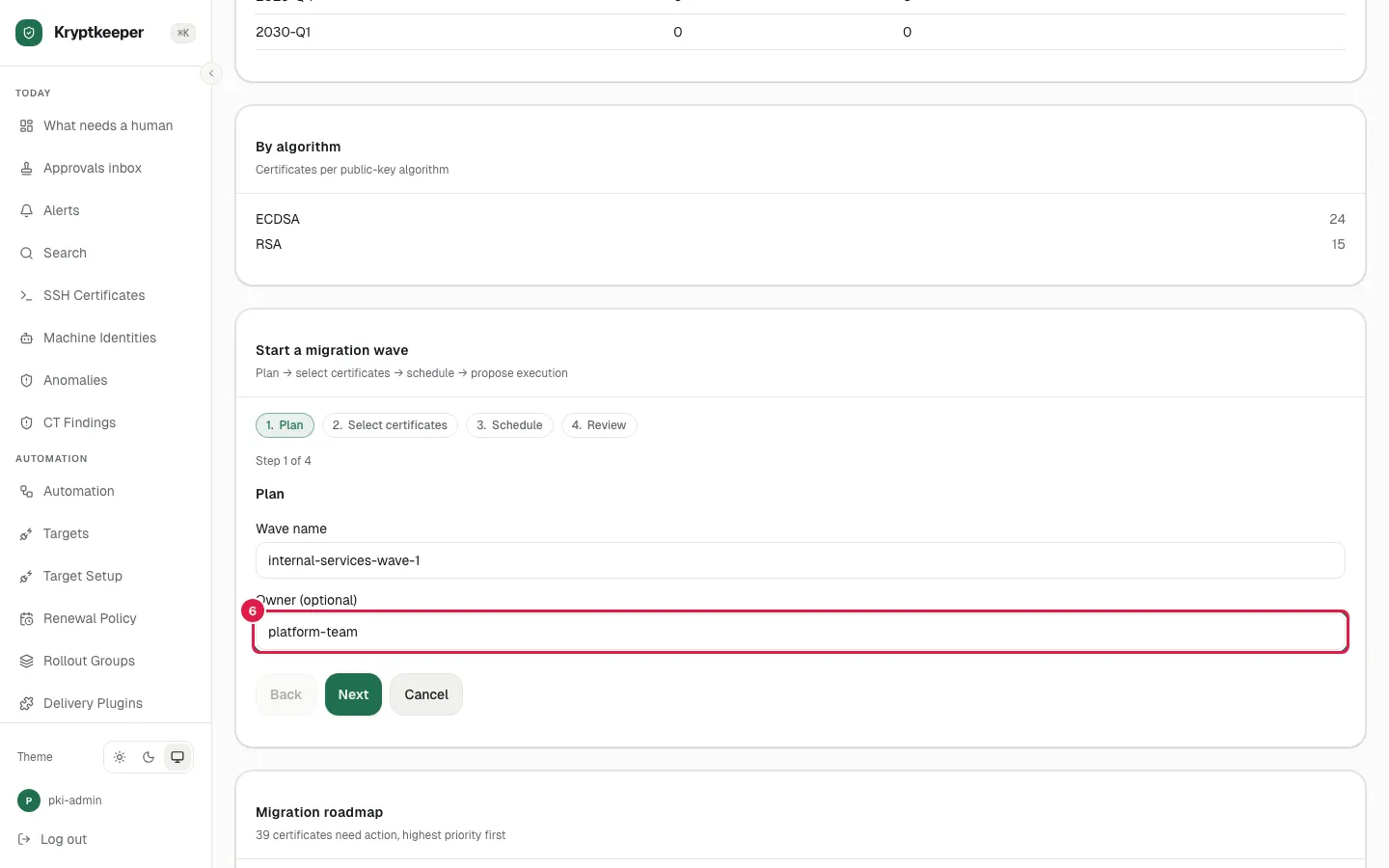
- Step 7
Click Next
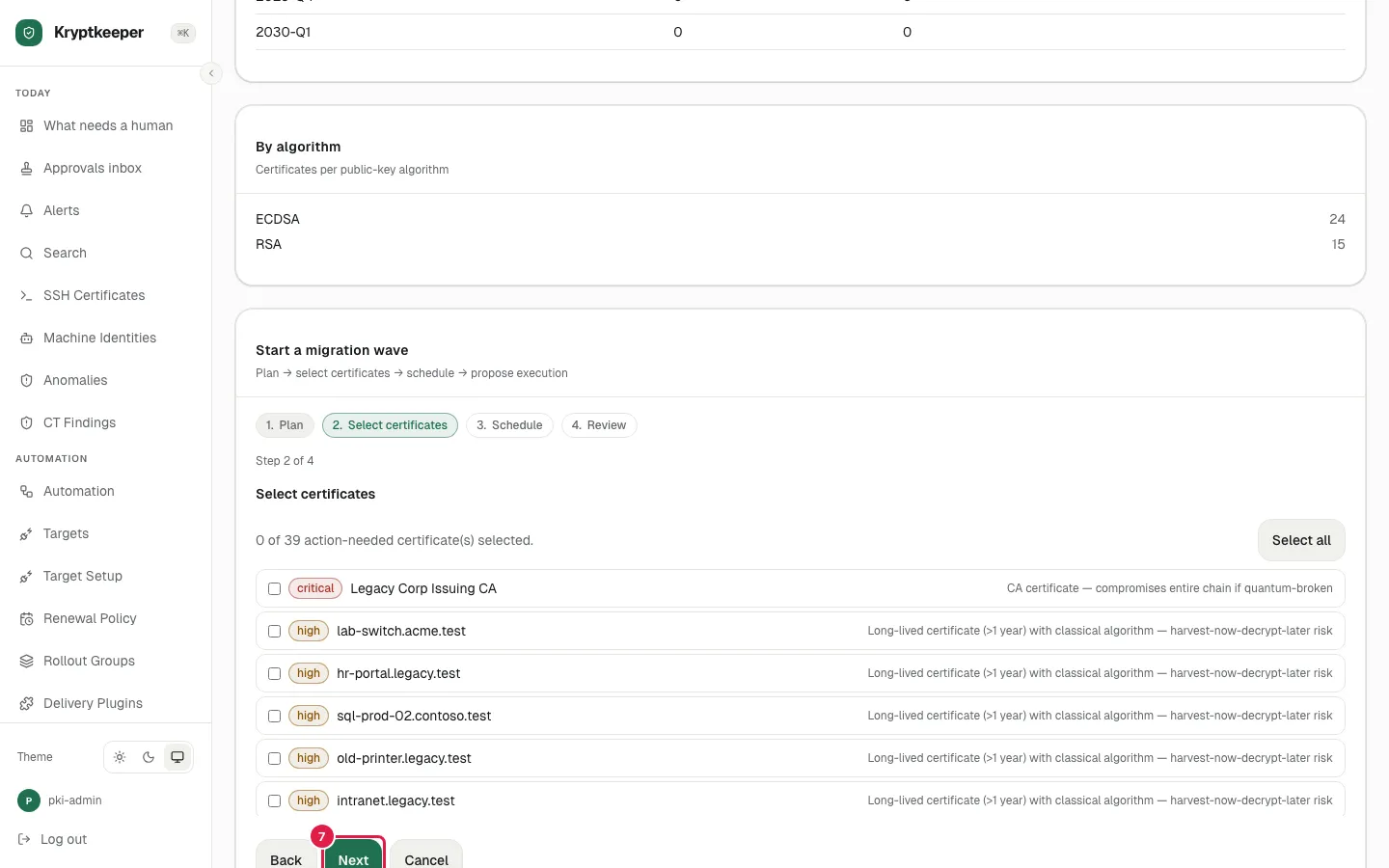
- Step 8
Check notifier.svc.acme.test
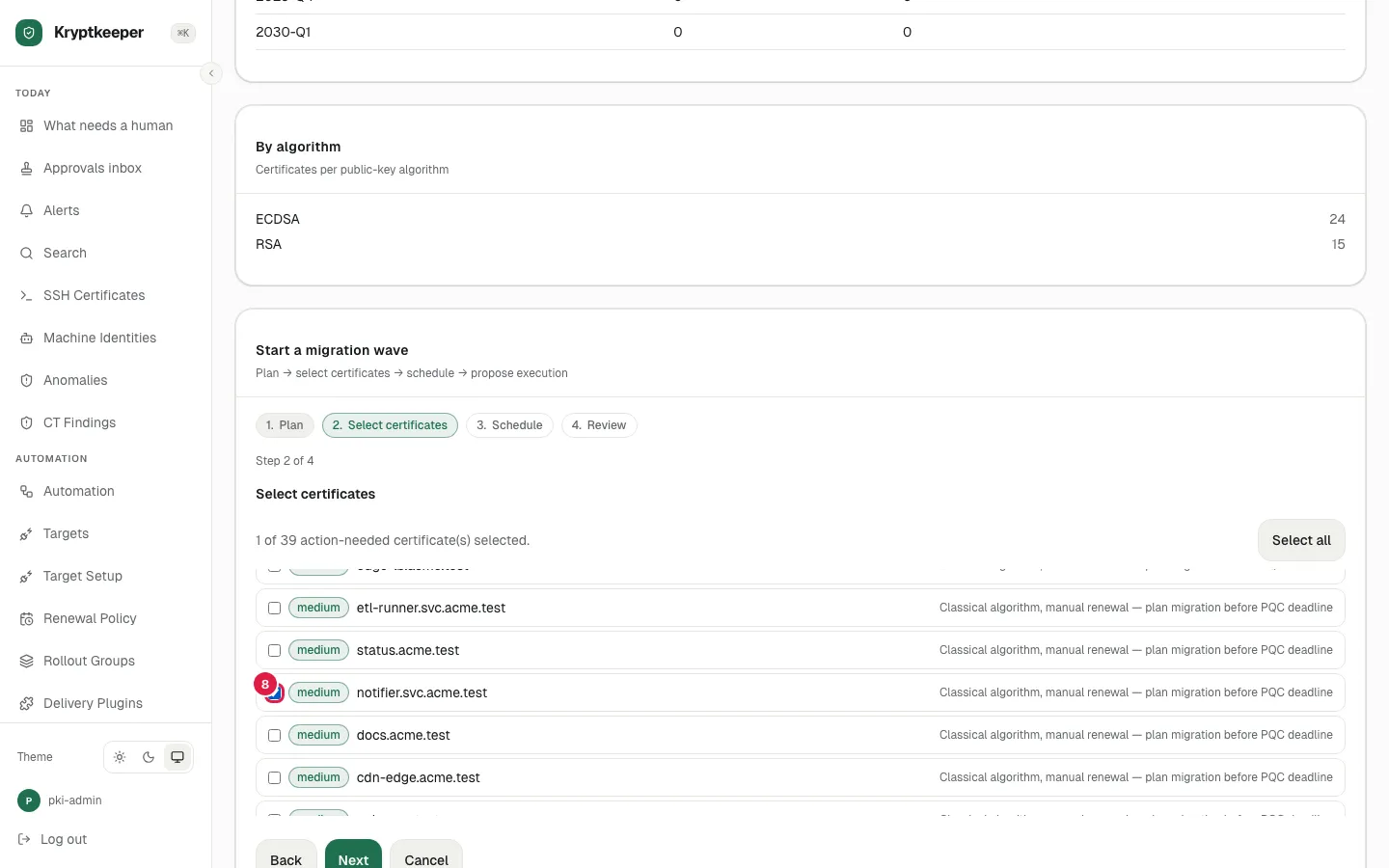
- Step 9
Check registry.acme.test
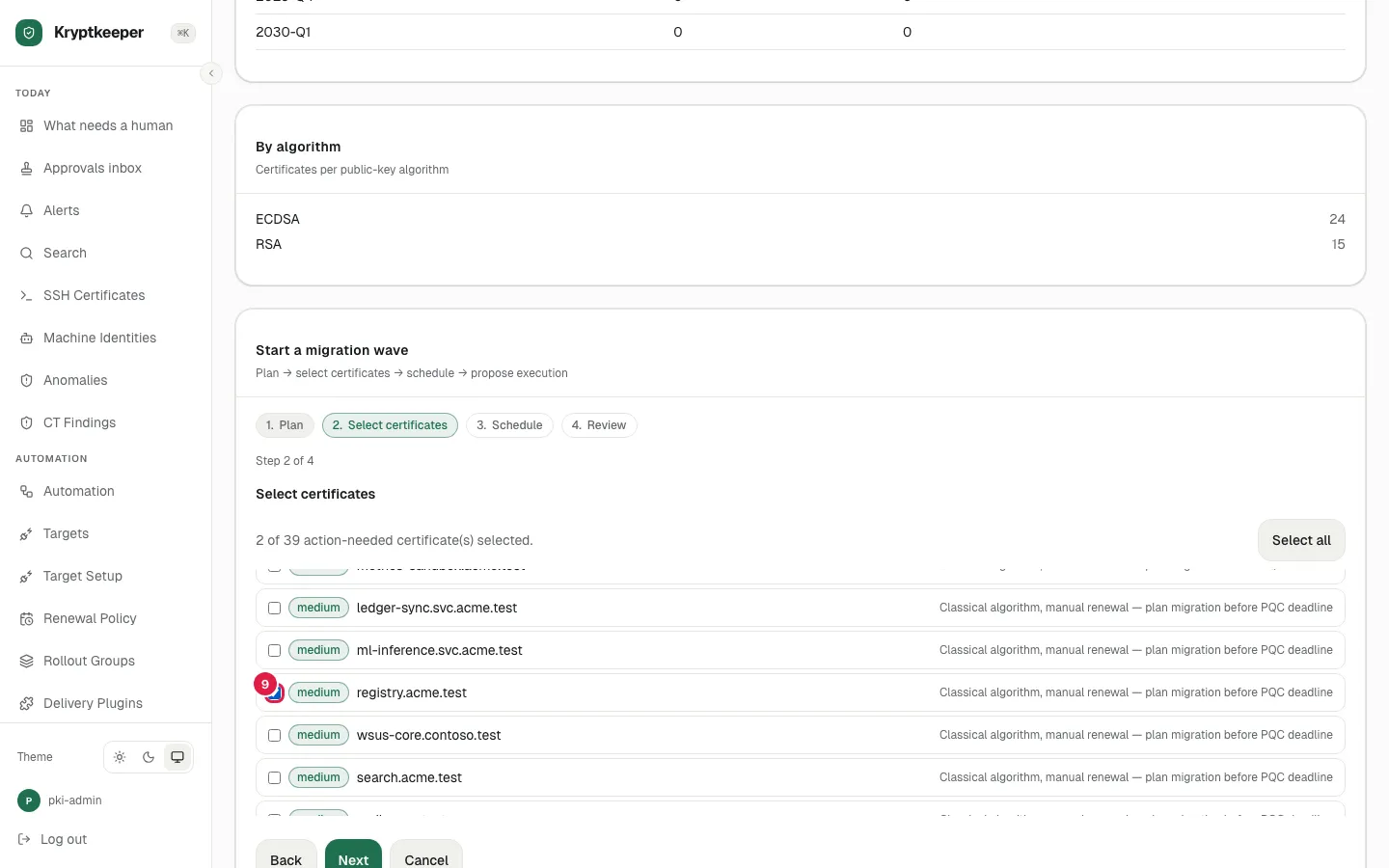
- Step 10
Click Next
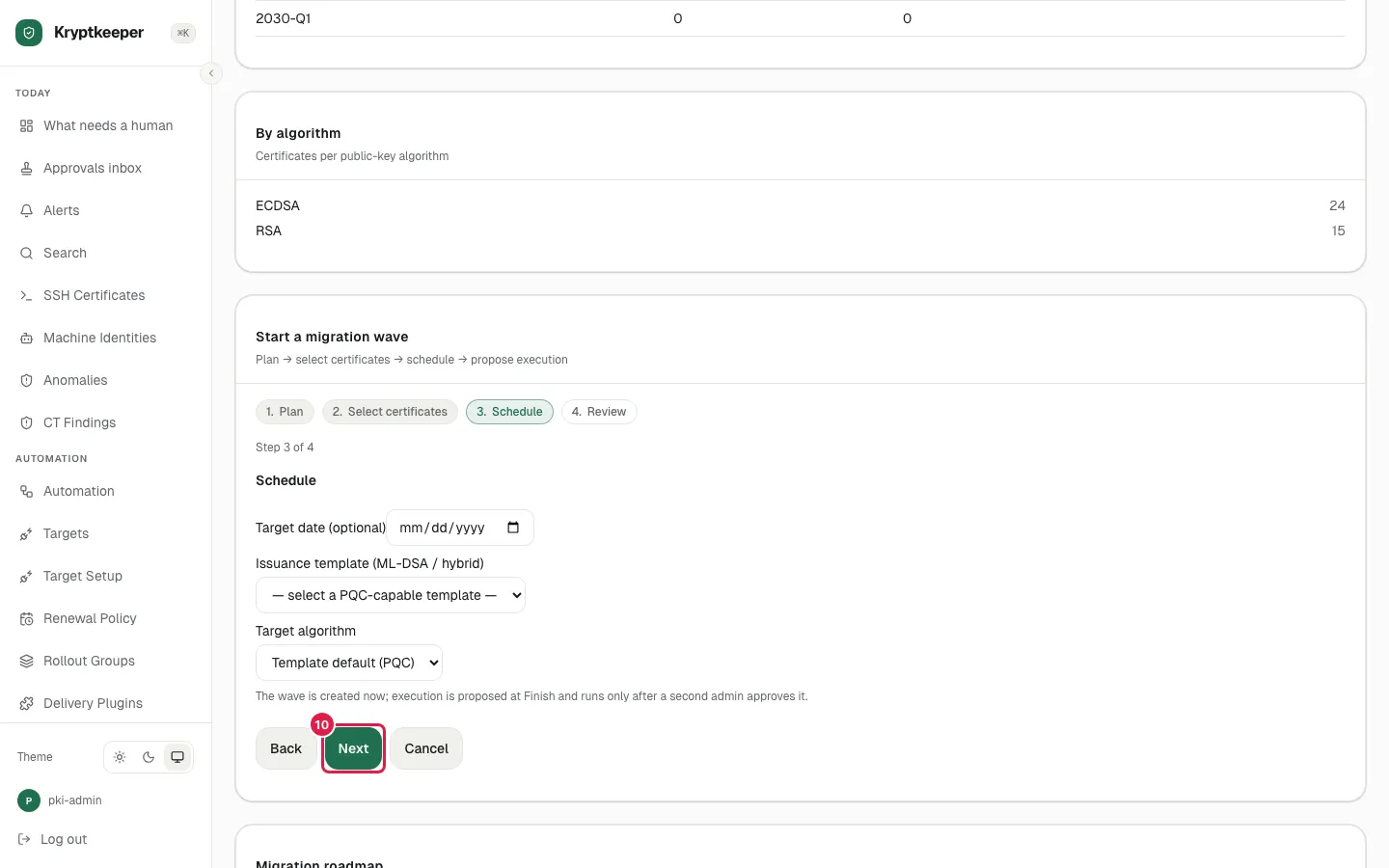
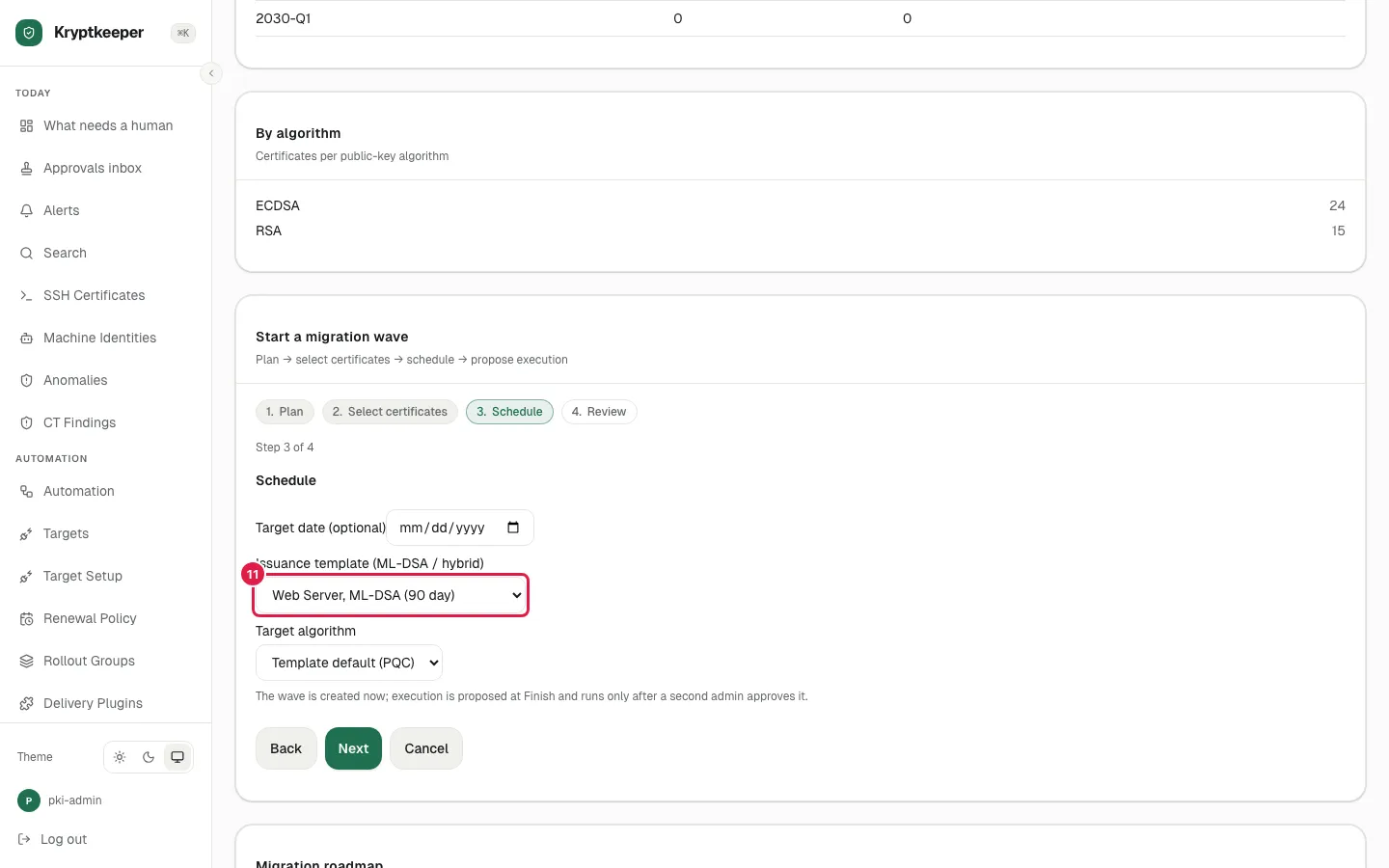
- Step 11
Select "Web Server, ML-DSA (90 day)" in Issuance template
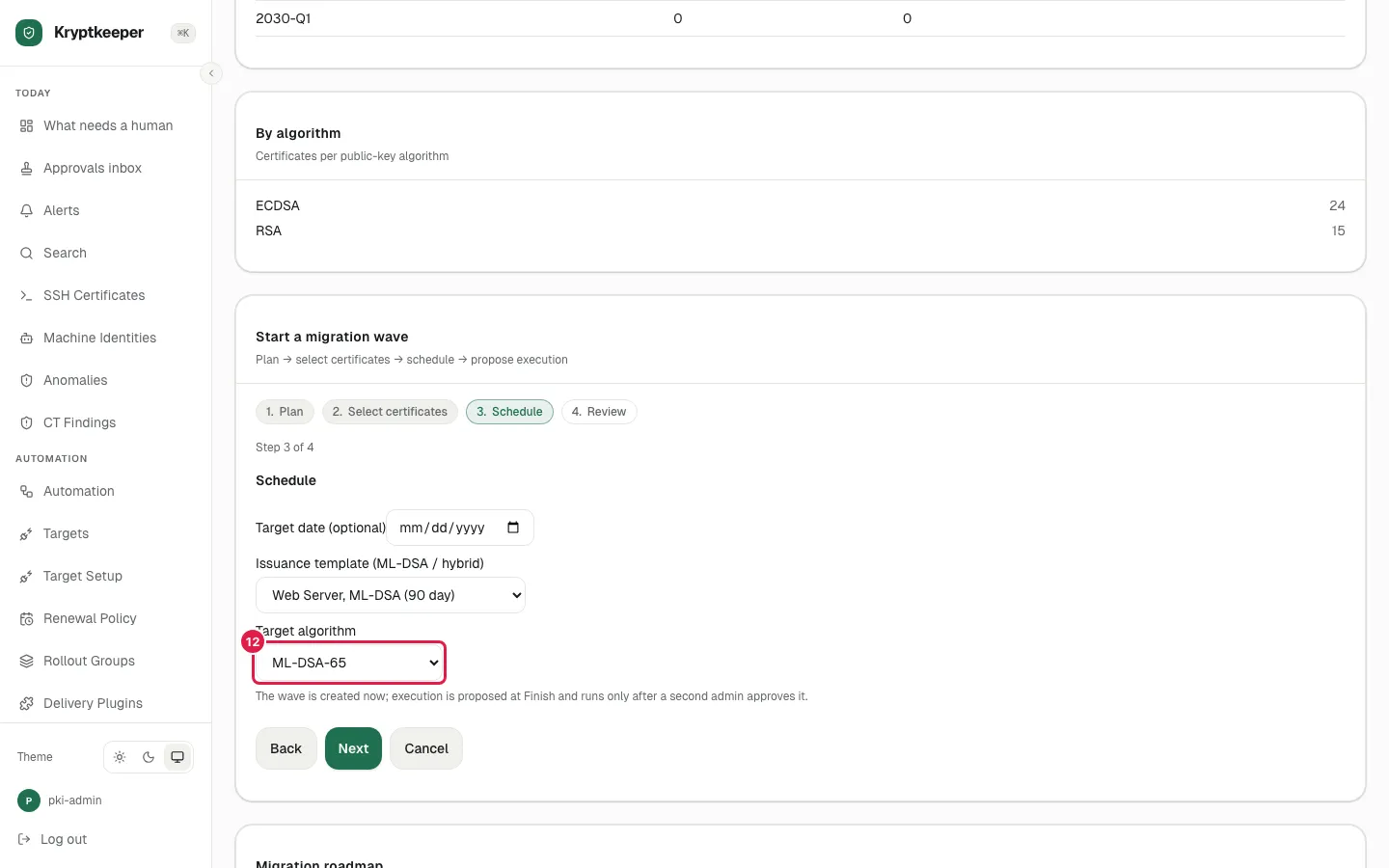
- Step 12
Select "ML-DSA-65" in Target algorithm
- Step 13
Click Next
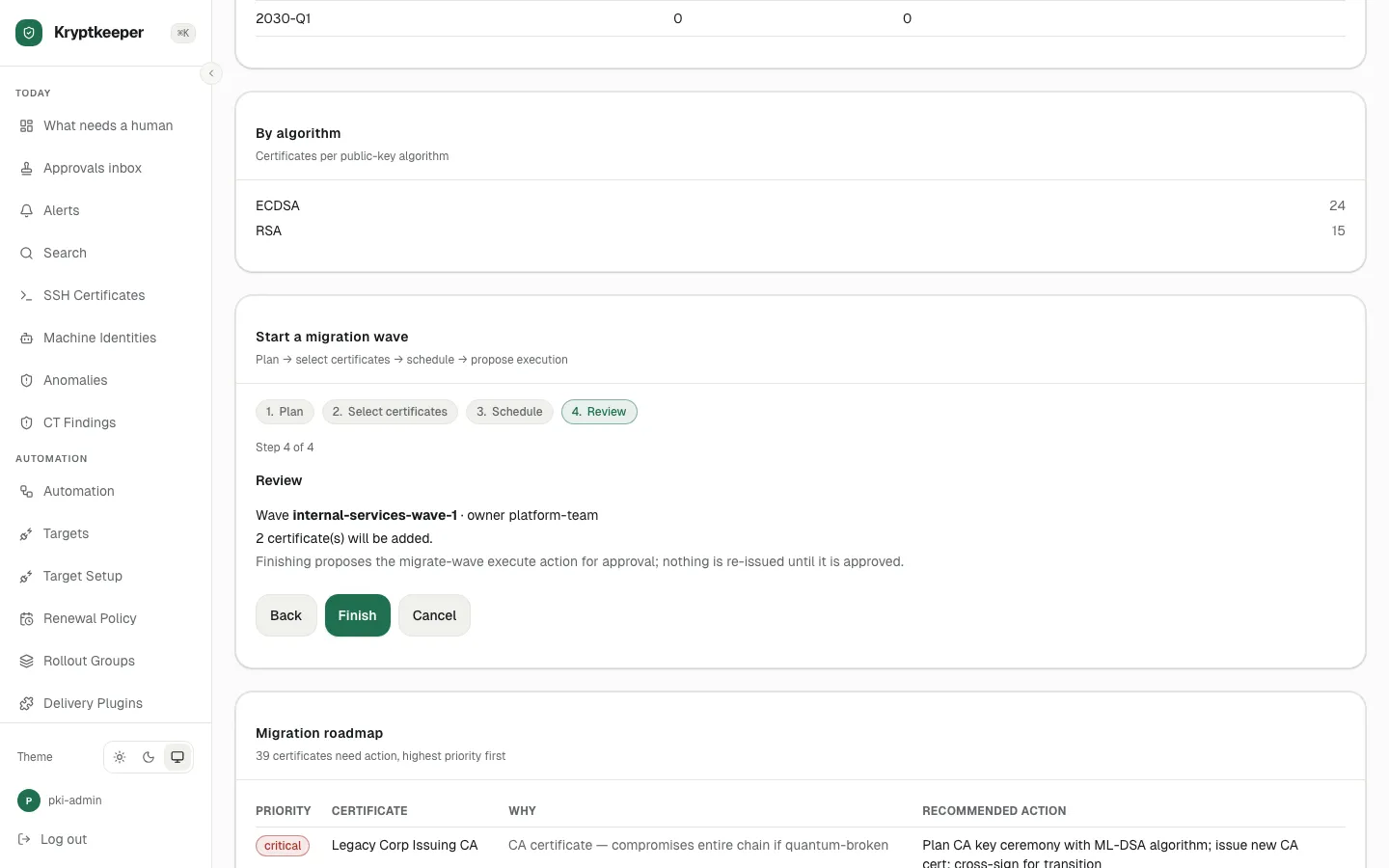
- Step 14
Click Finish